
36 Best agency client management software tools for 2026
Discover the best agency management software of 2026 to optimize your daily workflows, foster client relations, and boost your agency's growth.


After testing agency client management software across onboarding, project delivery, and billing workflows, I found 36 platforms that help agencies keep client work organized in 2026.
36 Agency client management software: At a glance
Agency client management software tools vary widely in what they prioritize. Some platforms focus on client portals and branded experiences, while others emphasize project tracking, resource scheduling, or financial management.
Here are 36 platforms with varying specialties:
| Tool | Best for | Starting price (billed annually) | Key strengths |
|---|---|---|---|
| Assembly | Core CRM with branded client portals | $39/month | Client records, branded portals, contracts, payments, messaging, file sharing, and an AI assistant |
| Productive | Profitability tracking | $10/user/month, minimum of 3 users | Budget tracking, profitability reports, resource planning, and time tracking |
| Scoro | Combined project and billing management | $19.90/user/month | Project timelines, invoicing, time tracking, and financial reporting |
| Teamwork.com | Multi-client project delivery | $10.99/user/month | Client workspaces, task lists, time logs, and client permissions |
| Wrike | Request intake and proofing | $10/user/month | Intake forms, approval workflows, proofing tools, and dashboards |
| monday.com | Visual campaign planning | $12/seat/month, minimum of 3 seats | Board views, automations, timeline tracking, and workload visibility |
| ClickUp | Flexible task management | $7/user/month | Multiple views, custom fields, dashboards, and task dependencies |
| Asana | Workflow templates and dependencies | $10.99/user/month | Timeline view, task dependencies, workflow templates, and project tracking |
| HubSpot CRM | CRM and deal tracking | $45/seat/month | CRM database, pipeline management, email tracking, and contact history |
| Bonsai | Contracts and proposals | $9/user/month | Proposals, contracts, invoicing, basic task tracking, and a lightweight client portal |
| Accelo | Sales through delivery tracking | Custom pricing | Sales pipeline, project management, time tracking, and client billing |
| AgencyAnalytics | Marketing client reporting | $59/month, includes 10 clients | Automated reports, client dashboards, 80+ integrations, and white-label branding |
| Basecamp | Simple project communication | $15/user/month | Message boards, to-do lists, file storage, and client access |
| Float | Resource scheduling | $7/scheduled user/month | Capacity planning, team scheduling, workload visualization, and integrations |
| Forecast | AI-assisted resource planning | Custom pricing | Resource forecasting, budget tracking, project planning, and utilization reports |
| FunctionFox | Creative time tracking | $10.50/user/month | Time tracking, job costing, scheduling, and simple reporting |
| Hive | Creative asset reviews | $5/user/month | Proofing tools, multiple views, time tracking, and approvals |
| Kantata | Enterprise agency management | Custom pricing | Resource management, financial tracking, project delivery, and reporting |
| Notion | Flexible content hubs | $10/member/month | Databases, linked docs, multiple views, and collaborative pages |
| Nutcache | Expense and invoice management | $15.95/user/month | Invoicing, expense management, time tracking, and project budgets |
| Parallax | Resource forecasting | Custom pricing | Resource scheduling, forecasting, capacity planning, and reporting |
| Project.co | Client task collaboration | $19/month | Shared task lists, messaging, file sharing, and client collaboration |
| Ravetree | Resource and budget management | $348/year | Resource planning, time tracking, project budgets, and invoicing |
| Screendragon | Enterprise marketing ops | Custom pricing | Workflow automation, resource management, marketing calendars, and reporting |
| Wayfront (formerly SPP) | Client portals with billing | $99/month | Client portal, invoicing, service workflows, and task management |
| Smartsheet | Spreadsheet-style planning | $9/member/month | Grid view, Gantt charts, card view, formulas, and automations |
| Avaza | Mid-sized agency operations | $11.95/user/month | Project management, time tracking, invoicing, expense management, and scheduling |
| Trello | Simple Kanban boards | $5/user/month | Kanban boards, checklists, attachments, and calendar view |
| Workamajig | Creative traffic management | $47/user/month | Traffic management, budgets, workflows, and time tracking |
| Zoho Projects | Budget-friendly project planning | $4/user/month | Task management, Gantt charts, time logs, and issue tracking |
| FreshBooks | Simple invoicing | $248.40/year | Invoicing, expense tracking, time tracking, and online payments |
| Harvest | Time tracking and invoicing | $9/seat/month | Time tracking, invoice generation, expense tracking, and reporting |
| Function Point | Agency finance operations | $53/user/month | Job costing, traffic management, internal CRM, and reporting |
| Streamtime | Creative job tracking | Custom pricing | Job tracking, quoting, scheduling, and traffic management |
| GoodDay | Work management with built-in time tracking | $4/user/month | Project views, time tracking, task management, and reporting |
| VOGSY | International resource management | $14/user/month | Resource management, financial tracking, Google Workspace integration, and multi-currency |
1. Assembly: Best for branded client portals with billing
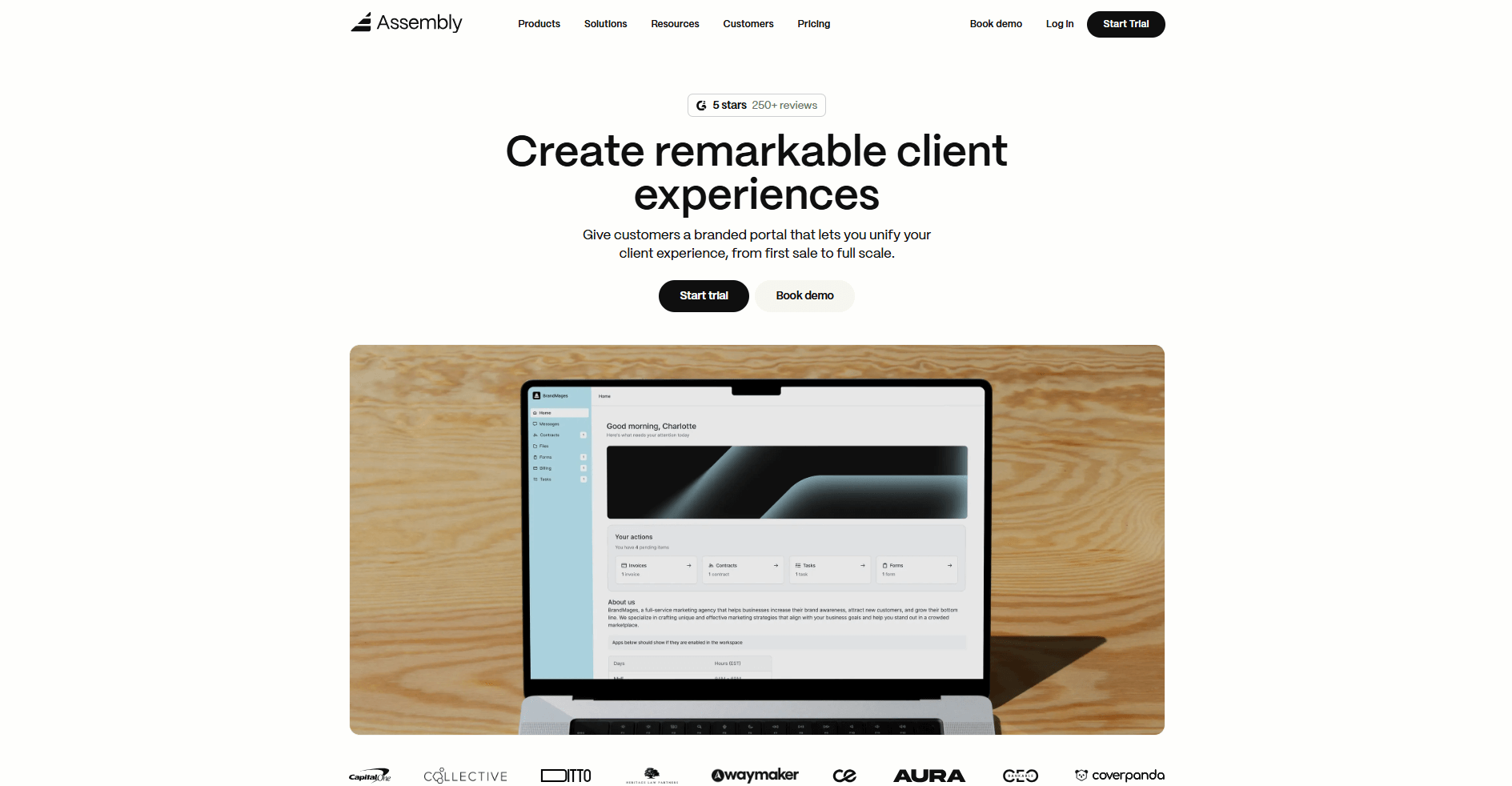
- What it does: Assembly is a client portal software tool that combines CRM and billing features. It lets you manage client records, send contracts, collect payments, and share updates in one branded workspace.
- Who it's for: Service businesses that sell recurring services and want branded client portals with billing built in.
We built Assembly to handle agency client management through branded client portals that keep CRM, billing, and project delivery connected. You can create client records that store contact details, notes, tasks, files, and payment history in one place. Before inviting a client, you can prep internally using custom fields, internal notes, and private chat so everything is organized when the client arrives.
Once you share the portal, it becomes the main place where clients view updates, confirm deliverables, sign contracts, and make payments. Clients don't need to jump between email threads and separate payment tools because everything lives in one workspace under your branding.
Our AI Assembly Assistant pulls in recent messages and documents to create summaries, which helps you prepare for client calls faster without digging through old threads.
Assembly also connects with Airtable, Calendly, ClickUp, Zapier, and Make so your agency workflows stay in sync across the tools you already use.
Key features
- Client records: Store notes, tasks, files, and payment history in one place
- Branded client portal: Share updates, assets, and invoices through a workspace that carries your branding
- Contracts and payments: Send agreements, collect signatures, and receive payments inside the portal
- Assistant summaries: Get summaries of recent communication and files for quick meeting prep
- Integrations: Connect to Airtable, ClickUp, Calendly, Zapier, and Make
Pros
- Keeps client work and communication organized in one system
- Extends your client portal with apps and integrations instead of adding separate tools
- Gives clients self-service access to everything they need without constant back-and-forth
Cons
- More complex than basic task tools that focus only on task management
- Works better for ongoing client relationships than one-off projects
Pricing
Assembly starts at $39 per month.
Bottom line
Assembly puts your client-facing experience and internal records in the same system, so nothing gets lost between what the client sees and what your team tracks. If you don't need client portals and want to focus on internal project planning, ClickUp might be a better fit.
2. Productive: Best for profitability tracking
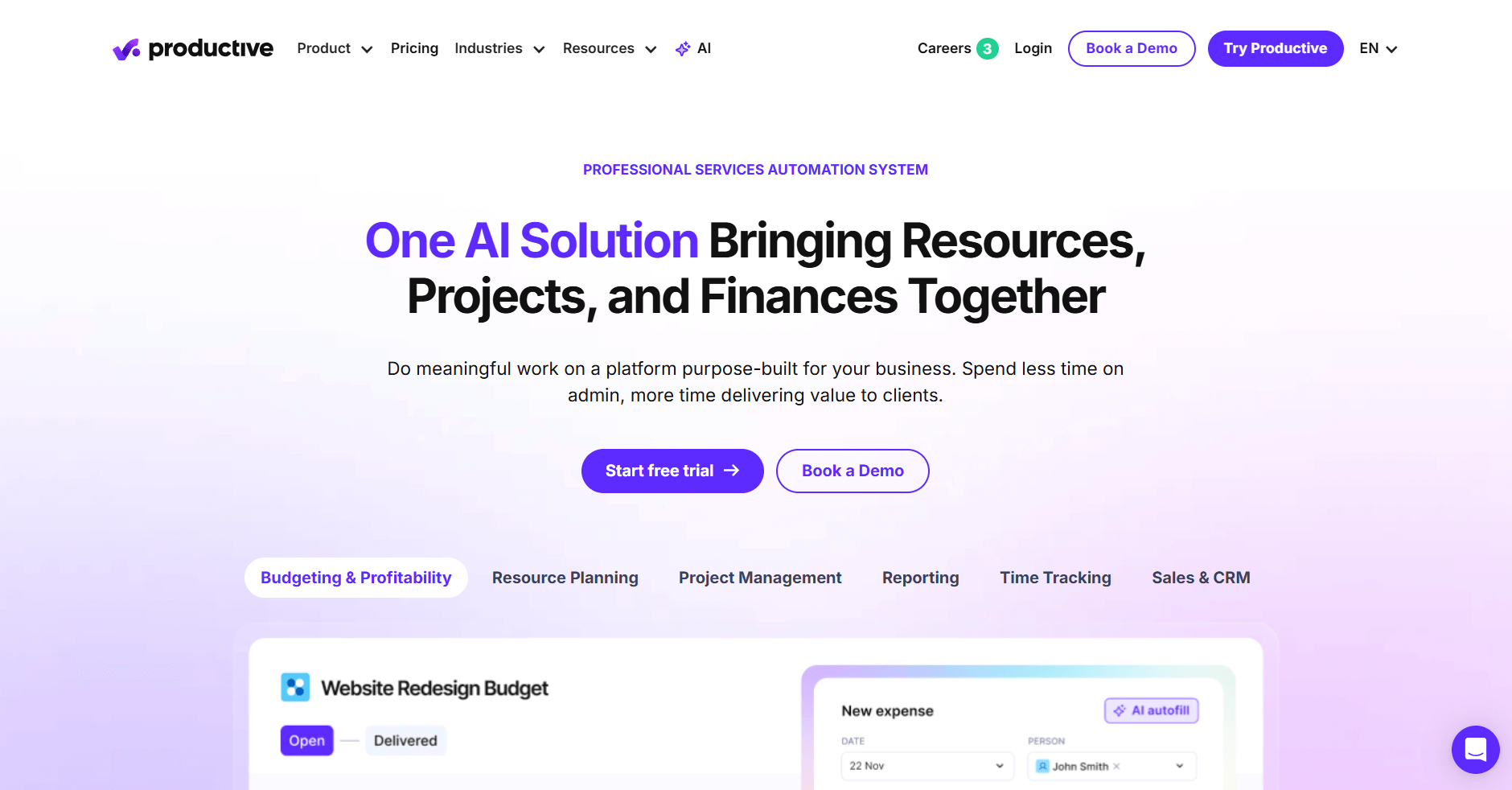
- What it does: Productive is an agency management software tool that tracks project budgets, margins, and team utilization. It connects time tracking to financial reporting so you can see which clients and projects are profitable. The platform handles resource planning, invoicing, and forecasting in one system.
- Who it's for: Agencies that need to track profitability across multiple client projects and want visibility into margins.
I tested Productive by creating sample client projects with budgets and logging mock hours to see how profitability tracking responded. Margin reports updated as time entries came in, and the system flagged projects approaching budget limits before they went over.
The resource planning view showed team capacity across projects, making it easy to spot when people had too much work. Invoicing pulled straight from tracked time, and everything connected back to the client record without moving data between systems.
Productive's real value is showing you're losing money while a project runs, not after it ends. Many agencies find out a project wasn't profitable too late, but Productive warns you early enough to change the plan or adjust the team.
Key features
- Profitability reports: Track margins by project, client, or service type
- Resource planning: View team capacity and allocation across all active work
- Time tracking and invoicing: Log hours and generate invoices tied to budgets
Pros
- Shows which projects are profitable before they finish
- Connects time tracking directly to financial reporting
- Helps spot resource bottlenecks early
Cons
- Takes time to set up budgets and rates correctly
- Reports need tuning before they show useful insights
Pricing
Productive starts at $10 per user per month.
Bottom line
Productive connects your team's time to project finances, so you know which clients are worth keeping and which ones drain resources. If you don't need financial tracking and just want task management, Asana might be a better fit.
3. Scoro: Best for combined project and billing management
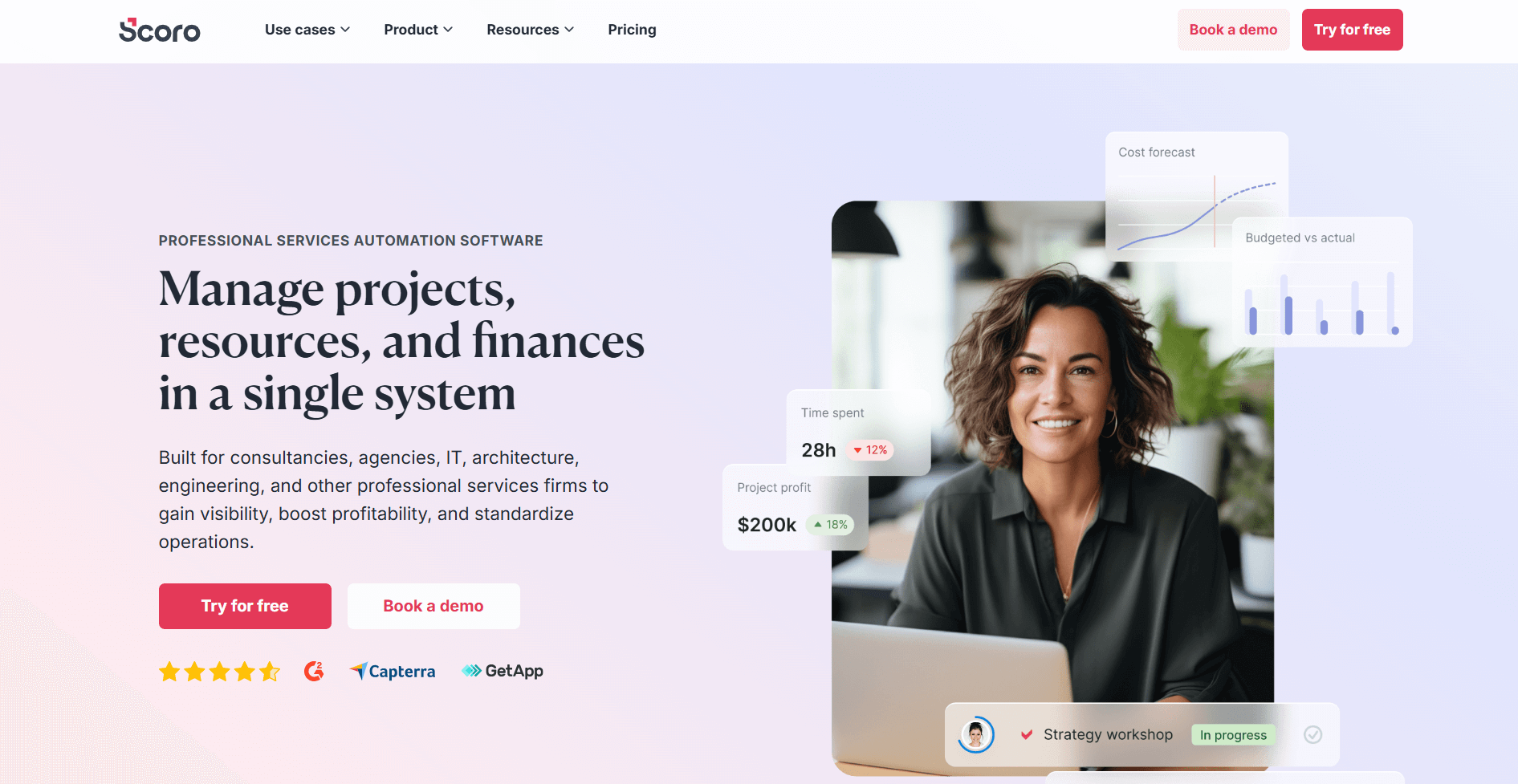
- What it does: Scoro is a business management software tool that combines project planning, time tracking, and billing in one platform. It lets you create project timelines, log hours against tasks, and generate invoices from tracked time. The platform includes financial reporting and client communication tools.
- Who it's for: Agencies that want project management and billing connected without switching between separate tools.
To test Scoro, I set up projects with milestones and logged hours against each phase to see how billing worked. The system generated invoices automatically based on those hours, and I could adjust rates by project or task type.
I checked how the financial dashboards handled multiple projects at once, and they showed revenue forecasts based on active work and deadlines. The timeline view made it easy to see when projects overlapped and where capacity might get tight. Client portals let you share project updates and invoices in one place, though I had to configure permissions carefully.
Overall, Scoro works well when you need project tracking and billing in the same system, keeping financial outcomes visible as work progresses.
Key features
- Project timelines with budgets: Plan work with milestones and track spending against project budgets
- Time tracking and billing: Log hours and convert them into invoices with customizable rates
- Financial dashboards: View revenue forecasts, profitability, and cash flow across all projects
Pros
- Keeps project work and billing in the same system
- Financial reports show real-time profitability
- Reduces manual invoice creation after time tracking
Cons
- Setup requires configuring rates and project structures upfront
- Interface can feel dense with many features active
Pricing
Scoro starts at $19.90 per user per month.
Bottom line
Scoro eliminates the gap between tracking project hours and getting paid by connecting time logs directly to invoices. If you only need project planning without financial management, monday.com might be a better fit.
4. Teamwork.com: Best for multi-client project delivery
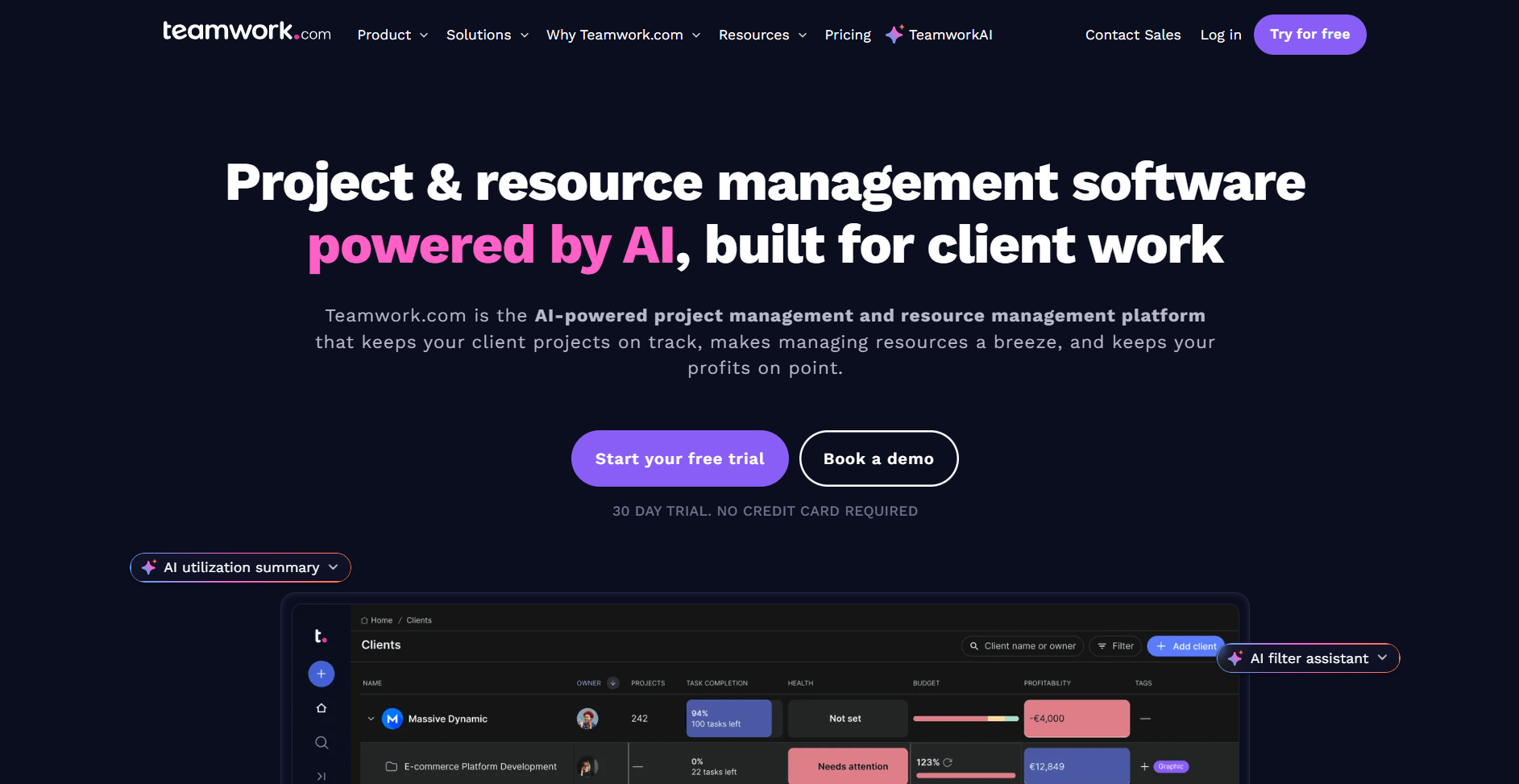
- What it does: Teamwork.com is a project management software tool built for agencies managing multiple client projects. It lets you organize work into separate client workspaces, assign tasks, track time, and control what each client can see.
- Who it's for: Agencies with ongoing client projects that need separate workspaces for each client relationship.
I created multiple mock client projects in Teamwork.com to see how well it kept work separated. Each client got their own project space with task lists, files, and messages. This makes it easier to manage different workloads without mixing details. I also tested client permissions to see what clients could access, and the controls were granular enough to hide internal notes and budgets.
Time tracking tied directly to tasks, and I could see which projects were eating up hours. The reporting also showed budget burn rates across active clients, though I had to adjust filters to get the view I wanted.
Teamwork.com's strength is keeping client work clearly separated. This matters when you're managing multiple accounts and don't want details bleeding between projects.
Key features
- Client workspaces: Keep each client's tasks, files, and communication in separate project spaces
- Time tracking and budgets: Log hours against tasks and track spending against project budgets
- Client permissions: Control exactly what clients can view in their project workspace
Pros
- Separates client work cleanly without mixing project details
- Time tracking connects directly to client budgets
- Client access keeps communication organized in one place
Cons
- Financial reports need configuration before they're useful
- Can feel heavy for small projects with light coordination needs
Pricing
Teamwork.com starts at $10.99 per user per month.
Bottom line
Teamwork.com handles multiple client projects without letting details bleed between accounts, which matters when you're juggling different timelines and budgets. If you don't need client access and want simpler task boards, Trello might be a better fit.
5. Wrike: Best for request intake and proofing
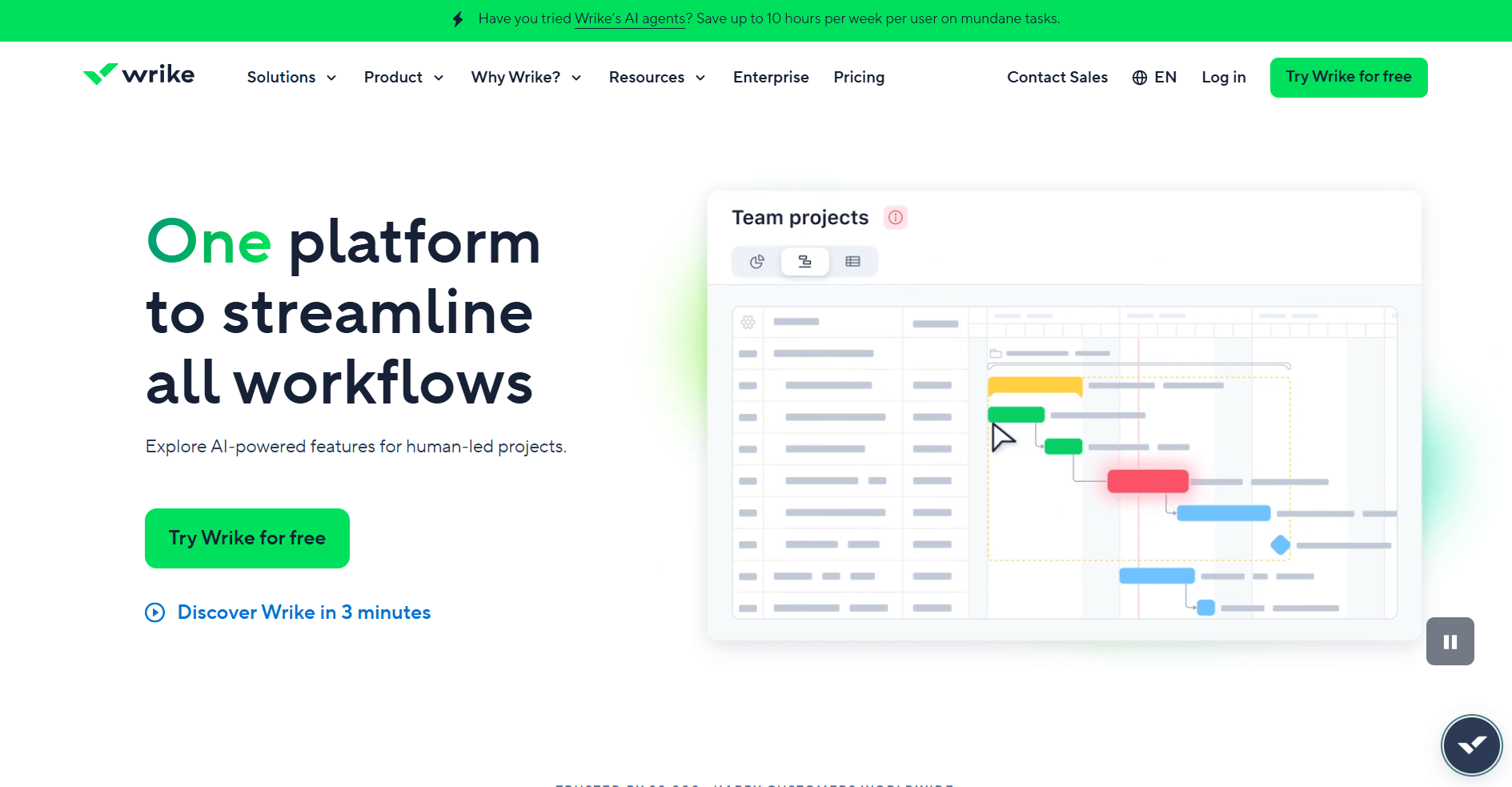
- What it does: Wrike is a project management software tool with request forms and proofing tools. It lets you route incoming work through intake forms, assign tasks to team members, and review creative assets with markup tools. The platform includes dashboards for tracking progress across projects.
- Who it's for: Agencies that manage structured request workflows and need built-in creative review tools.
I tested Wrike by setting up request forms to see how incoming work got routed into projects. The forms created tasks automatically and assigned them based on rules I configured, keeping new requests organized without manual sorting.
I also checked the proofing tools by uploading design files and adding markup comments. The side-by-side comparison view made it easy to track revisions, though more complex feedback still needed external comments.
Dashboards showed project status across multiple clients, but I had to tune the filters before they surfaced useful information. That setup effort pays off if your team relies on structured intake and built-in creative reviews.
Key features
- Request forms: Route incoming briefs into tasks with automatic assignment rules
- Proofing tools: Review creative files with markup and version comparison
- Custom dashboards: Track progress across multiple projects with filtered views
Pros
- Keeps request intake organized with automated routing
- Proofing tools support creative review workflows
- Works well for teams with consistent processes
Cons
- Forms can feel restrictive when requests change frequently
- Dashboards need configuration before they're useful
Pricing
Wrike starts at $10 per user per month.
Bottom line
Wrike connects intake forms to proofing workflows, which helps agencies manage creative work from request to approval. If you need a client portal where approvals and billing live together, Assembly might be a better fit.
6. monday.com: Best for visual campaign planning
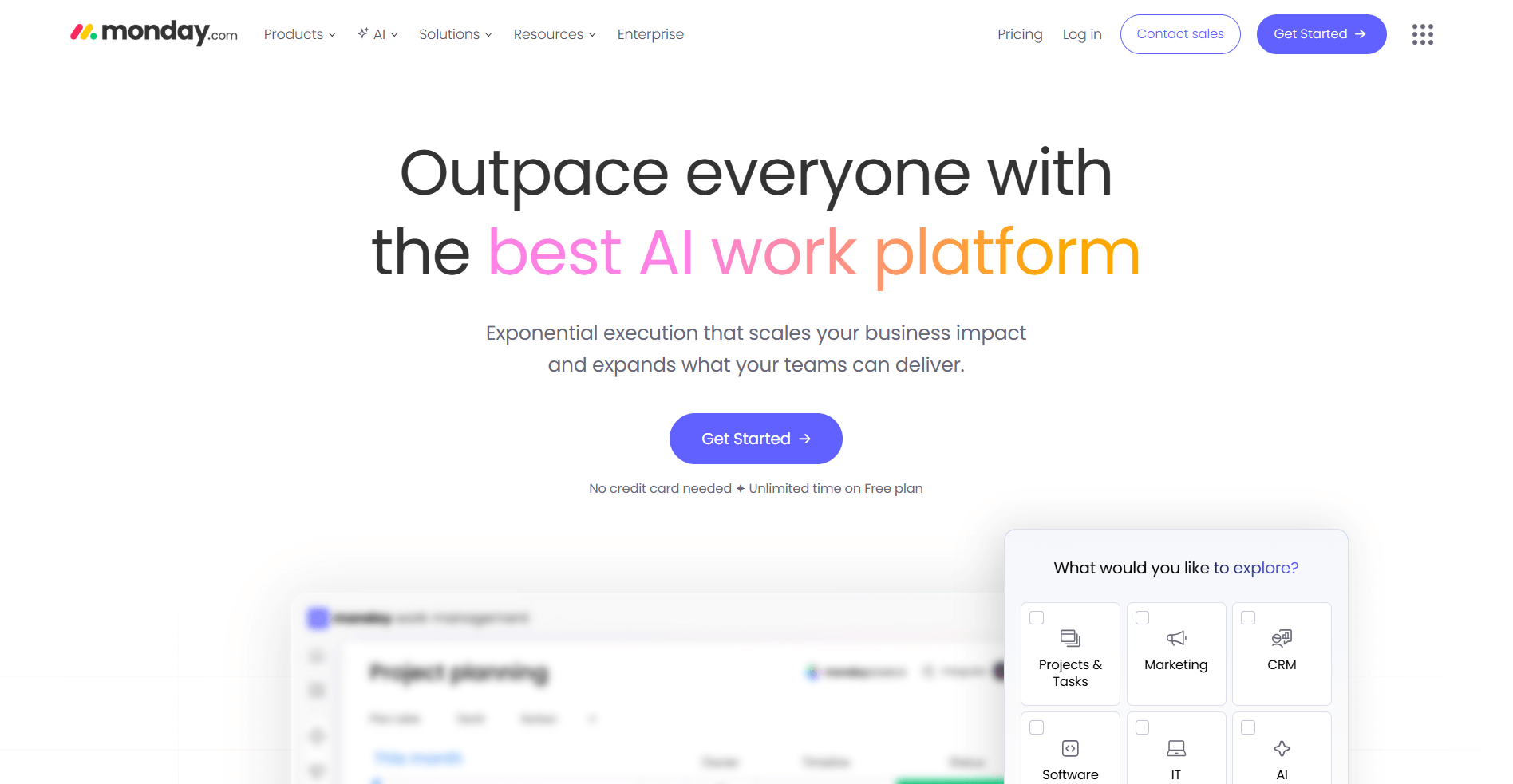
- What it does: monday.com is a work management software tool with visual boards for planning campaigns and tracking tasks. It lets you organize work in customizable boards, switch between timeline and calendar views, and automate status updates. The platform also includes workload views to see team capacity.
- Who it's for: Agencies that plan campaigns visually and need clear visibility into task progress and team workload.
I built campaign boards in monday.com with different status columns to see how tasks moved through stages. The color coding made it easy to spot bottlenecks, and I could switch between board, timeline, and calendar views without losing context.
The automation setup let me trigger status changes and notifications when deadlines approached. The workload view showed which team members had too many assignments, though I had to adjust how tasks were weighted to get accurate capacity readings.
For teams that plan work visually, monday.com keeps campaign progress easy to read. However, boards can get cluttered when campaigns have many tasks, so it helps to limit columns and standardize statuses.
Key features
- Visual boards: Organize campaigns with customizable columns and color-coded status tracking
- Multiple views: Switch between board, timeline, calendar, and workload layouts
- Automations: Trigger status changes, notifications, and task assignments based on rules
Pros
- Makes campaign bottlenecks visible quickly
- Multiple views support different planning styles
- Automations reduce manual status updates
Cons
- Large boards get messy without a tight structure
- Workload calculations need tuning for accuracy
Pricing
monday.com starts at $12 per seat per month, with a minimum of 3 seats.
Bottom line
monday.com turns campaign planning into a visual system where you can spot delays before they derail timelines. If you need financial tracking alongside project planning, Scoro might be a better fit.
7. ClickUp: Best for flexible task management
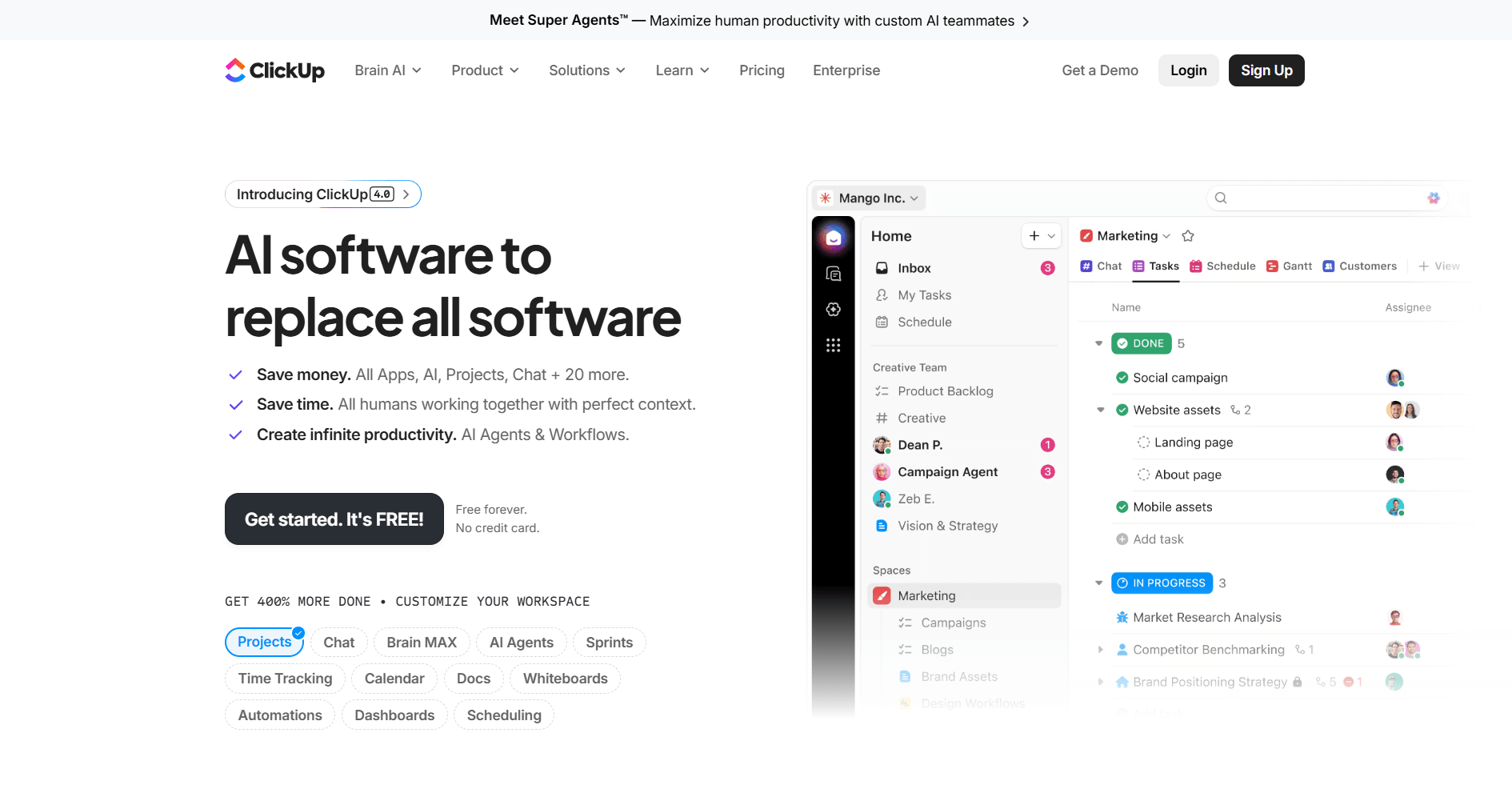
- What it does: ClickUp is a project management software tool with multiple views and customizable task structures. You can organize work in different layouts like lists, boards, calendars, or timelines. It supports custom fields for tracking specific data, task dependencies to link related work, and dashboards for reporting.
- Who it's for: Agencies that need detailed task control and want to customize how they view and organize work.
ClickUp impressed me with how many ways I could view the same project data. I set up a campaign using list view, then switched to board view for status tracking and timeline view for scheduling without losing any information.
Custom fields let me add client names, project types, and budget data directly to tasks. Dashboards pulled from these fields to show workload and progress, though I spent time configuring widgets before they displayed useful metrics.
The platform offers depth for teams that want granular control over tasks, but the number of options can slow you down without a clear structure.
Key features
- Multiple views: Switch between list, board, calendar, timeline, and Gantt layouts for the same project
- Custom fields: Add client data, budgets, or campaign details directly to tasks
- Dashboards: Build reports using widgets that pull from task data and custom fields
Pros
- Highly flexible structure adapts to different workflows
- Multiple views support various planning styles
- Custom fields let you track agency-specific data
Cons
- Setup takes time without templates or a clear structure
- Too many options can overwhelm new users
Pricing
ClickUp starts at $7 per user per month.
Bottom line
ClickUp gives you the flexibility to organize campaigns exactly how you want, with views and fields that match your workflow. If you don't need customization and prefer structured templates, Asana might be a better fit.
8. Asana: Best for workflow templates and dependencies
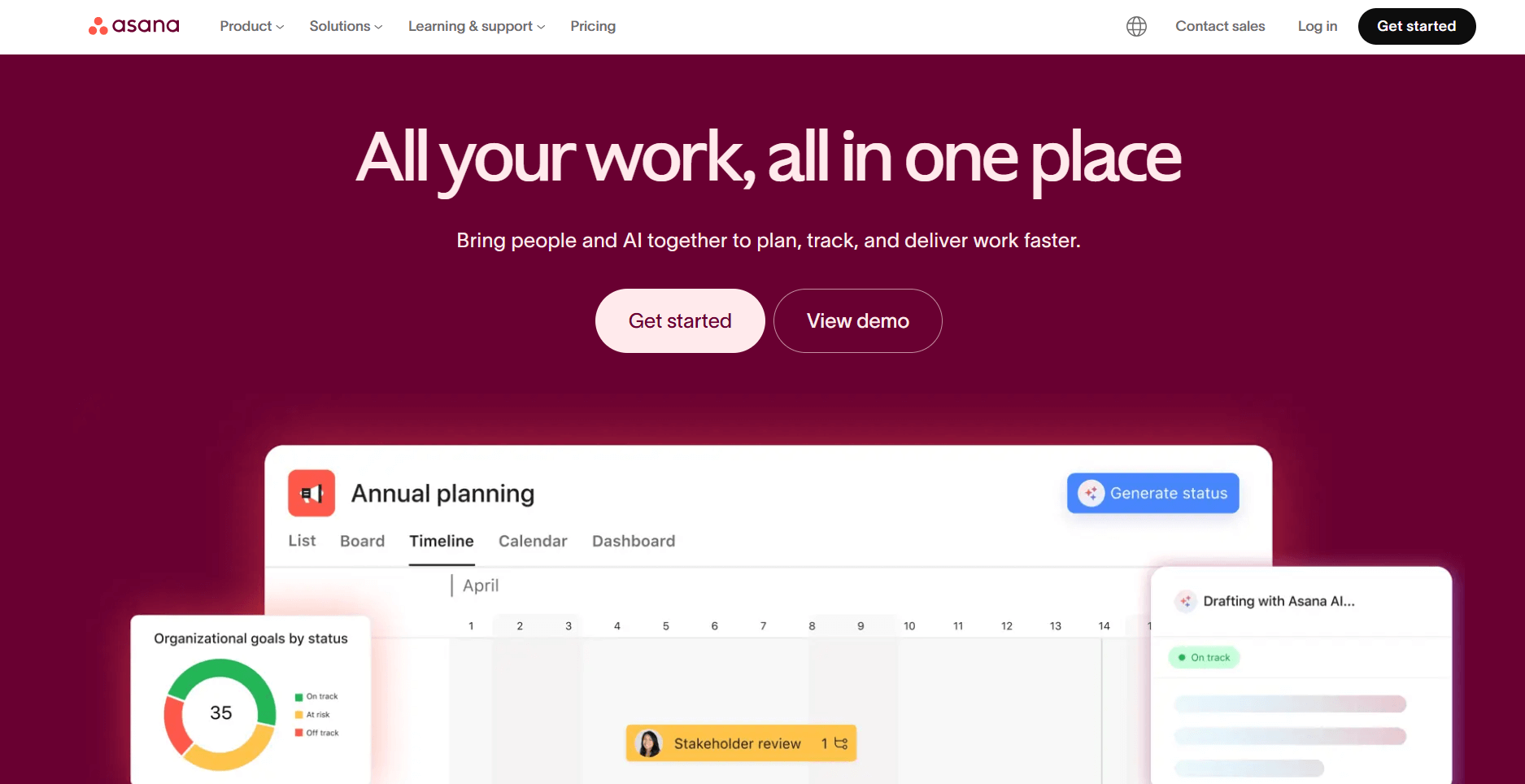
- What it does: Asana is a project management software tool built around structured workflows and task dependencies. You can create project timelines, link tasks that depend on each other, and use templates for repeatable processes. The platform shows how delays in one task affect the rest of the project.
- Who it's for: Agencies that rely on structured workflows and want clear visibility into how tasks connect.
I’ve used Asana on past projects, and task dependencies consistently helped me manage complex timelines. Building campaign timelines with linked tasks made it clear which steps couldn’t start until earlier work finished. When deadlines shifted, downstream tasks updated automatically, helping me to understand the impact without manually replanning work.
The template library was useful for repeatable campaign work. I customized a few templates to match specific client processes, and they became reliable starting points for similar projects.
Asana works well for structured teams, but creative groups that rely on freeform planning may find it too rigid during early ideation. Its strength is keeping everyone clear on what needs to happen next and what’s blocking progress.
Key features
- Task dependencies: Link tasks so delays in one step automatically flag impacts on others
- Timeline view: See how campaign tasks connect across time with Gantt-style layouts
- Workflow templates: Use preset structures for common processes or build custom templates
Pros
- Clear structure for cross-team work
- Dependencies show how delays ripple through projects
- Templates speed up setup for repeat campaigns
Cons
- Can feel restrictive for creative brainstorming
- Advanced reporting requires higher pricing tiers
Pricing
Asana starts at $10.99 per user per month.
Bottom line
Asana keeps teams aligned on what comes next by making task connections and blockers visible throughout a project. If you need a branded client portal where project updates and billing live together, Assembly might be a better fit.
9. HubSpot CRM: Best for CRM and deal tracking
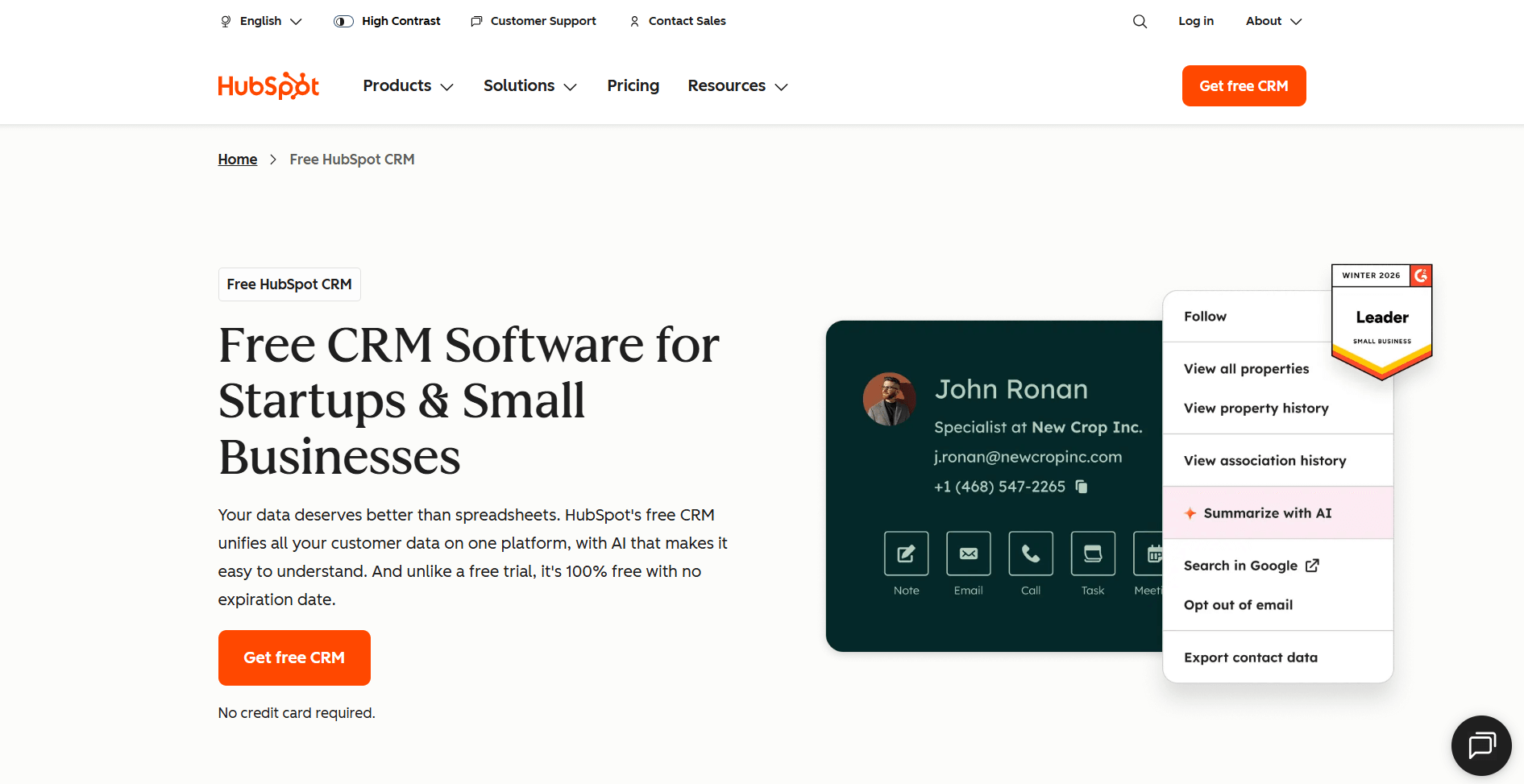
- What it does: HubSpot CRM (now branded Smart CRM) is a contact management software tool that tracks client relationships, deals, and communication history. You can store contact details, log emails and calls, manage sales pipelines, and see all interactions with a client in one timeline.
- Who it's for: Agencies that need to track client contacts, manage deal pipelines, and keep communication history organized.
I set up client contacts in HubSpot CRM to see how well it tracked relationship history. Every email, call, and meeting was logged automatically to the contact record, which made it easy to see the full history before client calls.
The deal pipeline let me move opportunities through stages from prospect to closed client. I could see which deals were stalling and needed follow-up, and the forecast view showed potential revenue based on deal values and close dates. Custom properties also let me add agency-specific data like service type or contract value to contact records.
HubSpot CRM's strength is keeping all client communication in one place, so anyone on the team can see the relationship history without asking around.
Key features
- Contact management: Store client details, communication history, and notes in unified contact records
- Deal pipelines: Track opportunities through sales stages with visual pipeline boards
- Email tracking: Log emails and calls automatically to contact timelines
Pros
- Email and call logging happen with minimal manual data entry
- Keeps the full client communication history accessible
- Deal pipelines show revenue forecasts
Cons
- Advanced features require paid Marketing or Sales Hub add-ons
- Reporting capabilities are limited on the free tier
Pricing
HubSpot’s paid CRM starts at $45 per seat per month.
Bottom line
HubSpot CRM centralizes client contact information and deal tracking so your team can see relationship history before every interaction. If you need profitability tracking tied to projects, Productive might be a better fit.
10. Bonsai: Best for contracts and proposals
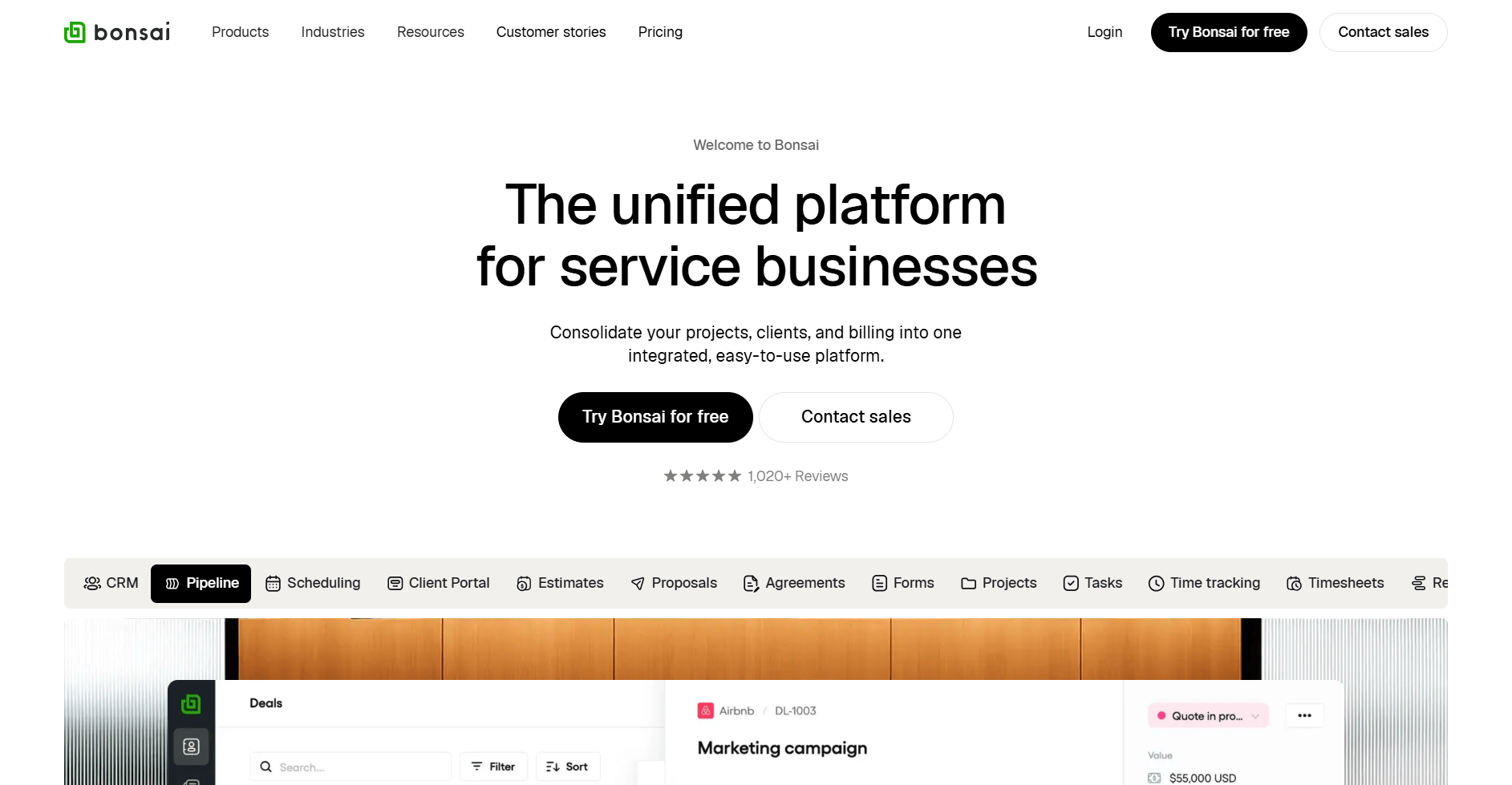
- What it does: Bonsai is a business management software tool for freelancers and small agencies. You can create proposals, send contracts for e-signature, generate invoices, and track basic project tasks. The platform includes a lightweight client portal where clients can view proposals and make payments.
- Who it's for: Freelancers and small agencies that need contracts, proposals, and invoicing in one affordable platform.
To see how the workflow moved in Bonsai, I created a sample proposal with service packages and payment terms. Once the proposal was accepted, Bonsai automatically generated a contract from the agreed-upon terms, cutting out manual document creation.
I also checked how invoicing connected to contracts, and recurring billing started automatically once the contracts were signed. The client portal gave clients a place to view proposals, sign contracts, and pay invoices, though it's more basic than dedicated portal platforms. Project tracking handles simple task lists and time logs, but it's not built for complex campaign management.
Key features
- Proposals and contracts: Create branded proposals that convert to contracts with e-signature support
- Automated invoicing: Generate invoices based on contract terms with recurring billing options
- Client portal: Give clients access to proposals, contracts, and invoices in one place
Pros
- Simplifies the path from proposal to payment
- Affordable for freelancers and small teams
- Client portal keeps all client-facing documents accessible
Cons
- Project management features are basic compared to dedicated tools
- Limited customization for complex workflows
Pricing
Bonsai starts at $9 per user per month. If you’d like to learn more, we also have a complete Bonsai pricing guide.
Bottom line
Bonsai handles the business side of client work by connecting proposals, contracts, and invoicing in one affordable system. If you manage complex multi-client projects and need deeper task management, Teamwork.com might be a better fit.
Special mentions
I couldn't cover every platform in depth, but I used the remaining tools enough to understand what they do well and where they fall short. These 26 options serve specific agency needs when the top 10 don't fit:
- Accelo: Accelo is client management software that connects sales pipelines to project delivery. It tracks the full client lifecycle from lead to invoice and handles retainer billing. The system works well for agencies with long sales cycles, but the interface feels dense when you're just trying to log time or update a task.
- AgencyAnalytics: AgencyAnalytics is reporting software built for marketing agencies. It pulls data from 80+ marketing platforms into automated client reports with white-label branding. The automation saves hours on monthly reporting, though you'll spend time upfront configuring dashboards to show what clients actually care about.
- Basecamp: Basecamp is project communication software with message boards, to-do lists, and file storage. It's simple enough that clients don't need training, but that simplicity means you lose features like time tracking or detailed reporting that most agencies need.
- Float: Float is resource scheduling software that shows team capacity and availability across projects. The visual schedule makes it easy to spot gaps and avoid overbooking, but it works best alongside another tool since it doesn't handle tasks or client communication.
- Forecast: Forecast is resource planning software with AI-assisted forecasting. It predicts project timelines and shows utilization rates, which helps with hiring decisions. The AI suggestions felt hit-or-miss in my testing, and accuracy depends on keeping your project data current.
- FunctionFox: FunctionFox is time tracking software for creative teams. It logs hours against jobs and generates billing reports. The interface looks dated compared to newer tools, but it's straightforward for small teams that just need time tracking without complexity.
- Hive: Hive is project management software with built-in proofing tools. The markup features work well for creative reviews, and you get multiple project views. I found it useful for asset-heavy work, though the platform can feel crowded when you're managing many projects at once.
- Kantata: Kantata is enterprise agency software for large service firms. It handles resource management, financial tracking, and project delivery at scale. The depth is impressive but comes with a learning curve that smaller agencies may not need.
- Notion: Notion is collaborative workspace software that combines documents and databases. You can build flexible hubs for briefs and campaign tracking, but it takes time to set up. Without structure, Notion workspaces get messy fast as content piles up.
- Nutcache: Nutcache is project management software with invoicing and expense tracking. It handles time logs and generates client invoices from tracked hours. The billing features are solid, though managing projects feels basic compared to dedicated PM tools.
- Parallax: Parallax is resource forecasting software for agencies. It tracks resource allocation and helps plan staffing across client projects. I liked the forecasting view, but you'll need another tool for actual task management and client communication.
- Project.co: Project.co is client collaboration software with shared task lists and messaging. The simple interface makes client access easy, but it lacks depth for internal project planning. Best for agencies that need basic client visibility without heavy workflows.
- Ravetree: Ravetree is work management software for agencies managing resources and budgets. It includes resource planning, time tracking, and invoicing in one platform. The breadth is useful, though the interface takes time to learn compared to more focused tools.
- Screendragon: Screendragon is enterprise marketing operations software. It automates workflows and manages resources for large marketing teams. Built for enterprise scale, which means smaller agencies will pay for features they don't need.
- Wayfront (formerly SPP): Wayfront is agency software with client portals and billing. It handles service delivery workflows and gives clients portal access. The features cover the basics, but the platform feels less polished than newer alternatives.
- Smartsheet: Smartsheet is project management software with a spreadsheet interface. It offers grid views, Gantt charts, and formulas for teams that think in rows and columns. If you love spreadsheets, this works. If you don't, the grid layout will slow you down.
- Avaza: Avaza is business management software for mid-sized agencies. It combines project management, time tracking, invoicing, and resource scheduling in one affordable platform. I found it hit a good middle ground between simple tools and enterprise systems, though reporting could be more flexible.
- Trello: Trello is visual project management software using Kanban boards. It organizes tasks into cards across columns with a simple drag-and-drop interface. Great for small teams or light workflows, but it lacks the depth most agencies need for client work and financial tracking.
- Workamajig: Workamajig is agency management software for creative teams. It handles traffic management, project budgets, and creative workflows. The system covers a lot of ground, but the interface feels cluttered and takes time to navigate efficiently.
- Zoho Projects: Zoho Projects is project management software with structured planning features. It includes task management, Gantt charts, and time logs at a budget-friendly price. Solid for the cost, though the interface lacks the polish of pricier competitors.
- FreshBooks: FreshBooks is accounting software focused on invoicing and expenses. It handles invoice generation, expense tracking, and online payments. The invoicing is clean and client-friendly, but you'll need separate tools for project management and CRM.
- Harvest: Harvest is time tracking software with invoicing built in. It logs hours against projects and generates invoices from tracked time. I liked how simple time entry was, though financial reporting is limited compared to full accounting platforms.
- Function Point: Function Point is agency management software for operations and finance. It tracks job costing, manages traffic and scheduling, and provides financial reporting. Comprehensive but built for agencies that prioritize financial control over ease of use.
- Streamtime: Streamtime is job management software for creative studios. It handles job tracking, quoting, and scheduling. The tool works well for production-focused agencies, though it doesn't include CRM or client portal features.
- GoodDay: GoodDay is work management software with integrated time tracking. It offers multiple project views and task management. The feature set is broad, but I found the interface less intuitive than tools that focus on doing fewer things well.
- VOGSY: VOGSY is resource management software for international agencies. It handles resource tracking, financial management, and supports multi-currency billing. Built for Google Workspace users, which limits appeal if your team uses other platforms.
How I tested these tools
Client management tends to fall apart in predictable places. Details scatter across email threads, approvals stall without a clear system, and billing becomes a scramble at month-end. I tested each platform by building realistic scenarios that expose these breakdowns.
To keep the process consistent, I created the same core setup in every tool and pushed it based on what the platform claimed to handle. That showed me which systems stay usable as client work stacks up and which ones add friction instead of reducing it.
Here's what I focused on:
- Client record management: I created sample contact profiles, added notes and communication history, and tested how easy it was to find client details when I needed them. Good systems surface information fast without requiring you to remember where you filed something three months ago.
- Project and task organization: I built client projects with multiple tasks, deadlines, and team assignments to see how well each platform kept work separated by client and visible across the team.
- Client communication and portals: I tested how platforms handle client-facing updates, file sharing, and permissions. The goal was to see which tools give clients clarity without exposing internal budget discussions or team notes.
- Billing and invoicing: I tracked time against projects, generated invoices, and checked how well financial data connected to client records. Agencies lose money when billing is disconnected from delivery of work.
- Integration and workflow: I connected tools to calendars, accounting software, and project management platforms to see how data moved between systems. The fewer manual transfers you make, the less you lose to admin work.
- Scalability under pressure: I added multiple clients, overlapping projects, and tight deadlines to see which platforms stayed usable when things got busy and which ones buckled under real workload.
Which agency client management software should you choose?
The right choice of agency client management software depends on your client volume, how you collaborate, and whether you need client portals, financial tracking, or task organization. Choose:
- Assembly if you want a branded client portal that keeps client records, approvals, tasks, messaging, and files connected in one workspace.
- Productive if you need to track profitability across projects and want visibility into margins before work finishes.
- Scoro if you want project management and billing in the same system so invoices generate automatically from tracked time.
- Teamwork.com if you manage multiple active client projects and need separate workspaces for each client relationship.
- Wrike if you handle structured request intake and need creative proofing tools built into your project workflows.
- monday.com if you plan campaigns visually and want boards that show bottlenecks and team capacity at a glance.
- ClickUp if you need flexible task structures with multiple views and custom fields that match your specific workflow.
- Asana if your work follows structured steps and you rely on task dependencies and repeatable templates.
- HubSpot CRM if you need to track client contacts, deal pipelines, and communication history in one central database.
- Bonsai if you're a freelancer or small agency that needs proposals, contracts, and invoicing without complex features.
My final verdict
After testing these tools side by side, I saw teams lean toward Productive when margins and utilization mattered, Scoro when billing needed to follow delivery closely, and Teamwork or ClickUp when work stayed project-centric. Those tools handle their lanes well, but they often push client context into comments, add-ons, or separate systems.
Assembly takes a different approach. You work from a client-first workspace where records, tasks, messages, and files stay connected to the relationship itself, and I’ve found that makes it easier to stay oriented as your client list grows. This structure matters because it reflects how service teams manage ongoing client work, not how tasks get arranged inside a system.
Ready to create a branded client experience? Try Assembly
Agency client management software helps you organize client work, but many platforms still separate projects, communication, and client context across different tools. Assembly brings those pieces together through a branded client portal built on a core CRM.
Assembly is a client portal software tool that handles client records, contracts, billing, messaging, and file sharing in one workspace. Clients log into a branded space while your team manages the full relationship without switching tools.
Here’s what you can do with Assembly:
- Track client details and activity: Manage client records, communication history, and relationship data in a structured CRM that keeps everything organized in one place.
- Give clients a branded portal: Clients log into a space that reflects your brand to access contracts, invoices, files, and project updates without email back-and-forth.
- Keep tasks, messages, and files together: Client communication, shared files, and project tasks stay connected to each client record instead of being scattered across separate tools.
- Prep faster for meetings: The AI Assistant summarizes recent client activity and communication, helping you walk into calls with a clear picture of what’s been discussed and what’s outstanding.
- Protect client data: Assembly meets SOC 2 compliance standards with role-based permissions, encryption, and regular security audits. It also supports GDPR, CCPA, and HIPAA compliance.
- Stay ahead of clients: Highlight patterns that may show churn risk or upsell potential, making outreach more timely and relevant.
- Cut down on admin: Automate repetitive jobs like reminders or status updates that used to take hours. The Assistant handles the busywork so your team can focus on clients.
Ready to simplify how your firm manages client work? Start your free Assembly trial today.
Frequently asked questions
What is agency client management software?
Agency client management software is a tool that helps you manage client relationships, communication, tasks, files, and billing in one system. You use it to keep all client-related work organized and accessible instead of spread across email, spreadsheets, and separate apps. This makes daily client work easier to track and manage as your agency grows.
How does agency client management software improve client retention?
Agency client management software improves client retention by giving clients a clear, consistent place to communicate, review progress, and access shared information. You reduce missed messages, unclear expectations, and slow responses that often lead to frustration. A more organized client experience makes it easier for clients to stay engaged long term.
Do you need separate tools for project management and client management?
No, you don’t need separate tools if your client management software includes tasks, communication, and file sharing tied to each client. You can manage client work in one place without switching between systems or duplicating information. This keeps client context connected to the work being done.
Can small agencies benefit from client management software?
Yes, small agencies benefit from client management software because it replaces scattered tools early and prevents workflow chaos as clients increase. You get clearer client communication, better organization, and less manual follow-up, even with a small team. This helps you scale without rebuilding your process later.