
11 Best Canopy competitors for accounting and tax pros in 2025
If you don’t want to pay for a dozen add-ons, you can switch to Canopy competitors that offer an all-in-one system. I tested the leading options and found the 11 best for 2025.


I tested platforms that keep tax steps, client files, and billing in one workspace instead of spreading them across several modules. Here are the 11 best Canopy competitors for accounting and tax teams in 2025.
11 best Canopy competitors: At a glance
Canopy competitors cover a wide mix of tax and accounting needs, from full client portals to simple task tools. Let’s compare each option’s pricing and strengths side by side:
| Alternative | Best for | Starting price (billed annually) | Key advantage |
|---|---|---|---|
| Assembly | Full client delivery workspace | $39/month | Connects tasks, files, billing, and communication in one portal |
| Karbon | Mid-sized firms with complex workflows | $59/user/month | Gives teams strong email management and clear workload views |
| TaxDome | Tax-heavy firms that want an all-in-one setup | $800/user/year, with a 1-year commitment | Combines a secure client portal with organizers, invoicing, and storage |
| Financial Cents | Small firms that want simple workflow tools | $19/month | Offers fast setup with easy task tracking and a basic client portal |
| Pixie | Small UK-based accounting teams | $129/month for fewer than 250 clients | Keeps recurring work simple with templates and light automation |
| Jetpack Workflow | Firms that need task and job tracking | $40/user/month | Helps teams track recurring tasks with clear job dashboards |
| Clinked | Document-heavy client relationships | $95/month | Provides secure file sharing and a fully branded client portal |
| QuickBooks Online | Firms that need bookkeeping and tax tools in one system | $38/month, billed monthly | Brings bookkeeping, tax prep, and reporting into one place |
| SmartVault | Firms that need secure document storage | $50/user/month, minimum of 3 users | Gives teams a simple way to collect, store, and share client files |
| Aero Workflow | Firms focused on recurring task management | $108/month | Organizes recurring tasks and client info in a simple workspace |
| Cone | Budget-conscious teams wanting one plan | $9/user/month | Gives firms a single workspace for projects, billing, and client portals |
Why I looked for Canopy competitors
I’ve tested Canopy across real client workflows, and I’ve seen where teams start to feel limited as their firm grows. The core tools for tax and client work are helpful, but the modular structure can make setup harder than expected. Some firms need one plan that covers the basics without sorting through separate modules or price changes as they add more clients.
Teams also mention day-to-day issues that slow their work. Reviews point to extra clicks in some workflows and confusion around how clients should send files or ask questions. For firms that move fast during tax season, these small delays add up.
From my testing and research, these are the challenges that come up the most:
- Module-based pricing: Picking separate modules for tasks, documents, billing, and time can extend onboarding and make pricing less predictable.
- Workflow gaps: Some firms still pair Canopy with extra tools for chat, internal notes, or reporting, which can break the flow when people switch between systems.
- Performance issues: Some users report slow searches or occasional performance hiccups, especially when they work with larger data sets.
- Document handling: Sharing files works well, but some users say organizing them or tracing a clear history of changes can take extra steps.
- Mixed support experiences: Reviews mention both quick responses and slower follow-through on billing or account questions.
- Portal limitations: Clients mainly respond to requests set up by the firm, instead of starting new workflows or request types entirely on their own.
1. Assembly: Best for full client delivery and ongoing work
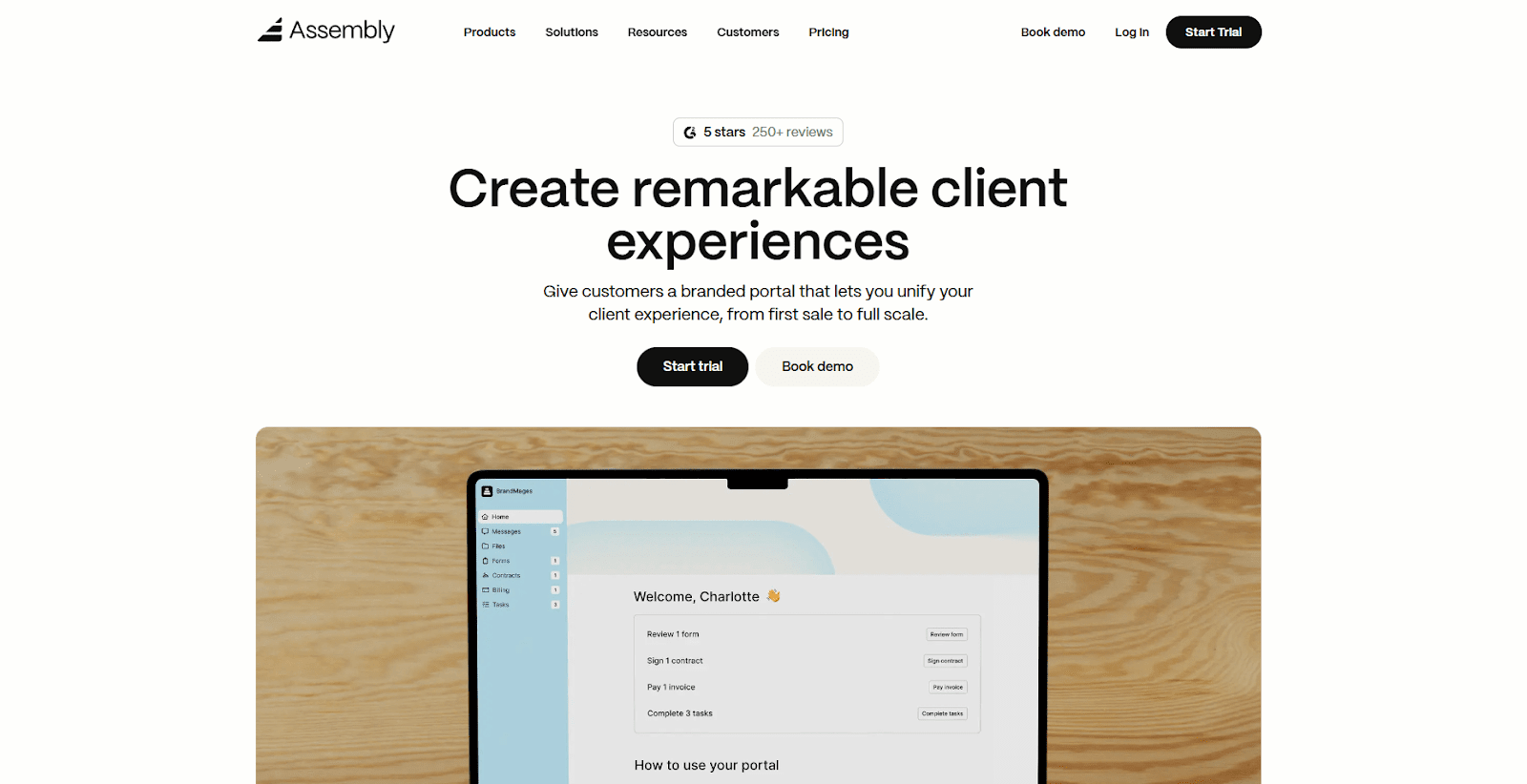
We built Assembly to give accounting teams one workspace for client delivery without sorting through separate modules. Each client gets a portal where they can pay invoices, upload files, sign documents, and follow the steps you assign.
Assembly supports pre-sales work so your team can prepare client details before sending an invite to the portal. You can add custom fields, save internal notes, and open private chat threads while you get onboarding ready. When it’s time to invite the client, they see a clean portal with the information you already collected.
You can also use the Billing App to manage invoices, payment links, and subscriptions in one place, which comes with the platform for free on all plans.
If you’re concerned about security, Assembly protects data with encryption at rest, role-based access controls, and independent audits like SOC 2. These controls give you a predictable workspace for documents, payments, and client communication.
Assembly links to tools like Airtable, ClickUp, Calendly, Zapier, and Make. These integrations help you build simple workflows without relying on a larger module-based system.
Why it beats Canopy
- Predictable plan: You can use core features in one plan instead of paying for separate modules.
- Client-friendly actions: Clients can send files or messages on their own instead of waiting for a request template.
- Clear workflow: Tasks, files, billing, and chat stay together so your team avoids switching tabs.
- Faster setup: You can create client records, add details, and assign internal work before you share the portal.
- Steady performance: Pages load without the delays seen in larger module-based systems
Pros
- Tasks, documents, and billing sit in one place for smoother accounting workflows
- Clients can upload tax forms and pay invoices in a clean, branded portal
- Integrations with Airtable, ClickUp, Zapier, and Make support key accounting cycles
Cons
- The feature set continues to expand, so teams wanting heavier internal project tools may still need to use a second system
- Larger firms with deep reporting needs may need extra tools for advanced metrics
Pricing
Assembly starts at $39 per month.
Bottom line
Assembly works well when you want one workspace for client delivery without managing a modular system. If you prefer a simple task tracker with fewer client features, Financial Cents may fit your workflow better.
2. Karbon: Best for mid-sized firms with complex workflows
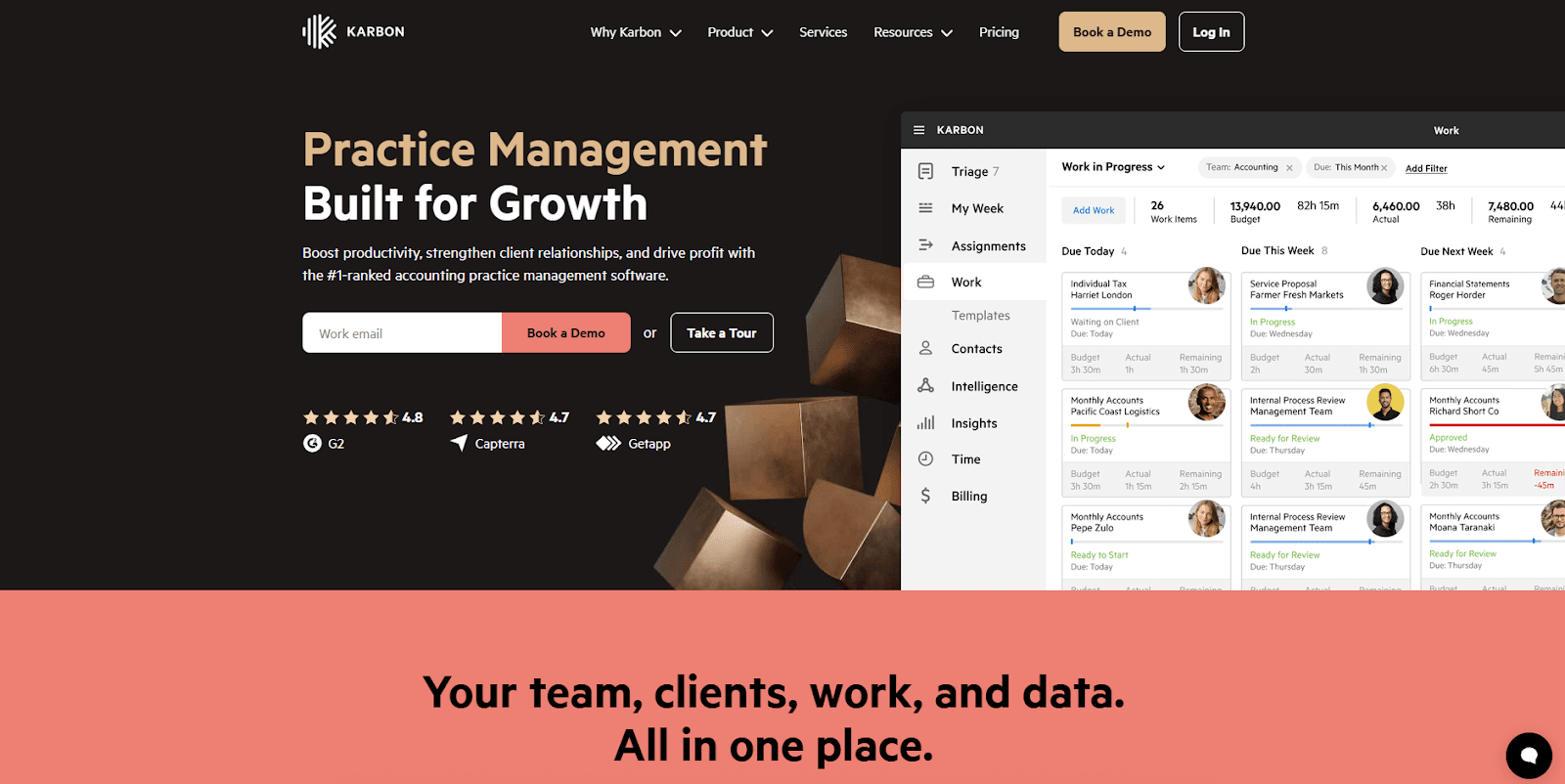
Karbon is a workflow and email management platform built for accounting teams, and I tested it to see how well it handled heavy workloads.
The timeline view made it easy to track conversations and follow each task without losing context. Email pulled straight into the workspace, which helped me cut down on extra tabs while testing daily jobs.
During testing, the templates helped me build repeat jobs faster than I expected. I moved tasks between owners and adjusted due dates without any confusion. One thing I liked was that the layout stayed clear, even when I added more clients and job types.
We also have a Karbon vs Canopy vs Assembly comparison if you’d like to learn more.
Why it beats Canopy
- Shared email view: Everyone sees the same messages without sorting through separate modules.
- Clear job flow: Tasks and comments stay in one place, so teams avoid switching between screens.
- Less delay: Timelines load fast, which helps firms move through heavy weeks.
Pros
- Strong shared email tools
- Helpful workflow templates
- Good team visibility
Cons
- Setup time is longer for large teams
- Pricing increases as you add users
Pricing
Karbon pricing starts at $59 per user per month.
Bottom line
Karbon fits teams that organize most of their work through email and need a workspace that treats long conversation threads as part of the job. If your firm runs on repeatable tasks more than message-heavy collaboration, Pixie may feel more natural.
3. TaxDome: Best for tax-heavy firms that want an all-in-one setup

TaxDome is an all-in-one practice tool for tax and accounting firms. I tested it to understand how its organizers and portal handled real client jobs.
It has organizers that act like structured questionnaires to guide clients through the information you need for each return. Clients answer questions, upload files, and move through the checklist without jumping between emails or loose documents.
I tested a few sample organizers by sending them through the portal, and the layout kept responses and files tied to the same job. I liked how the form adjusted based on earlier answers, which helped me collect cleaner information during testing. It saved me from piecing details together across different places.
If you’d like to learn more, we also have an in-depth TaxDome vs Canopy comparison.
Why it beats Canopy
- Structured intake: Questionnaires gather client info in one pass instead of through scattered steps.
- Tighter file tracking: Documents stay tied to each job so firms don’t lose context during busy seasons.
- Consistent client flow: Clients move through forms and uploads without hitting slow or confusing views.
Pros
- Clear organizer system
- Good for tax-heavy firms
- Clean document management
Cons
- Automation setup takes time
- Pricing may feel steep for small teams
Pricing
TaxDome pricing starts at $800 per user per year with a one-year commitment.
Bottom line
TaxDome works well for firms that build their process around structured intake and tight control over client responses. If you want a system that supports delivery beyond tax season, Assembly connects those pieces in one place.
4. Financial Cents: Best for small firms that want simple workflow tools
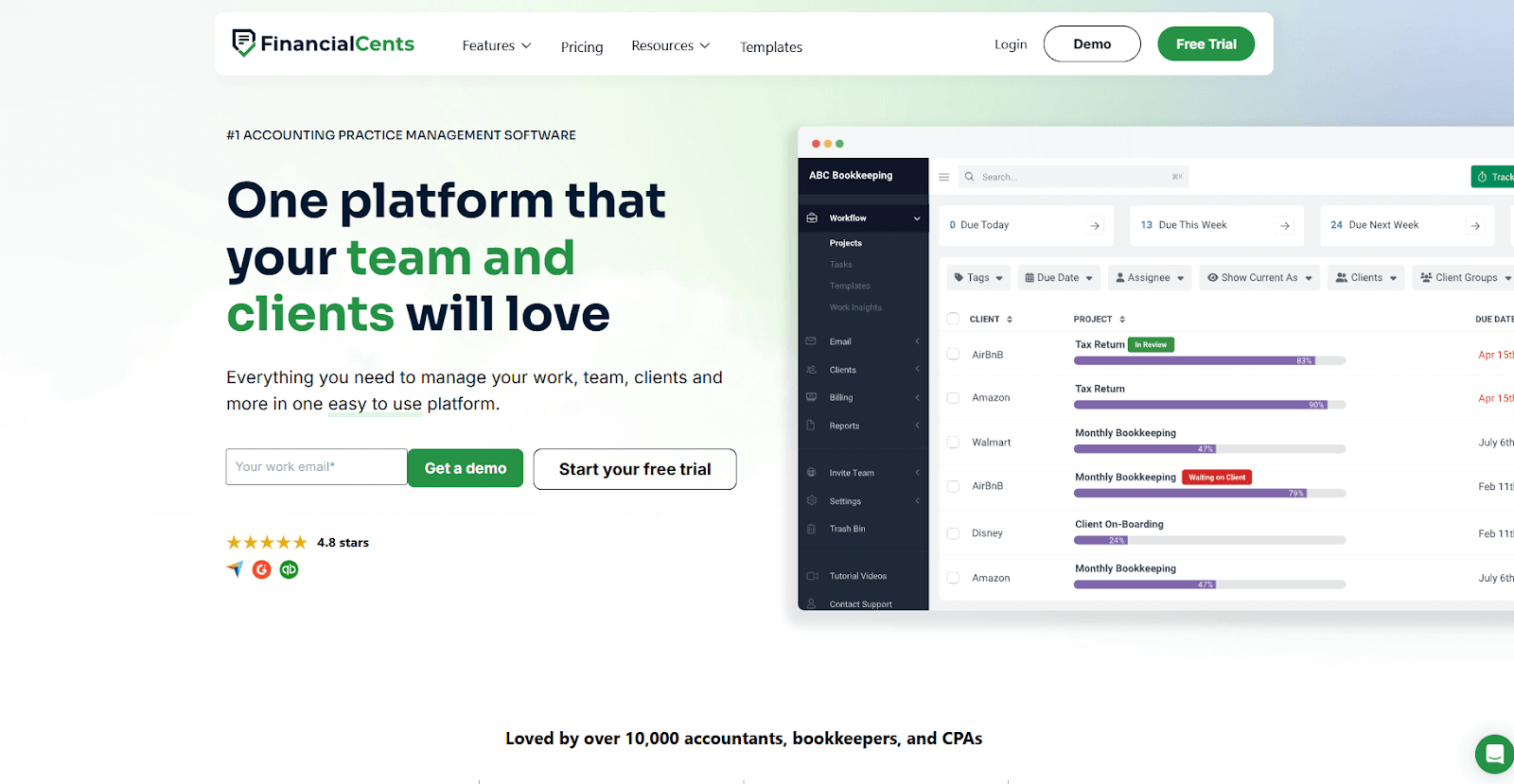
Financial Cents is a lightweight workflow tool for small accounting teams. In my testing, it kept tasks clear with simple lists, due dates, and owners. I liked how fast I could build a template and turn it into a job without touching several menus.
One of the best things I noticed during testing was how easy it was to follow deadlines. The layout showed which tasks needed attention, and moving them forward took only a few clicks. I tracked a few sample projects, and nothing became buried or hard to find.
Why it beats Canopy
- Lean task setup: Teams can open jobs without dealing with several connected screens.
- Simple recurring work: Repeat tasks follow predictable patterns instead of being buried in large lists.
- Clear deadlines: Overdue work stands out without being hidden behind extra filters.
Pros
- Easy task setup
- Clear recurring workflows
- Friendly for small teams
Cons
- Limited depth for complex work
- Basic portal experience
Pricing
Financial Cents starts at $19 per month.
Bottom line
Financial Cents is a good match for firms that find traditional project management tools too busy and want a cleaner way to handle recurring work. If you need more depth as your team grows, Karbon offers stronger tools for busy workflows.
5. Pixie: Best for small UK-based accounting teams
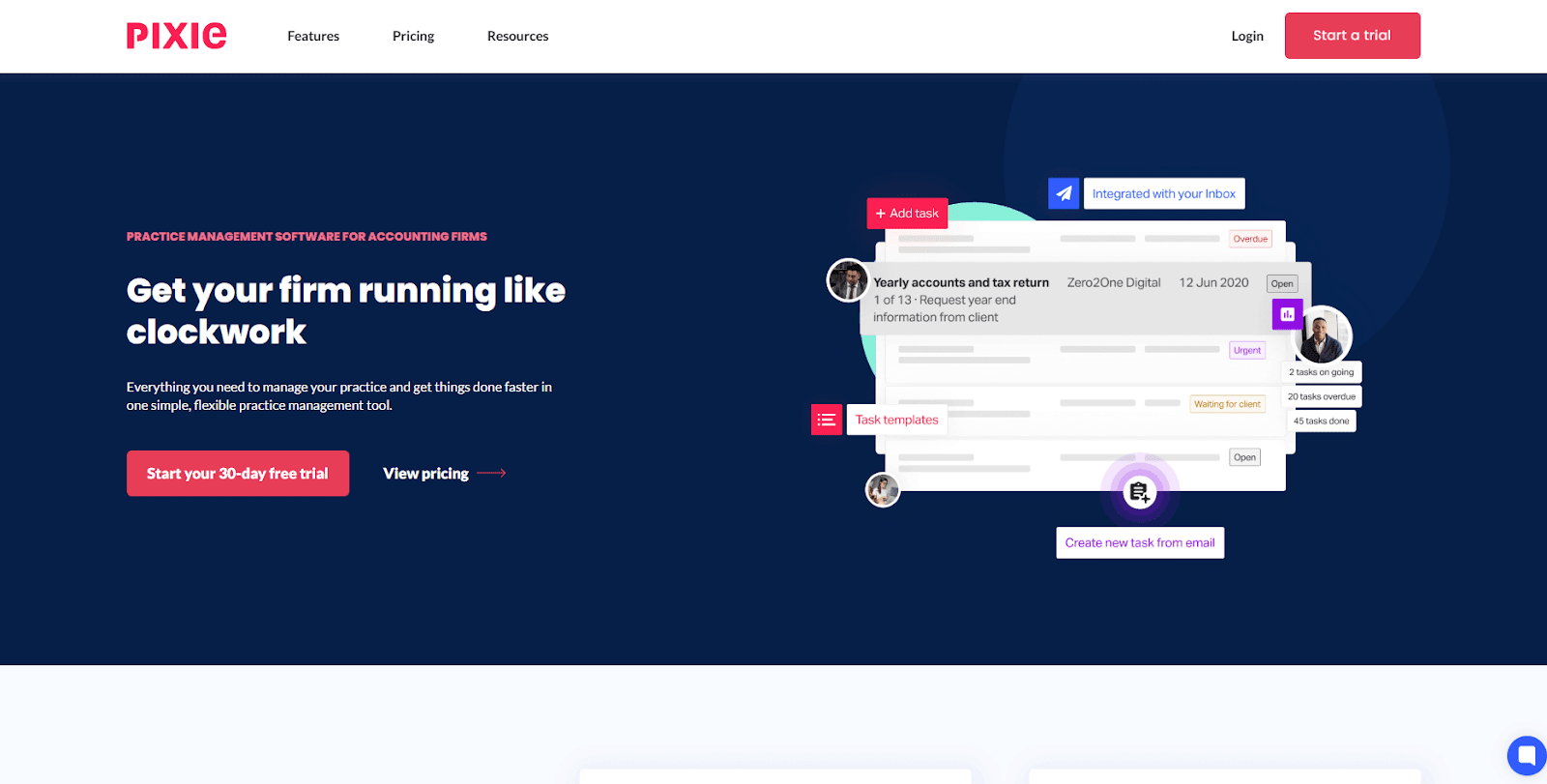
Pixie is a workflow tool built for small teams, and I tested it by running several recurring jobs through the system.
The templates helped me create new tasks fast, which kept my test clients moving without extra setup. I thought the clean layout made it easy to follow each job from start to finish.
During testing, I liked how Pixie handled repeat work. It let me assign owners, adjust due dates, and keep notes in the same place. This helped me stay on track without jumping around the system.
Pixie performed well when I added more recurring tasks. It kept everything tidy and gave me a predictable way to follow each job.
Why it beats Canopy
- Simple structure: Tasks stay clear without relying on several modules.
- Quick job tracking: Recurring jobs move smoothly once templates are in place.
- Easy visibility: Teams follow work without waiting for slower screens to load.
Pros
- Strong recurring task setup
- Clean layout
- Good fit for small teams
Cons
- Limited depth for large firms
- Portal features are basic
Pricing
Pixie starts at $129 per month for fewer than 250 clients.
Bottom line
Pixie works well for small firms that need predictable recurring jobs and a simple layout. If you want one system that connects billing, files, communication, and delivery, Assembly is a stronger option for long-term growth.
6. Jetpack Workflow: Best for firms that need task and job tracking
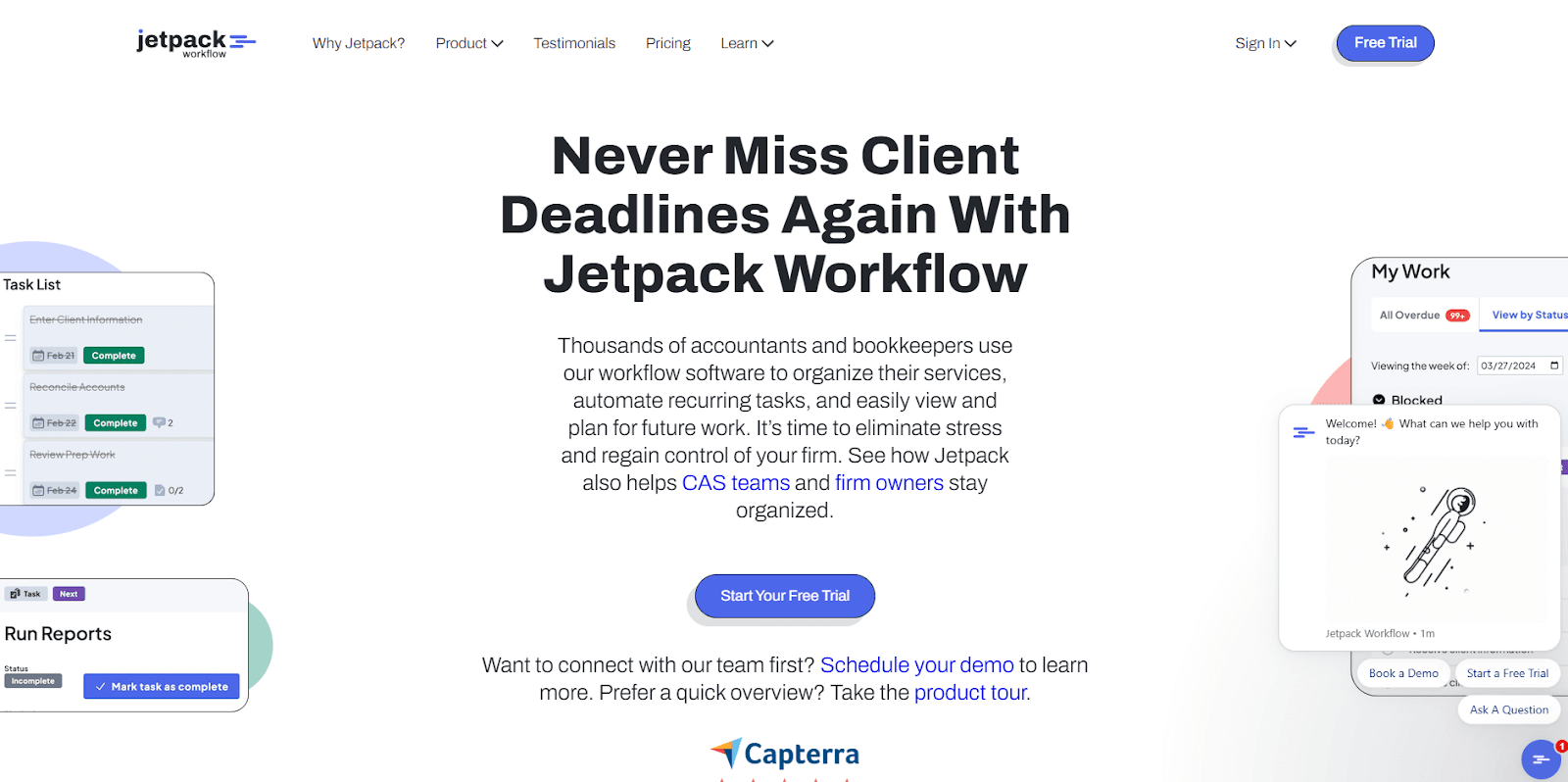
Jetpack Workflow is a task and job tracker built for accounting cycles. I started testing it by looking at how it handles recurring tasks, and the layout stood out right away.
The system puts upcoming work front and center, and the dashboard makes each deadline easy to find. I could scan the day without moving through extra views.
Another thing I noticed was how predictable the templates were during setup. I copied a few sample tasks, adjusted the details, and watched the workflow stay clear as I added more jobs. Jetpack Workflow makes sense when firms want simple task cycles with little overhead.
Why it beats Canopy
- Straightforward tasks: The job dashboard avoids the clutter that comes with module-heavy systems.
- Fast setup: You can build recurring jobs without configuring several areas of the platform.
- Quick visibility: Deadlines stay easy to track even when workloads grow.
Pros
- Clean job dashboards
- Simple recurring workflows
- Easy setup for small teams
Cons
- Limited client-facing tools
- Light document handling
Pricing
Jetpack Workflow starts at $40 per user per month.
Bottom line
Jetpack Workflow is a good match for firms that track work through consistent checklists and want a dashboard that highlights deadlines above everything else. If you want a tool that keeps document exchange front and center, Clinked might feel more natural.
7. Clinked: Best for document-heavy client relationships
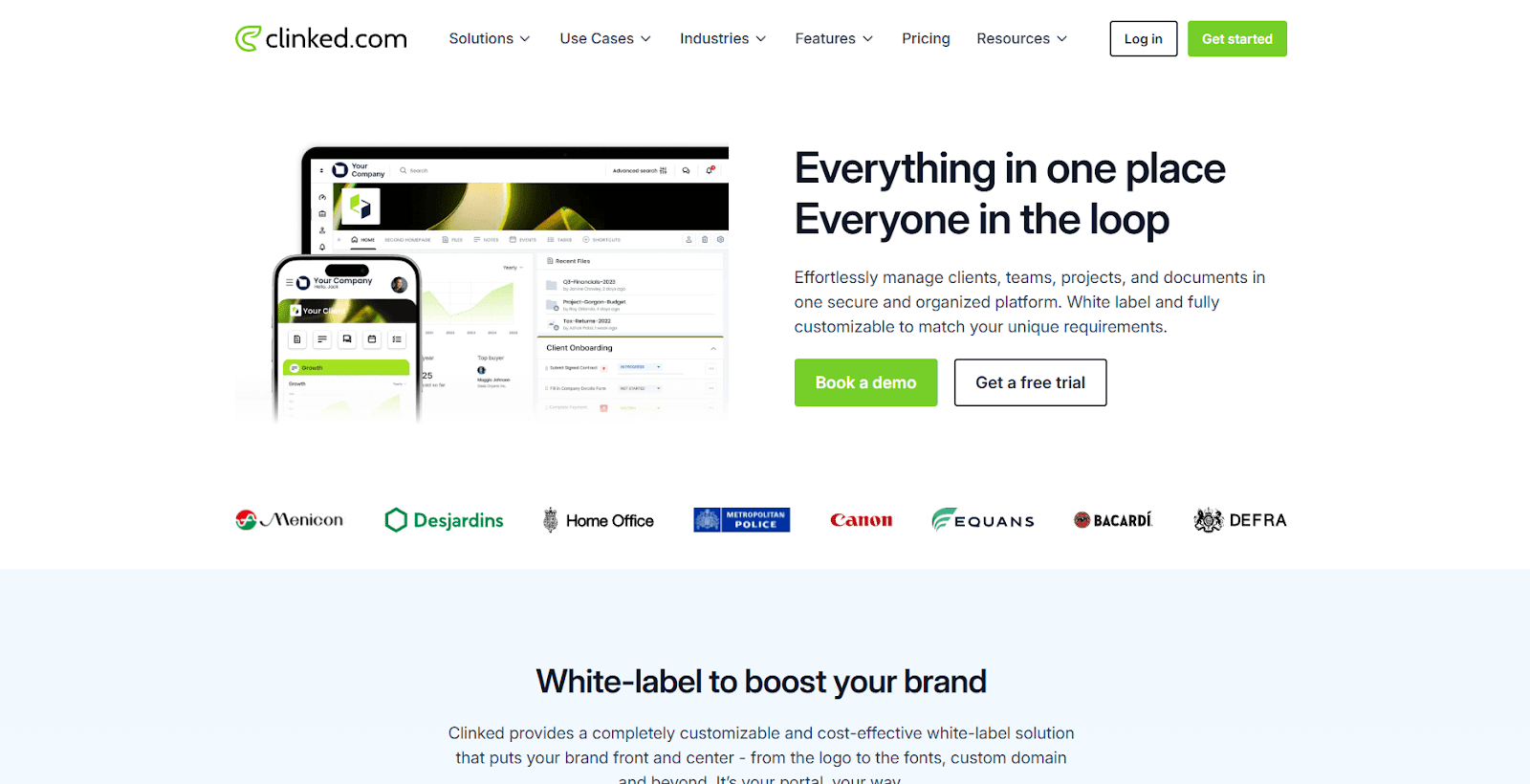
Clinked is a client portal and document platform, and I tested it to see how well it handled steady file exchange for accounting clients. The structure was straightforward from the start. Uploads landed in the right place, folders stayed organized, and permission settings were easy to follow. The branded portal also gave clients one space to check documents, messages, and updates.
During testing, the folder system felt steady and simple to use. I could share documents, tag teammates, and keep conversations tied to each file. I think this setup helps teams avoid long email threads and keeps document work easy to track.
Why it beats Canopy
- Direct file uploads: Clients can send items on their own instead of waiting for a request structure.
- Simple folder layout: Files stay organized without sorting through several steps.
- Clear access controls: Permissions are easy to check, which reduces confusion in large client sets.
Pros
- Strong file sharing
- Clean client portals
- Good for firms with document-heavy work
Cons
- Limited workflow tools
- Basic task features
Pricing
Clinked starts at $95 per month.
Bottom line
Clinked works well for firms that send large volumes of documents and want clients to move through portals without friction. If you want stronger task support with recurring jobs, Jetpack Workflow may feel more natural.
8. QuickBooks Online: Best for firms that need bookkeeping and tax tools in one system
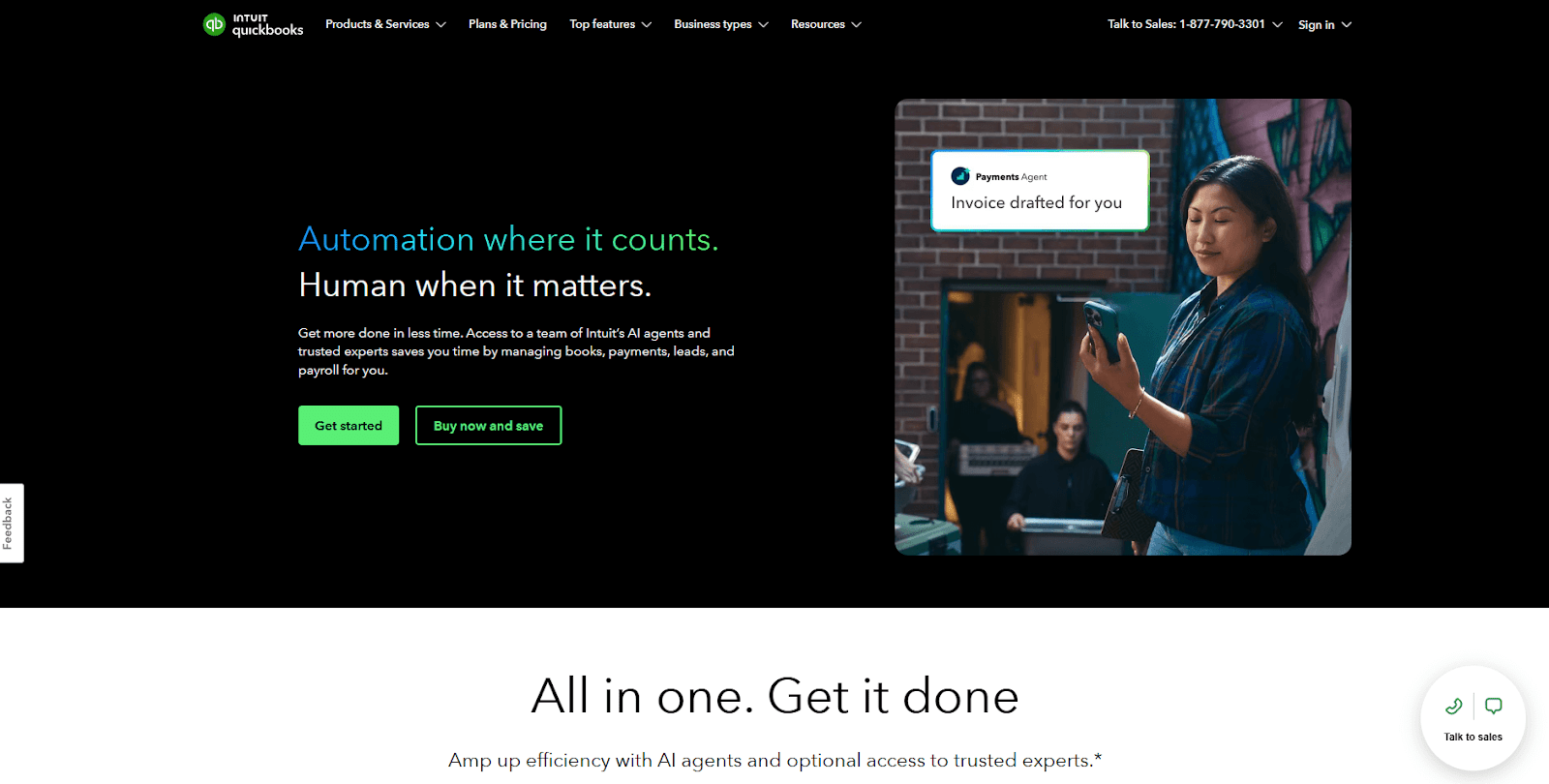
QuickBooks Online is a bookkeeping and tax platform used by many firms. Testing showed me how the shared financial record ties tasks, reports, and year-end work together in a simple way. The built-in reports loaded fast and made each client’s numbers easy to review.
I tested the collaboration tools to understand how firms and clients stay aligned. Notes, files, and comments sit in one place, which keeps the year-end review organized. The tax tools pull key figures from the books, and that can help teams complete the year-end workflow without adding new tasks.
Why it beats Canopy
- All-in-one financial view: Bookkeeping and tax tasks sit together instead of in separate modules.
- Clear client records: Financials stay tied to the client without extra setup.
- Strong reporting: Built-in reports load fast and help firms stay aware of key numbers.
Pros
- Good bookkeeping workflow
- Helpful reports
- Smooth link between accounting and tax
Cons
- Limited task features
- File sharing is basic
Pricing
QuickBooks Online starts at $38 per month, billed monthly.
Bottom line
QuickBooks Online works well for teams that need tax steps, reconciliations, and reporting to pull from live bookkeeping data without extra setup. If you want deeper workflow support with client delivery steps, Karbon or Assembly may offer better structure.
9. SmartVault: Best for firms that need secure document storage
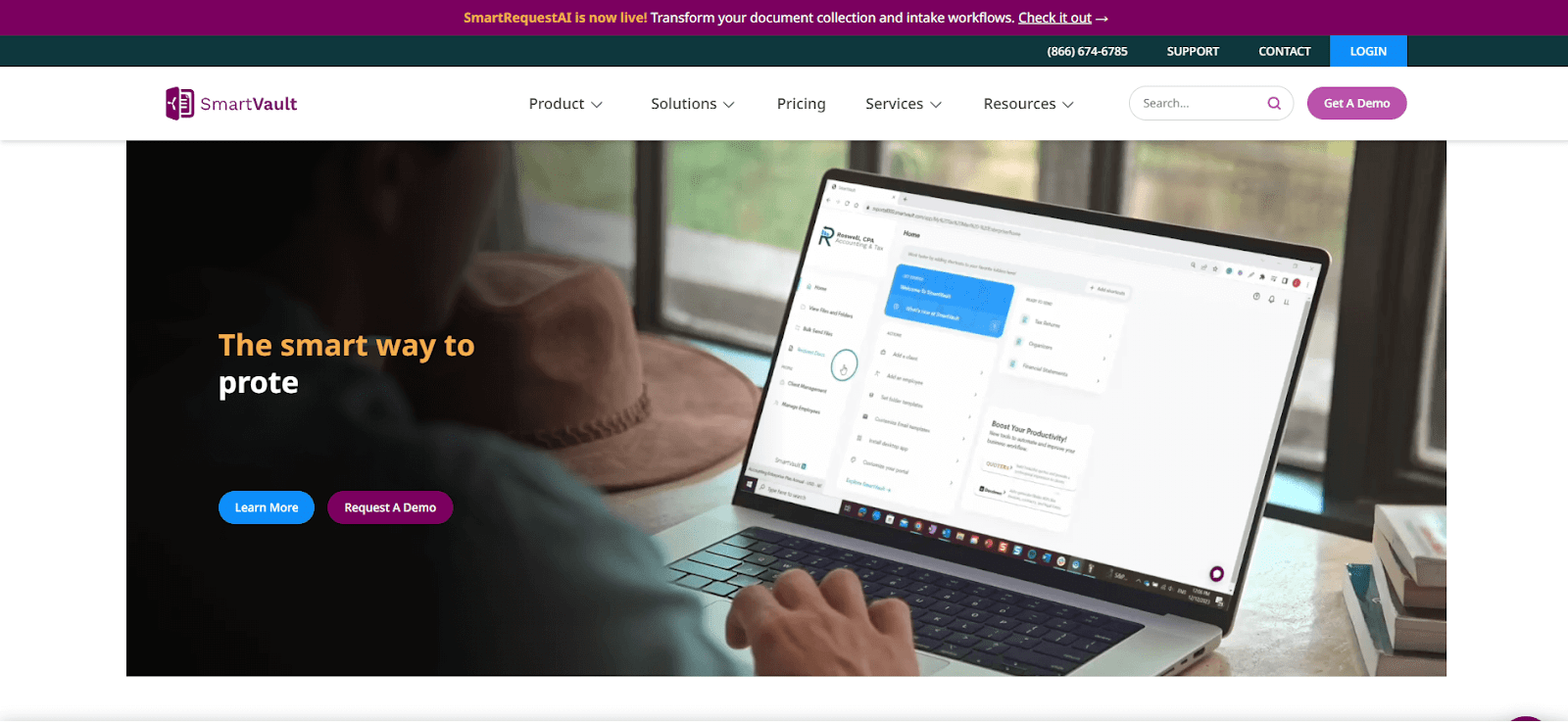
SmartVault is a document platform built for firms that depend on steady file exchange, and my testing confirmed that its structure stays focused on simple document flow. I looked at how uploads moved through the system, and each file landed in the expected place with clear permission settings. Clients also get a predictable space to send tax forms or supporting documents.
During testing, I paid attention to how SmartVault kept each file tied to the right client. That consistency reduces the sorting mistakes that slow teams down. The interface stayed clean even as I added more documents, which helped me review information without extra steps.
Why it beats Canopy
- Simple file workflow: Clients can send documents without strict request formats.
- Clear permission tools: Access stays easy to manage in one place.
- Focused storage: The system avoids extra module layers that slow file handling.
Pros
- Strong document security
- Clean folder structure
- Easy client uploads
Cons
- Limited collaboration tools
- No full workflow system
Pricing
SmartVault starts at $50 per user per month, with a minimum of 3 users.
Bottom line
SmartVault is a strong choice when secure storage and predictable folder control are the top priorities. If you prefer stronger task visibility, Aero Workflow may feel like a better fit.
10. Aero Workflow: Best for firms focused on recurring task management
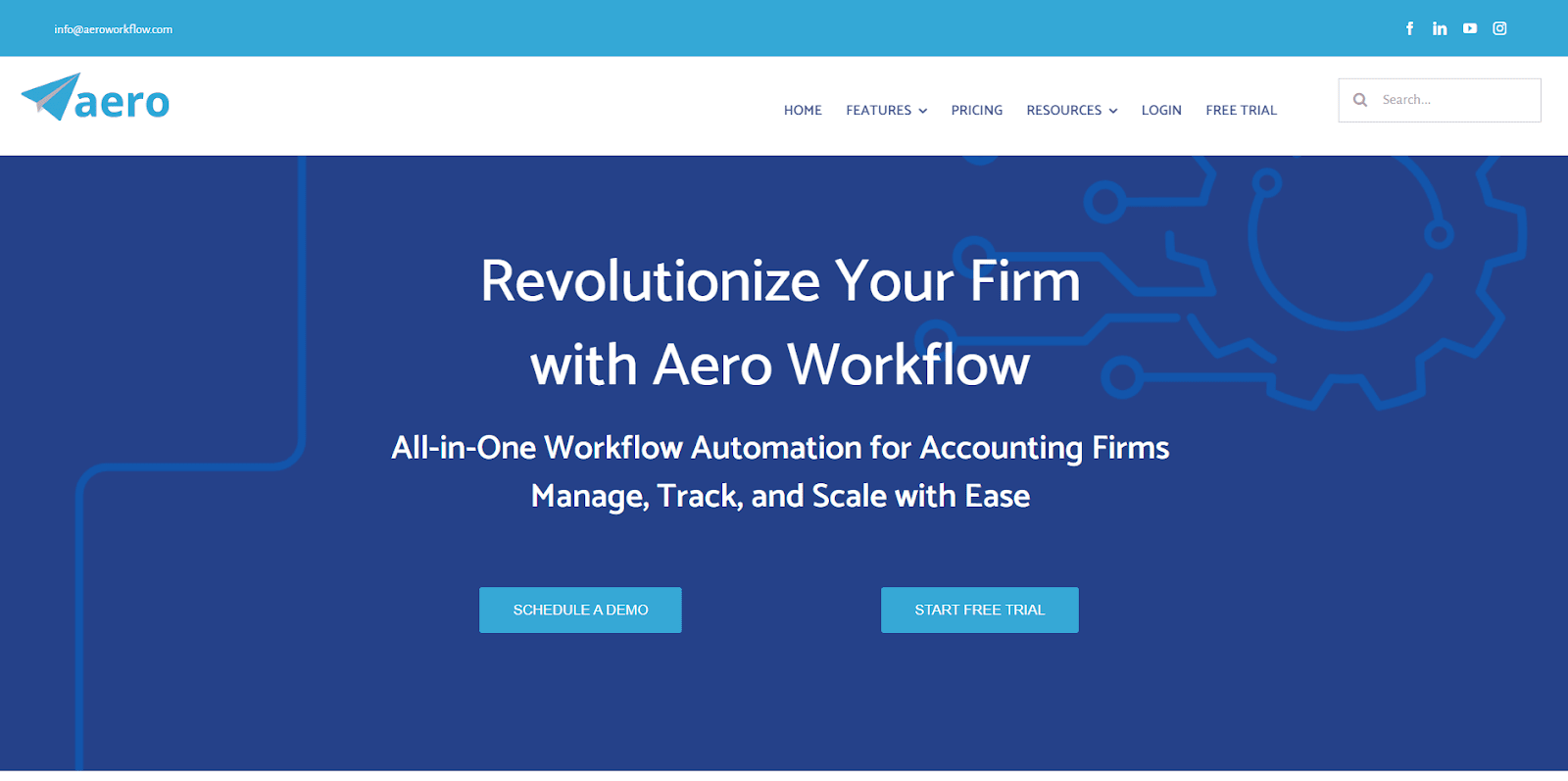
Aero Workflow is a task platform built for recurring accounting work. Testing it gave me a clear view of how it handles repeat work. The dashboard made each day’s tasks obvious, and the system kept checklists and steps in a simple layout. It’s built for firms that want steady routines without heavy setup.
When I tested its templates, the job flow stayed steady from one step to the next. Weekly and monthly tasks followed a clear path without extra setup. Notes and time tracking sat near each job, which helped keep the work easy to review.
Why it beats Canopy
- Clear task paths: Recurring jobs follow the same layout so teams avoid cluttered views.
- Fast template setup: Jobs start quickly without touching several configuration screens.
- Reliable loading: Dashboards stay responsive, even with long task lists.
Pros
- Simple recurring workflows
- Clean dashboard
- Good task visibility
Cons
- Limited portal features
- Basic document tools
Pricing
Aero Workflow starts at $108 per month.
Bottom line
Aero Workflow suits firms that rely on repeatable accounting cycles and want a simple way to assign and follow checklists. If you need a full client workspace with files, billing, and communication, Assembly may be a better long-term match.
11. Cone: Best for budget-conscious teams wanting one plan
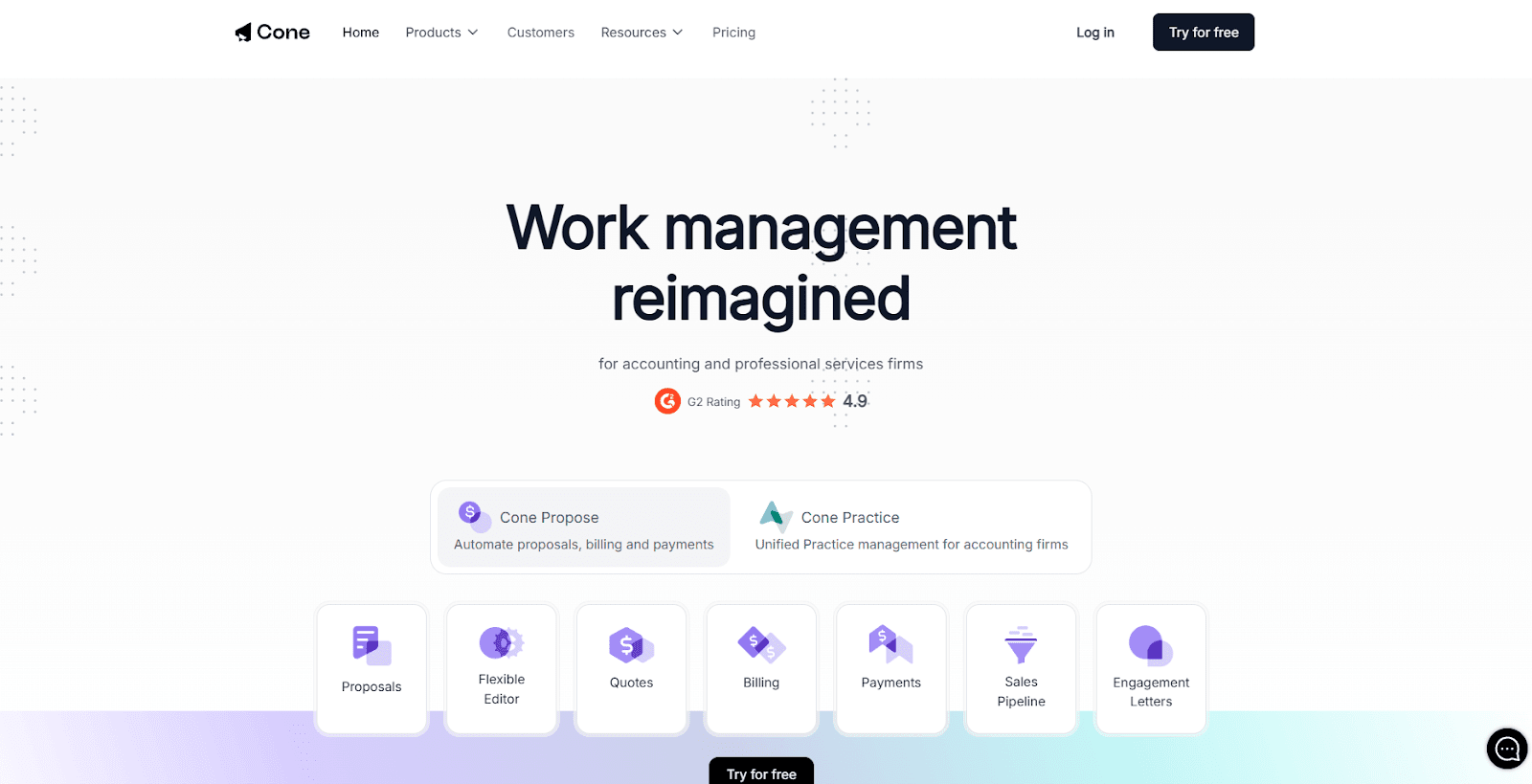
Cone is a simple all-in-one workspace for small teams. During testing, it stood out for keeping tasks, files, and messages in the same view, which made client work easier to follow. The client portal gives clients a clear place to check updates without moving through several sections.
During testing, I looked at how the system handled small projects and short task lists. The layout stayed predictable from one job to the next, and task switching did not add extra steps. Billing and file tools remain close to the task details, which helps teams keep context as they move through the work.
Why it beats Canopy
- Simple single-view workspace: Tasks, files, and messages sit together so teams don’t jump between views.
- Smooth task switching: Job changes happen quickly without slow screen loads.
- Client-friendly layout: Clients can follow tasks without sorting through extra steps.
Pros
- Straightforward layout
- Easy task management
- Predictable pricing
Cons
- Limited depth
- Basic portal features
Pricing
Cone starts at $9 per user per month.
Bottom line
Cone fits teams that want one low-cost plan to handle tasks, files, and messages without learning a large system. If you want more support for client delivery, Assembly or Clinked could offer a stronger setup depending on your needs.
How I tested these Canopy competitors
I spent several weeks testing each platform with real accounting workflows, mock clients, and sample documents to see how they handled daily pressure. I paid close attention to anything that slowed teams down, from cluttered task views to unclear document flows. I also reviewed how each portal behaved when clients uploaded files, checked updates, or sent information back.
This helped me understand not only how the tools work, but where they start to break down when workloads grow.
Here are the factors that shaped my judgments:
- Workflow clarity: I checked how easy it was to follow tasks without bouncing between several views.
- Client interaction: I tested how clients send files, answer requests, and follow progress.
- Speed and stability: I watched for delays, slow loads, or steps that broke the flow during busy periods.
- Document handling: I moved files through each system to see how predictable the structure felt.
- Pre-sales support: I reviewed how each tool handled early client details, forms, and internal prep.
- Pricing logic: I compared team limits, client limits, and how total cost scales once firms grow.
- Setup time: I paid attention to what it took to go from a blank account to a working system.
How to choose your Canopy competitor
Some Canopy competitors push heavier workflows, and others stay focused on simple delivery. I grouped these picks based on how each one handled real tasks in testing, so you can find the setup that matches the way your team works. Choose:
- Assembly if you want one workspace for client delivery where billing, files, tasks, and communication sit together without several modules.
- Karbon if your team handles heavy email traffic and needs organized timelines for complex workflows.
- TaxDome if most of your workload centers on tax prep and structured organizers.
- Financial Cents if you want simple recurring workflows and quick setup for small teams.
- Pixie if you run a small accounting practice and want predictable recurring tasks without cluttered screens.
- Jetpack Workflow if your work relies on recurring jobs and you want a clear dashboard for deadlines.
- Clinked if your client work depends on steady document exchange and a simple portal for uploads.
- QuickBooks Online if you want bookkeeping and tax details tied to the same financial record.
- SmartVault if your firm moves a high volume of documents and needs stable, secure storage.
- Aero Workflow if your priority is steady, recurring task management without complex views.
- Cone if you prefer one plan with tasks, messages, and files in the same layout.
Ready to move on from Canopy? Try Assembly
Many firms start looking at Canopy competitors after they run into rising costs from multiple modules, complex task views, or extra steps in the client portal. The tools on this list address pieces of that, but Assembly stands out by keeping your full client timeline, billing, files, and communication together in a single workspace that stays clear as your workload grows.
Here’s what you can do with Assembly:
- See the full client record: Notes, files, payments, and communication history stay linked in one place. You never have to flip between systems or lose context when switching from sales to service.
- Prep faster for meetings: The AI Assistant pulls past interactions into a clear summary so you can walk into any call knowing exactly what’s been discussed and what’s next.
- Stay ahead of clients: Highlight patterns that may show churn risk or upsell potential, making outreach more timely and relevant.
- Cut down on admin: Automate repetitive jobs like reminders, status updates, or follow-up drafts that used to take hours. The Assistant handles the busywork so your team can focus on clients.
Ready to simplify how your firm manages client work? Start your free Assembly trial today.
Frequently asked questions
Is Canopy good for firms that handle both tax and bookkeeping?
Yes, Canopy supports both tax and bookkeeping workflows, but many firms use it mainly for tax-focused practice management. Bookkeeping tasks, client messaging, and document work may require extra setup across different modules. Firms that need both services in one predictable workflow sometimes compare it to tools with a single connected system.
What is Canopy’s modular system?
Canopy’s modular system is a setup where you buy separate products for tasks, documents, billing, time tracking, and other features. You add modules as your needs grow, which changes the total cost and workflow structure. This approach gives you flexibility but also spreads your tools across several areas. You may feel the impact when switching between modules during daily work.
Can Canopy replace a CRM for accounting firms?”
Yes, Canopy can replace a CRM for accounting firms because it supports client records, tasks, documents, and billing. You can manage early notes and ongoing delivery in the same account. Some firms compare it with unified tools when they want fewer screens to move through during daily work.