
7 Best client collaboration portal tools in 2026: Features & pricing
A client collaboration portal replaces scattered emails with one secure, organized space. I tested dozens of tools to find the 7 best for service firms in 2026.


A client collaboration portal gives clients a dedicated, secure space to communicate, share files, track progress, and stay aligned with your team without the back-and-forth of email. I tested dozens of platforms to find the 7 that deliver on that for professional service firms in 2026.
7 Best client collaboration portal tools: Quick comparison
| 💻 Tool | 🎯 Best for | 🔥 Starting price (billed annually) | ⚡ Strengths |
|---|---|---|---|
| Assembly | Branded portals for professional service firms | $39/month | Custom domains, white-label branding, embedded dashboards, recurring automations, and consolidated payments |
| Moxo | Complex multi-stakeholder workflows | $960/year | Workflow orchestration, multi-party collaboration, secure document exchange, and compliance tools |
| FuseBase | No-code portals with built-in deal rooms | $32/month | No-code portal builder, AI agents, deal rooms, and MCP integrations |
| Clinked | Security-focused client file sharing | $239/month | Version control, granular permissions, audit trails, and branded file portals |
| Content Snare | Structured client document collection | $35/month | Intake forms, automated reminders, onboarding workflows, and Zapier integrations |
| SuiteDash | SMBs needing CRM and project tools | $180/year | Client CRM, project boards, time tracking, and white-label branding |
| HoneyBook | Freelancers managing client workflows | $29/month | Proposal templates, contract signing, automated invoicing, and pipeline tracking |
How I researched and tested these client collaboration portals
I set up trial accounts across all 7 platforms, ran each one through a simulated client onboarding, and tested how well the portal experience held up from both the firm's side and the client's side.
Here's what I considered:
- Onboarding and setup: How quickly you can invite a client, configure their portal, and get them oriented without a lengthy back-and-forth.
- Client-facing experience: How the portal looks and works from the client's perspective, including navigation, file access, and communication.
- Branding and customization: How much control you have over the portal's appearance, including custom domains, colors, and logos.
- Collaboration features: How well the platform handles messaging, file sharing, task visibility, and real-time updates between your team and the client.
- Integrations: How well each tool connects with the software service firms already use, including billing, project management, and e-signature tools.
- Pricing vs. value: What you get at each tier and whether the features at each price point justify the cost for a small or mid-sized firm.
Going through that process made it clear which platforms were built with the client experience in mind and which ones were built for the admin dashboard.
1. Assembly: Best for branded portals for professional service firms
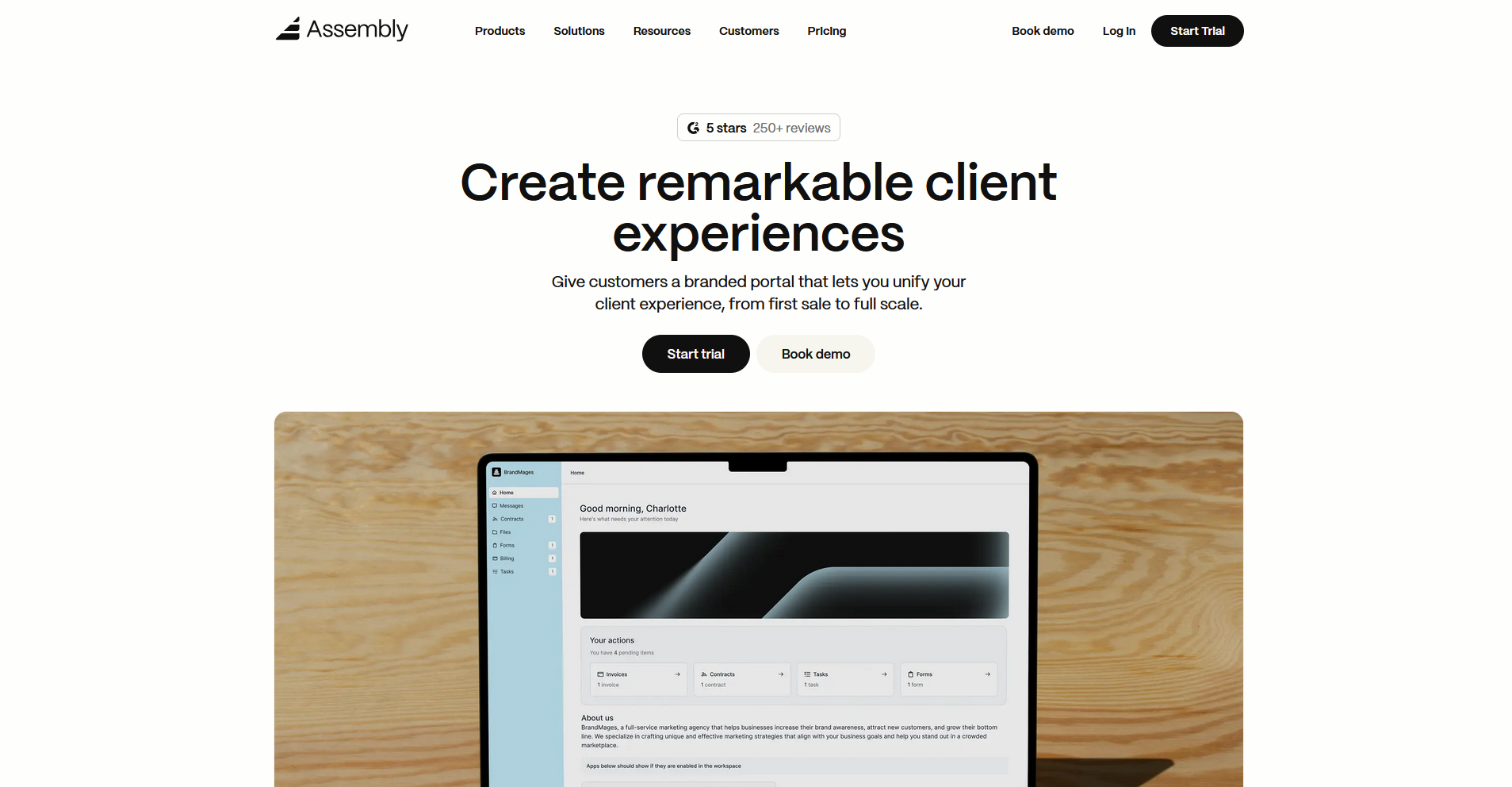
- What it does: Assembly is a client portal platform that gives service firms a branded, dedicated space where clients can access files, invoices, messages, contracts, and project updates, all connected to a core CRM.
- Best for: Service firms managing ongoing client relationships who want collaboration, billing, and task management in one client-facing space.
We designed Assembly for service firms that need a branded space where client collaboration happens without everything living in email.
Clients log into a portal that's specific to their engagement, with files, tasks, and updates organized around their record rather than your team's internal view. Custom domain support is only available on the Professional plan and above.
Key features
- Dynamic client homepages: Each client's portal homepage displays content based on custom field tags on their record, so different clients see different files, updates, and tasks when they log in without any manual sorting on your end.
- Client-linked (and client-facing) tasks: Assign tasks directly to client records so your team tracks deliverables in the same place where client communication, files, and invoices live.
- App Folders: Group dashboards, embedded tools, and external links into named folders inside the client portal, so clients can navigate to what they need without your team directing them each time.
Pros and cons
| ✅ Pros | ❌ Cons |
|---|---|
| Branded portal ties directly to client CRM records | Clients must be manually invited before portal access is available |
| Recurring automations can reduce manual follow-up across the client lifecycle | Custom apps and advanced portal customization require a higher-tier plan |
| Consolidated payments let clients pay invoices without leaving the portal |
What users say
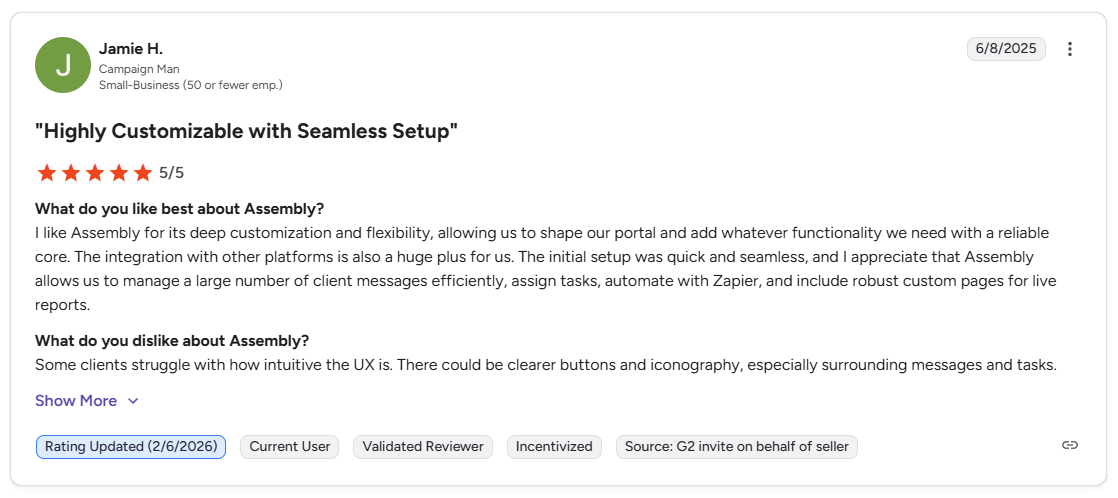
Pro: “I like Assembly for its deep customization and flexibility, allowing us to shape our portal and add whatever functionality we need with a reliable core. … Assembly allows us to manage a large number of client messages efficiently, assign tasks, automate with Zapier, and include robust custom pages for live reports.” - Jamie H., G2
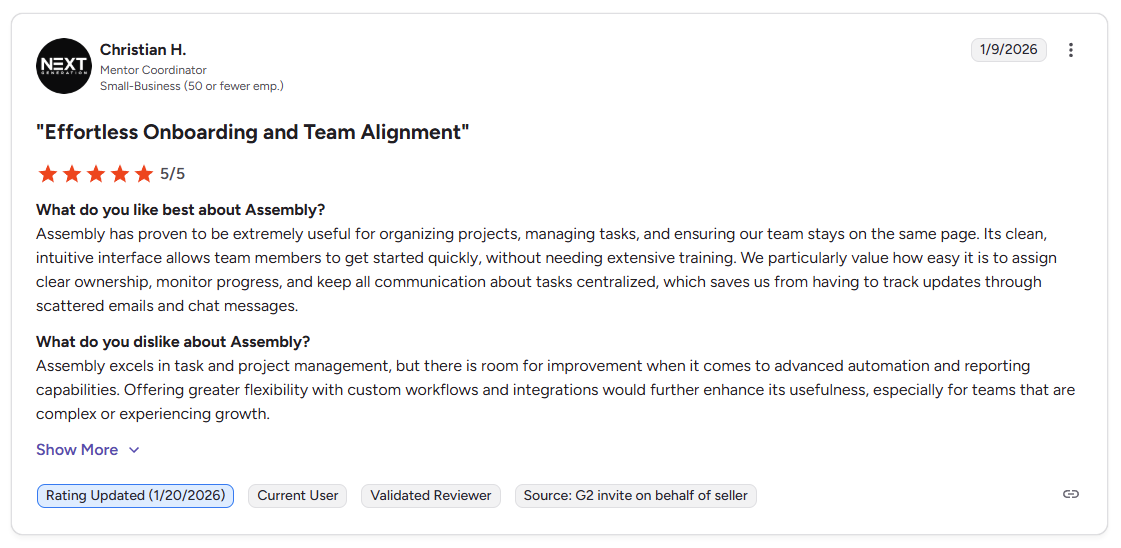
Con: “Assembly excels in task and project management, but there is room for improvement when it comes to advanced automation and reporting capabilities. Offering greater flexibility with custom workflows and integrations would further enhance its usefulness, especially for teams that are complex or experiencing growth.” - Christian H., G2
Pricing
Assembly starts at $39 per month.
Bottom line
Assembly covers the full post-sale arc in one space, from onboarding a new client to collecting payments on a completed project, without requiring a separate tool for each stage. If you primarily need structured document collection rather than ongoing collaboration, Content Snare might be a better fit.
2. Moxo: Best for complex multi-stakeholder workflows
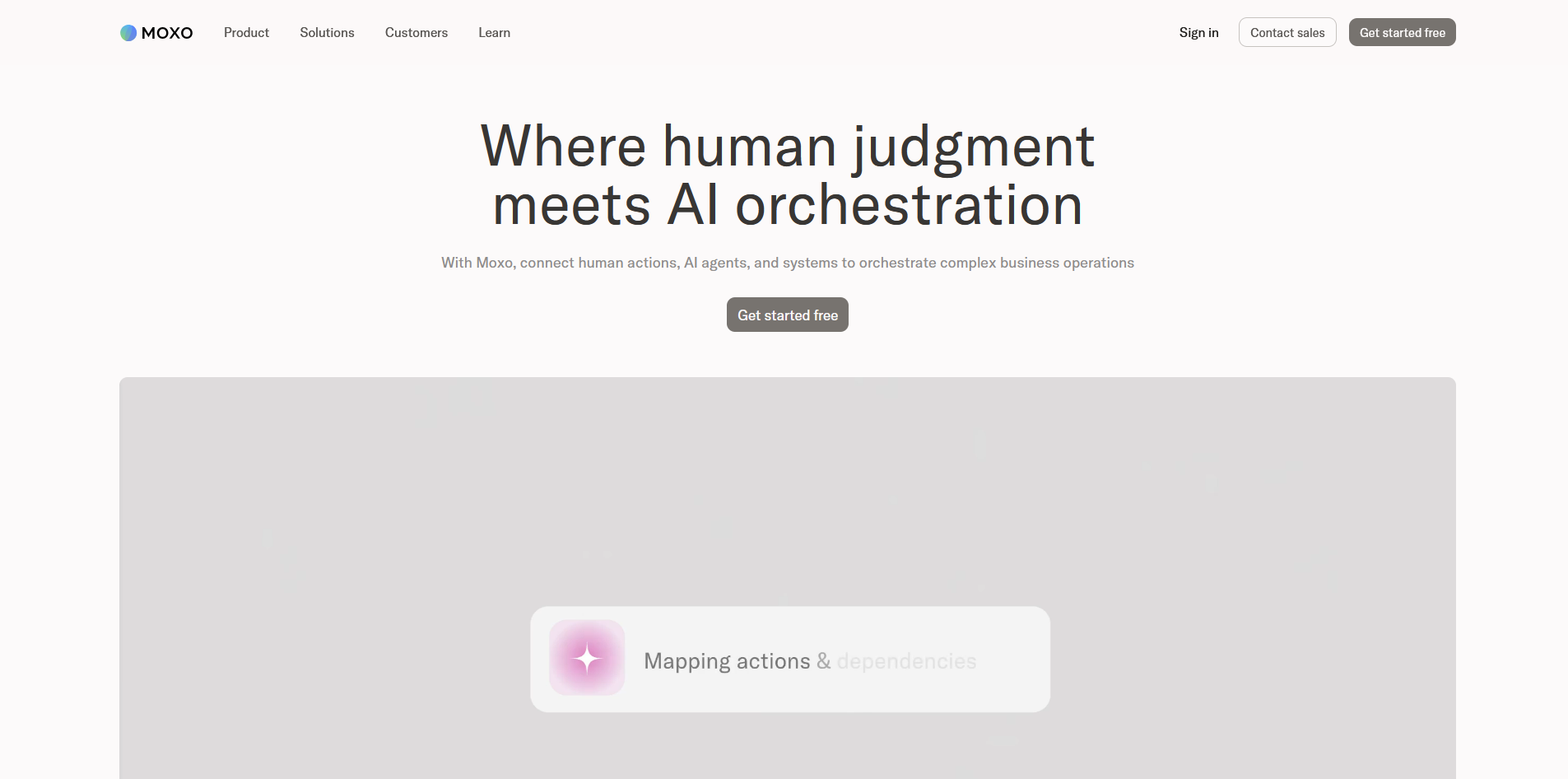
- What it does: Moxo is a workflow orchestration platform that gives teams structured, role-based portals for managing multi-party client processes including approvals, document exchange, e-signatures, and messaging.
- Best for: Teams managing multi-party workflows across compliance-heavy industries like financial services, legal, and accounting, where audit trails and structured handoffs matter.
I tested Moxo by building out a multi-step client workflow with sequential approvals and document handoffs to see how the collaboration side holds up with more than 2 parties involved. Each stakeholder sees a different portal view depending on their role. Smaller teams may find that configuring role-based views and approval sequences requires several hours of setup before a client can be onboarded.
💡Tip: To learn more, you can check out our full Moxo review.
Key features
- Role-based client workspaces: Create separate portal views for each stakeholder type, so clients, internal team members, and external collaborators each see only the content and tasks relevant to their role.
- Workflow orchestration: Build multi-step approval and handoff sequences with automated notifications and task triggers, so sequential processes move forward without manual follow-up at each stage.
- Audit trails and compliance tools: Log every client interaction, file exchange, and approval automatically, with SOC 2 Type II and GDPR-compliant infrastructure for teams in regulated industries.
Pros and cons
| ✅ Pros | ❌ Cons |
|---|---|
| Role-based portals give each stakeholder a tailored view without exposing unrelated content | Initial workflow setup can take significant time and configuration before the portal is client-ready |
| Built-in audit trails support compliance needs without requiring a separate logging tool | No native payment processing, so billing requires an external integration |
| Automated notifications and magic link access keep multi-party workflows moving without manual nudges |
What users say
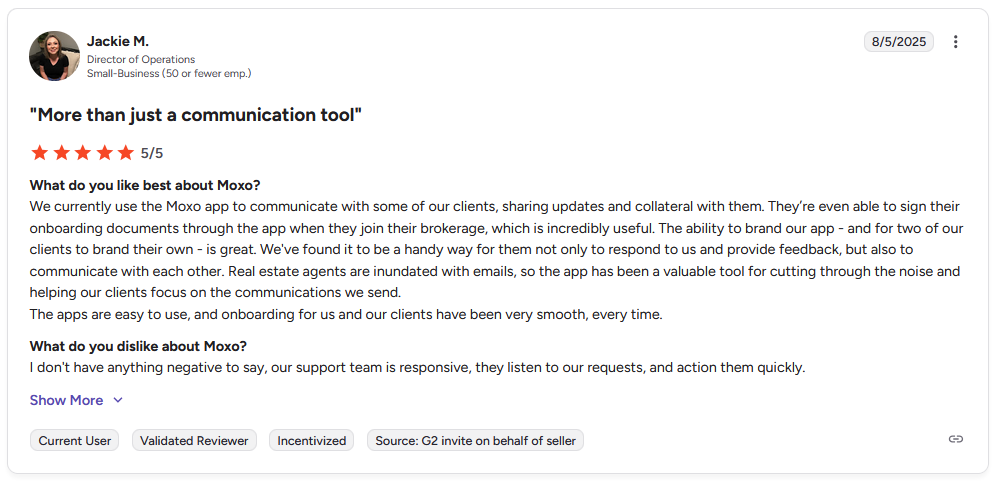
Pro: "We currently use the Moxo app to communicate with some of our clients, sharing updates and collateral with them. … The ability to brand our app … is great. … The apps are easy to use, and onboarding for us and our clients have been very smooth, every time." - Jackie M., G2
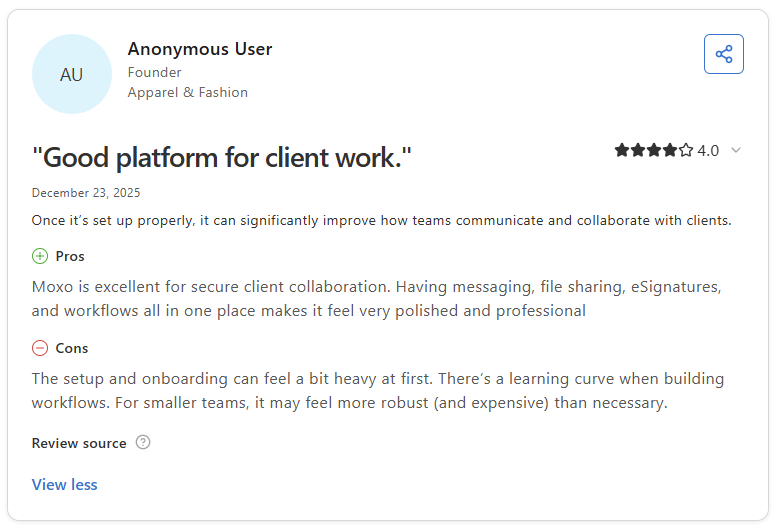
Con: "The setup and onboarding can feel a bit heavy at first. There's a learning curve when building workflows. For smaller teams, it may feel more robust (and expensive) than necessary." - Anonymous User, Capterra
Pricing
Moxo starts at $960 per year.
Bottom line
Moxo's workflow orchestration layer is purpose-built for sequential, multi-party processes where every handoff needs to be tracked and documented. If your client work is less approval-heavy and you need a branded portal with built-in billing, Assembly might be a better fit.
3. FuseBase: Best for no-code portals with built-in deal rooms
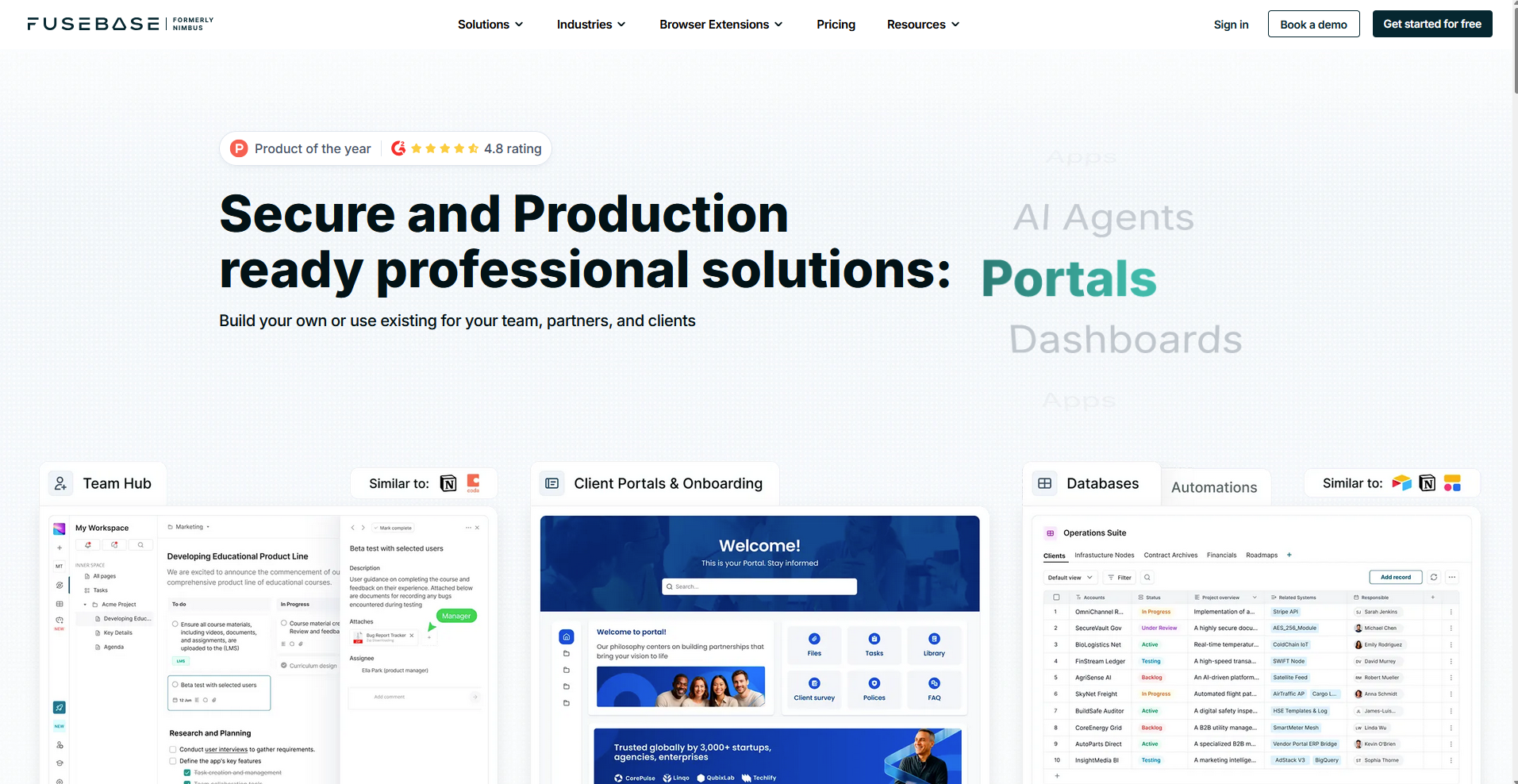
- What it does: FuseBase is a no-code client portal platform that combines branded client-facing portals, internal workspaces, AI agents, and deal rooms in one platform.
- Best for: Agencies and consultants who want to build polished, branded portals without developer help, and who need a knowledge hub alongside standard collaboration tools.
I built out a FuseBase client portal to see how well it holds up as a collaboration space once a project is active. Clients can access shared pages, leave comments, track progress, and message your team without a separate login. However, I found that full white-labeling and custom domain support are locked behind higher-tier plans, so the branded experience may not match what the setup process implies.
Key features
- No-code portal builder: Build branded, client-facing portals using a drag-and-drop interface with theme presets, custom logos, and sidebar navigation, without writing any code.
- Deal rooms: Create dedicated spaces for presale collaboration where prospects can review proposals, ask questions, and access shared materials before a formal engagement begins.
- AI agents: Set up custom AI agents inside the portal that can respond to routine client questions and surface relevant workspace content without requiring your team to be available.
Pros and cons
| ✅ Pros | ❌ Cons |
|---|---|
| No-code builder lets you launch a client-facing portal without developer involvement | Full white-labeling and custom domain support require a higher-tier plan |
| Deal rooms let you use the portal for presale collaboration, not just active client work | Some users report platform speed and reliability issues during heavier use |
| Dual workspace keeps internal content and client-facing content cleanly separated |
What users say
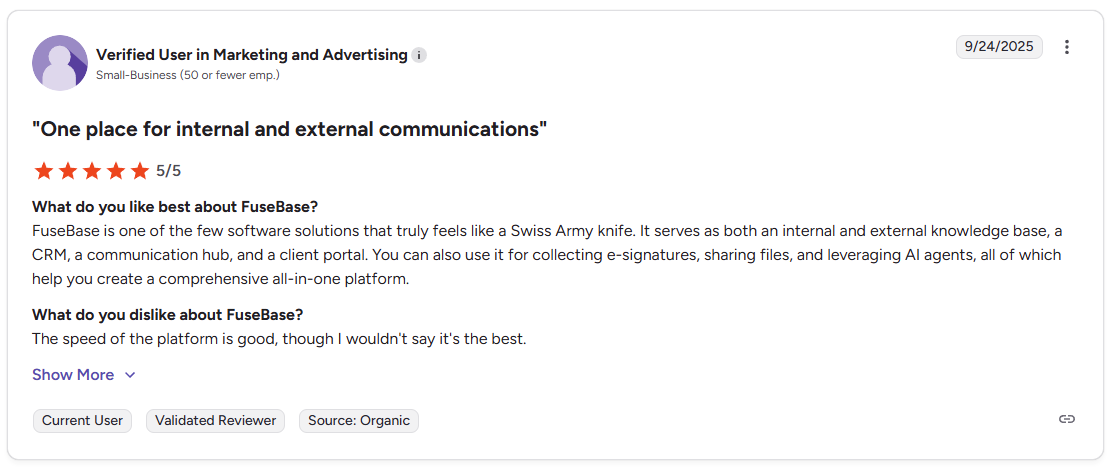
Pro: "It serves as both an internal and external knowledge base, a CRM, a communication hub, and a client portal. You can also use it for collecting e-signatures, sharing files, and leveraging AI agents." - Verified User in Marketing and Advertising, G2
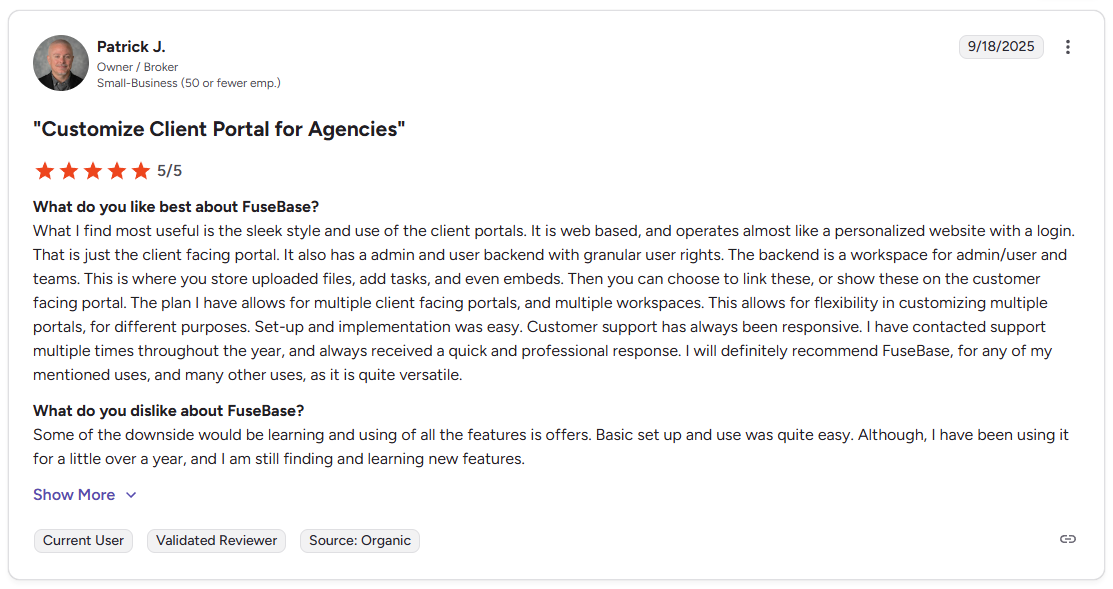
Con: "Some of the downsides would be learning and using all [of] the features [it] offers. Basic setup and use was quite easy. Although I have been using it for a little over a year, and I am still finding and learning new features." - Patrick J., G2
Pricing
FuseBase starts at $32 per month.
Bottom line
FuseBase covers more of the client lifecycle than most portal tools in this category, with deal rooms for presale collaboration and branded portals for active engagements. If your priority is compliance, audit trails, and granular permissions over presale features, Clinked might be a better fit.
4. Clinked: Best for security-focused client file sharing
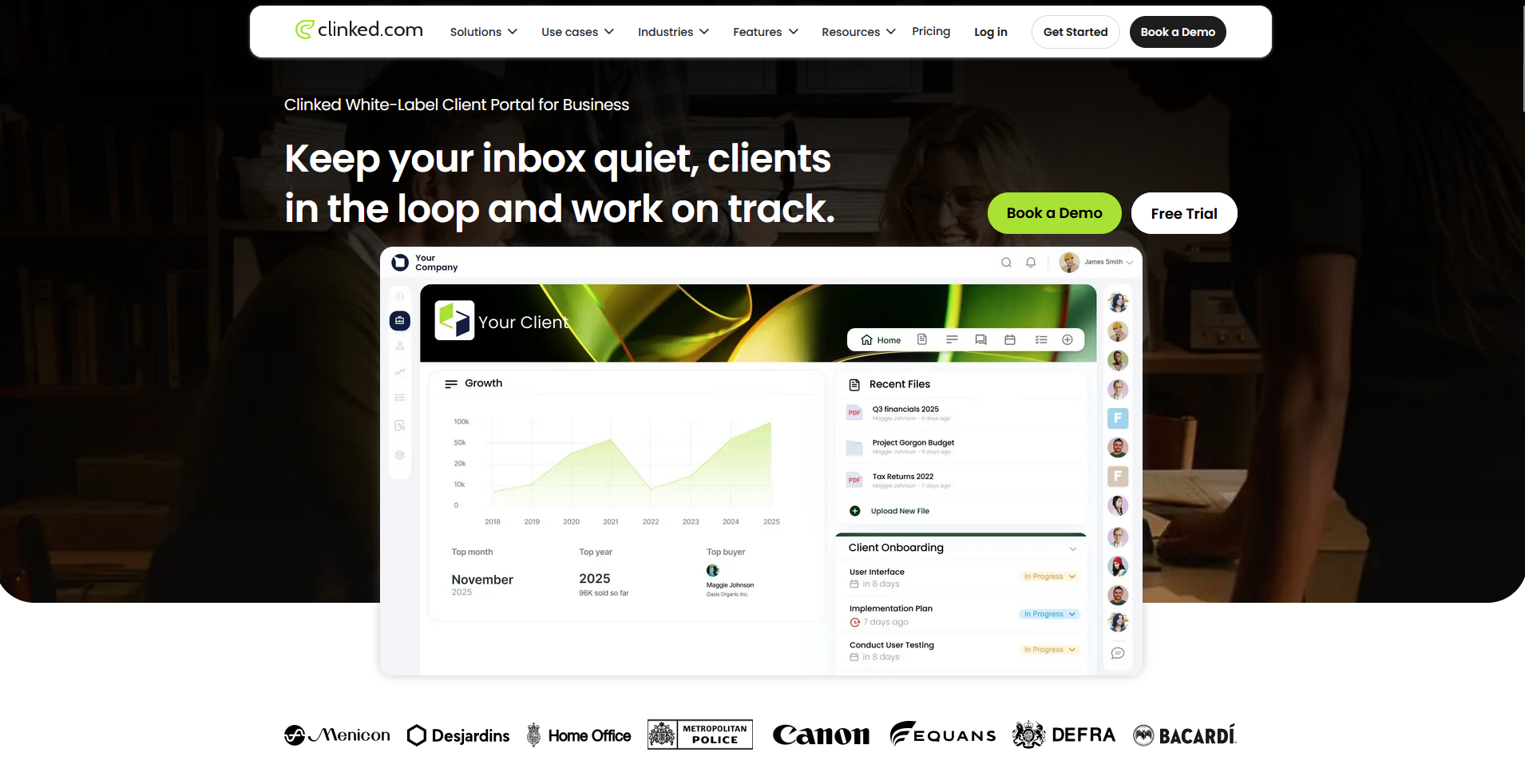
- What it does: Clinked is a white-label client portal platform built around secure file sharing, group discussions, task management, and audit trails for teams that handle sensitive client documents.
- Best for: Accounting, legal, and financial services firms that need granular access controls, version control, and a full audit trail alongside standard collaboration tools.
I set up a Clinked workspace to test how the collaboration side holds up when multiple people need access to the same documents. Clients and team members can comment on files, track tasks, and message inside the portal without defaulting to email. I found no built-in way to trigger follow-up sequences or recurring workflows, so moving clients through a process takes more manual effort.
💡Tip: To learn more, you can check out our full Clinked review.
Key features
- Granular permissions: Set individual access levels for each client or team member, controlling exactly which files, folders, and workspaces each person can view, comment on, or edit.
- Version control: Track every revision to a shared document and restore previous versions, so clients and team members can collaborate on files without the risk of overwriting the wrong draft.
- Audit trails: Log every login, file access, download, and comment with a timestamped record, giving compliance-heavy firms a complete history of client activity inside the portal.
Pros and cons
| ✅ Pros | ❌ Cons |
|---|---|
| Granular permission controls let you tailor exactly what each client sees and can access | No built-in automation for recurring workflows or follow-up sequences |
| Version control means clients and team members can collaborate on documents without overwriting errors | Task management features are more basic compared to dedicated project tools |
| Full audit trail supports compliance needs without requiring a separate logging tool |
What users say
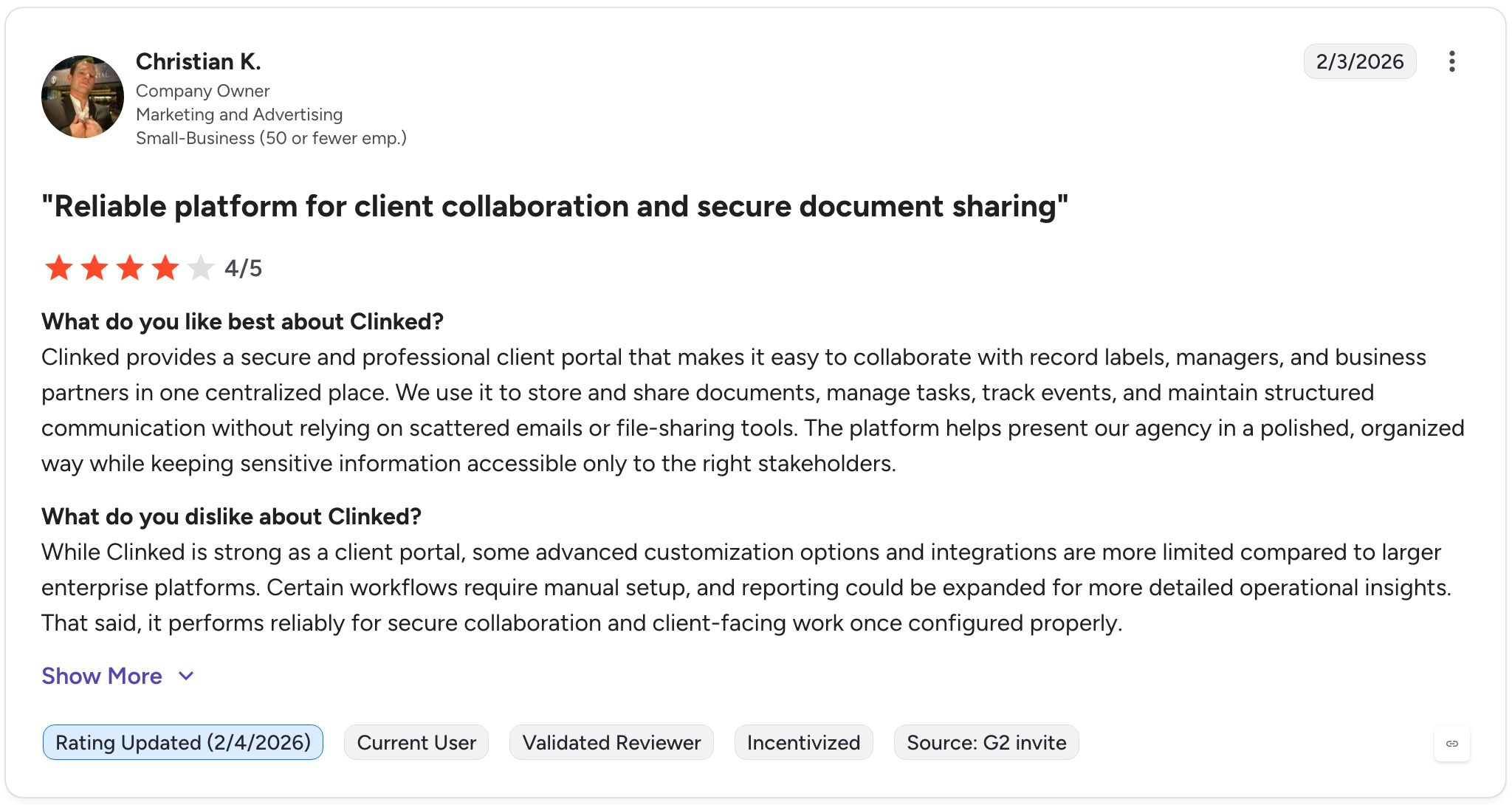
Pro: "Clinked provides a secure and professional client portal that makes it easy to collaborate with record labels, managers, and business partners in one centralized place. We use it to store and share documents, manage tasks, track events, and maintain structured communication without relying on scattered emails or file-sharing tools." - Christian K., G2
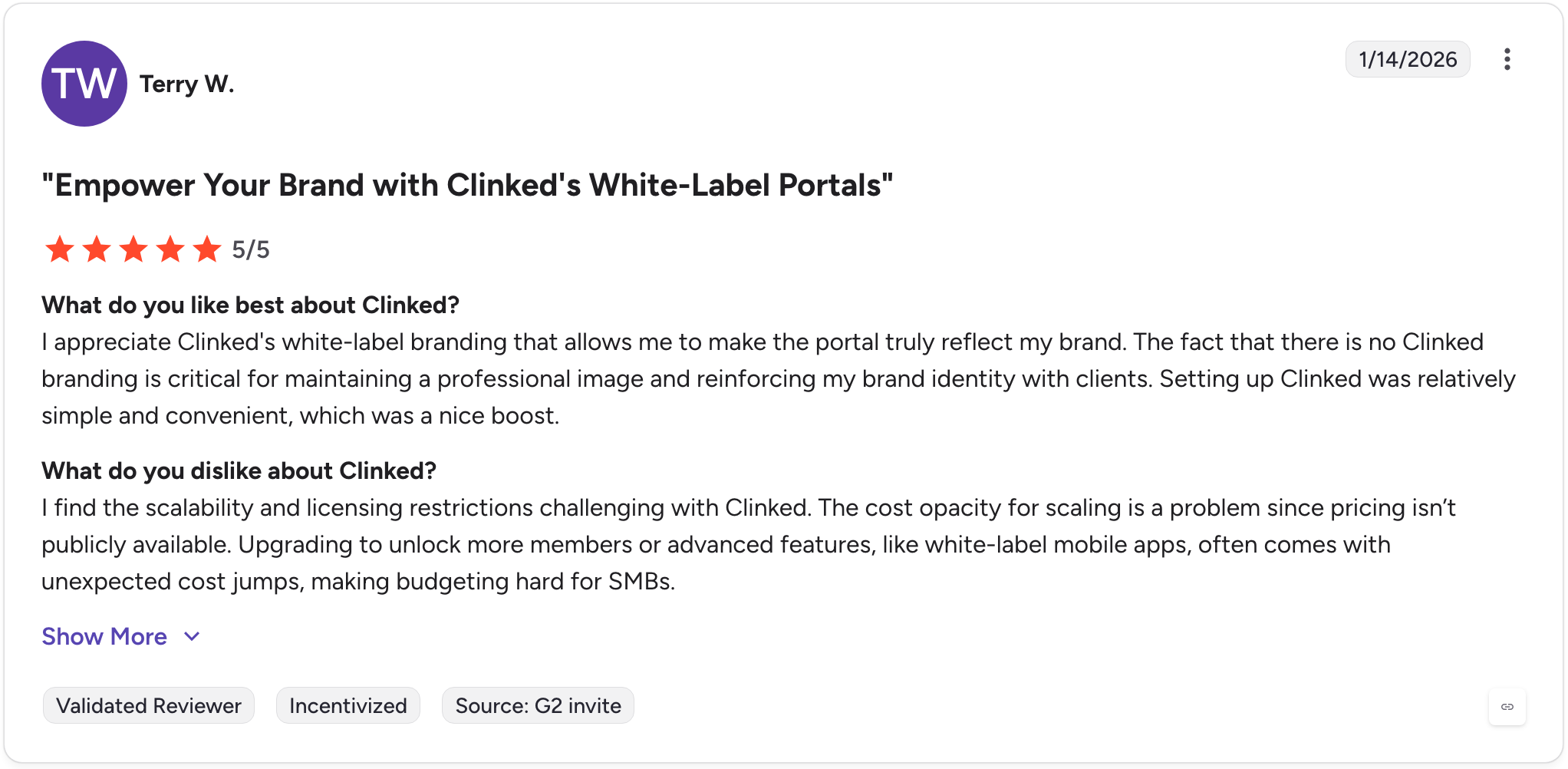
Con: "I find the scalability and licensing restrictions challenging with Clinked. The cost opacity for scaling is a problem since pricing isn't publicly available. Upgrading to unlock more members or advanced features, like white-label mobile apps, often comes with unexpected cost jumps, making budgeting hard for SMBs." - Terry W., G2
Pricing
Clinked starts at $239 per month.
Bottom line
Clinked's document-level permissions and automatic audit logging make it one of the more compliance-ready options in this category for firms that share sensitive files with clients regularly. If you need a portal that also handles billing, contracts, and recurring automations alongside file sharing, Assembly might be a better fit.
5. Content Snare: Best for structured client document collection
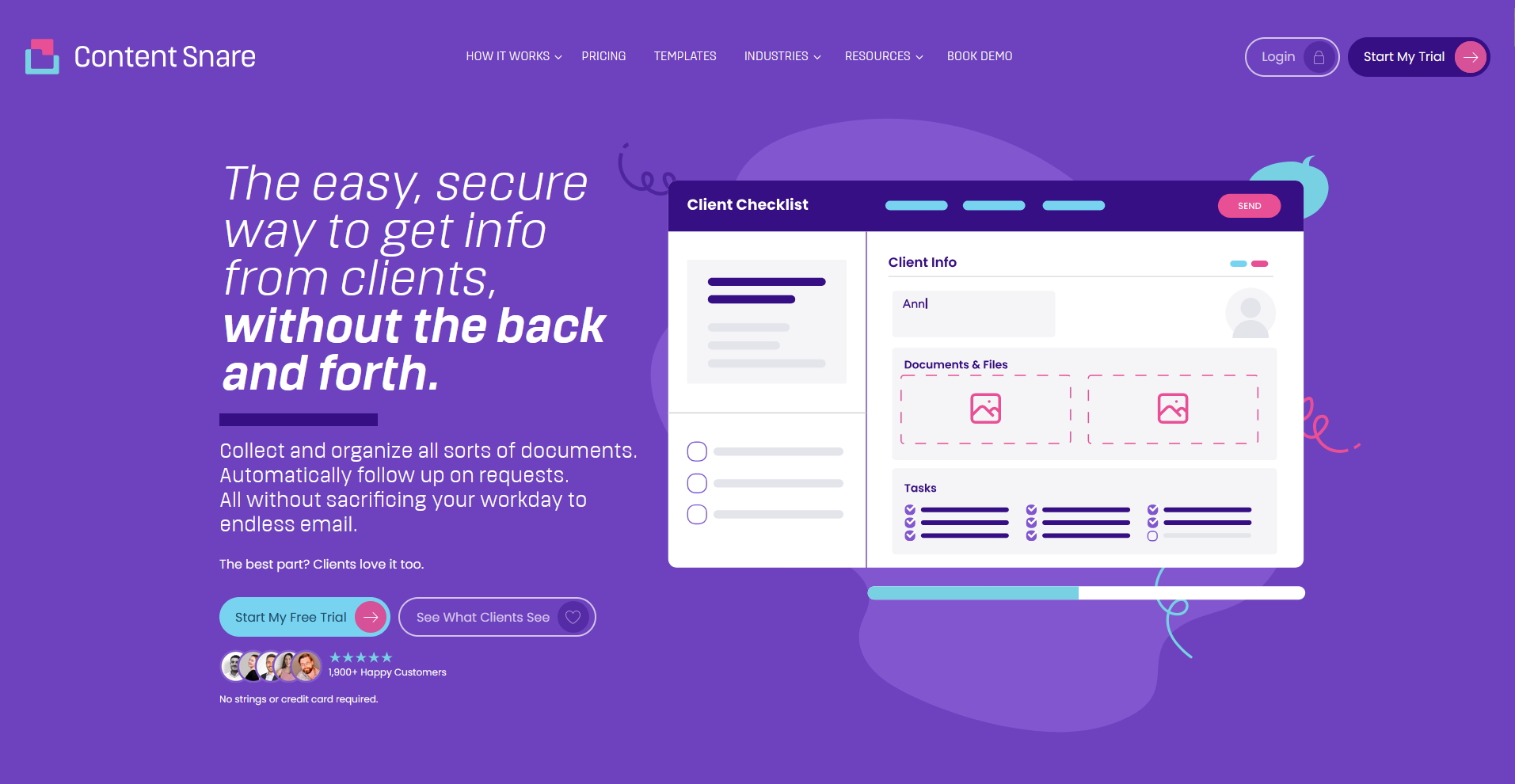
- What it does: Content Snare is a document collection platform that lets you build structured intake forms, automate client reminders, and organize submitted files without chasing clients through email.
- Best for: Accountants, agencies, and law firms that spend significant time collecting documents and information from clients as part of onboarding or recurring workflows.
I tested Content Snare by building out an intake form and running through the submission flow from the client's side. Clients can upload files and complete structured forms without creating an account. From what I’ve seen, Content Snare isn't built for ongoing collaboration after the collection phase, so messaging and task tracking would need to happen elsewhere.
Key features
- Structured intake forms: Build custom forms that guide clients through submitting specific documents or information in a defined order, with field-level instructions to reduce back-and-forth.
- Automated reminders: Set reminder sequences that send automatically when clients haven't responded by a set date, without requiring your team to follow up manually.
- Zapier integrations: Connect Content Snare to your CRM, proposal tool, or project management software so document collection can trigger automatically after a contract is signed.
Pros and cons
| ✅ Pros | ❌ Cons |
|---|---|
| Clients can submit documents and complete forms without creating an account | Limited ongoing collaboration features beyond document collection and intake |
| Automated reminders reduce the manual follow-up involved in chasing client submissions | Messaging, task tracking, and project communication require a separate tool |
| Zapier integrations allow collection workflows to trigger automatically from other tools |
What users say
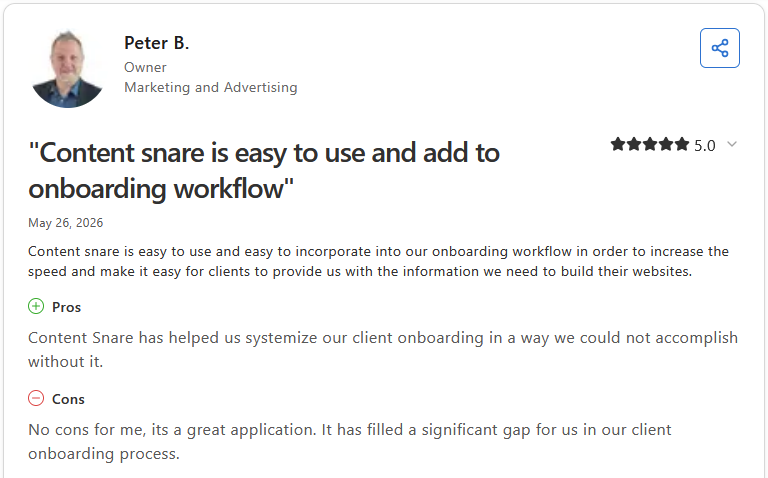
Pro: "Content Snare is easy to use and easy to incorporate into our onboarding workflow in order to increase the speed and make it easy for clients to provide us with the information we need to build their websites." - Peter B., Capterra
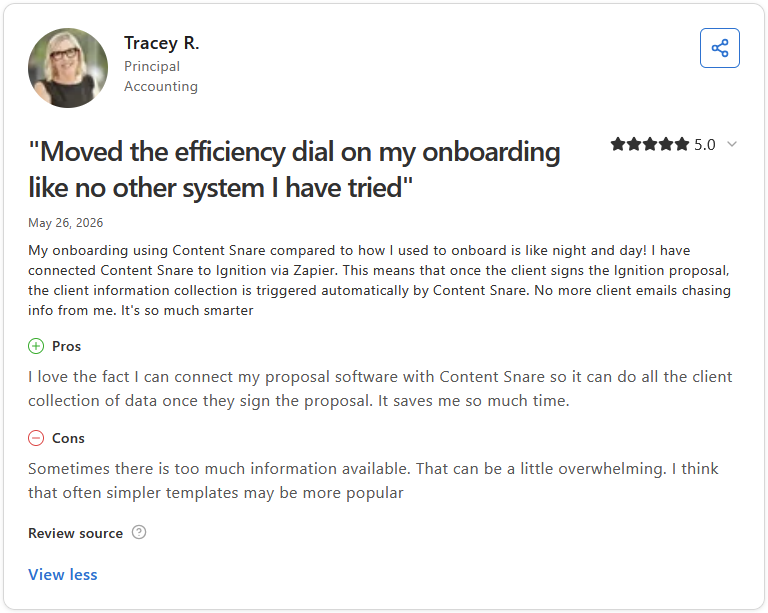
Con: "Sometimes there is too much information available. That can be a little overwhelming. I think that often simpler templates may be more popular." - Tracey R., Capterra
Pricing
Content Snare starts at $35 per month.
Bottom line
Content Snare is one of the more focused tools in this category, built specifically around removing the friction of collecting documents and information from clients during onboarding. If you need a portal that covers ongoing collaboration, messaging, and task management beyond the intake phase, FuseBase might be a better fit.
6. SuiteDash: Best for SMBs needing CRM and project tools
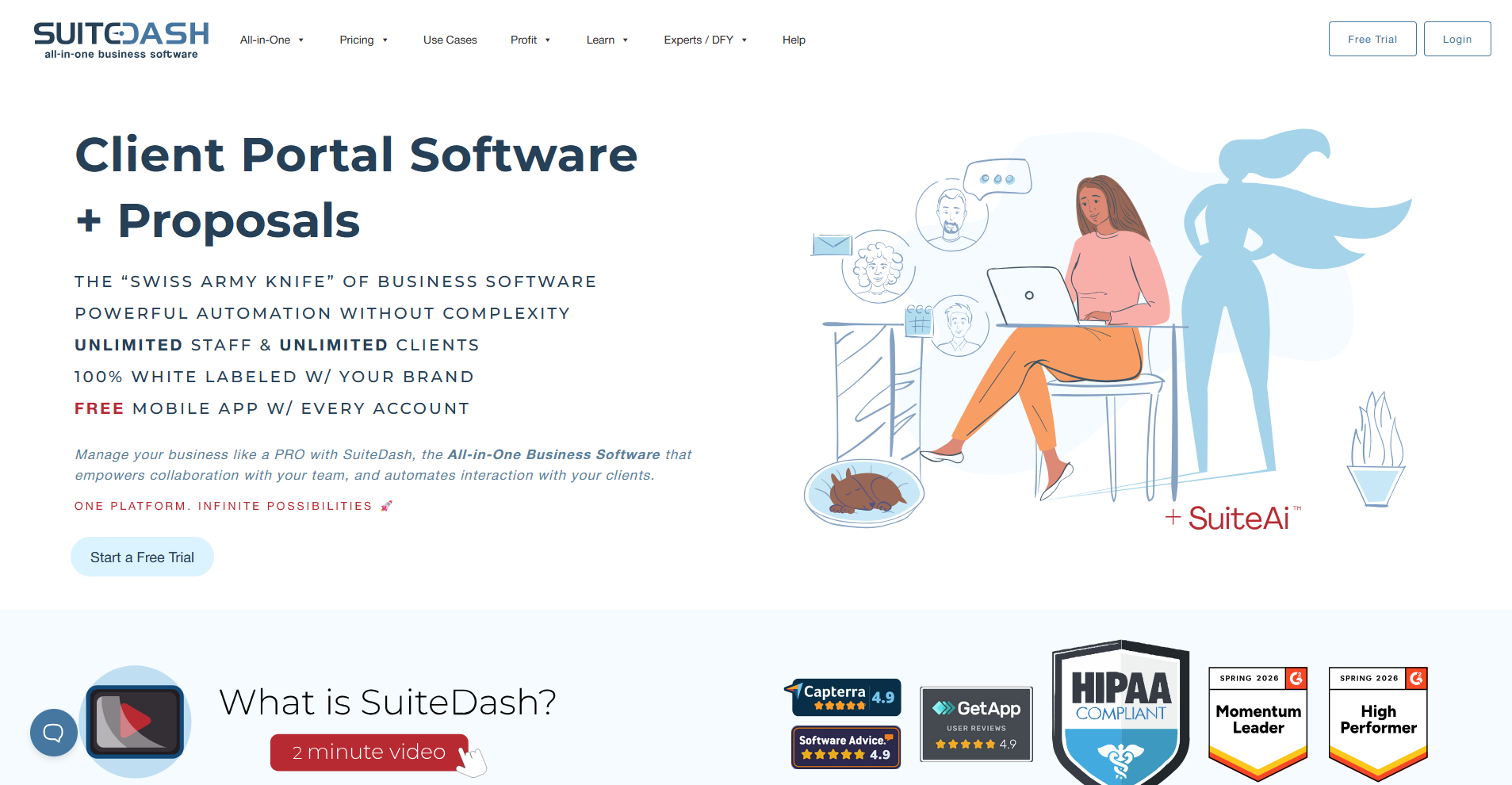
- What it does: SuiteDash is a white-label client portal platform that combines CRM, project management, invoicing, file sharing, and secure messaging into one subscription.
- Best for: Small and medium businesses (SMBs) that want CRM, project boards, and a branded client portal without paying for multiple separate tools.
I set up a SuiteDash portal and worked through the client-facing side to see what clients can actually do once they log in. I liked that clients can access files, track project progress, and message your team inside one branded space, but the CRM, project boards, and portal each need separate configuration before the client-facing side is ready to use.
💡Tip: To learn more, you can check out our full SuiteDash review.
Key features
- White-label portal: Fully rebrand the client-facing portal with your logo, colors, and custom domain so clients interact with your brand, not SuiteDash's.
- Secure messaging: Send private messages to individual clients or groups directly inside the portal, with a live chat option for internal team communication running alongside.
- Client CRM with project boards: Manage client records, deal pipelines, and project tasks in one place, with the option to give clients visibility into project progress from inside their portal.
Pros and cons
| ✅ Pros | ❌ Cons |
|---|---|
| One subscription covers CRM, invoicing, project management, and client portal without additional tools | Steep learning curve to configure the platform to a client-ready state |
| White-label branding lets clients interact with your brand throughout the entire portal experience | Interface can look dated compared to more recent tools in this category |
| Flat-rate pricing means no additional per-user or per-client costs as you scale |
What users say
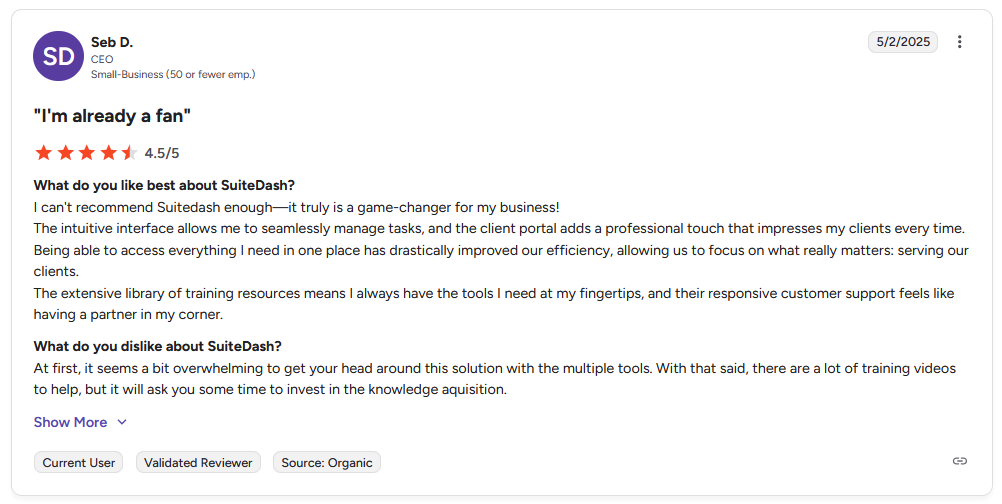
Pro: "The intuitive interface allows me to seamlessly manage tasks, and the client portal adds a professional touch that impresses my clients every time. … The extensive library of training resources means I always have the tools I need at my fingertips, and their responsive customer support feels like having a partner in my corner." - Seb D., G2
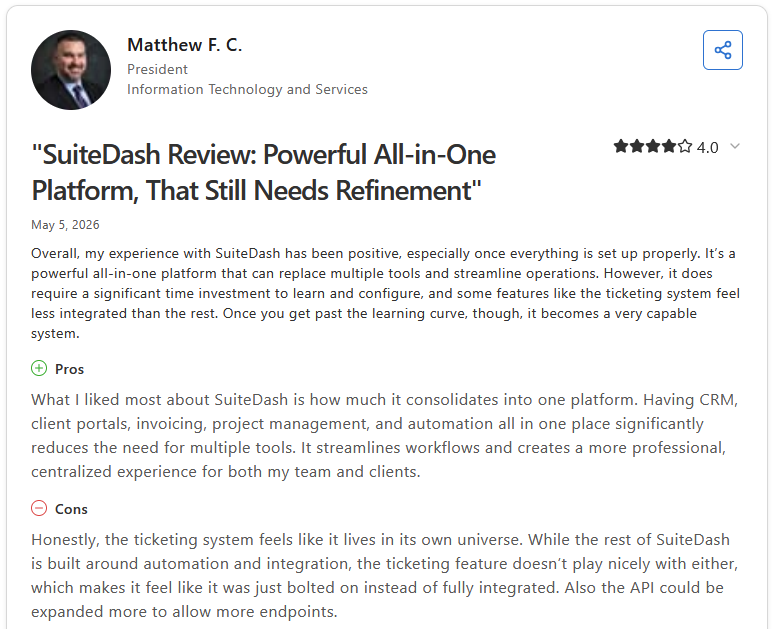
Con: "Honestly, the ticketing system feels like it lives in its own universe. While the rest of SuiteDash is built around automation and integration, the ticketing feature doesn’t play nicely with either, which makes it feel like it was just bolted on instead of fully integrated. Also, the API could be expanded more to allow more endpoints." - Matthew F. C.., Capterra
Pricing
SuiteDash starts at $180 per year. Learn more on our full SuiteDash pricing guide.
Bottom line
SuiteDash's flat-rate pricing model covers an unusually wide range of tools under one subscription, which can make it a practical option for small teams managing multiple tools on a tight budget. If you need a more polished, client-first portal experience with less configuration overhead, Moxo might be a better fit.
7. HoneyBook: Best for freelancers managing client workflows
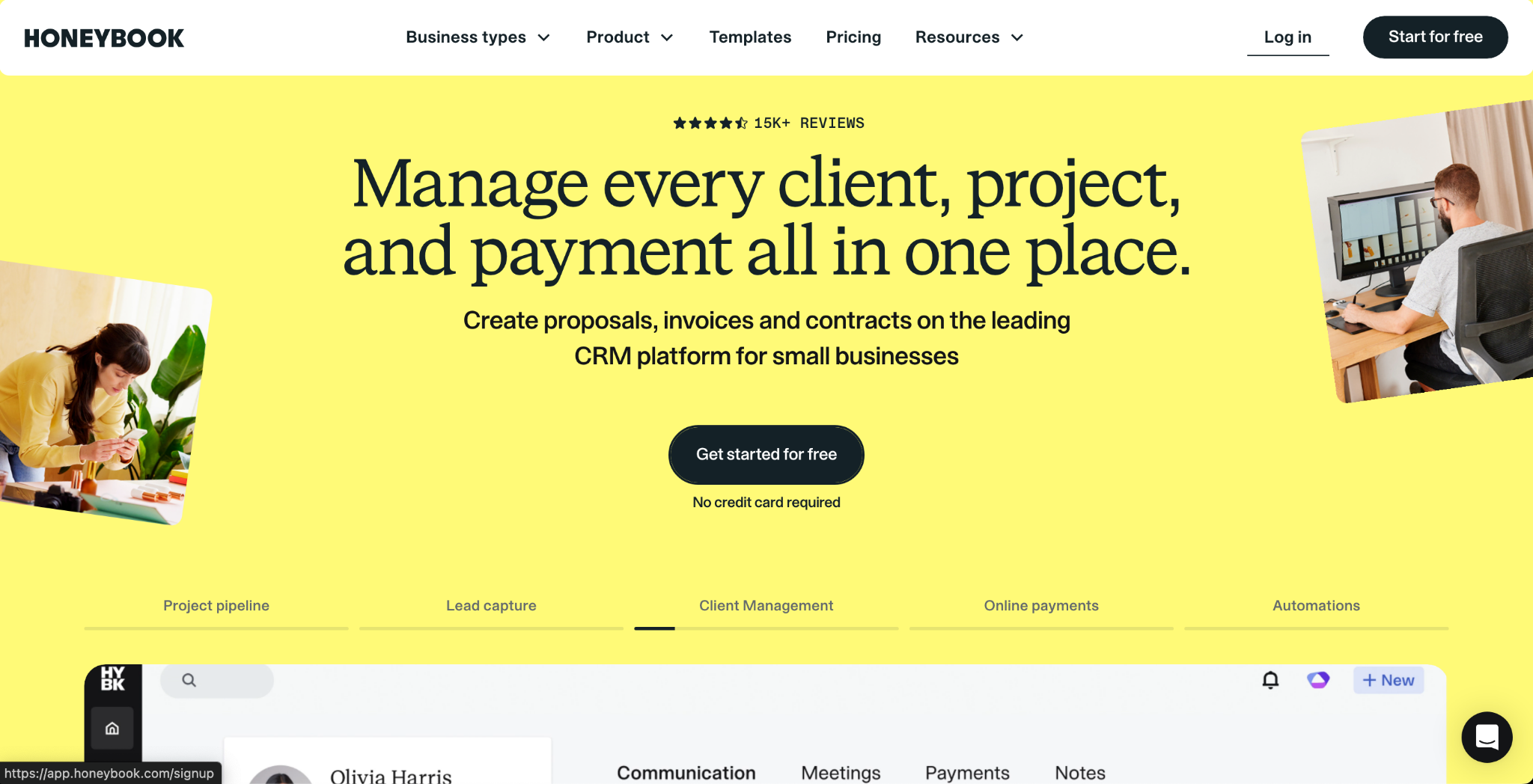
- What it does: HoneyBook is a client management platform that brings proposals, contracts, invoicing, scheduling, and a branded client portal into one workspace for independent service businesses.
- Best for: Freelancers and solopreneurs in creative or service industries who want a guided, end-to-end client workflow without managing multiple separate tools.
I created a HoneyBook project and reviewed the portal from the client's perspective to see how the collaboration side holds up once work is underway. Getting a client from first inquiry to signed contract and paid invoice happens inside one flow without switching tools. When I tried to use it for ongoing delivery, the task tracking didn't go deep enough to manage projects with multiple moving parts.
Key features
- Branded client portal: Give clients a dedicated space to access project files, messages, contracts, and payment history, with your logo, colors, and custom branding throughout.
- Proposal and contract workflow: Build proposals, send contracts for e-signature, and collect payments inside the same client flow, so the entire pre-project process happens in one place.
- Automation sequences: Set up automated follow-ups, payment reminders, and onboarding steps that trigger based on client actions, reducing manual admin across the client lifecycle.
Pros and cons
| ✅ Pros | ❌ Cons |
|---|---|
| Proposals, contracts, invoicing, and client messaging live in one platform | Post-booking project management is limited, and complex delivery workflows may need a separate tool |
| Login-less access lets clients enter their portal via a direct link without creating an account | Reporting and analytics features are limited for teams that track performance across multiple projects |
| Automation sequences can handle follow-ups and payment reminders without manual input |
What users say
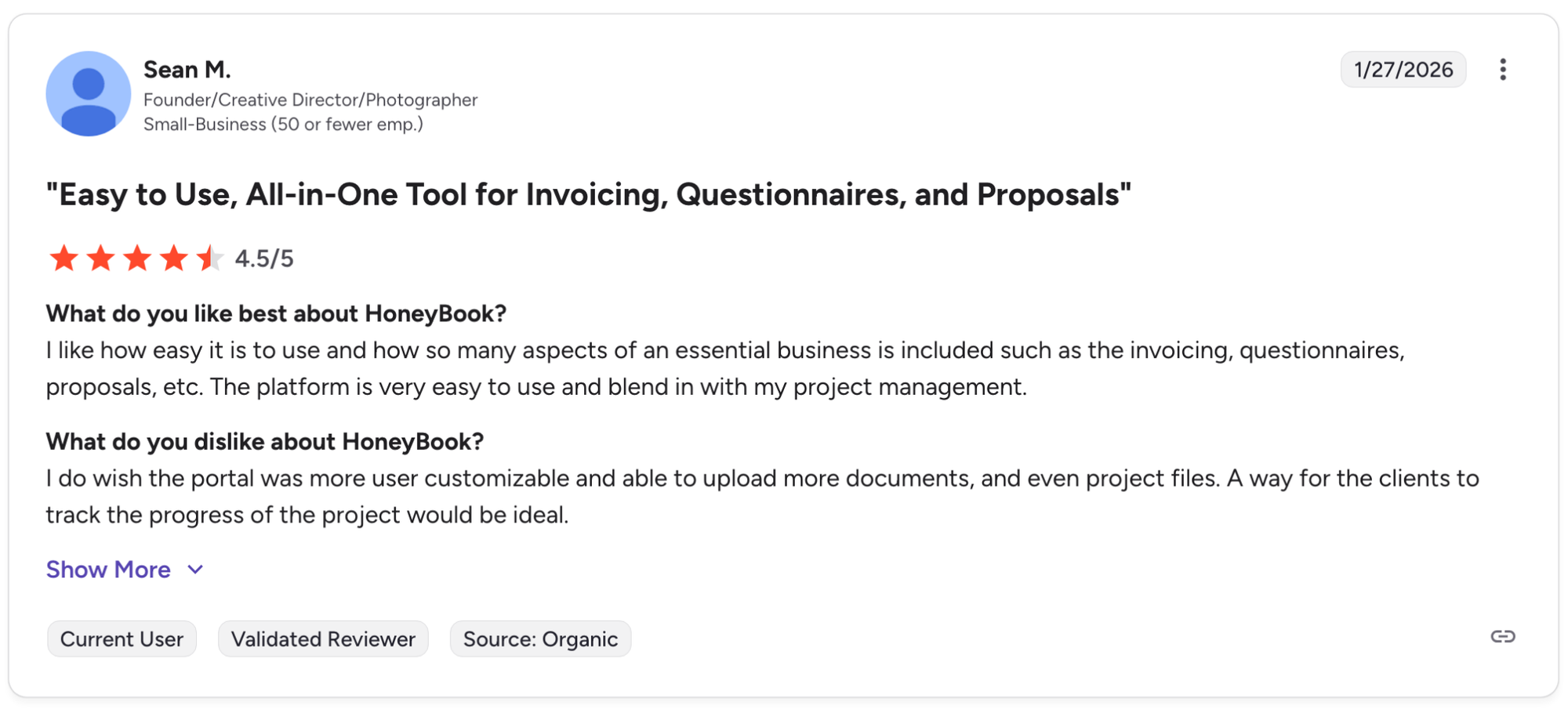
Pro: "I like how easy it is to use and how so many aspects of an essential business is included such as the invoicing, questionnaires, proposals, etc. The platform is very easy to use and blend in with my project management." - Sean M., G2
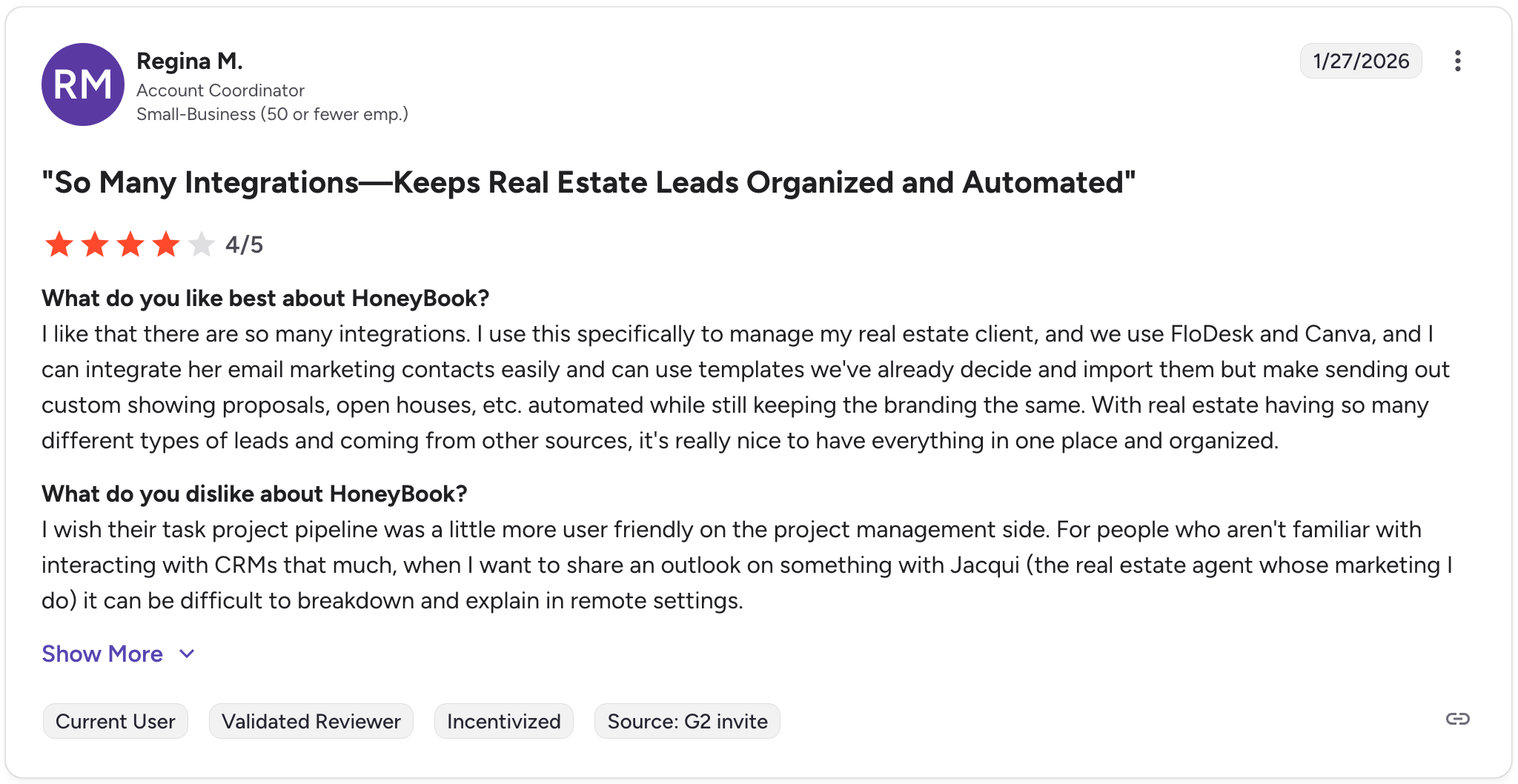
Con: "I wish their task project pipeline was a little more user-friendly on the project management side. For people who aren't familiar with interacting with CRMs that much, when I want to share an outlook on something with Jacqui (the real estate agent whose marketing I do), it can be difficult to break down and explain in remote settings." - Regina M., G2
Pricing
HoneyBook starts at $29 per month.
Bottom line
HoneyBook covers the full pre-project client flow in one place, from first inquiry through to signed contract and paid invoice, which can save freelancers from managing several separate tools. If your work involves ongoing project delivery with deeper task management needs after the contract is signed, SuiteDash might be a better fit.
Which client collaboration portal should you choose?
The right client collaboration portal depends on how client-facing your work is, how much branding control matters to your firm, and how much complexity your workflows actually need.
Choose Assembly if you:
- Run a professional service firm and want a fully branded portal your clients log into directly
- Need messaging, file sharing, contracts, billing, and tasks in one place without stitching tools together
- Want to embed custom dashboards from tools like Looker Studio or Databox directly inside the client portal
Choose Moxo if you:
- Manage workflows that involve multiple stakeholders, approvals, and sequential handoffs
- Work in financial services, legal, or another compliance-heavy industry where audit trails matter
- Need a portal that can handle complex, multi-party processes rather than straightforward file sharing
Choose FuseBase if you:
- Want a no-code portal builder with built-in deal rooms and AI agent support
- Work with clients who need a knowledge hub alongside standard collaboration features
- Need a portal that can double as a sales or proposal tool before the engagement starts
Choose Clinked if you:
- Handle sensitive documents and need bank-grade security, version control, and detailed audit trails
- Work in accounting, legal, or finance and need granular permission controls per client
- Want a white-label portal with a strong compliance foundation and a straightforward setup
Choose Content Snare if you:
- Spend a disproportionate amount of time chasing clients for documents, intake forms, or onboarding information
- Want automated reminders and structured intake flows without building them from scratch
- Use a proposal or CRM tool like Ignition and want intake collection to trigger automatically after signing
Choose SuiteDash if you:
- Need a CRM, project boards, and a client portal under one subscription at a lower price point
- Run a small agency and want white-label branding without paying for features you won't use
- Want time tracking tied to client projects without adding a separate tool to your stack
Choose HoneyBook if you:
- Work as a freelancer or solopreneur and need proposals, contracts, and invoicing in one place
- Don't need a deeply customizable portal but want a clean, guided client workflow out of the box
- Manage a high volume of short-term client engagements where speed of setup matters more than depth
Skip this category entirely if you:
- Only need internal project management with occasional client visibility, since a lightweight tool like Basecamp or Notion may cover that without the overhead of a dedicated portal
- Work with enterprise clients who have their own vendor portals and compliance requirements that a third-party platform can't meet
- Manage a very small client load and a shared Google Drive folder genuinely covers everything you need
Final verdict
Assembly, Moxo, Clinked, and FuseBase lean most heavily into the portal-first approach, each built around giving clients a dedicated space to access work, communicate, and stay aligned without relying on email threads or shared drive links.
But if you want a portal where the collaboration side and the client management side live in the same place, where clients can message your team, track their project, review contracts, and pay invoices without jumping between tools, Assembly brings that together in one branded platform.
Here's how Assembly can help:
- Give clients a branded portal: Clients log into a space that reflects your brand to access contracts, invoices, files, and project updates without email back-and-forth.
- Dynamic client homepages: Clients automatically see different content based on custom field tags, so each client's portal reflects their specific reporting setup without manual changes.
- Organized report delivery: App Folders let you group dashboards, analytics tools, and external links into named folders inside the portal, so clients find their reports without digging around.
- Keep tasks, messages, and files together: Client communication, shared files, and project tasks stay connected to each client record instead of being scattered across separate tools.
- Prep faster for meetings: The AI Assistant summarizes recent client activity and communication, helping you walk into calls with a clear picture of what’s been discussed and what’s outstanding.
Assembly may not be the right fit if your clients collaborate through their own internal tools or if your workflows depend on enterprise-grade approval orchestration. For service firms that want every client interaction inside a single, branded portal, it's worth a closer look. Start your free Assembly trial today.
Frequently asked questions
What is a client collaboration portal?
A client collaboration portal is a dedicated online platform where clients log in to access files, track project progress, send messages, and complete tasks in one place. Most portals cover file sharing, messaging, and task visibility, with more advanced platforms adding contracts, billing, and custom branding.
How is a client collaboration portal different from a project management tool?
A client collaboration portal is built for the client-facing side of your work, while a project management tool is built for your internal team. Tools like Asana or ClickUp organize how your team tracks and delivers work but aren't designed for clients to log into regularly. A client portal gives clients their own space to communicate, review deliverables, and take action without exposing your internal workflows.
What are the benefits of client collaboration portals?
Client collaboration portals can reduce back-and-forth emails, give clients a clear view of project status, and create a more professional experience that builds trust. They centralize files, messages, and tasks in one place, which can cut down on miscommunication and make onboarding faster for service firms managing multiple clients.
What is the best client collaboration portal?
Assembly, Moxo, and Clinked are some of the strongest client collaboration portals for professional service firms. Assembly suits firms that want a branded portal with built-in billing and task management. Moxo works well for complex multi-stakeholder workflows, and Clinked is the strongest fit if security and compliance come first.