
13 Best client management software in 2026: Features & pricing
Client management software organizes data and tracks renewals, but not all handle the full client lifecycle. I tested dozens and found the 13 best for 2026.


After testing dozens of client management software options, I found 13 that handle contact tracking, communication, and project work effectively in 2026.
13 Best client management software: At a glance
Some client management software tools focus on lead capture and sales tracking, while others handle post-sales work like invoicing and project delivery. Here are the top 13 platforms compared side by side:
| Tool | Best for | Starting price (billed annually) | Key strength |
|---|---|---|---|
| Assembly | Service businesses that need client portals and CRM | $39/month | Branded client portals with CRM, billing, and communication in one platform, plus an AI assistant |
| HubSpot | Small teams wanting a scalable CRM | $9/seat/month | Free plan with strong contact management that grows into sales and marketing features |
| Salesforce Sales Cloud | Large teams that need deep customization | $25/user/month | Extensive workflow customization and massive integration ecosystem |
| Zoho CRM | Small businesses balancing price and features | $14/user/month | Affordable automation with AI-powered insights |
| Pipedrive | Sales teams focused on pipeline visibility | $14/seat/month | Visual deal tracking with simple drag-and-drop interface |
| Freshsales | Businesses that need built-in calling and email | $9/user/month | AI lead scoring with integrated communication tools |
| monday CRM | Teams managing projects and client work together | $12/seat/month, minimum of 3 seats | Visual boards that combine project tracking with CRM |
| Keap | Service businesses automating client workflows | $299/month for 2 users, billed monthly | Marketing automation tied directly to client records |
| Capsule | Small teams that need straightforward contact tracking | $18/user/month | Simple interface with essential CRM features |
| Insightly | Teams combining sales and project management | $29/user/month | CRM and project tools in a single system |
| Dubsado | Solo professionals managing the full client journey | $335/year | Workflow automation for proposals, contracts, and invoicing |
| Nimble | Teams working across social media and email | $24.90/seat/month | Unified inbox that pulls contacts from multiple channels |
| Copper | Google Workspace users who need native integration | $9/seat/month | CRM built directly into Gmail and Google apps |
1. Assembly: Best for service businesses that need client portals and CRM
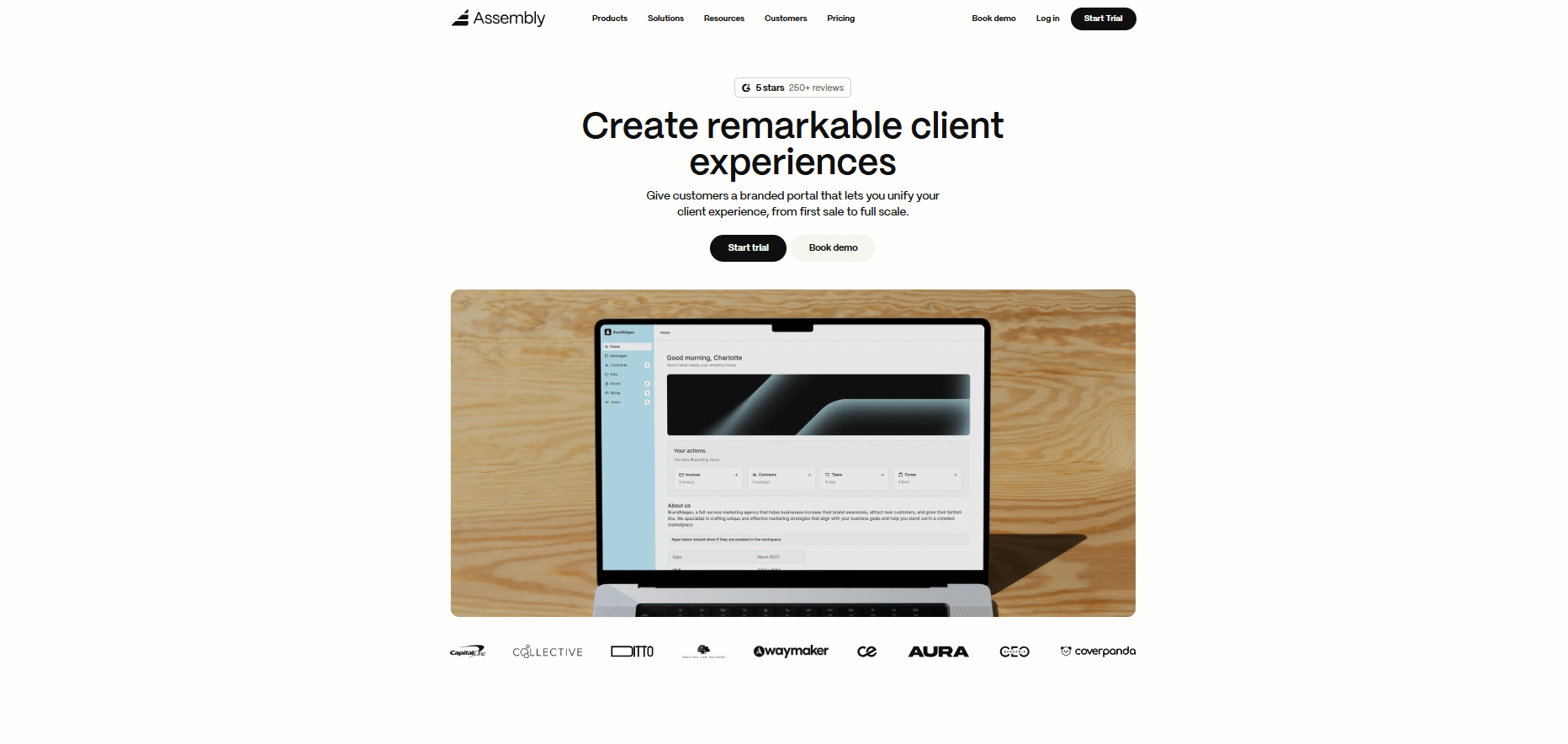
- What it does: Assembly is a branded client portal software tool with CRM features. It offers messaging, file sharing, contracts, billing, client tracking, and more, so your team can manage relationships without switching between tools.
- Who it's for: Service businesses and agencies that want a professional client experience while managing both pre and post-sales work in one system.
We built Assembly as a client management platform that works across your entire client lifecycle. Many client management software options focus on either tracking leads or managing active projects, but teams often end up needing both. Assembly gives you CRM tools for pipeline tracking alongside a branded portal where clients access everything they need.
You can create client records and track details before sending formal portal invites, which supports early pipeline work. Each client gets their own branded space, and your team sees the full relationship in one view.
Assembly includes an App Store with tools like the Billing App for invoicing and subscriptions, the Contracts App for e-signatures and agreements, and the Forms App for collecting client information. You can also use the Messages and Files apps to keep communication and documents organized in one place.
The Assembly Assistant is an AI feature that works directly within client records. When you open a client's profile, Assembly Assistant surfaces relevant notes, past conversations, and files so you have full context before calls or updates. This reduces time spent searching through past conversations and files, helping your team to respond with the information that matters.
Beyond the core apps, Assembly connects with Airtable, Calendly, and ClickUp, and supports automations through Zapier and Make.
Key features
- Branded client portal: Clients log in once to view files, invoices, contracts, and messages in a professional, customized space.
- CRM and contact tracking: Store client details, pipeline stages, custom fields, and internal notes for both prospects and active accounts.
- Billing and contracts: Built-in invoicing, subscriptions, e-signatures, and payment processing tied directly to client records.
- Assembly Assistant: AI-powered context that surfaces client history, notes, and files before meetings or updates.
- Private team communication: Internal-only chat and notes let your team coordinate before bringing clients into conversations.
Pros
- Supports both pre-sales tracking and post-sales client management in one platform
- Professional branded portals strengthen client relationships and reduce scattered email threads
- Integrates with project tools like Airtable, ClickUp, and Calendly for connected workflows
Cons
- Higher starting price than basic CRMs, but consolidates billing, portals, and communication tools into one platform
- Outbound sales teams that are only focused on closing deals may not use the portal and billing features
Pricing
Assembly starts at $39 per month. Higher tiers add more client seats, advanced integrations, and white-label branding.
Bottom line
Assembly works well if you need a client-facing portal combined with CRM capabilities that cover the full lifecycle. The branded experience and consolidated tools reduce admin work for service teams managing ongoing relationships. If you only need lightweight contact tracking without client portals or billing, tools like Capsule or Pipedrive may fit better.
2. HubSpot: Best for small teams wanting a scalable CRM
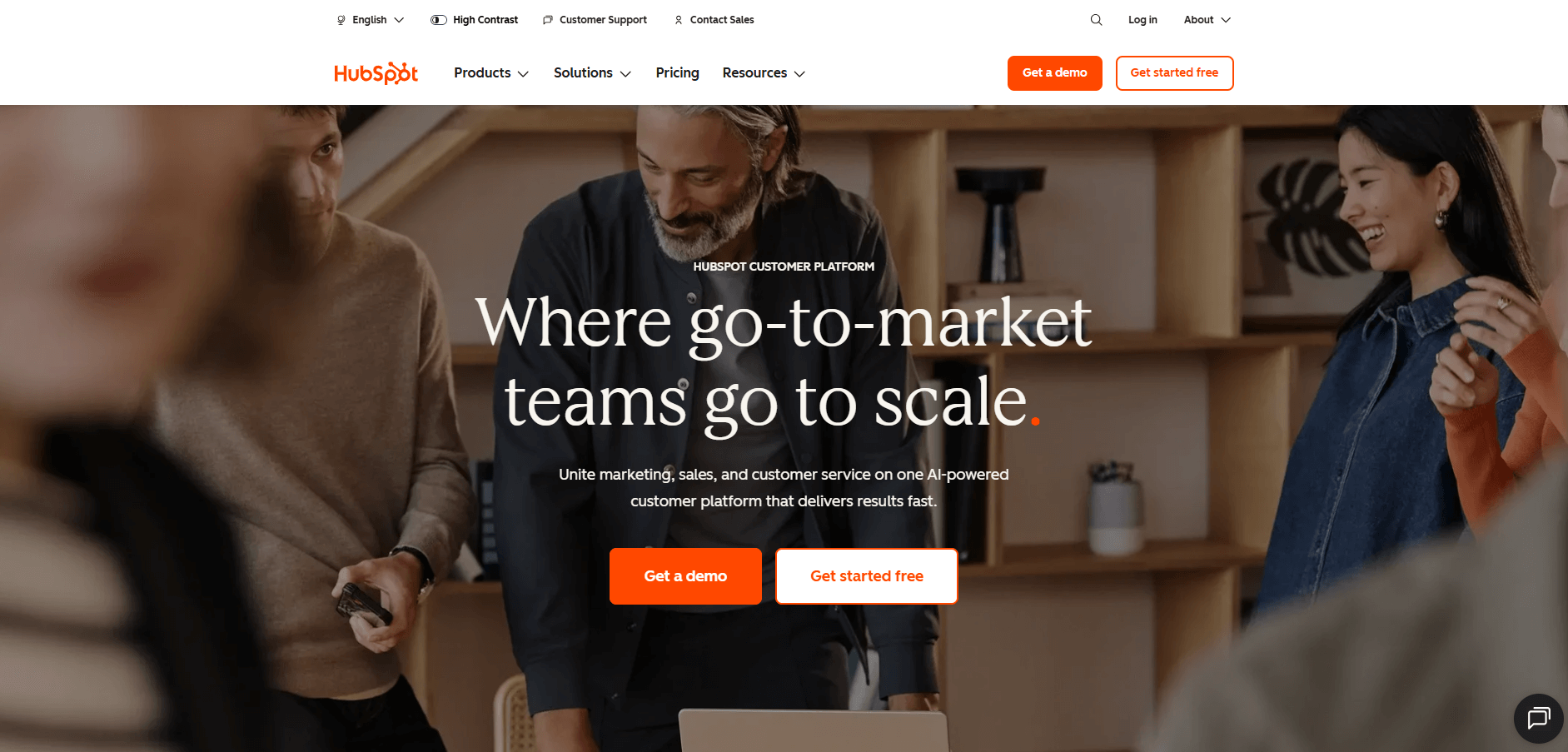
- What it does: HubSpot is a CRM platform that helps teams track contacts, deals, and sales activity. It also offers optional marketing and automation tools that you can add as your needs grow.
- Who it's for: Small teams looking for a free starting point that can expand into paid marketing and sales features later.
I tested HubSpot on both the free and paid tiers to see where the differences show up. The free plan covers contact records, deal tracking, and basic email logging. On the Starter plan, I got access to workflow automation and custom reports, though building automated sequences took longer than expected because of how the trigger logic works.
The paid tiers add useful tools like lead scoring and pipeline forecasting, but the pricing climbs with each feature tier. I also noticed the left sidebar includes dozens of menu options, which made finding specific settings slower than platforms with simpler navigation.
The contact timeline view works well for seeing past interactions, but you'll need to manually log some activities that don't auto-capture from your inbox.
Key features
- Pipeline management: Track deals through stages and monitor progress across your team.
- Email tracking: See when contacts open messages or click links.
- Meeting scheduler: Share calendar links so prospects can book time directly.
Pros
- Free plan includes contact and deal tracking
- Paid tiers add marketing automation and reporting
- Integrates with hundreds of business apps
Cons
- Automation and advanced features require paid upgrades
- Navigation includes more menu sections than small teams typically use
Pricing
HubSpot CRM is free for up to 2 users. Paid plans begin at $9 per seat per month for the Starter plan.
Bottom line
HubSpot works if you want to start free and add features as your business grows. Teams that need client portals, project tracking, or built-in billing alongside contact management should look at platforms like Assembly that handle more of the client lifecycle.
3. Salesforce Sales Cloud: Best for large teams that need deep customization
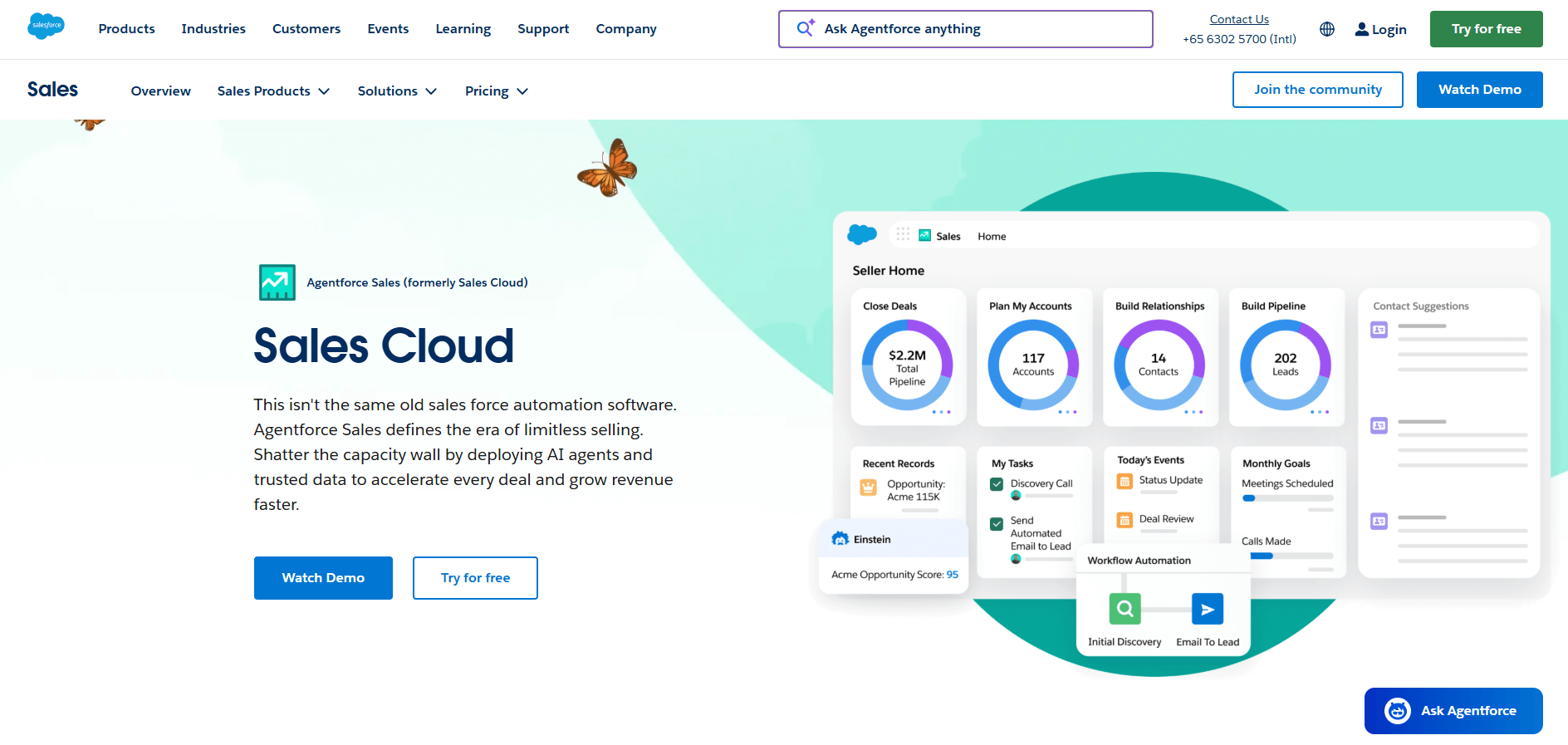
- What it does: Salesforce Sales Cloud is an enterprise CRM designed for complex sales teams. It gives you tools to manage leads, customize workflows, and build detailed reports across large organizations.
- Who it's for: Large teams and enterprises that need workflows and reporting tailored to complex business processes.
Salesforce Sales Cloud offers deep customization options that let you tailor almost everything to your processes. The platform lets you build custom fields, create specific automation rules, and design dashboards that match your reporting needs. I set up a test pipeline with custom stages and found the flexibility useful, but it took time to configure everything correctly.
The learning curve is steeper than simpler CRMs. Setting up automation required understanding how objects, fields, and triggers connect, which isn't obvious if you haven't used Salesforce before.
The AppExchange marketplace includes thousands of integrations, though many come with additional costs. For teams that need detailed control over data structure and workflows, the depth makes sense. For smaller teams, you'll likely use only a fraction of what's available.
Key features
- Custom dashboards: Build reports that track the metrics your business actually needs.
- AppExchange integrations: Connect with thousands of third-party tools and extensions.
- Workflow automation: Set up rules that trigger actions based on specific conditions.
Pros
- Deep customization for workflows and data structures
- Massive integration ecosystem through AppExchange
- Strong reporting and forecasting capabilities
Cons
- Steeper learning curve than simpler CRM platforms
- Pricing increases with add-ons and advanced features
Pricing
Salesforce Sales Cloud starts at $25 per user per month for the Starter Suite.
Bottom line
Salesforce delivers the customization and control that large teams need for complex sales processes. If you're a smaller team that just needs contact tracking, client portals, and basic automation, platforms like Zoho CRM offer what you need without the setup complexity.
4. Zoho CRM: Best for small businesses balancing price and features
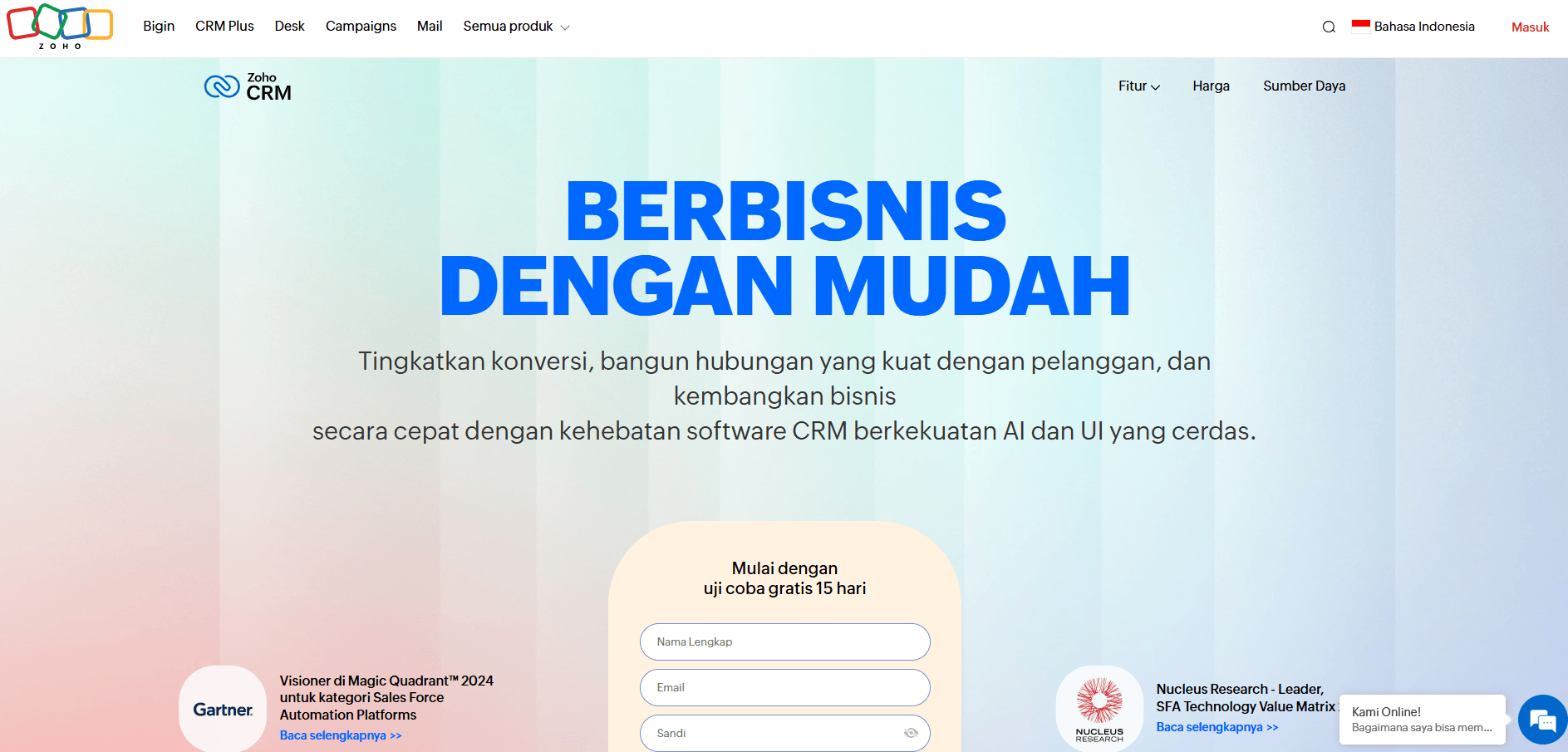
- What it does: Zoho CRM is a full-featured CRM for small businesses. It helps you manage contacts, track deals, and automate routine sales tasks at a lower price point than most enterprise tools.
- Who it's for: Small businesses that want automation and reporting without high monthly costs.
I spent time testing Zoho CRM's automation tools to see how they compare to pricier options. You can set up triggers for email sequences, task assignments, and field updates. I built a few test automations and the logic made sense, though the interface takes time to learn because menus are buried several levels deep.
Zia, the AI assistant, scores leads and predicts outcomes based on your pipeline data. I tested it with sample contacts and it showed patterns in close rates, but the predictions are only useful once you have enough data in the system.
The free plan works for up to three users, which covers very small teams. Navigation gets messy as you turn on more features, and I often had to search through multiple tabs to find specific settings.
Key features
- Omnichannel communication: Manage calls, emails, and chat from one interface.
- AI assistant (Zia): Get sales predictions and lead scoring based on your data.
- Workflow automation: Set up rules that trigger tasks and updates automatically.
Pros
- Lower starting price than most full-featured CRMs
- Includes automation and AI tools on standard plans
- Free tier available for teams of up to three users
Cons
- Navigation requires clicking through nested menus
- Advanced features often require upgrading to higher tiers
Pricing
Zoho CRM offers a free plan for up to 3 users. Paid plans start at $14 per user per month.
Bottom line
Zoho CRM fits small businesses that want automation and AI features without paying for enterprise-level platforms. Teams that need client portals or integrated billing alongside their CRM should consider tools like Assembly that handle post-sales work in the same system.
5. Pipedrive: Best for sales teams focused on pipeline visibility
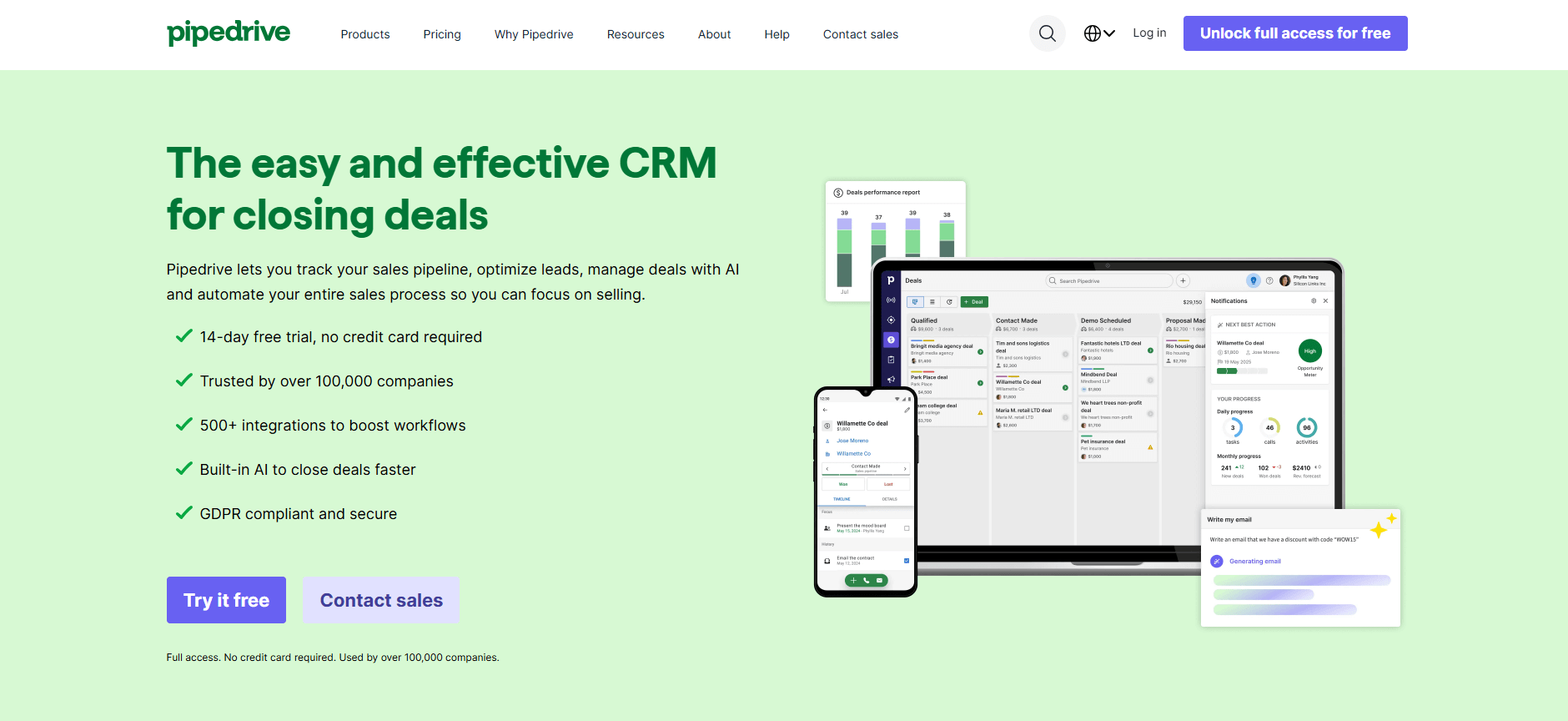
- What it does: Pipedrive is a sales-focused CRM built around visual pipelines. It helps teams track deals, schedule follow-ups, and see sales progress at a glance.
- Who it's for: Sales teams that prioritize clear pipeline visibility and simple deal tracking.
The first thing I noticed about Pipedrive is how visual the interface is. Deals appear as cards you can drag between pipeline stages, which makes it easy to see where everything stands at a glance. I created test deals and moved them through stages to check how activities and follow-ups link to each record. The activity reminders work well for staying on top of calls and emails.
Pipedrive focuses heavily on sales pipeline management, which means features for billing, project tracking, and client portals aren't included. You'll need separate tools for invoicing or managing client work after the sale closes.
The mobile app mirrors the desktop experience, so updating deals on the go works smoothly. Reporting covers standard sales metrics like win rates and forecast accuracy, but building custom reports requires higher-tier plans.
Key features
- Visual pipeline: Drag deals between stages and see your entire pipeline at once.
- Activity reminders: Set up calls, emails, and tasks tied to specific deals.
- Mobile access: Update deals and check pipeline status from your phone.
Pros
- Clean visual interface that makes pipeline tracking simple
- Activity management keeps follow-ups organized
- Mobile app works well for updating deals remotely
Cons
- No built-in billing, invoicing, or project management features
- Custom reporting requires upgrading to higher tiers
Pricing
Pipedrive starts at $14 per seat per month.
Bottom line
Pipedrive works well for sales teams that need clear pipeline visibility and deal tracking. If you manage ongoing client work after the sale, Insightly combines CRM with project management and billing features.
6. Freshsales: Best for businesses that need built-in calling and email
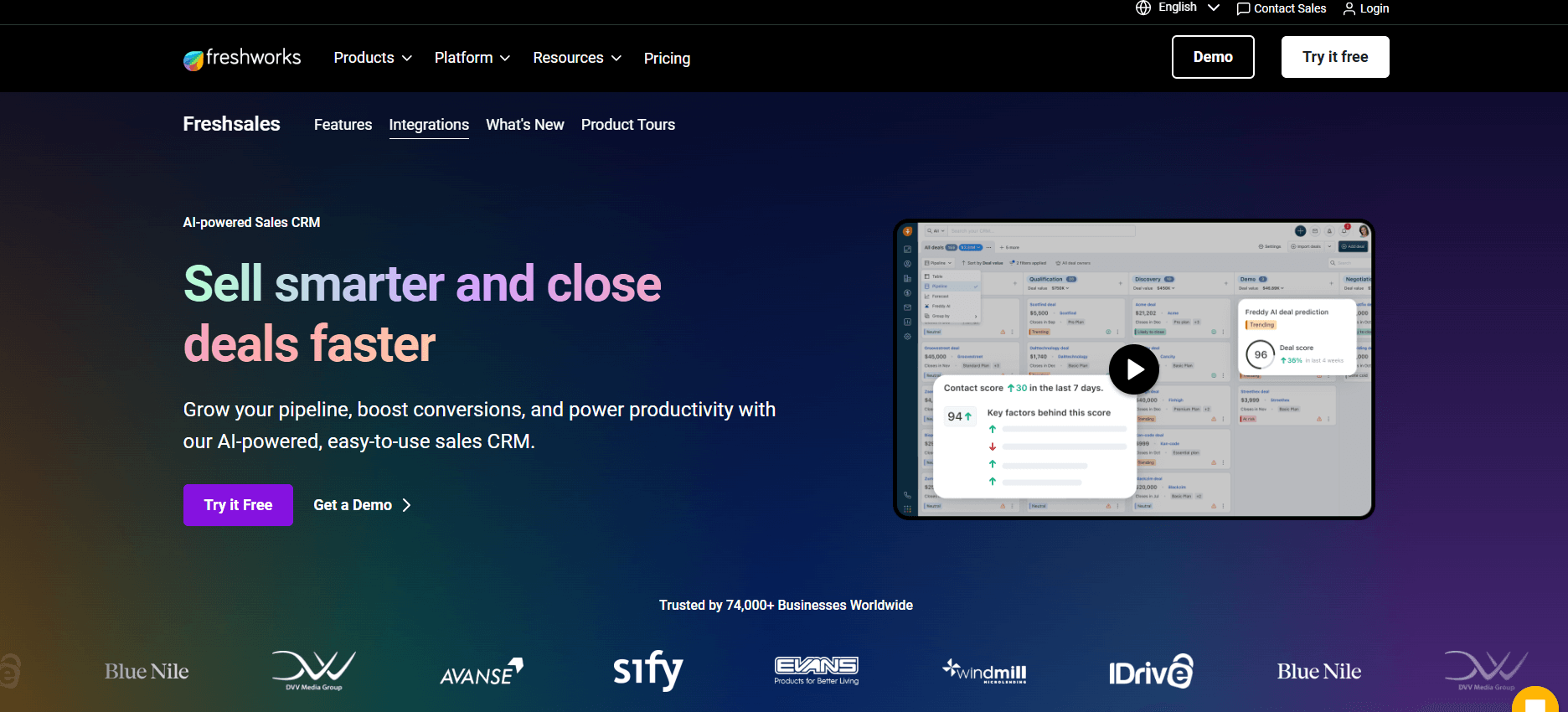
- What it does: Freshsales is a CRM that combines contact management with built-in calling and email. It lets sales teams handle communication and deal tracking from one system.
- Who it's for: Businesses that want calling, emailing, and CRM work in one system.
I tested Freshsales to see how the built-in communication tools work compared to CRMs that require third-party integrations. You can make calls, send emails, and log notes directly in contact records. I set up test calls and saw that the interface keeps everything connected to the right deal or contact automatically.
Freddy, the AI assistant, scores leads based on engagement and suggests which prospects to follow up with next. I tested it with sample pipeline data and it highlighted warmer leads, though the scoring accuracy improves as you add more interaction history.
The email sequences let you automate follow-ups, but building complex multi-step campaigns takes time to configure. Reporting covers standard sales metrics, though creating custom reports requires navigating through several menu layers.
Key features
- Built-in calling and email: Make calls and send emails directly from contact records.
- AI lead scoring (Freddy): Get recommendations on which leads to prioritize based on engagement.
- Pipeline tracking: Monitor deals and forecast revenue across your team.
Pros
- Communication tools built into the CRM eliminate extra apps
- AI features help prioritize follow-ups
- Quick setup compared to more complex platforms
Cons
- Customization options are more limited than enterprise CRMs
- Building detailed reports requires digging through menus
Pricing
Freshsales offers a 21-day free trial and starts at $9 per user per month.
Bottom line
Freshsales keeps sales communication centralized, which cuts down on the back-and-forth of managing multiple tools. If your sales process requires heavy customization or industry-specific workflows, Salesforce Sales Cloud gives you that flexibility.
7. monday CRM: Best for teams managing projects and client work together
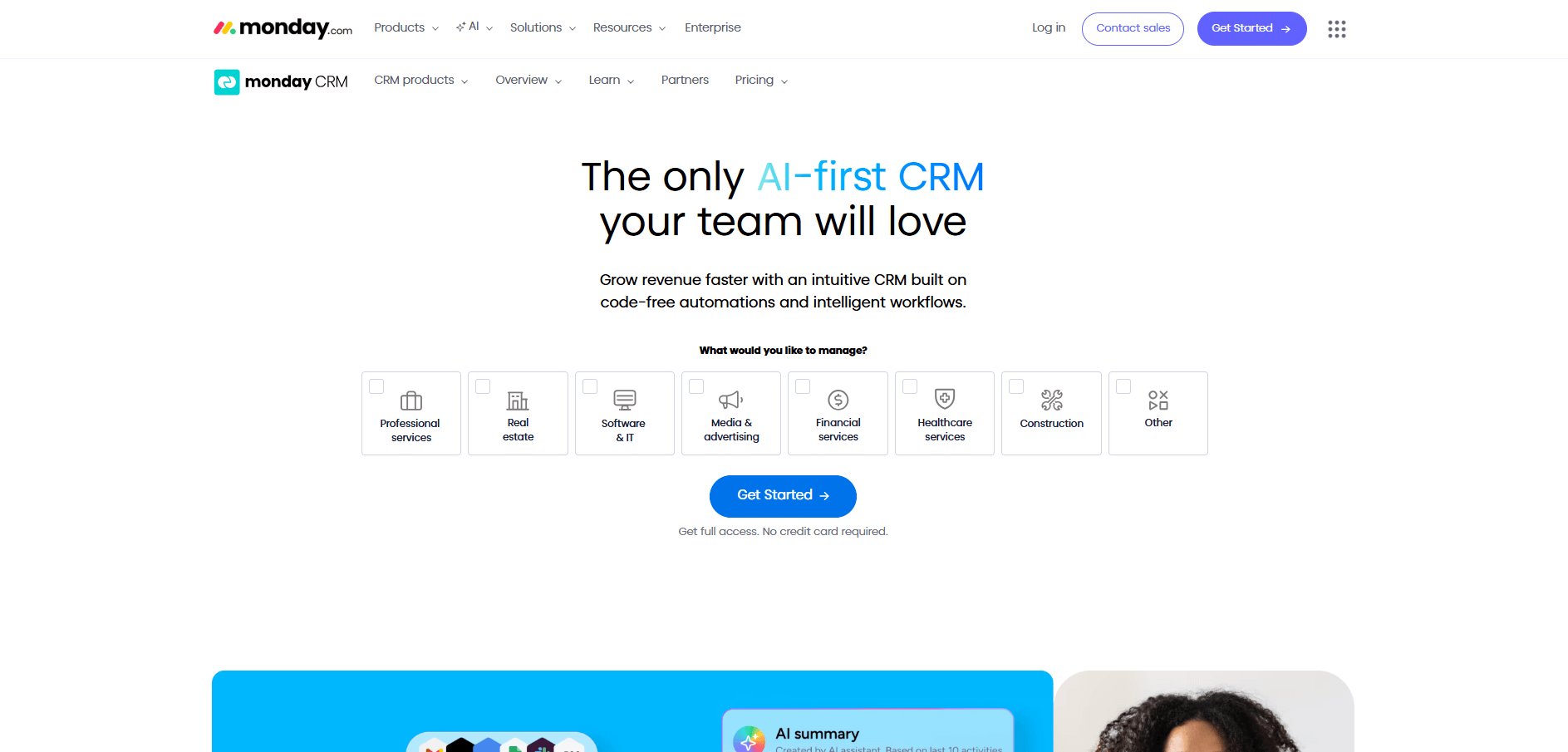
- What it does: monday CRM combines visual project boards with CRM tools. You can track deals, assign tasks, and manage client projects in one workspace.
- Who it's for: Teams that want to see both sales pipelines and project work in the same system.
One thing that stands out about monday CRM is how visual everything is. Deals and projects show up as cards on customizable boards, and you can switch between different views like timeline, kanban, or calendar. I tested it by setting up a pipeline alongside project tasks to see how they connect. Moving deals through stages and updating project status both happen on the same interface.
The automation builder lets you set up rules like "when deal status changes to closed, create a project board and assign team members." I built a few test automations and they worked once configured, though the setup requires understanding how triggers and actions link together.
The visual approach works well for teams that think in boards and timelines, but it offers fewer traditional CRM features like detailed reporting or lead scoring, than sales-focused platforms.
Key features
- Visual boards: See deals and projects on customizable boards with different view options.
- Automation rules: Set up triggers that create tasks, send notifications, or update statuses automatically.
- Project integration: Connect sales pipelines directly to project delivery work.
Pros
- Visual interface makes progress easy to see at a glance
- Combines sales tracking with project management
- Flexible board customization for different workflows
Cons
- Three-seat minimum increases starting cost
- Fewer traditional CRM features than sales-focused platforms
Pricing
monday CRM starts at $12 per seat per month with a minimum of 3 seats.
Bottom line
monday CRM fits teams that manage both sales and client projects and prefer visual boards over traditional CRM layouts. If you need deeper sales features like lead scoring or detailed forecasting, Freshsales offers more focused CRM tools.
8. Keap: Best for service businesses automating client workflows
- What it does: Keap is a CRM built for service businesses that rely on automation. It combines contact management, email marketing, and payments to support recurring client workflows.
- Who it's for: Service businesses that want to automate follow-ups, invoicing, and marketing from a single system.
Keap focuses on automation for service businesses that handle recurring clients. You can connect contact records with invoicing and email campaigns, then set up triggers that send payment requests or follow-up sequences when clients hit certain stages. I built test workflows for onboarding and billing to see how this works in practice, and they reduced repetitive tasks once I got them configured.
The setup process takes longer than simpler CRMs. You need to map out your client journey and configure triggers carefully before workflows run correctly. I found the visual campaign builder helpful for seeing how sequences flow, but getting everything right took some trial and error.
Key features
- Automation builder: Create workflows that trigger emails, invoices, and reminders based on client actions.
- Invoicing and payments: Send quotes and collect payments directly through the platform.
- CRM and contact tracking: Store client details, pipeline stages, and interaction history.
Pros
- Combines CRM, billing, and marketing automation in one system
- Reduces manual work for recurring client relationships
- Automation helps maintain consistent follow-up
Cons
- Higher starting price than basic contact management tools
- Setup requires time to build and test workflows
Pricing
Keap starts at $299 per month for 2 users and up to 1,500 contacts.
Bottom line
Keap's strength is in recurring client workflows where billing triggers happen automatically based on client status. If you only need basic contact tracking without invoicing features, Zoho CRM costs significantly less.
9. Capsule: Best for small teams that need straightforward contact tracking
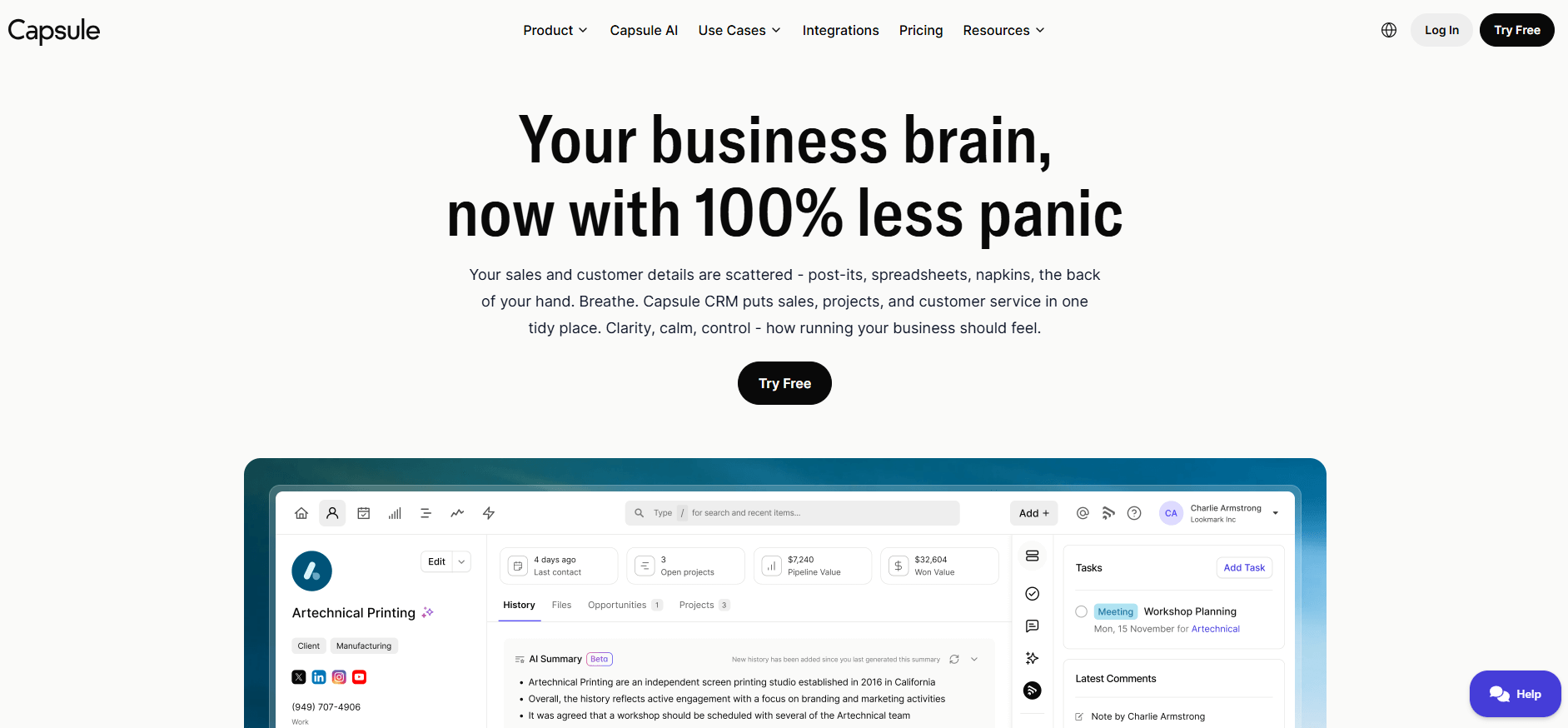
- What it does: Capsule provides basic CRM features for managing contacts, tracking sales opportunities, and organizing tasks. It keeps the interface simple with fewer features than full-scale platforms.
- Who it's for: Small teams that want straightforward contact management without complex features.
I tested Capsule to see how it compares to feature-heavy CRMs. The interface focuses on contacts and opportunities, with task lists and basic pipeline tracking. I added test contacts and deals, and everything stayed organized without requiring much configuration. The simplicity means less time spent on the setup process, but also means fewer options for customization.
The project boards let you track work tied to specific clients, though they're more basic than dedicated project management tools. Email integration works by syncing your inbox, so messages link to the right contact records automatically. Reporting covers standard metrics like deal value and win rates, but you can't build complex custom reports.
Key features
- Contact management: Store client details, interaction history, and notes in one place.
- Sales pipeline: Track opportunities through stages with basic deal tracking.
- Task lists: Organize follow-ups and to-dos tied to specific contacts.
Pros
- Simple interface that requires minimal setup
- Email integration links messages to contact records automatically
- Lower learning curve than complex CRM platforms
Cons
- Limited automation and workflow features
- Basic reporting without custom analytics options
Pricing
Capsule starts at $18 per user per month.
Bottom line
Capsule keeps things simple, which means faster setup but fewer options as your needs grow. If you want built-in automation or marketing tools, Keap offers more functionality for recurring client work.
10. Insightly: Best for teams combining sales and project management
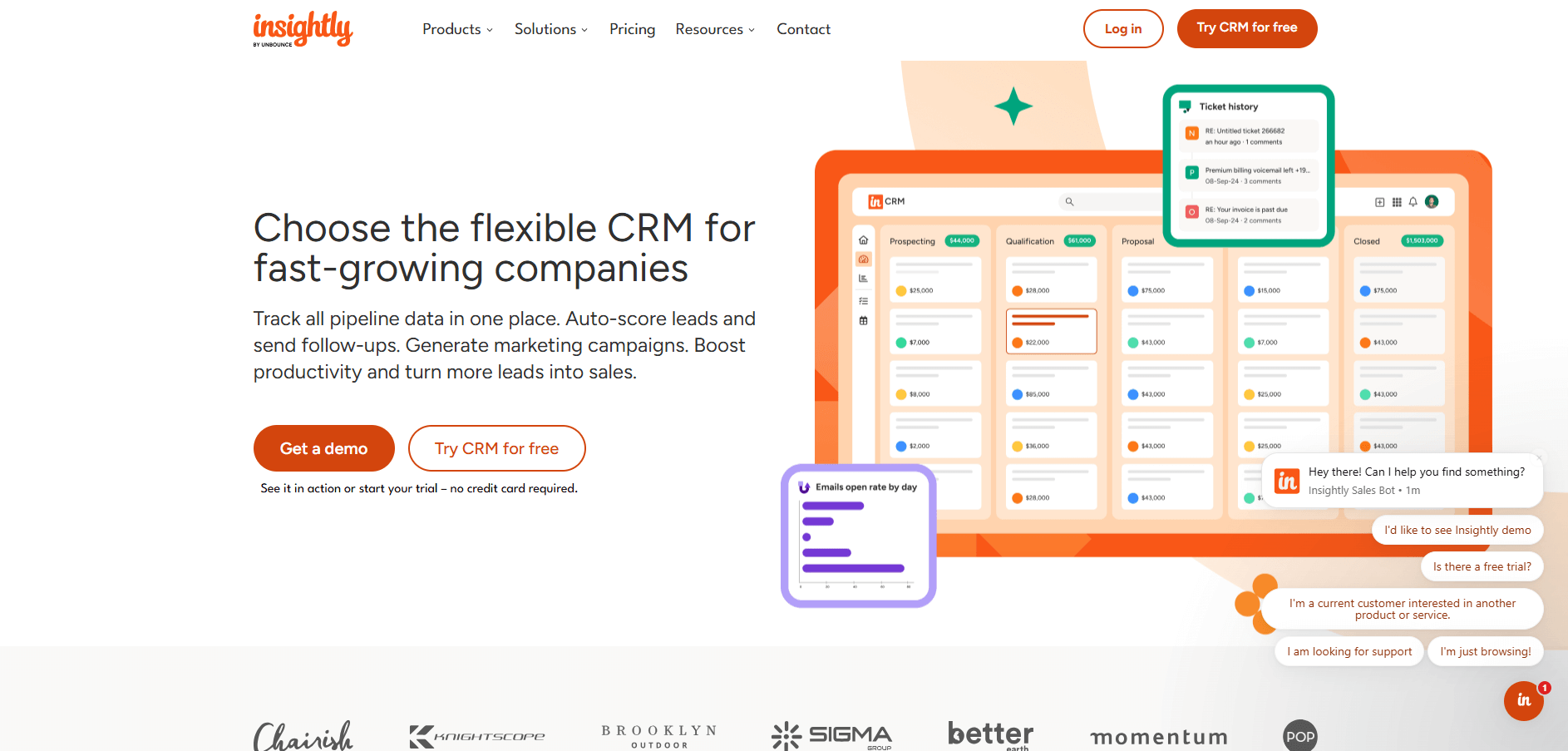
- What it does: Insightly is a CRM that connects sales tracking with project management. You can track leads, manage opportunities, and organize project tasks in the same platform.
- Who it's for: Teams that need both sales tracking and project delivery tools without switching systems.
Insightly connects CRM features with project management in one platform. You can create projects directly from closed deals, then assign tasks, set milestones, and track progress alongside your sales pipeline. I set up test projects linked to contact records and the connection helped keep client work organized after the sale closed.
The interface includes more setup options than simpler CRMs, which means more time configuring fields, pipelines, and project templates upfront. Reporting combines sales metrics with project data, so you can see both revenue and delivery status in one view.
The workflow automation is less flexible than dedicated tools like Salesforce, but it covers common triggers like status updates and task assignments.
Key features
- CRM and project tools: Track sales opportunities and manage project delivery in one system.
- Pipeline-to-project linking: Create projects automatically from closed deals.
- Reporting: View sales metrics and project status in combined dashboards.
Pros
- Combines sales tracking with project management
- Links deals directly to project work
- Reduces tool switching for service-based teams
Cons
- More setup required than simple CRM platforms
- Workflow automation less flexible than enterprise options
Pricing
Insightly starts at $29 per user per month.
Bottom line
Insightly's main advantage is linking sales data directly to project delivery, so client history flows from pipeline to execution. For businesses that need visual project boards with more customization, monday CRM offers a more flexible interface.
11. Dubsado: Best for solo professionals managing the full client journey
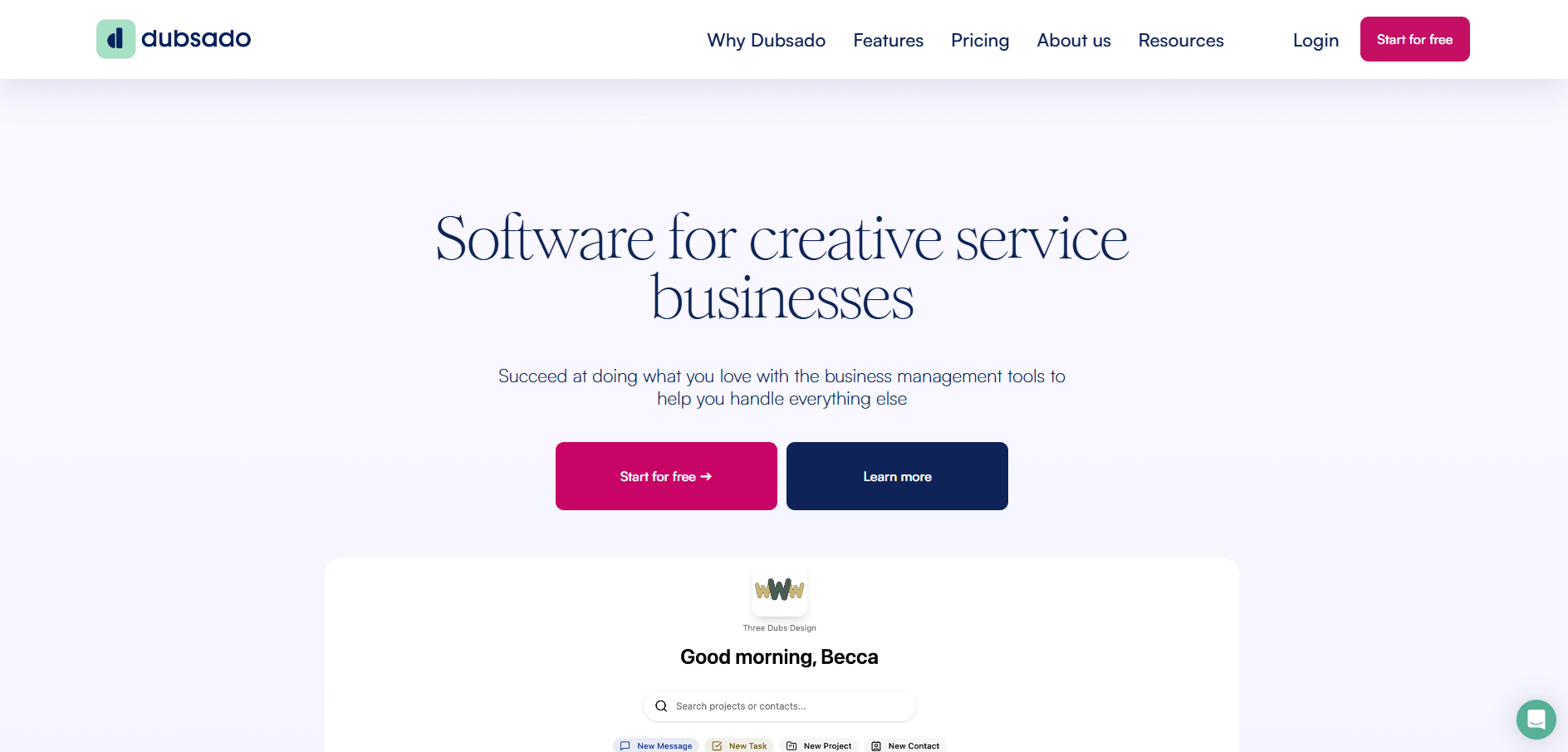
- What it does: Dubsado is a client management platform for freelancers and solo professionals. You can create forms, send proposals, collect payments, and manage projects from start to finish.
- Who it's for: Freelancers or solo business owners who want to automate every stage of client work in one tool.
Dubsado stands out for how much control it gives you over workflows. You can set up automation sequences that trigger when someone fills out a contact form, automatically sending questionnaires, proposals, and contracts in a specific order. I built test workflows for client onboarding and the automation handled most of the back-and-forth that usually happens over email.
The interface takes longer to learn than simpler tools because of the many customization options it includes. You can create branded forms, custom packages, and detailed questionnaires, but setting everything up requires working through multiple configuration screens.
The client portal gives clients a central place to view contracts, invoices, and project updates. For solo professionals who handle everything themselves, the time invested in the setup pays off through reduced admin work. Teams with multiple people will find the single-user focus limiting.
Key features
- Workflow automation: Set up sequences that send forms, contracts, and invoices automatically based on triggers.
- Client portal: Give clients one place to view documents, pay invoices, and track project status.
- Custom forms and questionnaires: Collect client information with branded intake forms.
Pros
- Deep workflow customization for solo professionals
- Automation reduces repetitive admin tasks
- Built-in contracts, invoicing, and payment collection
Cons
- Interface takes time to learn due to customization depth
- Better suited for solo users than teams
Pricing
Dubsado starts at $335 per year for unlimited projects and clients.
Bottom line
Dubsado gives solo professionals automation control that rivals larger business tools, making it worth the setup time if you handle high client volume. For teams that need collaborative features or simpler onboarding, Capsule provides basic contact management without the configuration complexity.
12. Nimble: Best for teams working across social media and email
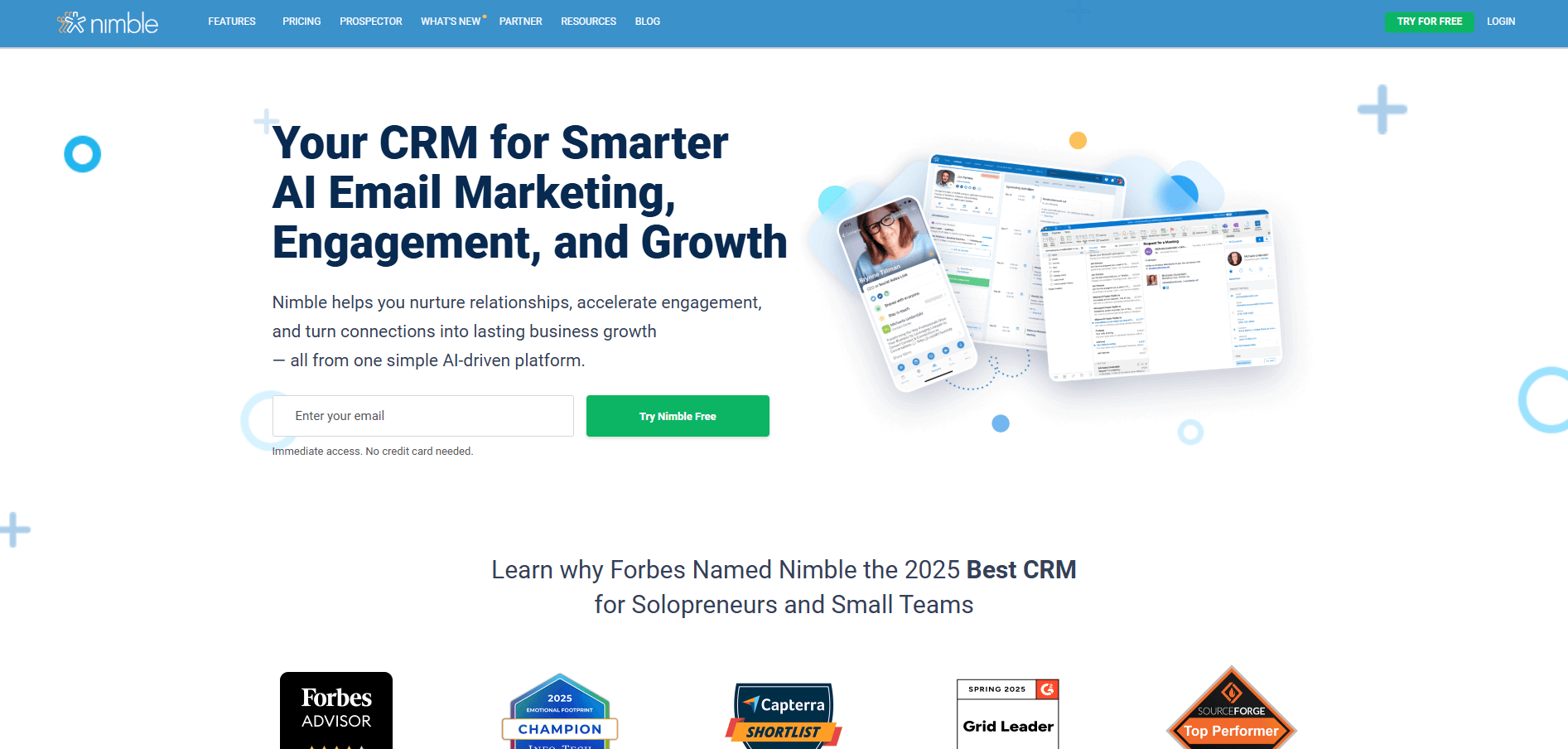
- What it does: Nimble is a relationship-focused CRM that pulls contact data from email and social platforms. You can track interactions, manage relationships, and see social profiles alongside contact records.
- Who it's for: Teams that communicate with clients across multiple channels and want everything in one view.
Nimble focuses on pulling contact data from wherever you already work. The platform connects with email, Twitter, LinkedIn, and Facebook, then creates unified contact records that show social profiles, recent interactions, and relationship history. I tested it by connecting my email and LinkedIn, and it pulled in social data and job titles for my contacts without manual entry.
The unified inbox shows messages from different channels in one feed, which cuts down on checking multiple apps. You can respond to emails and social messages without leaving Nimble. The social data integration works well for B2B sales where LinkedIn profiles matter, but it's less useful if your clients don't use social media actively.
Pipeline tracking covers basic deal stages and follow-up reminders, though it lacks the depth of dedicated sales CRMs.
Key features
- Unified inbox: View and respond to messages from email and social media in one place.
- Contact enrichment: Automatically pull social profiles and job information into contact records.
- Relationship tracking: See interaction history across all channels for each contact.
Pros
- Consolidates communication from multiple channels
- Automatically enriches contacts with social data
- Works well for B2B relationship management
Cons
- Less useful if clients don't use social media actively
- Pipeline tracking is more basic than sales-focused CRMs
Pricing
Nimble starts at $24.90 per seat per month.
Bottom line
Nimble's unified inbox approach works well when you're juggling relationships across email and social platforms simultaneously. If most of your client communication happens through direct channels like phone calls or a client portal, Freshsales offers stronger built-in calling features.
13. Copper: Best for Google Workspace users who need native integration
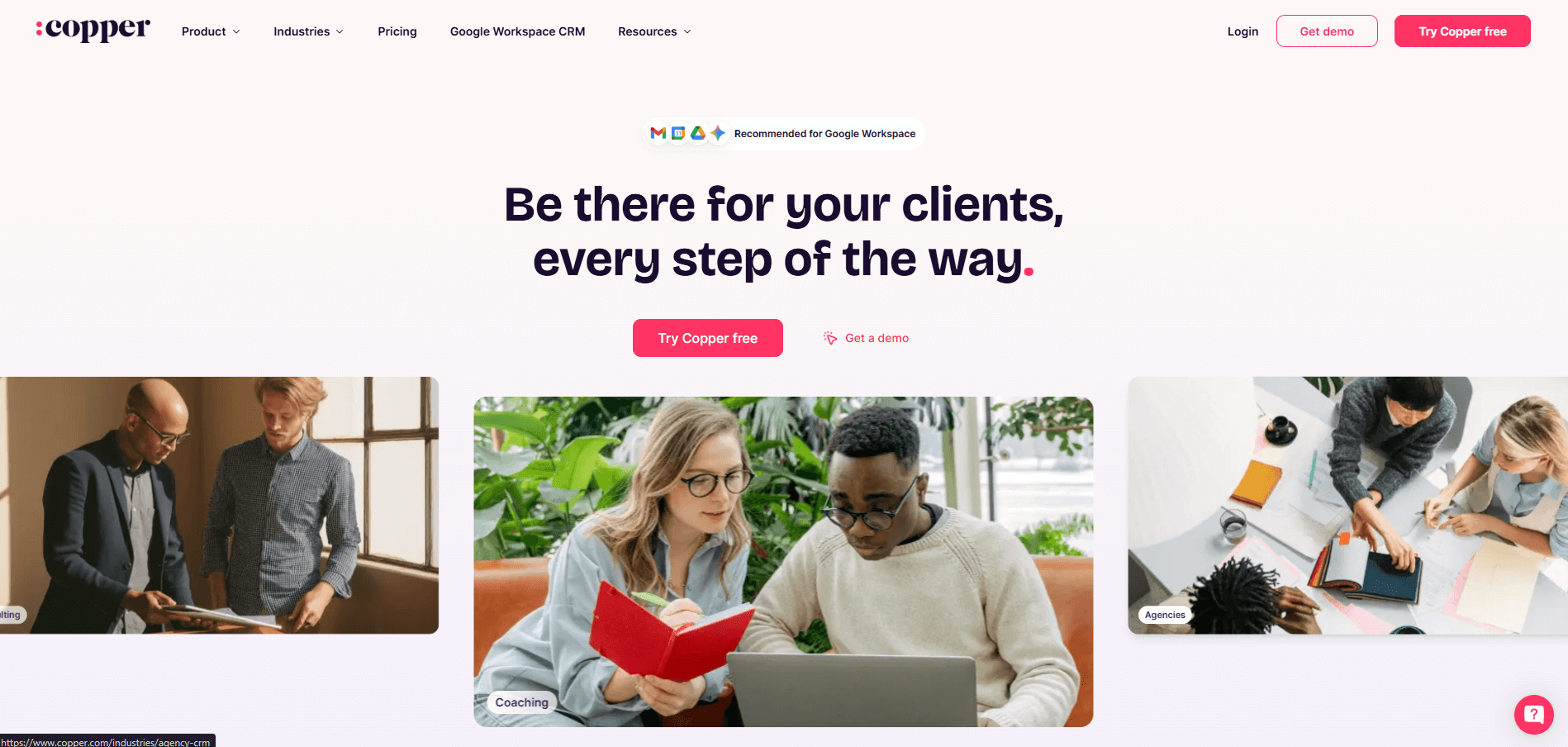
- What it does: Copper is a CRM built specifically for Google Workspace users. It works inside Gmail and Google apps to track contacts and deals without leaving your inbox.
- Who it's for: Teams that use Google Workspace and want CRM features built into the tools they already use daily.
Copper lives inside Gmail rather than operating as a separate platform. When you open an email, contact details and deal information appear in the sidebar automatically. I tested it by processing emails and creating deals directly from my inbox, and the integration kept everything connected without switching tabs or apps.
The automation features handle repetitive tasks like creating follow-up reminders or updating deal stages based on email activity. You can set rules that trigger when specific actions happen, though the options are more limited than standalone CRM platforms. Reporting gives you standard sales metrics, but building custom reports requires more manual work than tools with dedicated analytics features.
Key features
- Gmail integration: View contact records and deal information directly in your email sidebar.
- Automatic contact creation: Create CRM records from email conversations without manual entry.
- Google Calendar sync: Link meetings and events to specific deals and contacts.
Pros
- Works directly inside Gmail and Google apps
- Reduces app switching for Google Workspace teams
- Automatic contact and interaction logging
Cons
- More limited features than standalone CRM platforms
- Custom reporting requires more manual work
Pricing
Copper starts at $9 per seat per month.
Bottom line
Copper makes sense if your team lives in Google Workspace and wants CRM features without leaving Gmail. The tight integration reduces friction for teams already committed to Google's ecosystem. If you need deeper automation or detailed analytics, regardless of what email platform you use, Zoho CRM delivers more CRM-specific features at a similar price point.
How I tested these client management software platforms
I evaluated each platform by setting up workflows that service businesses use daily. I created client records, built pipelines, tested communication features, and worked through common tasks like onboarding new clients and sending invoices. The goal was to see which tools make work easier and which ones slow you down with extra steps.
Here's what I focused on:
- CRM functionality: I tracked how well each platform handles contact data, deal stages, and client history. Platforms that let you find information quickly without digging through menus scored higher.
- Client-facing features: I tested portals, invoicing, and contracts to see how clients experience each tool. The best platforms make it easy for clients to access what they need without confusion.
- Automation capabilities: I built test workflows for follow-ups, reminders, and status updates. Some platforms handled complex triggers easily, while others required workarounds.
- Learning curve: I measured how long it took to get basic functions working. I marked tools as harder to adopt when they required extensive configuration or training videos to understand core features.
- Integration quality: I connected each platform to common business tools like calendars, email, and project management software. The strength of these connections determined how well they fit into existing workflows.
Which client management software should you choose?
Some teams struggle with scattered contact data, others need automation for recurring work, and many want client portals that make their business look more professional. Choose:
- Assembly if you want a branded client portal with CRM features that cover both pre-sales tracking and post-sales work, plus billing and contracts in one platform.
- HubSpot if you need a free starting point that can grow into paid sales and marketing features as your business expands.
- Salesforce Sales Cloud if your team requires deep customization and you have the resources to configure complex workflows.
- Zoho CRM if you want automation and AI features at a lower price than most competitors.
- Pipedrive if your sales team prioritizes clear pipeline visibility with simple drag-and-drop deal tracking.
- Freshsales if you want calling and emailing built into your CRM without adding separate communication tools.
- monday CRM if you manage both sales pipelines and client projects and prefer visual boards over traditional layouts.
- Keap if you handle recurring clients and want automation that connects directly to invoicing and payment collection.
- Capsule if you need straightforward contact tracking without complex features or steep learning curves.
- Insightly if you want to link sales data directly to project delivery in one system.
- Dubsado if you're a solo professional who wants deep workflow control for managing the full client journey.
- Nimble if your team communicates with clients across email and social media and wants everything in one inbox.
- Copper if you use Google Workspace and want CRM features built directly into Gmail.
My final verdict
I like HubSpot and Pipedrive when the focus is on pushing deals through a pipeline. monday CRM works well for teams that think visually and want to see sales and projects on the same boards. Dubsado and Keap lean heavily into automation, which fits solo professionals more than collaborative teams.
Assembly works well when your team needs sales, delivery, and billing to reference the same client information. Service teams need shared understanding more than isolated workflows. I find that Assembly's structure supports that better than platforms built for just sales or just project delivery.
Ready to create a branded client experience? Try Assembly
Many client management software platforms cover multiple stages, but don't give clients a branded, professional space to access what they need.
Assembly gives you a branded workspace where communication, contracts, billing, and project updates live together. Clients log into a portal that looks like your business, not generic software. Your team gets one place to manage the full relationship without switching tools.
Here’s what you can do with Assembly:
- Track client details and activity: Manage client records, communication history, and relationship data in a structured CRM that keeps everything organized in one place.
- Give clients a branded portal: Clients log into a space that reflects your brand to access contracts, invoices, files, and project updates without email back-and-forth.
- Keep tasks, messages, and files together: Client communication, shared files, and project tasks stay connected to each client record instead of scattered across separate tools.
- Prep faster for meetings: The AI Assistant summarizes recent client activity and communication, helping you walk into calls with a clear picture of what’s been discussed and what’s outstanding.
- Stay ahead of clients: Highlight patterns that may show churn risk or upsell potential, making outreach more timely and relevant.
- Cut down on admin: Automate repetitive jobs like reminders, status updates, or follow-up drafts that used to take hours. The Assistant handles the busywork so your team can focus on clients.
Ready to simplify how your firm manages client work? Start your free Assembly trial today.
Frequently asked questions
What is the difference between CRM and client management software?
Client management software usually puts more emphasis on post-sales work, while CRMs typically focus on sales pipelines, lead tracking, and closing deals. Client management software may include those features plus billing, project tracking, client portals, and ongoing relationship management.
Can small businesses use client management software?
Yes, small businesses can use client management software effectively, with many platforms offering free or low-cost tiers for small teams. HubSpot and Zoho CRM provide free plans for basic contact tracking. Capsule and Copper start under $20 per user monthly with simple interfaces. Choose software that matches your actual needs rather than paying for enterprise features you won't use.
Does client management software integrate with other business tools?
Yes, most client management software integrates with email, calendars, accounting software, and project management platforms. For example, Assembly, HubSpot, Salesforce, and Zoho CRM offer hundreds of integrations through Zapier and Make. Assembly also connects with Airtable, Calendly, and ClickUp through its App Store.