
16 Best client portal software tools in 2026: Features & pricing
Good client portal software should eliminate scattered emails and lost files. I tested the top platforms and found 16 tools that give clients visibility in 2026.


After testing client portal software for months, I found 16 platforms that organize client communication, store files securely, and give clients project visibility without adding work for your team.
16 Best client portal software: At a glance
Client portal software ranges from simple file-sharing hubs to full platforms with billing, contracts, and automation. Each tool takes a different approach to client communication, security levels, and integration flexibility. Here's a quick comparison of each tool:
| Tool | Best for | Starting price (billed annually) | Key strength |
|---|---|---|---|
| Assembly | Service firms needing branded client experiences | $39/month | Combines billing, contracts, and communication in one portal |
| Moxo | Enterprise workflow automation | Custom pricing | Compliance-focused client workspaces |
| HoneyBook | Creative professionals | $29/month | Automated client workflows from inquiry to invoice |
| Zoho Creator | Custom portal development | $8/user/month for 3 portal users | Drag-and-drop portal builder |
| Client Portal | WordPress agencies | $25/month | Simple WordPress plugin installation |
| Zendo | Productized service businesses | $37/month | Order forms and service catalog |
| SuiteDash | Business management consolidation | $180/year | CRM, project management, and billing combined |
| SuperOkay | Agencies needing simple client collaboration | $9/month | Affordable pricing with template blocks |
| Ideagen Collaboration Portal | Regulated industries | Custom pricing | FedRAMP authorized for government use |
| Bonsai | Freelancers managing contracts and payments | $9/user/month | Proposal templates with automated invoicing |
| Accelo | Professional services firms | Custom pricing | Links client intake to time tracking and billing |
| FreshBooks | Accounting and client billing | $252/year | Combines bookkeeping, billing, and client portals |
| Clientary | Small client-service teams | $19/month, billed monthly. Additional users $10/each | Proposals, invoicing, and client portal in one dashboard |
| Ignition | Accountants and consultants | $39/month | Automates proposals, contracts, and client billing |
| Clinked | Secure file collaboration | $95/month, billed monthly | Real-time document editing and commenting |
| Zendesk | AI-powered customer support | $19/agent/month | Autonomous AI agents handle customer inquiries |
1. Assembly: Best for service firms needing branded client experiences
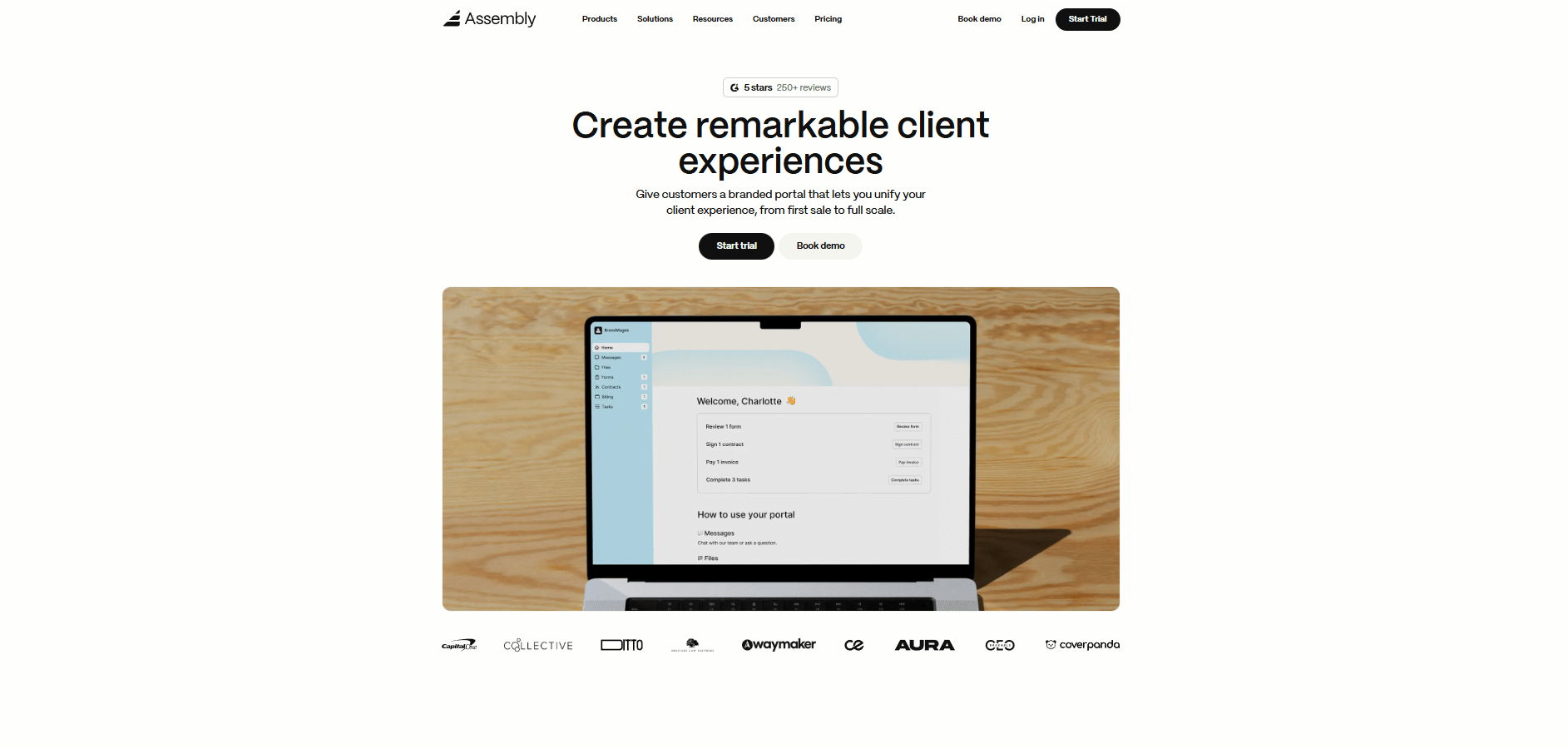
- What it does: Assembly is a client portal software tool that combines client records with a branded workspace where clients access contracts, invoices, files, and communication. Service firms use it to deliver a professional client experience in one place instead of scattering information across multiple tools.
- Who it's for: Service-based firms and agencies managing ongoing client relationships who need a unified, branded platform.
We built Assembly to give service firms one place to manage client relationships and deliver a professional, branded experience. It combines your client records with a branded portal where clients sign contracts, pay invoices, access files, and communicate with your team.
Our Tasks, Messages, and Files apps keep everything organized within each client's portal, so your team and clients work from the same information. The portal carries your brand, not generic software that undermines the professional image you've built.
Our AI Assistant pulls notes, files, and communication history into summaries before meetings. This gives you a clearer picture of what's been discussed without searching through old conversations.
Assembly also supports pre-sales work. You can create client records with custom fields, internal notes, and private chat before sending portal invites. This helps teams collaborate internally before bringing clients into the workspace.
Assembly integrates with Airtable, ClickUp, Calendly, Zapier, and Make. Security features include SOC 2, HIPAA, and GDPR compliance, plus role-based permissions.
Key features
- Branded client portal: One login for clients to view invoices, contracts, files, and updates.
- Billing and contracts: Built-in e-signatures, invoicing, recurring payments, and subscription management.
- AI Assistant: Surfaces client context and communication history before meetings.
- Pre-sales support: Create client records with custom fields, internal notes, and private chat before sending invites.
- Integrations hub: Connects with Airtable, ClickUp, Calendly, Zapier, and Make for workflow automation.
- App Store: Install apps for billing, helpdesk, forms, and task management to customize your portal.
Pros
- Branded client experience strengthens professional image and client retention
- Billing and communication tools reduce software costs by consolidating multiple subscriptions
- Pre-sales support lets you organize client context before formal onboarding begins
Cons
- More comprehensive than basic project management or CRM tools, which means a higher investment
- Best suited for ongoing client relationships rather than one-time projects
Pricing
Assembly starts at $39 per month.
Bottom line
Assembly works well for service firms that want a professional, branded client experience with billing and communication built in. If you need a simpler tool focused only on proposals and contracts, Bonsai or Clientary might fit better.
2. Moxo: Best for enterprise workflow automation
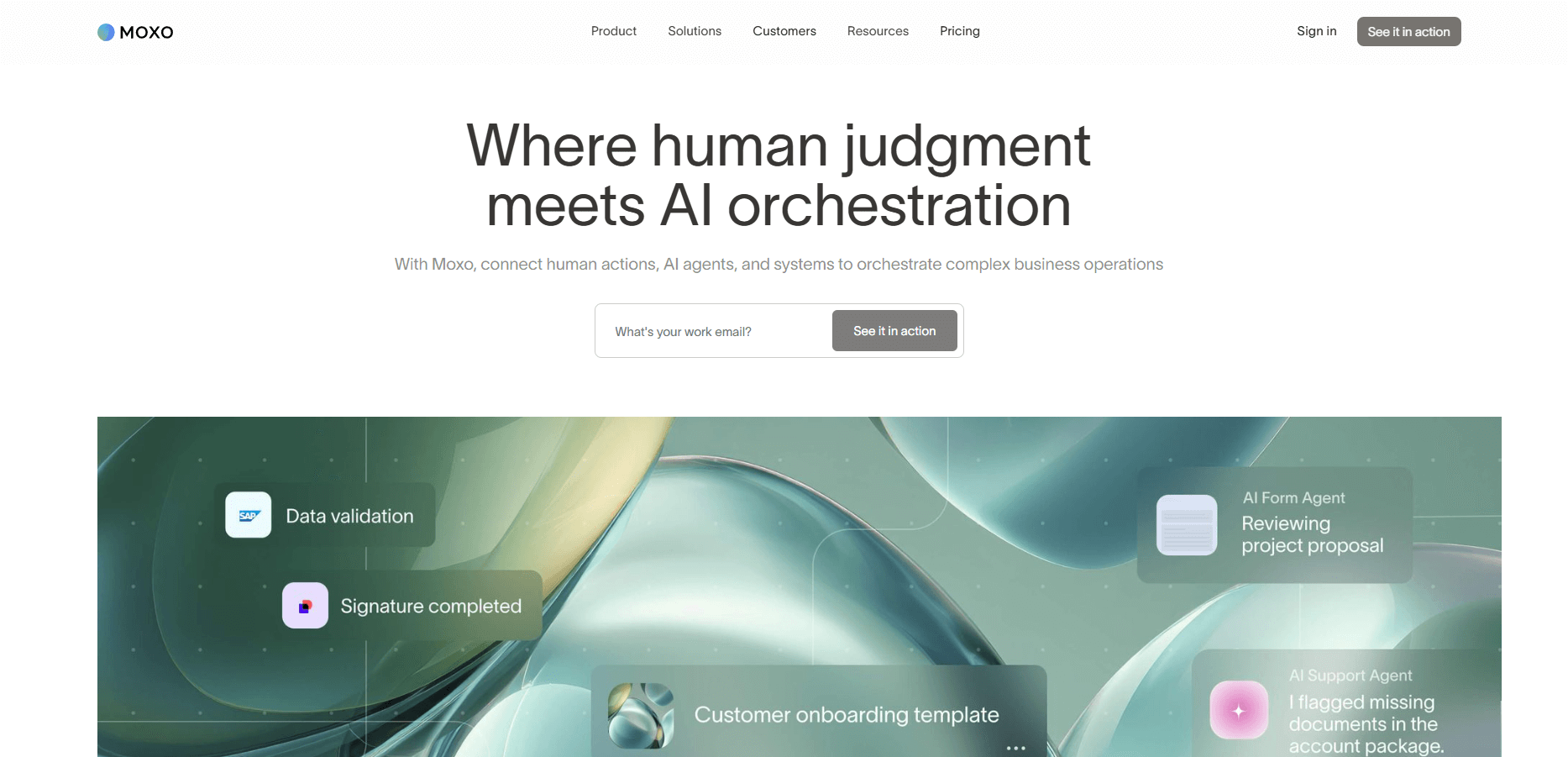
- What it does: Moxo is a client portal software tool that centralizes communication, project tracking, and workflow automation for enterprises. It provides secure workspaces where teams and clients collaborate on documents, messages, and approvals.
- Who it's for: Enterprises and large teams managing secure, ongoing client relationships where privacy and compliance matter.
I used Moxo to set up dedicated workspaces for different client projects. The automation builder let me configure approval workflows and reminders without writing code, though the setup took longer than lighter platforms. Each workspace functioned as a secure hub where clients could access files, track milestones, and communicate with internal teams.
The structure supports compliance-focused industries where documentation trails matter. I noticed the permission controls were detailed, letting me restrict access by role and department. The integration options were limited compared to other tools I tested, which could slow teams that rely heavily on external systems.
Key features
- Client workspaces: Dedicated spaces with granular permissions and access controls for different stakeholders.
- Workflow automation: Configure approval processes, reminders, and task routing without coding.
- Document management: Version control, secure sharing, and audit trails for compliance needs.
Pros
- Detailed permission controls for sensitive client information
- Built-in workflow automation reduces manual handoffs
- Audit trails support compliance requirements
Cons
- Limited third-party integrations compared to competitors
- Steeper learning curve for smaller teams
Pricing
Moxo uses custom pricing based on user count and workspace volume.
Bottom line
Moxo works when your client relationships involve multiple approval layers, strict audit requirements, and cross-departmental workflows that need documentation. If your firm values speed and integration flexibility over compliance infrastructure, Assembly or Clinked will get you running faster.
3. HoneyBook: Best for creative professionals
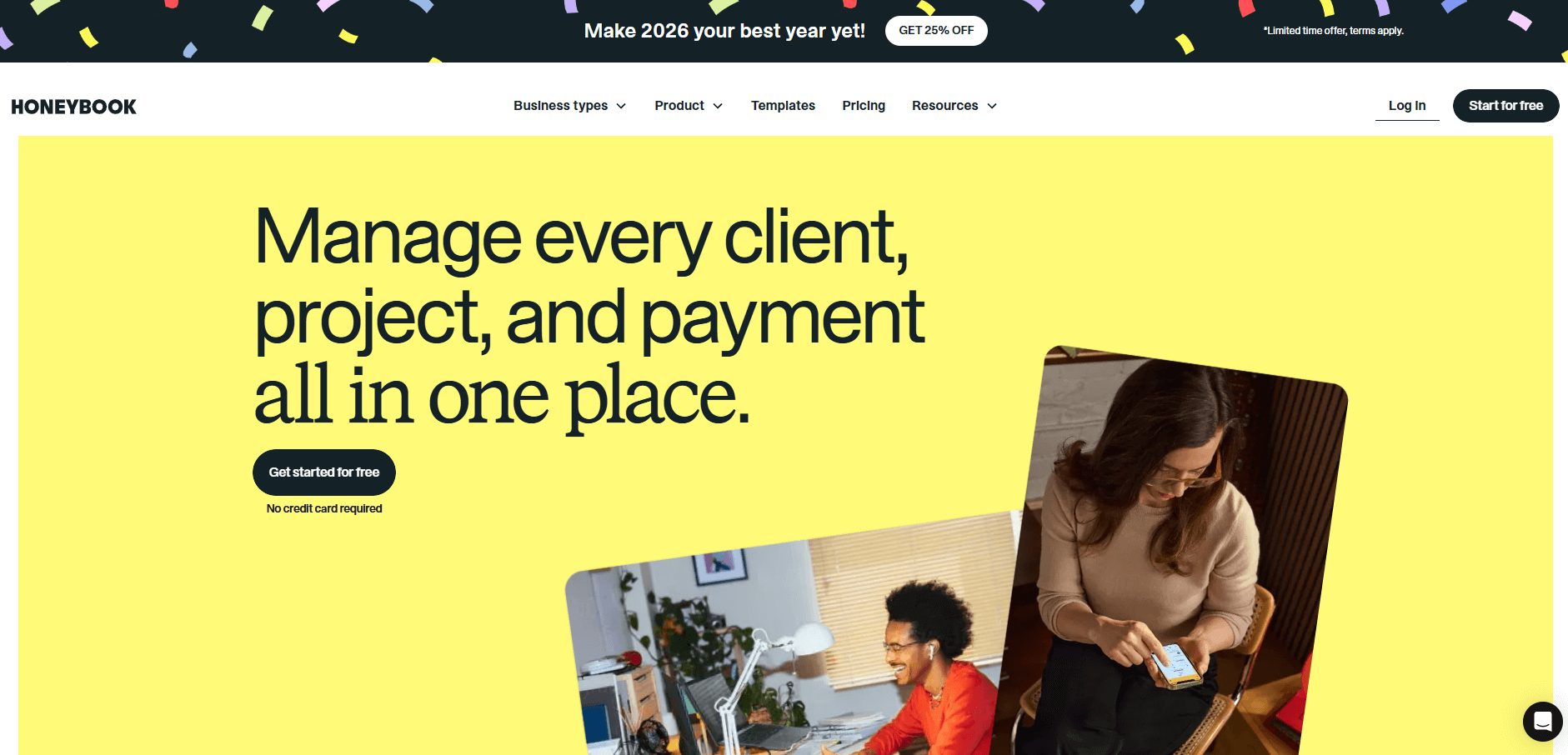
- What it does: HoneyBook is a client portal software tool that manages proposals, contracts, payments, and client communication for creative businesses. It automates workflows from the first inquiry to the final invoice.
- Who it's for: Creative professionals, event planners, and small agencies handling a steady flow of client projects.
HoneyBook is built for how creatives work. I set up a client flow using templates for proposals, contracts, and automated reminders tied to project milestones. The automations triggered invoices and welcome messages reliably, keeping communication consistent without manual intervention. Setup takes only a few minutes, which helps small creative teams focus on projects rather than admin.
The client portal was clear and easy to navigate. Customization beyond templates was limited, and the reporting features were minimal compared to other platforms. This could matter as your client base grows and you need deeper analytics on revenue or project types.
Key features
- Automated workflows: Trigger contracts, invoices, and reminders based on project milestones and client actions.
- Client portal: Share updates, files, and project timelines in one organized space.
- Built-in scheduling: Book meetings and send calendar reminders without external tools.
Pros
- Fast setup with templates built for creative workflows
- Automates client communication from inquiry to payment
- Clean interface that clients understand immediately
Cons
- Limited customization beyond provided templates
- Basic reporting features for tracking business metrics
Pricing
HoneyBook starts at $29 per month.
Bottom line
HoneyBook works when you need pre-built workflows that match how creative businesses already operate, from booking calls to collecting deposits. If you need deeper customization or plan to build complex approval processes, Moxo or Assembly give you more control.
4. Zoho Creator: Best for custom portal development
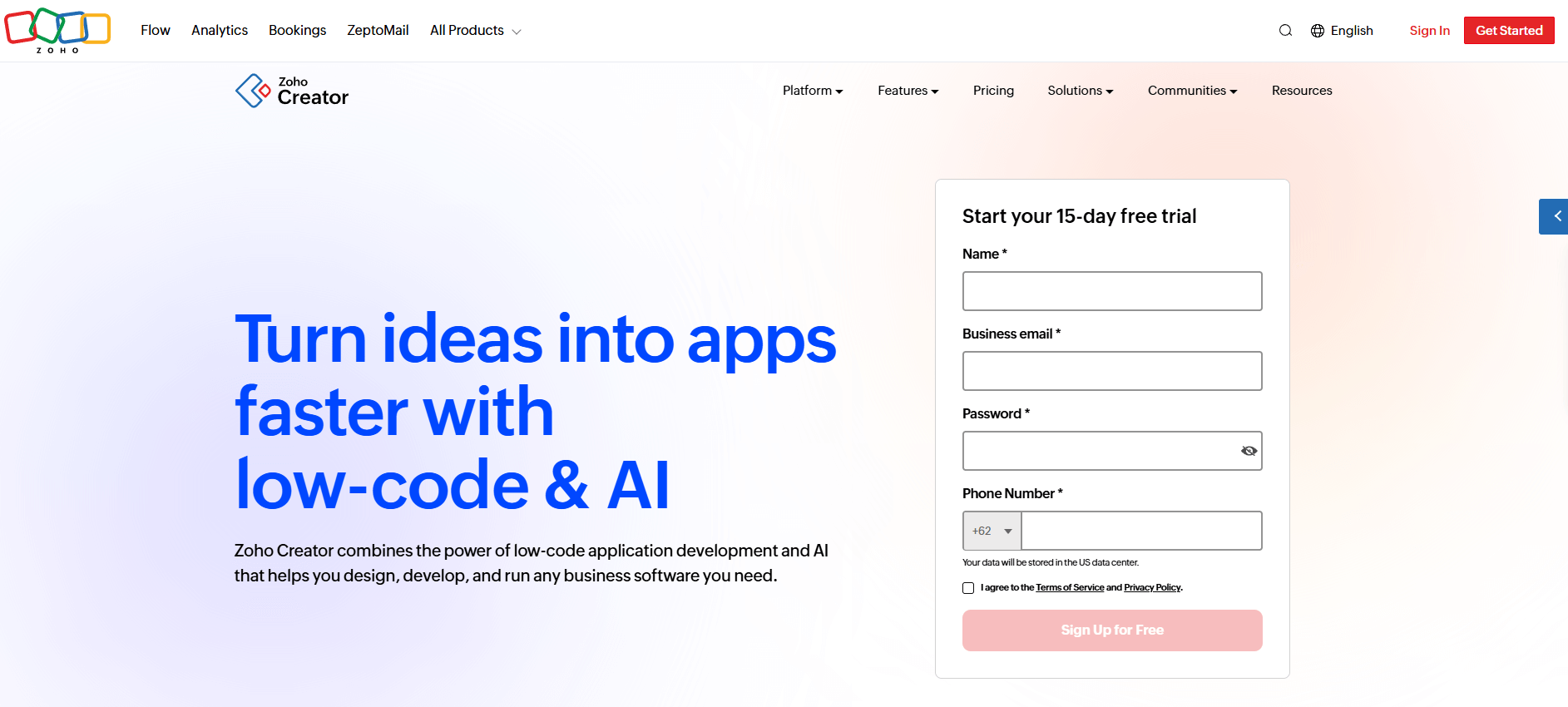
- What it does: Zoho Creator is a client portal software tool that lets you build custom portals using drag-and-drop tools. You design the exact features, fields, and workflows your business needs.
- Who it's for: Service firms that want full control over portal structure and need features beyond standard templates.
The first thing I noticed about Zoho Creator was how much control you get over portal design. I built a custom intake process with conditional fields, approval stages, and automated notifications without writing code.
The drag-and-drop builder made it straightforward to add new sections or change workflows as I tested different setups. However, building from scratch takes more time upfront than using a template-based platform.
Zoho Creator works best if your firm lives in the Zoho ecosystem already, since integrations with external tools are more limited than platforms like Assembly.
Key features
- Drag-and-drop builder: Create custom portal layouts, forms, and workflows without coding.
- Conditional logic: Show or hide fields based on client responses or project stages.
- Custom workflows: Automate notifications, approvals, and task assignments based on your process.
Pros
- Complete control over portal structure and fields
- No coding required to build custom features
- Works well with other Zoho products
Cons
- Portal functionality requires a separate $100/month add-on
- Fewer third-party integrations than competitors
Pricing
Zoho Creator starts at $8 per user per month. Portal access includes 3 users, with additional portal users starting at $100 per month (billed annually) for 250 users.
Bottom line
Zoho Creator makes sense when off-the-shelf portals don't match your process, and you want to design every field and workflow yourself. If you prefer ready-made features and faster setup, HoneyBook or Bonsai get you running without the build time.
5. Client Portal: Best for WordPress agencies
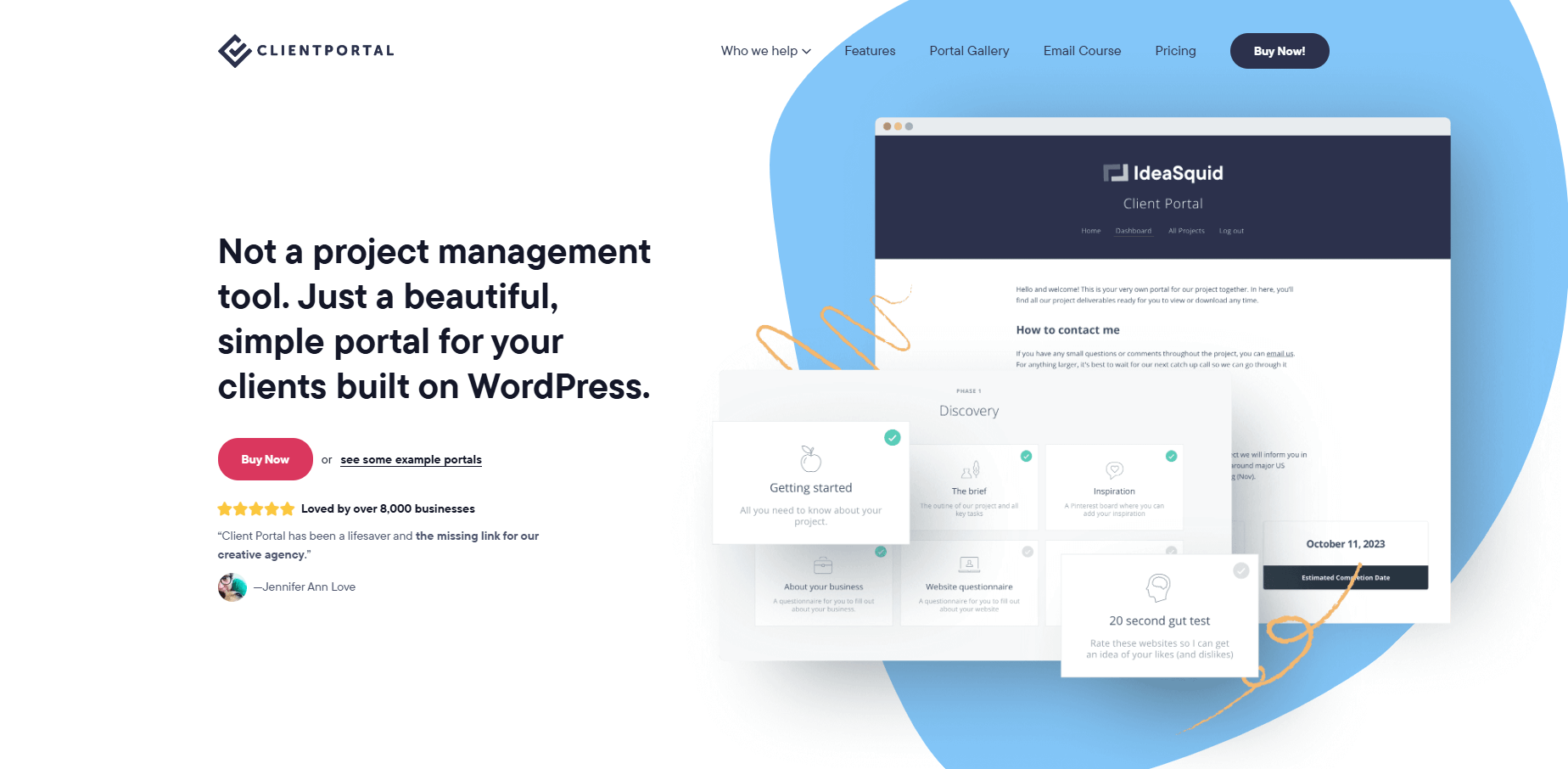
- What it does: Client Portal is a client portal software tool built as a WordPress plugin. It lets WordPress agencies create branded portals for file sharing, project updates, and client communication without leaving their existing site.
- Who it's for: WordPress agencies and developers who want portal functionality integrated directly into their WordPress sites.
I installed Client Portal on a test WordPress site in under five minutes. The setup was straightforward since it works like any other WordPress plugin. I created separate portals for different clients, customized branding and colors, and added file modules and text blocks through the WordPress dashboard.
The plugin keeps everything inside WordPress, which means you don't need to manage a separate platform or pay for external hosting. Customization options depend on your WordPress theme and available plugins. The functionality is more basic than standalone portal platforms, so teams that need complex workflows or advanced automation will hit limits quickly.
Key features
- WordPress integration: Install and manage portals directly through your WordPress dashboard.
- Unlimited portals: Create separate branded spaces for each client on a single license.
- File organization: Share documents, assets, and deliverables in organized modules.
Pros
- Quick WordPress plugin installation
- No separate platform to manage or learn
- Affordable single-site licensing
Cons
- Limited automation compared to dedicated portal platforms
- Functionality depends on WordPress theme compatibility
Pricing
Client Portal starts at $25 per month for a single-site license.
Bottom line
Client Portal works when you already run your business on WordPress and want portal functionality without adding another platform to your stack. If you need billing automation, advanced workflows, or AI features, Assembly or Zoho Creator offer more capabilities beyond basic file sharing.
6. Zendo: Best for productized service businesses
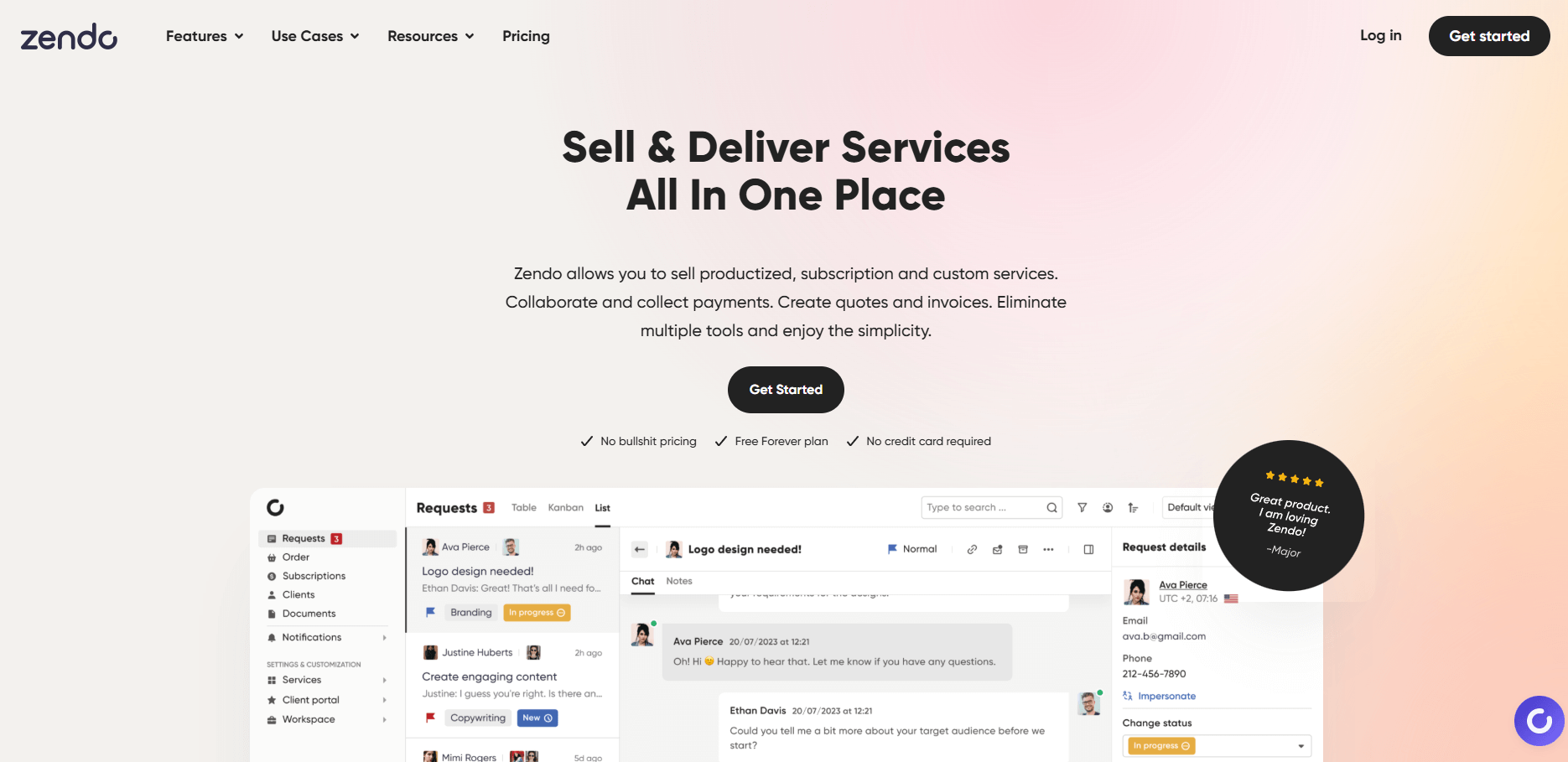
- What it does: Zendo is a client portal software tool designed for agencies selling productized services. It combines order forms, service catalogs, and client communication in one workspace.
- Who it's for: Agencies that package services as products with clear pricing and want clients to purchase through an organized catalog.
Zendo focuses on the productized service model. I set up a service catalog with different tiers and add-ons, then tested how clients could browse options and submit orders. The order forms collected payment details and project requirements in one submission, which reduced back-and-forth during intake.
The portal keeps ongoing client communication and file sharing organized after purchase. I noticed the workflow tools were solid for agencies running repeatable services, but firms offering highly custom work might need more flexibility.
Zendo offers a free plan with basic features, which helps smaller agencies test the platform before committing.
Key features
- Service catalog: Display service packages with pricing, descriptions, and purchase options.
- Order forms: Collect client requirements, preferences, and payment information in structured forms.
- Client workspace: Provide clients with access to project updates, files, and communication history.
Pros
- Built specifically for productized service workflows
- Free plan available for testing and small operations
- Order forms streamline client intake
Cons
- Less flexible for custom project work
- Fewer integrations than broader portal platforms
Pricing
Paid plans start at $37 per month.
Bottom line
Zendo's service catalog turns your offerings into a storefront where clients browse and purchase without needing proposals or estimates. If you prefer guiding clients through custom scoping conversations before work begins, HoneyBook or Clientary support that consultation-first approach better.
7. SuiteDash: Best for business management consolidation
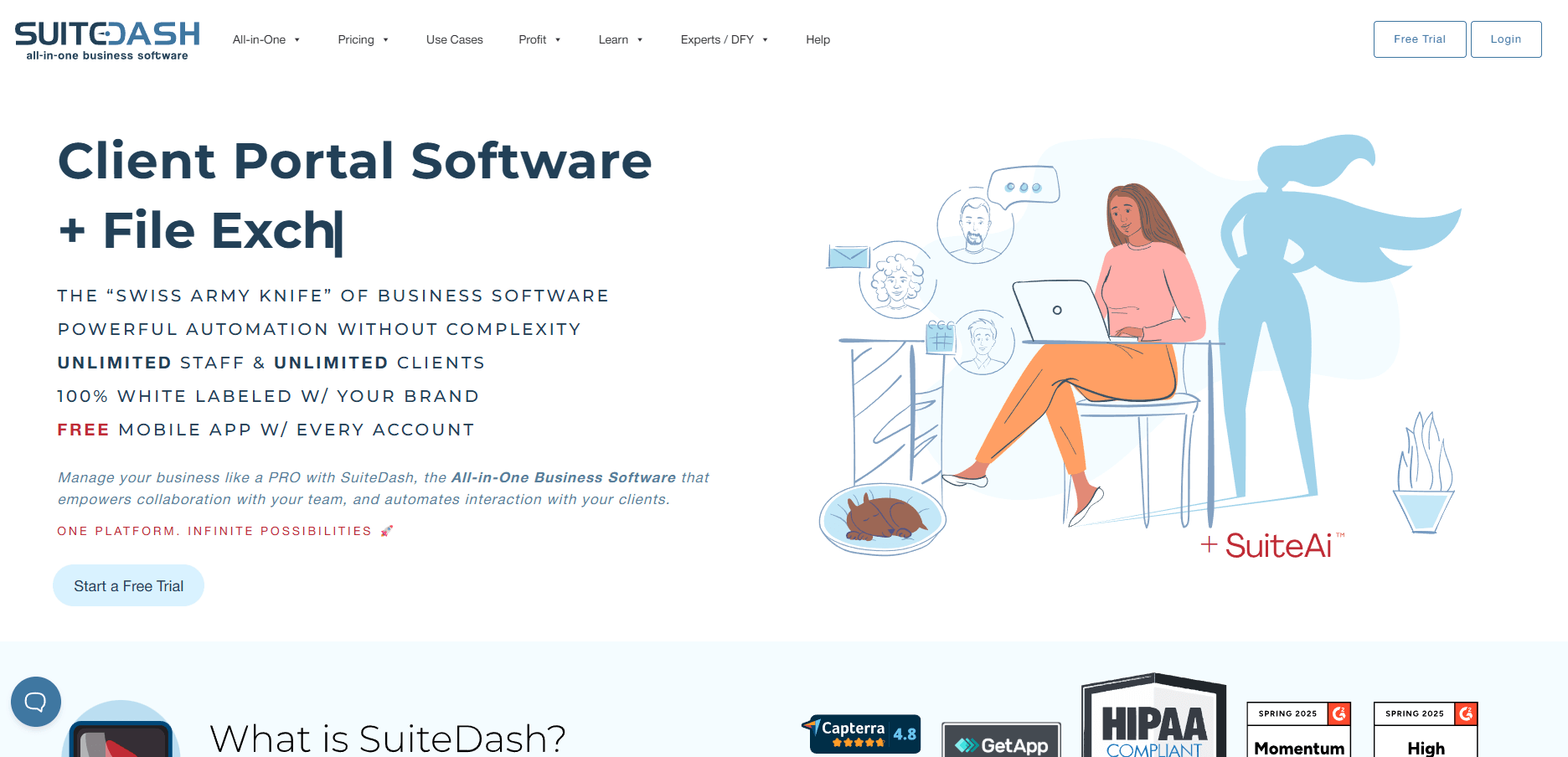
- What it does: SuiteDash is a client portal software tool that combines CRM, project management, billing, and client communication in one platform. It replaces multiple business tools with a single subscription.
- Who it's for: Service firms that want to consolidate their tech stack and manage clients, projects, and finances in one system.
I tested SuiteDash by setting up a complete client workflow from lead capture to project delivery. With the CRM managing prospects, project tools handling tasks and timelines, and the portal providing client access to files and updates, it covered most business processes in one platform.
The learning curve was noticeable because I was setting up multiple systems at once. But once configured, it reduced the tool-switching I normally deal with across different platforms. The interface loaded slowly at times, especially when moving between different areas. SuiteDash makes sense for teams willing to invest setup time upfront to eliminate multiple subscriptions.
Key features
- Integrated CRM: Track leads, manage client relationships, and monitor sales pipeline from first contact.
- Project management: Assign tasks, set deadlines, and track progress with built-in tools.
- Client portal: Give clients access to project updates, invoices, and communication history.
Pros
- Replaces multiple tools with one platform
- Annual pricing reduces total software costs
- Everything syncs automatically across modules
Cons
- Steeper learning curve than single-purpose tools
- Interface can load slowly when switching modules
Pricing
SuiteDash starts at $180 per year.
Bottom line
SuiteDash makes the most sense when you're currently paying for separate CRM, project management, and portal tools and want to cut subscriptions. If you only need client portal functionality without the full business suite, SuperOkay or Client Portal cost less and get you running faster.
8. SuperOkay: Best for agencies needing simple client collaboration
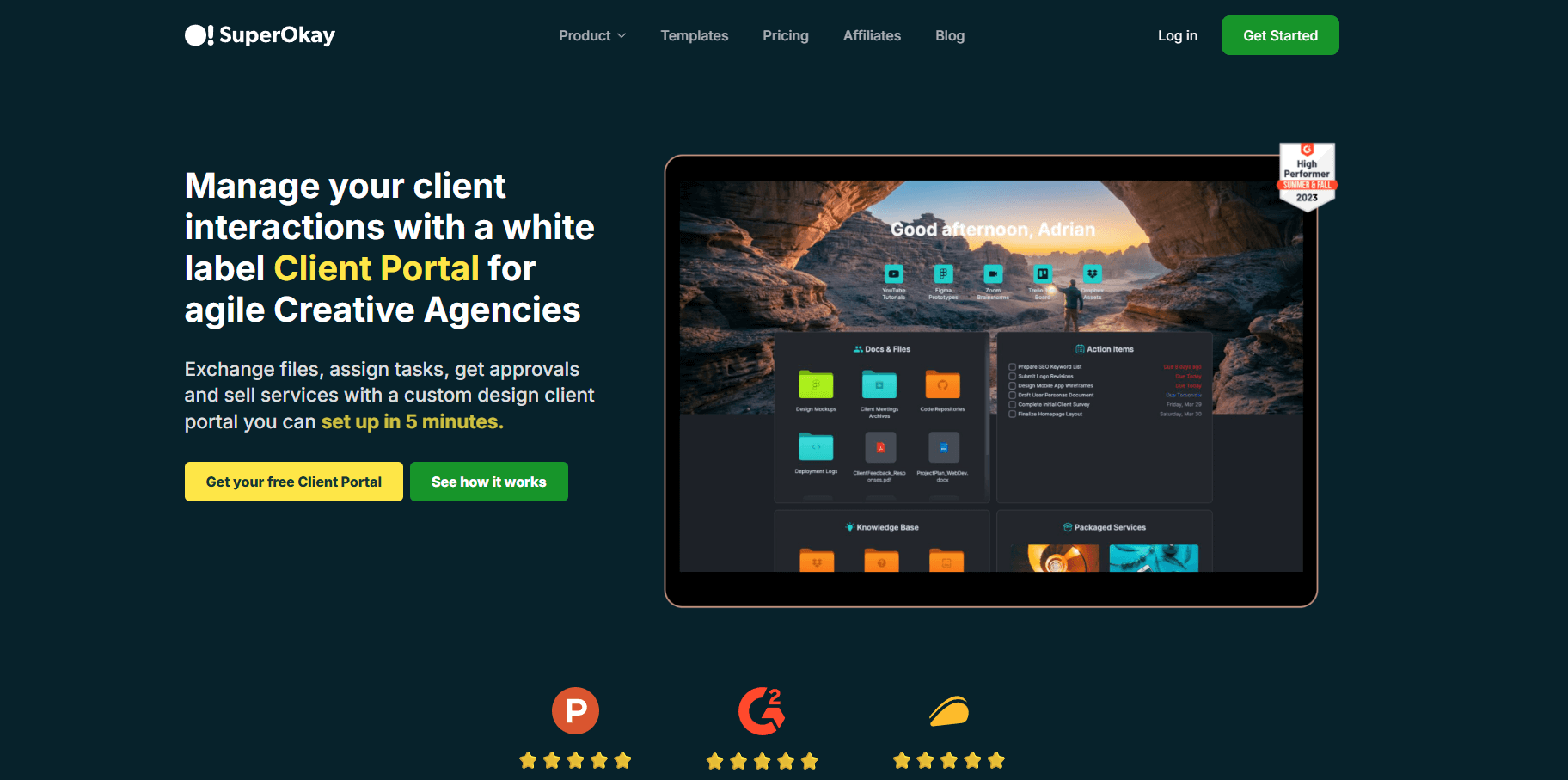
- What it does: SuperOkay is a client portal software tool that provides branded client spaces for sharing project updates, files, and communication. It focuses on simplicity and fast setup.
- Who it's for: Small agencies and consultants who want straightforward client portals without complexity.
SuperOkay was the fastest tool I set up during testing. I created a branded portal using template blocks, added project files and updates, then sent the client access link. The whole process took less than 10 minutes. The template blocks were reusable, which sped up creating portals for additional clients.
The tool was pretty simple, which means fewer features than platforms like Assembly or Moxo. You won't find billing integration, complex workflows, or automation beyond basic notifications. The free plan includes limited features but lets you test the platform. But overall, SuperOkay works well for agencies that prioritize speed and ease over advanced functionality.
Key features
- Template blocks: Reusable content sections for building portals quickly across multiple clients.
- Branded portals: Customize colors, logos, and domain to match your agency branding.
- File sharing: Organize and share project documents with version tracking.
Pros
- Fastest setup time of any tool tested
- Free plan available for small operations
- Clean, simple interface for clients and teams
Cons
- No billing or payment features
- Limited automation compared to comprehensive platforms
Pricing
SuperOkay starts at $9 per month.
Bottom line
SuperOkay wins on speed when you need client portals up and running today without training or complex configuration. If client payments and automated workflows matter more than quick setup, Assembly or Ignition give you those financial tools built in.
9. Ideagen Collaboration Portal: Best for regulated industries
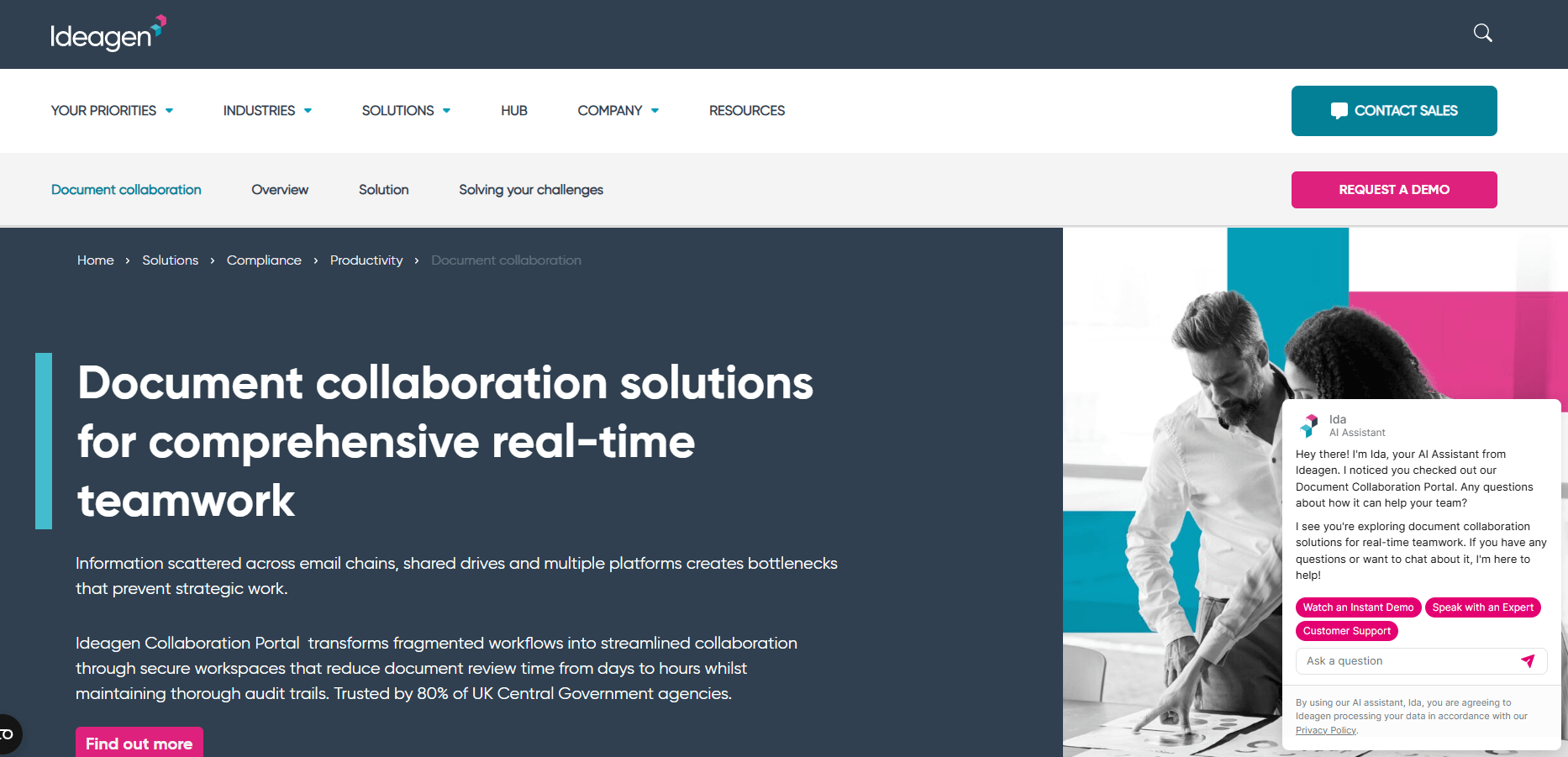
- What it does: Ideagen Collaboration Portal, formerly known as Ideagen Huddle, is a client portal software tool built for organizations that handle sensitive information under strict compliance requirements. It provides secure workspaces with government-grade encryption.
- Who it's for: Organizations in regulated industries like government, healthcare, finance, or legal services that need FedRAMP authorization.
The security features in Ideagen Collaboration Portal stood out immediately. I set up a workspace for sharing confidential documents and noticed every action was logged with timestamps for audit trails. The permission controls let me restrict access down to individual files, which matters when different stakeholders need different information levels.
The platform prioritizes security and compliance over speed and ease of use. Setup took longer than other tools I tested because of the detailed permission configuration. The integration options were limited compared to platforms like Assembly, which could slow teams that rely heavily on external systems.
Key features
- FedRAMP authorization: Meets federal government security standards for cloud services.
- Audit trails: Automatic logging of all user actions with timestamps for compliance reporting.
- Granular permissions: Control file and folder access at the individual user level.
Pros
- Government-grade security and encryption
- Detailed audit trails for compliance needs
- Granular permission controls
Cons
- Higher cost than most portal platforms
- Limited third-party integrations
Pricing
Ideagen Collaboration Portal uses custom pricing.
Bottom line
Ideagen Collaboration Portal justifies its premium cost when regulatory compliance isn't optional, and audit trails need to satisfy government or legal standards. If your firm doesn't face strict compliance requirements, the security overhead and higher cost make simpler platforms like Moxo or Clinked more practical choices.
10. Bonsai: Best for freelancers managing contracts and payments
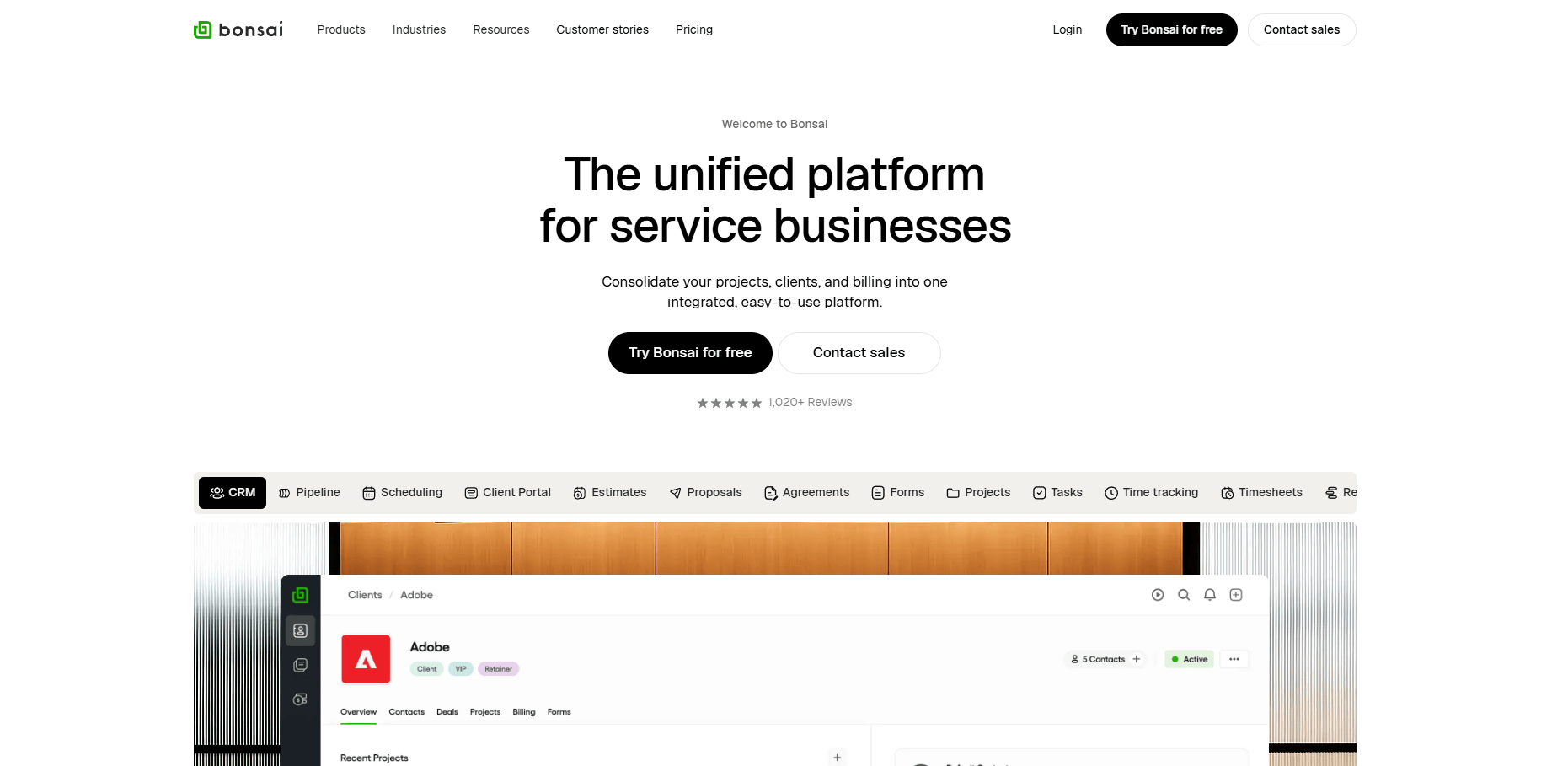
- What it does: Bonsai is a client portal software tool that combines proposals, contracts, invoicing, and project tracking for independent professionals. It automates the business side of freelancing.
- Who it's for: Freelancers and solo consultants who need simple tools to manage client work from proposal to payment.
Bonsai handled the complete workflow from proposal to payment. I built an onboarding sequence that linked proposal templates to contracts and invoices automatically. Once a client accepted a proposal, Bonsai converted it into a contract, sent it for signature, and then created the first invoice based on the payment schedule I set.
The templates saved time for standard agreements, though customization options felt limited for unique projects. The client portal was basic compared to platforms like Assembly, giving clients access to contracts and invoices but not project files or detailed communication threads. Bonsai works well for straightforward freelance relationships but would slow down agencies managing complex client deliverables.
Key features
- Proposal templates: Pre-built proposals for common services that convert to contracts automatically.
- Automated invoicing: Create payment schedules that trigger invoices based on project milestones.
- Contract management: Built-in e-signature and contract storage tied to each client.
Pros
- Fast proposal-to-payment workflow
- Affordable for individual freelancers
- Automated payment reminders
Cons
- Limited customization beyond templates
- Basic client portal compared to full-featured platforms
Pricing
Bonsai starts at $9 per user per month.
Bottom line
Bonsai handles the paperwork side of freelancing efficiently when your clients mainly need contracts and invoices rather than ongoing project collaboration. If clients need regular file access, project updates, or team communication, Zendo or SuperOkay provide more complete client-facing workspaces.
Special mentions
Beyond the top client portal platforms, I found a handful of other tools that deserve attention for specific use cases. These options take different angles on client-facing work and might fit particular workflows better. Consider:
- Accelo: Accelo connects client intake to project delivery and billing for professional services firms. Time tracking syncs directly to invoices, and client records hold the full relationship history. I found it worked well for firms running retainer work or project-based services.
- FreshBooks: FreshBooks combines accounting software with a client portal for billing management. Clients can view invoices, make payments, and access receipts through their portal login. The bookkeeping features run deeper than most client portals, though it doesn't handle contracts or project collaboration.
- Clientary: Clientary bundles proposals, invoicing, and basic project management into one client-facing dashboard. Small teams get a workspace for client communication without jumping between apps. I found the portal worked well for service businesses that bill hourly or per project.
- Ignition: Ignition automates the proposal-to-payment workflow for accountants and consultants. Clients can sign engagement letters, approve scope changes, and set up recurring billing through the portal. The compliance features suit professional services that need audit trails.
- Clinked: Clinked focuses on secure file collaboration with real-time document editing and version control. Teams can create branded client workspaces, but the platform doesn't include billing, contracts, or CRM features. It works best for firms that need file security and collaborative editing.
- Zendesk: Zendesk is an AI-enhanced customer service platform that provides help desk ticketing, omnichannel support, and knowledge base tools to manage high-volume customer inquiries. AI assistants automate and augment support workflows, though the platform focuses on customer support rather than full client relationship management for service firms.
How I tested client portal software
I evaluated these platforms by analyzing their core functionality, user feedback, and competitive positioning in the market. My testing focused on what actually matters for service firms choosing portal software.
Here's what I focused on:
- Client onboarding speed: I measured how long it took to invite a new client, set up their workspace, and get them actively using the portal. Tools that required IT involvement or multi-step configurations lost points.
- Branded experience quality: I evaluated how much control each platform gave over visual customization, from logos and colors to custom domains. Generic-looking portals that scream "third-party software" undermine the professional image service firms work hard to build.
- Communication consolidation: I tested whether clients could handle everything through the portal or if they still needed to resort to email for certain interactions. The goal is a single source of truth, not another tool that adds to the chaos.
- Billing and payment integration: I set up invoices, recurring payments, and product catalogs to see how smoothly money flows through each system. Clunky payment processes create friction that costs firms revenue.
- File management and security: I uploaded sensitive documents, tested permission controls, and checked encryption standards. Service firms handle confidential client data, so security can't be an afterthought.
- Automation capabilities: I built workflows for common scenarios like contract signing, payment reminders, and task assignments. Platforms that require manual work for routine processes don't scale well.
- Mobile experience: I accessed each portal from mobile devices because clients check updates on phones. Portals that only work well on desktop miss how people actually work today.
Which client portal software should you choose?
Service firms billing clients need different features than agencies managing creative projects. Consider your primary use case and how much customization you need before committing to a platform.
Choose:
- Assembly if you want a branded client experience that combines communication, billing, contracts, and AI assistance in one portal designed specifically for professional service firms.
- Moxo if you run an enterprise operation that needs workflow automation across departments with strict compliance requirements and custom pricing that scales with your organization.
- HoneyBook if you're a creative professional (photographer, designer, event planner) who needs automated client workflows from initial inquiry through final payment.
- Zoho Creator if you have technical resources and want to build a custom portal with drag-and-drop tools that match your exact business processes.
- Client Portal if you already run your business on WordPress and want a simple plugin that adds client portal functionality to your existing site.
- Zendo if you sell productized services with defined packages and need order forms with a service catalog that clients can purchase directly from.
- SuiteDash if you want CRM, project management, and billing combined in one system rather than paying for multiple separate tools.
- SuperOkay if you're a freelancer or solo consultant on a tight budget who needs basic client collaboration without enterprise features.
- Ideagen Huddle if you work in regulated industries (government, healthcare, finance) and need FedRAMP authorization or strict compliance certifications.
- Clientary if you run a small client-service team that bills hourly or per project and want proposals, invoicing, and client communication in one dashboard.
My final verdict
I noticed that HoneyBook and Moxo focused heavily on workflow automation, while SuiteDash and Zoho Creator built platforms where the client portal feels like one feature among many. Client Portal worked well for WordPress agencies, but stayed limited to that ecosystem. And many platforms treat branding as a logo swap rather than a complete client-facing experience.
Assembly takes a different approach by making the branded client portal the foundation. You're not adding a client view to your internal tools; you're giving clients a workspace that looks and feels like your business from login to final invoice. This keeps the full client relationship visible in one place, making your business look more established while reducing tool chaos for your team.
Ready to create a branded client experience? Try Assembly
Client portal software tools often force you to choose between basic file sharing and bloated business suites that do too much.
Assembly gives you a branded client portal workspace where communication, contracts, billing, and project updates live together. Clients log into a portal that looks like your business, not generic software. Your team gets one place to manage the full relationship without switching tools.
Here’s what you can do with Assembly:
- Give clients one place for everything: Clients access contracts, invoices, files, and communication through a single branded portal instead of juggling emails and separate tools.
- See the full client record: Notes, files, payments, and messages stay in one organized space. You’ll spend less time switching platforms because the key details are already collected for you.
- Prep faster for meetings: The AI Assistant summarizes recent client activity and communication, helping you walk into calls with a clear picture of what’s been discussed and what’s outstanding.
- Stay ahead of clients: Highlight patterns that may show churn risk or upsell potential, making outreach more timely and relevant.
- Cut down on admin: Automate repetitive jobs like reminders, status updates, or follow-up drafts that used to take hours. The Assistant handles the busywork so your team can focus on clients.
Ready to simplify how your firm manages client work? Start your free Assembly trial today.
Frequently asked questions
Can client portal software replace email for client communication?
Yes, client portal software can replace most email communication by centralizing messages, file sharing, and updates in one workspace. You'll still use email for initial outreach or urgent notices, but routine project updates and document requests move to the portal. This reduces inbox clutter and keeps client conversations searchable in one place.
Do clients need technical skills to use a client portal?
No, clients don't need technical skills to use a client portal if the interface is intuitive. Many portals work like familiar apps where clients log in, view updates, and upload files without training. The learning curve depends on how well the platform matches standard web patterns that clients already know.
What's the difference between a client portal and a customer support tool?
A client portal manages ongoing relationships with individual clients through project updates, billing, and file sharing, while customer support tools handle high-volume inquiries through ticketing systems. Client portals work for service firms maintaining long-term relationships, like consultants or agencies. Customer support tools fit businesses answering repetitive questions at scale, like SaaS companies.