
13 Best CRMs for Accounting Firms, Bookkeepers, & Tax Pros
CRMs for accounting firms often miss steps like document control and client follow-up. I tested dozens and these are the top 13 tools for accounting workflows.


I tested the top CRMs for accounting firms by running full client workflows, from intake through recurring tasks, to see which ones held up in 2026.
13 Best CRMs for accounting firms: At a glance
Client CRMs vary in depth, from simple contact trackers to full client portals with billing and workflow tools. Different platforms support different accounting workflows depending on how your team manages clients and daily tasks.
Here’s a quick side-by-side look at pricing, ideal users, and what each CRM does well:
| Tool | Best For | Starting Price (Billed Annually) | Key Strength |
|---|---|---|---|
| Assembly | Firms that want one system for every client stage | $39/month | Connects client records, billing, and communication in one portal |
| Karbon | Firms that rely on structured accounting workflows | $59/user/month | Strong workflow tools that keep client work organized |
| TaxDome | Firms that need built-in accounting tools | $800/year with a 1-year commitment | Combines CRM, portal, documents, and practice tools |
| Liscio | Firms that want simple client communication | $49/user/month | Clean messaging and easy file sharing |
| Method CRM | Firms that use QuickBooks as a core system | $35/user/month, billed monthly | Deep sync with QuickBooks for client activity |
| HubSpot CRM | Firms that prioritize lead tracking | $9/user/month | Strong pipeline tools and contact management |
| Zoho CRM | Firms that prioritize broad customization | $14/user/month | Flexible layouts and automation tools |
| Insightly | Firms that want a fast setup | $29/user/month | Simple interface with easy onboarding |
| Pipedrive | Firms that focus on sales follow-up | $14/user/month | Clear pipelines and activity tracking |
| Accelo | Firms that tie CRM activity to service delivery | Custom pricing | Connects client tracking with projects and billing |
| Freshsales | Firms that want a sales-first CRM | $9/user/month | Email, chat, and pipeline tools in one place |
| Capsule CRM | Firms that want a clean, simple CRM | $18/user/month | Straightforward contact and sales tracking |
| Financial Cents | Accounting firms that depend on structured workflows | $19/month | Client task tracking built for accounting workflows |
1. Assembly: Best for firms that want one system for every client stage
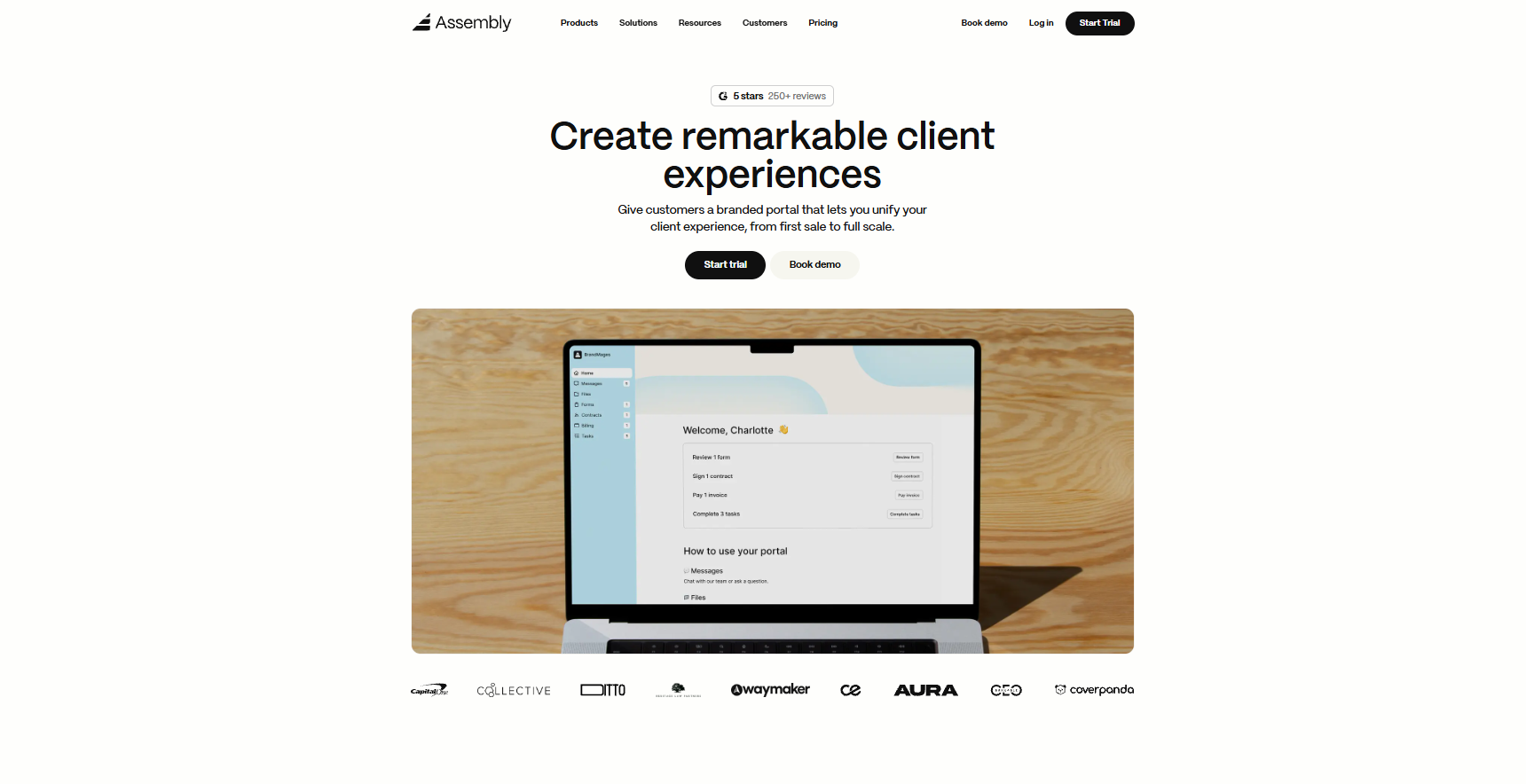
- What it does: Assembly brings client records, billing, contracts, and communication into one connected portal. It helps accounting teams keep documents, requests, and ongoing work in one place so nothing gets buried in email or scattered across tools.
- Who it’s for: Firms that want a clear system for handling client work after the sale.
We designed Assembly to help accounting teams manage clients from the first intake call through recurring work. Many firms juggle notes, source documents, engagement letters, invoices, and follow-up requests across separate tools, which makes day-to-day accounting tasks harder to track.
Assembly gives you one place to manage those details, so information stays connected as the relationship grows. You can review early conversations, collect tax documents, send contracts, and track payments without jumping between systems.
We also added the AI Assistant to help your team stay prepared. It gathers recent messages, files, and invoices into a clear summary and drafts follow-ups when you need them.
You can also extend Assembly through our integrations hub or Marketplace Apps. This lets you match the platform to your internal workflow without losing structure.
Key features
- Branded client portal: One login where clients view invoices, contracts, files, and updates
- Billing and contracts: Built-in e-signatures, invoicing, subscriptions, and payment collection
- Assistant preparation: Summaries of notes, messages, and files before meetings
- Marketplace Apps: Install prebuilt or custom apps that expand client workflows
- Integrations hub: Connects with Airtable, ClickUp, Calendly, Zapier, and Make
Pros
- Branded experience that keeps clients in one organized portal
- Reduces tool switching for billing, communication, and file sharing
- Integrates with common workflow and scheduling tools
Cons
- Higher price than lighter CRMs
- Works better for recurring client work than one-time projects
Pricing
Assembly starts at $39 per month.
Bottom line
Assembly gives accounting firms one place to manage client work by connecting documents, payments, and communication. If you mainly need basic contact tracking, a simpler CRM like Capsule or HubSpot may feel easier to adopt.
2. Karbon: Best for firms that rely on structured accounting workflows
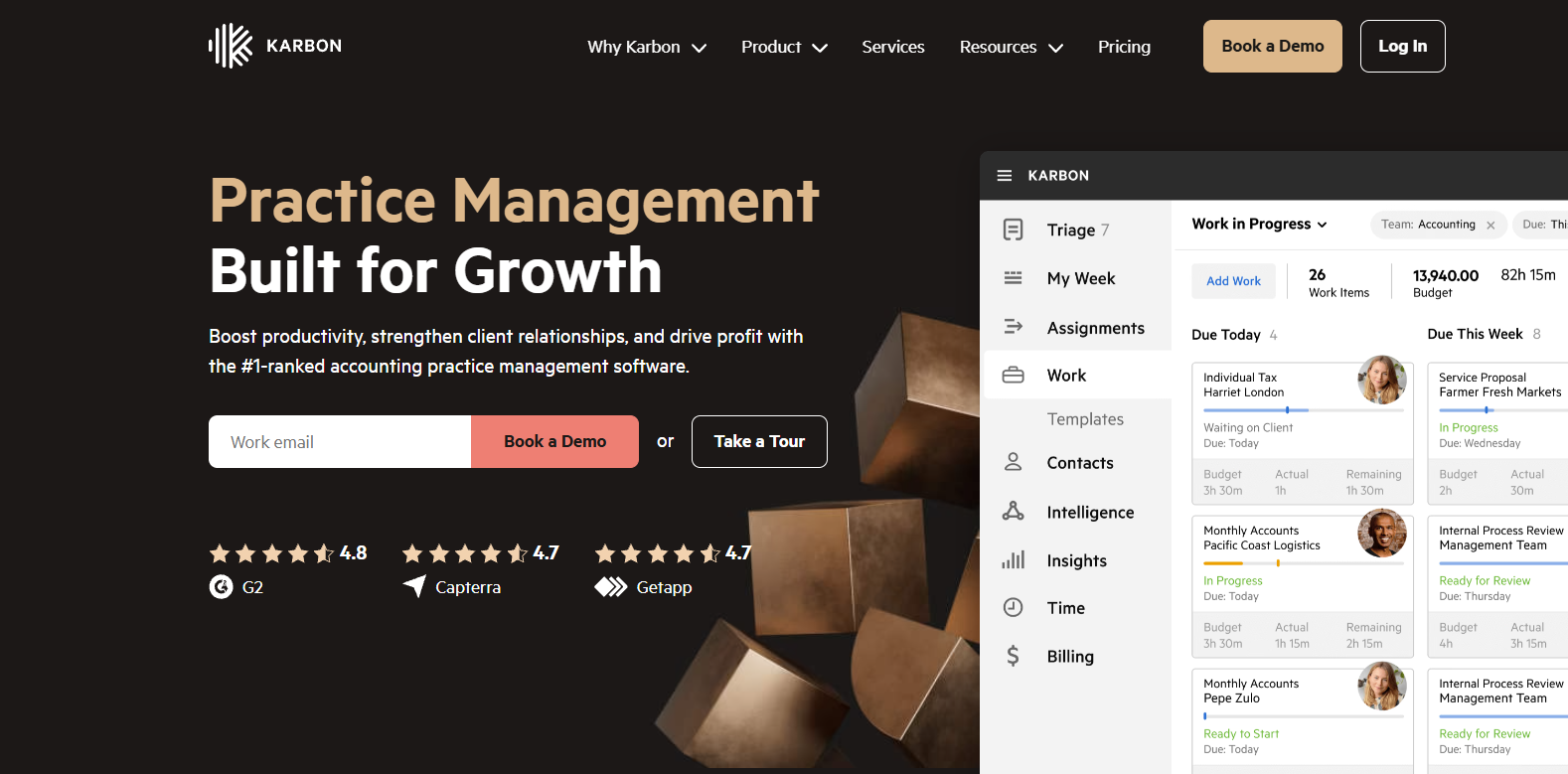
- What it does: Karbon combines client timelines, task assignments, email syncing, and workflow templates in one system. It helps accounting teams manage work that moves through repeatable steps.
- Who it’s for: Firms that depend on detailed processes and need structure across bookkeeping or tax work.
The first thing I noticed during testing was how much Karbon centers work around the client timeline. Every email, note, and task showed up in one view, which made it easier to understand what happened last and what should happen next.
I created a workflow using their templates and watched how tasks moved across stages as updates came in. That structure works well for accounting teams that have predictable cycles like monthly close or tax prep.
I also checked how it handled email, and the shared inbox helped cut down on confusion between team members. The tradeoff is setup time because the templates need thoughtful configuration. Smaller firms may find the system heavier than they need if their work is more flexible.
Key features
- Client timelines: Shows emails, notes, and tasks in one view
- Workflow templates: Supports repeatable accounting processes
- Shared inbox: Keeps client communication visible to the team
Pros
- Strong structure for recurring accounting workflows
- Clear visibility into client activity
- Helpful for teams with defined roles
Cons
- Setup takes time for new firms
- Can feel heavy for small teams with simple processes
Pricing
Karbon starts at $59 per user per month when billed annually.
Bottom line
Karbon organizes accounting work by tying communication and tasks to one client timeline. Teams that want simple client communication may prefer Liscio or Capsule CRM.
3. TaxDome: Best for firms that need built-in accounting tools
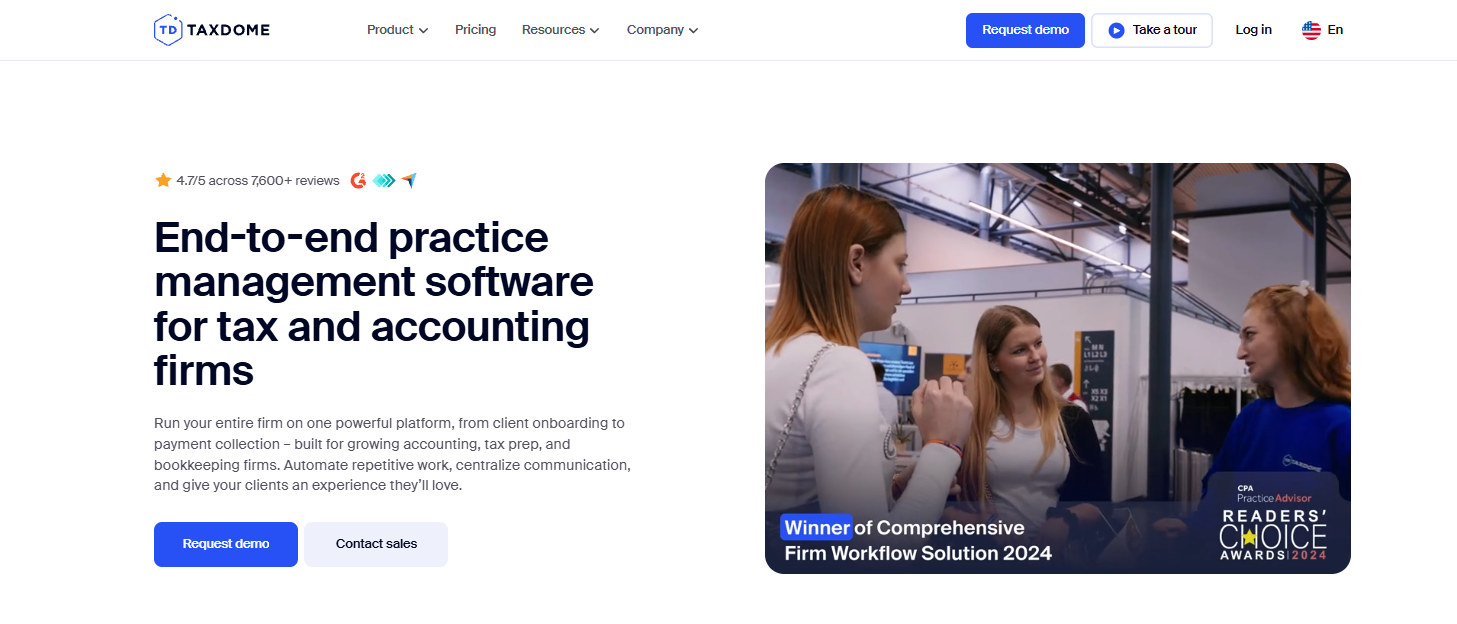
- What it does: TaxDome brings CRM, client portals, documents, e-signatures, and tax organizers together. It supports accounting work that depends on forms, questionnaires, and structured document intake.
- Who it’s for: Firms that want a single platform for client communication and accounting tasks.
One thing that stood out in my Taxdome testing was how much of the workflow you can run without leaving the portal.
I created an organizer, sent it to a test client, and watched the responses populate inside their record alongside past files and messages. The dashboard also showed workload across team members, which can help during busy seasons.
I checked how it handled bulk messages, and the email sync made it easy to reach many clients at once with updates or reminders. TaxDome does a lot in one place, but that also means the system is dense.
You need time to configure templates and train your team so everything stays consistent. Firms that only need lead tracking may find it more than they need.
Key features
- Tax organizers: Collect client information through structured forms
- Client portal: Central place for documents, signatures, and messages
- Bulk email: Sends updates to many clients at once
Pros
- Built for tax and accounting workflows
- Strong document organization
- Clear staff workload visibility
Cons
- Setup requires time and training
- Heavy for firms that only need basic CRM features
Pricing
TaxDome starts at $800 per year with a one-year commitment.
Bottom line
TaxDome supports accounting firms with documents, organizers, signatures, and portals in one system. Teams that want lighter communication tools may prefer Liscio or Method CRM.
4. Liscio: Best for firms that want simple client communication
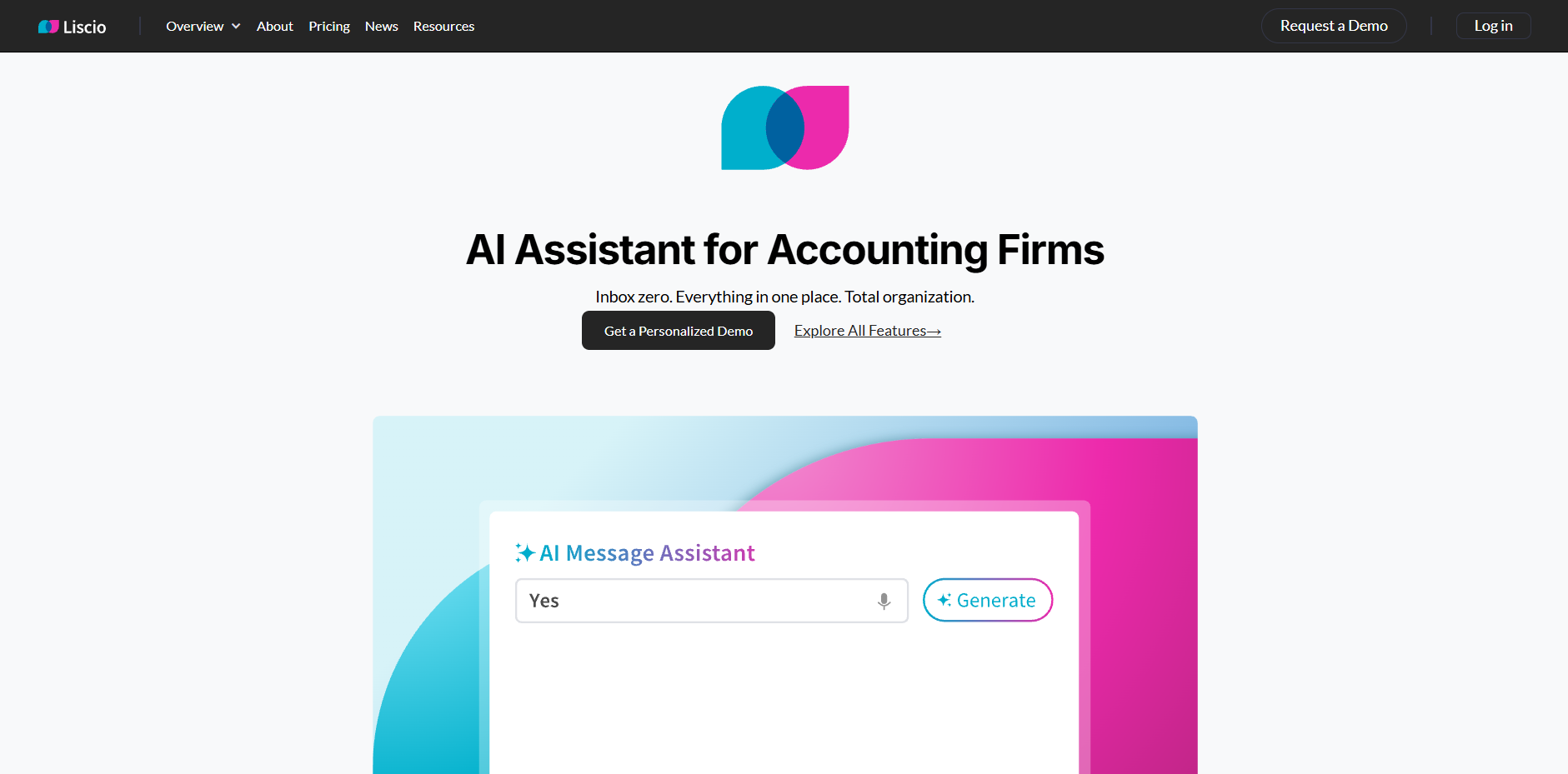
- What it does: Liscio focuses on secure messaging, file sharing, and client reminders. It gives firms an easy way to keep communication organized without relying on email threads.
- Who it’s for: Firms that want a clear channel for client messages and document exchange.
I thought the Liscio setup process was quick compared to others. I created a client account, sent a test message, and uploaded a document in minutes. The shared feed made it easy to see every interaction without sorting through emails. When I assigned a client task, the reminder went straight to their mobile app, which kept the process simple for them.
During testing, I noticed Liscio limits customization, which keeps the experience clean but reduces flexibility for firms that run complex workflows.
It also has fewer integrations than broader CRMs. That may not matter for teams that want a focused communication tool, but it will matter for firms connecting many systems.
Key features
- Secure messaging: Replaces scattered email threads
- File sharing: Lets clients upload and access documents easily
- Client tasks: Sends reminders that prompt quick responses
Pros
- Easy for clients to use
- Clear communication feed
- Fast setup
Cons
- Limited integrations
- Not suited for detailed workflows or complex tasks
Pricing
Liscio starts at $49 per user per month.
Bottom line
Liscio gives firms a simple, secure way to communicate with clients and collect documents. Teams that need workflow structure may prefer Karbon or Financial Cents.
5. Method CRM: Best for firms that use QuickBooks as a core system
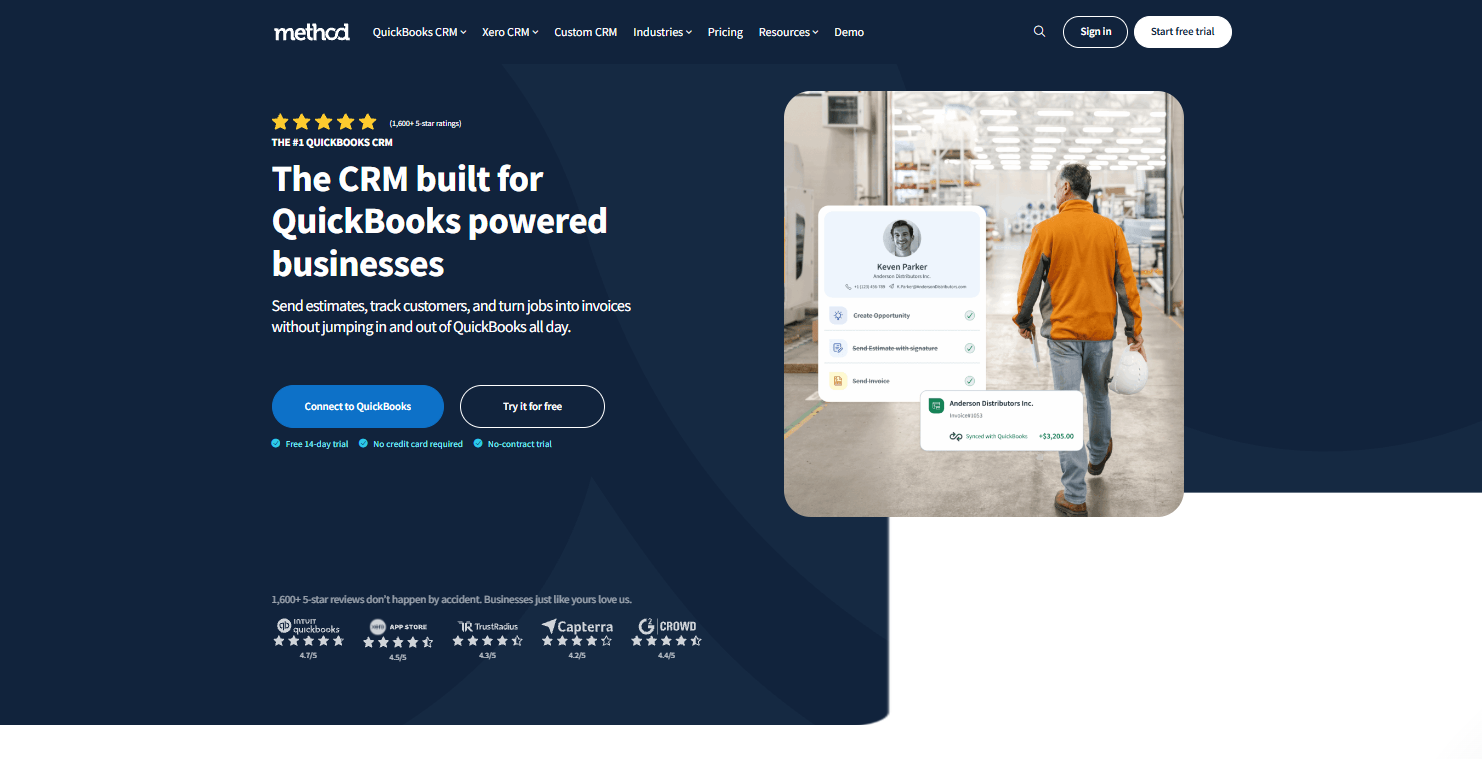
- What it does: Method CRM connects contact records, invoices, and estimates with QuickBooks. It helps firms manage leads, client details, and payments without double entry.
- Who it’s for: Accounting teams that rely on QuickBooks for daily work.
One thing I noticed right away was how closely Method CRM ties client records to QuickBooks. When I created a test contact, the entry appeared in QuickBooks a few moments later, and updates moved between the two systems without manual steps. That connection helped keep billing and client information aligned during testing.
I set up a simple lead workflow to see how it handled early inquiries, and the activity timeline made it clear what happened and when. The customization panel also offered a lot of control over layouts and fields.
The tradeoff is the learning curve because more customization means more setup decisions. Method CRM works well for firms that rely on QuickBooks, but teams using many tools may want broader integrations.
Key features
- QuickBooks sync: Shares contact and invoice data across systems
- Lead management: Tracks prospects through early conversations
- Custom fields: Lets firms shape records to their workflow
Pros
- Reliable QuickBooks sync
- Flexible customization options
- Clear activity timelines
Cons
- Learning curve during setup
- Limited integrations beyond accounting tools
Pricing
Method CRM starts at $35 per user per month, billed monthly.
Bottom line
Method CRM supports firms that rely on QuickBooks by keeping records aligned across both platforms. Teams that want more automation or workflow depth may prefer Karbon or Financial Cents.
6. HubSpot CRM: Best for firms that prioritize lead tracking
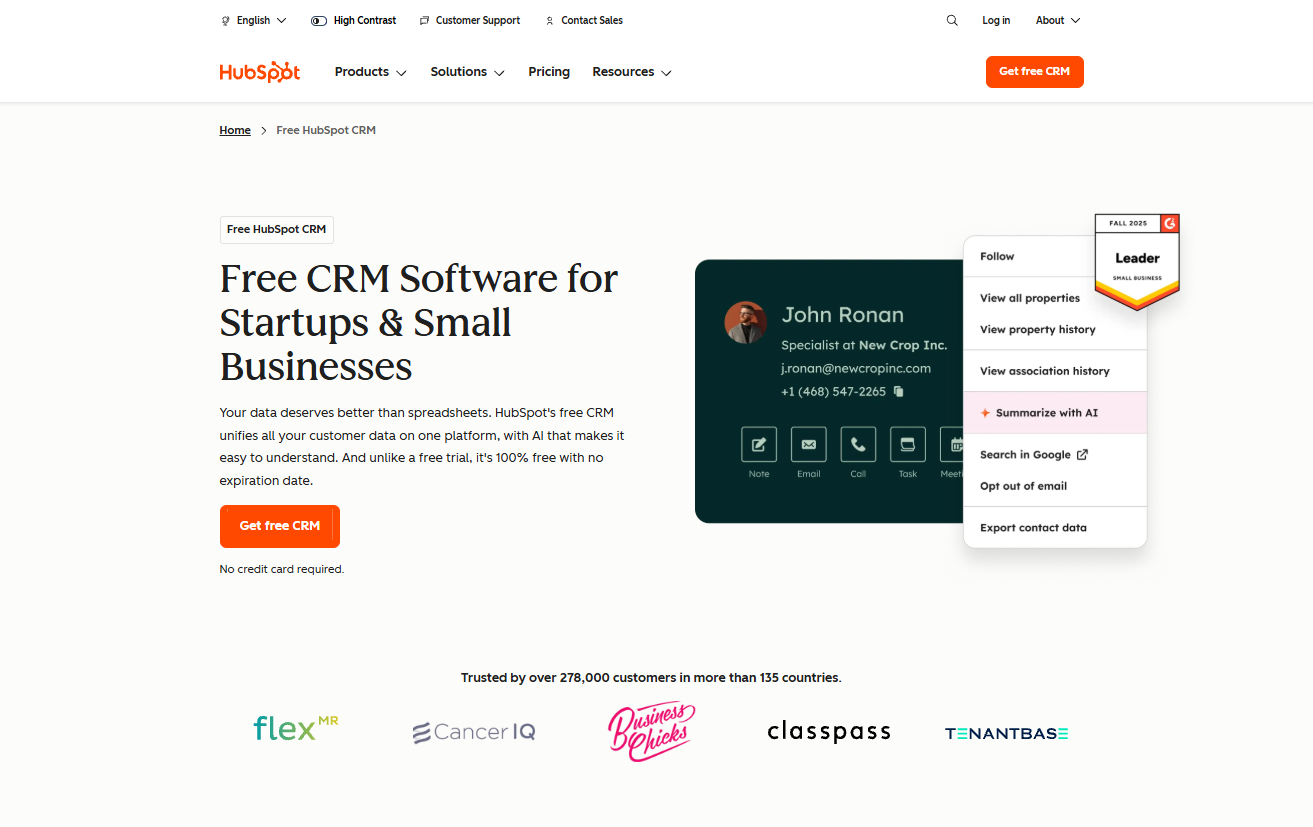
- What it does: HubSpot CRM provides pipelines, contact records, email tracking, and basic automation. It helps teams organize deals and follow-ups without heavy setup.
- Who it’s for: Firms that want a clear system to track leads and early client conversations.
The first thing I checked was how quickly I could build a pipeline. HubSpot CRM made it easy to add stages, assign owners, and move deals around with a few clicks. I used the activity panel to log calls and emails, and everything synced into the record right away. That structure helps accounting teams that manage steady incoming leads.
During testing, I noticed the reporting tools gave useful snapshots without needing complex filters. The limit is that deeper features sit behind paid tiers, so growing teams may hit the ceiling sooner than expected.
As a lightweight CRM for early client work, it’s hard to beat for simplicity, but it’s not built for full accounting workflows.
Key features
- Deal pipelines: Tracks prospects through each stage
- Email tracking: Shows when clients open or click messages
- Activity timelines: Keeps calls, notes, and tasks in one place
Pros
- Easy setup
- Helpful for lead follow-up
- Good free tier for small teams
Cons
- Advanced features require upgrades
- Not built for accounting-specific tasks
Pricing
HubSpot CRM starts at $9 per user per month.
Bottom line
HubSpot CRM helps firms stay organized during early conversations and follow-ups. Teams that run structured accounting workflows may prefer Karbon or Financial Cents.
7. Zoho CRM: Best for firms that prioritize broad customization
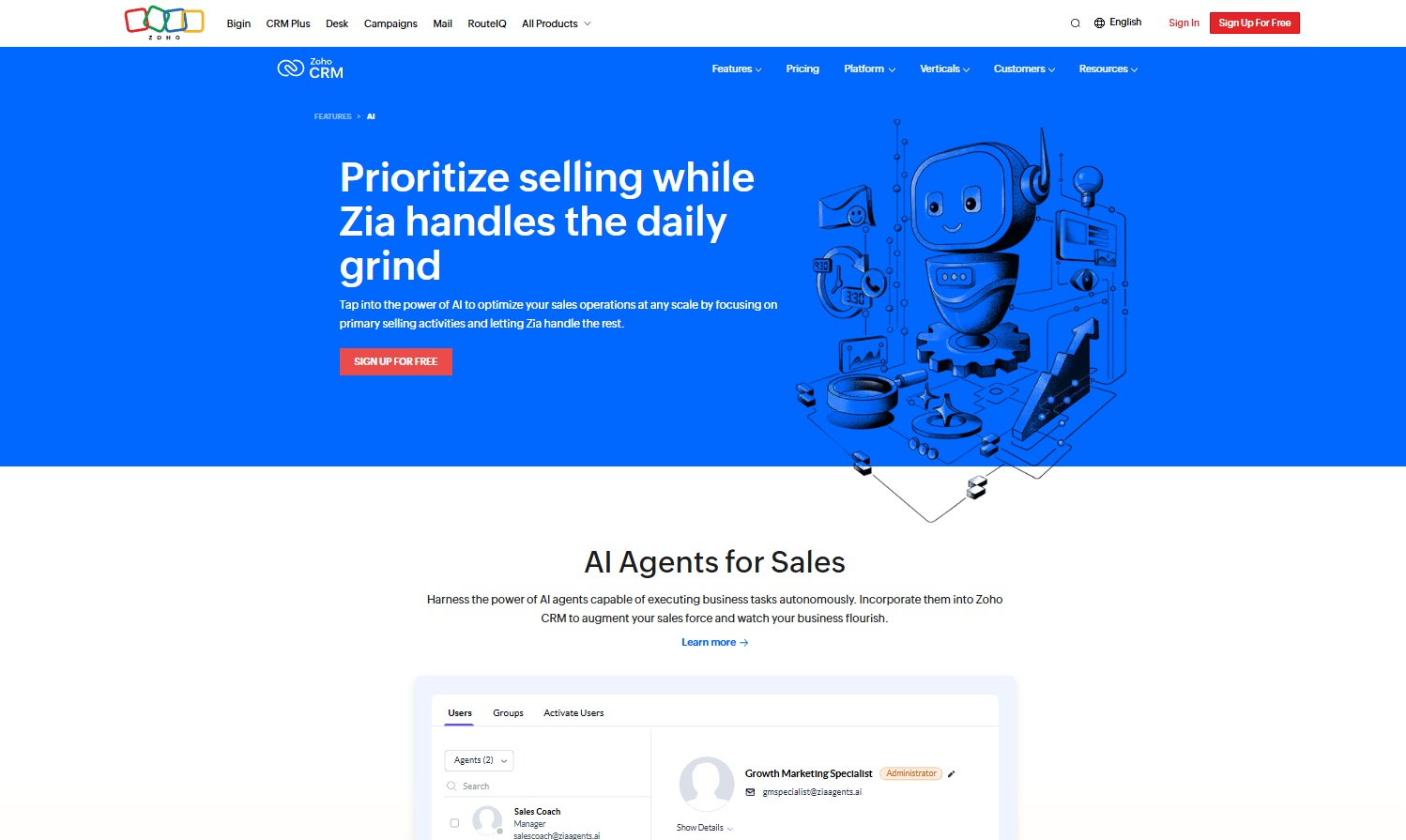
- What it does: Zoho CRM covers contact management, deal tracking, automations, and custom modules. It gives firms a flexible system they can shape around existing workflows.
- Who it’s for: Teams that want a customizable CRM with many layouts and automation options.
I started testing Zoho CRM by adjusting the layout of a client record, and it gave me more control than some CRMs. I created sections, added fields, and changed the view to match how an accounting team might organize contacts. Then I tried building an automation that assigned tasks based on deal stages, and the workflow ran cleanly once published.
The strength here is flexibility, but that also slows down setup. New users will need time to learn where everything lives because the menu has many layers.
Zoho CRM works if you want to tailor every part of the system, but firms hoping for quick onboarding may want a simpler tool.
Key features
- Custom modules: Lets firms design layouts that match internal workflows
- Automation builder: Triggers tasks and updates based on rules
- Pipeline tracking: Organizes deals in structured stages
Pros
- Very flexible
- Strong automation tools
- Works with the wider Zoho suite
Cons
- Steeper learning curve
- Requires time to configure
Pricing
Zoho CRM starts at $14 per user per month.
Bottom line
Zoho CRM gives firms a flexible system they can shape around complex workflows. Teams that want a fast setup may find Insightly or Capsule CRM easier to adopt.
8. Insightly: Best for firms that want a fast setup
- What it does: Insightly offers contact management, lead routing, simple pipelines, and basic project tracking. It focuses on giving small teams an easy CRM without heavy configuration.
- Who it’s for: Firms that want a straightforward CRM they can use right away.
I checked how quickly I could create a client record and link tasks to it, and Insightly made both steps simple. The interface is clean, and most actions take only a few clicks. I also tested the built-in email templates and found them easy to adjust for client updates or reminders.
The light structure helps teams that don’t need deep automation, but it also means the platform has limits. Reporting tools are basic, and customization options taper off compared to larger CRMs.
Insightly works well when you want clarity without a long setup process, but firms with many moving parts may outgrow it.
Key features
- Lead routing: Sends new inquiries to the right team member
- Linked tasks: Connects to-dos directly to client records
- Simple pipelines: Helps track early sales stages
Pros
- Fast setup for small teams
- Clear linking between contacts, tasks, and leads
- Easy to use for early client tracking
Cons
- Limited customization
- Basic reporting tools
Pricing
Insightly starts at $29 per user per month.
Bottom line
Insightly helps small accounting teams get organized without a complex setup. Firms that want deeper automation or structure may lean toward Zoho CRM or Karbon.
9. Pipedrive: Best for firms that focus on sales follow-up
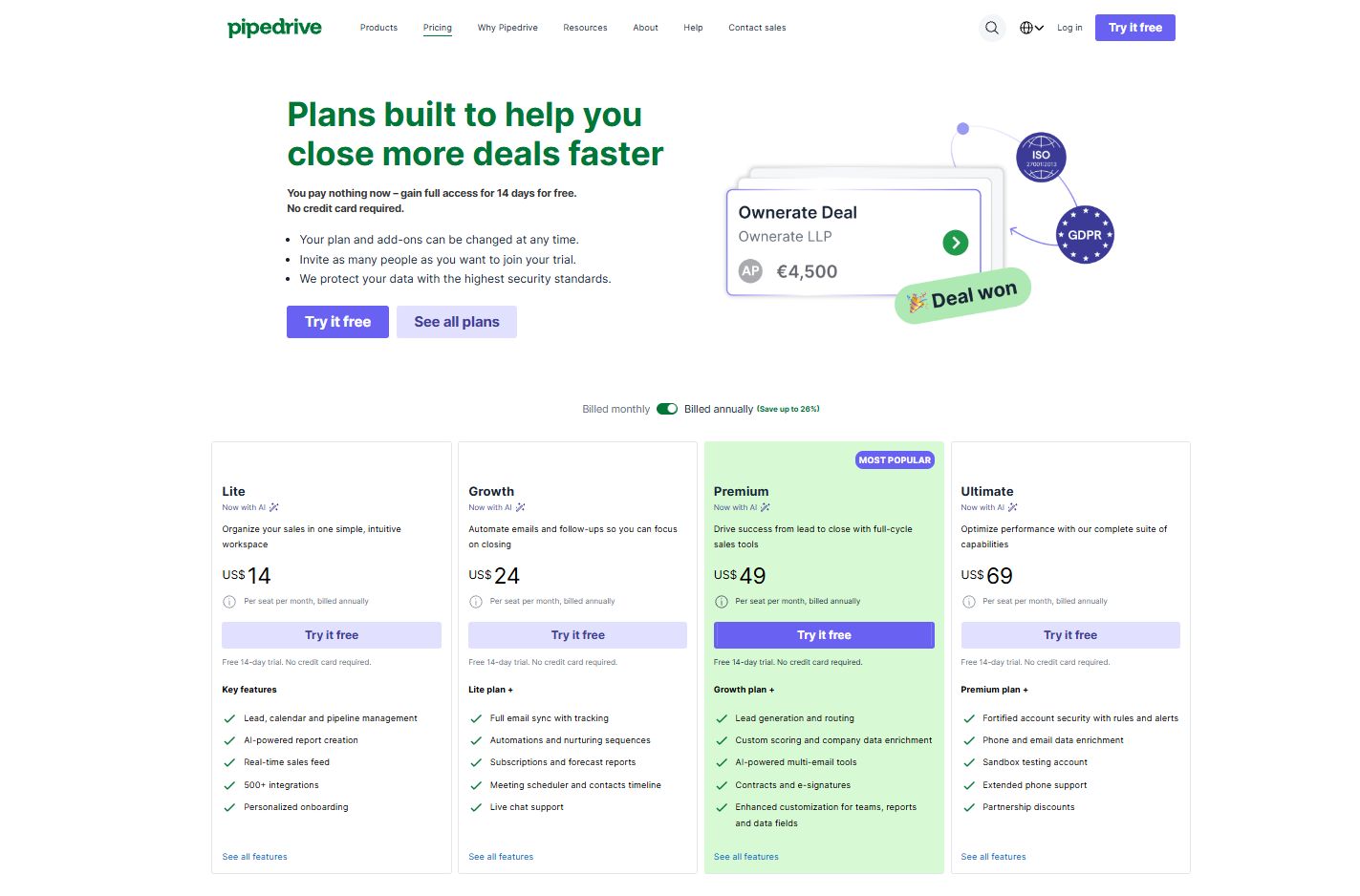
- What it does: Pipedrive provides deal pipelines, activity reminders, call logs, and simple automations. It helps firms manage early-stage prospects and keep follow-ups consistent.
- Who it’s for: Teams that handle many leads and want a visual way to track sales activity.
I used Pipedrive to map out a sample sales path, and the visual pipeline made it clear where each lead stood. Dragging deals across stages updated the timeline right away, which helped me see what needed attention next. I tested the activity reminders by assigning calls and emails, and the alerts kept everything moving.
Because Pipedrive focuses on sales, some accounting-specific needs fall outside its scope. Document storage is basic, and the system doesn’t handle ongoing client work.
It’s strong for lead follow-up, but firms that rely on structured accounting tasks will likely need another tool for delivery.
Key features
- Visual pipelines: Shows deal progress at a glance
- Activity reminders: Prompts calls, emails, and tasks
- Call logging: Tracks conversations with prospects
Pros
- Easy visual layout
- Helpful reminders
- Fast workflow for sales teams
Cons
- Limited client delivery tools
- Basic document handling
Pricing
Pipedrive starts at $14 per user per month.
Bottom line
Pipedrive keeps follow-ups organized with a visual pipeline that’s easy to manage. Firms that want one place for both lead tracking and active client work may be better suited to Assembly.
10. Accelo: Best for firms that tie CRM activity to service delivery
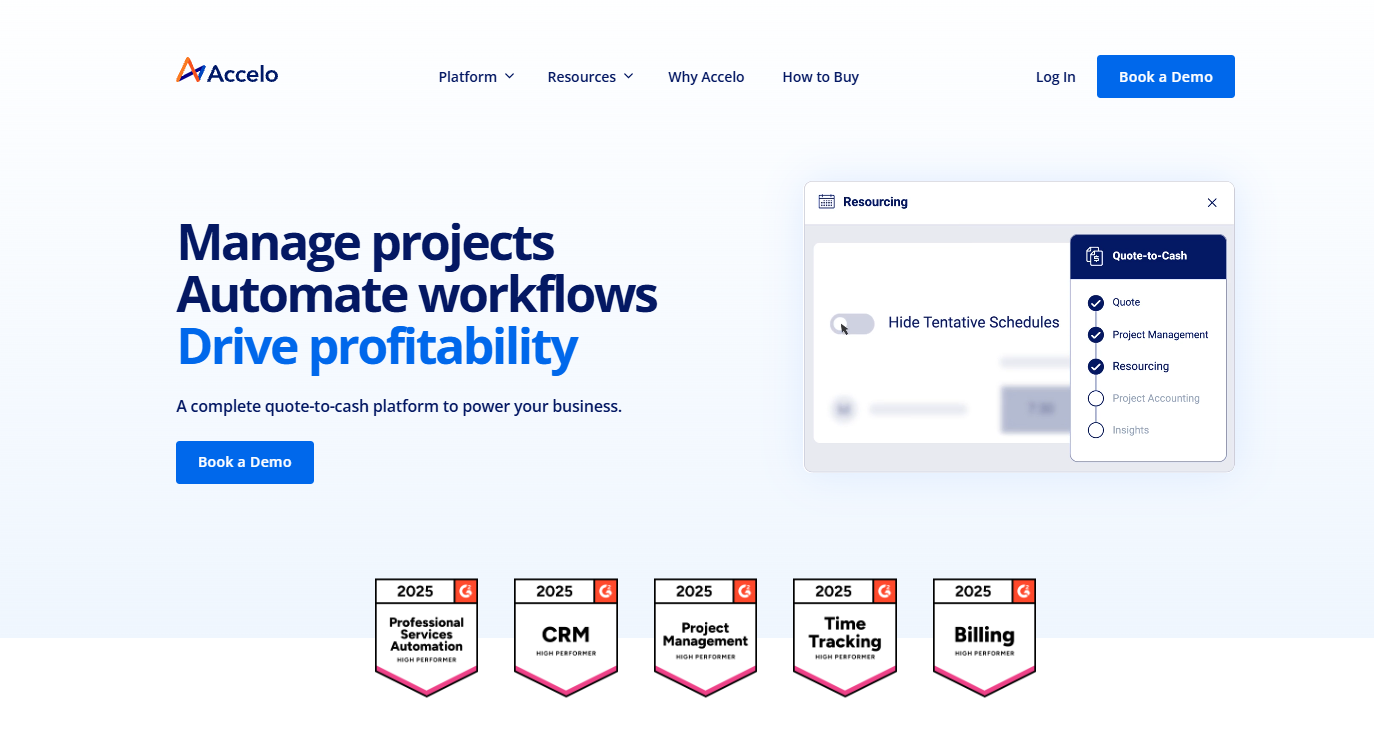
- What it does: Accelo connects CRM records with project tracking, time entries, billing steps, and service delivery tasks. It gives firms one system for managing ongoing work.
- Who it’s for: Firms that want CRM data linked directly to the delivery process.
I tested Accelo by creating a client record, converting it into a project, and assigning tasks to see how the workflow moved. The platform tracked hours, budgets, and deadlines in a single place, which helped show where work stood. I also checked the automation triggers, and they updated tasks based on project status without much manual work.
With that depth comes a learning curve, and smaller firms may not need the full system. The interface has many sections, so it takes time to learn where everything connects.
Accelo works well if you want CRM activity tied closely to project delivery, but firms with simpler workflows may find it more than they need.
Key features
- Project tracking: Connects CRM records to active work
- Time and budget tools: Tracks labor and project progress
- Automation rules: Moves tasks as work advances
Pros
- Good visibility across delivery
- Connects sales and service steps
- Helpful automation options
Cons
- Takes time to learn
- Heavy for small teams
Pricing
Accelo uses custom pricing.
Bottom line
Accelo connects CRM details with delivery and billing so teams can manage client work in one system. Firms that want a faster setup may prefer Insightly or Capsule CRM.
11. Freshsales: Best for firms that want a sales-first CRM
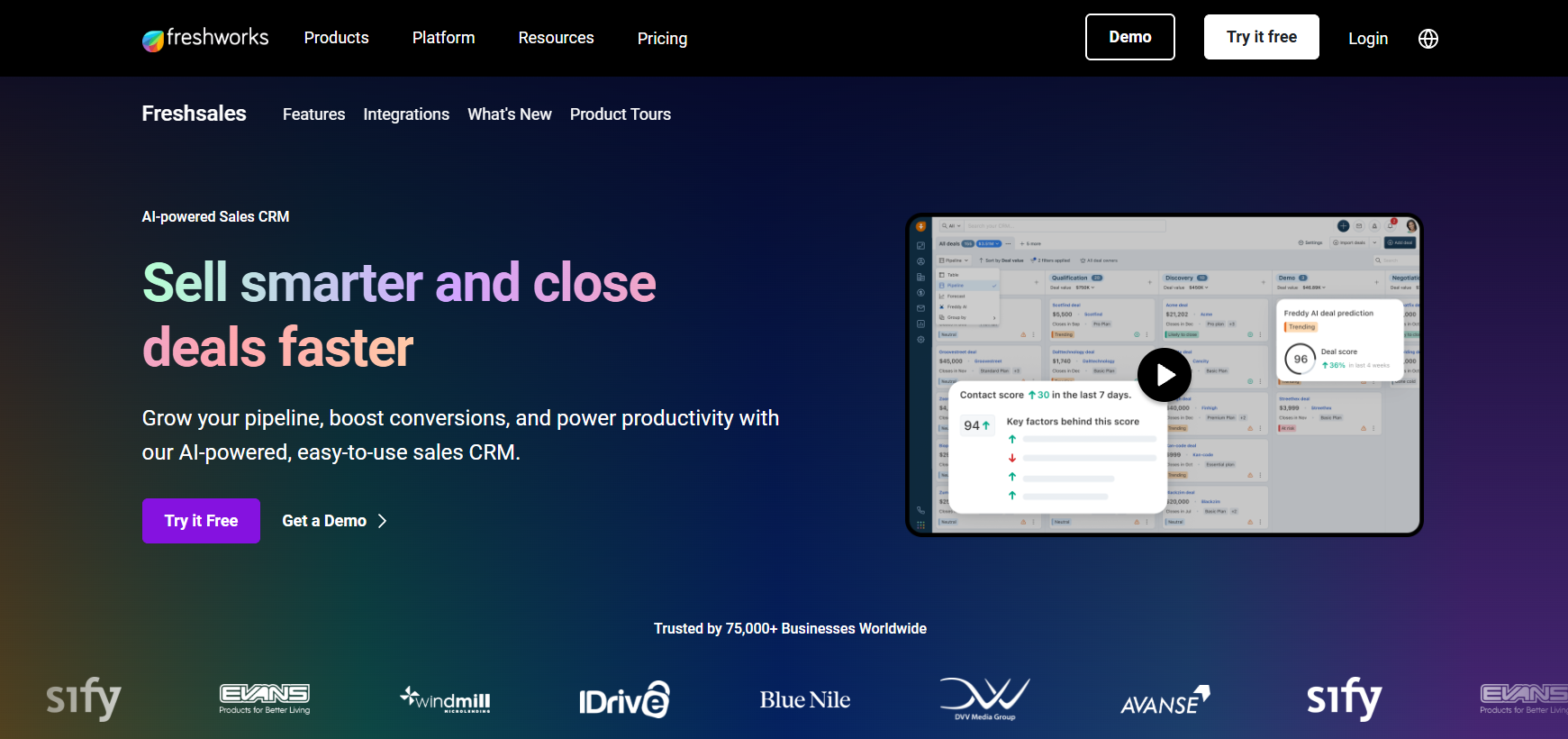
- What it does: Freshsales focuses on pipelines, contact records, chat, and email tools that support early client communication. It helps firms handle outreach, follow-ups, and lead qualification in one place.
- Who it’s for: Firms that want a CRM centered on sales activity before client work begins.
One thing I checked early was how Freshsales handles email and chat in the same workspace. I drafted test emails, logged calls, and used the chat widget to see how each channel synced into the client record. The timeline updated right away, and I could see a clear history of the conversation.
I also created a sample pipeline to test how deals move across stages. The drag-and-drop layout kept the process simple for a team that handles steady incoming leads.
The limit is that Freshsales doesn’t offer tools for ongoing accounting work, so tasks like document intake or recurring client reminders will need other accounting firm software. It works well for early sales conversations, but not as a full accounting workflow system.
Key features
- Built-in email and chat: Keeps conversations connected to client records
- Deal pipelines: Shows progress through each stage
- Lead scoring: Highlights prospects worth prioritizing
Pros
- Clean layout for sales activity
- Helpful for firms with consistent lead flow
- Easy to set up and use
Cons
- Not designed for accounting delivery
- Lacks document and portal tools
Pricing
Freshsales starts at $9 per user per month.
Bottom line
Capsule CRM offers a simple way to track contacts and early sales activity. Firms that want their sales notes, documents, and client updates connected in one hub may find Assembly a stronger fit.
12. Capsule CRM: Best for firms that want a clean, simple CRM
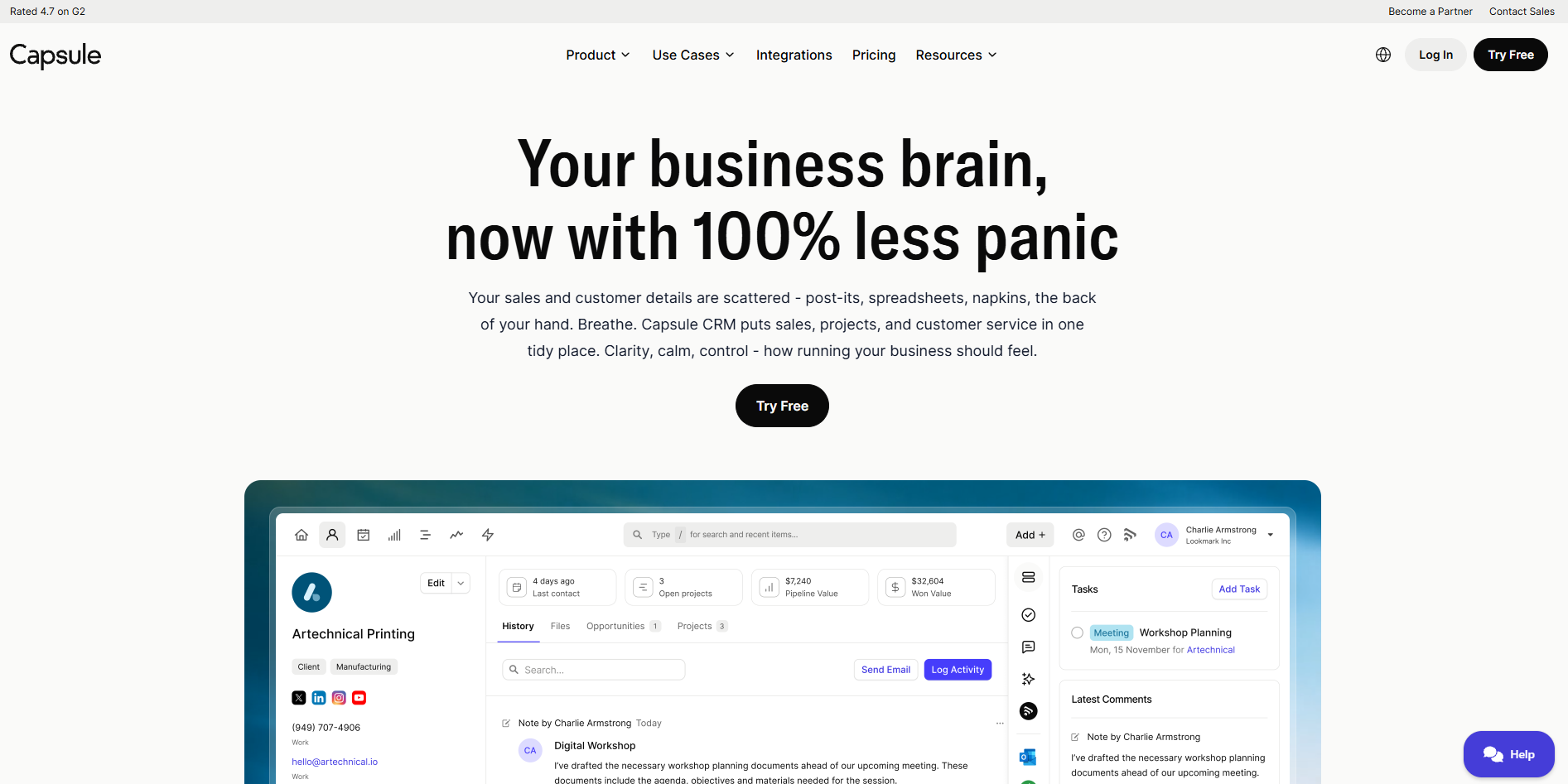
- What it does: Capsule CRM offers contact management, simple pipelines, tasks, and basic sales tools in an uncluttered interface. It focuses on giving small teams a CRM that they can learn quickly.
- Who it’s for: Firms that want a lightweight CRM for contacts and early client work.
The first thing I noticed while trying Capsule CRM was how easy it was to add contacts and organize them into lists. Capsule kept the interface clear enough that I could move between records, tasks, and pipelines without digging through menus. I tested a small sales cycle to see how updates showed up, and the activity feed kept everything in order.
Capsule works well for firms that only need simple tracking and don’t want a system packed with menus or configuration steps.
It doesn’t have strong automation or accounting-focused tools, so firms managing high-volume work or many deadlines will likely outgrow it. For smaller firms, though, the simplicity is often enough.
Key features
- Contact lists: Helps segment clients and leads
- Simple pipelines: Tracks basic sales activity
- Task tracking: Keeps follow-ups organized
Pros
- Clean and intuitive interface
- Quick setup
- Easy for small teams to manage
Cons
- Limited automation
- Not suited for complex accounting workflows
Pricing
Capsule CRM starts at $18 per user per month.
Bottom line
Capsule CRM offers a clear way to track contacts and early work without a heavy setup. Firms that need task automation or client portals may prefer Karbon or Liscio.
13. Financial Cents: Best for accounting teams that depend on structured workflows
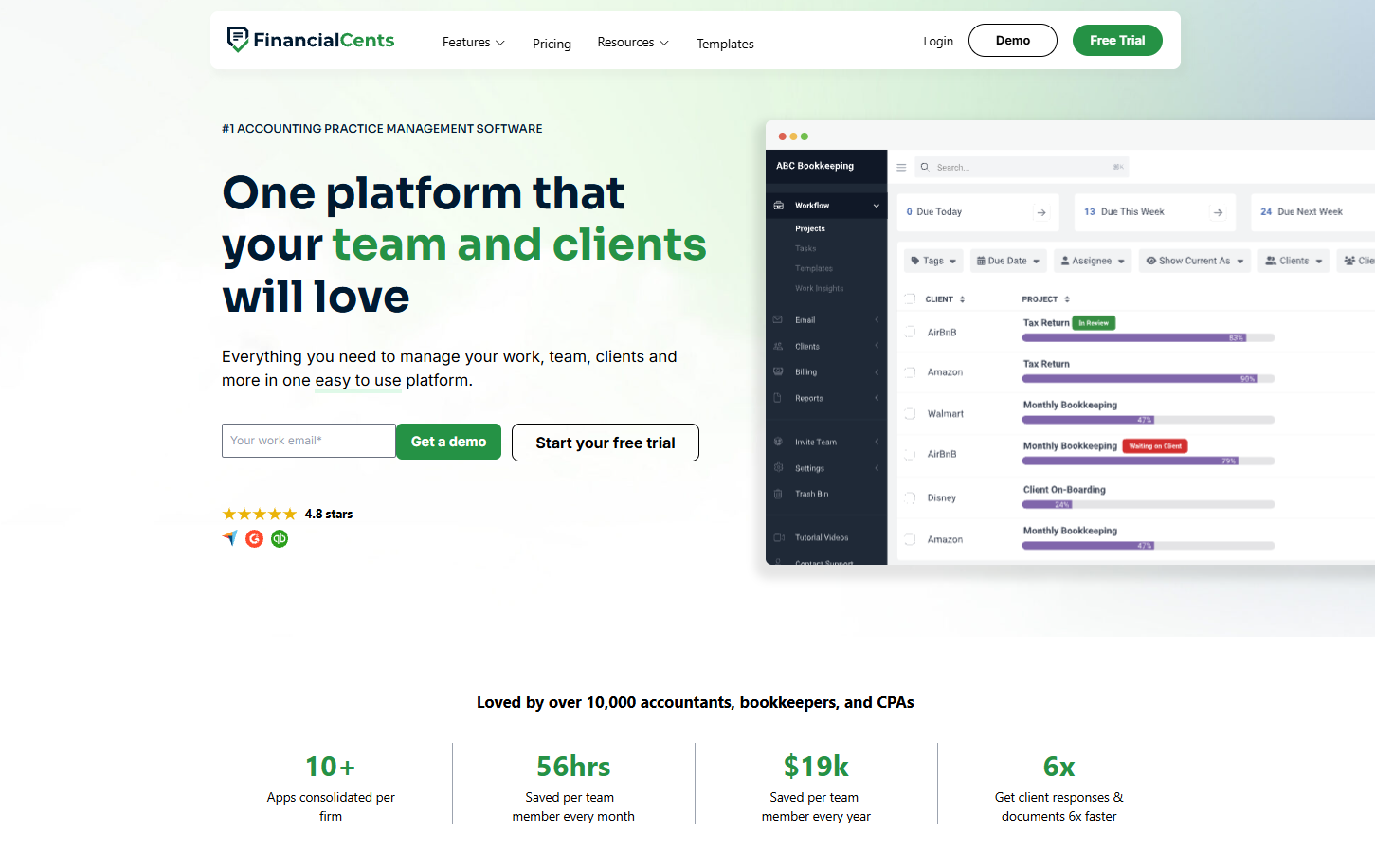
- What it does: Financial Cents provides workflow templates, client tasks, time tracking, and simple portals to help firms complete recurring accounting work. It keeps deadlines and tasks visible across the team.
- Who it’s for: Accounting teams that want structure for monthly, quarterly, and annual tasks.
I tested Financial Cents by building a month-end workflow and assigning tasks to see how deadlines were updated. The dashboard showed overdue tasks and upcoming work in a clear list, which helps during busy periods. I also used the client task feature to request documents, and the system tracked whether the client completed each step.
The tool stays focused on accounting work, which is helpful if you rely on templates and repeatable processes.
Reporting is straightforward, but customization is limited compared to larger platforms. It’s a solid fit for firms that manage recurring work, though it doesn’t cover broader sales or communication needs.
Key features
- Recurring workflows: Tracks deadlines for monthly or annual tasks
- Client task requests: Organizes document collection
- Time tracking: Supports internal visibility across work
Pros
- Built for accounting workflows
- Clear task visibility
- Simple document request system
Cons
- Limited customization
- Not focused on sales or lead management
Pricing
Financial Cents starts at $19 per month.
Bottom line
Financial Cents supports accounting workflows with recurring tasks and organized client requests. Firms that need pre-sale tracking or deeper communication tools may prefer HubSpot CRM or Liscio.
How I tested these CRMs for accounting firms
I wanted to understand how each CRM performs when real accounting work is in motion, so I built complete workflows inside every platform. I added test clients, created tasks, sent files, and moved deals through early conversations to see where each system held up and where it slowed things down.
I paid close attention to how well each CRM supported the daily steps accounting teams take when client requests, deadlines, and billing tasks overlap.
Here’s what I focused on during testing:
- Client record structure: I checked how each CRM stored notes, documents, messages, and billing details in one place and whether it stayed clear once real work began
- Workflow behavior: I built sample accounting tasks to see how tools handled repeats, deadlines, staff assignment, and approvals
- Communication flow: I tested emails, reminders, and client messaging to see which tools kept conversations organized
- Pre-sale to post-sale handoff: I tracked how well each CRM carried information from early leads into active client work
- Integration depth: I reviewed how each platform connected with accounting tools like QuickBooks, practice tools, and workflow apps
- Team visibility: I looked at how clear the workload was when multiple clients and projects were active
Which CRM for accounting firms should you choose?
Accounting teams use CRMs in different ways, so the right pick depends on how you manage client work, track deadlines, and move from early conversations into long-term engagements. A small firm may want simple client communication, while a larger team may need structure for monthly close, tax prep, or recurring projects. Choose:
- Assembly if you want one place to manage client activity across pre-sale and post-sale work
- Karbon if your team depends on structured workflows for bookkeeping or tax work
- TaxDome if your firm needs built-in organizers, signatures, and accounting tools
- Liscio if you want a clean channel for secure client messages and quick document exchange
- Method CRM if QuickBooks sits at the center of your process and you want synced records
- HubSpot CRM if you manage a steady flow of leads and need a simple way to track early conversations
- Zoho CRM if you want a customizable system that you can shape around detailed internal workflows
- Insightly if your team needs a CRM you can set up fast without much configuration
- Pipedrive if you focus on sales follow-up and need a clear visual pipeline
- Accelo if you want CRM activity connected to service delivery, time tracking, and billing steps
- Freshsales if you want sales tools like chat, email, and pipelines in one clean layout
- Capsule CRM if your team needs a simple CRM for contacts and early work
- Financial Cents if you want recurring workflow templates and clear task tracking for accounting work
My final verdict
My testing made it clear that teams choose different CRMs depending on how much structure or flexibility they need. Firms that want strict workflow control often choose Karbon, while teams that need built-in organizers lean toward TaxDome. Liscio tends to attract firms that want easier client communication, and Method CRM works well for teams that center their process around QuickBooks.
Assembly gives firms a clear way to handle client work once the CRM has done its job. You can manage files, payments, messages, and notes in one place without forcing your team into separate tools. I’ve found that this setup helps firms move through daily tasks with fewer gaps, which supports accurate work and steady client communication.
Bring your CRM and client work together with Assembly
Many CRMs for accounting firms focus on leads and early client details, which leaves the day-to-day work scattered across other tools. Assembly brings those steps together by giving your firm one portal for documents, payments, communication, and client notes.
Here’s what you can do with Assembly:
- See the full client record: Notes, files, payments, and communication history stay linked in one place. You never have to flip between systems or lose context when switching from sales to service.
- Prep faster for meetings: The AI Assistant pulls past interactions into a clear summary so you can walk into any call knowing exactly what’s been discussed and what’s next.
- Stay ahead of clients: Highlight patterns that may show churn risk or upsell potential, making outreach more timely and relevant.
- Cut down on admin: Automate repetitive jobs like reminders, status updates, or follow-up drafts that used to take hours. The Assistant handles the busywork so your team can focus on clients.
Ready to simplify how your firm manages client work? Start your free Assembly trial today.
Frequently asked questions
What features matter most in CRMs for accounting firms?
The features that matter most in CRMs for accounting firms are clear client records, organized communication, document storage, and accurate activity tracking. You need a system that keeps notes, messages, and files in one place so you’re not jumping between tools. A good setup also gives you simple task management and billing visibility, so client work stays on track.
How can a CRM help reduce back-and-forth with clients?
A CRM helps reduce back-and-forth by keeping messages, documents, and task requests in one workspace where your clients always know what you need. You get a clear record of every update, which cuts down on repeated questions and missing files. This makes daily communication predictable and easier to manage.
What’s the difference between a CRM and a client portal?
A CRM stores your internal notes, tasks, and client details, while a client portal gives clients a place to view and share information with you. You use the CRM to manage work inside your firm, and the portal keeps clients updated without extra emails. Together, they help you maintain context while giving clients a clearer experience.