
Dubsado vs. HoneyBook: What you need to know in 2026
Dubsado offers deep automation, while HoneyBook offers faster setup. I tested both on workflows, branding, and payments to see how they compare in 2026.


Choosing between Dubsado vs HoneyBook means picking between deep customization and fast setup. I've tested both platforms, and here's how they compare on pricing, automation, and client experience in 2026.
Dubsado vs. HoneyBook: What’s the difference?
Dubsado and HoneyBook take different approaches to workflow complexity and branding control. Here's how they compare at a glance:
| Feature | Dubsado | HoneyBook |
|---|---|---|
| Best for | Service businesses needing custom automation and white-label branding | Freelancers and small businesses wanting fast setup and mobile access |
| Starting price | $35/month | $36/month |
| Transaction fees |
Credit cards: 2.9% + $0.30 ACH: 0.8% (capped at $5) |
Credit cards: 2.9% + $0.25 (Visa/Mastercard), 3.4% + $0.09 (Amex/Discover/card-on-file) ACH: 1.5% |
| Key strength | Advanced workflows with multiple triggers and conditional logic | Quick onboarding with built-in payment processing and a strong mobile app |
| Main weaknesses | Steeper learning curve and limited mobile app functionality | US/Canada only, basic automation (one trigger per workflow), and limited customization |
| Ideal team size | Solo to mid-size teams (1–10 people) | Solo freelancers to small teams (1–5 people) |
Dubsado is a client management platform built for service businesses that need advanced workflow automation and full branding control.
HoneyBook is a client management platform designed for quick setup with built-in payment processing and a mobile-first approach.
Choose Dubsado if: You need custom workflows with conditional logic, want complete control over portal branding, work internationally, or manage multiple brands under one account.
Choose HoneyBook if: You want to start invoicing clients fast, rely heavily on mobile access, prefer an all-in-one payment processor, or work primarily in the US or Canada.
Meet Dubsado: Features and highlights
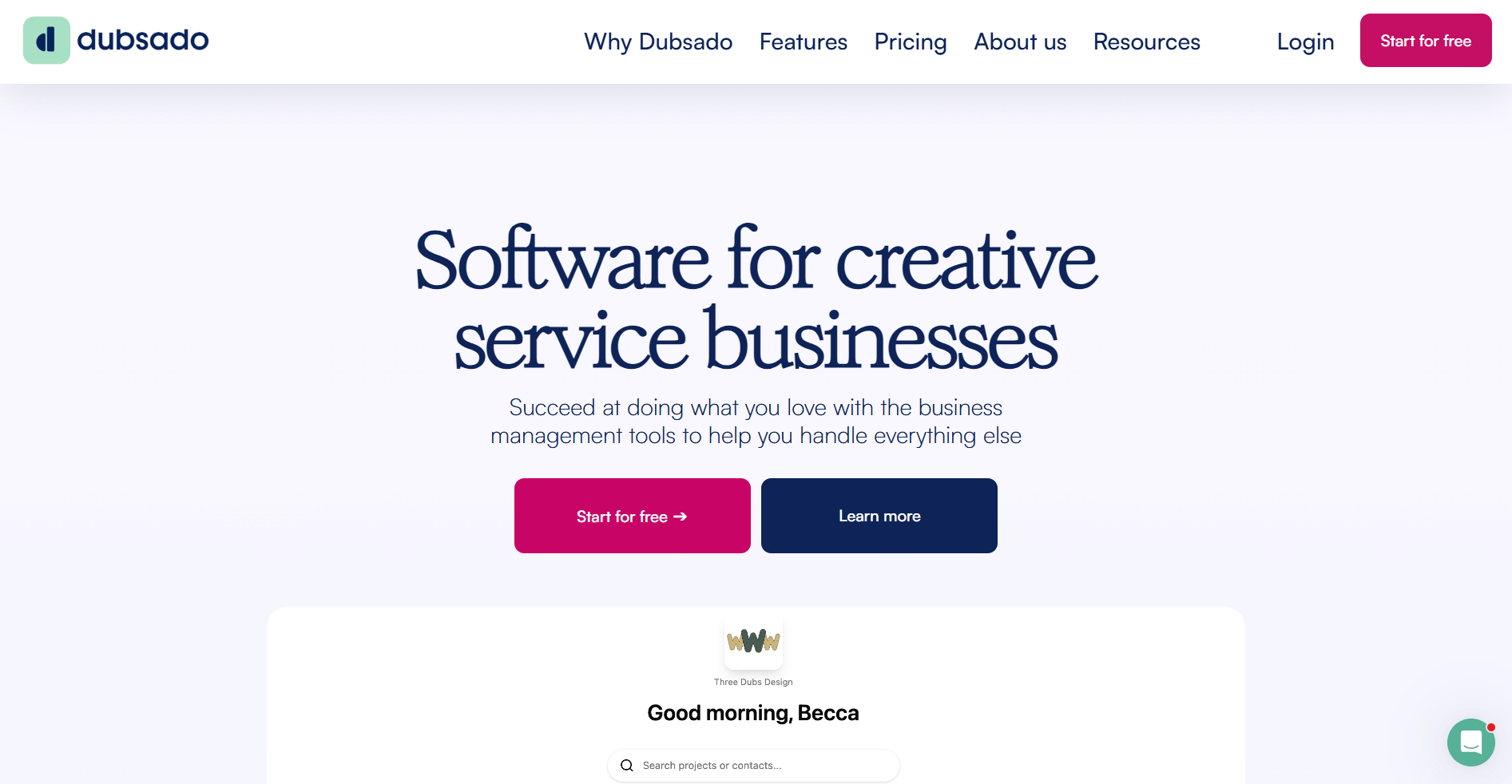
Dubsado works well for service businesses that want full control over their client workflows. You can manage proposals, contracts, invoices, and scheduling in one place, then trigger automated follow-ups that move clients through each step of the process without as much manual admin.
The platform lets you build custom workflows with conditional logic. You can send different emails based on what package a client selects, update project statuses automatically, or pause workflows until certain tasks are complete. You can also customize your client portal with your logo, colors, and even your own domain.
Dubsado pricing starts at $35 per month for the Starter plan. You can learn more about Dubsado transaction fees here.
Meet HoneyBook: Features and highlights

HoneyBook fits freelancers and small businesses that want to start managing clients quickly. You can create proposals, contracts, and invoices, and accept payments through its built-in processor, which means you don't need to set up third-party payment accounts.
The platform uses Smart Files to combine proposals, contracts, and invoices into one scrollable document that clients can review and sign on any device. You can set up basic automation to send emails when clients sign contracts or make payments. HoneyBook connects with your Gmail account through a Chrome extension, making it easy to track client communication without switching between tools.
HoneyBook pricing starts at $36 per month for the Starter plan. You can learn more about HoneyBook transaction fees here.
Dubsado vs HoneyBook: Feature-by-feature comparison
Both platforms handle the basics of client management, but they differ in how much control you get and how quickly you can start using them. I tested each feature to see where the differences show up in day-to-day use.
Let’s see how they compare:
Client portals
Dubsado: Dubsado gives you full control over how your client portal is organized and presented, with contracts, invoices, forms, files, and message threads all connected to a specific project. When I tested it with multi-step services, everything stayed tied to the same workflow. This made ongoing work easier to manage because the portal feels less like a static file area and more like a living project space.
HoneyBook: HoneyBook gives clients a structured, guided portal experience where proposals, invoices, files, and conversations live in one central dashboard. The layout stays consistent across accounts, which makes navigation feel simple and predictable. I found it worked best for straightforward services where clients just need clear next steps without extra layers.
Winner: Dubsado wins if you want a white-label portal that matches your brand completely. HoneyBook works if you just need a functional space for clients to access their files.
Payment processing
Dubsado: Dubsado lets you take payments through connected processors like Stripe and PayPal, and it also offers a built-in Stripe-powered payment option. Credit card fees in the US are typically 2.9% plus 30 cents, and ACH bank transfers are 0.8%, capped at $5. You can set up payment plans, but PayPal won't automatically charge clients.
HoneyBook: HoneyBook handles payments directly in its own system. Credit card fees are typically 2.9% plus 25 cents for most cards, and 3.4% plus 9 cents for certain card types like Amex and Discover. ACH transfers are 1.5%, which is higher than Dubsado’s ACH pricing on large invoices.
Winner: Dubsado wins for ACH payments if you send large invoices. HoneyBook wins for standard card payments and works better if you want everything in one place.
Automation and workflows
Dubsado: Dubsado lets you build advanced workflows with multiple steps and conditional logic. You can send different emails based on which package a client picks, update project statuses automatically, or pause a workflow until a task finishes. You can also combine multiple actions into one workflow. In my testing, this saved hours on repetitive tasks.
HoneyBook: HoneyBook keeps automation simple with one main trigger per automation, like a contract getting signed or a Smart File being completed. You can also add basic yes/no logic to branch actions, but each automation is designed to stay fairly short. It works well for routine follow-ups and reminders, but it’s still less flexible than Dubsado for very complex client journeys.
Winner: Dubsado wins here if you need detailed control over your client process. HoneyBook works fine if your workflow is straightforward and doesn't need complicated logic.
Mobile access
Dubsado: Dubsado's mobile app lets you handle key tasks like sending invoices, taking in-person payments, emailing clients, viewing projects, and managing schedulers and workflows from your phone. I used it to send some mock client updates, and it handled those well.
HoneyBook: HoneyBook’s mobile app lets you handle day-to-day tasks like messages, invoices, and payments from your phone, though some advanced work is still easier on desktop.
Winner: HoneyBook still wins if you want the most polished mobile experience and prefer to work from your phone as much as possible. Dubsado’s app now covers most day-to-day tasks on the go, but detailed setup and heavy admin are still easier on desktop.
Branding and customization
Dubsado: Dubsado gives you deep control over how everything looks. You can customize your client portal with your own domain, colors, and logo. Forms, proposals, and contracts all match your brand. You can even use custom code (CSS and HTML) to change layouts and design details if you’re comfortable with code.
HoneyBook: HoneyBook limits deeper layout control, but you can adjust brand elements like fonts, colors, images, and Smart File themes to keep everything visually consistent. The structure stays consistent across accounts, since Smart Files follow preset sections. That means faster setup because you’re starting from ready-made templates.
Winner: Dubsado wins if a white-label experience matters to your brand. HoneyBook works if you want something that looks good without spending time on customization.
What real users say
Beyond feature comparisons, I wanted to see how each platform performs in real-world use. After reading through reviews on G2 and Capterra, here's what shows up often:
Dubsado
Pros: Users frequently mention the workflow automation and the level of control over branding. Service providers appreciate being able to build complex client processes that run automatically. The white-label portal and customization options are often highlighted as key strengths.
Cons: Setup can take time, and the interface may feel overwhelming at first. Several reviewers mention needing extra time to feel comfortable with the platform. The mobile app also comes up as a limitation, with some users saying they still rely on a desktop for more advanced tasks.
HoneyBook
Pros: The quick setup and mobile app get praise. Users like that they can manage clients from their phone, and that the payment system is already built in. Several reviewers mentioned the interface is easy to learn, even for people who aren't tech-savvy.
Cons: The automation limitations frustrate users who want more complex workflows. Payment timing appears in some negative reviews, with users noting that deposits can take longer than. Email deliverability concerns and limited integration options also appear in negative reviews.
Which tool should you choose?
You should choose between Dubsado and HoneyBook based on your workflow needs and how you work with clients. Each platform works best in different situations:
Choose Dubsado if you:
- Need advanced automation with conditional logic and multiple triggers to handle complex client journeys
- Want complete control over your client portal branding, including custom domains and white-label experiences
- Work internationally or need flexibility with payment processors beyond the US and Canada
- Manage multiple brands or businesses from one account
- Can invest time upfront to build your systems properly
Choose HoneyBook if you:
- Need to get up and running quickly without a steep learning curve
- Work primarily from your phone and need full mobile functionality
- Want built-in payment processing without connecting external accounts
- Have a straightforward client process that doesn't require complex automation
- Work exclusively in the US or Canada with clients who pay in USD or CAD
My verdict
After running both through freelance and small agency setups, I kept circling back to one thing: how much control do you actually want?
Dubsado lets you build your process in detail. If you care about shaping workflows step by step and tailoring how clients move through your experience, you’ll notice that flexibility right away. HoneyBook takes a more guided approach. You can start sending proposals and invoices quickly without mapping out every layer first.
From what I’ve seen, the better fit comes down to how involved you want to be as your business grows (and how much time you’re willing to spend on setup).
Need more than basic client management? Try Assembly
Choosing between Dubsado vs HoneyBook often means compromising on either customization or ease of use. If you've hit the limits of either platform and need more flexibility without rebuilding your entire workflow, there's another option.
Assembly is a client portal platform that gives you branded client experiences with the flexibility to integrate tools you already use. Solo practitioners and service businesses use it to create a professional space where clients access contracts, invoices, project updates, and communication without switching between platforms.
Here’s what you can do with Assembly:
- Track client details and activity: Manage client records, communication history, and relationship data in a structured CRM that keeps everything organized in one place.
- Give clients a branded portal: Clients log into a space that reflects your brand to access contracts, invoices, files, and project updates without email back-and-forth.
- Offer packages and add-ons: The Storefront lets clients purchase your tiered packages or add-on services directly from your portal, making upsells frictionless.
- Handle billing in one place: The Billing App lets you create invoices, accept payments, and manage subscriptions directly inside your client portal. Clients see a professional checkout experience under your branding.
- Keep tasks, messages, and files together: Client communication, shared files, and project tasks stay connected to each client record instead of being scattered across separate tools.
- Prep faster for meetings: The AI Assistant summarizes recent client activity and communication, helping you walk into calls with a clear picture of what’s been discussed and what’s outstanding.
- Embed a custom dashboard or analytics platform: Assembly lets you embed custom-built dashboards from Looker Studio, Databox, and other major service providers that offer embedding, as well as create custom dashboard apps specific to your business.
Ready to simplify how your firm manages client work? Start your free Assembly trial today.
Frequently asked questions
Can I switch from Dubsado to HoneyBook (or vice versa) without losing my data?
Yes, you can switch platforms, but there isn’t a full one-click migration between them. You’ll need to export contacts, contracts, and files, then import what the new system supports. Workflows, templates, and automation logic typically need to be rebuilt. Plan time to recreate your setup.
Can I use both platforms at the same time for different parts of my business?
Yes, you can run both platforms at the same time for separate services or brands. Each system supports multi-brand setups in its own way. Just remember, you’ll manage clients, payments, and reporting in two places. That can increase admin work as you grow.
Is Dubsado better than HoneyBook for agencies?
Dubsado is often a stronger fit for agencies that need complex, highly customized workflows and deeper project oversight. HoneyBook focuses more on streamlined workflows and faster onboarding for smaller teams. If your agency runs layered automation and multi-step processes, Dubsado usually offers more flexibility. If you prefer a simpler setup, HoneyBook may feel easier to manage.