
What is customer collaboration? 9 tips + examples in 2026
Customer collaboration requires deliberate systems, not just responsive teams. Learn 9 tips to help you speed up approvals and reduce back-and-forth in 2026.


After analyzing what separates smooth client projects from chaotic ones, I've found 9 customer collaboration tactics and best practices that consistently work in 2026.
What is customer collaboration?
Customer collaboration is a working approach where businesses involve customers directly in building products, services, and solutions. You bring clients into your process rather than presenting finished work for approval. This means sharing project timelines, asking for input during development, and making decisions together instead of in isolation.
This approach has become standard because customers expect to see progress, not just final deliverables. They want to understand the reasoning behind your choices and flag concerns before they become expensive problems. Collaboration changes how you structure communication, share information, and track decisions.
I've worked with consulting firms, creative agencies, and service businesses where this difference is clear. The teams that build collaboration into their workflow from day one handle scope changes better, get clearer feedback, and avoid last-minute surprises.
9 ways to improve customer collaboration in 2026
Customer collaboration breaks down because of structural problems, not effort problems. Your team might be responsive and helpful, but if clients can't find the latest files or don't know what's happening next, the experience still feels chaotic. Here are 9 tips that address problems causing confusion:
1. Set response time expectations upfront (and stick to them)
When teams say "we'll get back to you soon" without defining "soon," clients are left guessing. This creates anxiety and leads to follow-up emails that could have been avoided.
Define specific response windows for different request types. Email questions get answers within 24 hours, urgent issues get acknowledged within 2 hours, and major change requests get initial feedback within 48 hours. Put these commitments in writing during kickoff and reference them in your client portal or project hub.
The key is consistency. Clients care less about speed and more about predictability. If you promise 24-hour responses, deliver in 24 hours. I’d recommend still reporting in even when the answer is "we're still investigating and will update you by Friday."
2. Make project updates visible without always requiring meetings
Status update meetings can sometimes eat up time without adding value. Create a living project timeline that updates automatically as work progresses. Clients can check progress whenever they want without scheduling a call or sending "just checking in" emails. Include what's complete, what's in progress, and what's coming next with realistic dates.
In my experience, consulting firms that implement shared project boards can reduce meeting frequency since clients get more frequent updates.
3. Create a single source of truth for project files
When files live in email attachments, Slack threads, and shared drives, version control becomes impossible. Clients waste time hunting for the right document, and teams waste time answering "where did you send that?" questions.
Build a centralized file repository where every project asset lives, from final deliverables and working drafts to reference materials and brand guidelines. Everything should be in one place with clear naming conventions and version history visible to both teams.
Organize by project phase or deliverable type, not by date uploaded. Make it obvious where new files belong and where finished work lives. Include a brief description of what each folder contains so clients don't need to guess.
4. Let clients see your process, not just deliverables
Clients get nervous when work happens in a black box. They see the final product but have no idea how you got there or whether you're on the right track. This leads to late-stage feedback that requires major revisions.
Share your working process at key milestones. Show wireframes before final designs. Share draft outlines before writing full reports. Walk through your methodology before presenting conclusions. This gives clients confidence that you understand their needs and catches misalignment early when changes are cheap.
In my experience, process transparency is a great way to improve collaboration. Clients who see work evolve provide better feedback because they understand the thinking behind decisions. They're also less likely to request changes that undo weeks of work.
5. Use client-facing project timelines with dependencies shown
Timelines that list tasks without context don't help clients understand why things take time. "Design phase: 3 weeks" tells them nothing about what happens during those weeks or what could speed things up.
Show your dependencies clearly. For example, client feedback on wireframes needs to happen before visual design starts, or legal review must finish before launch. When clients see how their actions affect the timeline, they prioritize their parts of the process differently.
Show realistic buffer time on your timeline instead of hiding it. If you need 2 days for revisions, label those 2 days clearly rather than padding other task estimates. Clients trust transparent timelines over optimistic projections that slip.
6. Build in structured feedback loops
Sometimes, clients give you vague feedback when you need specific direction. This can create multiple revision rounds because you're guessing what they actually want changed.
Ask specific questions tied to decision points. "Does this messaging match your brand voice?" "Is this feature set complete for your sales team?" "Which of these three approaches aligns best with your goals?"
Set deadlines for feedback requests. "Please review by Friday" works better than open-ended requests. Clients typically prioritize reviews when they know you're blocked without their input. Include what happens next so they understand why their feedback matters now.
I prefer structured feedback because it respects everyone's time. Clients don't waste effort on comments that don't matter yet, teams don't interpret vague feedback incorrectly, and the work can move forward with fewer revision cycles.
7. Track decisions and approvals in context
Document decisions where they happen. When a client approves a strategy, note the approval with date and reasoning in the project workspace. When requirements change, record what changed and why. This creates a decision trail that prevents the "didn't we already agree on this?" conversations three months later.
I've learned to ask "Is this approved to move forward?" rather than interpreting silence as agreement. Clients sometimes think they've communicated their stance clearly when they haven't, and assumptions create expensive misalignments.
8. Give clients view-only access to internal planning boards
Clients worry about whether your team is organized and on track. They can't see your internal workflow, so they might imagine chaos. This drives check-in emails and meetings to confirm you haven't forgotten them.
Share selective visibility into your team's work. Let clients see their project cards move through your workflow stages. They don't need to see every internal task, but showing progress on client-facing deliverables builds confidence.
I recommend this approach for teams drowning in status update requests. Clients who can check progress themselves stop sending "just checking in" emails. The transparency builds trust without creating extra reporting work.
9. Create templates for repetitive client touchpoints
Build templates for recurring interactions, like standard intake forms and kickoff decks that you customize per client and onboarding checklists that make sure nothing gets skipped. Templates speed up your process while improving the client experience through consistency.
Update templates based on what works. When clients ask the same questions during kickoff, add those answers to the template. When a handoff goes smoothly, document what made it work. Templates should evolve as you learn what clients actually need.
In my experience, templates are underrated collaboration tools. They don't make experiences feel cookie-cutter when done right. They free up mental energy to focus on what's unique about each client rather than reinventing standard processes.
Customer collaboration examples
Collaboration approaches vary based on your business model and client relationships. Here are a few ways you can work together with your customers:
Project co-creation
Project co-creation involves clients in building solutions rather than just presenting finished work. You share early drafts, wireframes, or rough concepts and gather input while changes are still easy to make.
Design agencies often present three concept directions before investing in full mockups, asking clients which elements align with their brand. This catches misalignment early when revisions take hours instead of weeks.
Feedback management platforms
Feedback management platforms structure how clients provide input on creative work, prototypes, or deliverables. Instead of vague comments scattered across email, clients leave specific feedback directly on mockups, documents, or builds.
Tools like Figma or Monday.com let marketing teams collect input on campaigns with targeted questions like "Does this messaging match your brand voice?" rather than open-ended "What do you think?" requests.
Community forums
Community forums create spaces where customers interact with each other and company representatives. These work well for products or services with large user bases. Software companies often build customer communities where users answer each other's questions, share tips, and provide product feedback.
I've used community forums when I need support for software tools, and often find answers faster from experienced users than waiting for official support tickets.
Video collaboration tools
Video collaboration tools like Zoom and Microsoft Teams enable face-to-face communication when teams work remotely or across locations. These go beyond basic video calls to include screen sharing, co-browsing, and real-time annotations.
Support teams use video tools to walk clients through complex processes visually. Development teams share screens to demonstrate features or troubleshoot issues together rather than trying to explain technical problems through email.
What to look for in client collaboration tools
The right collaboration tool should simplify work, not add complexity. Look for platforms that address the actual problems your team faces rather than chasing features you'll never use. Here's what you might want in your tool:
Branded client experience
Your collaboration tool represents your business to clients. Generic interfaces with another company's branding make you look less professional. Choose platforms like Assembly that let you customize the look, feel, and domain so clients see your brand, not a third-party tool.
Project visibility and tracking
Clients need to see where their projects stand without scheduling calls or sending emails. I've found that tools with clear project timelines, task status updates, and progress indicators reduce check-in meetings significantly. Real-time visibility keeps everyone aligned without constant updates.
Centralized file management
Files should live in one place with version history, permissions, and organization that makes sense. Avoid tools that scatter documents across different sections or require complex navigation. Simple folder structures and search functionality matter more than elaborate features.
Built-in communication
Jumping between a collaboration tool and separate email or chat platforms slows things down. Choose tools with messaging capabilities built in so conversations happen in context. Comments on specific files or tasks keep communication relevant and easy to reference.
Progress tracking and accountability
You need visibility into what's complete, what's in progress, and what's blocked. In my experience, tools that show task ownership, due dates, and dependencies clearly prevent the "I didn't know that was my responsibility" conversations. Clients should be able to see their tasks without asking.
Custom workflows
Every business works differently. Tools that force you into rigid processes create more problems than they solve. Look for flexibility to build workflows that match how your team actually operates, not how the software thinks you should work.
5 Best customer collaboration tools
I've tested many collaboration platforms over the years. Some focus on communication, others on project tracking, and a few aim to be your complete customer hub. Here are 5 of the best customer collaboration tools in 2026:
Assembly: Best branded client workspace with collaboration features
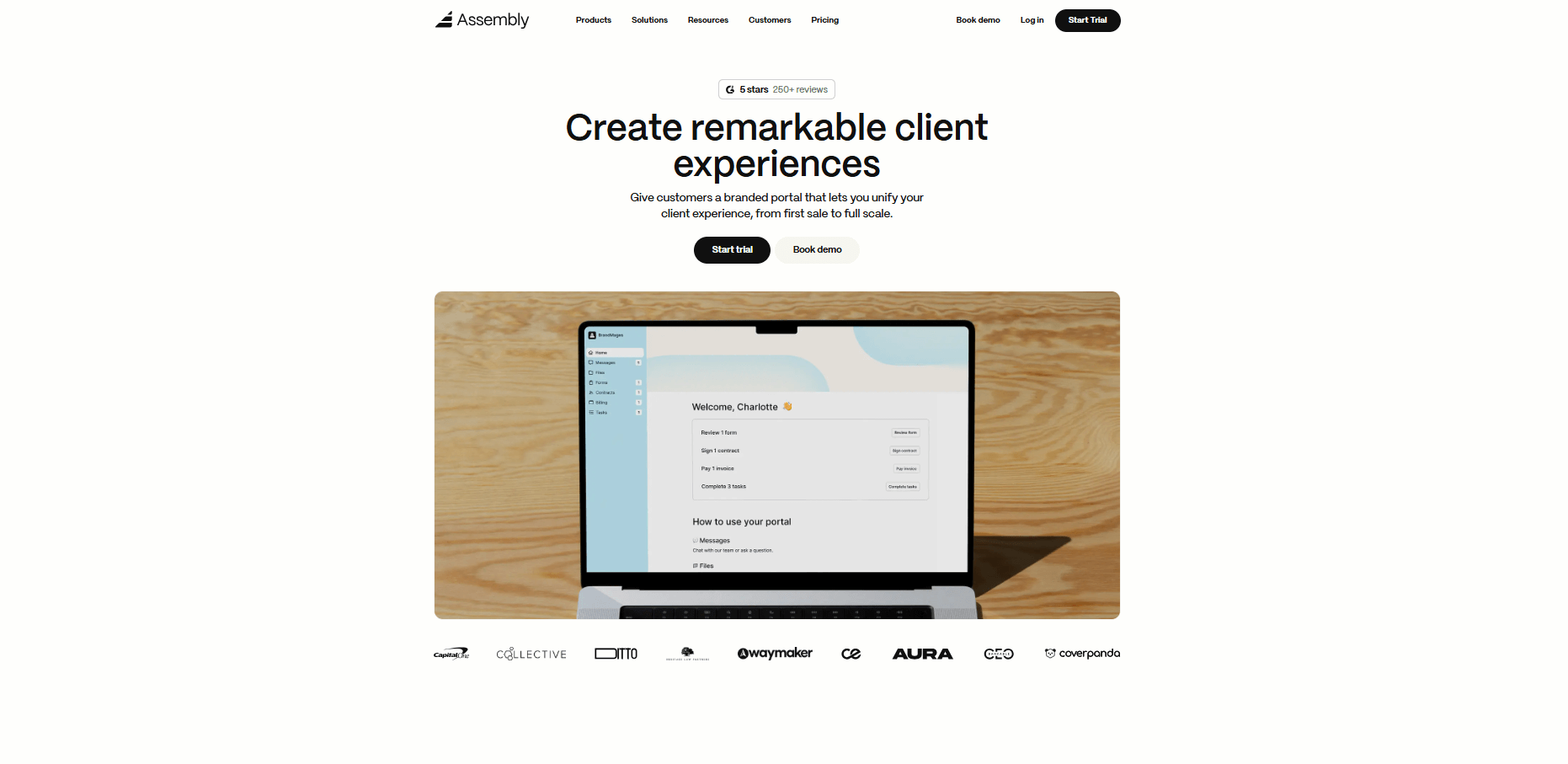
Assembly is a client portal platform built for service businesses that need to manage client work in one branded space. It combines messaging, file sharing, task tracking, and billing in a white-labelled client portal that reflects your brand, not a third-party tool.
We designed Assembly to work well for consulting firms, agencies, and professional services that want lightweight project management built for client collaboration. Clients can see progress on their work, leave feedback on deliverables, and handle approvals without email chains. Your team manages workflows and automations that keep projects moving.
Our AI Assistant helps summarize client activity and prep for meetings by pulling context from notes, messages, and project history. This saves time when you need to catch up on client status quickly.
Assembly integrates with many client-facing apps to further enable customer collaboration. Pricing starts at $59 per month.
Slack: Best for real-time team and client communication
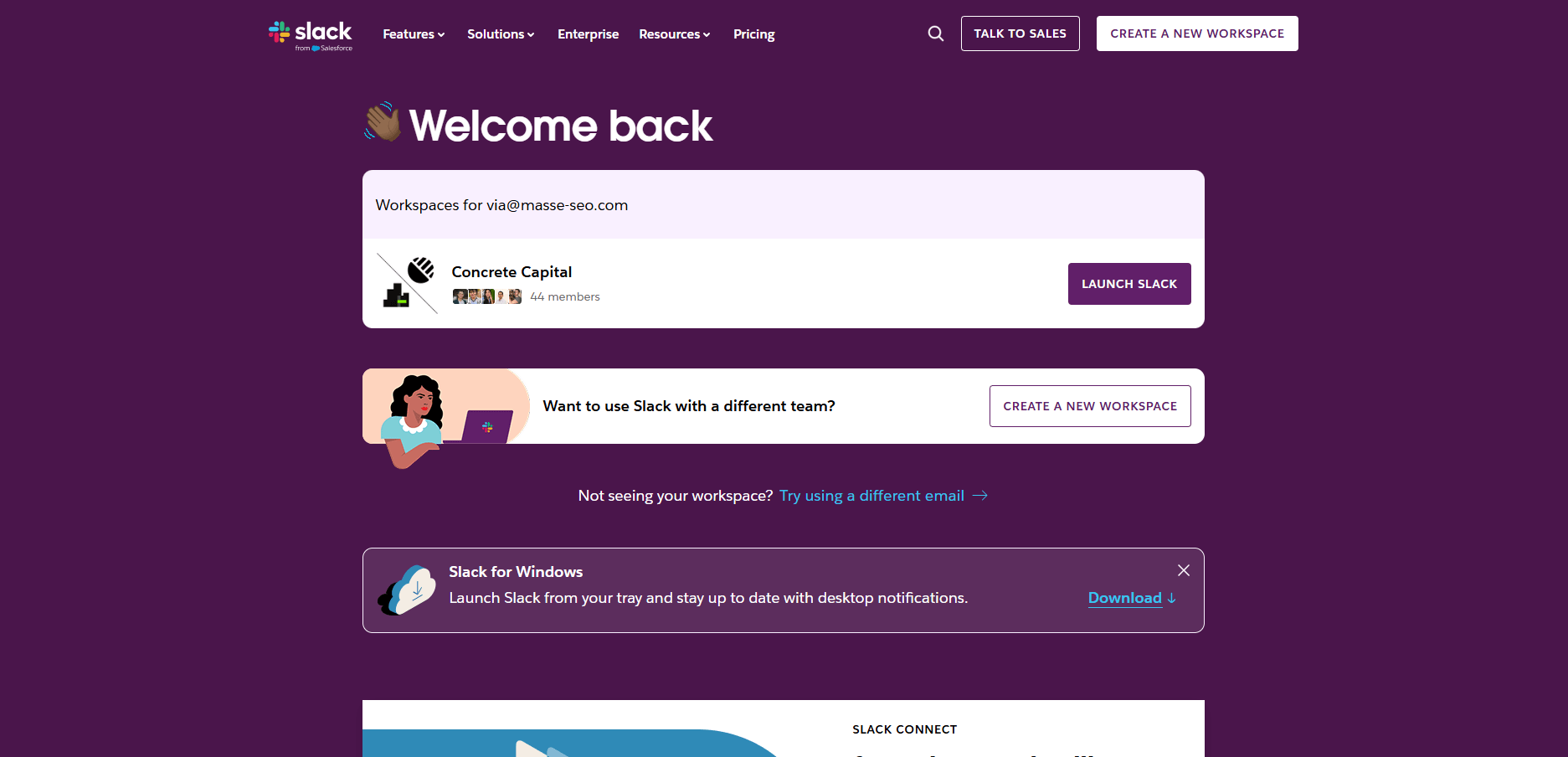
Slack is a messaging platform that connects teams through channels and direct messages. It organizes conversations by topic, project, or team, making it much easier to find old discussions when you need them. The search functionality has saved me countless times when trying to track down decisions or references from weeks ago.
Slack Connect extends these same channel features to external collaboration by letting you create shared channels with clients. I prefer this over email for active projects because it keeps all communication in one thread.
Slack starts at $8.75 per month.
Miro: Best for visual collaboration and brainstorming
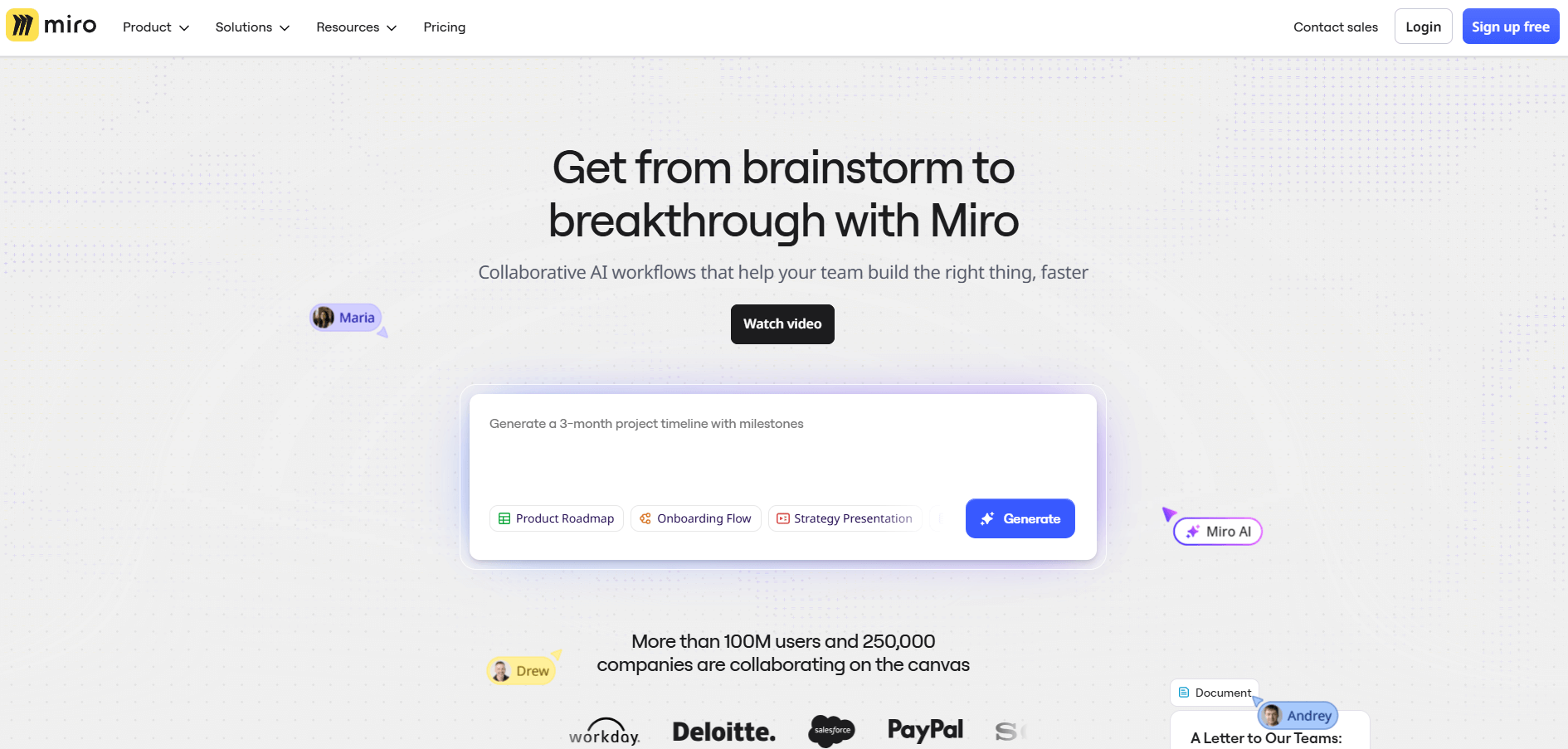
Miro is an online whiteboard platform where teams collaborate visually in real-time. It works well for brainstorming sessions, mapping workflows, or planning projects with clients who need to see ideas take shape together. When I tested it with multiple people contributing at once, it handled the chaos well.
The template library gives you starting points for common frameworks like customer journey maps or sprint planning boards. Presentation mode lets you walk clients through finished boards during reviews. Miro integrates with tools like Slack and Microsoft Teams so you can embed boards directly in conversations.
Miro starts at $8 per member per month.
HubSpot: Best for CRM-focused client management

HubSpot is a CRM platform that tracks client interactions, deals, and communications in one database. It shows you every email, meeting, and touchpoint with each client, which helps teams stay coordinated on account status. The deal pipeline view is the clearest way I've found to see where each client sits in your sales or delivery process at a glance.
Beyond tracking, HubSpot handles task automation for repetitive follow-ups and reminders. The reporting dashboard also surfaces patterns across your client base that you might miss from individual conversations alone.
HubSpot starts at $9 per seat per month.
Asana: Best for project management and task tracking
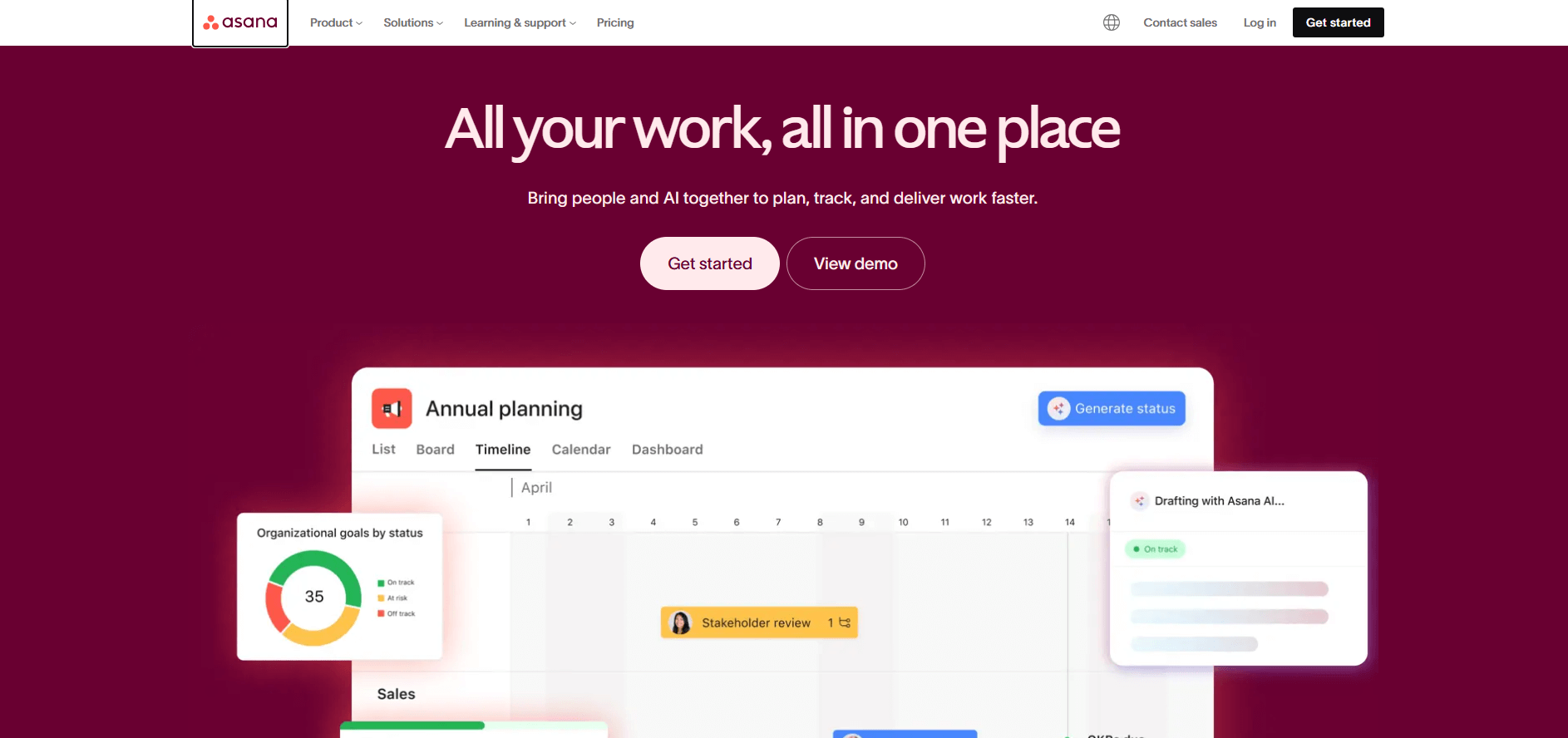
Asana is a project management platform that organizes work into tasks, projects, and timelines. Teams use it to assign responsibilities, set due dates, and track progress on deliverables. Multiple view options let you see the same work as a list, board, timeline, or calendar, depending on what makes sense for the project.
I've found Asana useful for projects with clear milestones and dependencies where everyone needs visibility into what's blocking progress. Automation rules handle routine updates like moving tasks between stages or notifying team members when work completes. Comments and file attachments keep context tied to specific tasks instead of scattered across email.
Asana starts at $13.49 per month.
How Assembly improves customer collaboration
Customer collaboration tools help you stay organized and communicate better, but they often leave gaps. You'll still spend time searching for project context, updating clients manually, and switching between platforms to find what you need.
Assembly is a branded client portal software tool built for service firms that need one place to handle client communication, project tracking, file sharing, and billing. It creates a central hub where both your team and clients work together throughout the entire project lifecycle.
Here’s what you can do with Assembly:
- Manage client tasks in one place: Track what's in progress, what's blocked, and who's responsible through the Tasks app without switching between tools. Tasks stay connected to the specific client, so you always have context.
- Prep faster for meetings: The AI Assistant summarizes recent client activity and communication, helping you walk into calls with a clear picture of what's been discussed and what's outstanding.
- Automate workflows: Set up automations that trigger when clients take actions or hit milestones. Reminders, status updates, and follow-ups happen automatically through Assembly's workflow features instead of requiring manual work.
- Integrate with tools you already use: Connect Assembly with your existing stack through integrations so information flows between platforms without manual data entry.
Ready to simplify how your firm manages client work? Start your free Assembly trial today.
Frequently asked questions
How often should I communicate with clients during a project?
Communicate weekly for longer projects with clear milestones, and every 2-3 days for fast-moving work with tight deadlines. Set the cadence during kickoff based on project complexity and client preferences. Some clients want minimal contact and trust you to deliver, while others need regular reassurance. Adjust your communication frequency as the project evolves rather than sticking to a rigid schedule.
What's the difference between customer collaboration and customer service?
Customer collaboration involves clients in the work itself through shared progress, input gathering, and joint decision-making throughout projects, while customer service responds to problems and questions after they arise. Collaboration is proactive and prevents issues, while service is reactive and solves them. Both matter for client relationships, but they serve different purposes in how you work together.
How do I handle clients who want too much collaboration?
To handle clients who want too much collaboration, define which decisions require client approval and which ones you'll handle during kickoff, then stick to those boundaries. Schedule specific collaboration times instead of responding to every request immediately. Explain that focused work time between check-ins produces better results than constant back-and-forth.