
Top 11 Moxo alternatives & competitors: An honest review [2026]
Moxo covers client communication, but you may need separate project tracking. I tested many tools to find 11 that handle collaboration and delivery together.

![Top 11 Moxo alternatives & competitors: An honest review [2026]](/content/images/size/w2000/2025/11/Hero-Platform.png)
Moxo's workflow templates work well for client onboarding or document approvals, but they can feel limiting when you need more control. After testing dozens of platforms, here are 11 Moxo alternatives that give you flexible workflows and client management tools in 2026.
11 Best Moxo alternatives: At a glance
Moxo alternatives range from request-based platforms to full client portals. I tested the core workflows in each tool so you can compare features and see where they fit your service business. Let’s compare them side by side:
| Alternative | Best for | Starting price (billed annually) | Key advantage |
|---|---|---|---|
| Assembly | CRM with client portals | $39/month | Combines CRM tools, branded client portals, contracts, billing, and AI assistant support |
| HoneyBook | Creative service bookings | $29/month | Makes proposals, scheduling, and client payments easy for small teams |
| Dubsado | Solo business management | $335/year | Connects forms, proposals, and automations to support structured client intake |
| SuiteDash | Customizable business operations | $180/year | Provides deep customization with CRM, project tools, and LMS in one platform |
| Bonsai | Freelance operations | $9/user/month | Brings proposals, contracts, time tracking, and billing into a sequence built for solo operators |
| Zoho CRM | Enterprise-scale workflows | $14/user/month | Offers an extensive suite of business tools from CRM to project management for larger organizations |
| ManyRequests | Design feedback and approval workflows | $19/month | Simplifies client revisions with built-in proofing tools, approval steps, and queue management for creative work |
| Clinked | Document-heavy client work | $95/month | Provides secure file sharing with strong permission controls and white-label portals |
| Zendo | Productized service delivery | $37/month | Lets you sell packaged services with automated checkout, invoicing, and project tracking |
| 17hats | Task-first solopreneurs | $600/year | Combines lead capture, task automation, and scheduling for solo business management |
| PandaDoc | Document workflow automation | $19/seat/month | Handles proposals, contracts, e-signatures, payment collection, and detailed analytics |
Why I looked for Moxo alternatives
Moxo offers strong client-facing tools with secure messaging, file sharing, and workflow templates. However, I noticed that some teams need more complex internal workflows. For example, they may need approvals, task routing, or handoffs between teams. In those cases, they often pair Moxo with other tools.
Customization tends to depend heavily on which plan you choose. For example, the branding and template flexibility require higher-priced plans. That can be tough for smaller teams that want full branding without paying for a top-tier plan.
Internal project management is another common gap. Moxo focuses on client collaboration and it’s quite good at it. You get milestones and status dashboards, but it’s not a full internal project management tool.
I spent time testing Moxo and researching what other users had to say. These are the issues that surface most often:
- Limited customization on lower tiers: You can customize workflow templates on all plans. More advanced branding and white‑label controls sit on higher‑priced tiers.
- Missing internal project management depth: Moxo tracks tasks and milestones for client-facing work. If you need full kanban boards, resource planning, or detailed internal reporting, you might need a separate tool.
- Pricing scales per user: Costs climb quickly as teams grow. Enterprise plans move to custom quotes, which can make budgeting less predictable.
- Basic design feedback tools: Moxo includes annotations and approval workflows for files. If you need specialized proofing features or advanced design review tools, you may need another tool.
- Fewer integration options: Moxo connects to core tools via direct integrations, APIs, webhooks, and Zapier. If you rely on prebuilt integrations, you may want a tool with more built-in connections.
Tip: If you want to know more about Moxo, you can check out our in-depth Moxo review.
1. Assembly: Best CRM with client portals
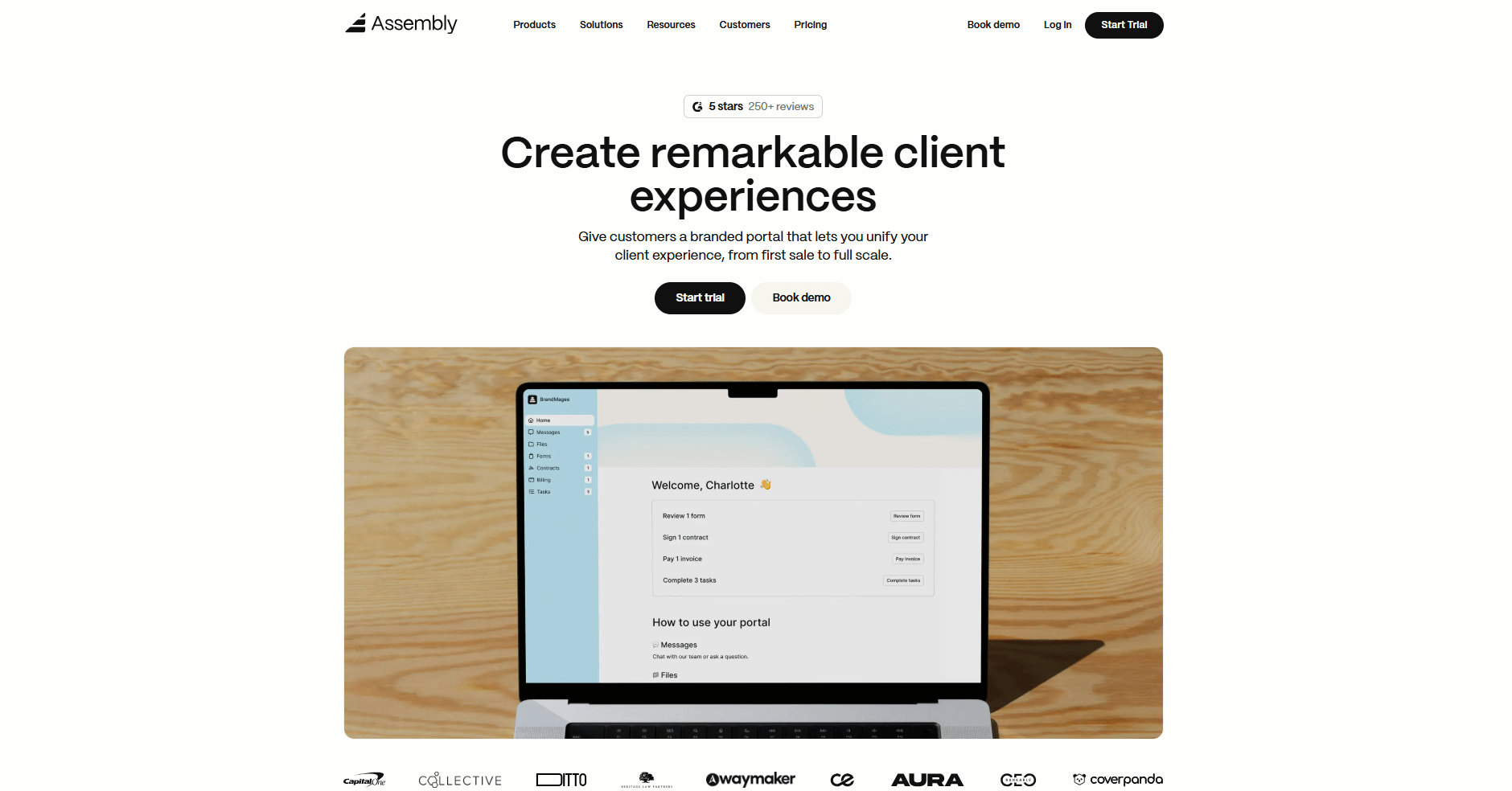
We built Assembly as a client portal and CRM platform to help teams manage client relationships without juggling tools. You can track prospects and give clients a branded portal. The platform handles contracts, billing, tasks, and messaging in one workspace.
Your team can track leads before a client logs in. You can use custom fields, internal notes, and private chat during pre-sales. When you're ready to move forward, you send the client an invite. The client enters their branded portal, where onboarding and delivery can continue.
The AI Assembly Assistant helps you prep faster for meetings by summarizing recent client activity and communication. You can see what you’ve covered and what still needs a follow-up before the call.
Assembly links to Airtable, ClickUp, Calendly, Zapier, and Make. This helps you avoid the need for extra manual tracking.
Tip: We also have a direct Assembly vs Moxo comparison if you’d like to learn more.
Why it beats Moxo
- CRM plus client collaboration: You manage client relationships, track opportunities, and handle service delivery in one platform. No need to connect separate CRM and portal tools.
- Transparent pricing from the start: You know exactly what Assembly costs at each tier.
- Project management is built-in: Tasks, workflows, and client tracking sit inside the same workspace as communication and CRM data.
- Customization that scales with you: Assembly offers branded client portals and flexible data fields starting on Professional plans, with full white-label branding available on Advanced.
- Built-in AI support: The Assistant knows your client history, summarizes activity, and helps you prep for meetings without the need for extra tools.
Pros
- CRM tools and branded portals let you manage client relationships from first contact through service delivery
- Built-in security features give clients a protected space to share documents and communicate
- The AI Assistant uses your client data to help draft updates, summarize interactions, and prepare for next steps
Cons
- Reporting is lighter than in finance-focused platforms
- Some advanced automation options sit on higher plans
Pricing
Assembly starts at $39 per month.
Bottom line
Assembly works well when you want CRM features without splitting client data across separate systems. If you need specialized design proofing workflows, ManyRequests may fit better.
2. HoneyBook: Best for creative service bookings
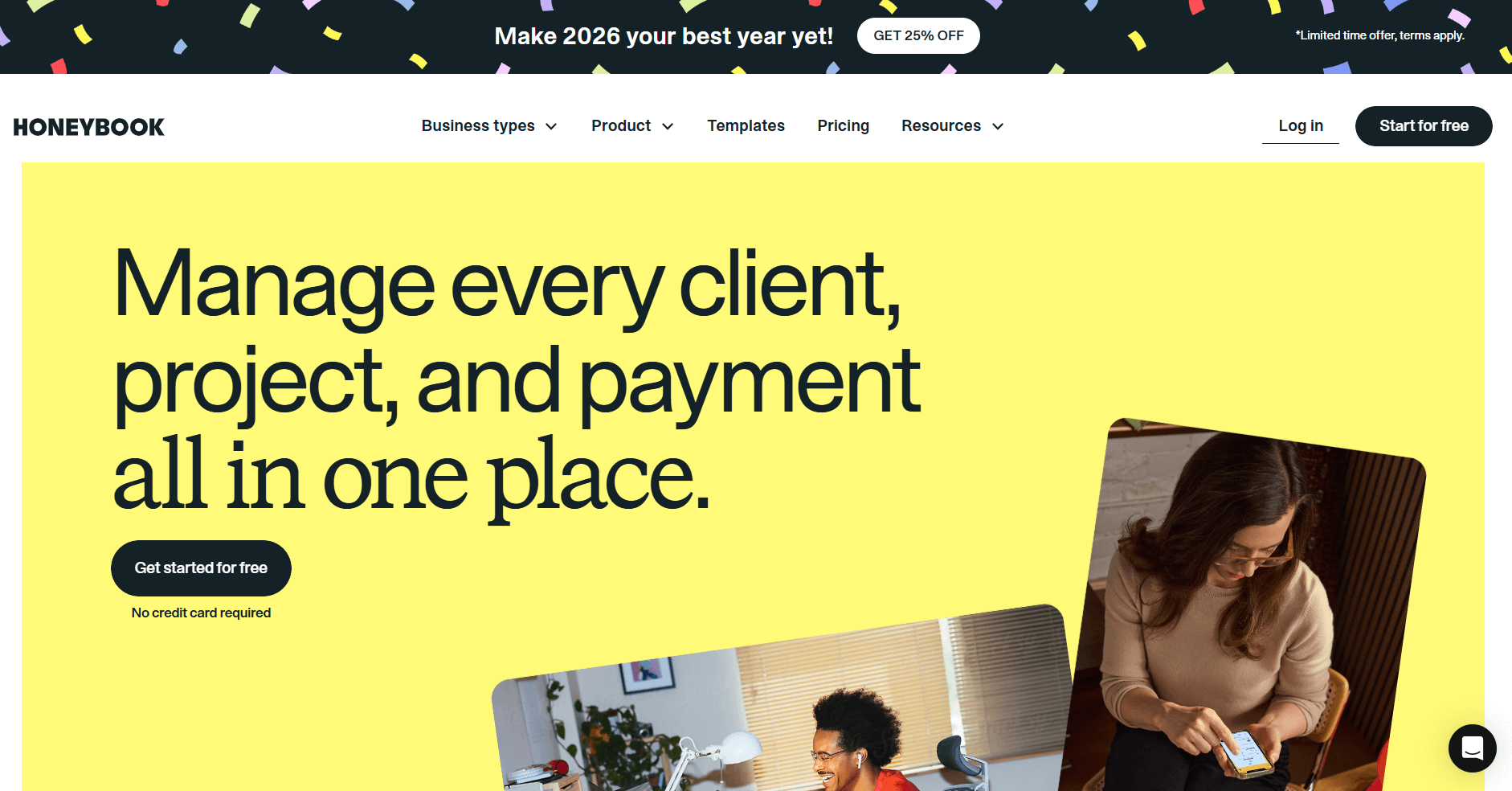
HoneyBook is a business management platform that focuses on helping creative professionals and small service businesses. It offers scheduling, contracts, invoices, and client communication in one workspace. In my testing, HoneyBook felt built for booking-heavy workflows.
I tested the proposal and payment process from the client's perspective. HoneyBook guided me through reviewing proposals, signing contracts, and processing payments in one connected flow. The calendar tools made it easy to check and update availability quickly.
Forms and questionnaires also helped gather project details early. This keeps your intake process organized and cuts down on follow-up questions.
Why it beats Moxo
- Faster booking flow: Proposals, contracts, signatures, and payments connect in one clear sequence.
- Simpler scheduling: Calendar integration helps clients book appointments without navigating separate scheduling platforms.
- Simplified client intake: Forms and questionnaires collect project information upfront.
Pros
- Proposal and payment tools work together to move clients from inquiry to paid project quickly
- Scheduling features help small teams manage bookings without external calendar tools
- Mobile app supports client communication and updates while working remotely
Cons
- Project management features are lighter than platforms built for ongoing delivery work
- Integration options are limited compared to broader collaboration platforms
Pricing
HoneyBook starts at $29 per month.
Bottom line
HoneyBook suits creative teams who need one place to manage everything from proposal to booking. If you want deeper project management or CRM features, Assembly may fit better.
3. Dubsado: Best for solo business management
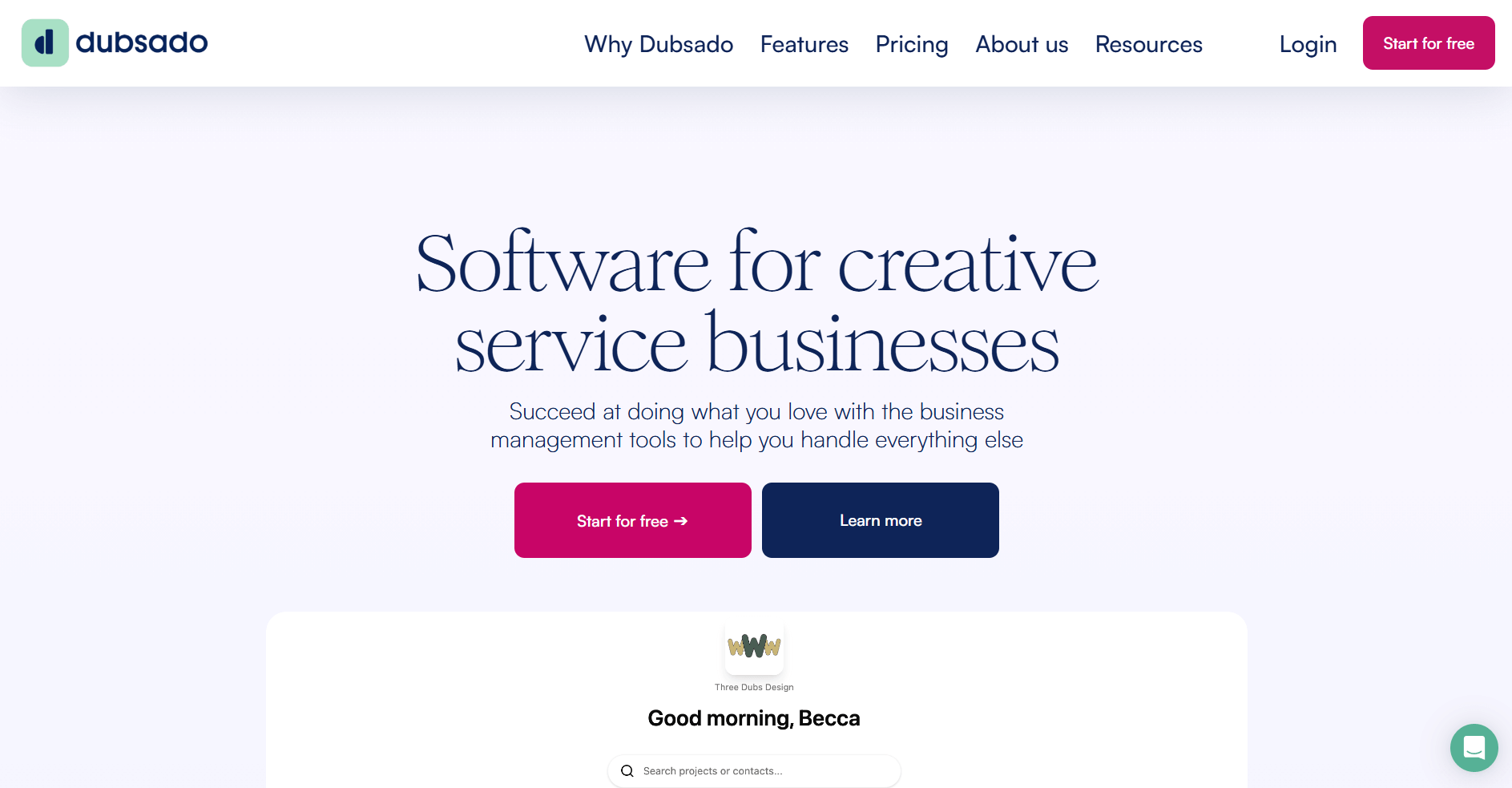
Dubsado is a client management platform for solo service providers. It helps you organize client intake, project setup, and billing. The platform automates client onboarding so you spend less time on repetitive tasks.
I created a project workflow to test how forms, proposals, and contracts connect. Each document is linked to the same project record. Client information stays together as work moves forward. I also noticed that the forms captured details that fed into later steps. This helps your team avoid repeating data entry.
The automation builder handles email sequences, form triggers, and task updates. Configuration takes time upfront to map your process, but once in place, the system saves you time.
Why it beats Moxo
- Structured intake process: Forms, questionnaires, and contracts connect to guide clients through onboarding in a predictable sequence.
- Automation for solo operators: Email triggers, task updates, and workflow steps reduce manual coordination for one-person businesses.
- Clean project records: Documents and client details stay linked to each project instead of being scattered across separate tools.
Pros
- Forms and proposals connect to create structured client onboarding flows
- Automation features handle repetitive tasks without manual follow-up
- Works well for solo operators managing multiple clients with similar processes
Cons
- Initial setup and configuration require time to build effective workflows
- Interface can feel crowded when navigating between features
Pricing
Dubsado starts at $335 per year.
Bottom line
Dubsado works well when you're willing to invest setup time for automated workflows that run your intake process. If you prefer faster implementation with less configuration, HoneyBook may serve you better.
4. SuiteDash: Best for customizable business operations
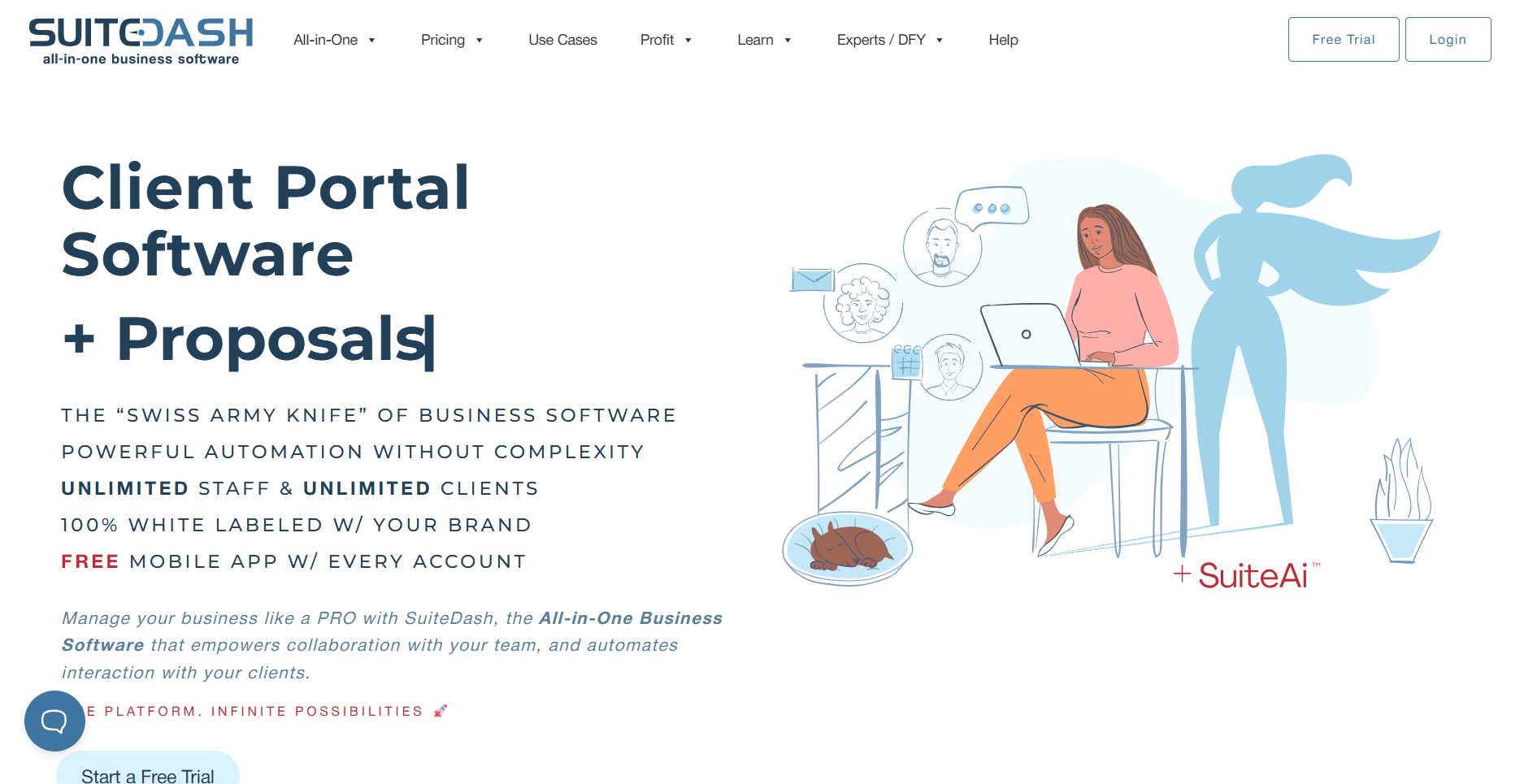
SuiteDash is an all-in-one business management platform. It combines CRM, project management, client portals, and a learning management system in one workspace. SuiteDash is built for teams that need deep customization. The system lets you adjust layouts, add custom fields, and build workflows that match your specific service process.
I went through the project setup and portal customization process to see how much control the platform gives you. I could create custom fields, adjust task views, and build client portal pages without needing technical skills. This works well for teams who want the platform to match their specific processes.
The learning management system stood out during testing. You can create training content, deliver courses to clients or team members, and track completion without external platforms. This helps you onboard clients or train teams without paying for separate course software.
Why it beats Moxo
- Deeper customization options: Layouts, fields, workflows, and portal designs adjust to match your processes instead of fitting into fixed templates.
- Built-in learning management: Course creation and training delivery sit inside the same platform as client work and CRM tools.
- Unified client operations: CRM data, project tasks, invoicing, and communication stay connected in one customizable workspace.
Pros
- Extensive customization lets you shape the platform to match your business processes
- Learning management system supports client training and team onboarding
- White-label options create fully branded client experiences
Cons
- Learning curve is steeper than simpler platforms due to extensive features
- Setup time increases with the level of customization you want
Pricing
SuiteDash starts at $180 per year.
Bottom line
SuiteDash works well for teams that need extensive customization and want CRM, projects, and client training in one platform. If you prefer faster setup with less configuration, Dubsado may serve you better.
5. Bonsai: Best for freelance operations
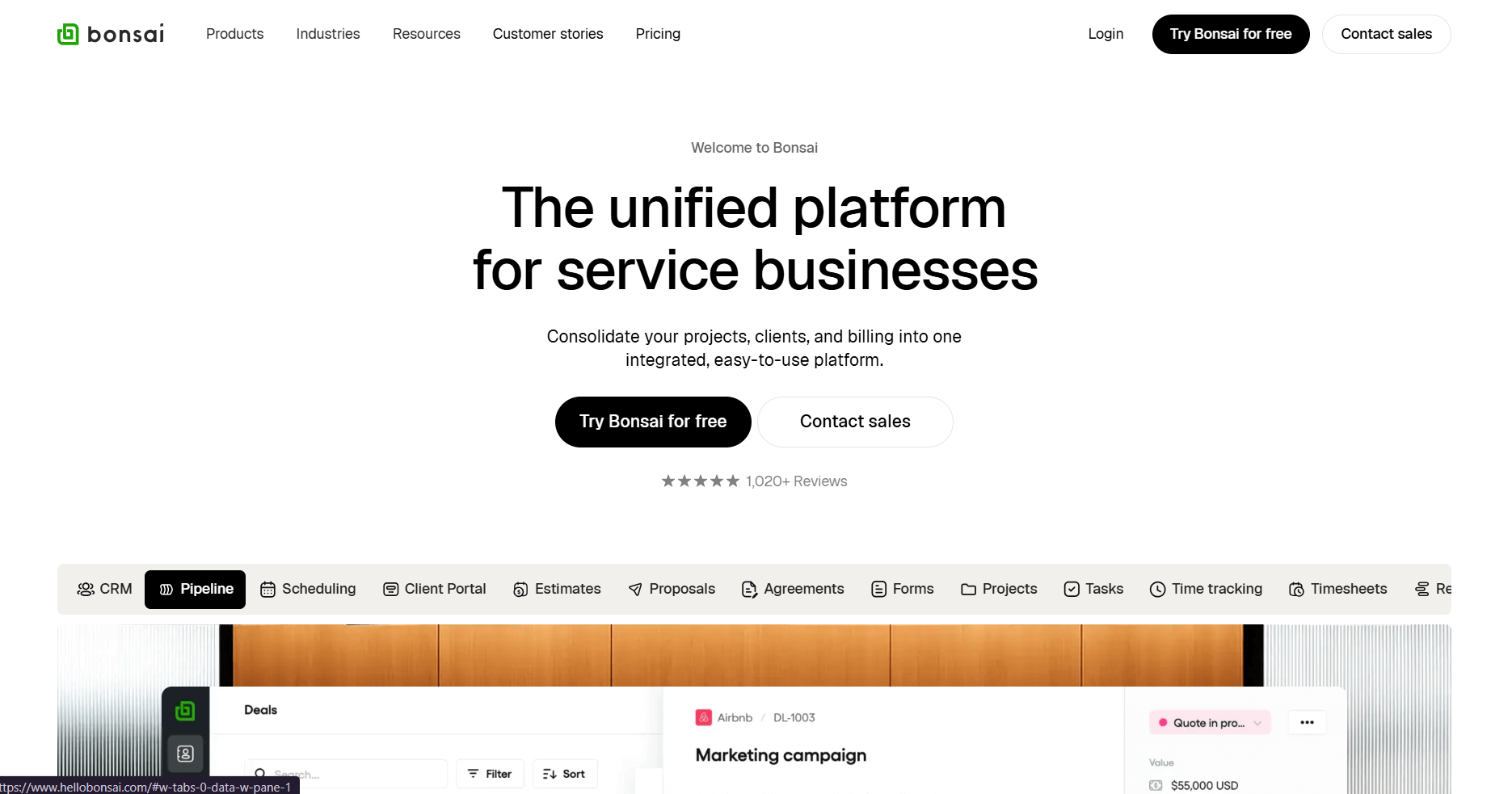
Bonsai is a freelance management platform that brings together proposals, contracts, time tracking, and invoicing for freelancers and small service teams. The platform focuses on connecting early client work with ongoing project management and billing.
I tested how proposals turn into contracts and feed into payment requests. Each step is linked together, which means you can move from pitch to payment without jumping between tools. Time tracking is connected directly to projects, helping teams convert logged hours into accurate invoices.
The expense tracking helped me understand how costs tie back to specific client work during testing. This helps you see what each client costs as the project moves forward.
Why it beats Moxo
- Connected early workflow: Proposals, contracts, and initial payments link together to move from inquiry to paid project quickly.
- Integrated time tracking: Hours log directly to projects and feed into invoicing without separate time management tools.
- Freelancer-focused design: Tools match how solo operators manage smaller client loads rather than enterprise team workflows.
Pros
- Proposal and contract tools connect with invoicing to create a clear path from pitch to payment
- Time tracking links to projects and billing automatically
- Design fits freelance workflows without unnecessary complexity
Cons
- Collaboration features are limited for teams larger than a few people
- Customization options are fewer than platforms built for agencies
Pricing
Bonsai starts at $9 per user per month.
Bottom line
Bonsai works well when you operate solo and want your proposals, hours, and invoices connected without extra complexity. If you need team features or CRM depth, Assembly may serve you better.
6. Zoho CRM: Best for enterprise-scale workflows
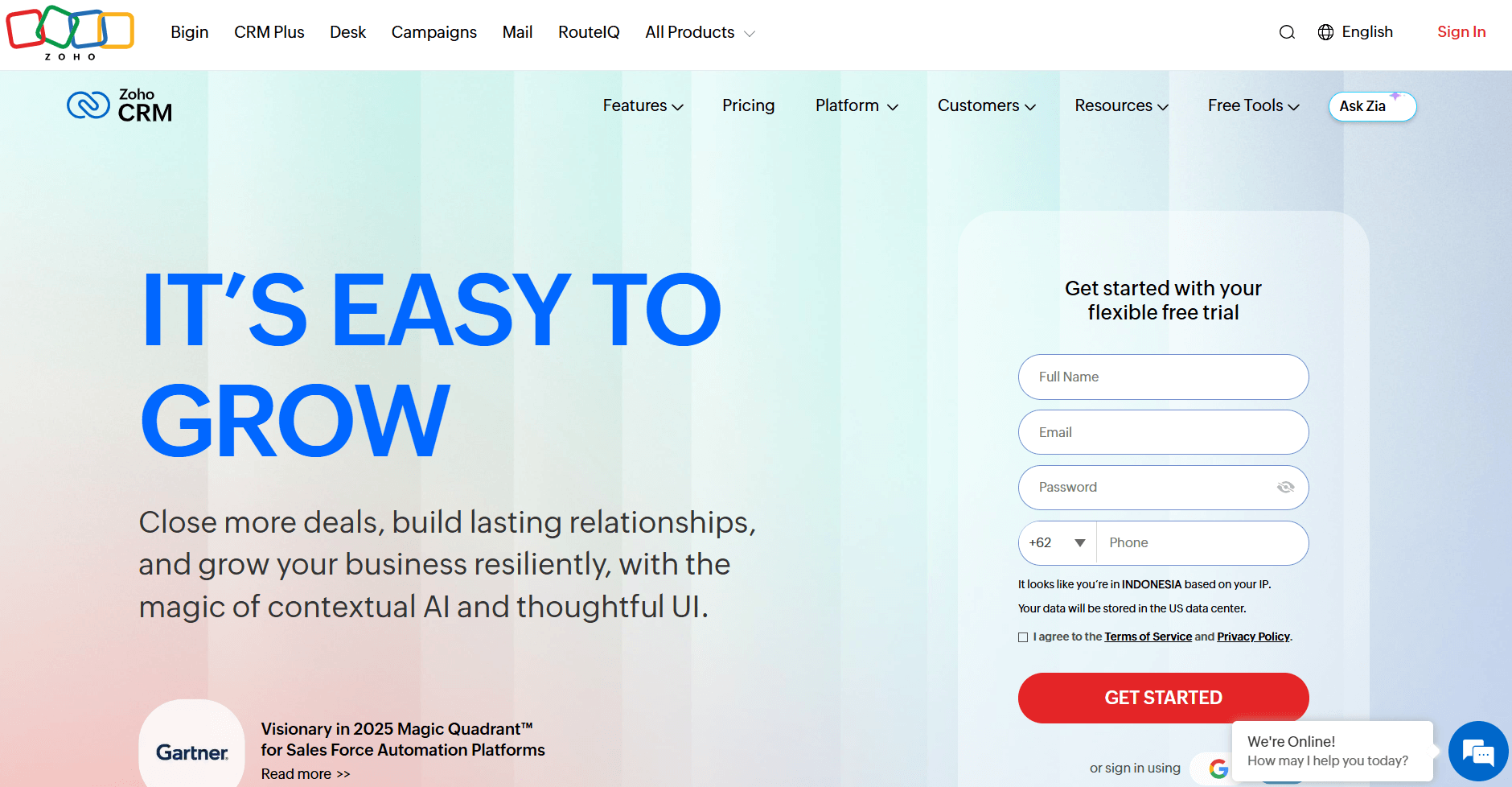
Zoho CRM is a full-featured CRM built for larger teams. It supports sales tracking and connects with other Zoho business tools.
I tested how client records connect across different Zoho applications. The CRM tracked leads and deals while linking to project tasks, invoicing, and team collaboration tools. This is helpful for teams who want to avoid wasting time switching between disconnected systems.
The workflow automation let me build sequences that triggered actions across Zoho tools. This helps you automate processes that span multiple business functions, so tasks move forward automatically rather than waiting for someone to remember the next step.
Why it beats Moxo
- Enterprise-ready scale: The platform handles complex organizational structures with extensive user management and permission controls.
- Broad application suite: Sales, projects, finance, and communication tools connect through one ecosystem instead of requiring third-party integrations.
- Deep workflow automation: Build processes that trigger actions across multiple business functions and team departments.
Pros
- Extensive suite of connected business applications covers most operational needs
- Workflow automation spans across different functions and departments
- Scales well for growing organizations with complex requirements
Cons
- Feature breadth creates a steeper learning curve for new users
- Pricing complexity increases as you add more Zoho applications
Pricing
Zoho CRM starts at $14 per user per month.
Bottom line
Zoho CRM works well when you need enterprise-scale tools and plan to use multiple connected business applications. If you want a simpler setup focused on client portals, Clinked may serve you better.
7. ManyRequests: Best for design feedback and approval workflows
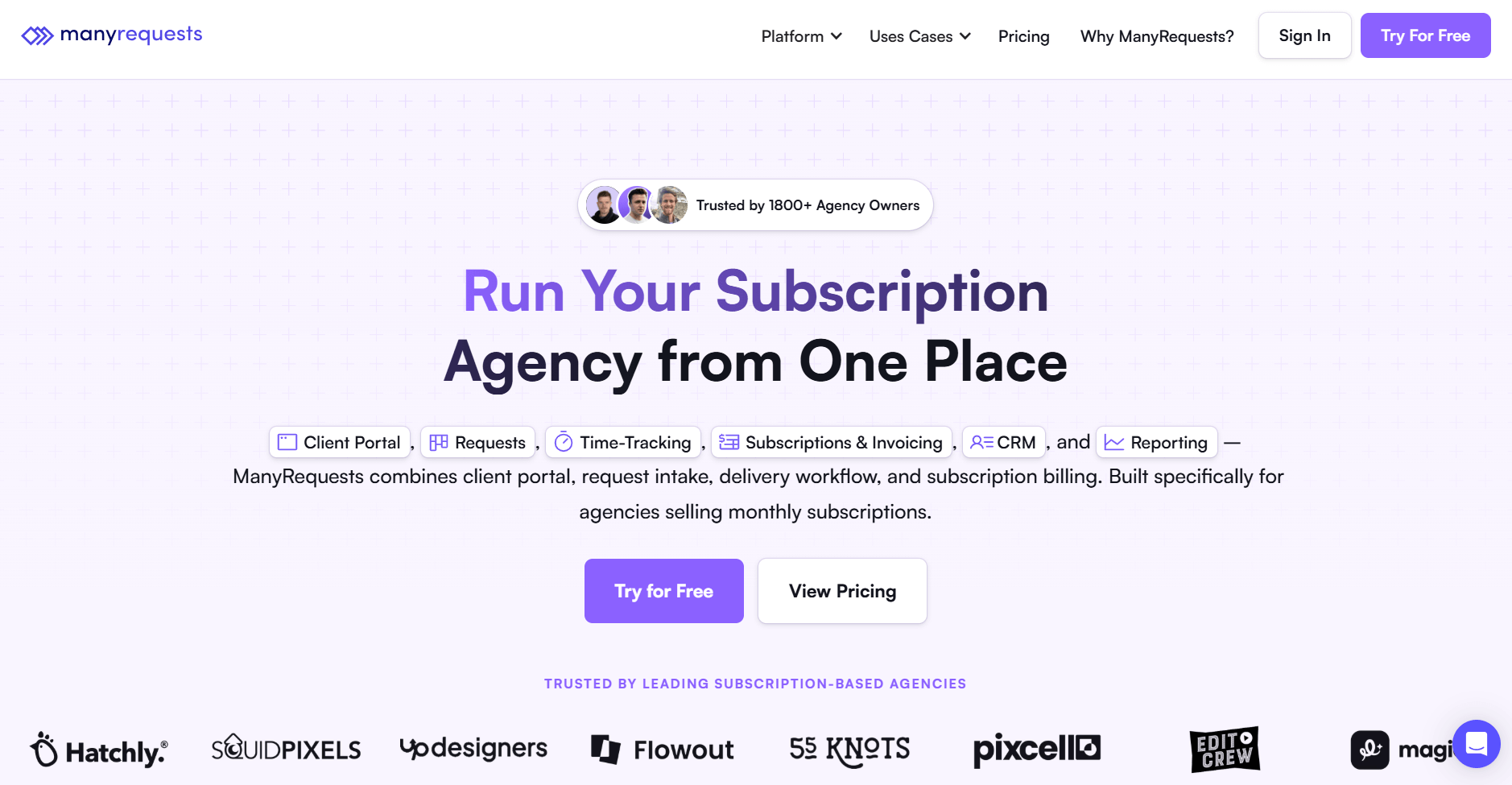
ManyRequests is a client portal platform built for creative teams that need structured design feedback and approval workflows. The platform centers on request queues with built-in proofing tools. Clients submit work, leave comments directly on designs, and approve revisions without email threads.
I built test workflows to see how the revision process works. The proofing tool let me leave comments directly on design files and images, making feedback clear without email threads. This keeps your feedback cycles shorter because clients see exactly what needs changing.
Custom fields helped capture project details upfront, and request types sorted different creative work. This structure works well for teams managing design revisions where visual feedback drives the approval process.
Why it beats Moxo
- Built-in design proofing: Leave visual comments directly on files and designs instead of using external annotation tools or unclear email feedback.
- Structured approval workflows: Revision cycles follow predictable steps that keep creative work moving through feedback and approval stages.
- Queue-based organization: All client requests stay visible in one organized view built for managing multiple revision cycles.
Pros
- Proofing tools let you leave visual feedback directly on design files and images
- Approval workflows keep revision cycles organized and predictable
- Queue views help creative teams manage multiple projects with active feedback cycles
Cons
- Integration options are limited compared to broader platforms
- Reporting features cover basics but lack depth
Pricing
ManyRequests starts at $19 per month.
Bottom line
ManyRequests works well when design revisions and visual feedback drive your client work. If you need service checkout flows or broader business tools, Zendo may serve you better.
8. Clinked: Best for document-heavy client work
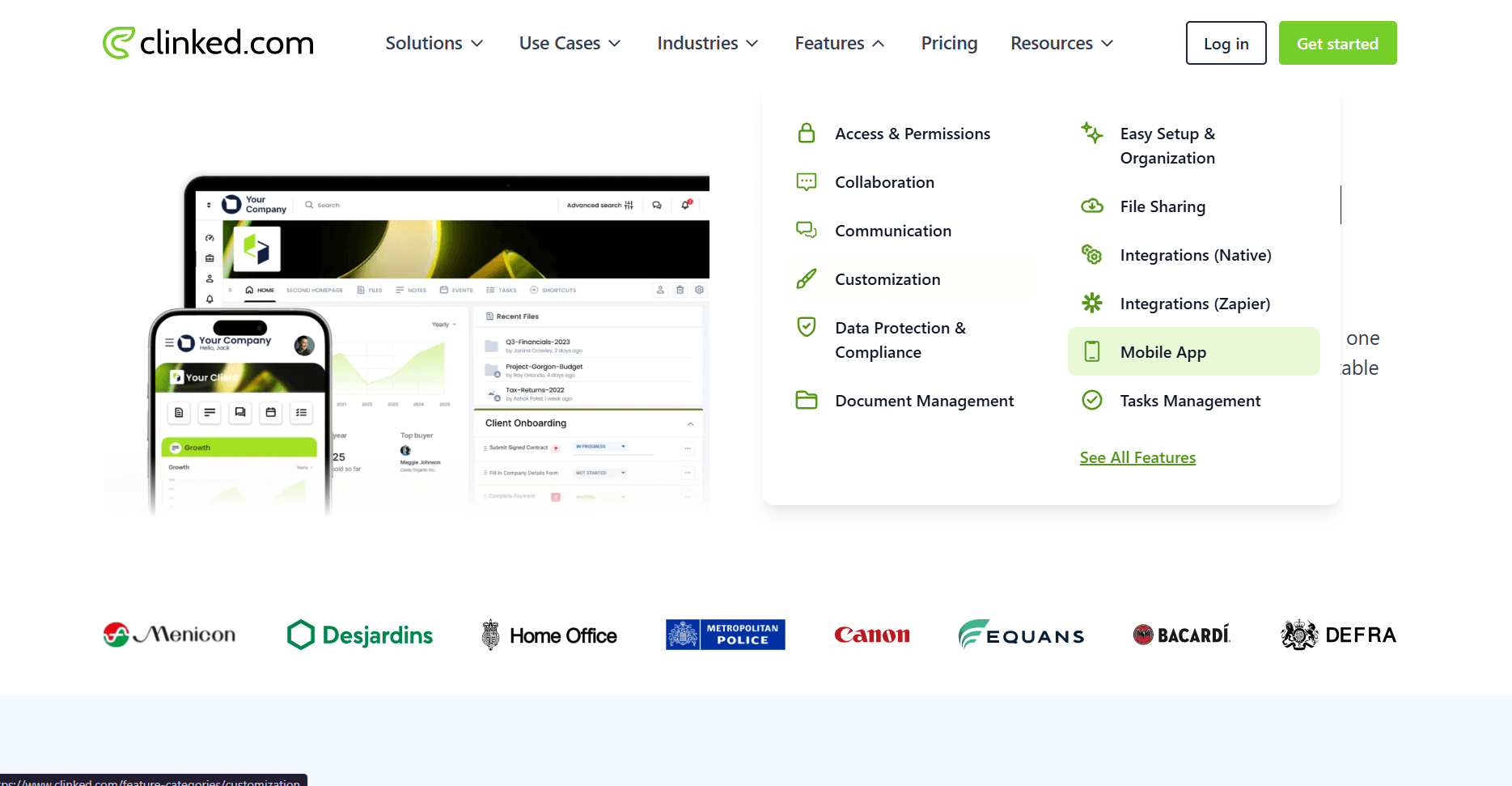
Clinked is a client portal platform built for firms that handle large volumes of documents and need strong permission controls. You get secure file sharing with clean folder structures. White-label options let you brand the portal as your own.
I tested file organization by uploading folders and adjusting access rules for different users. Large files loaded reliably, and version tracking kept document history clear. You can also roll back to earlier versions when needed. I think this can be helpful for firms where document accuracy is critical.
The collaboration tools include group chat, task assignment, and activity notifications that help clients follow changes. White-label controls let firms present a branded workspace without technical setup work.
Why it beats Moxo
- Stronger file controls: Permission settings, folder organization, and version history handle document-heavy workflows better than general collaboration platforms.
- Simpler client file access: Clients view and share large files in organized structures without navigating crowded interfaces.
- Focused document workspace: Branded portals keep files and updates in a layout built specifically for document management.
Pros
- File organization and permission controls support document-heavy client relationships
- White-label options create branded client portals
- Version tracking keeps document history clear across multiple revisions
Cons
- Interface design feels less modern than newer platforms
- Automation and integration options are limited compared to broader tools
Pricing
Clinked starts at $95 per month.
Bottom line
Clinked works well when you prioritize security and permissions over workflow features. If you need visual proofing tools, ManyRequests may serve you better.
9. Zendo: Best for productized service delivery
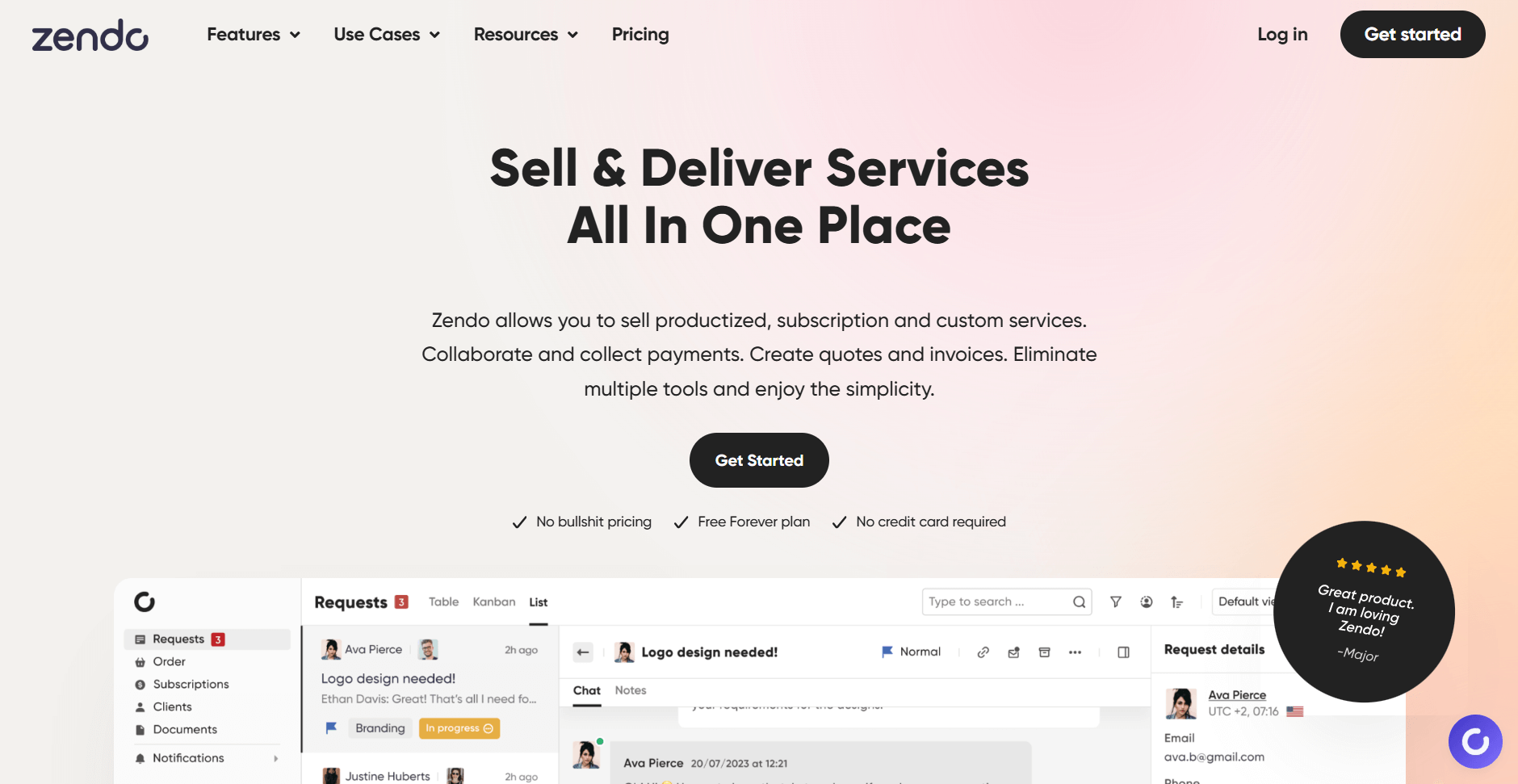
Zendo is a client portal platform built for agencies and service businesses that sell productized services. The system handles service catalogs, automated checkout, invoicing, and project tracking for teams that package their work into repeatable offerings.
I tested the service setup by creating packaged offerings with different pricing models. The checkout process worked smoothly, and clients could purchase services directly through branded order forms. I liked how project tracking connected to each service type without manual setup steps.
The workflow tools let me build automated sequences for common service deliveries. Communication stayed organized through built-in chat, and file sharing kept project assets linked to the right client workspace.
Why it beats Moxo
- Service catalog and checkout: Clients can browse and purchase packaged services directly instead of requesting quotes or proposals first.
- Automated service delivery: Workflows trigger project steps automatically when clients purchase specific service packages.
- Productized service focus: Tools match how agencies sell repeatable offerings rather than custom project work.
Pros
- Service catalogs let clients purchase productized offerings through automated checkout
- Workflow automation connects service purchases to delivery steps
- Built-in communication and file sharing keep project work organized
Cons
- Customization options are more limited than platforms built for custom project work
- Advanced features require higher pricing tiers
Pricing
Zendo starts at $37 per month.
Bottom line
Zendo works well when you want clients to self-serve through service catalogs rather than request quotes. If you need deeper customization options, SuiteDash may serve you better.
10. 17hats: Best for task-first solopreneurs
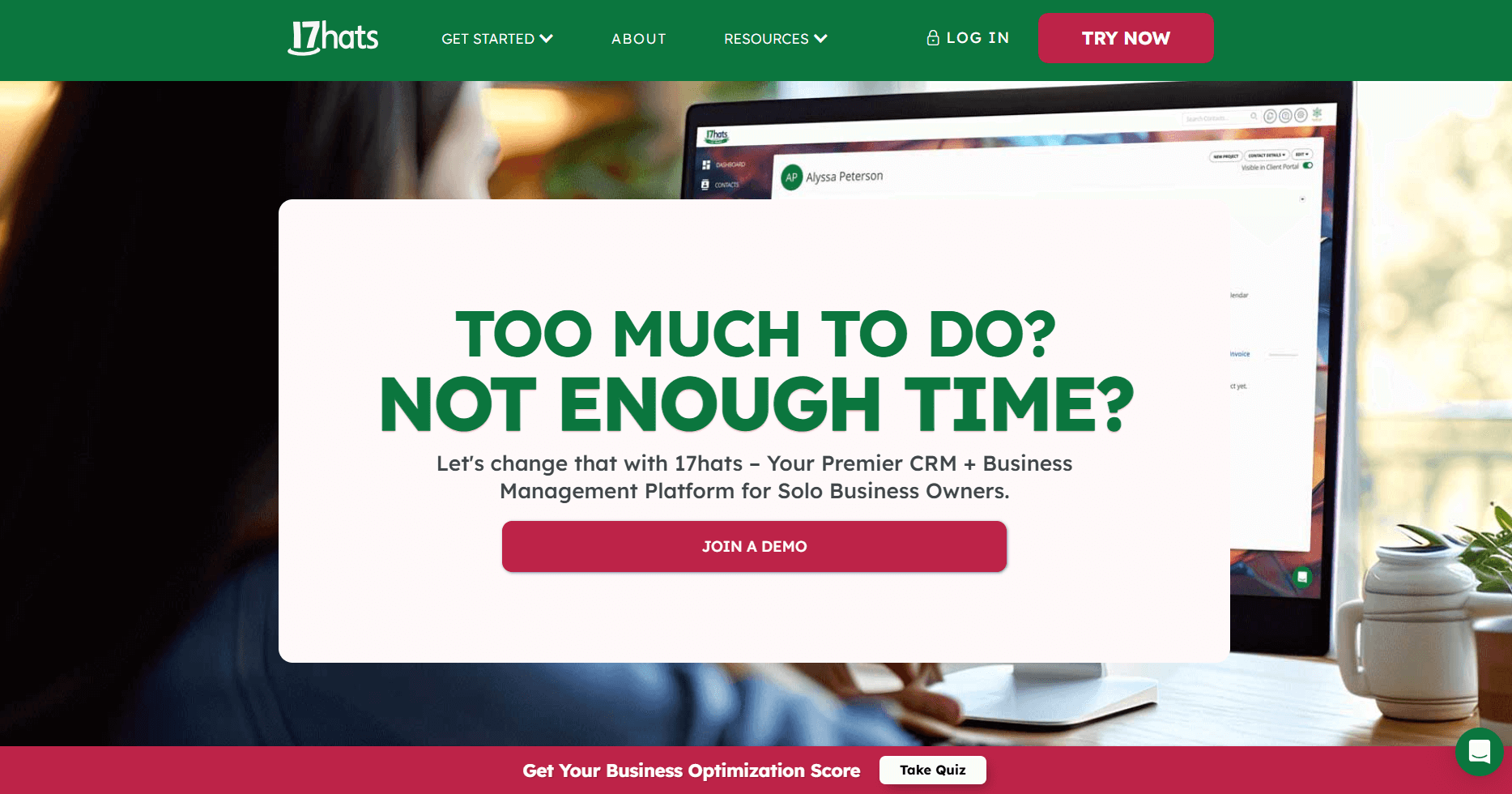
17hats is a business management platform built for solopreneurs and small service businesses that need task automation alongside client management. The system brings together lead capture, automated workflows, scheduling, and invoicing in one workspace focused on keeping solo operators on track.
I tested the lead capture and task automation features by building intake workflows. Forms collected client details and triggered task sequences automatically. This means new leads turn into actionable to-dos without you manually creating tasks.
The task management tools kept project steps organized during testing. You can assign tasks, set deadlines, and track completion without switching to separate project management platforms.
Why it beats Moxo
- Lead capture integration: Forms connect directly to your website and trigger automated task sequences when prospects submit information.
- Task automation built in: Workflows create tasks, send emails, and schedule follow-ups automatically based on client actions.
- Solo-friendly workflows: Tools match how one-person businesses manage multiple clients without team coordination overhead.
Pros
- Lead capture forms trigger automated workflows and task creation
- Task management keeps project steps organized without separate tools
- Scheduling and invoicing connect to client records automatically
Cons
- Interface can feel crowded with multiple features in one dashboard
- Customization depth is limited compared to platforms built for agencies
Pricing
17hats starts at $600 per year.
Bottom line
17hats works well when you operate solo and want task automation connected to lead capture and scheduling. If you need team collaboration or more flexible project views, Dubsado may serve you better.
11. PandaDoc: Best for document workflow automation
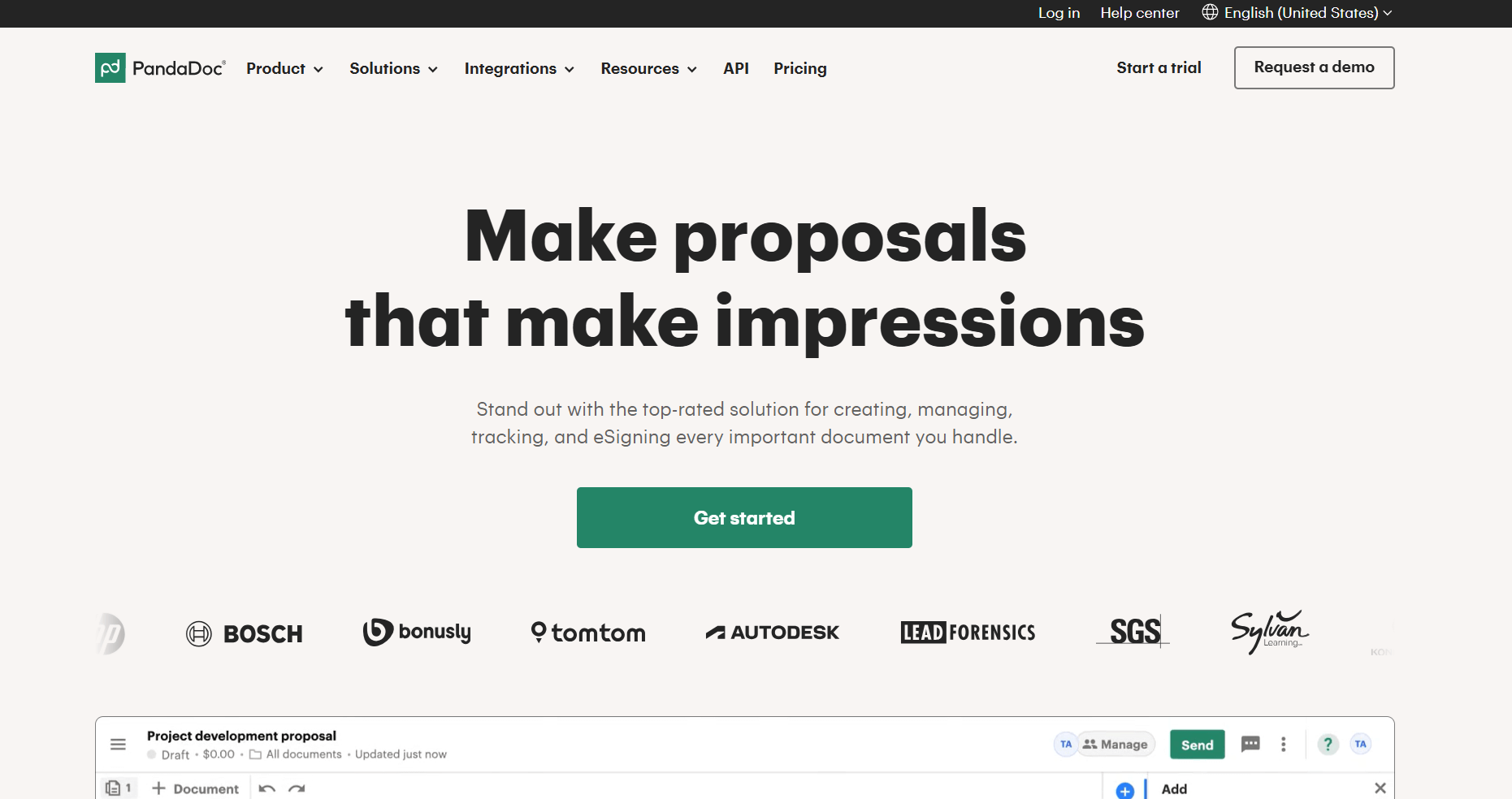
PandaDoc is a document management platform that handles proposals, contracts, and e-signatures with payment collection and detailed analytics. The system focuses on moving documents through approval workflows faster. It includes tracking that shows you exactly where each document stands.
I tested the proposal creation and e-signature process by building templates and sending them to test recipients. Document tracking showed when recipients opened files, how long they spent on each section, and where they stopped. E-signatures processed quickly, and payment collection connected directly to signed contracts.
The analytics also show how long each approval cycle takes, which can help you predict when deals close. You can see which proposal sections lose prospect attention and rewrite those parts to improve conversion rates.
Why it beats Moxo
- Advanced document tracking: Analytics show exactly how recipients interact with proposals and where they spend time reviewing.
- Integrated payment collection: Clients can sign documents and submit payments in one sequence without switching platforms.
- Template and workflow automation: Build reusable templates and approval sequences that speed up document processing.
Pros
- Document analytics show recipient behavior and help improve proposal conversion
- E-signature and payment tools connect to create fast approval flows
- Template library speeds up proposal and contract creation
Cons
- Pricing can add up quickly as team size grows
- Focus on documents means you'll need separate tools for broader project management
Pricing
PandaDoc starts at $19 per seat per month.
Bottom line
PandaDoc works well when documents drive your sales process and you want detailed tracking with fast e-signature workflows. If you need broader client management beyond documents, HoneyBook may serve you better.
How I tested these Moxo alternatives
I built a full client workflow in each platform, from signup to delivery. That included client records, onboarding steps, and billing. I also logged in as both admin and client to see how collaboration actually feels.
Here's what I focused on during testing:
- Built complete client workflows: I created client records, set up intake forms, and walked through onboarding sequences to see how information flows from first contact through project delivery.
- Tested collaboration features: I logged in as both admin and client to compare how messaging, file sharing, and task updates work from each side of the portal.
- Ran billing and payment flows: I created invoices, set up payment processing, and tested subscription features to understand how money moves through each platform.
- Checked customization limits: I adjusted branding, built custom fields, and tried to match each platform to different business workflows to find where flexibility stops.
- Measured setup speed: I tracked how long it took to get a functional workspace running without tutorials or outside help.
- Evaluated project management depth: I built task boards, set dependencies, and tested reporting to see which platforms handle delivery tracking well and which require separate tools.
- Verified integration capabilities: I connected common tools like Airtable, ClickUp, Calendly, Zapier, and Make to see how well each platform fits into existing tech stacks.
How to choose your Moxo alternative
The best alternative for you depends on where Moxo falls short for your specific workflow.
Choose:
- Assembly if you need CRM tools and client portals working together with AI support that knows your client history.
- HoneyBook if your work starts with proposals and you want clients booking and paying quickly.
- Dubsado if you operate solo or are a small business and you need automated workflows for client intake.
- SuiteDash if you want deep customization and plan to train clients inside your portal.
- Bonsai if you're a freelancer who wants proposals, time tracking, and invoicing connected from start to finish.
- Zoho CRM if you need enterprise-scale tools and plan to connect multiple business functions through one application suite.
- ManyRequests if design revisions and visual feedback drive your client work and you need built-in proofing tools that keep approval cycles organized.
- Clinked if document volumes are high and permission management matters more than workflow automation features.
- Zendo if you want clients purchasing through service catalogs rather than requesting custom quotes for each project.
- 17hats if you operate solo and need lead capture that automatically creates tasks.
- PandaDoc if documents drive your sales process and you want detailed tracking that shows where prospects engage and lose interest.
My final verdict
HoneyBook works well for creative teams that start with proposals, and Dubsado fits solo operators who need structured intake automation. Zendo stands out when you sell productized services through checkout flows, while SuiteDash gives you deep customization if you're willing to invest in setup time. I also found that ManyRequests handles design feedback cycles well with its built-in proofing tools.
Assembly bridges the gap between CRM and client portals so you manage the full relationship in one workspace. I think this matters most when teams grow beyond basic client communication and need to track deals, handle pre-sales work, and move through delivery without losing context.
Ready to create a branded client experience? Try Assembly
Teams usually look for Moxo alternatives when customization options feel limited, project management depth is missing, or pricing becomes unclear as they grow. Assembly addresses those gaps with CRM tools, client portals, and project tracking in one workspace that’s designed to stay organized as your client list grows.
Here’s what you can do with Assembly:
- Track client details and activity: Manage client records, communication history, and relationship data in a structured CRM that keeps everything organized in one place.
- Give clients a branded portal: Clients log into a space that reflects your brand to access contracts, invoices, files, and project updates without email back-and-forth.
- Keep tasks, messages, and files together: Client communication, shared files, and project tasks stay connected to each client record instead of being scattered across separate tools.
- Prep faster for meetings: The AI Assistant summarizes recent client activity and communication, helping you walk into calls with a clear picture of what’s been discussed and what’s outstanding.
- Stay ahead of clients: Highlight patterns that may show churn risk or upsell potential, making outreach more timely and relevant.
- Cut down on admin: Automate repetitive jobs like reminders, status updates, or follow-up drafts that used to take hours. The Assistant handles the busywork so your team can focus on clients.
Ready to simplify how your firm manages client work? Start your free Assembly trial today.
Frequently asked questions
What's the difference between Moxo and Assembly for CRM features?
Assembly supports pre-sales tracking inside the same workspace as your client portal, while Moxo focuses on client-facing workflows and often pairs with an external CRM for pipeline tracking. You can handle pre-sales and delivery in Assembly within the same workspace. Moxo typically pairs with external CRM systems for sales pipeline tracking.
Which Moxo alternative works best for agencies with multiple clients?
Assembly and SuiteDash work best for agencies managing multiple clients with client portals. Assembly emphasizes CRM integration and AI support for managing relationships at scale. SuiteDash offers deeper customization and learning management features. Both platforms organize work by client without switching tools.
Do Moxo alternatives support white-label branding?
Yes, many Moxo alternatives like Assembly, SuiteDash, Clinked, and Zendo support white-label branding. You can add your logo, choose brand colors, and use custom domains so clients see your branding throughout the portal. Some platforms, like HoneyBook and Bonsai, have limited customization. But others, like SuiteDash and Assembly, offer full white-label control.