
The 11 best Hello Bonsai alternatives and competitors for 2026
Hello Bonsai alternatives range from simple task managers to complete agency platforms. I tested dozens of tools to find the 11 best competitors for 2026.


I tested dozens of tools for project management, client work, and invoicing, and here are the 11 best Hello Bonsai alternatives I found in 2026.
11 Best Hello Bonsai alternatives: At a glance
If you're outgrowing Bonsai's freelancer focus and need deeper project management, financial tracking, or client portal features, here's how the top alternatives compare:
| Tool | Best For | Starting Price | Key Strengths |
|---|---|---|---|
| Assembly | Service businesses needing structured client portals | $39/mo | Branded portals, CRM, billing, secure messaging, and embedded dashboards. |
| Productive | Agencies requiring deep financial visibility | $10/user/mo(min 3 users) | Budgeting, forecasting, profitability reporting, and project planning. |
| monday.com | Teams wanting highly visual, custom workflows | $12/seat/mo(min 3 seats) | Visual boards, automation, dashboards, and flexible project tracking. |
| Asana | Teams prioritizing task clarity and coordination | $10.99/user/mo | Timelines, task dependencies, workload views, and collaboration tools. |
| ClickUp | Businesses seeking "all-in-one" work management | $7/user/mo | Custom views, goal tracking, internal docs, and time tracking. |
| Accelo | Service firms needing full PSA (Professional Services Automation) | Custom | End-to-end sales tracking, project delivery, billing, and reporting. |
| ActiveCollab | Agencies combining project work with invoicing | $12.50/mo(incl. 3 seats) | Task management, time tracking, invoicing, and client collaboration. |
| HoneyBook | Creative freelancers managing bookings | $29/mo | Proposals, contracts, invoices, scheduling, and client workflows. |
| FreshBooks | Small businesses focused primarily on accounting | $248.40/yr | Expense tracking, invoicing, payments, and basic time tracking. |
| Dubsado | Freelancers automating client onboarding | $335/yr | Contracts, automated forms, invoicing, and workflow automation. |
| SuiteDash | Businesses wanting a highly configurable portal | $180/yr | White-label portals, CRM tools, project tracking, and automation. |
Why I looked for Hello Bonsai alternatives
Hello Bonsai (also commonly called Bonsai) handles the basics well for freelancers and small teams, with contracts, proposals, time tracking, and invoicing built in. But as you scale your team and need tighter collaboration and deeper reporting tools, the platform’s features may start to feel limiting.
I tested Bonsai myself and looked at what users mention most often in reviews. Here are the issues that kept coming up:
- Project management feels surface-level: Bonsai includes features like Gantt charts, dependencies, and workload views, but they remain lighter than what you get in platforms designed for managing large project portfolios. Teams juggling many projects at once may still run into coordination limits.
- The client portal feels restrictive: The client portal is functional, but it still feels limited compared to platforms built around client collaboration. Clients can access files, updates, and shared tasks, yet the overall experience focuses more on document exchange than ongoing project interaction.
- Team features can still feel limited as your team grows: Bonsai now includes custom roles and more detailed permission settings, but these features are tied to higher-tier plans. Teams that need flexible access control across many projects may still find the structure less adaptable than platforms built primarily for team collaboration.
- Financial tracking still has limits: Bonsai includes project profitability reporting and budgeting tools, but forecasting remains mostly tied to current projects rather than forward planning. Agencies that want scenario planning for hiring, resource allocation, or long-term capacity may need more advanced financial modeling.
- Integrations cover the basics: Bonsai connects to accounting tools and payment processors, and you can extend connections through Zapier. However, the platform still has fewer native integrations with project management systems, CRMs, and collaboration tools that larger teams often rely on to keep data synced automatically.
1. Assembly: Best for service businesses that need a structured client portal
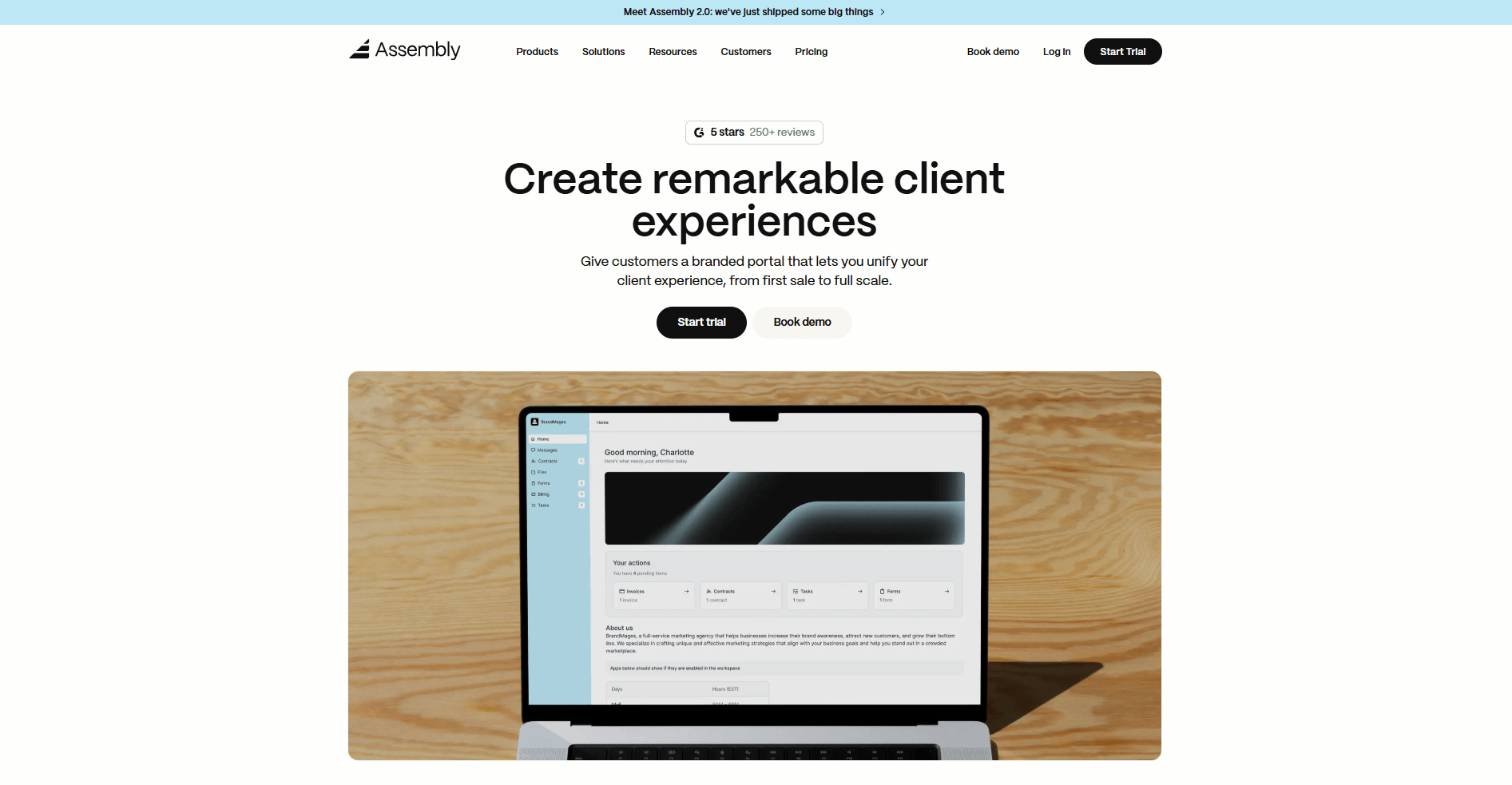
Assembly is a client portal platform that combines CRM, project management, and billing in one workspace built for service businesses. We designed it to help you manage client relationships from onboarding through delivery inside a branded portal that your clients can access directly.
The platform lets you add apps for messaging, tasks, files, billing, and contracts. You decide which ones appear in each client workspace, so clients only see what’s relevant to their project.
Behind the scenes, your team can use custom fields, internal notes, and private chat to coordinate work before sharing anything with clients. When you invite a client to their portal, they log into a branded workspace where everything tied to their project lives in one place.
As your client list grows, the AI Assembly Assistant can help you stay on top of your relationships. It can summarize client communication, draft messages and invoices, create internal notes, and suggest next steps using context from your workspace data.
Assembly connects to Airtable, ClickUp, Calendly, Zapier, and other tools to sync data across your workflows without constant manual updates. You can also embed custom dashboards from Looker Studio, Databox, and other platforms that offer embedding. This lets clients view analytics or reporting you’ve built for them without leaving their portal.
Why it beats Hello Bonsai
- Branded client portals with granular access control: White-label portals with custom domains, role-based permissions, and control over what each client sees across projects and files.
- CRM with contact organization: Store client details, company information, and relationship history in one place with custom fields and notes that your team can reference across projects.
- Modular app platform for tailored workflows: Add or remove apps like messaging, contracts, billing, or files based on what each client relationship needs, rather than paying for unused features.
- Embedded dashboard capabilities: Display custom analytics and reporting from external tools like Looker Studio directly in client portals without requiring separate logins.
- Team collaboration with structured permissions: Set internal user roles, manage what team members can access across clients, and use internal chat that clients never see.
Pros
- CRM, project delivery, and client communication live in one system so you don’t have to use separate tools for sales and service work
- Supports multiple clients with distinct branding, permissions, and app configurations for different service offerings
- Internal team chat and client-facing messaging stay separate so you can coordinate without clients seeing internal discussions
Cons
- Project management focuses on task lists and file organization rather than dependencies, Gantt charts, or resource planning
- Financial reporting centers on invoicing and payment tracking rather than profit margin analysis or budget forecasting across projects
Pricing
Assembly starts at $39 per month.
Bottom line
Assembly's strength is providing a single platform to manage the entire client lifecycle. You won’t need to juggle different tools for CRM, project delivery, and invoicing. If you need in-depth financial analysis or advanced project planning tools, Productive might be a better fit.
2. Productive: Best for agencies that need financial visibility
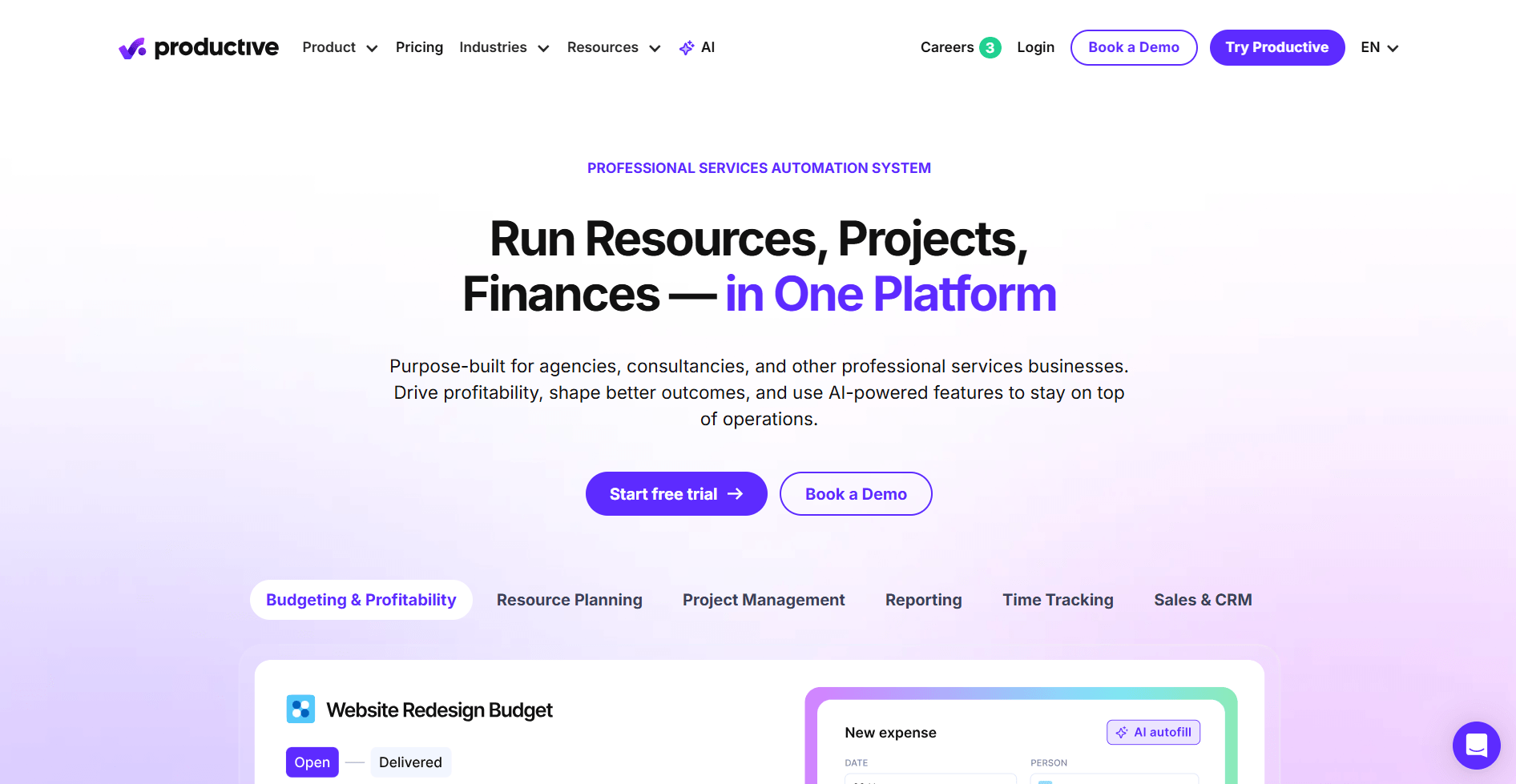
Productive is an agency management platform that connects project work to financial outcomes. I tested it by creating mock projects with different budget types and logging hours to see how those entries affected margin and profitability reports. The financial layer goes deeper than many project tools, but the interface presents a lot of data at once.
When I adjusted billable rates or reallocated team members between projects, I saw margins and revenue forecasts recalculate across the portfolio dashboard. That let me see how staffing decisions would impact profitability before making changes.
The main limitation I found is that you have to move between budgets, timesheets, and separate report views to understand how logged hours affect a project’s final margin. This can slow you down when you're trying to make quick decisions about project health.
Why it beats Hello Bonsai
- Advanced budget tracking with multiple budget types: Supports time and materials, fixed fee, retainer, and blended budgets with real-time cost tracking against estimates.
- Advanced profitability reporting: Shows margin calculations across all active work with deeper breakdowns by client, project type, or team member.
- Resource planning with utilization forecasting: Allocates team members to projects and forecasts future utilization rates based on scheduled work.
Pros
- Time tracking ties into budgets and resource plans so logged hours update financial forecasts without manual recalculation
- Forecasting tools show projected revenue and utilization several months ahead based on current project schedules
- Invoicing pulls from time entries and project budgets without manual data entry
Cons
- The interface can feel overwhelming at first because it presents many features and financial concepts at once
- Reporting customization requires understanding financial metrics like utilization rates and gross margin
Pricing
Productive starts at $10 per user per month, with a minimum of 3 users.
Bottom line
Productive’s financial tools give you visibility into profit margins and resource costs that many project management platforms don’t cover. If you don’t need detailed financial tracking and prefer simpler task management, ClickUp might be a better fit.
3. monday.com: Best for teams that want customizable workflows
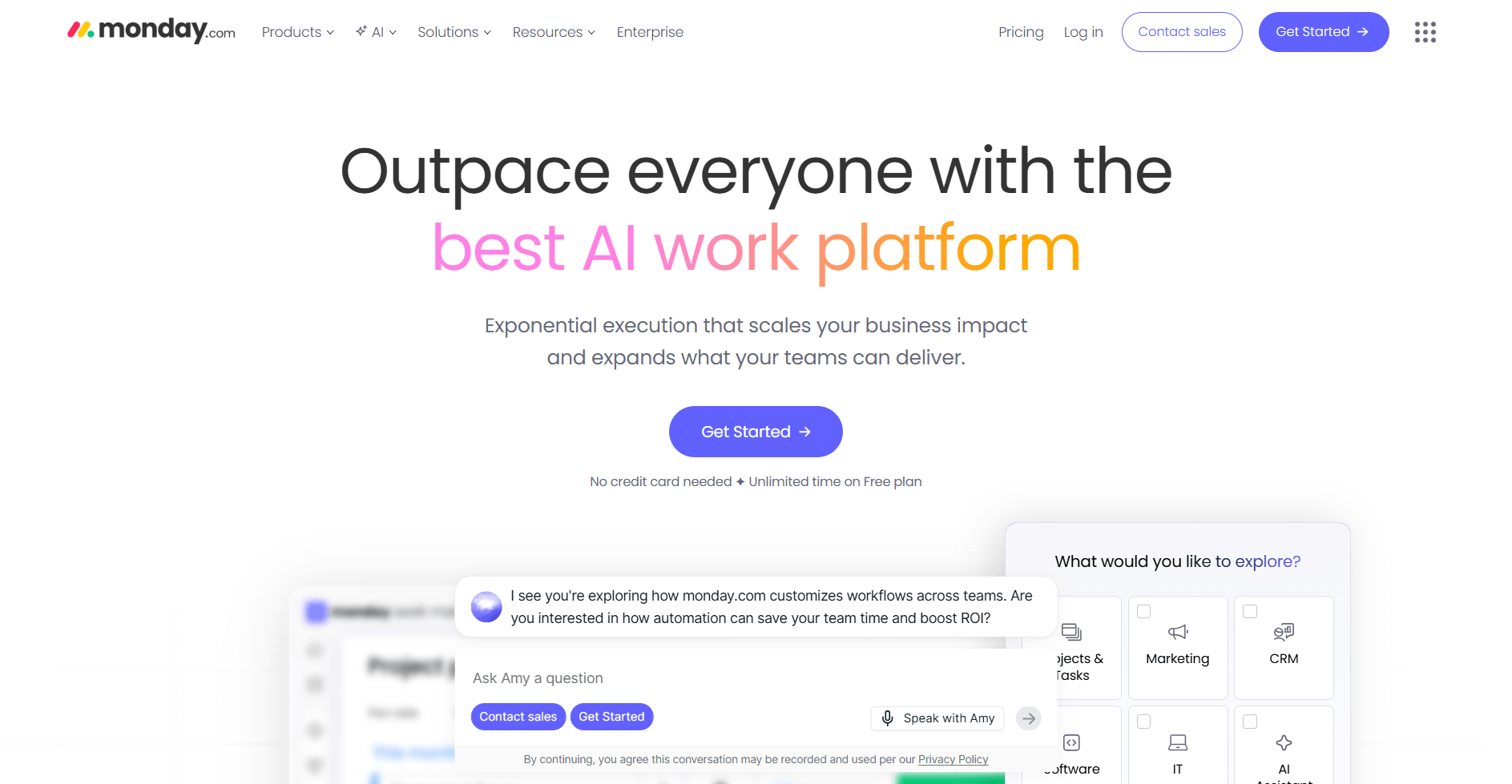
monday.com is a work management platform built around visual boards you can configure for different processes. I built boards for client projects, task tracking, and pipeline management to see how the customization worked across different use cases. The automation builder gives you flexibility, but you need to invest time upfront to map out your workflows before the platform makes sense.
I also added custom columns for status tracking, timeline views, and dependency mapping to test how flexible the system is. The board structure works well once you understand how items, groups, and columns connect.
You can automate through triggers and conditions, but the downside is maintenance. As your workflows evolve, you'll need someone to manage board configurations and automation rules to keep everything organized.
Why it beats Hello Bonsai
- Customizable board structures with multiple project views: Build boards with custom columns, statuses, and data types, then switch between kanban, timeline, calendar, and chart views.
- Advanced automation builder with conditional logic: Set up triggered actions based on status changes, dates, or custom field values without coding.
- Tasks across projects stay connected: Link related work across different boards so when one task moves, the others update automatically.
Pros
- Integrates with tools like Slack, Gmail, and Zoom so updates move between platforms without manual syncing
- Supports both high-level portfolio views and detailed task breakdowns in the same workspace
- Dashboard widgets pull data from multiple boards for consolidated project reporting
Cons
- Requires ongoing board maintenance as workflows change or team needs evolve
- Costs increase as you add users and need access to more advanced automation features
Pricing
monday.com starts at $12 per seat per month, with a minimum of 3 seats.
Bottom line
monday.com’s customization options let you build workflows that match how your team works instead of relying on preset structures. If you want project management tied directly to billing and service delivery, Accelo might be a better fit.
4. Asana: Best for teams that prioritize task clarity
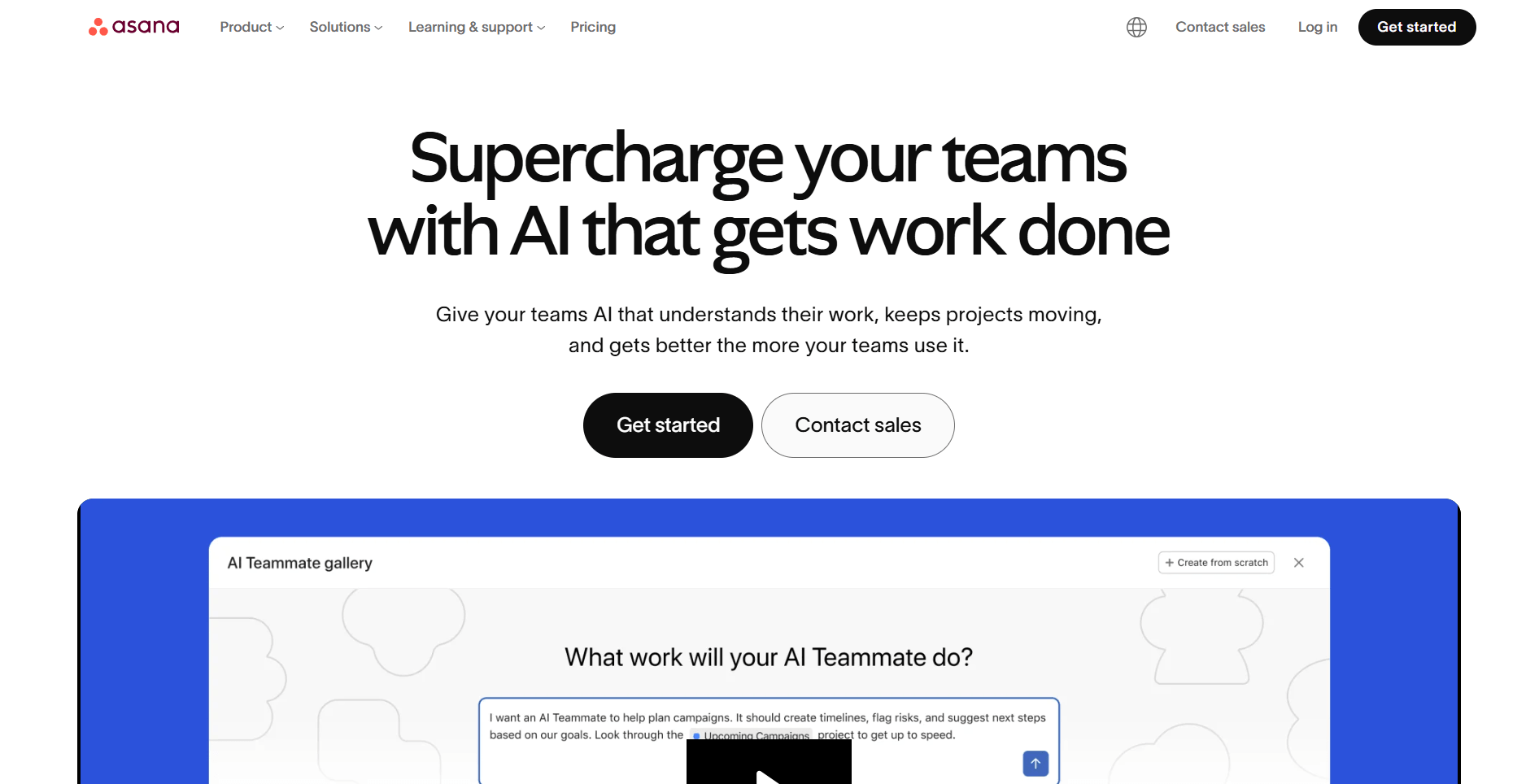
Asana is a project management platform focused on organizing work through tasks, timelines, and dependencies. I tested it by building a multi-project setup with task assignments, due dates, and cross-project dependencies to see how the structure held up. The interface is cleaner than many work management tools, but it focuses on project coordination instead of financial management.
The timeline view made it easy to spot bottlenecks when deadlines shifted, and multi-homing let me add the same task to different projects without duplicating work. Custom fields for status and priority helped with filtering, and dependencies between deliverables updated automatically when I changed dates.
The downside is Asana’s lack of financial features. You won't find built-in time tracking, invoicing, or budget management unless you connect third-party tools.
Why it beats Hello Bonsai
- Task dependencies with automatic date adjustments: Link tasks so when you shift one deadline, dependent tasks automatically reschedule based on the relationship you've set.
- Multiple project views including timeline and workload: Switch between list, board, calendar, timeline, and workload views to see task distribution across your team.
- Advanced workflow automation with forms and rules: Set up intake forms that create tasks automatically and build rules that trigger actions based on status changes or due dates.
Pros
- Portfolio view groups multiple projects together so you can track progress across all client work from one screen
- Custom fields let you add data points like priority, client name, or project phase for better filtering and reporting
- Goals feature connects high-level objectives to specific tasks so you can track progress toward broader targets
Cons
- No native time tracking or billing features means you'll need separate tools or integrations for client invoicing
- Features like portfolios and workload management require higher-tier plans
Pricing
Asana starts at $10.99 per user per month.
Bottom line
Asana works well when your team needs clear task ownership across multiple projects. If you need integrated client billing and financial tracking in the same platform, ActiveCollab might be a better fit.
5. ClickUp: Best for businesses that want flexible work management
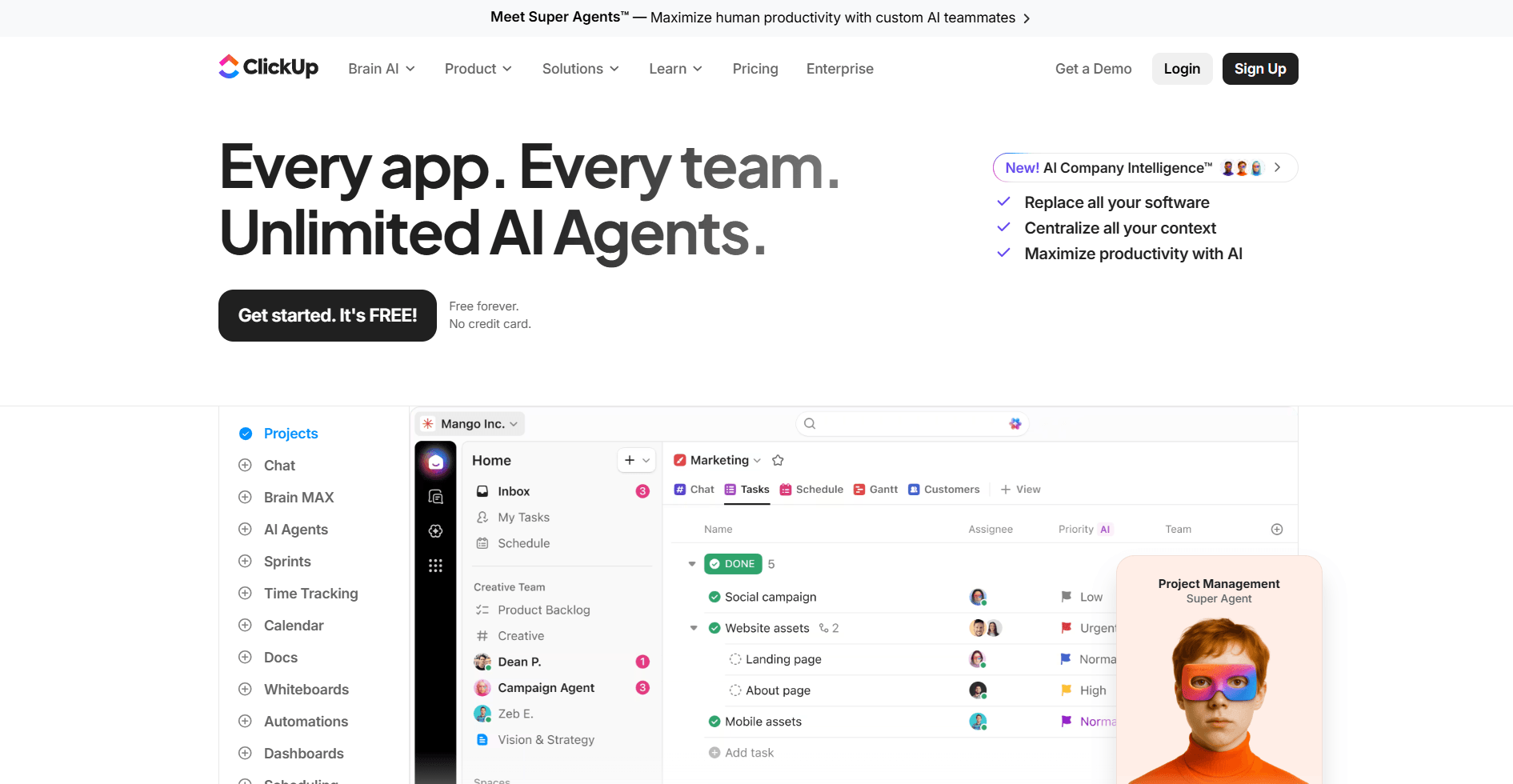
ClickUp is a work management platform that lets you customize almost every aspect of how you organize tasks and projects. I set up different workspace views, custom fields, and automation rules to see how far the flexibility goes. The level of control goes deep, but the interface can feel cluttered when you’re moving between features.
I built task hierarchies with spaces, folders, lists, and subtasks to see how the structure holds up across projects. Custom statuses, priorities, and fields let me track work the way each project runs, whether that means managing a client campaign or coordinating internal tasks.
You can set up a wide range of automation without technical skills, but the downside is decision fatigue. With so many configuration options, you can spend a lot of time deciding how to structure your workspace.
Why it beats Hello Bonsai
- Highly customizable task views and hierarchies: Create custom workspace structures with spaces, folders, lists, and tasks, then view them as lists, boards, calendars, Gantt charts, or timelines.
- Built-in time tracking with estimates and reporting: Track time directly on tasks, set time estimates, and generate reports showing where hours are being spent across projects.
- Goal tracking with progress metrics: Set measurable goals and connect them to specific tasks so you can track completion percentages and target dates.
Pros
- Docs feature lets you create and link documentation directly to tasks without switching to separate tools
- Automation builder handles repetitive actions like status updates, task assignments, and due date adjustments based on triggers you define
- Integrates with tools like Slack, Google Drive, and Calendly to centralize notifications and file access
Cons
- The number of features and customization options can make initial setup overwhelming for teams new to the platform
- Navigation between different views and feature sets takes time to learn because everything is customizable
Pricing
ClickUp starts at $7 per user per month.
Bottom line
ClickUp’s flexibility lets you build a workflow structure that matches your team’s needs without relying on rigid templates. If you need a client portal with branded access and integrated billing, Assembly might be a better fit.
6. Accelo: Best for service firms that need PSA software
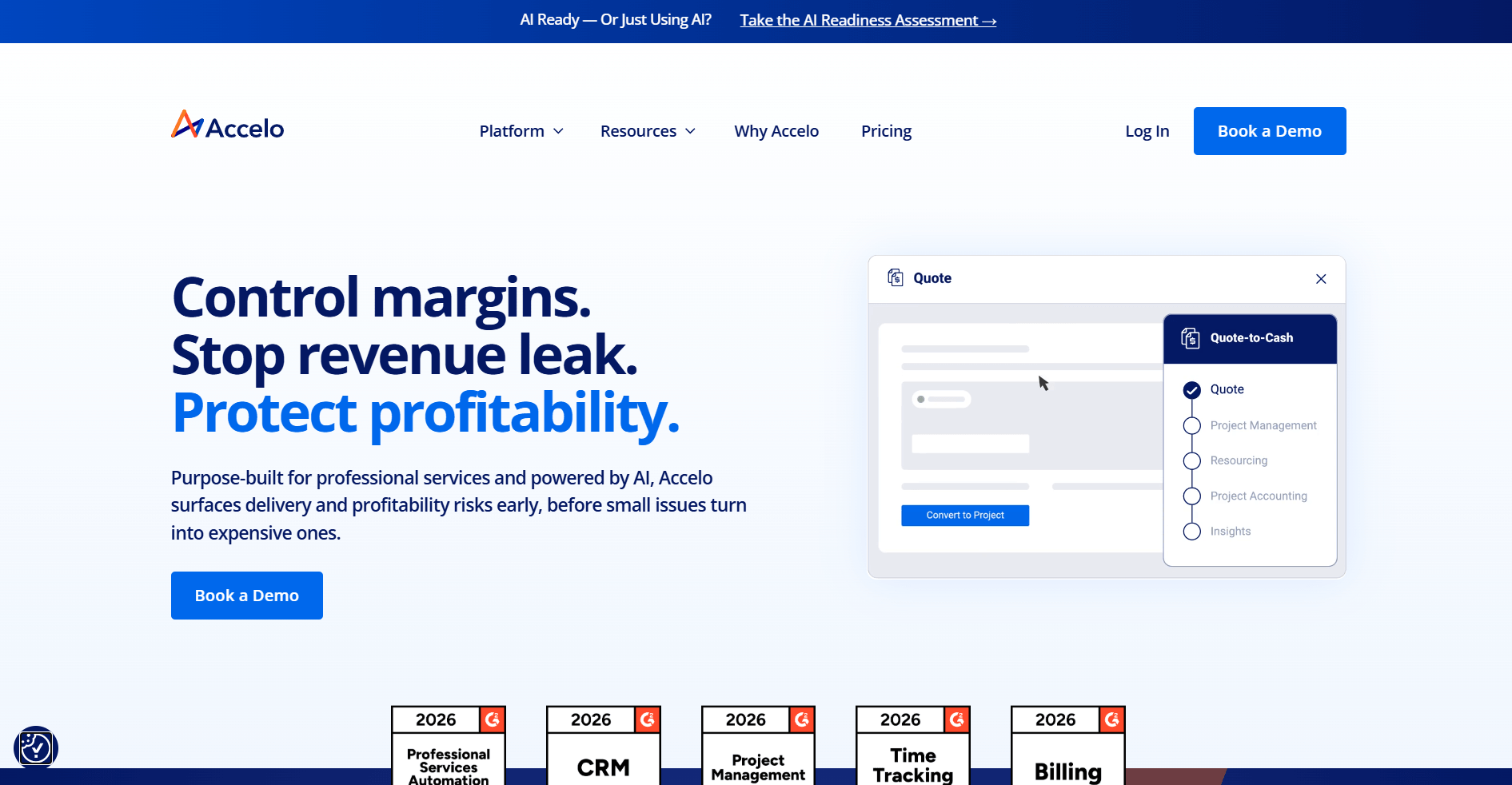
Accelo is a professional services automation (PSA) platform that connects sales, project delivery, and billing in one system. One thing that stood out during my demo walkthrough was how sales opportunities convert directly into projects with budgets already attached. The feature set runs deep, but the interface relies on PSA-specific terminology that takes time to learn.
I reviewed how time entries feed into invoicing without manual data transfer and how resource scheduling assigns team members based on availability and skill sets. Retainer management tracks consumed hours against monthly agreements, and utilization reports show billable percentages across your team.
If your team hasn’t worked with revenue recognition or utilization tracking before, you’ll spend time learning how those metrics connect across sales, projects, and billing.
Why it beats Hello Bonsai
- End-to-end client lifecycle management: Tracks prospects through sales pipeline, converts won deals into active projects, and manages ongoing delivery and billing from one platform.
- Retainer and subscription management: Monitors recurring service agreements, tracks hours consumed against monthly allocations, and automates renewal workflows.
- Advanced resource scheduling with skills matching: Allocates team members to projects based on availability, skillsets, and utilization targets across the portfolio.
Pros
- Sales pipeline integrates with project delivery so client history and communication threads persist from first contact through active work
- Automated billing processes handle different rate structures, expense tracking, and invoice generation based on project terms
- Utilization reporting shows team capacity and billable percentages to help with staffing and hiring decisions
Cons
- Learning curve is steep for teams without prior PSA platform experience due to specialized terminology and workflows
- Interface design feels dated compared to newer project management tools with more modern visual layouts
Pricing
Accelo uses custom pricing.
Bottom line
Accelo’s strength is managing the full service delivery process for firms that bill by the hour and track resource allocation closely. If you want simpler project management without the PSA complexity, Monday.com might be a better fit.
7. ActiveCollab: Best for agencies that want projects and billing together
ActiveCollab is a project management platform that combines time tracking and invoicing for service businesses. I tested it by running mock client projects from task creation through billing to see how the pieces connected. The workload view stood out because it shows team capacity and task distribution in one place, but collaboration features are limited compared to dedicated communication tools.
I tracked time on tasks, then reviewed how those entries fed into timesheets and invoice generation without manual data transfer. Budget tracking showed planned versus actual costs in real time, and the profitability dashboard calculated margins based on billable rates and logged hours.
Comments work for task-level updates, but you won’t find threaded conversations or built-in chat features like you would in Slack or other collaboration tools.
Why it beats Hello Bonsai
- Integrated workload management with capacity planning: Shows team availability and task allocation across projects so you can spot overbooked team members before deadlines slip.
- Project budgeting with real-time profitability tracking: Tracks planned budgets against actual time and expenses, calculating profit margins as work progresses.
- Time-to-invoice workflow without platform switching: Time entries connect directly to invoicing so billable hours convert to client invoices without exporting data.
Pros
- Client collaboration features let you invite clients to view project progress and comment on tasks without giving them access to internal work
- Multiple invoice templates and recurring billing options handle different client arrangements without manual invoice creation each cycle
- Expense tracking ties project costs to specific deliverables for more accurate profitability calculations
Cons
- Team communication relies mainly on task comments rather than dedicated chat or messaging threads
- Reporting customization options are limited compared to platforms that focus heavily on analytics
Pricing
ActiveCollab starts at $12.50 per month, which includes 3 seats.
Bottom line
ActiveCollab brings project delivery and client billing into one workspace so you don’t have to rely on separate tools. If you need advanced financial forecasting and resource planning, Productive might be a better fit.
8. HoneyBook: Best for creatives who manage client bookings
HoneyBook is a client management platform built specifically for creative service providers who work on a booking model. During testing, the automation sequences impressed me because they moved clients through each stage based on triggers.
The platform walks clients through a branded pipeline where they fill out questionnaires, review proposals, sign contracts, and pay deposits in sequence. I mapped out a mock photography workflow to test how triggers worked, and status changes automatically sent the next step to clients.
The booking flow is well structured, but collaborative project work is limited. You can create task lists, but there are no task assignments, dependencies, or team workload views for coordinating delivery across multiple people.
Why it beats Hello Bonsai
- Automated client workflows with branded pipelines: Build sequences that guide clients through intake forms, proposals, contracts, and payments based on triggers and status changes.
- Integrated scheduling with automated calendar bookings: Let clients book sessions directly from proposals or payment confirmations using your availability settings.
- Structured client booking process: Clients review a proposal, sign the contract, pay the deposit, and schedule their session in one guided flow.
Pros
- Proposal builder combines pricing options, contract terms, and payment collection in one document clients can review and accept
- Questionnaires and intake forms populate client records automatically so information doesn't need manual entry
- Mobile app lets you manage client communication and bookings while working on location
Cons
- Project management features focus on solo workflows rather than team coordination with task assignments and dependencies
- Customization options for workflows and templates require higher-tier plans
Pricing
HoneyBook starts at $29 per month.
Bottom line
HoneyBook focuses on automating the client journey from inquiry to payment for service providers who book individual sessions or projects. If you need deeper project management with task dependencies and timeline views, Asana might be a better fit.
9. FreshBooks: Best for small businesses focused on accounting
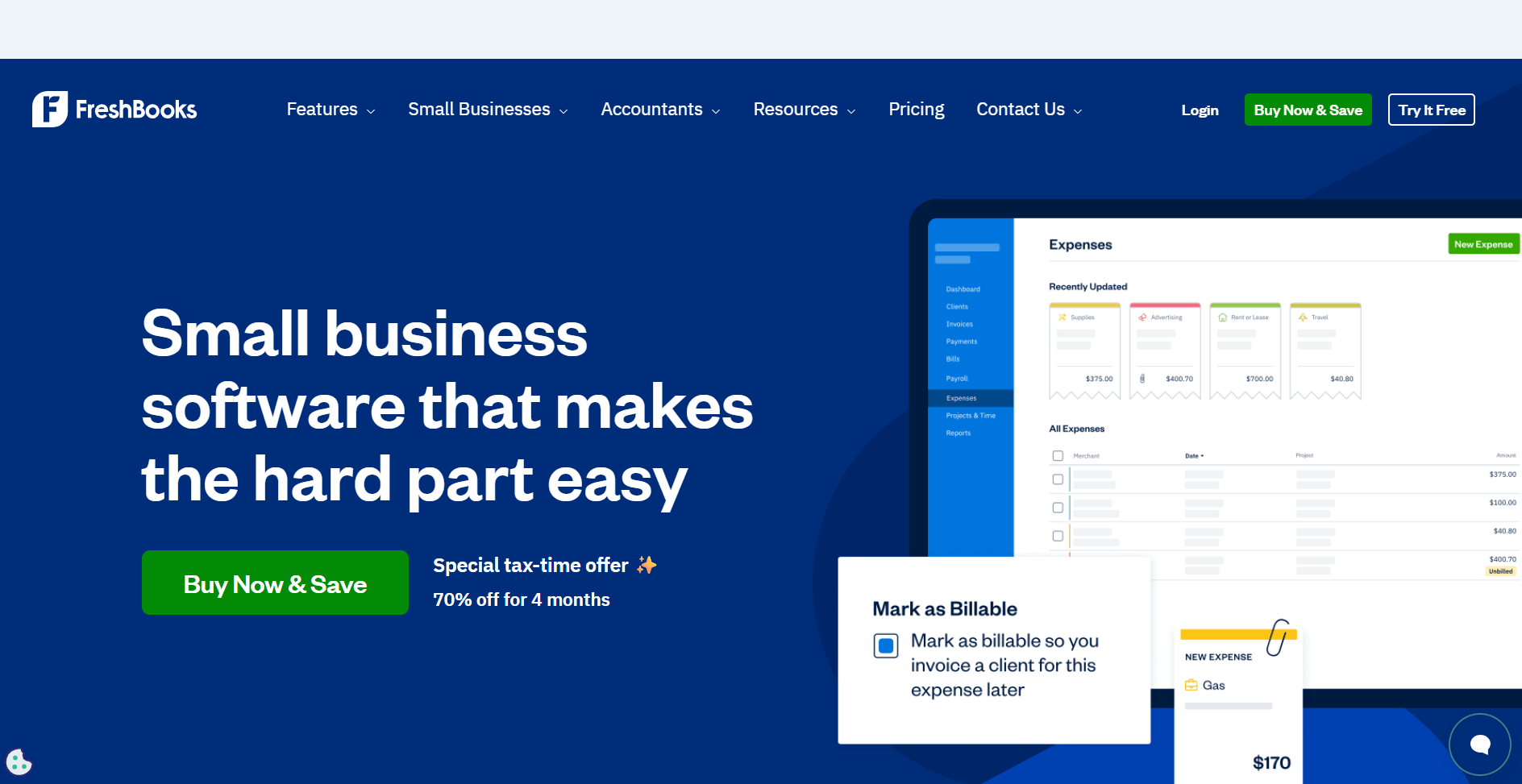
FreshBooks is an accounting platform built around invoicing, expense tracking, and payment processing for small businesses.
I created mock invoices, logged expenses, and connected a bank account to see how financial data flows through the system. The invoicing features are polished, but the project tools are fairly basic. Additionally, the client portal focuses mainly on invoices and payments instead of full project collaboration.
When I tested expense tracking, I photographed receipts and saw them categorized automatically. I set up recurring invoices for retainer clients and saw payment reminders go out on schedule based on the rules I configured.
Time tracking exists, but it's basic compared to dedicated project tools. FreshBooks focuses on accounting workflows, so teams managing client relationships, coordinating project tasks, or building client portals will need separate platforms.
Why it beats Hello Bonsai
- Double-entry accounting with financial reporting: Generates profit and loss statements, expense reports, and tax summaries based on categorized transactions.
- Automated expense categorization with receipt capture: Scans receipts through mobile app and assigns expense categories using pattern recognition.
- Multi-currency support with automatic conversion: Handles invoicing and payments in different currencies with real-time exchange rate calculations.
Pros
- Payment processing accepts credit cards and bank transfers directly through invoices without third-party merchant accounts
- Mileage tracking calculates deductible travel expenses automatically using GPS data from the mobile app
- Accountant access lets you grant view-only permissions to tax professionals without sharing login credentials
Cons
- Project management features are limited, with no task dependencies, timelines, or workload management tools
- Time tracking lacks features like project-based allocation or workload visibility across team members
Pricing
FreshBooks starts at $248.40 per year.
Bottom line
FreshBooks focuses on accounting and invoicing for businesses that need detailed financial records and tax reporting. If you need integrated project delivery with client portals and task management, Assembly might be a better fit.
10. Dubsado: Best for freelancers automating client onboarding
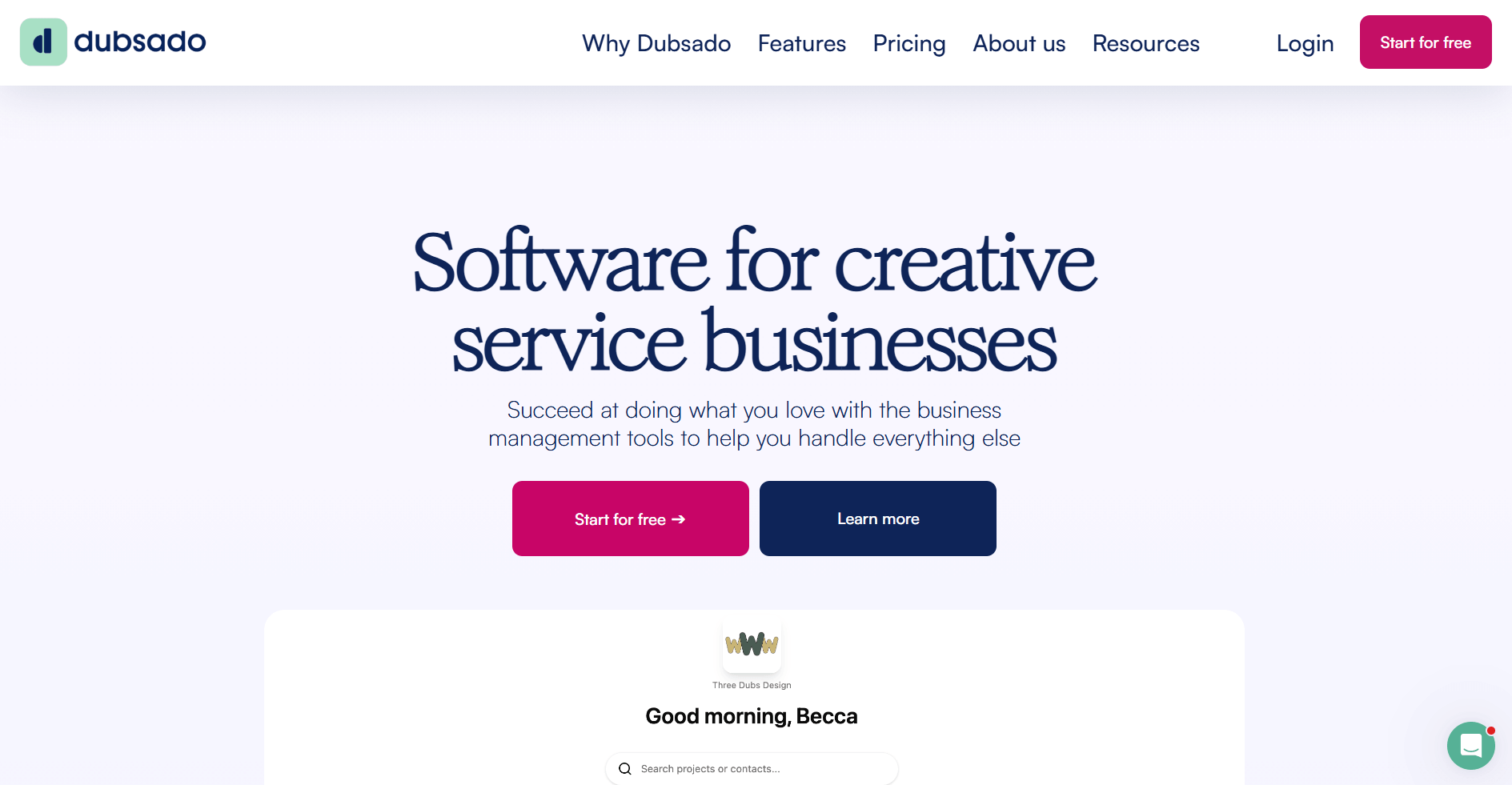
Dubsado is a client management platform for solo service providers. I tested it by building a mock onboarding workflow from scratch. The automation builder gives you plenty of control, but it demands upfront work.
The setup required mapping triggers, creating email templates, and linking documents before the workflow functioned smoothly. Once the workflow ran, it handled intake without manual follow-up at each step. New leads moved through forms, contracts, and invoices based on their actions, not mine.
The trade-off was clear: you invest time upfront to save time later. If you run similar client processes repeatedly, the structure pays off. If every client needs a custom approach, the structured workflows can feel restrictive.
Why it beats Hello Bonsai
- Structured automation sequences: Forms trigger contracts, emails, and task creation automatically without manual coordination for each onboarding step.
- Connected client records: Documents and intake information stay linked to each project throughout the workflow.
- Built for repeatable processes: Workflow templates work well when client journeys follow similar patterns without constant customization.
Pros
- Automation features handle repetitive onboarding tasks without manual follow-up
- Forms and contracts connect to create predictable client intake flows
- Supports solo operators managing multiple clients with similar processes
Cons
- Initial setup and workflow configuration require significant time investment
- Interface can feel crowded when navigating between multiple features
Pricing
Dubsado starts at $335 per year.
Bottom line
Dubsado fits solo operators who value consistency and are willing to invest time in setup. If you need faster implementation without workflow mapping, HoneyBook might be a better fit.
11. SuiteDash: Best for businesses that want a configurable client portal
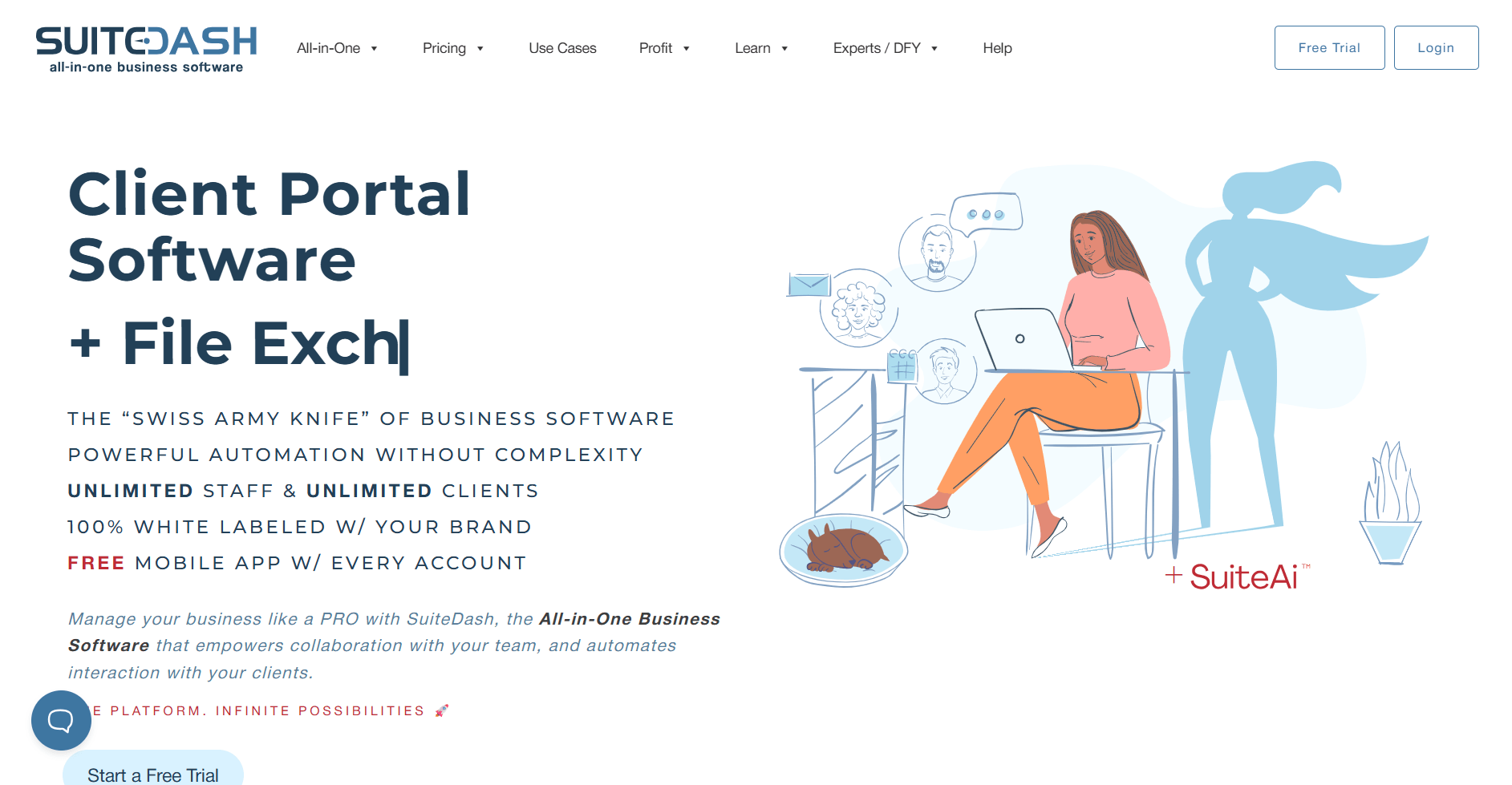
SuiteDash is a platform that combines CRM, project management, and client portals with extensive customization options. I configured portals for different client types to test how flexible the setup is, and the customization depth goes further than what I’ve seen in many client management platforms.
Each portal can have unique branding, app visibility, and access permissions. The CRM tracks contacts and deals, project tools manage tasks and files, and the portals bring those pieces together in a client-facing workspace. The built-in learning management system stood out because it lets you create and deliver training content directly inside client portals.
In my opinion, the biggest challenge is the setup time and complexity. You'll make configuration decisions across portals, CRM, projects, and billing before you can launch. Teams wanting quick implementation may find the customization requirements demanding.
Why it beats Hello Bonsai
- Custom client portals with granular configuration: Build separate portal experiences for different clients with unique branding, app selections, and permission structures.
- Built-in learning management system: Create and deliver courses, training materials, and digital content directly within client portals.
- Advanced CRM with pipeline and automation: Track deals through custom pipelines and set up workflow automations based on contact actions and status changes.
Pros
- White-label options let you remove SuiteDash branding and use custom domains for fully branded client experiences
- File storage and project management tools keep client deliverables organized within their dedicated portal space
- Invoicing and payment processing integrate with portal access so billing happens in the same client workspace
Cons
- Has a steeper learning curve compared to simpler client management platforms
- Initial configuration requires planning portal structures, permission levels, and automation workflows before implementation
Pricing
SuiteDash starts at $180 per year.
Bottom line
SuiteDash gives you control over the client portal experience when you need different configurations for different client types. If you want a simpler portal setup without extensive customization requirements, Assembly might be a better fit.
How I tested these Bonsai alternatives
I evaluated these platforms by setting up workflows that service businesses run daily. When hands-on access was available, I built mock client projects from intake through invoicing. For demo-only platforms, I requested walkthroughs and reviewed their training materials to understand how features connect.
Here's what I focused on during testing:
- Financial visibility: I tracked how time entries flowed into budgets and invoices to see which platforms support real-time profit tracking versus basic billing.
- Client-facing features: I configured portals and tested branding options to understand which tools provide client access versus admin-only interfaces.
- Team coordination: I added users with different roles and assigned overlapping work to see how permission systems and collaboration tools function in real workflows.
- Automation capabilities: I built onboarding sequences and project triggers to test how much manual follow-up each platform still requires.
- Setup complexity: I measured how long it took to move from initial setup to running client work without relying heavily on documentation.
- Integration connections: When integrations were available, I linked platforms to tools like Zapier, ClickUp, and accounting software to see what syncs automatically and what requires manual workarounds.
How to choose your Hello Bonsai alternative
Switching from Bonsai often means you’ve outgrown its freelancer-focused structure and need more control over client management or team coordination. I organized these alternatives by what they prioritize so you can match each platform to the capability you need most.
Choose:
- Assembly if you want a branded client portal that connects CRM, project delivery, and billing with AI support for managing active client relationships.
- Productive if tracking project profitability and forecasting revenue matter more than client-facing features, and you need visibility into margins across your portfolio.
- monday.com if your workflows change frequently and you need customizable boards with automation that adapts to different project types without rebuilding from scratch.
- Asana if task clarity and project timelines are your priority, and you're willing to add integrations for time tracking and billing.
- ClickUp if you want extensive customization options for task views, automation, and goal tracking without moving to a heavier enterprise platform.
- Accelo if you run a service firm that needs professional services automation connecting sales pipelines, resource scheduling, and client billing in one system.
- ActiveCollab if you want project management and invoicing connected in one workspace and need workload visibility across your team.
- HoneyBook if your business runs on bookings and you need automated client workflows from inquiry through contract signing and payment collection.
- FreshBooks if accounting accuracy matters more than project coordination, and you need detailed financial reporting for tax purposes.
- Dubsado if you manage similar client onboarding processes repeatedly and want automation sequences that reduce manual follow-up.
- SuiteDash if you need highly configurable client portals with different experiences for different client types, including learning management capabilities.
My final verdict
I noticed during testing that Productive and Accelo focus heavily on financials and resource planning, while monday.com and ClickUp prioritize flexible task management without built-in billing. HoneyBook and Dubsado handle client onboarding well for solo operators, but they can feel limiting when you add team members who need to coordinate delivery work.
Assembly connects areas that those platforms manage separately. You manage client portals, CRM, project delivery, and billing in one workspace so you’re not chasing updates across tools. I've found this structure gives growing service businesses more control over client relationships without requiring data to move between separate tools.
Ready to find a Bonsai alternative that grows with your team? Try Assembly
Many Hello Bonsai alternatives focus on internal project tracking or accounting without structuring the client-facing experience. As your team grows, that separation can lead to disconnected tools for sales, delivery, and billing.
Assembly is a client portal software platform built on a core CRM with project management, messaging, and file sharing. You manage onboarding, delivery, and invoicing in one workspace, and clients access a structured portal with the files, conversations, and payments tied to their account.
Here’s what you can do with Assembly:
- Track client details and activity: Manage client records, communication history, and relationship data in a structured CRM that keeps everything organized in one place.
- Give clients a branded portal: Clients log into a space that reflects your brand to access contracts, invoices, files, and project updates without email back-and-forth.
- Keep tasks, messages, and files together: Client communication, shared files, and project tasks stay connected to each client record instead of being scattered across separate tools.
- Prep faster for meetings: The AI Assistant summarizes recent client activity and communication, helping you walk into calls with a clear picture of what’s been discussed and what’s outstanding.
- Protect client data: Assembly maintains SOC 2 compliance and supports GDPR, CCPA, and HIPAA compliance.
- Stay ahead of clients: Highlight patterns that may show churn risk or upsell potential, making outreach more timely and relevant.
- Cut down on admin: Automate repetitive jobs like reminders, status updates, or follow-up drafts so your team can focus on clients.
Ready to simplify how your firm manages client work? Start your free Assembly trial today.
Frequently asked questions
What is Hello Bonsai?
Hello Bonsai is a freelancer-focused platform that combines proposals, contracts, time tracking, and invoicing in one system. You use it to manage client agreements, track billable hours, and send invoices without separate tools.
How much does Hello Bonsai cost?
Hello Bonsai costs $9 per user per month when billed annually at its lowest tier. Higher tiers add team features and workflow automation.
Can larger teams use Bonsai?
Yes, larger teams can use Bonsai, but its structure is built mainly for freelancers and small teams. You can add users and collaborate on projects, proposals, and invoices. However, you won’t get advanced resource planning, granular permission controls, or deep financial forecasting tools.