
33 Best SEO agency software tools to grow your agency in 2026
SEO agency software can help you manage bigger workloads, but hidden costs make budgeting hard. I tested the top platforms and found the 33 best in 2026.


The best SEO agency software balances research, reporting, and client management without overwhelming your team. I tested dozens of tools, and here are the 33 best in 2026.
33 Best SEO agency software: At a glance
Some SEO agency tools focus on research and keyword tracking, while others handle reporting or client management. Here’s how the top 33 compare:
| Tool | Best For | Starting Price (billed monthly) | Key Strength |
|---|---|---|---|
| Assembly | SEO agencies that need consolidated client management | $59/month | Branded client portal with CRM that keeps reporting, files, and communication in one place |
| Semrush | All-in-one SEO and PPC research | $139.95/month | Deep keyword and backlink database |
| Ahrefs | Backlink and keyword tracking | $129/month | Large backlink index with a clean interface |
| Surfer SEO | On-page optimization | $119/month | Content editor with NLP recommendations |
| Clearscope | Content optimization | $129/month | Easy content briefs for writers |
| Screaming Frog | Technical site audits | $279/license/year | Fast crawling for audits |
| Moz Pro | Beginner SEO suite | $49/month | Simple keyword and rank tracking |
| SEOTesting | SEO split testing | $50/month | Tracks changes to see ranking impact |
| BrightLocal | Local SEO reporting | $39/month | Citation tracking and local audits |
| AgencyAnalytics | White-label SEO reporting | $79/month for 5 clients | Client-ready dashboards |
| Hunter | Link outreach | $49/month | Email discovery for outreach |
| Similarweb | Traffic benchmarking | $199/month | Market share and referral traffic |
| BuzzSumo | Content research | $199/month | Finds viral content and influencers |
| SEOmonitor | SEO traffic forecasting | $117/month | Predictive traffic and performance insights |
| Nightwatch | Keyword tracking | $39/month | Accurate rank tracking and keyword segmentation |
| Google Analytics | SEO basics | Free | Foundational tracking tools (along with Search Console and Keyword Planner) |
| Google Search Console | Search visibility and indexing | Free | Query and page-level performance data direct from Google |
| Google Keyword Planner | Keyword planning | Free | Volume and CPC estimates |
| Looker Studio | Reporting | Free; Pro plan $9/user/project/month | Custom SEO dashboards |
| LowFruits | Keyword research | $29.90/month | Finds low-competition long-tail terms |
| Majestic | Backlink analysis | $49.99/month | Historical link database |
| Ubersuggest | Budget-friendly keyword research | $49/month | Simple keyword and site audit features |
| Keysearch | Affordable keyword research | $24/month | Budget-friendly SEO keyword tool |
| Yoast | WordPress SEO optimization | $118.80/year | On-page SEO guidance for WordPress |
| Rank Math | WordPress technical SEO | $7.99/month billed annually | Schema and automation features |
| Letterdrop | SEO content distribution | $150/month | Publishes and promotes SEO content efficiently |
| BrandWell (formerly Content at Scale) | AI content creation | $999/month | Bulk content generation optimized for SEO |
| Webflow | Building websites | $18/month | Visual web builder with SEO-friendly structure |
| SpyFu | PPC competitor insights | $39/month | Affordable keyword and ad history |
| Hemingway Editor | Content editing | Free or $10/month | Improves readability |
| Siteliner | Duplicate content checks | Free or $0.01 per page, minimum $5 | Finds internal duplicate content |
| Detailed | Browser SEO checks | Free | Quick SEO checks in extension |
| Serpstat | Affordable SEO suite | $69/month | Budget-friendly SEO toolkit |
1. Assembly: Best for SEO agencies that need consolidated client management
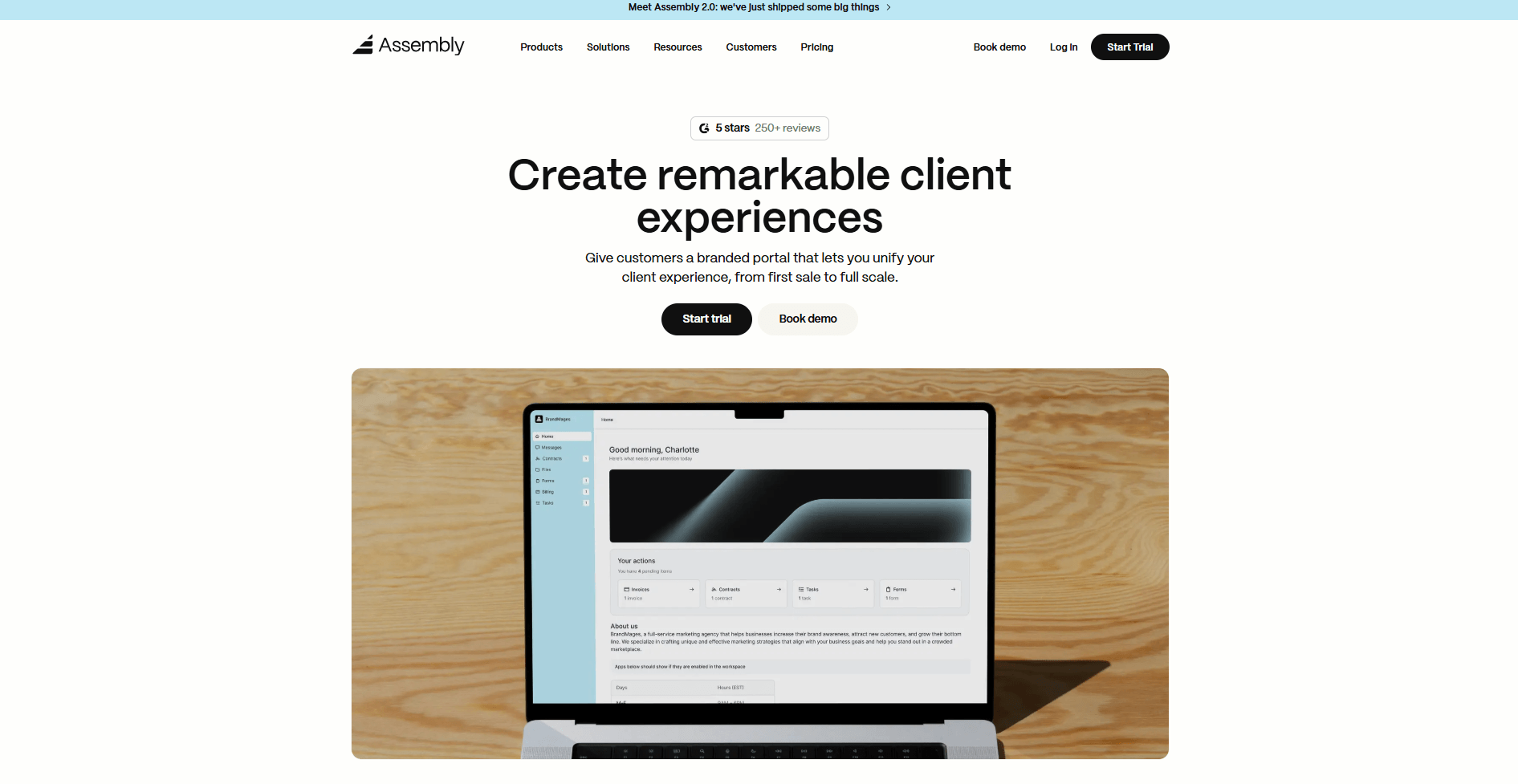
- What it does: Assembly is a client portal platform that combines CRM tools, contracts, billing, task tracking, and messaging into one branded workspace built for agencies managing ongoing retainers.
- Who it's for: SEO agencies that want to consolidate client management, reporting, and billing without juggling multiple tools or relying on long email threads.
We built Assembly to bring communication, reporting, and billing into one system so SEO agencies can manage retainer relationships without switching between tools.
You can build a branded client portal where clients access reports, sign contracts, pay invoices, and share files under your agency's name. With apps from Assembly's App Store, you can connect your existing tools to create a customizable workspace.
Assembly lets you embed dashboards from Looker Studio, Databox, or other reporting platforms directly into each client's portal. That way, clients view their SEO data in a branded space that reflects your agency instead of a generic third-party interface.
You can also use Storefronts to sell packaged services like monthly SEO retainers or audit packages, so clients purchase and onboard without back-and-forth emails.
As your client list grows, the Assembly Assistant acts as an AI-powered colleague that helps your team stay on top of client accounts. It surfaces missing documents, highlights overdue tasks, and keeps client notes and forms organized, so teams work from the same information.
Key features
- White-labeled client portal access: Give each client a secure, branded login where they can view updates, invoices, and shared files in one place.
- Contracts and billing: Send contracts, collect e-signatures, and manage one-time or recurring payments without switching tools.
- Automated forms and onboarding: Use templates and client forms to collect details and start projects faster.
- Task tracking and light project management: Assign jobs, set milestones, and keep progress visible to your team and clients.
- Messaging and file sharing: Keep threaded client conversations, attachments, and updates in a single, searchable record.
- Embedded dashboards: Connect with Looker Studio, Databox, and other reporting platforms to display live SEO metrics inside client portals.
Pros
- Professional branded interface for client access
- Replaces multiple tools for billing, file sharing, and communication
- Embedded reporting dashboards keep SEO data visible in one place
Cons
- Smaller teams may find it above entry-level budgets
- Geared toward ongoing client relationships rather than one-time projects
Pricing
Assembly starts at $59 per month.
Bottom line
Assembly helps SEO agencies avoid juggling multiple tabs, logins, and disconnected systems by bringing client communication, contracts, billing, and reporting into one branded workspace. If you need deep keyword research and competitive analysis across SEO and PPC, Semrush might be a better fit.
2. Semrush: Best for all-in-one SEO and PPC research
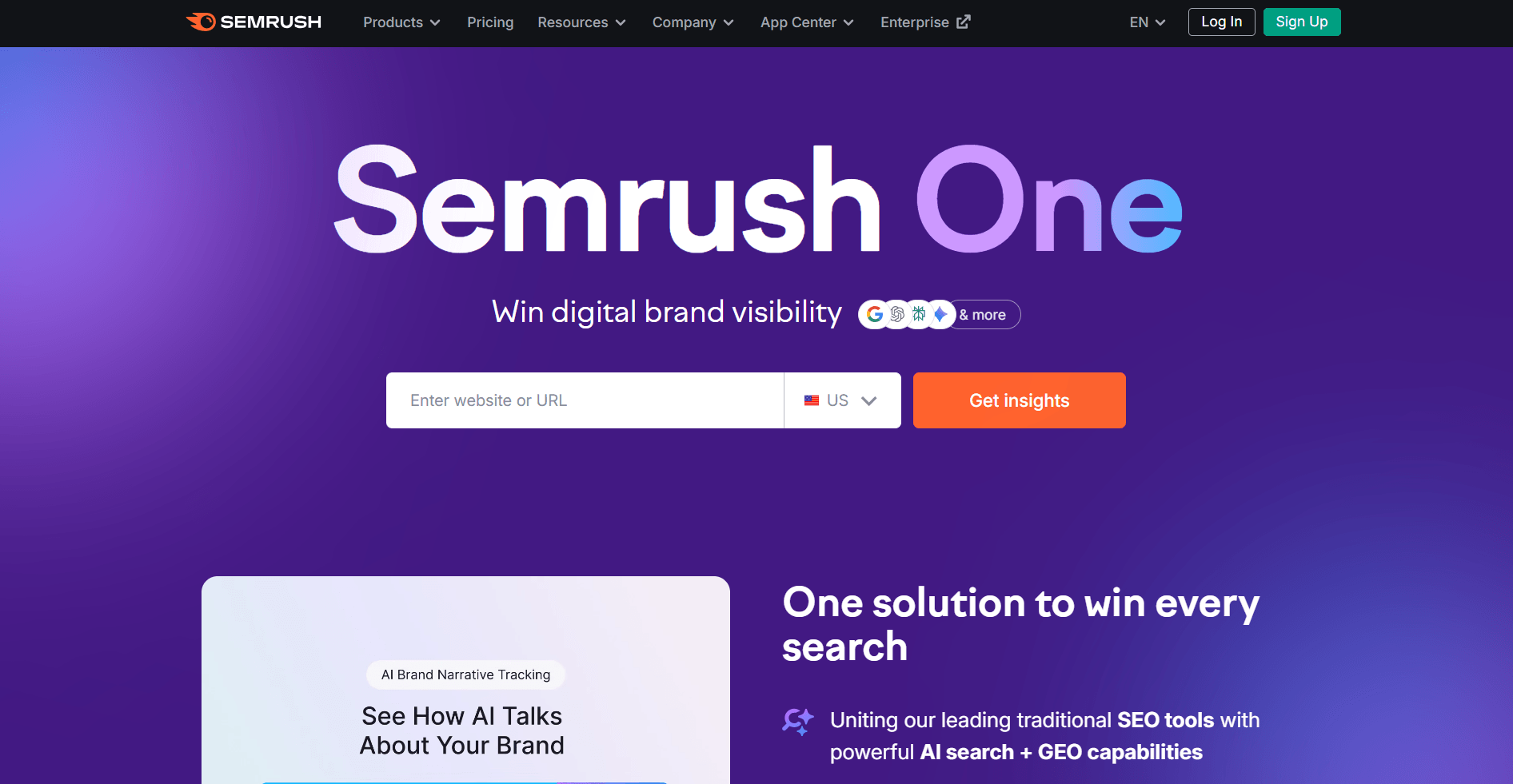
- What it does: Semrush is an SEO and PPC research platform. It combines keyword research, backlink analysis, site audits, rank tracking, and paid search data in one system.
- Who it’s for: Agencies that want a single tool to handle most SEO and paid search jobs in one place.
I tested Semrush to see how it works as an all-in-one platform for agencies running SEO and PPC campaigns. The keyword gap tool lets you compare multiple competitor domains at once and find content opportunities they're ranking for that you're not.
Site audits break down technical issues by priority and give you reports you can export and share with clients. The output is clean enough that you don't need to spend time reformatting crawl data before presenting it.
Navigation takes time to learn because SEO and PPC tools sit inside one interface. It moves faster once you know where everything lives, but the first few sessions require clicking through menus to locate features.
Key features
- Keyword research: Database with competitor gap analysis
- Backlink analysis: Link tracking and domain comparison tools
- Site audits: Technical checks with exportable reports
Pros
- Covers SEO and PPC research in one platform
- Large keyword and backlink datasets
- Built-in reports simplify internal prep
Cons
- Interface can feel crowded with multiple tool sections
- Advanced reports require setup to match agency workflows
Pricing
Semrush offers a limited free tool. Paid plans start at $139.95 per month.
Bottom line
Semrush brings SEO and PPC research into one connected workflow. If you want deeper backlink-focused analysis, Ahrefs might be a better fit.
3. Ahrefs: Best for backlink and keyword tracking
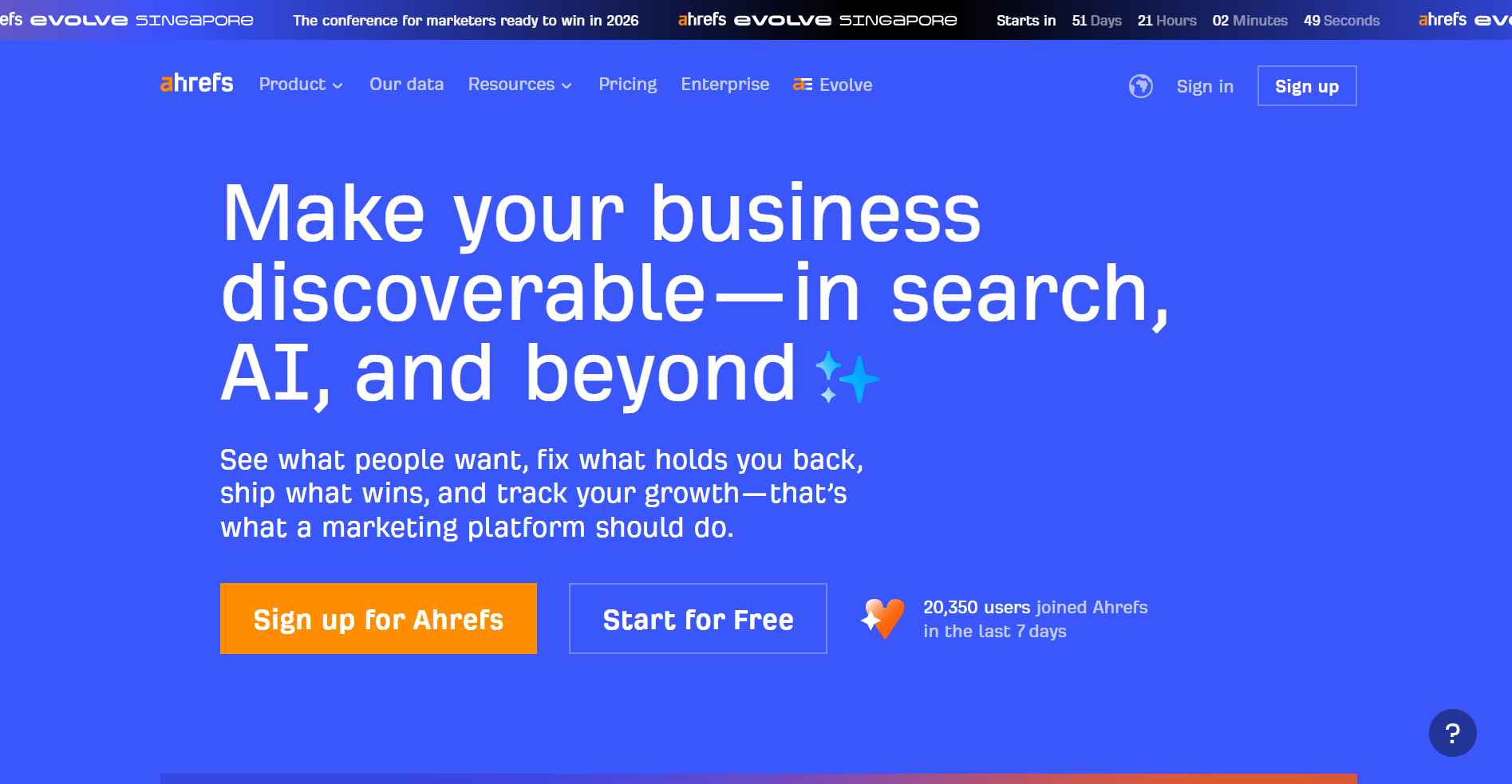
- What it does: Ahrefs is an SEO research and backlink analysis platform. It provides link data, keyword research, rank tracking, and site audit tools.
- Who it’s for: Agencies that need a reliable tool for link-building campaigns and competitive research.
I ran competitor comparisons and backlink audits in Ahrefs to understand how the platform handles research workflows for agencies. The Link Intersect feature lets you compare competitor domains and find sites linking to them but not to you. This helps you prioritize outreach without building lists manually.
Keyword Explorer pulls search terms across multiple engines and pairs difficulty scores with traffic estimates. It's useful for evaluating which topics are worth the effort, though the data doesn't always align with what you see in Google Search Console once you start ranking.
Ahrefs invests heavily in backlinks and competitive tracking, so collaboration and reporting features are minimal. Agencies managing client-facing workflows typically pair it with another tool for dashboards or presentations because the export options aren’t built for that use case.
Key features
- Backlink Checker: Large and frequently updated index
- Keyword Explorer: Research across multiple search engines
- Site Audit: Technical health checks with clear reporting
Pros
- One of the largest backlink databases
- Easy-to-use interface
- Strong competitor analysis tools
Cons
- Lacks PPC and social data
- Reporting and collaboration features are limited compared to dedicated client platforms
Pricing
Ahrefs offers some of its tools for free in a limited capacity. Paid plans start at $129 per month.
Bottom line
Ahrefs focuses heavily on backlink data and competitor analysis depth. If you need client-ready dashboards and white-label reporting, AgencyAnalytics might be a better fit.
4. Surfer SEO: Best for on-page optimization
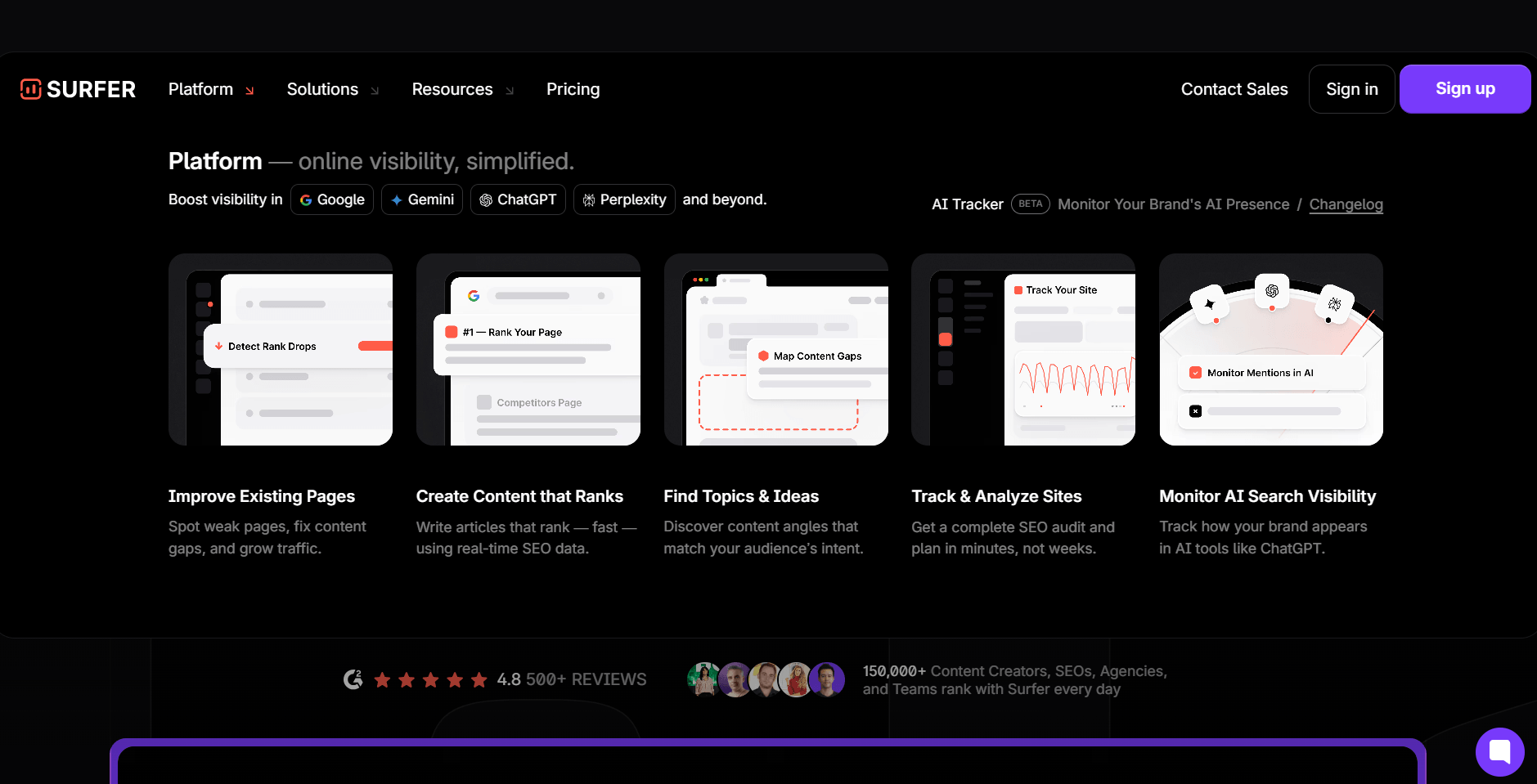
- What it does: Surfer SEO is an on-page SEO optimization platform. It provides real-time keyword, structure, and NLP-based recommendations inside a content editor.
- Who it’s for: Agencies that want to refine existing content and build SEO-friendly briefs for writers.
I tested Surfer SEO's content editor by running draft pages through its scoring system to see how it guides on-page optimization. It scores content in real time and flags keyword gaps based on competing pages, so you get direction without building comparison spreadsheets.
The SERP Analyzer lets you review top-ranking pages side by side to evaluate structure, word count, and topic coverage. The recommendations help tighten content, though following every suggestion can make writing feel overly formulaic if you're not selective about what to apply.
Surfer focuses on on-page optimization, so broader campaign research and client reporting require another tool. To cover the full workflow, you’ll still need a separate platform for research or dashboards.
Key features
- Content editor: Real-time keyword and structure suggestions
- SERP analyzer: Compare competitor content side by side
- Content planner: Organize topic clusters around target keywords
Pros
- Clear keyword and structure guidance
- Reduces manual SERP comparison work
- Organized view of competing pages
Cons
- Recommendations can feel rigid if followed strictly
- Focused mainly on content optimization
Pricing
Surfer SEO starts at $119 per month and offers a 7-day money-back guarantee.
Bottom line
Surfer SEO focuses on real-time content scoring inside the editor. If you want structured content briefs with lighter scoring emphasis, Clearscope might be a better fit.
5. Clearscope: Best for content optimization
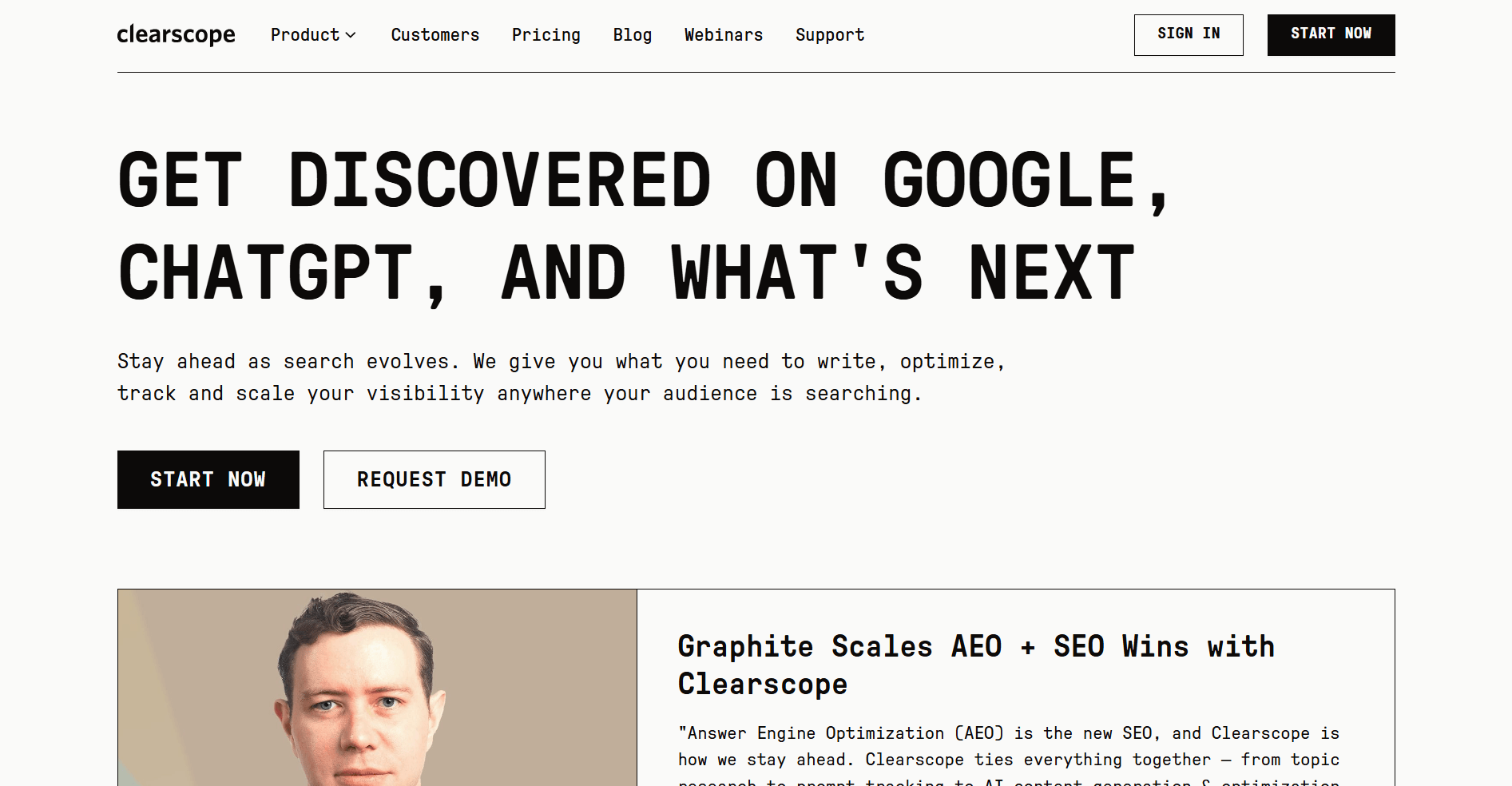
- What it does: Clearscope is a content optimization platform. It generates keyword and topic recommendations to improve content relevance and rankings.
- Who it’s for: Agencies that want to create SEO briefs and guide writers toward higher-ranking content.
I used Clearscope’s content reports to see how it guides optimization inside active content workflows. The platform breaks down keyword relevance, readability targets, and structure cues based on top-ranking pages, so you can refine coverage without rewriting full drafts.
The Google Docs integration lets teams check optimization scores and edit in place, keeping the workflow simple. Compared to heavier on-page tools, Clearscope focuses more on content guidance than technical analysis, so deeper audits still require another platform.
Key features
- Content briefs: Keyword and topic recommendations for writers
- Readability scores: Guides for tone and structure
- Integrations: Works with Google Docs and WordPress
Pros
- Easy for non-technical writers to use
- Generates clear and actionable content briefs
- Integrates into existing writing workflows
Cons
- More limited than full on-page optimization tools
- Doesn’t include technical site auditing features
Pricing
Clearscope starts at $129 per month.
Bottom line
Clearscope builds content scoring directly into the writing workflow. If you want deeper on-page optimization controls, Surfer SEO might be a better fit.
6. Screaming Frog: Best for technical site audits
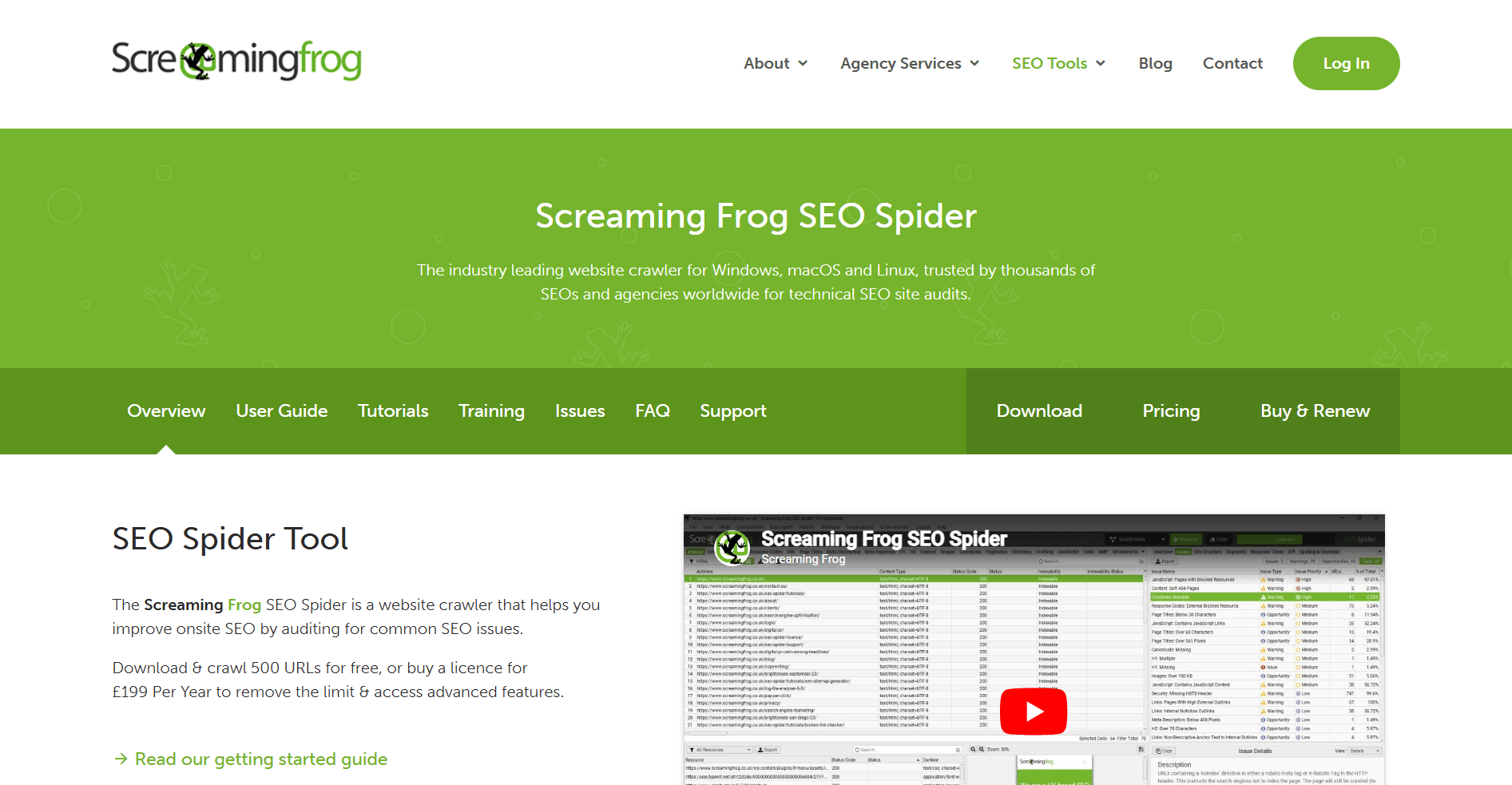
- What it does: Screaming Frog is a desktop website crawling tool. It scans sites to find broken links, missing tags, duplicate content, and other technical SEO issues.
- Who it’s for: Agencies that handle technical SEO and need to audit large sites quickly.
I ran full-site crawls in Screaming Frog to understand how it handles technical audits on large, complex sites. The SEO Spider maps internal links, metadata, status codes, and indexability in one view, so you can spot structural issues across thousands of URLs without jumping between tools.
Exporting crawl data into CSV files makes it easy to hand off findings to developers, though the interface looks dated and takes some time to figure out. The crawl depth and speed work well for technical audits and site migrations, but you’ll still need another tool for client reporting because the output is built for technical teams, not for stakeholder presentations.
Key features
- Site crawling: Detects errors across thousands of pages
- Export reports: Easy CSV exports for dev teams
- Redirect checks: Flags chains and loops after migrations
Pros
- Fast crawling across large sites
- Detailed exports for technical review
- Consistent performance during audits
Cons
- Outdated interface
- Requires pairing with other tools for reporting or keyword research
Pricing
Screaming Frog has a free version. The premium plan costs $279 per license per year.
Bottom line
Screaming Frog focuses on crawl depth and raw technical data over visual presentation. If you want client-ready dashboards and cleaner visuals, AgencyAnalytics might be a better fit.
7. Moz Pro: Best beginner SEO suite
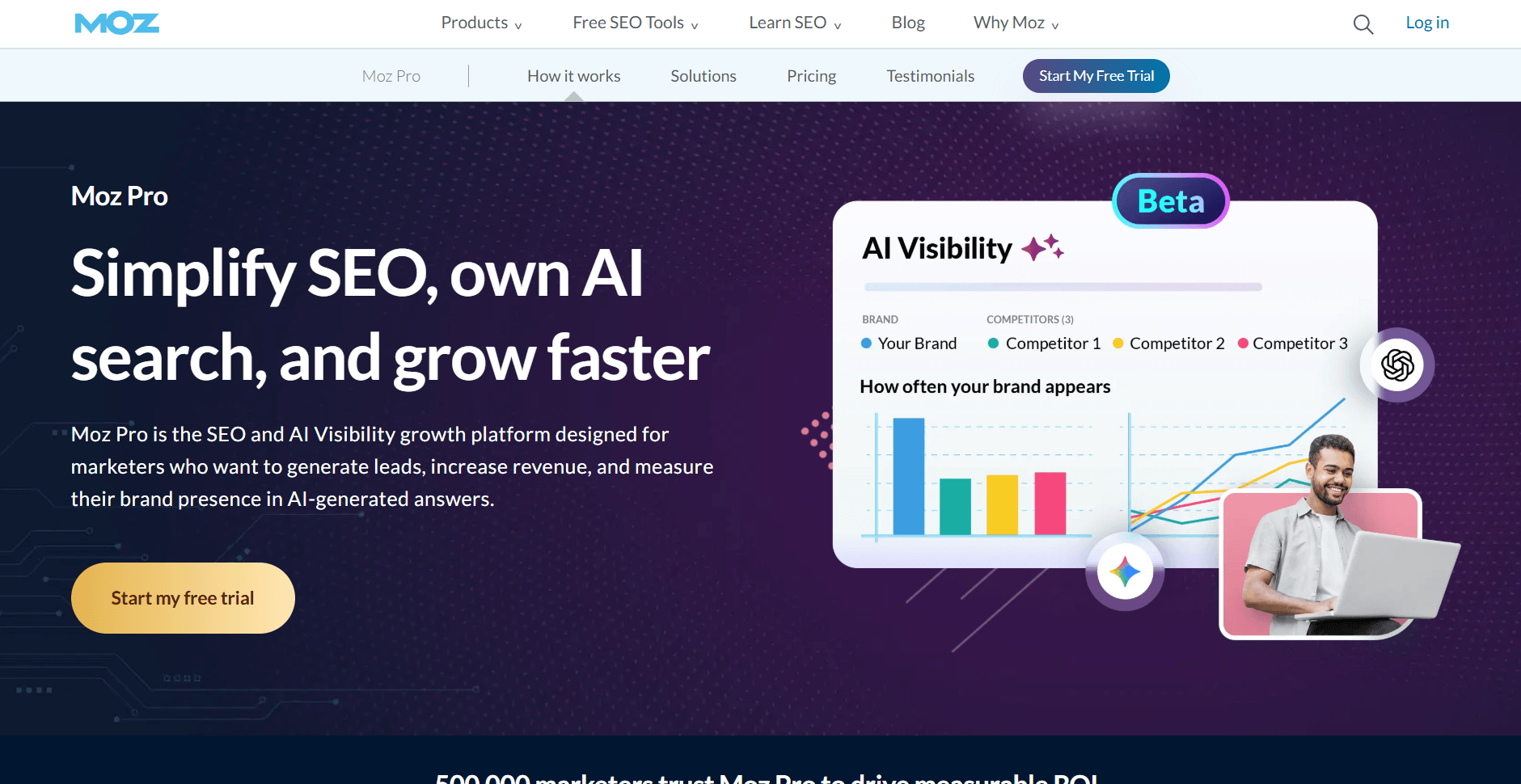
- What it does: Moz Pro is an entry-level SEO software suite. It offers keyword research, rank tracking, site audits, and link analysis in one platform.
- Who it’s for: Agencies that want an affordable SEO tool with an easy learning curve.
I tested Moz Pro’s Keyword Explorer and rank tracking to see how it supports straightforward SEO workflows. The platform surfaces long-tail opportunities and displays difficulty scores in a clear format, so you don’t need to dig through complex filters to find usable keyword data.
The Domain Authority metric simplifies how you explain backlink strength in client reports, which helps translate technical findings into conversations that make sense to stakeholders. Compared to larger platforms, the data depth is lighter and reporting customization is limited. However, the interface stays approachable for teams new to SEO tools.
Key features
- Keyword Explorer: Simple keyword suggestions
- Link analysis: Domain Authority scoring
- Rank tracking: Weekly updates on target terms
Pros
- Easy to learn and use
- Lower starting cost than larger SEO platforms
- Domain Authority metric helps explain SEO to clients
Cons
- Smaller database than Semrush or Ahrefs
- Limited reporting features
Pricing
Moz Pro starts at $49 per month.
Bottom line
Moz Pro keeps SEO tracking simple without overwhelming new teams. If you need deeper backlink and competitor data, Ahrefs might be a better fit.
8. SEOTesting: Best for SEO split testing
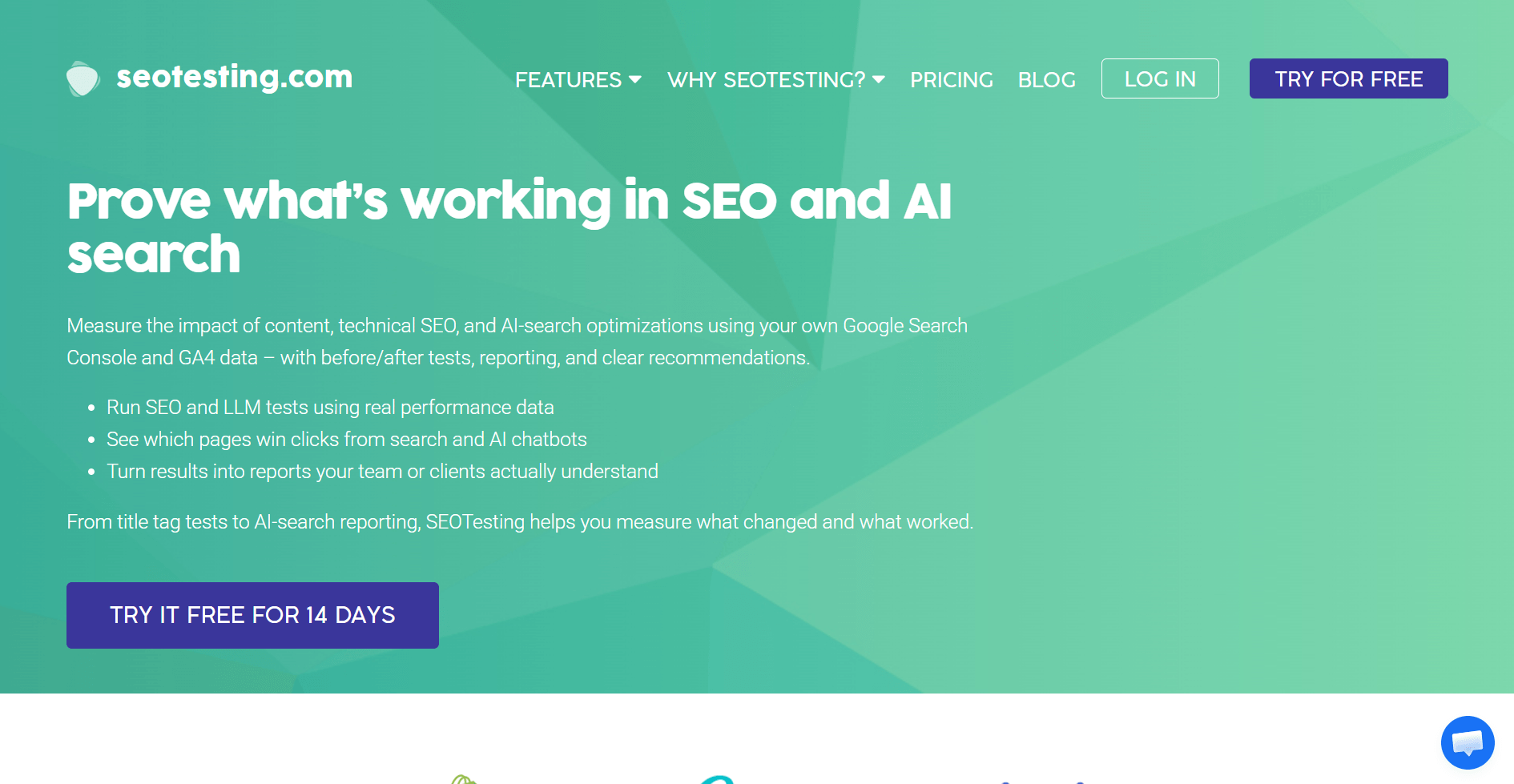
- What it does: SEOTesting is an SEO split testing platform. It tracks the impact of site changes on rankings and traffic over time.
- Who it’s for: Agencies that want to measure SEO experiments like new titles, content updates, or internal links.
I set up experiments around title changes and internal link updates in SEOTesting to see how clearly it connects edits to ranking shifts. It tracks performance before and after site changes, so you can see whether an update had a measurable impact.
The reports focus on cause and effect rather than broad traffic trends, so you can explain results to clients without filtering through unrelated data. Its scope stays narrow around testing, so keyword research and technical audits still require a separate platform.
Key features
- SEO experiments: Measure impact of specific changes
- CTR tracking: Monitor click-through rate lifts
- Reporting: Simple outputs for clients
Pros
- Makes SEO experiments measurable
- Clear before-and-after comparisons
- Supports data-backed decision making
Cons
- Limited to testing-focused features
- Works best alongside a broader SEO suite
Pricing
SEOTesting starts at $50 per month for a single site.
Bottom line
SEOTesting focuses on isolating the impact of specific on-site changes. If you need full technical site audits across large domains, Screaming Frog might be a better fit.
9. BrightLocal: Best for local SEO reporting
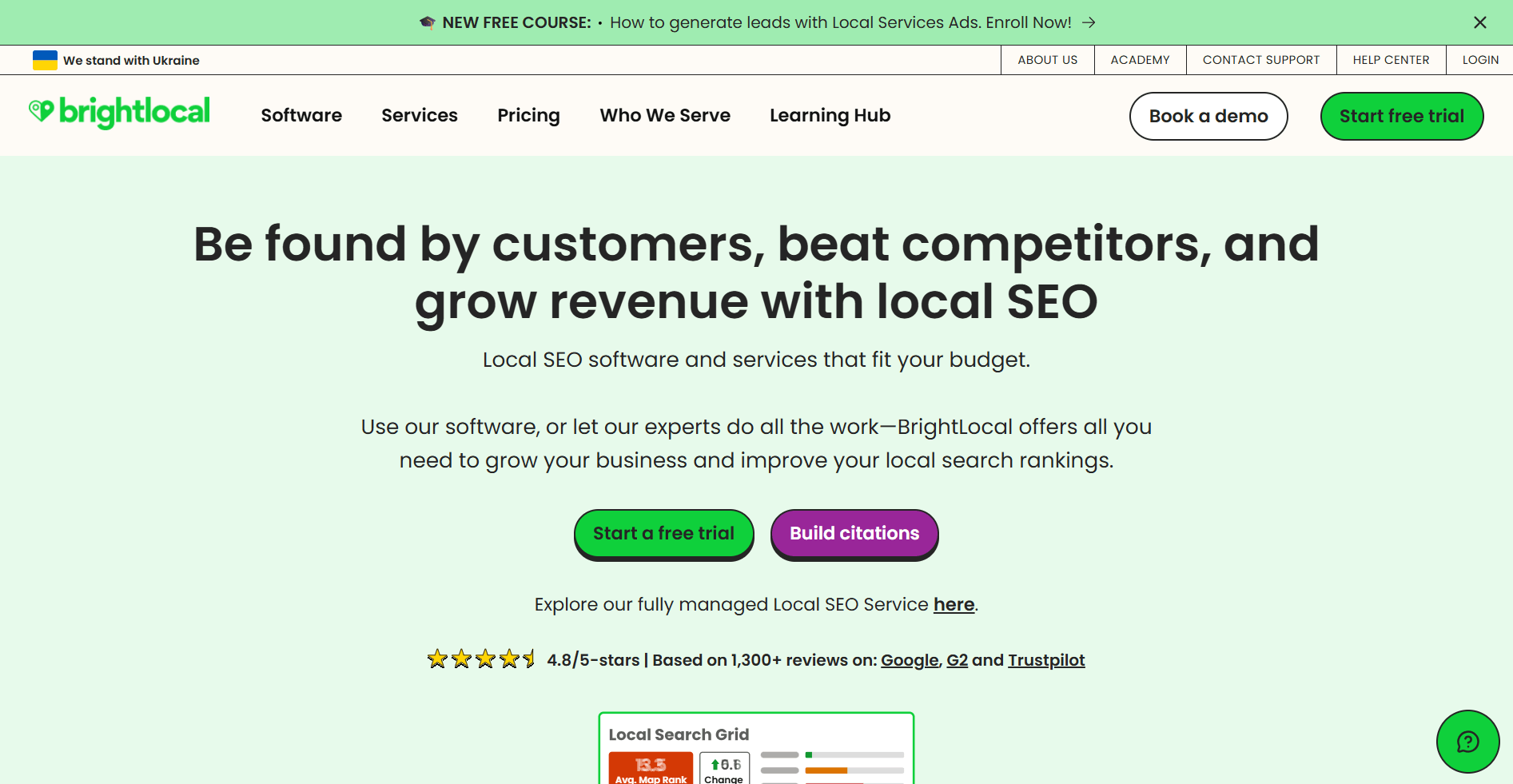
- What it does: BrightLocal is a local SEO reporting platform. It tracks local rankings, citations, and online reviews for businesses.
- Who it’s for: Agencies managing local SEO for clients like restaurants, law firms, or medical practices.
I tested BrightLocal’s local rank tracker, citation reports, and review dashboard to see how it handles location-based SEO workflows. The map pack tracking shows how a business appears across different neighborhoods, and the citation tracker highlights inconsistent listings that affect visibility.
The review monitoring dashboard connects rating trends with local search performance, so you can explain shifts in map visibility without pulling data from multiple sources. BrightLocal stays focused on local SEO, so broader keyword research and national tracking require another platform.
Key features
- Local rank tracking: See map pack performance
- Citation tracker: Spot missing or inconsistent listings
- Review monitoring: Track and analyze client reviews
Pros
- Built specifically for local SEO workflows
- Easy reporting for small business clients
- Clear visibility into citations and reviews
Cons
- Limited outside of local SEO
- Some citation and review checks overlap with free tools
Pricing
BrightLocal starts at $39 per month.
Bottom line
BrightLocal focuses on map pack tracking and citation management for location-based clients. If you need broader keyword and backlink research, Ahrefs might be a better fit.
10. AgencyAnalytics: Best for white-label SEO reporting
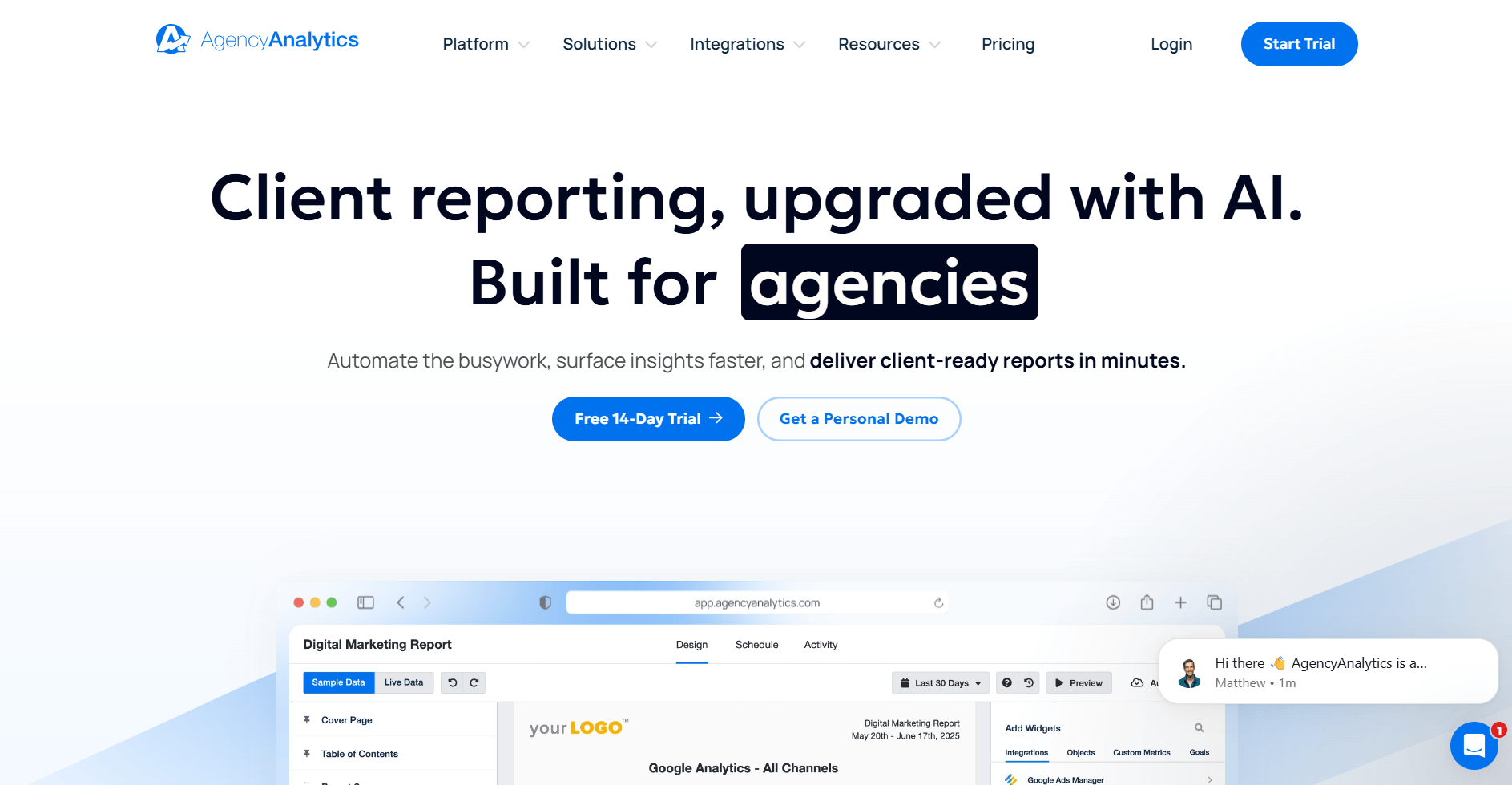
- What it does: AgencyAnalytics is a white-label reporting platform for agencies. It allows you to create client dashboards that pull in SEO, PPC, and social data.
- Who it’s for: Agencies that want client-ready reports without spending hours in spreadsheets.
I connected Google Analytics, Search Console, and a rank tracker in AgencyAnalytics to see how easily dashboards come together across multiple client accounts. The platform pulls performance data into customizable reports that clients can access without waiting for manual updates.
The white-label reporting keeps branding consistent across accounts, and scheduled reports reduce the need to rebuild presentations each month. AgencyAnalytics focuses on reporting rather than deep research, so backlink analysis and technical audits still require a separate SEO platform.
Key features
- White-label dashboards: Client-facing reports
- Integrations: Connects SEO, PPC, and social platforms
- Scheduled reporting: Automates delivery of updates
Pros
- Reduces manual reporting work
- White-labeling keeps branding consistent across client accounts
- Wide range of integrations
Cons
- Limited insights compared to SEO platforms
- Can get pricey as client list grows
Pricing
AgencyAnalytics starts at $79 per month for 5 clients.
Bottom line
AgencyAnalytics prioritizes client-facing dashboards over research depth. If you want reporting built into a broader client portal platform that also handles contracts, billing, messaging, and ongoing client management, Assembly might be a better fit.
Special mentions
The tools above cover the core workflows most agencies need, but there are several others I’ve tested that stand out for specific use cases or niche strategies.
Here are more tools worth considering:
- Hunter: Hunter finds email addresses associated with a domain and verifies them. I tested it by searching for contacts at target sites and running verification checks to reduce bounce rates. The email finder works well for building outreach lists, but the monthly search limits on lower-tier plans can slow down larger campaigns.
- Similarweb: Similarweb estimates competitor traffic sources and audience demographics. I used it to compare client sites against competitors and identify where traffic comes from. The insights help with strategy planning, but accuracy varies depending on site size and public data availability.
- BuzzSumo: BuzzSumo tracks content performance and identifies trending topics across social platforms. I searched for high-performing content in specific niches to guide topic selection for clients. The social share data is useful for content planning, but engagement metrics don't always translate to search rankings.
- SEOmonitor: SEOmonitor tracks keyword rankings and forecasts traffic based on position changes. I connected it to client campaigns to see how rank shifts impact organic performance. The forecasting helps set realistic expectations with clients, but the platform depends on accurate connected data to produce accurate projections.
- Nightwatch: Nightwatch tracks rankings across locations and devices with detailed reporting. I set up campaigns to monitor how keywords perform in different regions for multi-location clients. The geographic tracking is granular, but the interface takes time to navigate when managing multiple campaigns.
- Google Analytics: Google Analytics tracks site traffic, user behavior, and conversion paths. I used it to analyze how organic visitors move through client sites and where drop-offs occur. The data depth is extensive for a free analytics platform, but the learning curve is steep for teams unfamiliar with analytics platforms.
- Google Search Console: Google Search Console shows search performance, indexing status, and technical issues directly from Google. I reviewed query data and coverage reports to identify ranking opportunities and fix crawl errors. The insights are authoritative because they come from Google, but the data is limited to the past 16 months.
- Google Keyword Planner: Google Keyword Planner provides search volume estimates and keyword ideas based on Google Ads data. I used it to evaluate keyword trends and refine targeting for client campaigns. The volume estimates come directly from paid search data, but organic search intent isn’t always reflected in the suggestions.
- Looker Studio: Looker Studio builds custom dashboards by connecting data from Google Analytics, Search Console, and other sources. I created client-facing reports that pull live data into visual formats. The customization options are extensive, but building complex dashboards requires time and some technical knowledge.
- LowFruits: LowFruits finds low-competition keywords by analyzing SERP weaknesses. I ran searches to identify opportunities where weaker content ranks on page one. The keyword suggestions help prioritize quick wins, but the database is smaller than established platforms.
- Majestic: Majestic tracks backlinks and measures link quality using Trust Flow and Citation Flow metrics. I analyzed backlink profiles to evaluate competitor strategies and identify potential link sources. The index is large, but the interface feels dated compared to newer tools.
- Ubersuggest: Ubersuggest provides keyword suggestions, domain analysis, and content ideas. I used it to generate topic ideas and review competitor performance on a budget. The data is accessible for smaller teams, but depth is limited compared to premium platforms.
- Keysearch: Keysearch offers keyword research and difficulty scoring with a focus on affordability. I tested it for niche keyword discovery and rank tracking on smaller campaigns. The pricing makes it accessible, but the data coverage is lighter than higher-tier tools.
- Yoast: Yoast is a WordPress plugin that guides on-page SEO with real-time content checks. I used it to optimize meta descriptions, readability, and keyword placement across client sites. The recommendations are helpful for beginners, but experienced teams may find the scoring system overly prescriptive.
- Rank Math: Rank Math is a WordPress SEO plugin with built-in schema markup and keyword tracking. I tested it against Yoast to see how the interface handles multi-keyword optimization. The feature set is more robust than Yoast, but configuration takes time for teams unfamiliar with schema.
- Letterdrop: Letterdrop combines content creation tools with SEO optimization and distribution workflows. I used it to draft, optimize, and schedule posts for clients managing content calendars. The platform connects content production with distribution, but SEO depth is lighter than dedicated tools.
- BrandWell: BrandWell generates long-form content using AI with built-in SEO scoring. I tested it by creating draft articles and reviewing how the output aligns with target keywords. The AI speeds up content production, but human editing is required to maintain quality and brand voice.
- Webflow: Webflow is a website builder with built-in SEO controls for meta tags, redirects, and site speed. I used it to build client sites and test how design changes impact technical SEO. The visual editor is powerful, but the learning curve is steeper than drag-and-drop builders.
- SpyFu: SpyFu tracks competitor keywords and ad history to reveal strategy patterns. I used it to analyze competitors' organic and paid performance over time. The historical data is valuable for long-term planning, but the interface feels cluttered when reviewing multiple domains.
- Hemingway Editor: Hemingway Editor highlights complex sentences and readability issues in content. I ran client drafts through it to simplify language before publishing. The feedback improves clarity, but it doesn't account for SEO optimization or keyword placement.
- Siteliner: Siteliner scans sites for duplicate content, broken links, and page speed issues. I used it to identify internal content overlap and prioritize fixes. The reports are clear and actionable, but the tool doesn't provide competitive analysis or keyword data.
- Detailed: Detailed is a browser extension that provides quick SEO insights for any page. I used it during reviews to surface metadata, headings, and structured data without running a full audit. It’s convenient for quick checks, but it doesn’t replace comprehensive crawling tools.
- Serpstat: Serpstat combines keyword research, rank tracking, and backlink analysis in one platform. I tested it for multi-market campaigns to evaluate how features compare to larger tools. The all-in-one approach is convenient, but data depth is lighter than Semrush or Ahrefs.
How I tested these SEO agency software tools
I tested these platforms by running keyword research, generating reports, and connecting them to sample agency workflows. The goal was to see which tools solve real problems and which ones create more work than they're worth.
Here's what I focused on:
- Data accuracy: Does the tool surface insights that match campaign performance, or does it rely on estimates that drift from reality?
- Client communication: Can you use the output in client conversations without translating technical jargon, or does everything require reformatting before it's presentable?
- Workflow fit: Does the tool integrate into an existing stack without forcing you to rebuild processes, or does it create more steps than it solves?
- Feature overlap: When a platform claims to do everything, does it actually replace other tools, or do you end up paying for features you'll never use while still needing separate software?
Which SEO agency software should you choose?
As an SEO agency, you won’t find one tool that covers everything. The right mix depends on your team size, client types, and reporting style.
Choose:
- Assembly if you want a branded client portal that keeps reporting, communication, contracts, and billing in one place.
- Semrush if you need an all-in-one SEO and PPC platform with extensive keyword and backlink data.
- Ahrefs if competitor analysis and link-building insights are your top priorities.
- Surfer SEO if you want real-time guidance for on-page optimization and content structure.
- Clearscope if your writers need straightforward SEO briefs and readability scoring.
- Screaming Frog if you’re auditing technical SEO issues and want fast, detailed crawling.
- Moz Pro if you want a simple, affordable toolset for keyword tracking and link metrics.
- SEOTesting if you want to prove whether changes like new titles or internal links affect rankings.
- BrightLocal if your clients depend on map pack visibility and local reputation tracking.
- AgencyAnalytics if you want ready-to-share dashboards that combine data from multiple SEO tools.
My final verdict
Platforms like Semrush and Ahrefs handle research and competitive analysis well, AgencyAnalytics focuses on reporting, Screaming Frog delivers technical audits, and Surfer SEO guides on-page optimization. Each one covers a specific piece of the workflow, but I've noticed agencies still manage client relationships across disconnected systems.
Assembly focuses on how you deliver and coordinate client work, not just how you analyze it. You can manage client communication, billing, reporting, and task tracking in one branded workspace that connects to the tools you already use. I’ve found that when clients log into one place to see updates, sign contracts, and review reports, the experience feels more cohesive and easier to manage.
Want software that supports the full client relationship? Try Assembly
SEO agency software helps you track rankings and analyze competitors. But if clients still receive reports as email attachments and pay invoices on separate platforms, the experience doesn’t reflect the work you’re delivering. You can run strong campaigns, but scattered tools make it harder to demonstrate value and manage ongoing retainers.
Assembly is a client portal platform for SEO agencies that need one place to handle client communication, reporting, billing, and service delivery.
Here’s how it can help:
- Embed a custom dashboard or analytics platform: Assembly lets you embed custom-built dashboards from Looker Studio, Databox, and other major service providers that offer embedding, as well as create custom dashboard apps specific to your business.
- Offer packages and add-ons: The Storefront lets clients purchase your tiered packages or add-on services directly from your portal, making upsells frictionless.
- See the full client record: Notes, files, payments, and messages stay in one organized space. You’ll spend less time switching platforms because the key details are already collected for you.
- Prep faster for meetings: The AI Assistant summarizes recent client activity and communication, helping you walk into calls with a clear picture of what’s been discussed and what’s outstanding.
- Cut down on admin: Automate repetitive jobs like reminders, status updates, or follow-up drafts so your team can focus on clients.
- Handle billing in one place: The Billing App lets you create invoices, accept payments, and manage subscriptions directly inside your client portal. Clients see a professional checkout experience under your branding.
- Centralize client communication: Our Messages App manages customer questions inside your client portal so your team can track requests, reply, and keep updates connected to the correct client record.
Ready to bring client communication, reporting, and billing into one workspace? Start your free Assembly trial today.
Frequently asked questions
What is SEO agency software?
SEO agency software is a digital platform that helps agencies plan, execute, and report on client SEO campaigns more efficiently. It brings together tools for keyword research, content optimization, technical audits, and client management to streamline day-to-day work.
Do you need multiple SEO tools or just one?
Most agencies need multiple SEO tools because no single platform covers research, content, technical checks, and client communication equally well. Using several tools gives you full coverage without gaps in your workflow.
Can free SEO tools work for agencies?
Yes, free SEO tools can handle basic tasks like tracking traffic, visibility, and keyword performance, but they have clear limits and often require supplementing with paid tools.