
11 Best SuiteDash alternatives and competitors in 2025
SuiteDash alternatives simplify setup, but many still slow teams with cluttered menus, lag, or limited integrations. I tested dozens, these are the 11 best in 2025.


I spent weeks testing SuiteDash alternatives that claim to solve common issues like long setup time, slow navigation, and crowded layouts. These 11 options delivered the strongest mix of usability and practical value in 2025.
11 Best SuiteDash alternatives: At a glance
SuiteDash alternatives range from simple request queues to full client portals with files, billing, and communication. I tested the core functions in each tool so you can compare pricing, strengths, and where they fit best. Let’s take a look at the competitors side by side:
| Alternative | Best for | Starting price (billed annually) | Key advantage |
|---|---|---|---|
| Assembly | Full client-cycle management | $39/month | Combines contracts, billing, files, and messages in one organized client portal |
| ManyRequests | Request-based service teams | $19/month | Centralizes client requests, updates, and approvals for productized service teams |
| Plutio | Flexible project workflows | $19/month | Combines project tasks, proposals, contracts, and invoicing in one workspace built for freelancers and small teams |
| Agiled | Simple business operations | $25/month for 3 users, additional users $5/month | Keeps CRM data, tasks, forms, and billing in a simple layout that’s easier to learn than heavier platforms |
| HoneyBook | Creative service bookings | $29 per month | Makes proposals, scheduling, and client payments easy for small teams |
| Bonsai | Freelance operations | $9/user/month | Brings proposals, contracts, time tracking, and billing into a sequence built for solo operators |
| Clinked | Document-heavy client work | $95/month | Provides secure file sharing with strong permission controls and white-label portals |
| Softr | Custom client spaces | $49/month | Lets you build branded client portals on top of your Airtable data without coding |
| Dubsado | Solo business management | $200/year | Connects forms, proposals, and automations to support structured client intake |
| ActiveCollab | Task-first teams | $10/user/month | Combines task tracking, priorities, and time logs that feed directly into billing |
| SupportBee | Ticket-based service teams | $17/user/month | Routes support tickets through a shared inbox with assignments and internal notes |
Why I looked for SuiteDash alternatives
SuiteDash packs a large set of tools into one platform, but I’ve seen teams spend extra time on setup, navigate a crowded interface, and lose momentum when simple actions take more steps than expected.
Performance concerns also come up often. People mention slow page loads, lag when switching between sections, and bugs that interrupt basic tasks on websites like G2. Some teams want more control over reporting, permissions, proposals, and workflow customization, as well as better connections to the tools they already rely on.
From my testing and research, these are the problems that appear the most:
- Complex setup: Onboarding takes longer than expected, and teams often need extra help to get workflows in place.
- Cluttered interface: The layout can feel crowded, which makes it hard for new users to find the right pages.
- Slow performance: Page loads and navigation sometimes lag, especially for teams handling more clients.
- Bugs during daily work: People report glitches that interrupt tasks or create extra steps.
- Missing integrations: Teams want connections to tools they already use, but the options are limited.
- Limited flexibility in key areas: Proposals, reporting, and user permissions come up as common gaps.
1. Assembly: Best for full client-cycle management
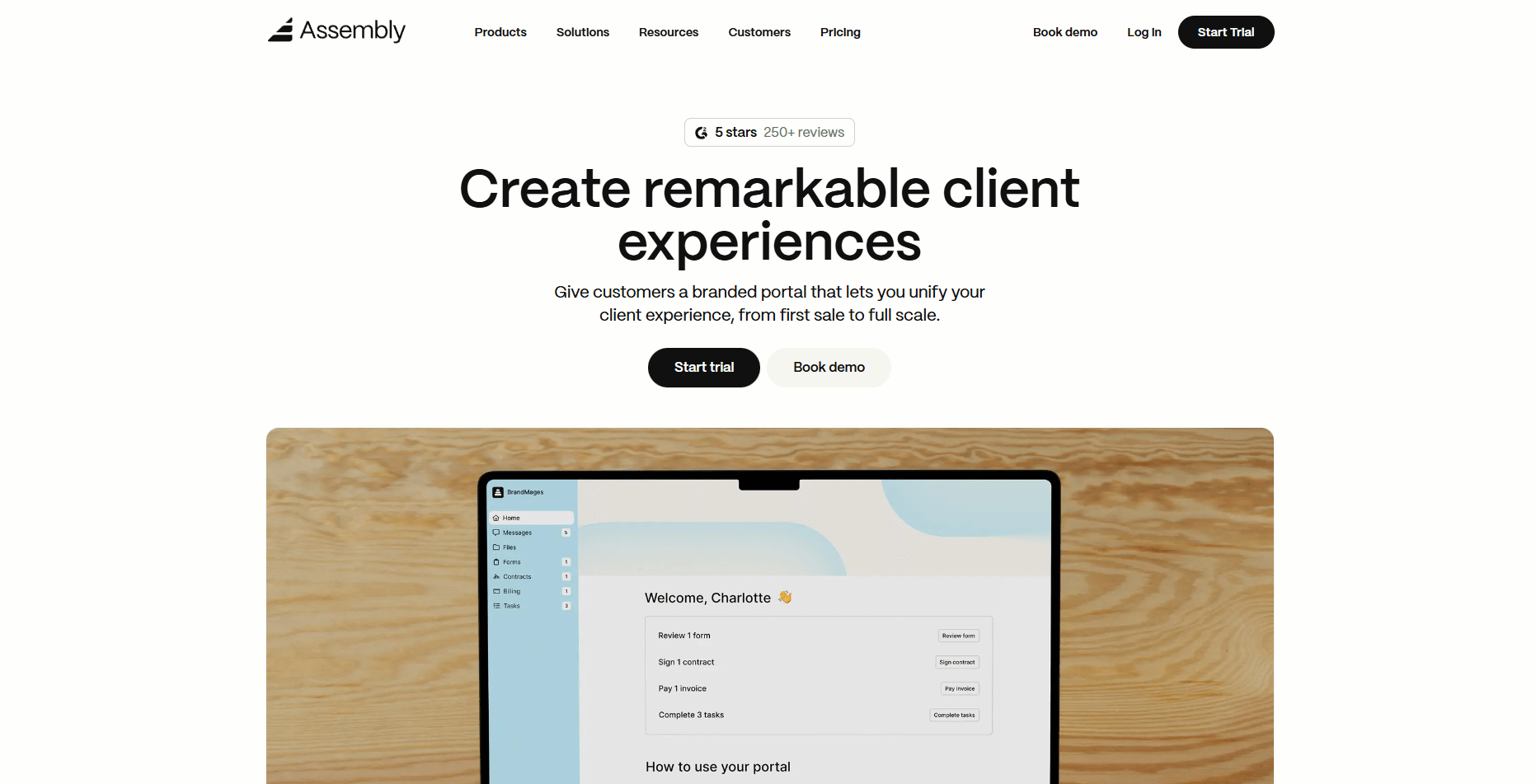
We built Assembly to help teams manage client work without juggling scattered tools. Contracts, invoices, tasks, files, and messages stay inside one portal, which makes it easier to keep track of what’s been sent, signed, or updated as more clients come in.
Your team can prepare pre-sales work with internal notes, private chat, and custom fields before a client ever logs in. When a client is ready, you send an invite and continue straight into onboarding and delivery without repeating setup work.
You can also sell packaged services through the Assembly Storefront, which creates the portal and starts the onboarding steps right after checkout.
Assembly connects to Airtable, ClickUp, Calendly, Zapier, and Make to keep your workflow moving without extra manual tracking.
If you’d like to learn more, you can read more in our Assembly vs. Suitedash comparison.
Why it beats SuiteDash
- Faster setup: You can create client portals and start delivery work without a long ramp-up
- Clear client view: Contracts, payments, files, and messages stay grouped in one organized space
- More stable performance: Page loads and navigation stay consistent as your client list grows
- Built-in AI support: The Assistant summarizes activity, drafts follow-ups, and prepares for meetings
- Stronger security: Client data stays inside a dedicated portal with controlled access and private activity
Pros
- Branded portals organize contracts, payments, files, tasks, and messages in one client space
- Built-in security features give clients a protected place to share documents and activity
- The AI Assistant helps draft follow-ups, summarize interactions, and prepare for onboarding steps
Cons
- Reporting is lighter than in finance-focused platforms
- Some advanced automation options sit on higher plans
Pricing
Assembly starts at $39 per month for 1 internal user and up to 50 clients.
Bottom line
Assembly gives you a client workspace that connects pre-sales, onboarding, delivery, and billing with built-in AI support that helps your team prep faster. If you want request queues or steady ticket routing instead of full client-cycle work, ManyRequests or SupportBee may fit better.
2. ManyRequests: Best for request-based service teams
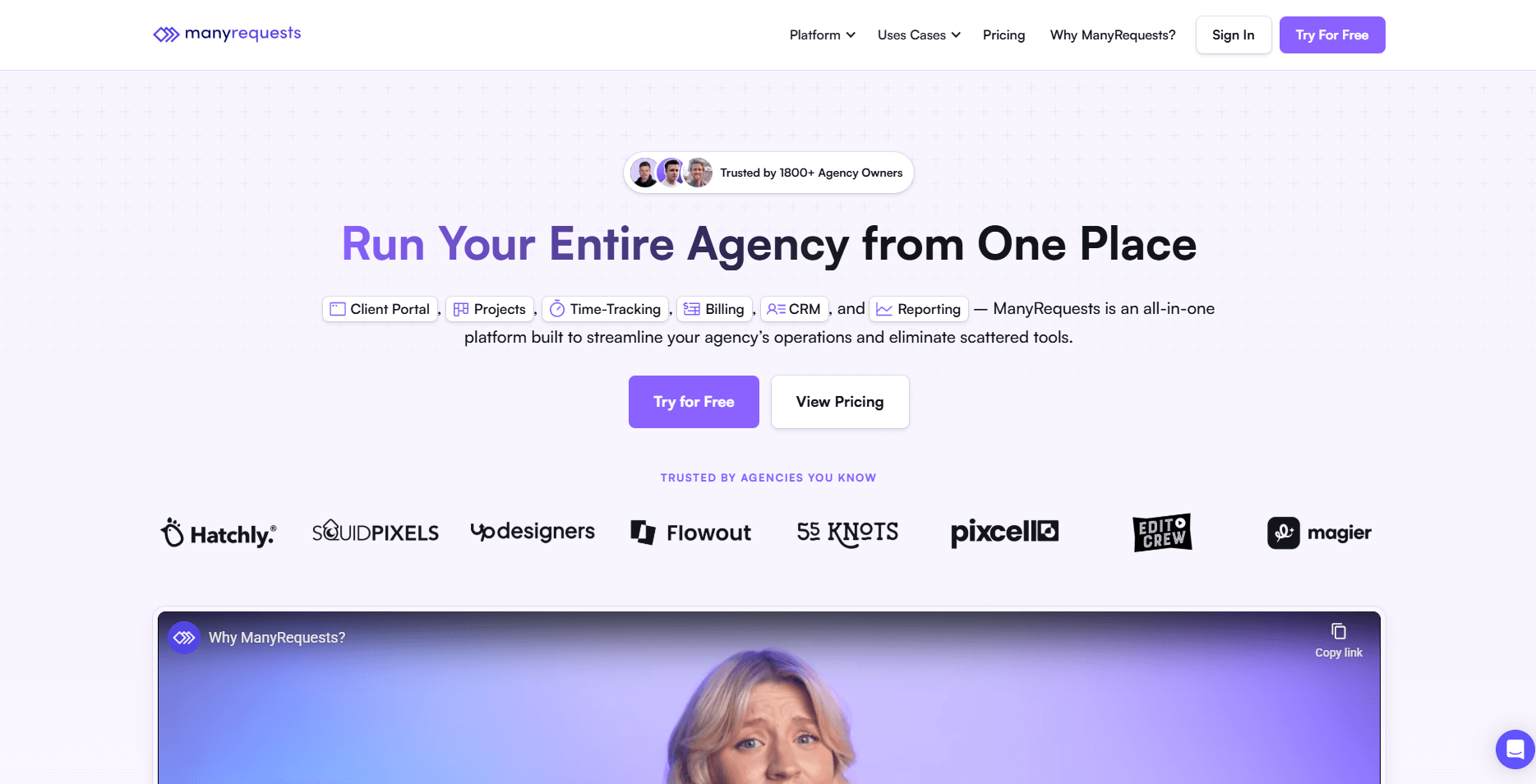
ManyRequests is a client portal built for productized service businesses that need a structured way to collect, track, and complete recurring client requests.
I started testing by building a few service packages to see how it supports productized service software workflows. Setting up custom fields and request types was quick, and I could test the client view without switching accounts. The request queue updated in real time, which helped each task stay easy to follow during my runs.
Next, I checked how revision cycles work. The proofing tool made it simple to leave comments on images or designs, and the approval flow stayed predictable from one request to the next. This showed how teams can manage repeatable work without extra coordination or manual steps.
Why it beats SuiteDash
- Faster request intake: Clients submit tasks through simple forms that keep the process clear
- Clearer approval flow: Revisions and design updates move in a predictable sequence
- Cleaner queue layout: Requests stay organized in a view built for repeatable service work
Pros
- Easy for clients to submit structured requests
- Clear queues for teams with high request volume
- Simple interface for revision cycles
Cons
- Limited integrations outside common tools
- Reporting depth is basic
Pricing
ManyRequests starts at $19 per month.
Bottom line
ManyRequests works well when your business depends on repeatable client tasks that need clear intake and approval steps. If you want deeper project control or custom layouts, Plutio or Agiled may be a better match.
3. Plutio: Best for flexible project workflows
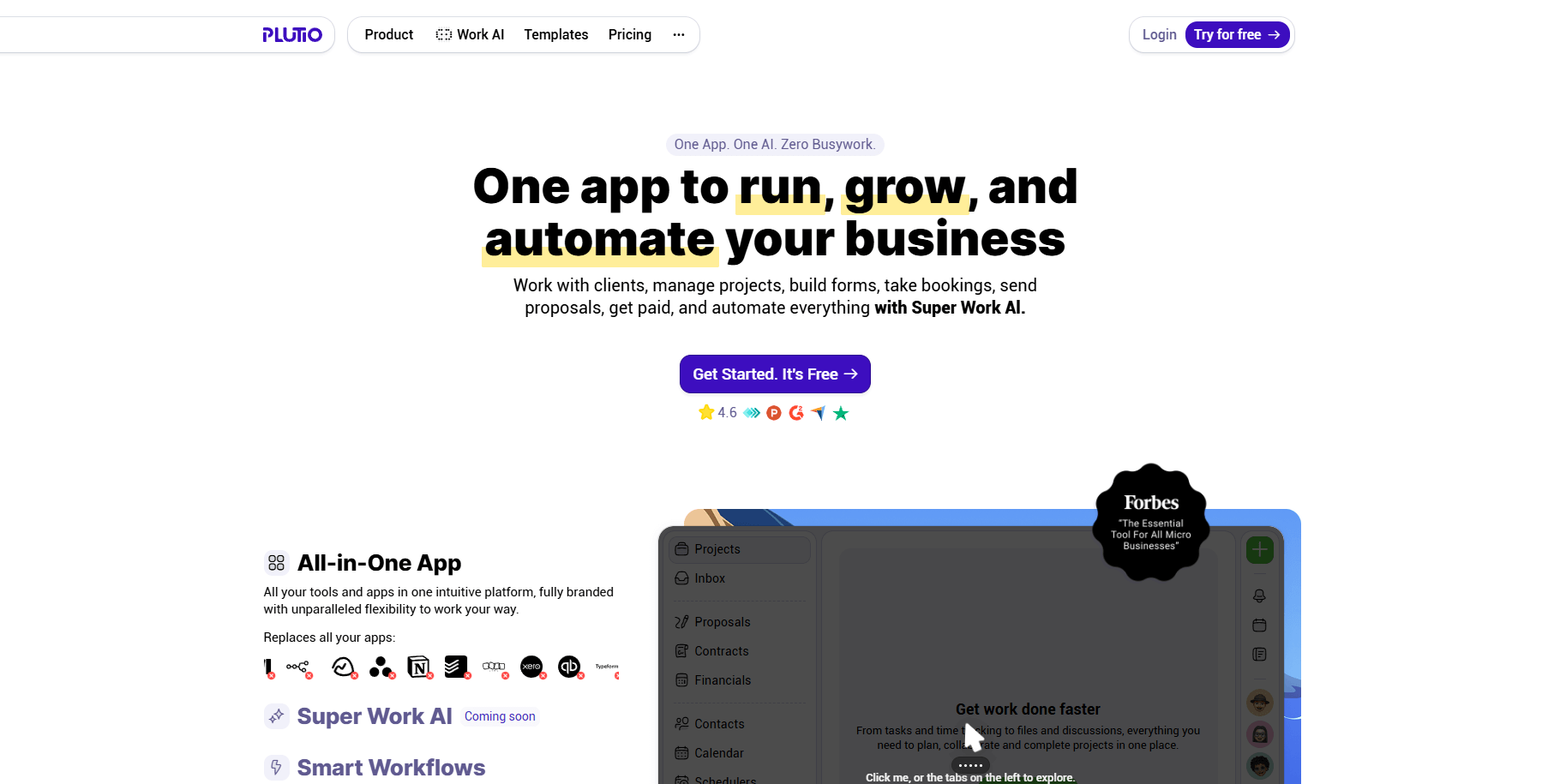
Plutio is a workspace built for freelancers and small teams that want one place to manage tasks, proposals, contracts, and invoicing. It centers the work around customizable project boards so you can shape each workflow to match your service process.
I explored different project layouts to see how much control Plutio gives you. I adjusted task views, fields, and templates to mirror a few service setups, and the platform updated each change without slowing down. This made it easy to fine-tune the structure before sharing a project space with a client.
I also tested how proposals and contracts link to billing. Each document connects to the right project, and signed work can move into the next step without extra setup. That connection helped me see how solo operators can manage projects without several tools.
Why it beats SuiteDash
- More flexible task views: Boards, lists, and fields adapt to different service workflows
- Tighter document links: Proposals, contracts, and invoices connect to the same project record
- Simpler workspace control: You can adjust layouts quickly without navigating crowded menus
Pros
- Flexible setup for internal processes
- Unified communication and task tracking
- Templates help speed up repetitive work
Cons
- Steeper learning curve than simpler tools
- Mobile experience needs improvement
Pricing
Plutio starts at $19 per month.
Bottom line
Plutio stands out for flexible project boards and document tools that adapt to different service workflows. If you prefer faster client setup or simpler booking flows, HoneyBook or Softr may be easier to use.
4. Agiled: Best for simple business operations
Agiled is a business management platform that brings CRM data, tasks, billing, and forms into one workspace. It focuses on giving small teams a setup that’s easier to learn than heavier, multi-module platforms like SuiteDash.
I tested it by creating a client record and sending an invoice to see how the main modules connect. The CRM layout stays simple, and switching between tasks, forms, and billing kept the workflow clear during testing.
I also checked the form builder for onboarding. The forms were quick to create, and each submission linked back to the client record without manual entry. Reporting is lighter, but the CRM, tasks, billing, and forms are easy to manage if you don’t need deep customization.
If you want to learn more, we also have an Agiled vs SuiteDash comparison.
Why it beats SuiteDash
- Shorter setup: CRM data, tasks, and billing connect with fewer steps
- Simpler intake: Forms feed client records without navigating heavy settings
- Clearer layout: Key modules stay easy to find without digging through dense menus
Pros
- Quick setup with simple modules
- Covers CRM, billing, and tasks in one space
- Forms help gather client details early
Cons
- Limited customization for advanced workflows
- Reporting depth is basic
Pricing
Agiled starts at $25 per month for three users, with additional users at $5 per month.
Bottom line
Agiled gives small teams a straightforward space for CRM work, billing, and tasks without heavy configuration. If you need stronger branding or more polished client-facing pages, HoneyBook or Assembly may serve you better.
5. HoneyBook: Best for creative service bookings
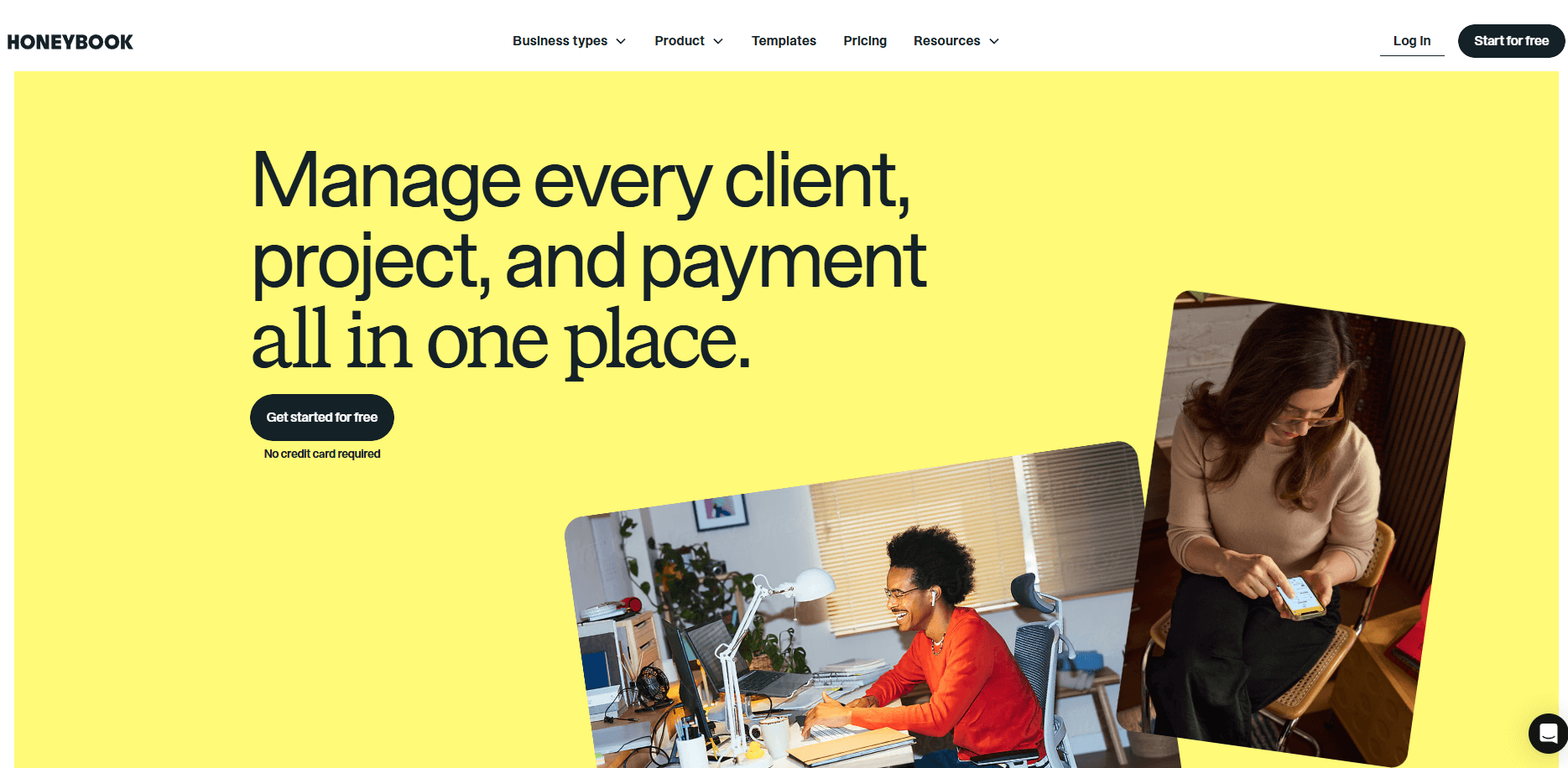
HoneyBook centers its workflow on booking and payment flows, so I created a service, sent a proposal, and walked through the client view to see how fast a project can move. The sequence from signing to paying moved in a clear order, which works well for creative teams and any service business that relies on proposals to start new work.
I checked the calendar tool and mobile app next. Both updated availability without extra steps and made it easy to send quick changes during the day. Internal task management is lighter, but the early intake steps stay organized and easy to follow.
Check out my HoneyBook review to learn more about this tool.
Why it beats SuiteDash
- Faster booking flow: Proposals, signatures, and payments connect in one clear sequence
- Simpler scheduling: Calendar tools help clients pick times without navigating heavy menus
- Cleaner intake pages: Early steps feel easier for clients who only need forms and payments
Pros
- Clear flow for proposals, booking, and payment
- Simple setup for small creative teams
- Mobile app supports on-the-go work
Cons
- Limited integrations with payment tools
- Short trial period
Pricing
HoneyBook pricing starts at $29 per month.
Bottom line
HoneyBook gives creative teams a clean flow for proposals, scheduling, and payment collection. If you want stronger delivery tools or deeper collaboration, Bonsai or Plutio may fit better.
6. Bonsai: Best for freelance operations
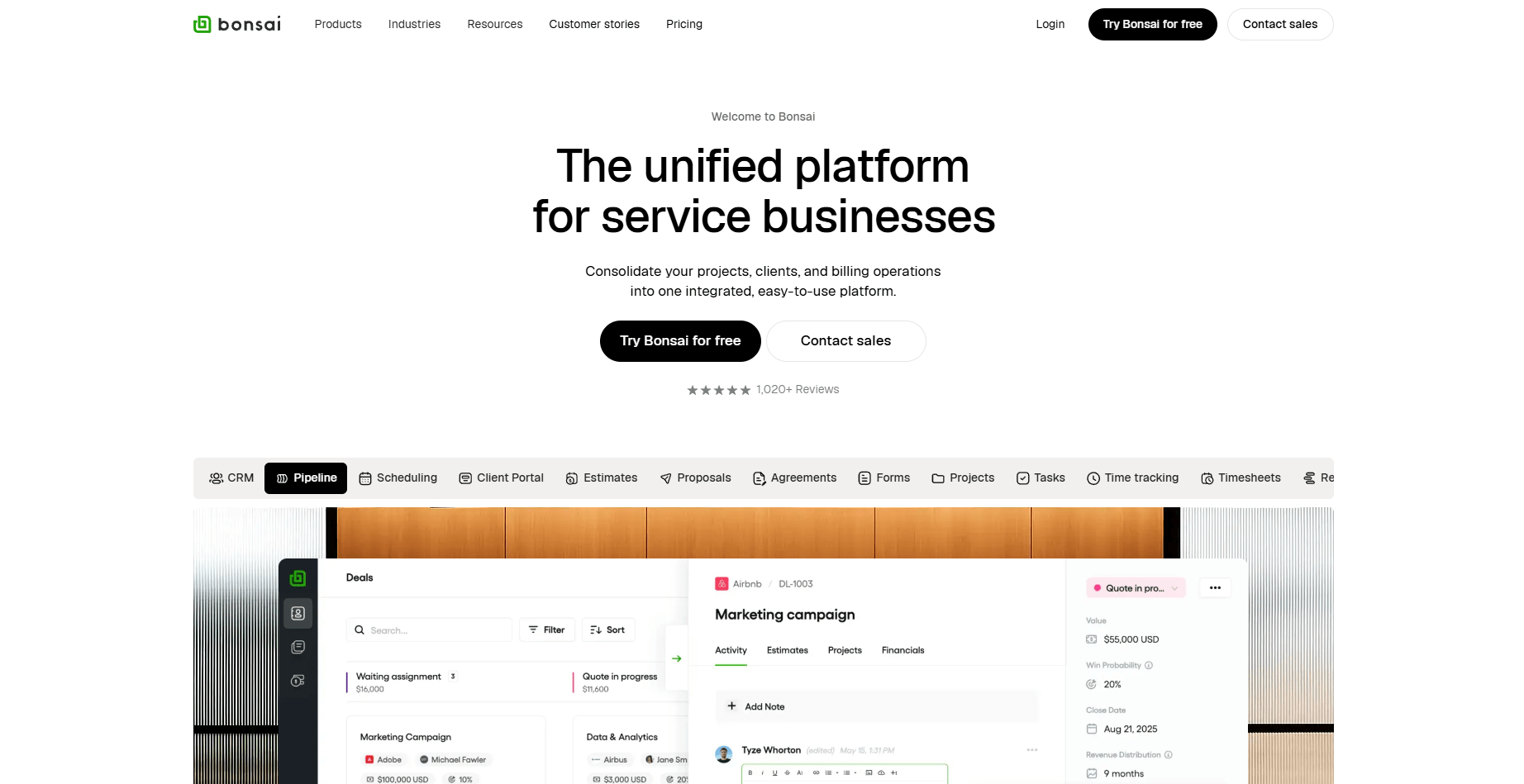
Bonsai is a client management tool built for freelancers and small teams that want proposals, contracts, time tracking, and billing in one workflow. It focuses on helping solo operators move from a new inquiry to a paid project without switching tools.
My first step was checking how Bonsai handles the early stages of client work. I created a proposal, turned it into a contract, and set up a payment request to see how the pieces connect. The workflow linked each step together, which showed me how Bonsai keeps the early part of client work moving without extra tools.
I also tested time tracking and expenses to understand how they support ongoing work. Each tracked item links back to the right project, keeping everything organized as work shifts during the week.
Why it beats SuiteDash
- Simpler early workflow: Proposals, contracts, and payments connect in one sequence
- Better fit for solo work: Tools match how freelancers manage smaller client loads
- Clear time tracking: Hours and expenses link to projects without extra setup
Pros
- Clear flow across proposals, contracts, and invoicing
- Built in time tracking for ongoing work
- Helpful for solo operators
Cons
- Limited collaboration tools for teams
- Fewer customization options than other platforms
Pricing
Bonsai starts at $9 per user per month.
Bottom line
Bonsai ties proposals, signatures, and payments into a clean sequence that supports freelance work. If you want more collaboration or a broader project structure, Plutio or Agiled may fit better.
7. Clinked: Best for document-heavy client work
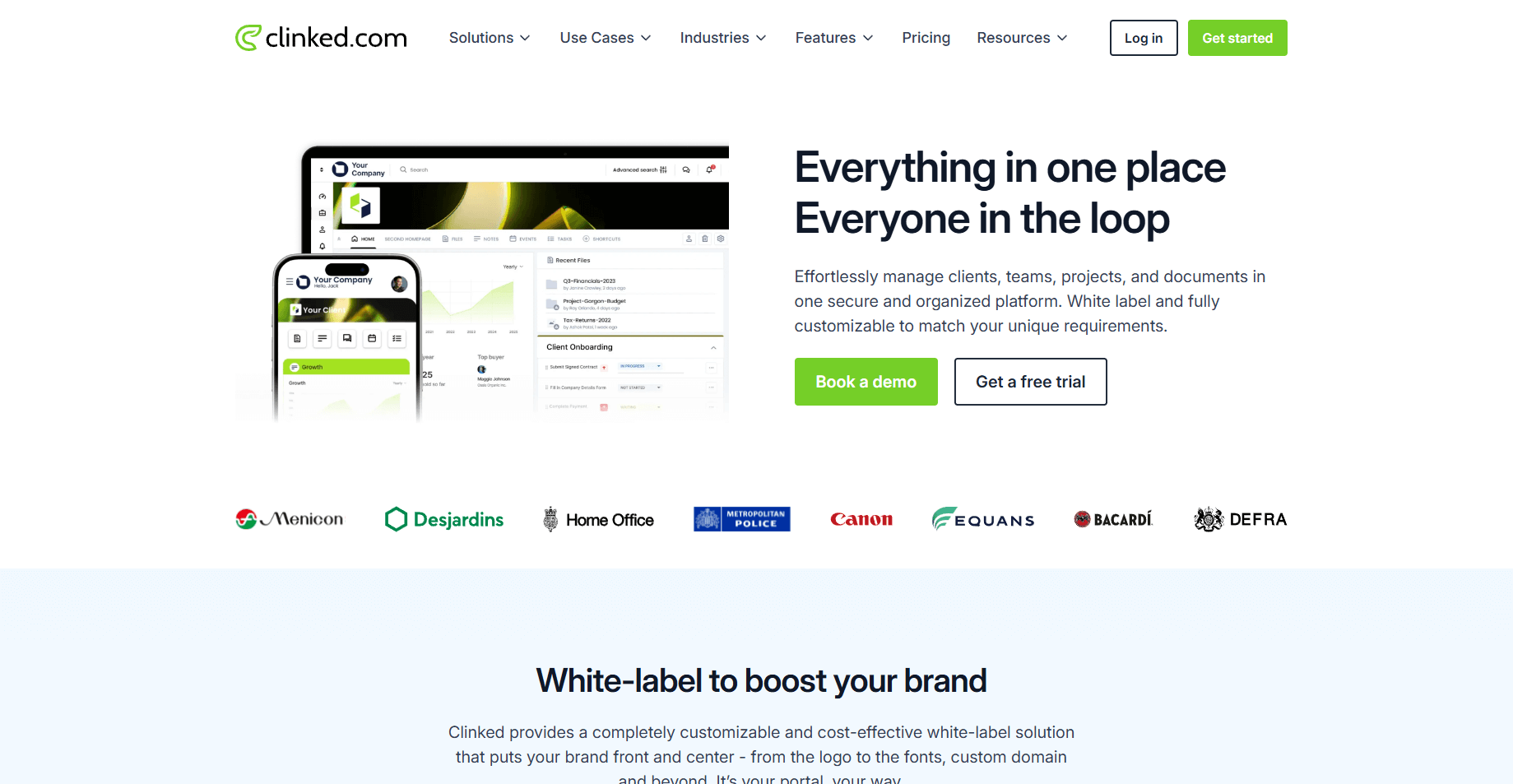
Clinked is a client portal built for firms that handle a large volume of documents and need clear permission controls. It gives teams a branded space for sharing files, organizing folders, and collaborating with clients.
I started testing Clinked by uploading folders, adjusting access rules, and previewing edits with different permissions. Large files and version updates loaded reliably, which helped me understand how teams that rely on documentation can keep everything organized.
I checked the collaboration tools next. Group chat, tasks, and notifications help clients follow changes without switching apps. The white label controls also help firms present a branded workspace without extra setup.
Why it beats SuiteDash
- Stronger file controls: Permissions, folders, and version history are easier to manage for document-heavy projects
- Simpler client access: Clients view and share large files without navigating crowded menus
- Cleaner workspace: Branded portals keep documents and updates organized in a focused layout
Pros
- Strong structure for heavy document workflows
- Flexible branding controls
- Useful permission settings for clients
Cons
- Interface can feel dated
- Limited integrations for automation
Pricing
Clinked starts at $95 per month.
Bottom line
Clinked is reliable for firms that depend on organized folders, permission controls, and consistent file sharing. If you prefer more design flexibility or page-building options, Softr or Plutio may be worth exploring.
8. Softr: Best for custom client spaces
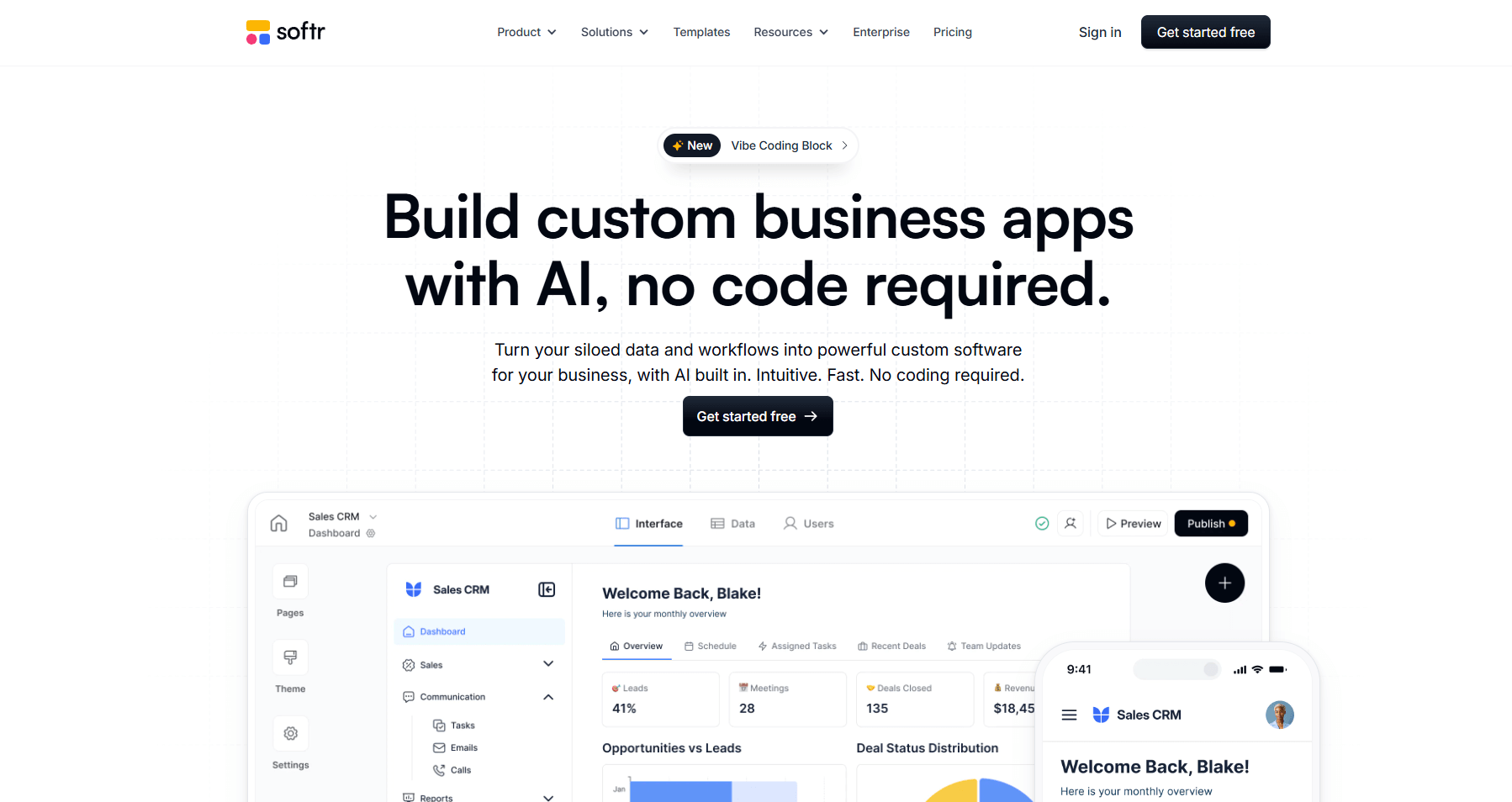
Softr is a no-code builder that lets teams create simple client portals on top of their Airtable data. It focuses on quick setup and flexible layouts without requiring technical skills.
The first thing I tested in Softr was how fast I could build a client portal using Airtable data. Drag-and-drop blocks made it simple to create pages, and the preview mode helped me adjust each layout without switching screens. This gave me a clear idea of how teams can build branded portals without code.
I also tested visibility settings and conditional views. Softr updates what each client can see based on linked data, which keeps sensitive items private. It was straightforward to build onboarding pages, file lists, and client status updates in one workspace.
Why it beats SuiteDash
- Faster portal setup: Teams can build pages in minutes using drag-and-drop blocks
- Clearer client visibility: Conditional views show clients only what’s relevant to them
- Flexible layouts: Pages adjust easily without navigating heavy settings or menus
Pros
- Fast setup for simple portals
- Strong control over client visibility
- Flexible layouts without code
Cons
- Dependent on Airtable structure
- Limited automation without external tools
Pricing
Softr starts at $49 per month.
Bottom line
Softr gives you a quick way to create client portals around Airtable data without touching code. If you want built-in billing tools or a unified delivery workspace, Assembly or Agiled may be a stronger fit.
9. Dubsado: Best for solo business management
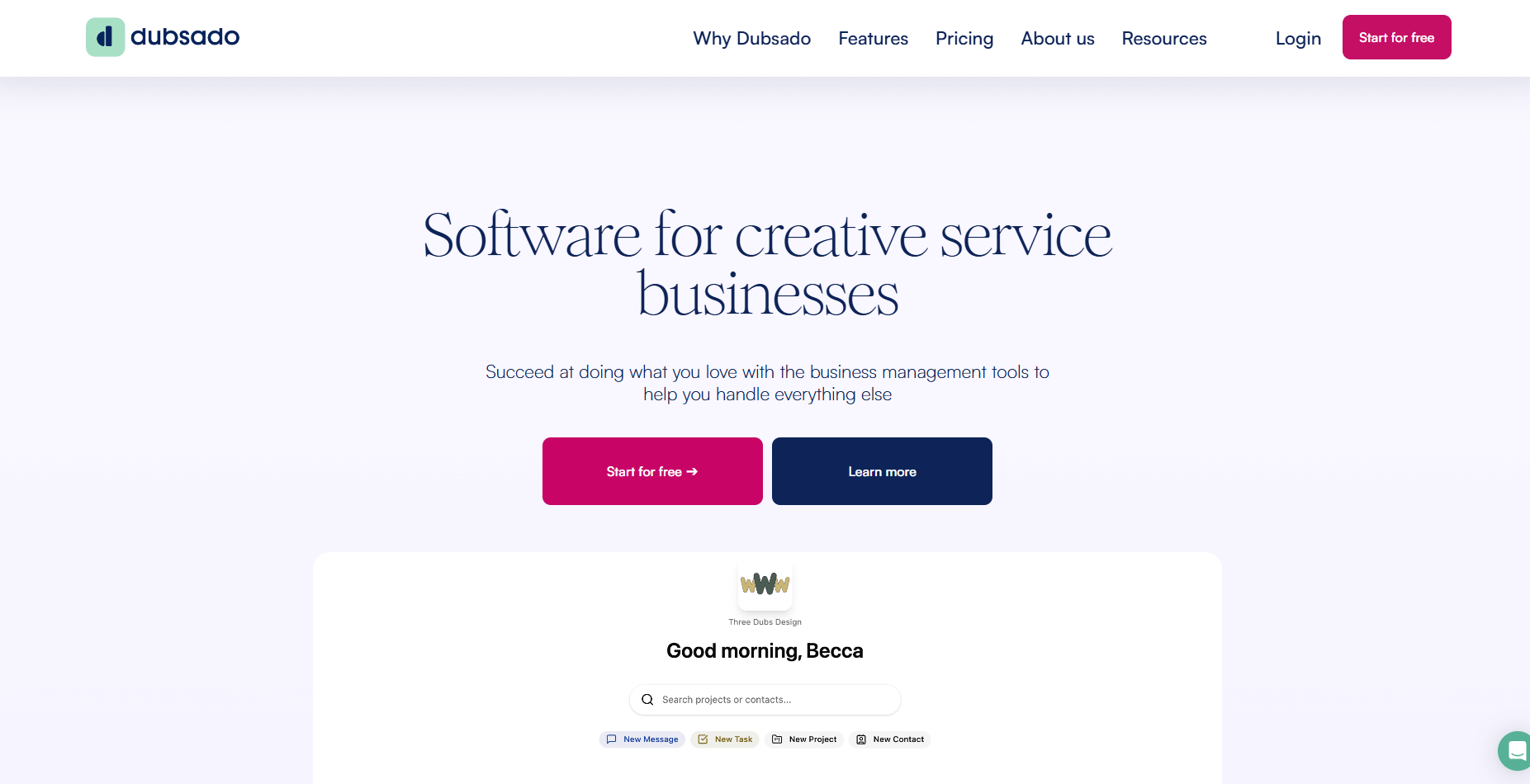
Dubsado is a client management tool built for solo service businesses that rely on structured forms, proposals, and automated intake steps.
I opened a new project in Dubsado to test how proposals, forms, and onboarding steps connect. Building a complete sequence from inquiry to contract helped me understand how solo operators can manage everything inside one platform. Each form linked back to the project record, which kept the setup consistent.
Next, I checked the automation builder. It handles email triggers, form requests, and task updates, but it takes time to configure if you want detailed sequences. Once the setup is finished, it supports repeatable client work without extra manual steps.
Why it beats SuiteDash
- Stronger form control: Forms, questionnaires, and contracts connect cleanly to each project
- Clear intake sequence: Proposals, signatures, and onboarding steps move in a predictable order
- Focused setup for solos: Automations support repeatable work without navigating heavy menus
Pros
- Strong tools for forms and proposals
- Helpful automation builder
- Good fit for solo service businesses
Cons
- Setup can take time
- Interface can feel busy
Pricing
Dubsado starts at $200 per year.
Bottom line
Dubsado supports solo operators who rely on structured forms and automated intake steps to run their work. If you want a shorter setup or a faster booking experience, HoneyBook or Softr may feel more natural.
10. ActiveCollab: Best for task-first teams
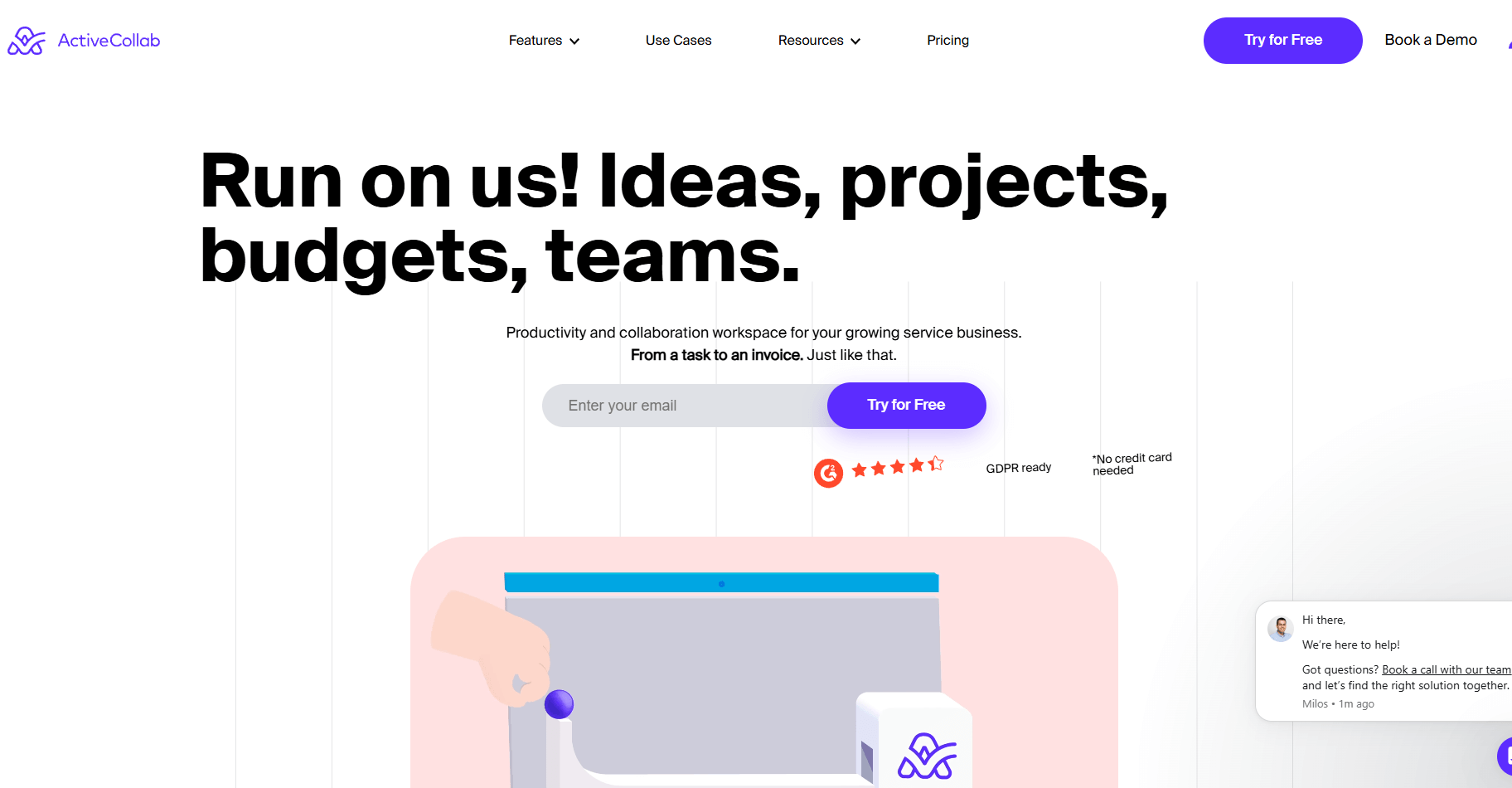
ActiveCollab is a project tool built for teams that organize their work around tasks, deadlines, and time tracking tied to billing.
One thing I tested in ActiveCollab was how quickly I could create tasks and set deadlines for a new project. The task lists and priority tools made it easy to build a clear workflow. Time tracking connects directly to each task, which helped me understand how hours feed into billing.
I also checked its built-in invoicing to see how tracked time converts to billing. The workflow moved in a steady sequence, and attaching files or comments kept everything tied to the right task. This suits teams that base their day around structured task boards.
Why it beats SuiteDash
- Clear task focus: Lists, priorities, and deadlines help teams manage daily work without clutter
- Direct time links: Hours attach to tasks and feed into billing without extra steps
- Simple billing flow: Time entries convert to invoices in one predictable sequence
Pros
- Clean task layout
- Time tracking connects to billing
- Comments and file sharing stay tied to tasks
Cons
- Limited intake tools
- Few native integrations
Pricing
ActiveCollab starts at $10 per user per month.
Bottom line
ActiveCollab is suited for teams that plan their day around tasks, deadlines, and tracked hours that move into billing. If you want a more client-facing experience or secure document workflows, Clinked or Dubsado may be a better fit.
11. SupportBee: Best for ticket-based service teams
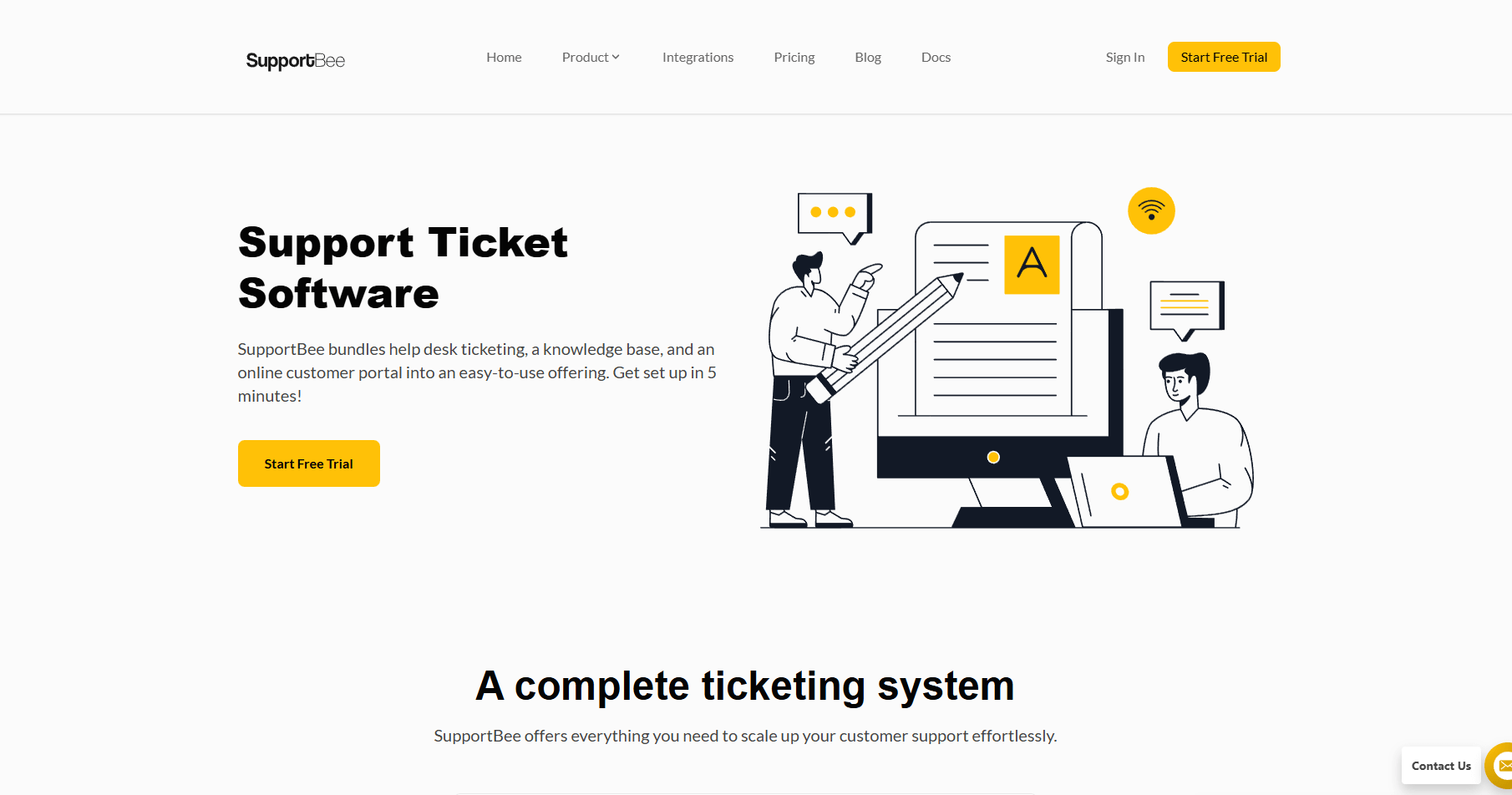
SupportBee is a shared inbox tool built for teams that manage steady client support and need a simple way to route and organize incoming messages.
I tested it by sending tickets, assigning them to teammates, and checking how each thread stays organized. The inbox layout keeps conversations in a simple queue, which helped me understand how teams manage daily support tasks without switching tools.
Another thing I checked was the customer history. Replies stay tied to the right ticket, and internal notes remain private, which helps teams collaborate without losing context. Tags and assignments made it easy to route messages during busy periods.
Why it beats SuiteDash
- Simpler ticket routing: Tags and assignments keep support requests organized
- Clear message history: Each thread keeps replies and notes in one place
- Faster onboarding for support teams: The inbox layout is easier to learn than heavier portal
Pros
- Simple ticket structure
- Easy team collaboration
- Clear client history inside each ticket
Cons
- Limited workflow automation
- No broader client portal features
Pricing
SupportBee starts at $17 per user per month.
Bottom line
SupportBee helps teams manage steady support requests with a clean shared inbox and simple routing tools. If you need a broader client workspace or more structured delivery tools, Assembly or ManyRequests may fit better.
How I tested these SuiteDash alternatives
I tested each platform the same way I evaluate tools for real client work. I moved through setup, onboarding, billing, and delivery to see which tools stay reliable once the work starts stacking up. I created sample projects, invited test clients, and reviewed how each system handles the day-to-day actions teams depend on.
Here are the steps I used to judge every tool in this list:
- Built full client records: I created test clients, added custom fields, and reviewed how each system organizes notes, files, and activity history.
- Ran intake and onboarding flows: I tested forms, proposals, contracts, and payment steps to see which platforms keep early work clear and which ones slow teams down.
- Checked delivery tools: I created tasks, uploaded files, assigned work, and tracked updates to understand how well each tool supports day to day operations.
- Reviewed client portal clarity: I logged in as a client to compare layouts, messaging, and file visibility across different tools.
- Measured setup time: I paid attention to how long it took to configure a useful workflow without outside help or long tutorials.
- Tested collaboration: I checked how internal notes, comments, and assignments work so teams can stay aligned without leaving the platform.
- Evaluated integrations: I connected Airtable, ClickUp, Calendly, Zapier, and Make where possible to see how well each system fits into a typical service stack.
How to choose your SuiteDash alternative
Choosing a SuiteDash alternative comes down to the kind of client work you handle and how much structure you need. I organized the list by what each tool does well so you can match the right option to your workflow. Choose:
- Assembly if you want a client workspace that connects pre-sales notes, onboarding steps, delivery tasks, billing, and AI support in one portal.
- ManyRequests if your services rely on steady request volume and you need a predictable intake and approval flow for ongoing client work.
- Plutio if you want flexible project boards, fields, and templates that you can adjust quickly for different service workflows.
- Agiled if you prefer a simple setup for CRM data, tasks, billing, and onboarding forms without sorting through dense settings.
- HoneyBook if your work begins with proposals and scheduling and you want clients to move from inquiry to paid project in a clear sequence.
- Bonsai if you want proposals, contracts, time tracking, and payments linked in a straightforward path for solo or small operators.
- Clinked if your workflows depend on organized folders, permission controls, and consistent document sharing with clients.
- Softr if you want branded client portals built directly on top of your Airtable data without writing code.
- Dubsado if you manage forms, proposals, and payments on your own and need a structured intake process with automation.
- ActiveCollab if your team organizes its day around tasks, deadlines, and tracked hours that connect to billing.
- SupportBee if your client communication centers on steady support requests handled through a clean shared inbox.
My final verdict
ManyRequests is better for teams that depend on steady client requests that move through a clear queue, and HoneyBook is stronger for service businesses that start new work with proposals and scheduling. Plutio fits teams that want full control over their project boards and templates, and Softr works when you only need simple client pages built from Airtable data.
Assembly stands out because it connects pre-sales notes, onboarding steps, delivery tasks, billing, and AI support inside a portal that stays easier to navigate as your client list grows. You can manage conversations, invite the client, and move through each step in the same workspace, which cuts the extra menus and overlapping setups that make broader platforms more time-consuming to use.
Ready to switch from SuiteDash? Start with Assembly
Teams usually look for SuiteDash alternatives when setup takes too long, the interface slows down daily work, or the portal becomes hard for clients to navigate. Assembly handles those pain points with a clearer portal, faster page transitions, and AI tools that help your team prepare updates and follow-ups without digging through several modules.
Here’s what you can do with Assembly:
- See the full client record: Notes, files, payments, and communication history stay linked in one place. You never have to flip between systems or lose context when switching from sales to service.
- Prep faster for meetings: The AI Assistant pulls past interactions into a clear summary so you can walk into any call knowing what’s been discussed and what’s next.
- Stay ahead of clients: Highlight patterns that may show churn risk or upsell potential, making outreach more timely and relevant.
- Cut down on admin: Automate repetitive jobs like reminders, status updates, or follow-up drafts that used to take hours. The Assistant handles the busywork so your team can focus on clients.
Ready to simplify how your firm manages client work? Start your free Assembly trial today.
Frequently asked questions
How do you migrate from SuiteDash to another platform?
You migrate from SuiteDash by exporting your contacts, contracts, files, and payment records, then importing them into your new system. You should rebuild forms, workflows, and onboarding steps in the new platform to match how you work. Most tools offer import guides that make the transfer easier to follow.
Is SuiteDash good for client-facing communication?
Yes, SuiteDash supports client communication, but the portal can feel crowded when clients only need simple updates or a clear task list. You may want a platform that keeps files, messages, and invoices easier to find. Tools like SupportBee, Softr, or Assembly offer clearer client views depending on your workflow.
How do SuiteDash permissions work for clients and team members?
SuiteDash permissions let you decide what clients and team members can view, but the options can take time to configure. You manage access through roles, visibility settings, and page controls. Teams that need quick setup often look for tools with simpler permission layouts.