
SuiteDash pricing plans: Features, pros, and cons in 2026
SuiteDash pricing uses flat rates, but automation tools and storage differ vastly between tiers. I analyzed each plan, and here's what you actually get in 2026.


I spent time comparing SuiteDash's pricing plans to find where your money actually goes. The biggest differences aren't in the monthly cost, but in which toolkits and storage limits you get access to.
SuiteDash pricing: At a glance
Each SuiteDash plan includes CRM tools, client portals, and project management features. Pricing is charged per workspace, not per user, so your costs stay flat regardless of team size.
The main differences between plans are storage capacity and which automation toolkits you get access to.
Here's a side-by-side look at what each plan includes:
SuiteDash offers unlimited clients and staff members across all three plans. This flat-rate model means you won't pay more as your team or client base grows, which sets it apart from most business software that charges per user.
Tip: SuiteDash offers a 14-day free trial on all plans with no credit card required. Century billing (100-year prepay) unlocks significant discounts if you want to lock in long-term pricing. If you’d like to learn more about SuiteDash, you can read our in-depth review.
SuiteDash pricing plans breakdown
SuiteDash organizes its plans around client portal features, automation depth, and storage capacity. The flat-rate pricing means you pay one price regardless of how many team members or clients you add. Here's what each plan gives you:
Start plan: $19 per month or $180 per year
- What's included:
- Core platform: Unlimited CRM contacts, staff members, and portals with white labeling and custom branded mobile app
- Project delivery: Project and task management, time tracking, file sharing, secure messaging, and appointment scheduling
- Client-facing tools: Invoicing and payments, contracts with e-signature, proposals and estimates, custom forms
- Marketing and support: Email marketing campaigns, access to docs, academy, and community
- Key limits: 100GB storage, foundational toolkits only.
- Best for: Solo freelancers or small businesses that need a branded client portal with core CRM and project management features.
- Pros: White labeling and custom mobile app included at the entry level, unlimited clients and staff from day one.
- Cons: Missing marketing automation, advanced proposals, and premium toolkits that unlock at higher tiers.
Thrive plan: $49 per month or $480 per year
- What's included:
- Everything in Start
- Marketing tools: Autoresponder drip marketing, dynamic proposals toolkit
- Organization features: Custom folder generators, advanced custom menus, deal stage pipelines
- Client communication: Client-side live chat
- Storage and support: 500GB file storage, 1 free wizarding session
- Key limits: No access to premium automation or support tickets.
- Best for: Small teams managing multiple clients who need marketing automation and advanced proposal tools.
- Pros: Adds drip marketing campaigns and dynamic proposals that help convert leads and close deals faster.
- Cons: Still missing the complete automation toolkit, learning management system, and support ticket features.
Pinnacle plan: $99 per month or $960 per year
- What's included:
- Everything in Thrive
- Automation: Complete automation toolkit, FLOWs onboarding toolkit, client/customer journeys, task dependencies
- Advanced features: LMS learning management, support tickets toolkit
- Storage and support: File storage, 1 bonus wizarding session
- Key limits: 2TB storage.
- Best for: Established service businesses that need advanced automation, client onboarding workflows, and support ticket management.
- Pros: Unlocks the full automation engine, lets you build courses for clients or staff, and adds a help desk for client support.
- Cons: Higher price point, though still flat-rate regardless of team size.
Which SuiteDash plan should you choose?
The right SuiteDash plan comes down to your storage needs, whether you want marketing automation, and which advanced toolkits your business requires. Here's who should choose each plan:
Choose Start if you:
- Work solo or with a small team and need a branded client portal with basic CRM tools.
- Want to give clients a professional login experience without paying per-user fees.
- Don't need marketing automation, advanced proposals, or support ticket systems yet.
- Can work within 100GB of storage for client files and documents.
Choose Thrive if you:
- Run a growing service business and need drip marketing to nurture leads automatically.
- Want dynamic proposals that adapt based on client selections and input.
- Manage deal pipelines and need client-side live chat for real-time support.
- Need 500GB of storage for larger file volumes across multiple clients.
Choose Pinnacle if you:
- Run an established service business with complex client onboarding workflows.
- Want to build courses or training programs for clients or staff using the LMS learning management toolkit.
- Need a built-in help desk with support tickets to manage client inquiries.
- Require 2TB of storage and the complete automation toolkit to reduce manual work.
Is SuiteDash worth the cost?
SuiteDash charges one flat rate per workspace regardless of team size or client count. Whether it makes sense for your business depends on how you deliver services and what you need clients to see.
Here's how to decide:
- It's worth it if: You're tired of cobbling together separate tools for CRM, proposals, invoicing, and client communication. SuiteDash puts everything under one branded roof, which means fewer logins for your team and a cleaner experience for clients.
- It's a good fit for: Agencies, consultants, and service providers who want clients to log into a professional portal that carries their brand instead of generic third-party software. The white labeling starts at $19/month, which is rare.
- Skip it if: You run a product-based business or don't have recurring client relationships that need portals. If you're shipping physical goods or running one-off transactions, you don't need the client portal features that justify SuiteDash's price.
I think SuiteDash’s unlimited pricing model becomes more valuable as your team grows. Per-user pricing punishes you for hiring, while SuiteDash's flat rate stays the same whether you have one person or ten. If you're planning to scale, the cost advantage compounds over time.
SuiteDash alternatives and pricing comparison
SuiteDash works well for businesses that want unlimited users in an all-in-one platform, but the feature density can overwhelm smaller teams. I compared platforms that take different approaches to client management and collaboration. Here's how the alternatives stack up:
Assembly: Best for branded client portals with AI-powered context
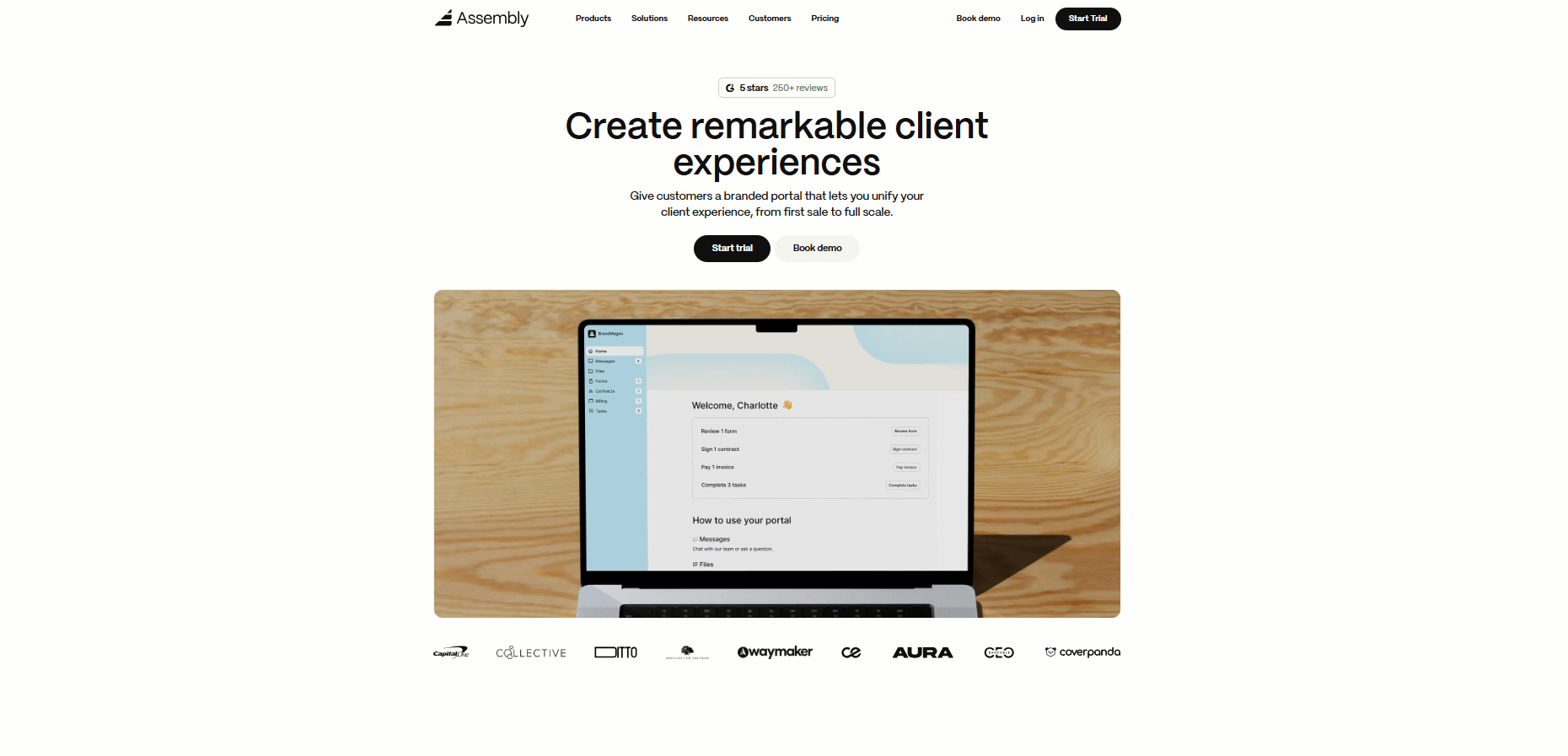
Assembly gives you a branded workspace where clients access everything related to their account. We built it around the idea that client delivery should happen in one place without scattered email threads or tool-switching.
The platform includes an App Store where you add what you need. Turn on billing for invoices and subscriptions. Add forms for intake. Enable tasks for project tracking. Each app works inside your professional, branded client portal. You can build Storefronts where clients purchase services directly, or set up contract workflows that require signatures before work begins.
The AI Assembly Assistant reads through your client's recent activity and summarizes it before calls or check-ins. You get context without digging through messages or notes. It learns your workspace over time and can answer questions about specific clients or projects based on what's already in the system.
Assembly starts at $39 per month.
Tip: If you’d like to learn more, our Assembly vs. SuiteDash comparison might help.
Accelo: Best for professional services firms tracking profitability
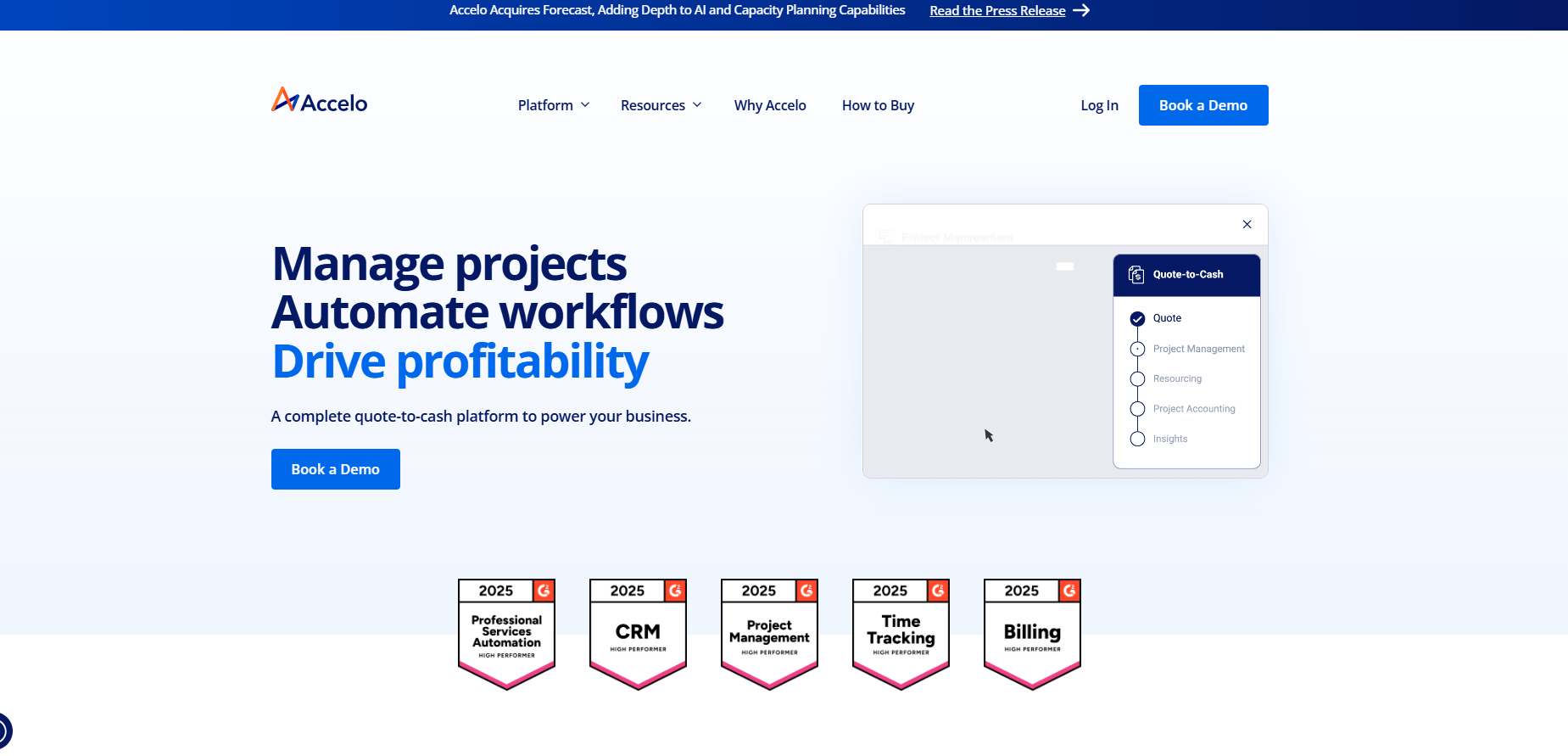
Accelo connects your entire quote-to-cash process in one system. It tracks projects, resources, time, and finances so you can see which clients and projects drive profit.
The platform targets consulting firms, agencies, and professional services teams that bill for time and need visibility into resource allocation. You can manage retainers, track utilization rates, and see real-time project budgets. Accelo integrates with QuickBooks and Xero for accounting sync, which keeps your financial data consistent across systems without manual entry.
Accelo uses custom pricing based on team size and modules needed.
Agency Handy: Best for agencies managing client delivery and billing
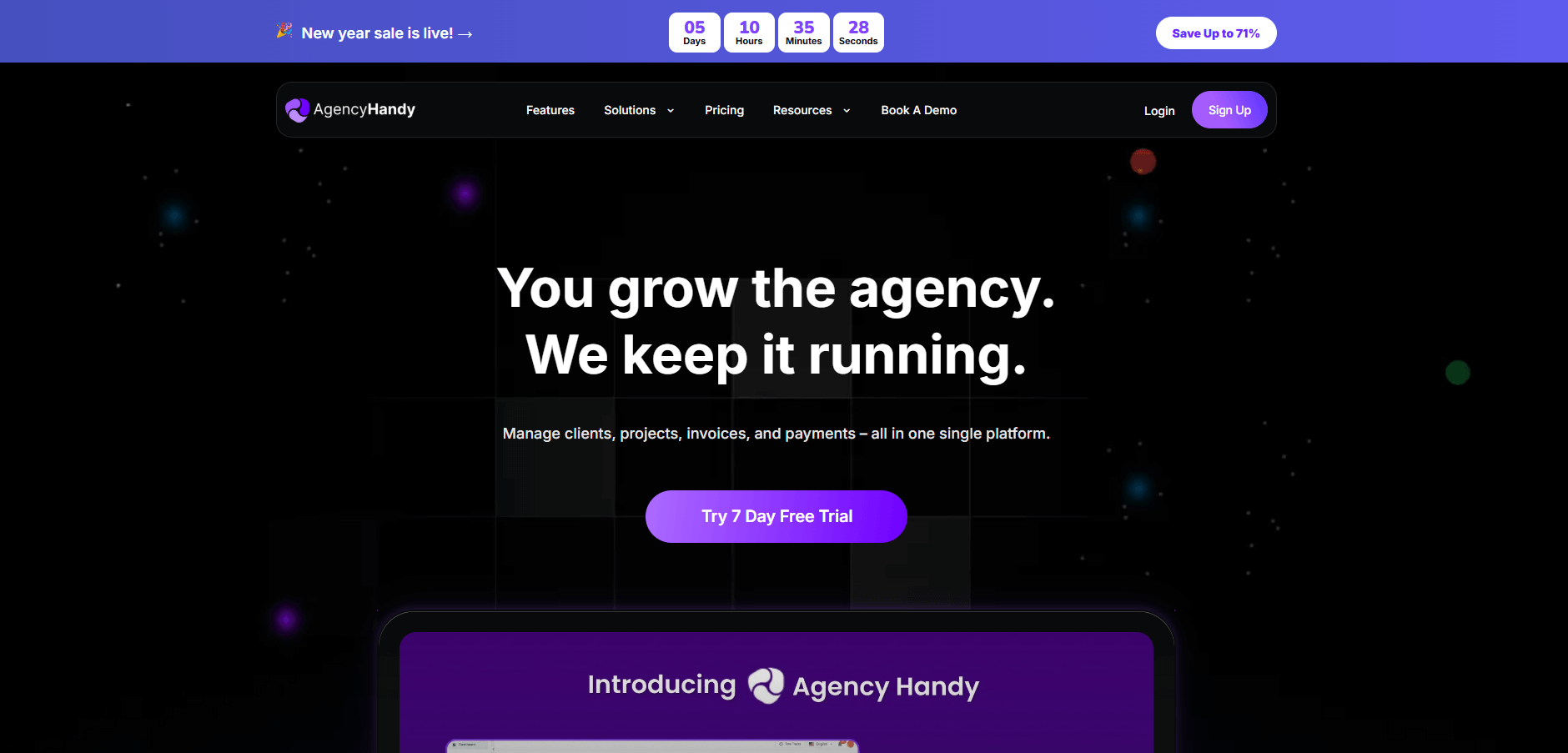
Agency Handy brings client onboarding, project delivery, and billing into one platform built for service agencies. You can create a service catalog where clients browse and purchase offerings, then manage delivery through task boards and approval workflows.
The platform handles both one-time projects and recurring subscriptions. Set up automated invoicing, collect payments through Stripe, PayPal, or Wise, and send reminders for unpaid balances. Everything happens inside a white-labeled client portal that carries your branding.
Agency Handy costs $349 per year for solo operators, with higher tiers for small teams and larger agencies that need advanced features.
Assembly vs SuiteDash: Which should you choose?
Assembly and SuiteDash both offer all-in-one platforms for managing clients, but they take different approaches to feature delivery. SuiteDash gives you everything at once with unlimited users. Assembly builds around branded client experiences with modular apps.
Use this guide to figure out which one fits your work:
- Assembly is better for: Service teams that prioritize client-facing experiences and want flexibility to add features as they grow. The modular App Store means you're not paying for tools you don't use, and the AI Assistant gives you client context without searching through notes.
- SuiteDash is better for: Businesses that want access to every feature immediately without choosing which tools to enable. SuiteDash pricing gives you unlimited clients and staff across all tiers, which works well if you're scaling fast and need comprehensive functionality from day one.
- Use both if: Your internal operations benefit from SuiteDash's complete feature set while clients interact with Assembly's branded portal and AI-powered context tools.
Want to see how Assembly handles client delivery with modular apps and intelligent context? Try Assembly for free today.
My bottom line on SuiteDash pricing
SuiteDash works well if you want everything in one place without per-user fees eating into your margins as you grow. The unlimited model is their biggest selling point, and it's refreshing compared to tools that charge you every time you add a team member.
But I do think that the flat-rate pricing only matters if you're actually going to use most of what's included. Start gives you the basics, but you're missing automation and advanced features. Thrive adds marketing tools and better proposals. Pinnacle unlocks the full automation engine and support tickets. The jumps make sense if you need those specific features, but don't buy Pinnacle just because it sounds premium.
If you care more about how clients experience your business than having 50 features available, I'd recommend Assembly instead. You get a branded workspace, modular apps you can turn on as needed, and an AI assistant that actually remembers client context. Fewer features upfront, but everything works together without the learning curve.
Frequently asked questions
Does SuiteDash offer a free trial?
Yes, SuiteDash gives you 14 days to test the platform with full feature access. No credit card required to start.
Can I switch between SuiteDash plans?
Yes, you can switch up or down between plans anytime. Upgrades get prorated immediately. Downgrades add a credit to your account that applies to future billing cycles.
What integrations does SuiteDash support?
SuiteDash connects with Zapier for workflow automation, Google Calendar and Zoom for scheduling, and Twilio for SMS. It also connects with major payment processors. API access is available if you need custom integrations.
What happens if SuiteDash goes out of business after I buy Century billing?
If SuiteDash shuts down, your access ends with no refund or extended data retention. Their Terms of Service allow them to discontinue the platform anytime, and payments are non-refundable. Standard data retention is 12 months after cancellation, but a shutdown could override that. The Century discount is significant, but maintain independent backups since there's no guarantee the service will last 100 years.
What is a SuiteDash Wizarding Session?
A Wizarding Session is a 45-minute video call where a SuiteDash expert helps you plan your account setup and workflows. They'll recommend how to configure your CRM, portals, and automation based on your business needs. Thrive includes one free session, Pinnacle includes two.