
11 Best client management software for CRM and projects [2025]
The best client management software tools help solve issues like slow client handoffs and missing notes. I tested dozens and found the 11 best tools in 2025.

![11 Best client management software for CRM and projects [2025]](https://storage.ghost.io/c/6f/87/6f878703-0e71-4ebd-8755-324628c2c39c/content/images/size/w2000/2022/01/pexels-photomix-company-106344.jpg)
I spent weeks testing how the best client management software tools handle lead tracking, project work, and client collaboration, and these 11 help teams stay organized in 2025.
11 Best client management software: At a glance
Client management software ranges from simple contact trackers to platforms that support full delivery workflows. Let’s compare the 11 best tools side by side:
| Tool | Best for | Starting price | Why it stands out for client management |
|---|---|---|---|
| Assembly | Full client cycle in one portal | $39/month | Connects CRM details, project delivery, and client collaboration |
| monday CRM | Flexible boards for sales and projects | $12/user/month | Custom pipelines and client task boards in one workspace |
| HubSpot CRM | Scalable CRM with marketing tools | $15/user/month | Strong contact records paired with email and outreach features |
| Zoho CRM | Customizable layouts and workflows | $14/user/month | Deep control over fields, automations, and client processes |
| Freshsales | Sales teams with active pipelines | $9/user/month | Clear deal tracking with AI-supported prioritization |
| Pipedrive | Simple visual pipeline management | $14/user/month | Clean follow-up system built for early client stages |
| ClickUp | Projects tied to light CRM | $7/user/month | Custom lists and tasks that link clients to delivery work |
| Notion | Custom client workspace builders | $10/user/month | Flexible databases you can shape into client views |
| Capsule | Simple contact and deal tracking | $18/user/month | Clean interface for small teams with early workflows |
| Vtiger | Budget-friendly CRM with extras | $12/user/month | Sales, communication, and project tools in one system |
| Trello | Visual task boards for clients | $5/user/month | Kanban boards that support simple client workflows |
1. Assembly: Best for the full client cycle in one portal
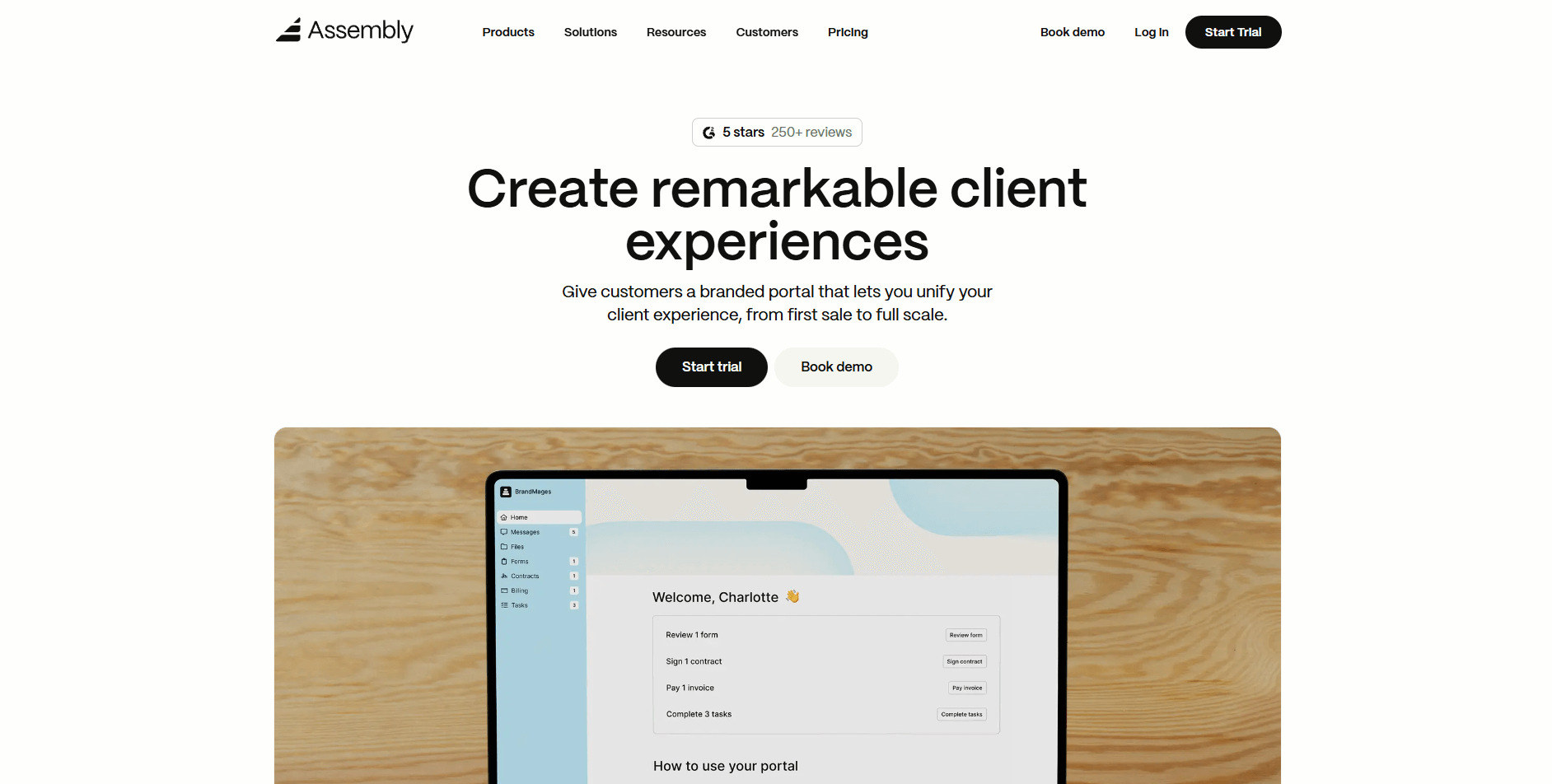
- What it does: Assembly brings your client records, tasks, messages, contracts, and payments into one connected workspace. You can track project details without jumping between tools. The client portal gives clients a clear place to view progress, upload files, and complete assigned work.
- Who it’s for: Service teams that manage long-term client work across planning, production, and delivery.
We designed Assembly to support every stage of your client cycle so you can track early conversations and delivery work in one system. You can add custom fields, internal notes, and private-only chat during pre-sales to build a clear internal record before inviting the client. This helps your team stay aligned without exposing anything ahead of time.
Once work starts, messages, files, contracts, tasks, and payments remain linked to the same client record so you can move through each stage with clear context. When you introduce the portal, clients get one place to upload files, view updates, sign agreements, and complete tasks tied to ongoing work.
Our Billing App brings invoicing and payments into the same workspace, so billing stays connected to the rest of your delivery flow.
The AI Assembly Assistant summarizes recent communication, files, and activity so you can review changes quickly and prepare for updates with less effort. It can draft follow-up messages, surface next steps, and highlight client items you may have missed during a busy week.
You can also connect Assembly with Airtable, Calendly, ClickUp, Zapier, or Make so your scheduling, data, or automation routines stay aligned.
Key features
- Client records: Store notes, tasks, files, communication, and payment activity in one place.
- Branded client portal: Share updates, files, tasks, and invoices through one client-facing space.
- Contracts and Billing App: Send agreements, collect e-signatures, and manage invoices and payments in the same workspace.
- Assistant summaries: Get short summaries of recent communication, files, and activity to prep for updates.
- Integrations hub: Connect to Airtable, Calendly, ClickUp, Zapier, and Make.
Pros
- Links pre-sales details and delivery work in one system
- Clear internal and external views for your team and clients
- Reduces context switching by keeping communication and files together
Cons
- Higher cost than basic task trackers
- Supports ongoing client work more than short one-off projects
Pricing
Assembly starts at $39 per month.
Bottom line
Assembly makes the most sense when you want one portal that covers pre-sales details, active delivery, and billing in a single client record. If your client work is mostly light contact tracking with simple follow-ups, you may find Capsule a more natural fit.
2. monday CRM: Best for flexible boards for sales and projects
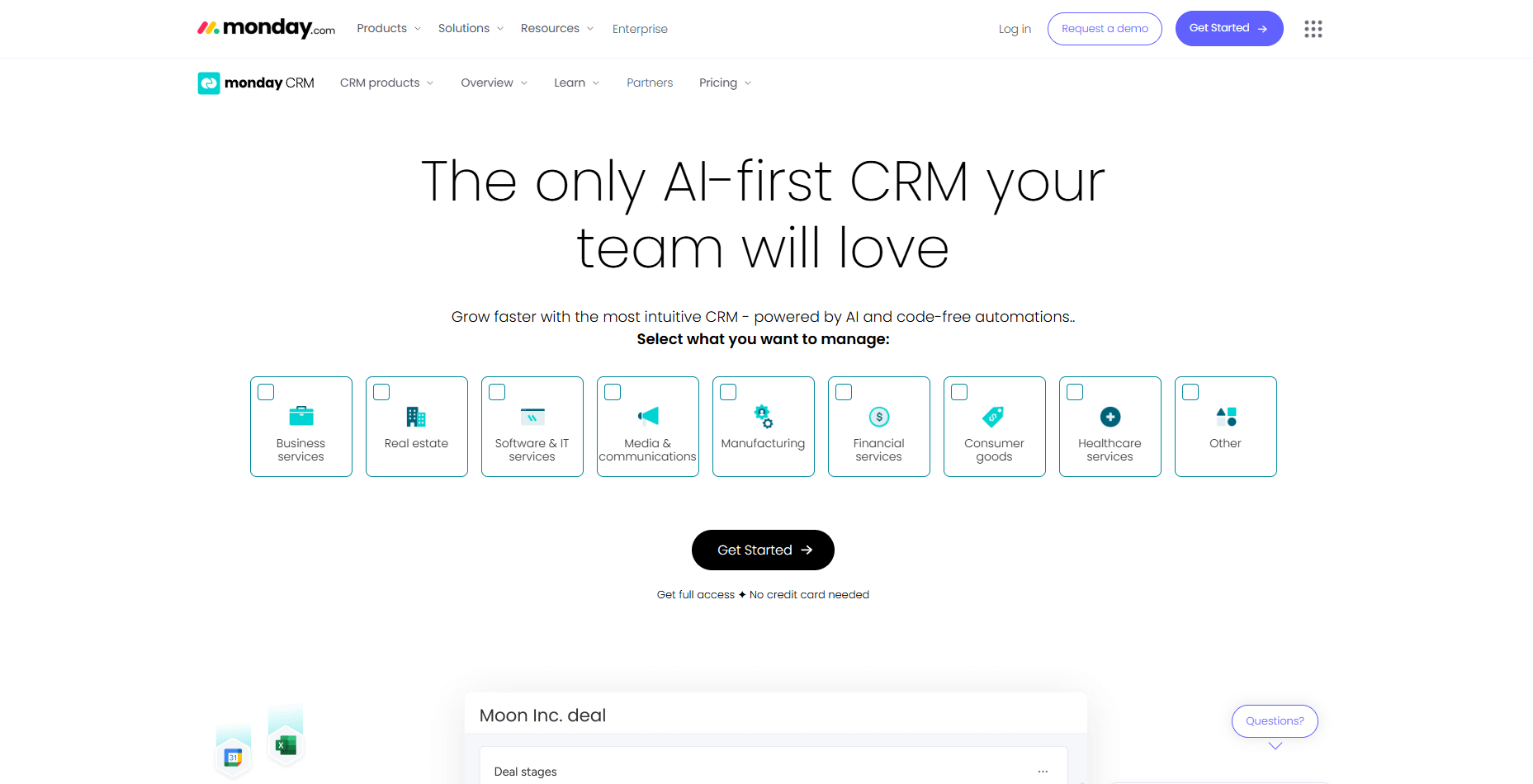
- What it does: monday CRM lets you organize clients, deals, and projects through customizable boards and pipelines. You can track tasks, handoffs, and updates in one visual layout. It also supports simple automation for reminders, assignments, and status changes.
- Who it’s for: Service teams that want a board-based system for sales activity and project work.
I tested monday CRM to see how it handled both client tracking and project tasks inside one workspace. The board layout made it easy to map stages, add fields, and link tasks to each client. I could move deals forward with a quick drag, which kept the workflow clear.
During testing, I checked how monday connected client records to project boards. The link between the sales board and delivery work made it easier to follow the full process from early conversations to active work. I could see where tasks supported each stage of the cycle.
If you need deeper client records and more detailed history, monday CRM may be light compared to systems built for heavier tracking. Activity and notes stay organized, but long-term visibility and reporting depth may fall short for teams that rely on structured client data.
Key features
- Custom boards: Build pipelines and project views for each client workflow.
- Automations: Set rules for assignments, reminders, and status changes.
- Connected tasks: Link client records to the work your team delivers.
Pros
- Easy to customize with board layouts
- Supports sales tracking and project tasks
- Clear visual workflow for handoffs
Cons
- Client records are lighter than full CRMs
- Some features require extra setup
Pricing
monday CRM starts at $12 per user per month.
Bottom line
monday CRM suits teams that already think in boards and want sales stages and project tasks living in the same visual workspace. If your priority is deeper CRM records with stronger reporting on client activity, you may prefer HubSpot CRM instead.
3. HubSpot CRM: Best for scalable CRM with marketing tools
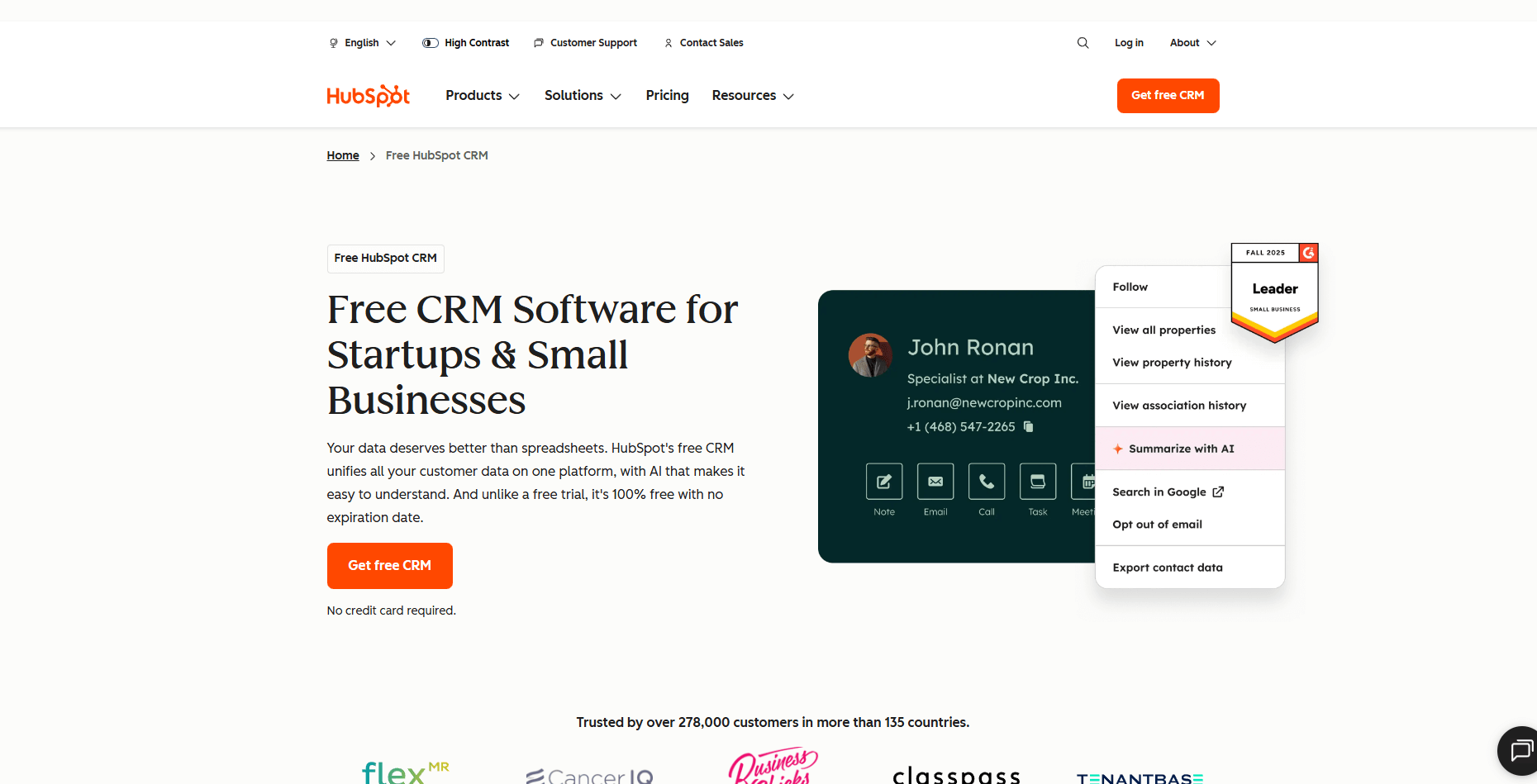
- What it does: HubSpot CRM tracks contacts, deals, emails, and tasks in one system. You can manage lead activity, log communication, and build simple automated follow-ups. It also connects with HubSpot’s marketing and service tools for broader client engagement.
- Who it’s for: Service teams that handle steady client inquiries and want structured lead management.
HubSpot CRM showed strong organization during early client work when I ran it through a full lead-to-handoff workflow. The pipelines were easy to map, and the activity panel kept calls, emails, and notes in one view. That made it clear what each client needed next.
I checked how HubSpot handled email tracking because timing matters when you’re moving prospects forward. Opens and clicks synced without extra work, which made follow-ups straightforward. The timeline also helped me retrace earlier conversations.
The limit I saw was depth, at least for client delivery. HubSpot CRM handles early stages well, but you may need another client management app to manage tasks once work begins.
Key features
- Contact records: Store communication, tasks, and lead activity.
- Email tracking: Log opens, clicks, and replies.
- Pipeline builder: Create structured stages for early client movement.
Pros
- Fast setup for new teams
- Clear pipeline layout
- Helpful email and activity tracking
Cons
- Limited project delivery
- Advanced tools require paid tiers
Pricing
HubSpot CRM starts at $15 per user per month.
Bottom line
HubSpot CRM is a good fit when most of your client management happens in the lead and early onboarding stages, with a strong focus on email-driven outreach. If you also need one place to manage delivery work and project tasks tied to each client, ClickUp will usually cover more of that flow.
4. Zoho CRM: Best for customizable layouts and workflows
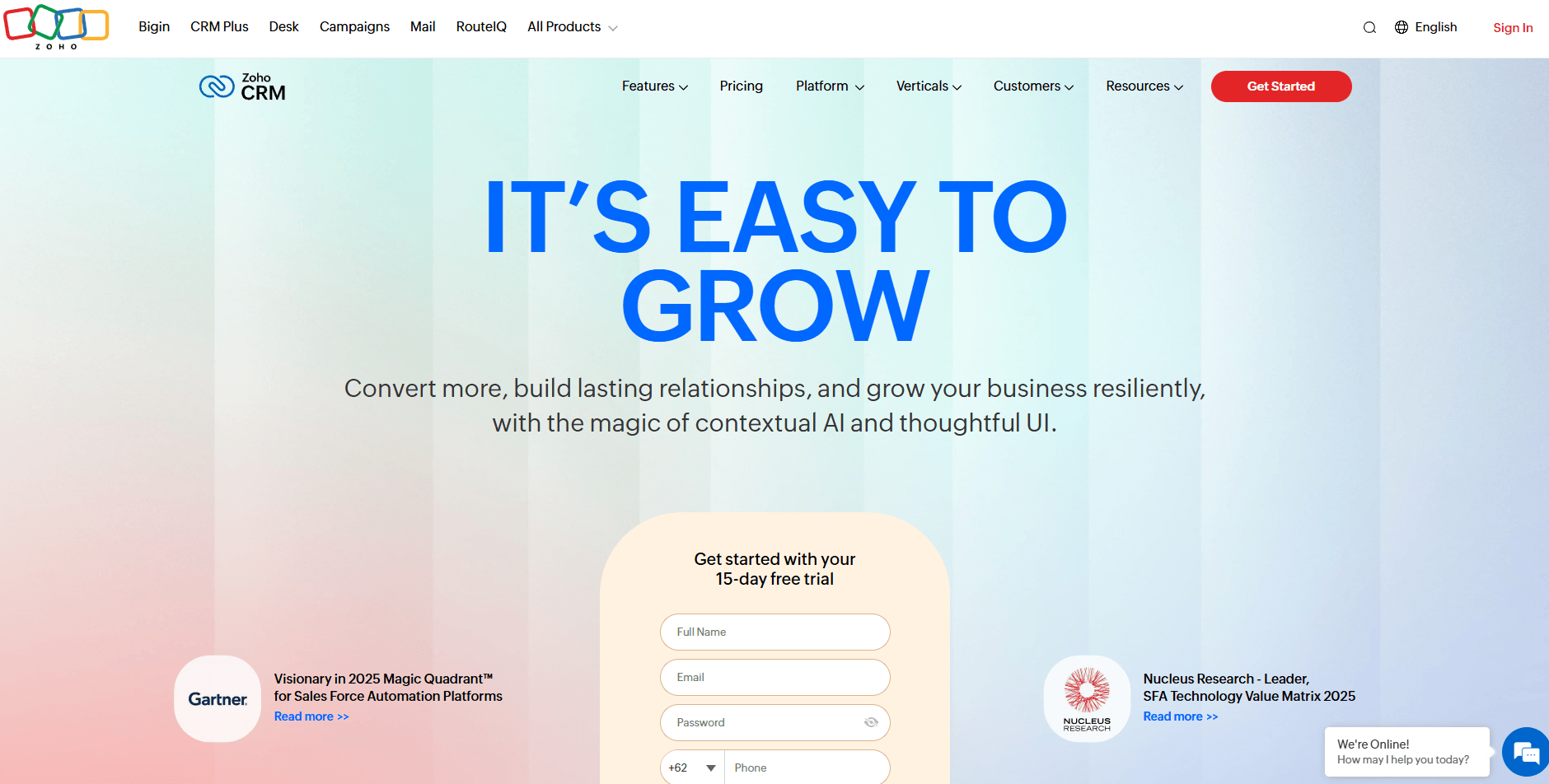
- What it does: Zoho CRM lets you shape client records, pipelines, and workflows to match your internal process. You can track leads, capture custom information, and automate routine updates. It also integrates with Zoho’s broader suite of service and communication tools.
- Who it’s for: Service teams that want heavy customization around how they store and manage client data.
One thing that stood out when I tested Zoho CRM was how much control I had over client record layouts. I added fields, rearranged sections, and created views tailored to different parts of the workflow. That made it easier for me to shape the CRM around my test cases.
During testing, I tried building simple automations to move deals or assign tasks. The tool handled those rules well, and updates landed where I expected them. I also checked how Zoho connected with its other apps, which gave the CRM more range.
The tradeoff was complexity. The menu system is deep, and it took time to locate settings and build structures without guidance. Teams that prefer a quick setup may find this heavier than expected.
Key features
- Custom fields: Shape client records to your workflow.
- Automation builder: Trigger tasks and updates based on rules.
- Pipeline management: Track movement across structured stages.
Pros
- Highly customizable
- Broad app ecosystem
- Strong automation tools
Cons
- Longer setup time
- The interface can feel busy
Pricing
Zoho CRM starts at $14 per user per month.
Bottom line
Zoho CRM works best when you want to design detailed client layouts and automations that match a very specific internal process. If you prefer a lighter tool that still keeps contacts and deals organized without a heavy setup, Capsule may feel more practical.
5. Freshsales: Best for sales teams with active pipelines
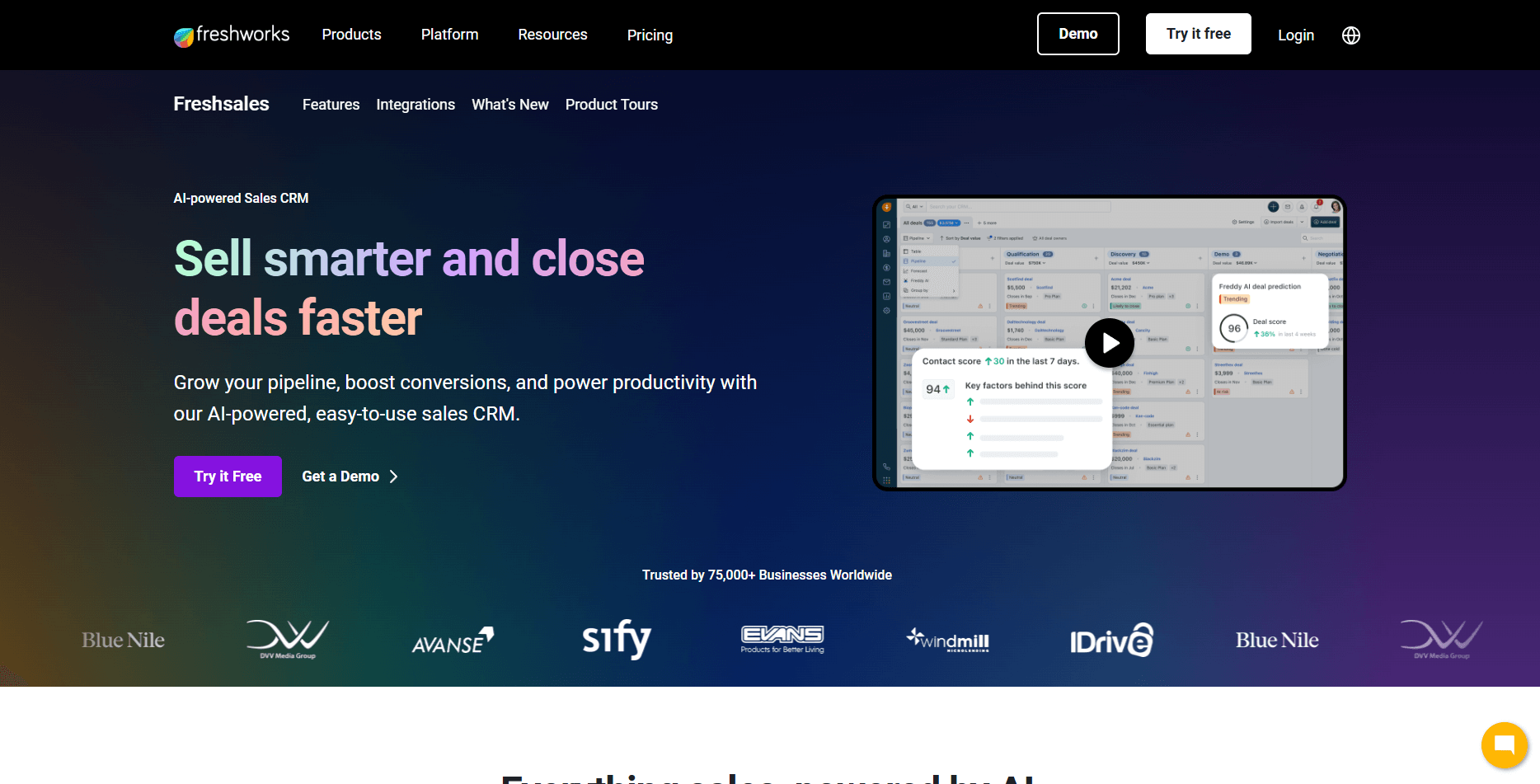
- What it does: Freshsales manages contacts, deals, calls, and emails inside one CRM. You can score leads, track communication, and move deals through structured stages. The AI assistant supports outreach and prioritization.
- Who it’s for: Sales-driven service teams that handle steady inbound interest.
I liked how Freshsales organized client timelines when I tested it. Calls, tasks, and emails landed in one clean view, which made the next steps clear. The deal board also made it simple to update progress across each stage.
I tested Freshsales’ scoring system to see how it ordered incoming leads, and these rankings helped me spot which contacts needed attention first. I also checked built-in calling and email because many teams rely on those during early outreach.
One thing I didn’t like is that Freshsales stays focused on sales activity. It works well for lead management, but ongoing delivery and client task coordination require another tool.
Key features
- Lead scoring: Prioritize clients based on interaction signals.
- Activity tracking: Log calls, emails, and tasks in one timeline.
- Deal stages: Move clients through a structured sales path.
Pros
- Clear sales workflows
- Helpful prioritization tools
- Clean activity visibility
Cons
- Limited project delivery
- Fewer customization options
Pricing
Freshsales starts at $9 per user per month.
Bottom line
Freshsales fits teams that manage a busy pipeline and want lead scoring, calling, and email in one sales-focused workspace. If you want those sales steps tied more closely to project delivery for each client, monday CRM will likely suit you better.
6. Pipedrive: Best for simple visual pipeline management
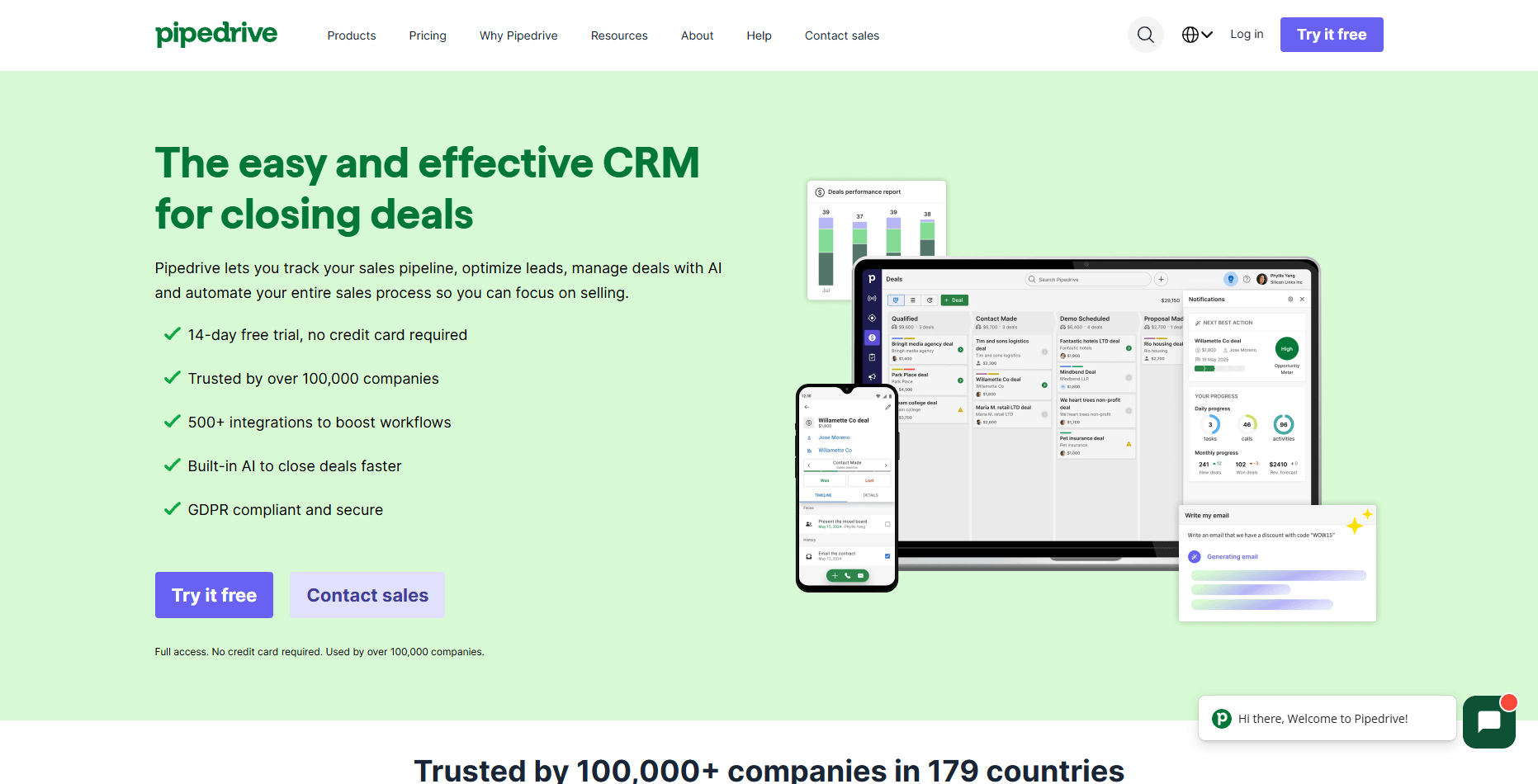
- What it does: Pipedrive organizes client movement through clear visual pipelines. You can track calls, emails, tasks, and notes tied to each deal. It focuses on predictable follow-up and simple day-to-day activity tracking.
- Who it’s for: Service teams that want a clean layout for early-stage client tracking.
I tried Pipedrive to see how it handled steady lead flow without adding extra complexity. The pipeline view made it easy to review where clients stood, and moving deals forward took very little effort. That kept the workflow predictable during testing.
I checked the activity panel to see if it captured enough context. Calls, emails, and reminders stayed organized, helping me understand each client’s progress. The layout stays simple so teams can focus on action rather than configuration.
Project depth wasn’t as good as I thought it’d be. Pipedrive supports early conversations well, but active delivery and client updates require another tool once work starts.
Key features
- Visual pipelines: Track client stages through simple board views.
- Activity reminders: Keep calls and emails on schedule.
- Timeline logs: Organize notes and communication.
Pros
- Very easy to adopt
- Clear pipeline visibility
- Good for structured follow-up
Cons
- Limited delivery tools
- Light reporting depth
Pricing
Pipedrive starts at $14 per user per month.
Bottom line
Pipedrive makes sense when your main client management challenge is staying on top of follow-ups and keeping a clear view of who is at each sales stage. If you also need structured delivery workflows and a portal for ongoing client work, Assembly will give you more coverage.
7. ClickUp: Best for projects tied to light CRM
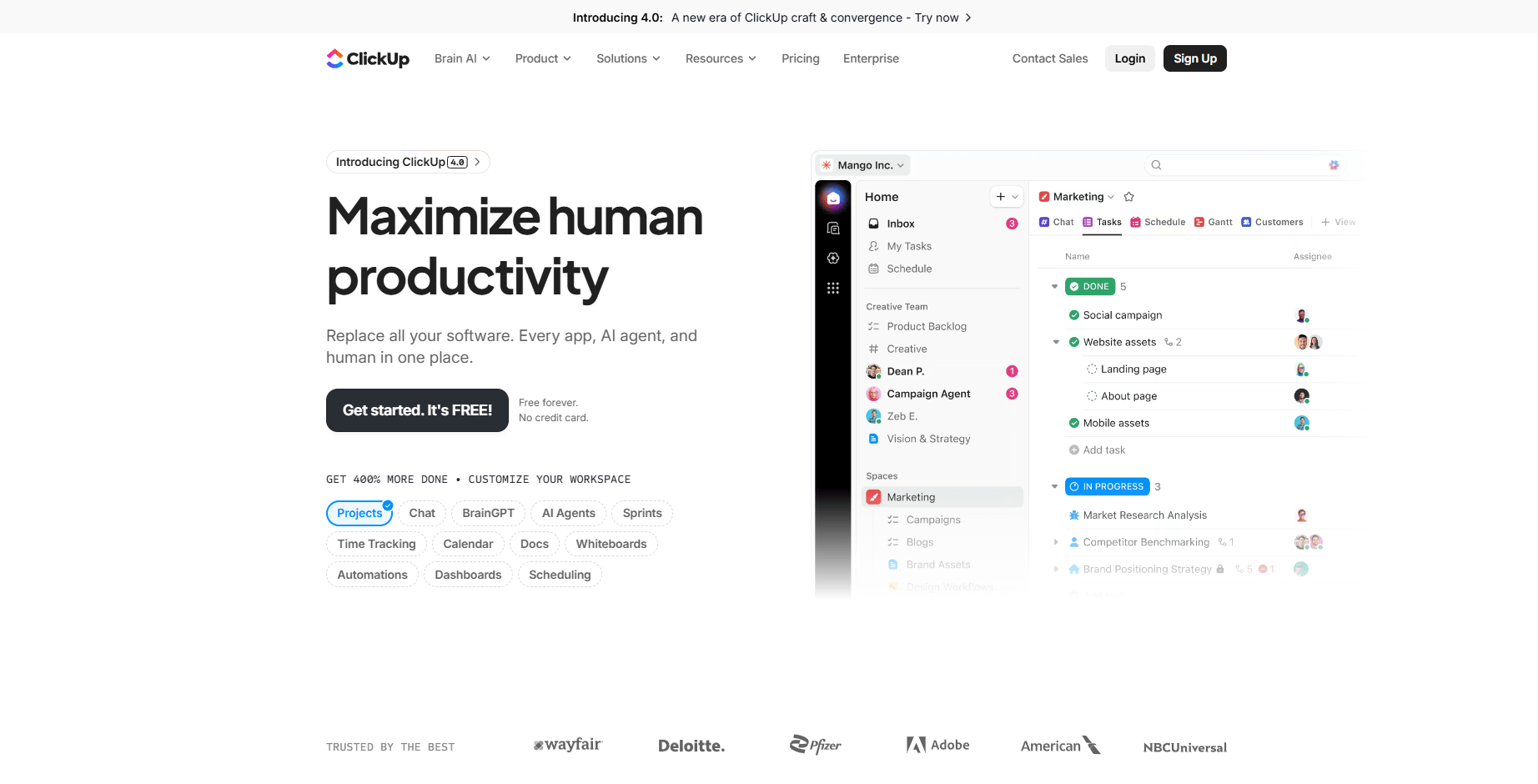
- What it does: ClickUp combines task management, docs, lists, and basic client tracking in one workspace. You can organize projects, link tasks to clients, and build simple pipelines. It supports structured delivery for teams that need custom layouts.
- Who it’s for: Service teams that want project management with light CRM functions.
One thing I noticed when testing ClickUp was how easily I could switch between project work and client tracking in the same space. I created a list for incoming leads, then linked those entries to tasks in active projects. That made the workflow more unified during testing.
I checked ClickUp’s views to see which supported client work. Boards, timelines, and calendars helped me see where tasks moved, while docs stored client notes. That combination worked well when I wanted everything under one roof.
The limitation showed up in the client record itself. It tracks basic fields and tasks, but deeper CRM details often require more configuration than some teams want.
Key features
- Custom lists: Track leads and clients with flexible fields.
- Project views: Use boards and timelines to manage delivery.
- Linked tasks: Connect client entries to work in progress.
Pros
- Strong project tools
- Flexible structure
- Good for teams that want one workspace
Cons
- CRM features are on the light side
- Setup can take time
Pricing
ClickUp starts at $7 per user per month.
Bottom line
ClickUp is a strong option if your client work is project-heavy and you care more about tasks, timelines, and capacity than classic CRM layouts. If you want a deeper CRM structure with more traditional contact and deal views, Zoho CRM is likely a closer match.
8. Notion: Best for custom client workspace builders
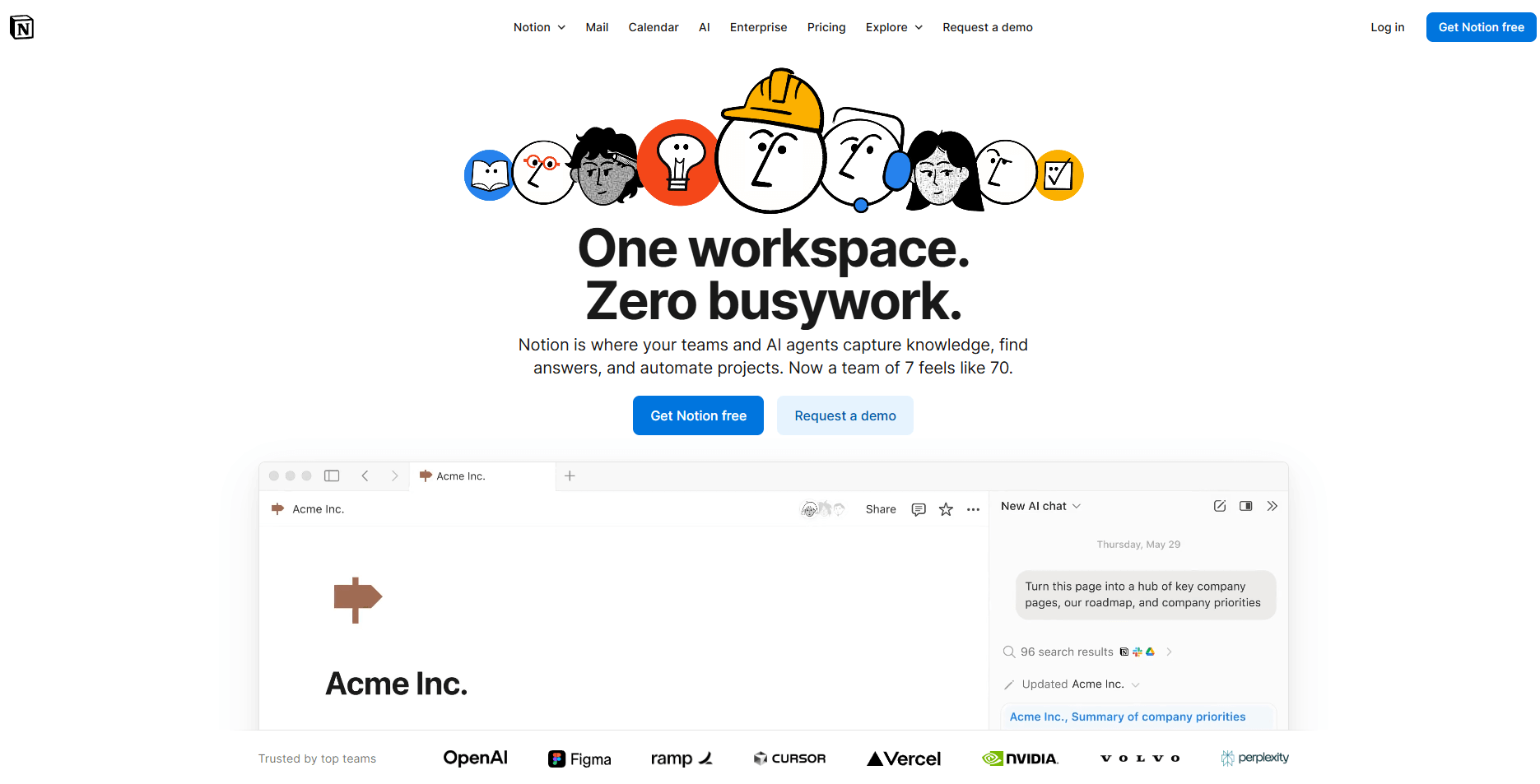
- What it does: Notion gives you databases, documents, and linked views you can arrange into a custom client hub. You can track clients, projects, tasks, and notes in one flexible layout. It supports teams that want full control over structure.
- Who it’s for: Service teams that want a customizable workspace to manage client information.
I tested Notion by building a simple database for client records, then linking it to tasks and project notes. That gave me a quick way to design a workflow that matched how I wanted information arranged. The flexibility stood out during testing.
Next, I explored different views to see how they supported day-to-day work. Table, board, and calendar formats made it easy to switch between planning and execution. It helped me see where each client stood in the process.
The limit is the structure. Teams that want a ready-made layout or more automation may find Notion too open-ended for client tracking.
Key features
- Custom databases: Build your own layouts for client work.
- Linked views: Connect tasks, notes, and project details.
- Shareable pages: Give clients selected access when needed.
Pros
- Highly flexible
- Unified docs and tasks
- Easy to adapt for unique workflows
Cons
- Lacks a built-in CRM structure
- Limited automated updates
Pricing
Notion starts at $10 per user per month.
Bottom line
Notion fits teams that want to build their own client system from the ground up and are comfortable designing databases, views, and relationships. If you’d rather start with clearer roles for sales and delivery out of the box, ClickUp will feel more defined.
9. Capsule: Best for simple contact and deal tracking
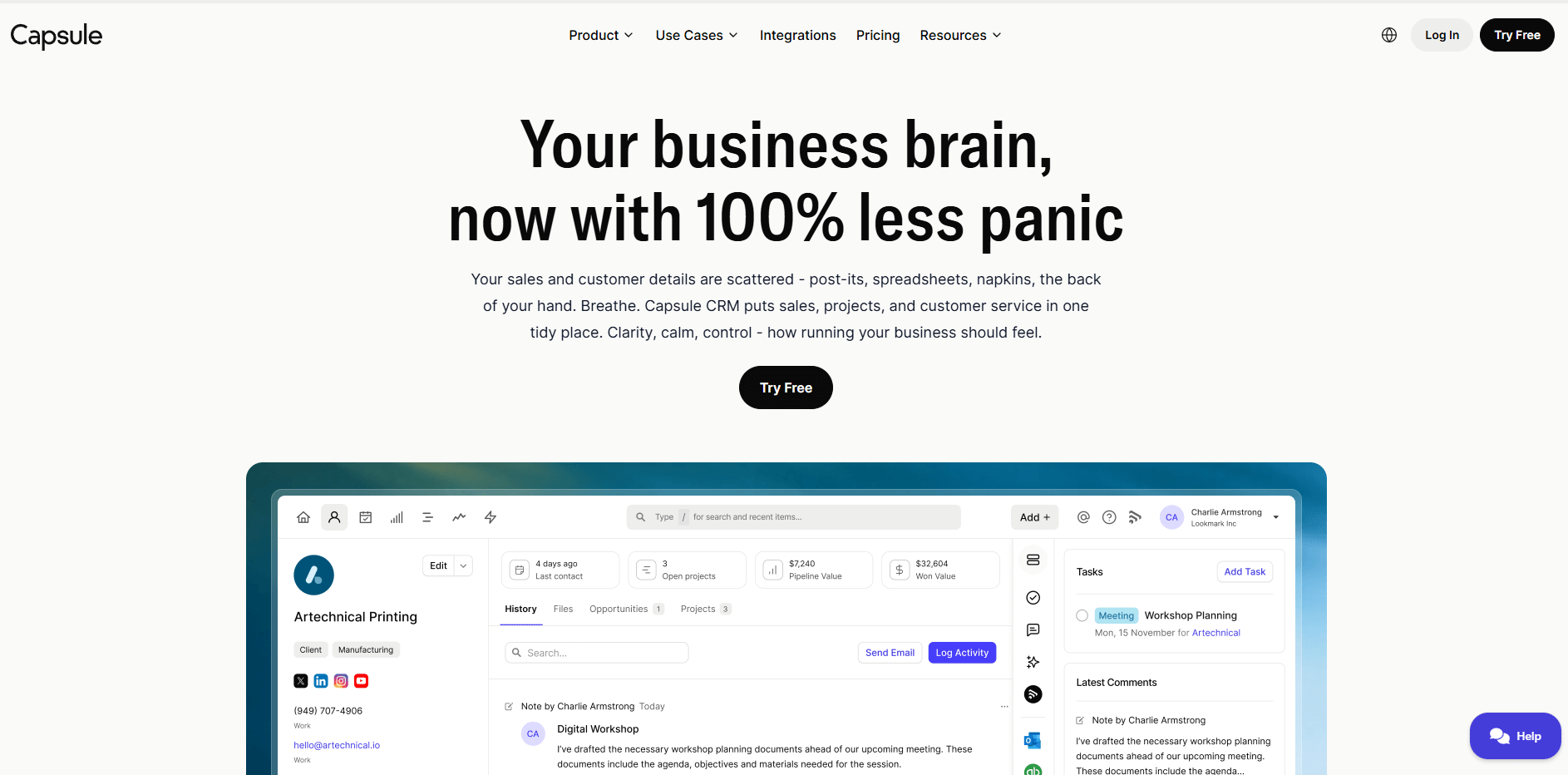
- What it does: Capsule tracks clients, tasks, and deals in a clean, compact CRM. You can manage notes, activity, and basic sales movement with minimal configuration. It keeps client information focused and easy to review.
- Who it’s for: Service teams that want a simple CRM for small businesses without extra complexity.
I tried Capsule to see how fast I could set up a workable client workflow. Adding contacts took little effort, and the layout kept notes, tasks, and deals close together. That clarity helped me move through testing without searching through menus.
I checked how Capsule handled tasks because many teams rely on structured follow-up. Tasks appeared directly inside the client record, which made the next steps clear. The pipeline view also stayed easy to navigate.
Capsule’s simplicity works well, but it leaves you with fewer automation options compared to fuller CRMs.
Key features
- Simple contacts: Store notes, tasks, and activity in one place.
- Pipeline tracking: Move deals through clear stages.
- Task management: Keep follow-up work organized.
Pros
- Quick setup
- Clean layout
- Good for small teams
Cons
- Limited automation
- Light customization
Pricing
Capsule starts at $18 per user per month.
Bottom line
Capsule works well when you want a focused CRM for small teams that need clean contact records and straightforward pipelines without a long setup. If you expect to add heavier automation, marketing, or complex workflows over time, HubSpot CRM will give you more room to grow.
10. Vtiger: Best for budget-friendly CRM with extras
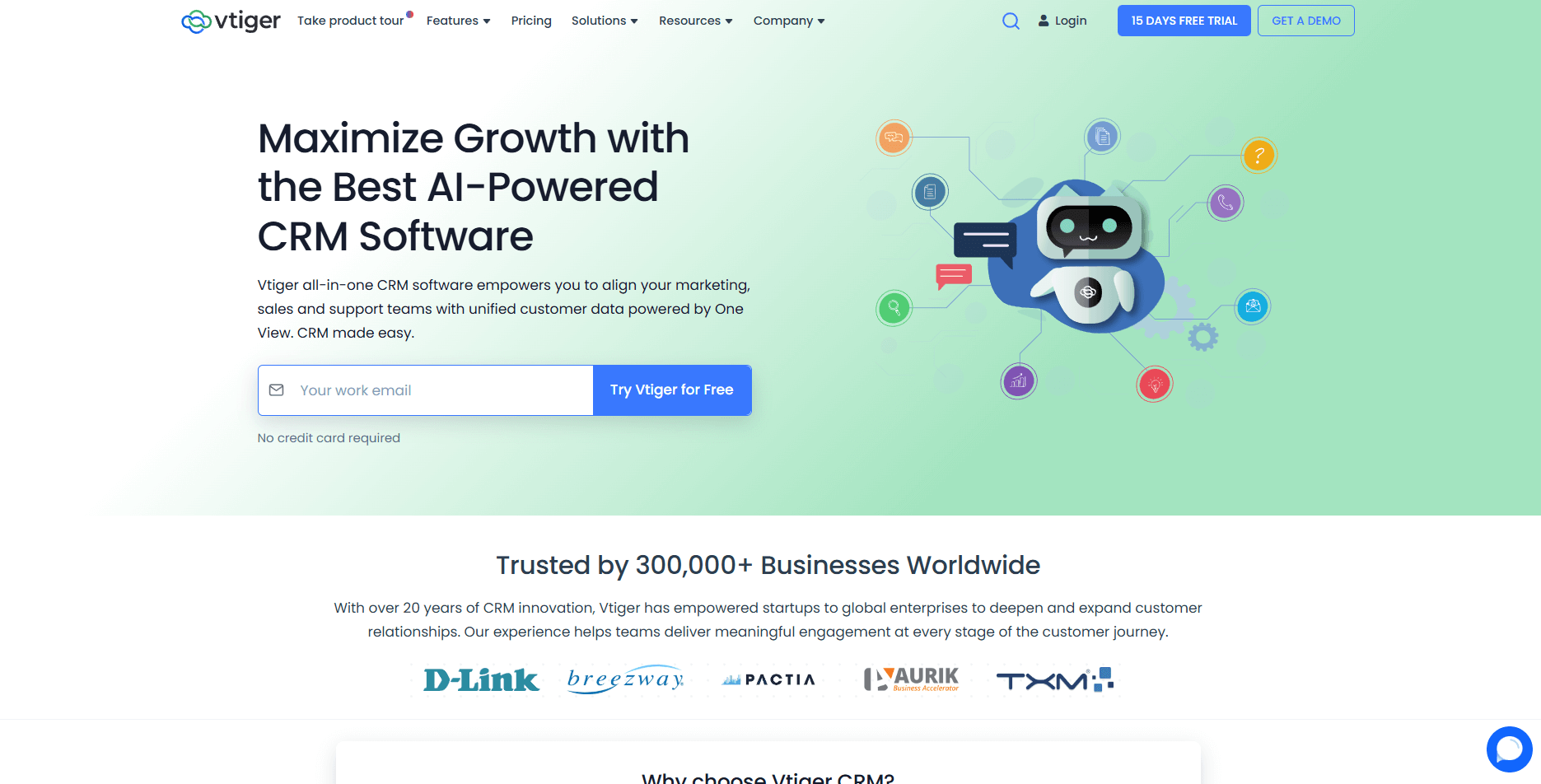
- What it does: Vtiger combines sales, communication, and basic project tools inside one CRM. You can track clients, manage tasks, store documents, and log communication. It also offers a simple customer portal for sharing updates.
- Who it’s for: Service teams that want a unified budget-friendly CRM with more than basic features.
During testing, Vtiger gave me a wide range of tools to work with. I added leads, tracked communication, and reviewed client activity from one dashboard. That range made it easier to follow the full process from inquiry to delivery.
I explored how Vtiger handled tasks and projects because many teams want everything tied together. Project steps and client records stayed connected, which supported the delivery workflow. The portal added a simple way to share updates.
The limit is that the interface can feel dense. Teams that want a lightweight setup may find the layout heavier than expected.
Key features
- Client records: Track communication, files, and tasks.
- Project tools: Connect client records to active work.
- Client portal: Share updates and documents.
Pros
- Broad feature range
- Good value for cost
- Links sales and delivery
Cons
- The interface can feel crowded
- Some features require setup
Pricing
Vtiger starts at $12 per user per month.
Bottom line
Vtiger works when you want a budget-friendly CRM that supports both sales and delivery steps. Teams that want a simpler layout may prefer Capsule or Pipedrive.
11. Trello: Best for visual task boards for clients
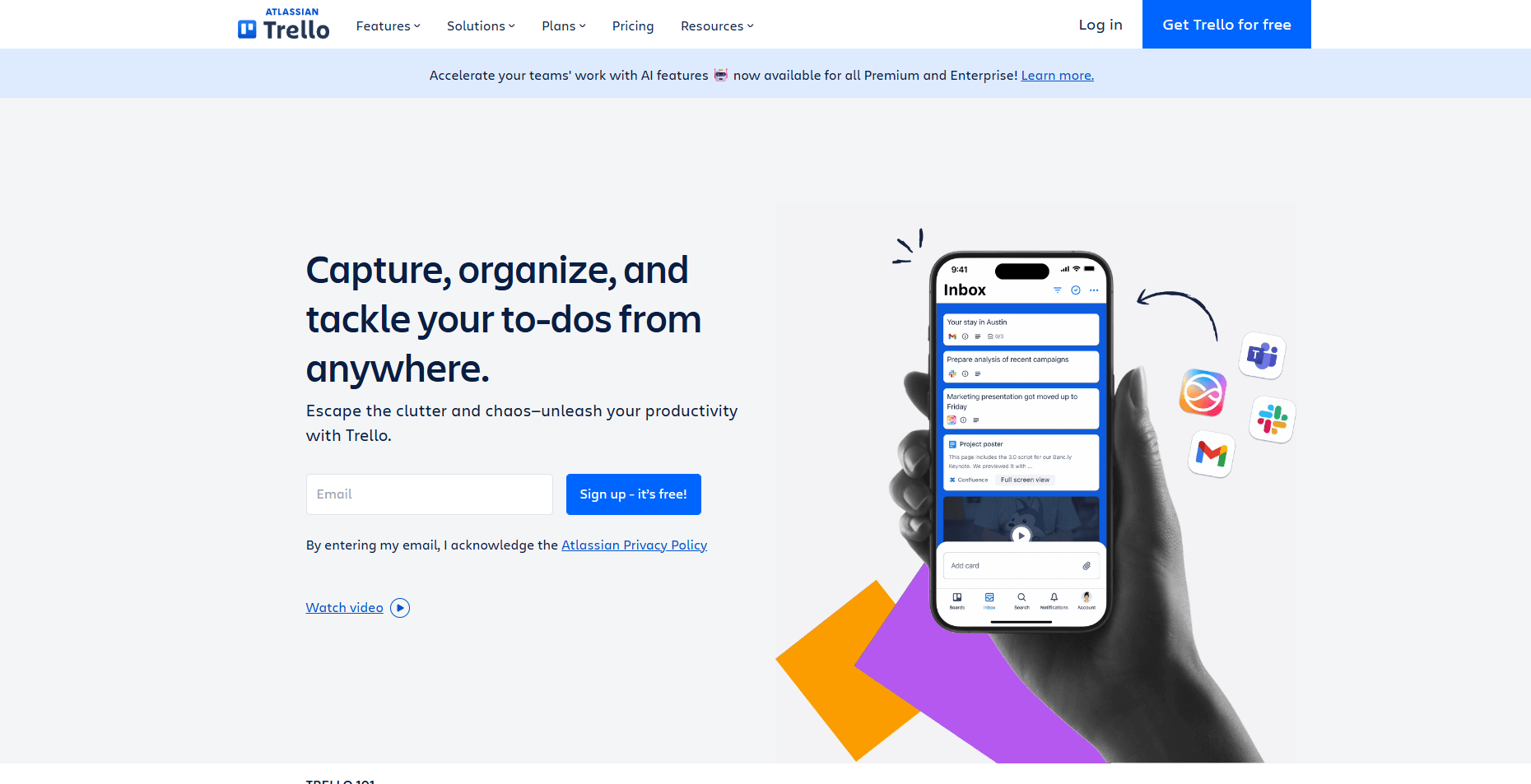
- What it does: Trello organizes tasks, checklists, and client updates on visual Kanban boards. You can track progress by moving cards through stages. It supports simple workflows for teams that want a light project tool.
- Who it’s for: Service teams that want a basic board system to manage client tasks.
I tested Trello by setting up a board for client work and mapping stages across a simple process. Cards made it easy to track tasks and attach notes or files. That structure supported the basic workflow I wanted to follow.
I checked how Trello handled recurring tasks and communication. Comments and checklists helped keep updates in one place and made it easier to review progress without jumping across tools.
The limit was depth. Trello handles simple task flows, but client tracking, reporting, and detailed records are limited. I really liked the Kanban style of organization, so you may want to see if that’s something you’d enjoy.
Key features
- Board views: Move tasks through clear stages.
- Checklists: Break work into smaller steps.
- Card comments: Keep updates tied to tasks.
Pros
- Easy to learn
- Visual layout
- Good for simple workflows
Cons
- Limited CRM functions
- Light reporting
Pricing
Trello starts at $5 per user per month.
Bottom line
Trello makes sense when your client work is mostly checklists and handoffs, and you want a visual board to keep small engagements moving. If your client list grows and you need proper records, reporting, and linked projects, Assembly will handle that complexity more reliably.
How I tested the best client management software
I’ve spent months using client management platforms because testing the full cycle gives me a better picture than short demos. I wanted to see how each tool handled the path of a client moving from early inquiry to active delivery work. That meant setting up pipelines, building projects, sharing files, sending contracts, and reviewing how each system kept the story intact.
Here’s what I paid attention to during testing:
- Client record depth: I checked how clearly each tool stored notes, activity, tasks, files, and billing. Good client management hinges on how well the record updates over time.
- Delivery workflow: I created sample projects to see whether the system could support active work and keep client information tied to tasks and communication.
- Internal and client views: I tested how teams collaborate behind the scenes, then checked how clean or confusing the client-facing experience became once shared.
- Email, chat, and updates: I sent messages and logged communication to see which tools made the history easy to follow without digging.
- Automation and handoffs: I built small rules to test whether reminders, assignments, and status changes actually reduced friction.
- Integrations: I checked how well each platform connected with the tools teams commonly use, since a CRM only works if it fits into the rest of the workflow.
Which client management software should you choose?
The right choice of client management software depends on how you track clients, how much structure you want around delivery, and how closely your sales activity needs to connect with the work you provide. Choose:
- Assembly if you want the full client cycle in one portal with pre-sales notes, delivery tasks, and billing tied to the same record.
- monday CRM if your team works visually and you want boards that tie sales stages to project handoffs.
- HubSpot CRM if most of your client activity happens before work begins and you rely heavily on email-driven outreach.
- Zoho CRM if you want deep customization across fields, layouts, automations, and internal workflows.
- Freshsales if you manage constant inbound interest and need strong scoring and outreach tools for early conversations.
- Pipedrive if you want a simple pipeline to keep steady follow-ups on track without a complex interface.
- ClickUp if most of your client work takes shape inside projects and you want tasks and delivery steps in one workspace.
- Notion if you want to build your own client hub with flexible databases and custom views.
- Capsule if your team wants a lightweight CRM for small businesses that keeps contacts and deals organized without heavy setup.
- Vtiger if you want a budget-friendly CRM with project tools and a simple client portal for sharing updates.
- Trello if you want a visual board for small client workloads and short task cycles with minimal onboarding.
My final verdict
From my testing, monday CRM and Pipedrive handle early client movement with clean pipelines, while ClickUp and Notion give teams more control when most of the work sits inside projects. HubSpot CRM supports strong outreach and email activity, but it hands the delivery stage to other tools once a client signs. Each of these platforms works well, yet they separate sales activity from the work that follows.
Assembly brings those stages closer together by keeping your client details, tasks, communication, contracts, and billing in the same record as the work moves forward. I’ve found that this setup gives you a clearer context because you’re not stitching information across several tools. You get one workspace that supports both sides of the relationship, and that structure helps teams stay aligned.
Ready to improve your client management process? Try Assembly
Client work rarely stays inside a single tool, and many platforms that call themselves the best client management software still split sales activity from delivery.
Assembly connects your projects to the client context that shapes them, from early notes to final delivery. You can track updates, files, messages, and payments in one workflow. Clients get a single space to follow progress and share the information your team needs to move the work forward.
Here’s what you can do with Assembly:
- See the full client record: Notes, files, payments, and messages stay in one organized space. You’ll spend less time switching platforms because the key details are already collected for you.
- Prep faster for meetings: The AI Assistant summarizes recent client activity and communication, helping you walk into calls with a clear picture of what’s been discussed and what’s outstanding.
- Stay ahead of clients: Highlight patterns that may show churn risk or upsell potential, making outreach more timely and relevant.
- Cut down on admin: Automate repetitive jobs like reminders, status updates, or follow-up drafts that used to take hours. The Assistant handles the busywork so your team can focus on clients.
Ready to simplify how your firm manages client work? Start your free Assembly trial today.
Frequently asked questions
How do you choose client management software that supports both CRM and project work?
You choose client management software that supports both CRM and project work by looking at how the tool manages handoffs between sales and delivery. You want a system that keeps your pipeline moving while giving your team a clear way to plan tasks once a client signs. Strong tools make it easy to shift from early conversations into active work without rebuilding the client story.
What should you look for in client management software?
You should look for client management software that keeps client records, projects, and communication in one place. You need a tool that ties notes, files, tasks, and updates to the same client so you don’t lose context. Features that cut admin work, like reminders or status changes, help you move faster.
Is client management software worth it for small teams?
Yes, client management software is worth it for small teams because it keeps client information organized without extra effort. You get one place for notes, tasks, files, and communication, which cuts down on mistakes. Many tools grow with your team, so you don’t need to replace the system as work expands. You’ll save time by avoiding scattered updates across multiple apps.