
Winter 2025 Edition
Assembly announces a Xero integration, task automations, and more, to wrap up 2025.



Assembly’s client portal and customer management platform is built to connect everything together: we want to make it easier for you to integrate with the tools and processes your team already use. To cap off a big year of changes, we’ve just released several major improvements and integrations to help reduce that annoying layer of administrative work every service business has to do.
US Xero integration for seamless internal accounting

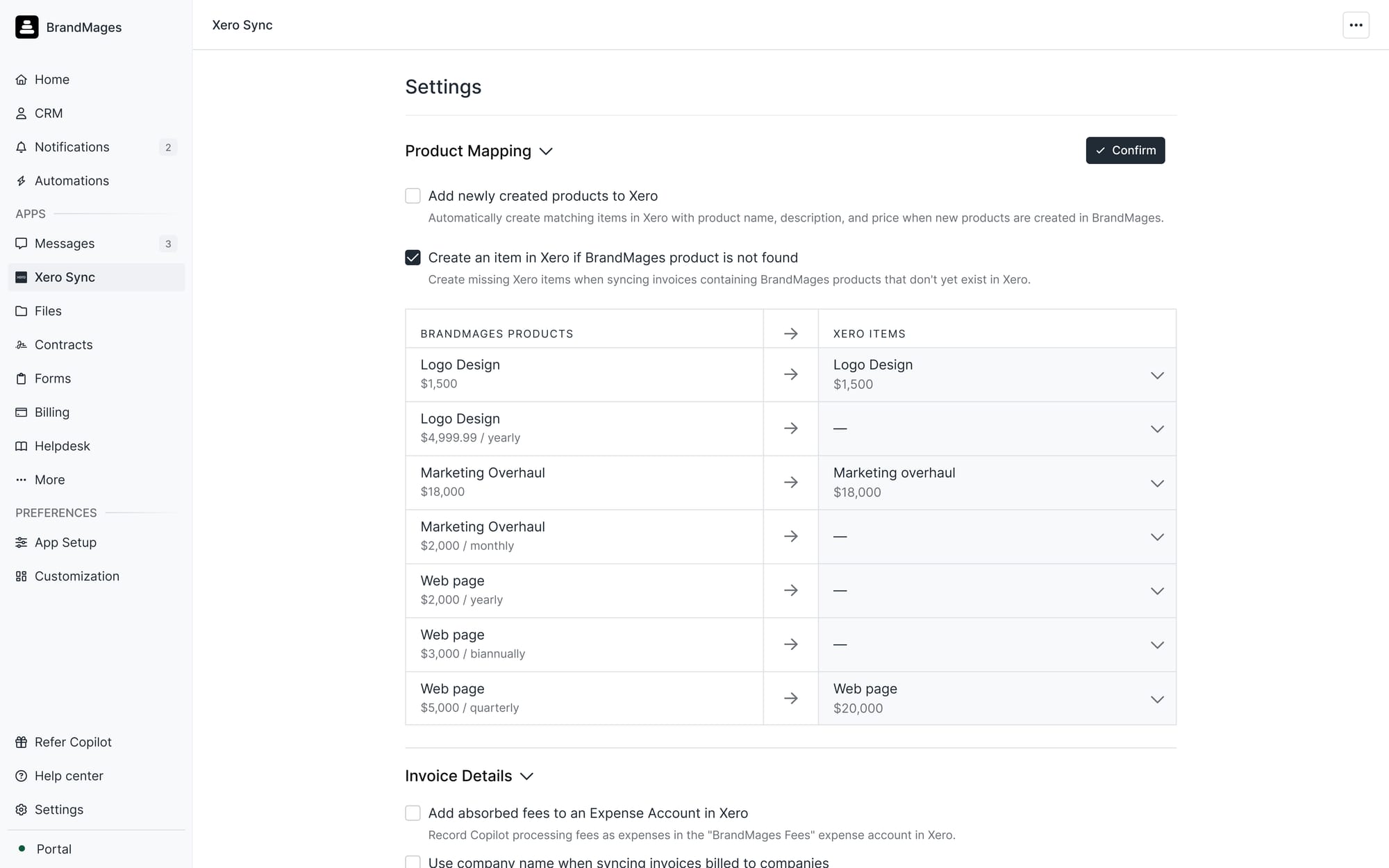
Xero integration, In-product preview
Earlier this year, we released a new and improved QuickBooks integration that let you map products from Assembly into QuickBooks for easy internal accounting. We’re excited to bring the same functionality to US-based customers of Xero, the small business accounting software that many of our customers use for bookkeeping.
This integration lets you take advantage of both the excellent and affordable bookkeeping features of Xero and the flexible, branded payment options of Assembly, without extra work to keep them in sync.
How it works:
- Map Assembly products directly to existing Xero items. If you don’t have a matching Xero item, we’ll automatically create one for you.*
- Automatically sync invoice statuses (paid, voided, deleted) and invoice numbers directly with Xero
- Automatically sync tax information with Xero
- Download a CSV audit log of the sync history.
- Sync absorbed fees to an automatically created Assembly Processing Fees expense account in Xero.
*Note: like the QuickBooks integration, this is a one-way sync from Assembly to Xero. New items created only in Xero will not automatically appear in Assembly. You can always create corresponding products in Assembly after and map them with this sync. The Xero integration also current only supports business billing in the US for now.
Try Assembly’s Xero Integration today.
New to Xero? We’ve got a partnership with Xero for new users to get 90% your first 6 months. Follow this link to get the discount.
Task Automations
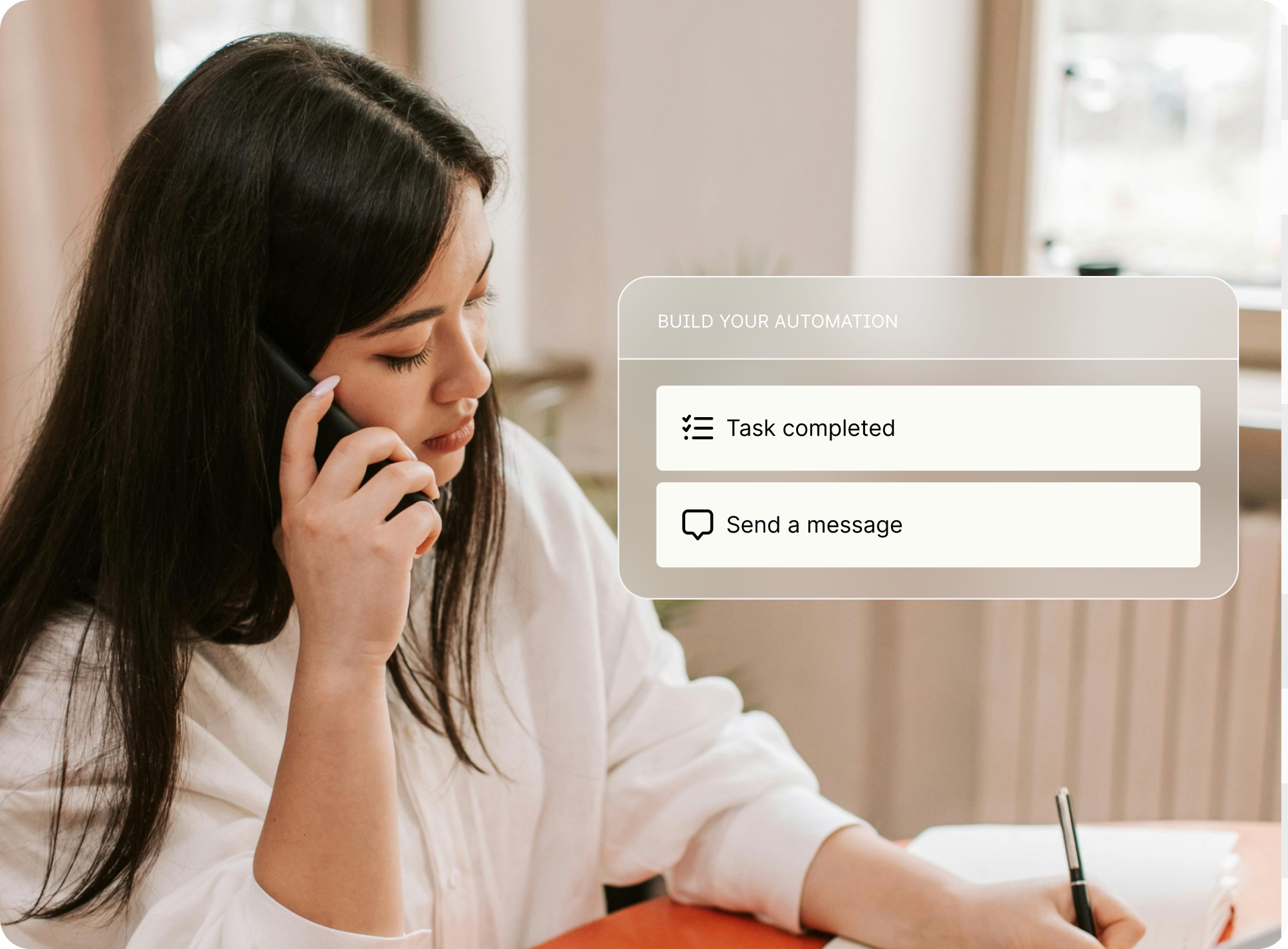
You can now automatically create tasks for clients and team members based on your task templates and schedule automations once your clients complete a task. We know many people have been looking for this built-in functionality around the Tasks App, and we’re pleased to finally be able to deliver this.
New Action: Create task
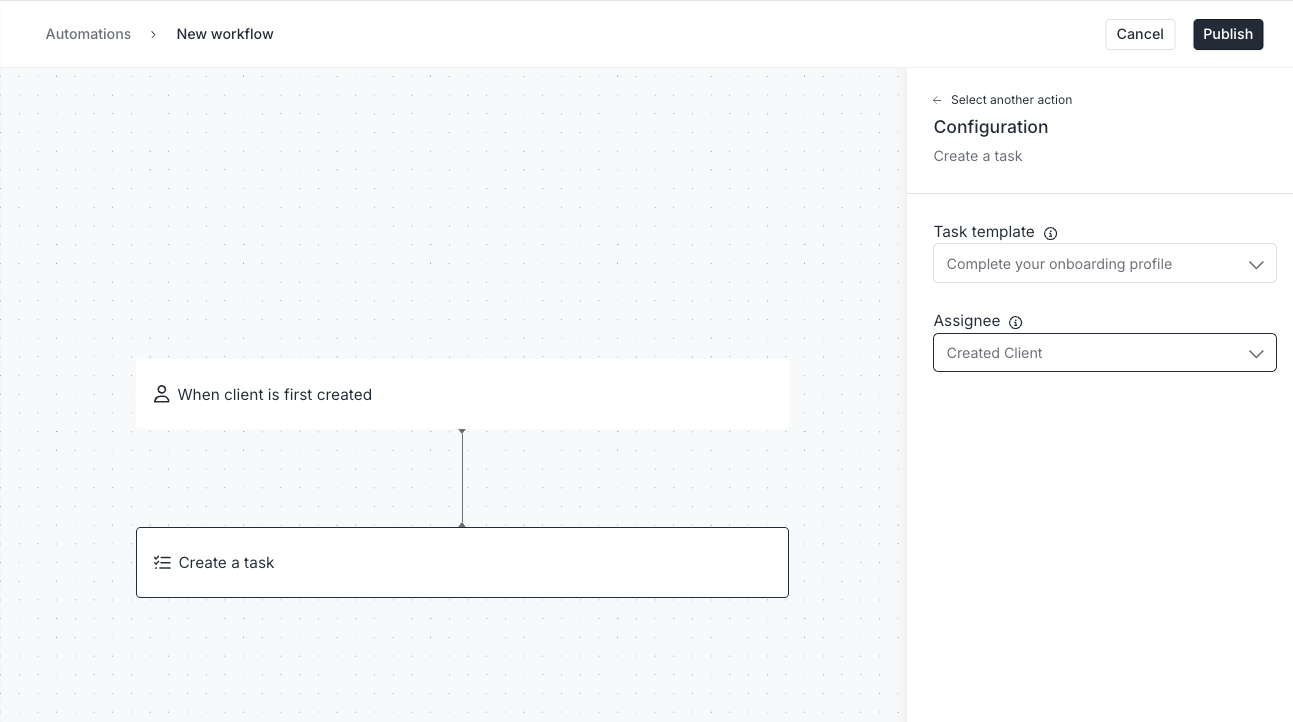
You can now automatically create tasks from task templates and assign them to clients or your teammates (internal users) based on certain triggers.
Examples:
- When a client is created → Assign a task to the client to “complete their onboarding profile.”
- When a client completes their intake form → Assign a task to the client to “Schedule a kickoff call” with a link to your Calendly integration.
- When a client signs a contract → Assign a task to your internal team to mail their welcome packet.
Client Visibility: When the assignee is one of your internal users, you can optionally choose to add the relevant client or company as a follower of the task via the “Client Visibility” field.
New Trigger: When a task is completed
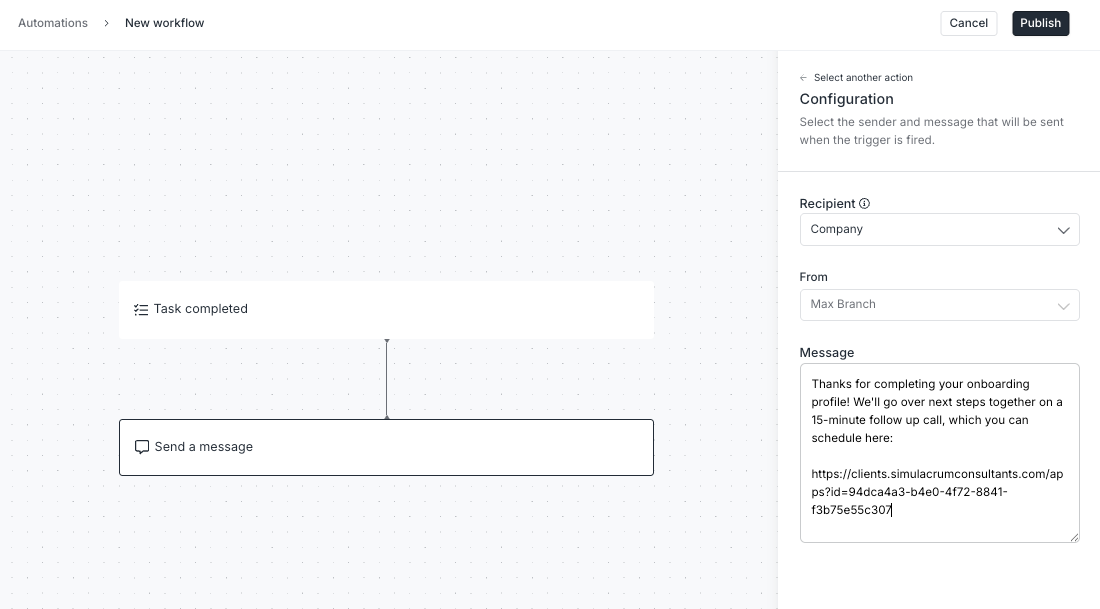
You can now trigger automations to send your clients messages, forms, contracts, and other follow ups after they complete a task.
Examples:
- When a client completes a task to “Fill out onboarding profile” → send the client a message sharing next steps.
- When a client completes a task to “Approve proofs” → create a folder in the client’s file channel called “Final Handoff” where your team can upload those materials.
Coming in 2026: Recurring tasks based on a schedule
Next year, we’re going to release a time-based automation trigger that will enable you to schedule recurring actions (like tasks) on a regular time interval, such as daily, weekly, monthly, etc.
Subtasks in Task Templates
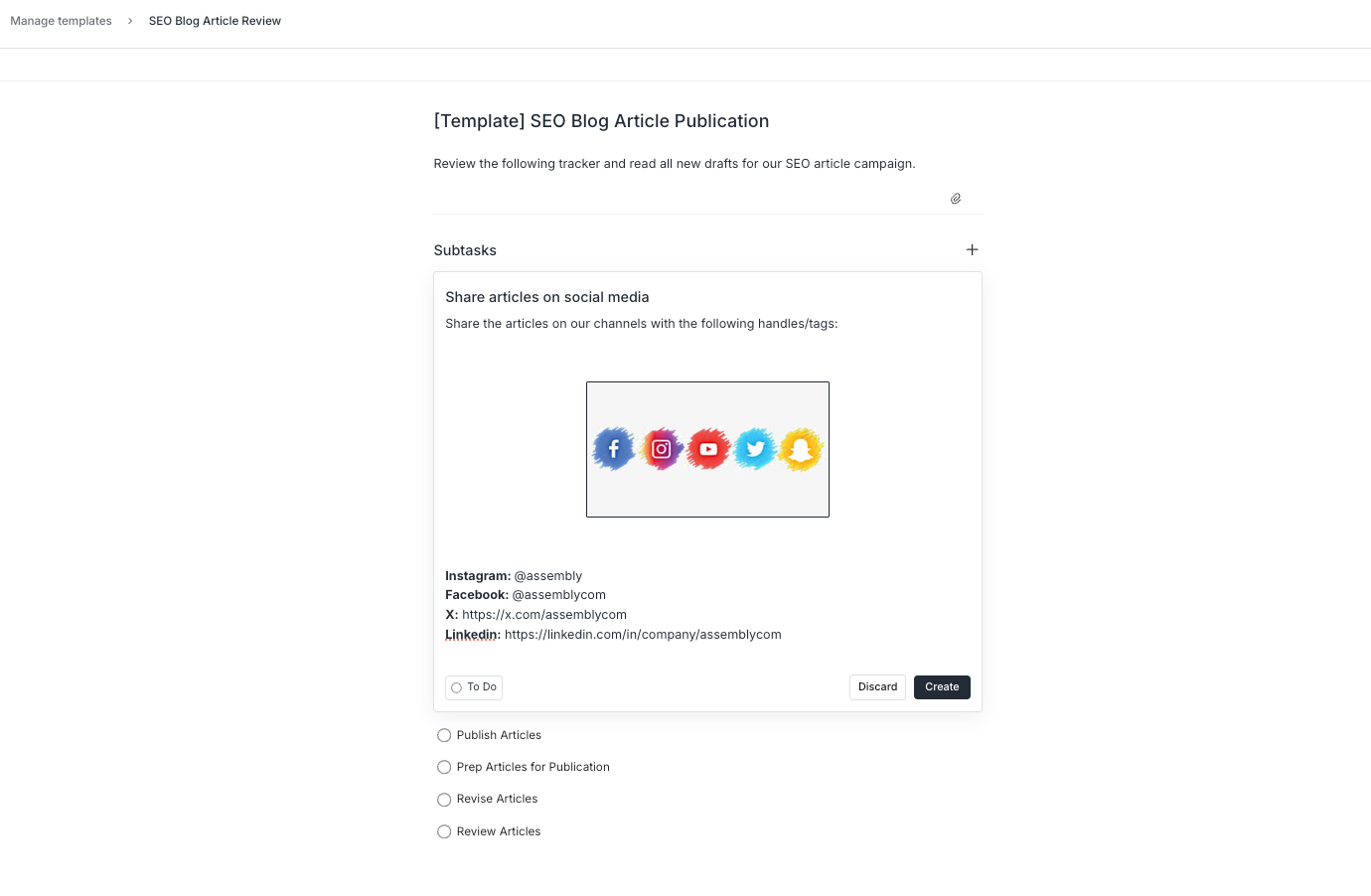
To make your project management even easier, you can now add your subtasks to your task templates and use them in automations or create tasks from these templates.
After creating a task from a template, you can assign the subtasks to clients or team members (with client visibility optional). Automations based on task templates will create the subtasks, but for now, you will need to set subtask assignees after.
What’s next: creating the most flexible client portal platform
Next year, we’re doubling down on our commitment to offering the most flexible, extensible, and customizable client portal platform available. What we have planned for 2026 reflects our belief that your client experience should adapt to the way you work, not the other way around. Whether you’re managing invoicing, delivering projects, or coordinating client communication, Assembly brings everything together so your tools stay connected and your operations stay simple.
Try Assembly free today and see how seamless your clients’ experience can be.