
12 Best agency management software tools i tested in 2026
I tested every major agency management software tool I could find. These are the ones that connect projects, budgets, and profitability.


I set up three fake clients with real budgets and tracked billable hours across every agency management software tool I could find. Each one got weeks of testing to see which ones show you if you're making money before a project goes sideways.
12 best agency management software: at a glance
Most agency tools look similar in demos. The differences show up when you're two weeks into a project and need to know if you can still hit your margin. Some give you task lists that feel productive but hide your burn rate. Others bury you in finance reports that don't connect to what your team is doing. A few manage to link both.
Here's what I found testing 12 agency management systems:
| Tool | Best For | Starting Price (billed annually) | Key Advantages |
|---|---|---|---|
| Assembly | All-in-one agency management | $39/user/month | Integrates CRM, projects, and finances in one secure portal |
| Wrike | Scaling large creative teams | $10/user/month | Offers advanced workflow automation and enterprise-grade data security |
| Scoro | Operational control for agencies | $23.90/user/month | Links time-tracking to profitability and deep financial reporting |
| Productive | Profitability-focused management | $11/user/month billed monthly | Features profit forecasting and a built-in sales pipeline |
| Bonsai | Freelancers and small agencies | $15/user/month | Automates contracts, billing, and tax in one central hub |
| Kantata | Complex professional services | Custom pricing | Provides deep analytics for workforce planning and margins |
| Synergist | Data-driven financial control | £55/month + £33/user/month | Delivers job costing and integrated financial management systems |
| Teamwork | Client collaboration priorities | $13.99/user/month billed monthly | Simplifies client access and daily project delivery work |
| FunctionFox | Creative team project tracking | $12.75/user/month | Visualizes workload and time tracking for creative teams |
| ClickUp | Highly customizable management | $10/user/month | Unifies tasks, goals, and all team documentation together |
| monday.com | Visual workflow and resourcing | $12/seat/month | Uses boards to track and manage team project status |
| Accelo | Client journey automation | Custom pricing | Automates quote-to-cash workflows and client retainer billing |
1. Assembly: Best for service firms wanting client delivery, billing, and communication in one branded portal
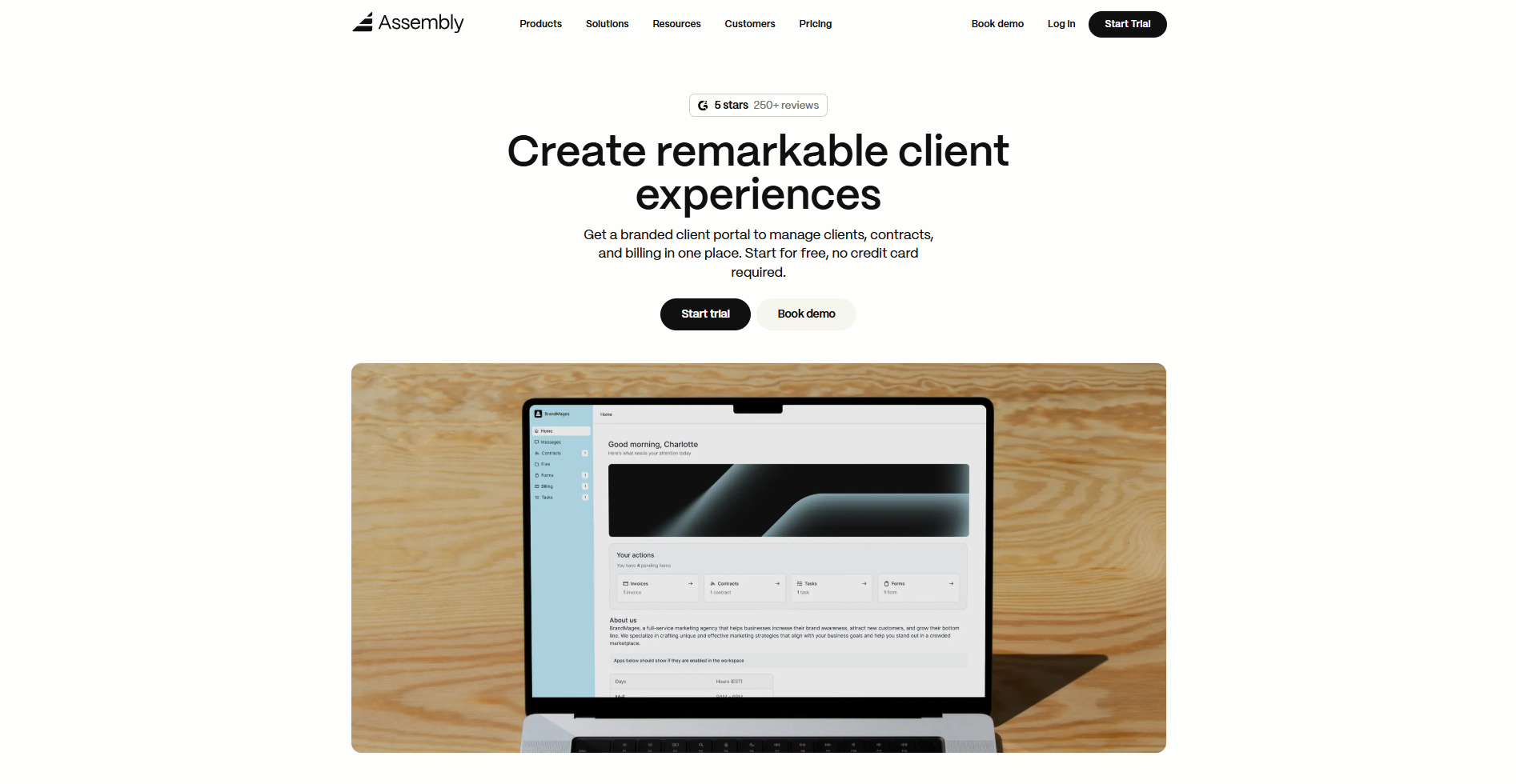
- What it does: Combines CRM, project delivery, and billing in one client-facing portal that runs under your brand.
- Who it's for: Professional service firms (consulting, accounting, marketing agencies) that want clients to handle approvals, payments, and file sharing without jumping between systems.
I tested Assembly across three client workflows to see how it handles the handoff from contract signing to active client delivery. The agreement, the first invoice, and the project kickoff message all landed in the same client workspace. No separate email threads to track.
When I logged in as a client, everything I needed showed up in one dashboard. Project status, invoices, and shared files were all there without switching tabs or tools. On the agency side, client records are updated automatically when a client pays an invoice or uploads a document.
The Assembly AI Assistant did real work during testing. Before a client call, it pulled recent activity and flagged what needed follow-up. That's context that would have taken me about 10 minutes to gather manually across email and project notes.
When I set up the test portal, the custom domain and branding applied across every client-facing screen with no Assembly branding visible to the client. The Airtable view I embedded refreshed inside the portal, so clients never had to leave the workspace.
Key features
- Branded client portal: Secure workspace with your logo where clients access files, message your team, and pay invoices
- Client-linked tasks: Track project tasks against each client record without exposing internal work to the client view, so your team manages delivery alongside what clients see
- CRM: Client records, communication history, notes, and project data live in one workspace, accessible no matter where you are in delivery
- Integrated billing: Handles one-time payments and recurring retainers directly in the client workspace
- No-code automation: Build workflows and connect tools via API without writing code
- Enterprise-grade security: HIPAA-compliant options and encrypted storage for regulated industries
Pros
- Eliminates email clutter with one branded space for all client interactions
- Cuts the admin load that builds up across active client accounts
- Quick launch with no-code setup and minimal onboarding time
Cons
- Portal customization covers branding, but structural layout control is limited
- Messaging lacks team features like user tagging and snooze
Pricing
Assembly pricing starts at $39/user/month for professional firms.
Bottom line
Assembly links contracts, billing, and messaging in one branded portal that keeps client work organized after the sale. If you need deep accounting reports, a specialized finance tool might suit you better.
2. Wrike: Best for enterprise teams needing deep workflow customization
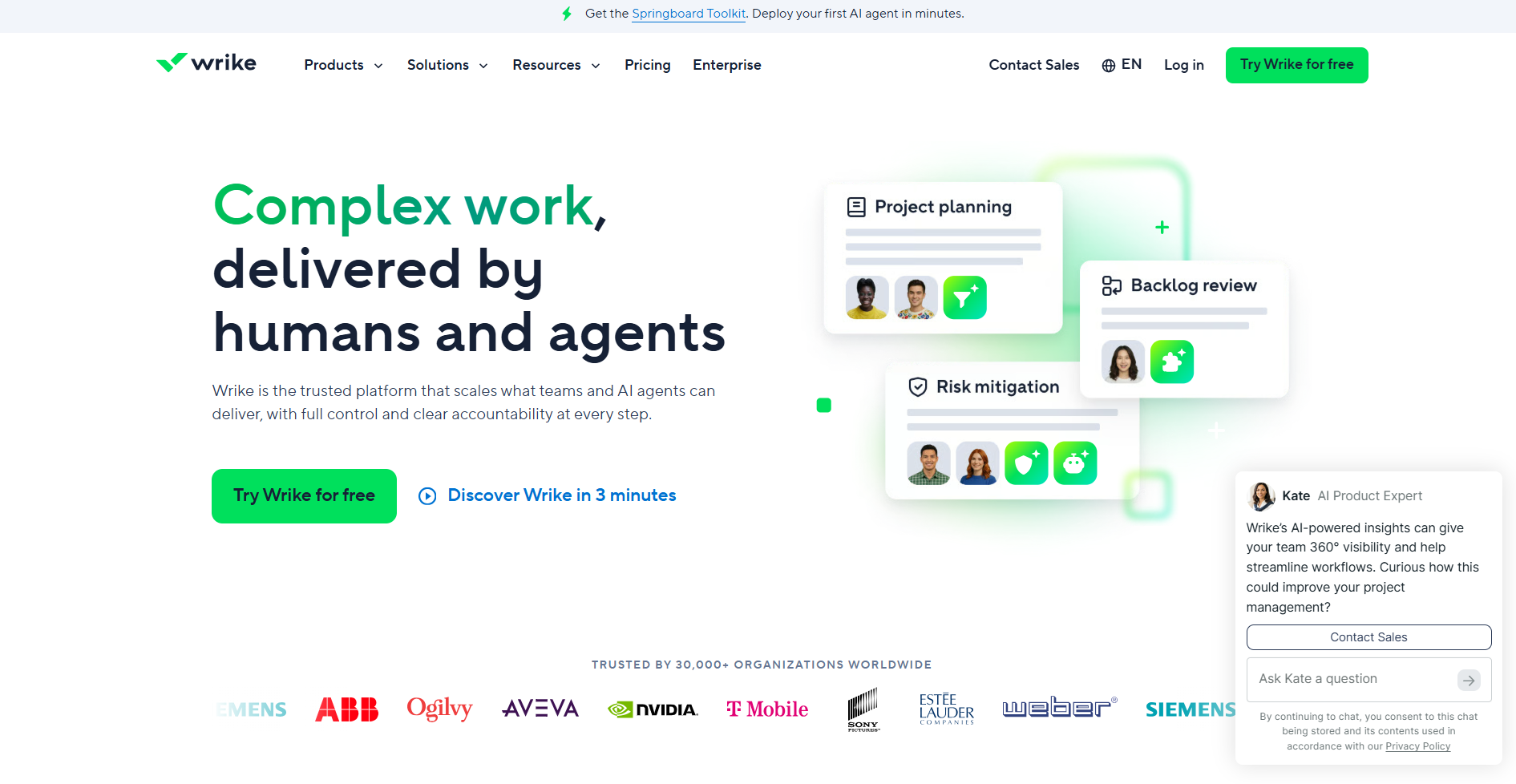
- What it does: Orchestrates projects, resources, and reporting across large teams with customizable dashboards and automation rules.
- Who it's for: Enterprise organizations that need 360-degree visibility and tailored workflows.
Wrike stood out because of how much control you get over views, dependencies, and automation. I set up separate dashboards for product, marketing, and operations to see if teams could filter what mattered without wading through noise. They could. The Gantt charts handled overlapping timelines cleanly, but configuring all the workflows and rules ate up more hours than I planned for.
Key features
- Work Intelligence®: Orchestration with Wrike Copilot that surfaces insights from real-time project data
- Visual collaboration platform: Infinite whiteboard with dot-voting and co-creation tools built into the workspace
- Advanced analytics dashboards: Customizable reports and AI-driven insights for data-based decisions
- Automation and templates: Pre-built request forms, dependency rules, and workflow automation
- Enterprise integrations: Hundreds of connectors, including Slack, Jira, Salesforce, and HubSpot
Pros
- Flexible views and workflows adapt to IT, marketing, operations, and services teams in one platform
- Live dashboards, Gantt charts, and multi-project tracking create a single source of truth
- Powerful reporting gives actionable insights at the task, project, and portfolio levels
Cons
- Steep learning curve requires weeks to design workflows and dashboards before teams feel productive
- Complex interface overwhelms non-technical users with too many nested options
Pricing
Wrike's Team plan starts at $10/user/month (billed annually) based on team size and features.
Bottom line
The platform fits large organizations that need deep workflow customization across departments. The flexibility is real, but setup takes time. If you want faster implementation or simpler interfaces for smaller teams, Teamwork or Productive might work better.
3. Scoro: Best for professional services firms obsessed with profitability
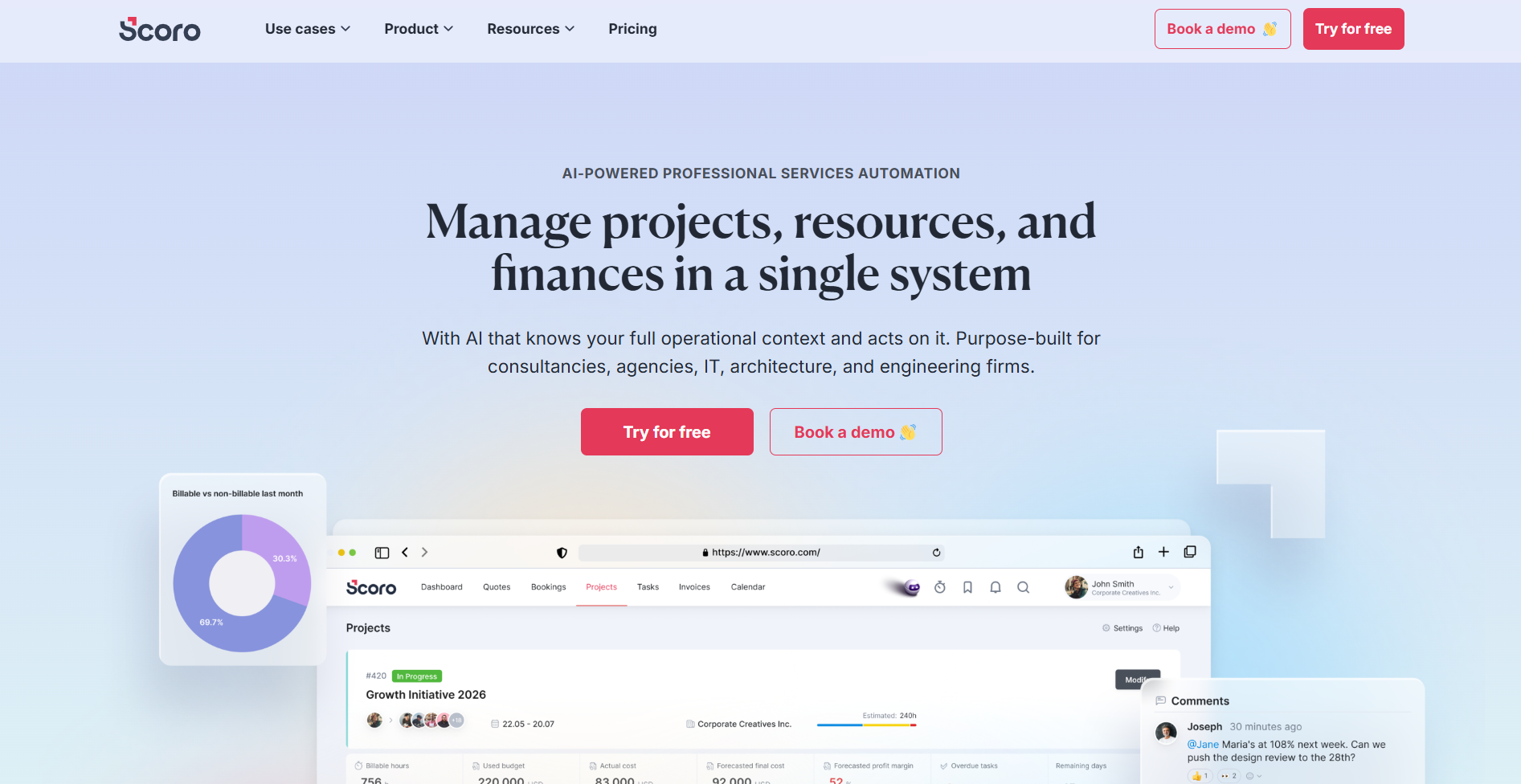
- What it does: Unifies project management, resource planning, and financial tracking in one system built specifically for billable work.
- Who it's for: Consulting firms, agencies, IT services, architecture, and engineering teams that need real-time visibility into project margins and utilization rates.
I tested Scoro by running budgets, tracking hours, and generating invoices for multiple projects to see how well it connects delivery work to financial outcomes. The budget tracking impressed me most. I could see margin erosion in real time as hours piled up, which most PM tools don't surface until it's too late.
The financial depth is legitimately better than generic project trackers, but getting everything configured took me almost two full days.
Key features
- End-to-end PSA platform: Covers sales, projects, resources, time tracking, billing, and financial reporting in one system
- Deep financial controls: Budget estimation by role and service with real-time margin tracking per client, project, and team
- Resource management: Capacity planning and bottleneck detection that helps improve utilization rates
- Scoro AI assistant: Built on a proprietary data engine to interpret complex information and surface insights
- Advanced reporting dashboards: Real-time views that make budget decisions faster and clearer
Pros
- All-in-one system eliminates spreadsheets and disconnected tools for managing billable work
- Financial depth far exceeds typical PM software, ideal for teams focused on margins
- Clean interface that users describe as intuitive, despite the feature density
Cons
- Complex initial setup requires significant time and onboarding support to configure properly
- PDF template customization for quotes and invoices feels restrictive compared to standalone billing tools
Pricing
Scoro pricing starts at $23.90/month per user based on team size and required modules.
Bottom line
Scoro works for professional services firms that treat profitability as a core metric. The financial controls give you margin visibility that most PM tools can't match. If your team doesn't bill by the hour or prefers simpler tools with faster setup, Assembly or Productive might suit you better.
4. Productive: Best for agencies prioritizing real-time financial health
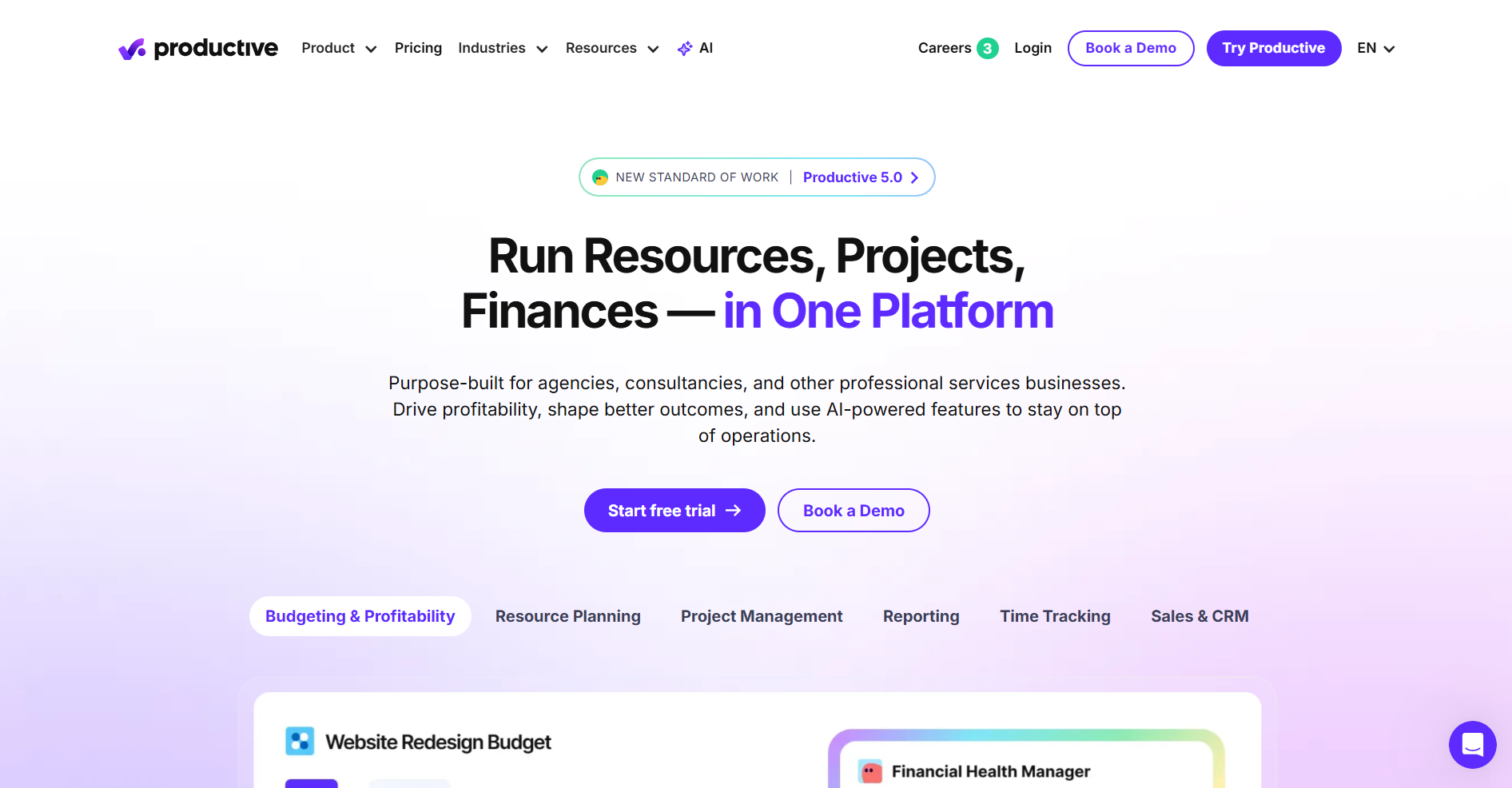
- What it does: Centralizes resource planning, project delivery, and financial tracking in one system designed specifically for billable service work.
- Who it's for: Agencies, consultancies, and professional services firms that want real-time visibility into utilization, margins, and cash flow without spreadsheets.
I ran Productive through the same mock project workflow to see how it stacks up against Scoro and Assembly on profitability tracking. What stood out was how fast I could spot budget burn and margin shifts while logging hours, and the interface was noticeably cleaner than Scoro's dense layout.
The catch showed up when I tried using both the Sales CRM and Project modules together. They handle tasks differently, so I ended up tracking some work twice to keep both sides current.
Key features
- All-in-one PSA: Resources, projects, time tracking, budgets, billing, sales, and reporting in one platform
- Flexible time tracking: Timers, timesheets, and auto-suggestions with every hour linked to budgets for real-time profitability
- Resource planning tools: Capacity views, assignment forecasting, and availability tracking to prevent bottlenecks
- Advanced reporting: Customizable dashboards for profitability, utilization, margins, and cash flow metrics
- Key integrations: Connects with Xero, QuickBooks, Slack, Jira, Google Calendar, and Outlook
Pros
- Built specifically for agencies with a strong focus on profitability, utilization, and financial control
- Consolidates tasks, time, projects, billing, and sales in one place instead of scattered tools
- Clean, intuitive interface with highly customizable views, fields, and reports
Cons
- Task management in Sales CRM differs from the Project module, forcing you to maintain two separate workflows
- Time tracking feels clunky to some users who want faster, more streamlined entry
Pricing
Productive costs $11/month per user per month to start.
Bottom line
For agencies that live and die by margins, Productive makes financial health visible in your daily workflow instead of being buried in month-end reports. If you want a system that connects client communication and billing on top of project tracking, Assembly might be a better fit.
5. Bonsai: Best for small agencies scaling up from freelance roots
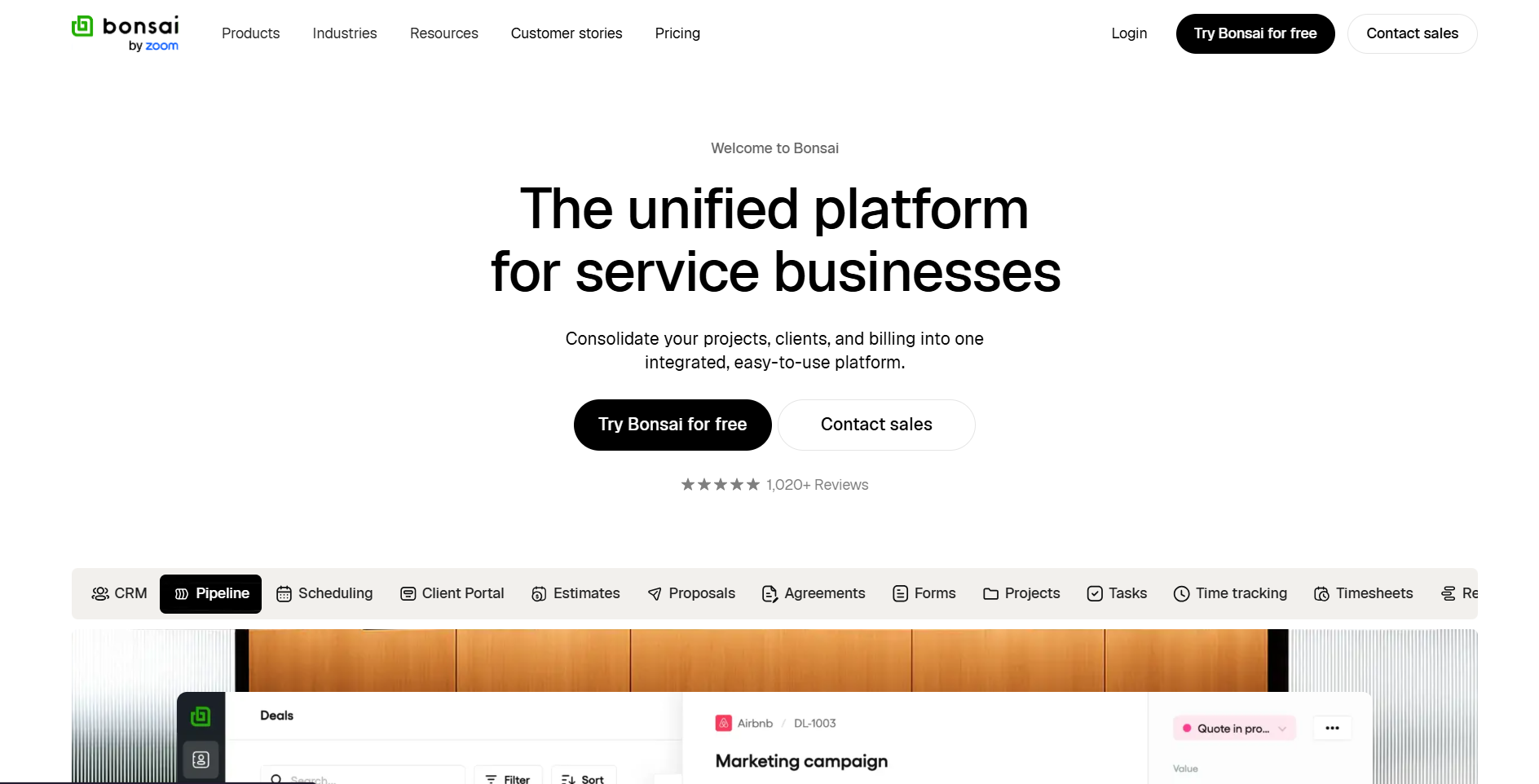
- What it does: Combines CRM, project management, client portal, and billing in one platform designed for service businesses outgrowing spreadsheets.
- Who it's for: Small agencies, consultancies, and advanced freelancers who want an all-in-one system without the complexity of enterprise PSA tools.
When I tested Bonsai, I focused on how quickly I could move a lead through proposal, contract, and invoice stages. The flow worked smoothly, and I appreciated how the platform links each stage automatically, so you're not rebuilding client info three times. The project insights dashboard gave me budget visibility faster than manual spreadsheets ever could.
But when I tried tracking expenses for reimbursement, I hit weird duplication bugs that threw off my P&L reports, which is frustrating when you're trying to trust the numbers.
Key features
- Unified service business platform: CRM, client portal, projects, time tracking, billing, and financial reporting in one system
- Complete client lifecycle tools: Estimates, proposals, contracts, retainers, forms, and branded client portal
- Integrated project management: Tasks, Gantt charts, time tracking, budgets, resource planning, and reports
- Finance and billing suite: Invoicing, payments, rate cards, expense tracking, forecasting, and accounting integrations
- Template library: Pre-built contracts, proposals, invoices, forms, and briefs to skip repetitive document creation
Pros
- All-in-one system covers CRM, projects, client portal, and finances for small agencies and freelancers
- Clean interface with fast onboarding and templates that let you start without heavy configuration
- Smooth proposal-to-contract-to-payment workflow with automation that cuts admin time
Cons
- Project and task management feels basic compared to dedicated PM systems for complex work
- Expense tracking sometimes reports bugs that duplicate entries
Pricing
Bonsai's Basic plan starts at $15/user/month based on team size and feature access.
Bottom line
If you're running a small agency or growing past solo freelance work, Bonsai handles client management and billing without overwhelming you. If you need deeper resource planning and financial controls, Kantata or Productive might be a better fit.
6. Kantata: Best for mid-market and enterprise professional services firms
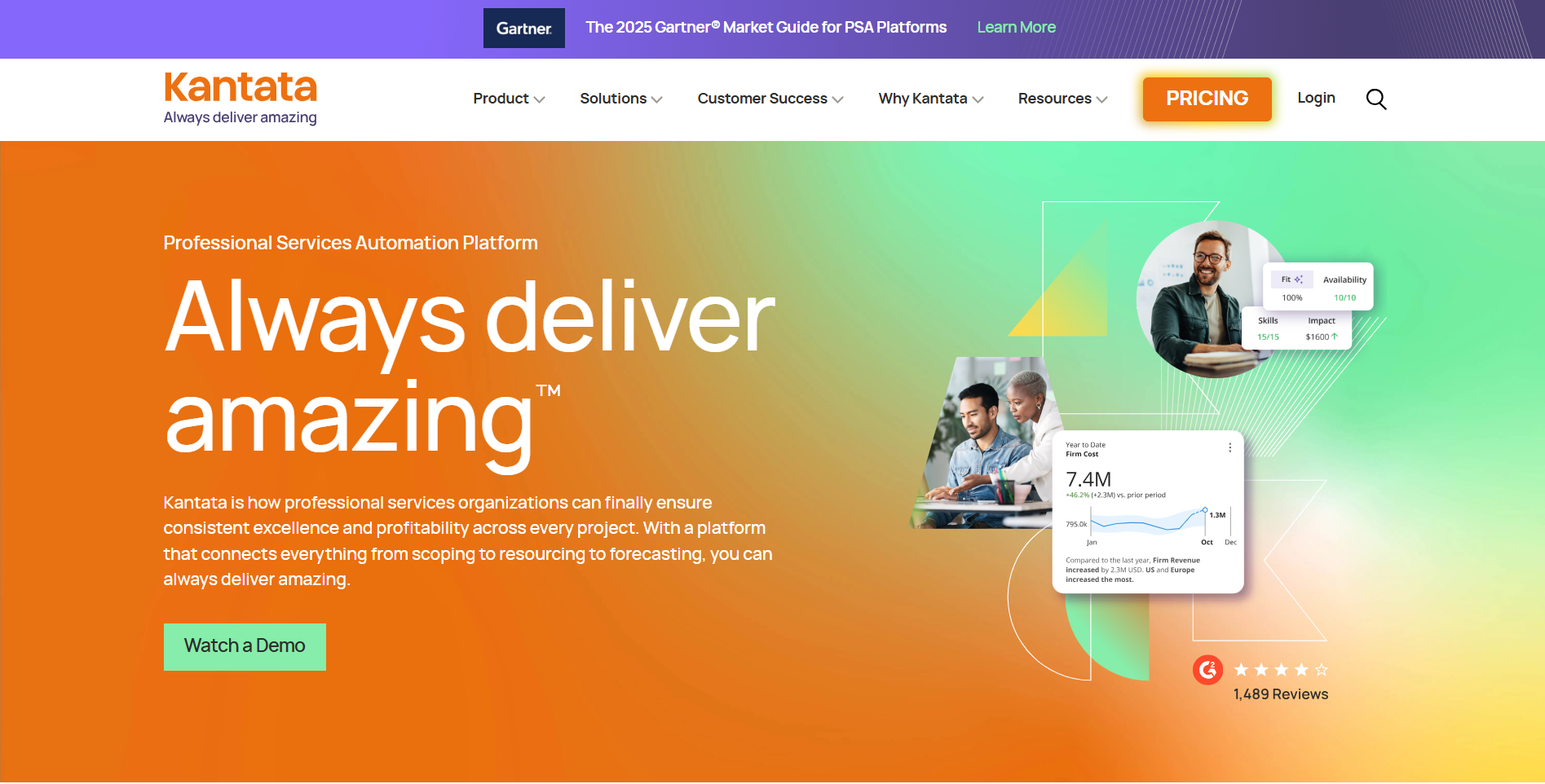
- What it does: Unifies project delivery, resource management, and financial forecasting with AI-powered insights for complex service organizations.
- Who it's for: Mid-market and enterprise professional services firms that need deep resource planning, margin visibility, and integration with existing financial systems.
Testing Kantata felt different from the smaller tools I'd been working with. The resource management capabilities let me assign people based on skills, availability, and project requirements in ways that Bonsai or even Productive couldn't match. I could forecast revenue based on active projects plus pipeline, which gave me a clearer picture of where the business was heading.
The trade-off showed up in the learning curve. It took me longer to figure out custom reporting than any other platform I tested, and the interface felt heavier than modern alternatives.
Key features
- Complete PSA platform: Delivery, resource management, and financials unified with a focus on visibility and scalability
- Kantata Expertise Engine: AI that learns from past projects to improve scoping, pricing, and staffing decisions
- Advanced resource management: Assign people and AI agents based on skills, experience, and availability to optimize utilization
- Project health tracking: Real-time monitoring from individual projects to portfolio level with workflow standardization
- Financial forecasting: Revenue and margin visibility based on active work plus sales pipeline
Pros
- Deep resource planning and financial controls built for mid-market and enterprise scale
- Real-time project and margin visibility replaces spreadsheets with a single source of truth
- AI insights flag project risks and improve future scoping decisions
Cons
- Steep learning curve, especially for custom reporting
- Implementation quality varies, and the integration tool feels limited for complex cases
Pricing
Kantata uses custom pricing based on enterprise quotes and feature requirements.
Bottom line
Larger professional services firms that need advanced resource allocation and revenue forecasting will find Kantata's depth worth the setup time. If you want a more lightweight setup with faster time-to-value, Bonsai may suit you better.
7. Synergist: Best for creative and marketing agencies focused on profitability
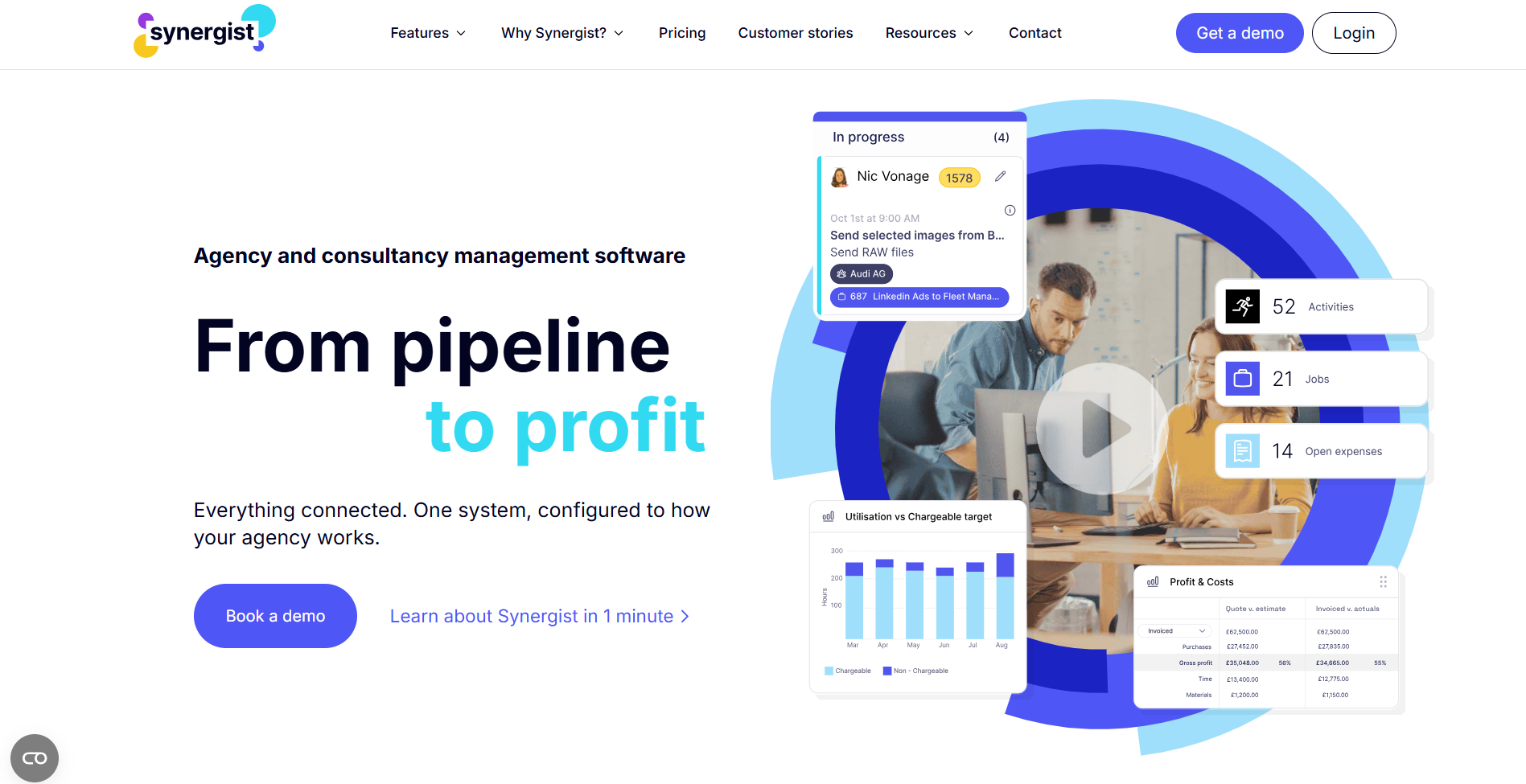
- What it does: Integrates project management, resource scheduling, and financial tracking specifically for agency operations with detailed profitability reporting.
- Who it's for: Creative, marketing, digital, PR, and consulting agencies that need clear visibility into which projects make money and where team time goes.
I spent time in Synergist testing how well it tracks job costing and margins compared to the other platforms. What impressed me was the depth of financial reporting. I could drill into individual projects to see exactly where we were bleeding hours or hitting our targets, which is harder to surface in tools like Productive or Bonsai.
The resource calendar gave me decent visibility into team allocation, though I noticed the hover popups got in the way when I tried booking people quickly.
Key features
- Integrated agency management: Projects, resources, clients, and finances unified in one scalable platform
- Real-time profitability reporting: Track margins, utilization, and project performance as your single source of truth
- Resource scheduling tools: Optimize team utilization, assign work, and reduce overservicing
- End-to-end financial control: Job costing, estimates, quoting, forecasting, billing, and revenue recognition
- Customizable dashboards: Configure workflows, views, and charge codes by department or team
Pros
- Built specifically for agencies with features that reflect marketing, digital, and consulting workflows
- Deep financial visibility shows which jobs are profitable and where time is being spent
- Replaces spreadsheets and disconnected systems with one source of truth for opportunities, projects, and billing
Cons
- Complex initial setup that requires a clear operational model and significant time investment
- The resource calendar has buggy hover popups that interfere with quick booking
Pricing
Synergist pricing starts at £55/month plus £33/user/month based on agency size and feature requirements.
Bottom line
Agencies serious about understanding profitability per project will appreciate Synergist's financial depth and reporting. The data clarity helps make better commercial decisions. Smaller agencies or teams wanting a lightweight setup should consider Bonsai or Productive instead.
8. Teamwork: Best for agencies balancing task management and resource planning
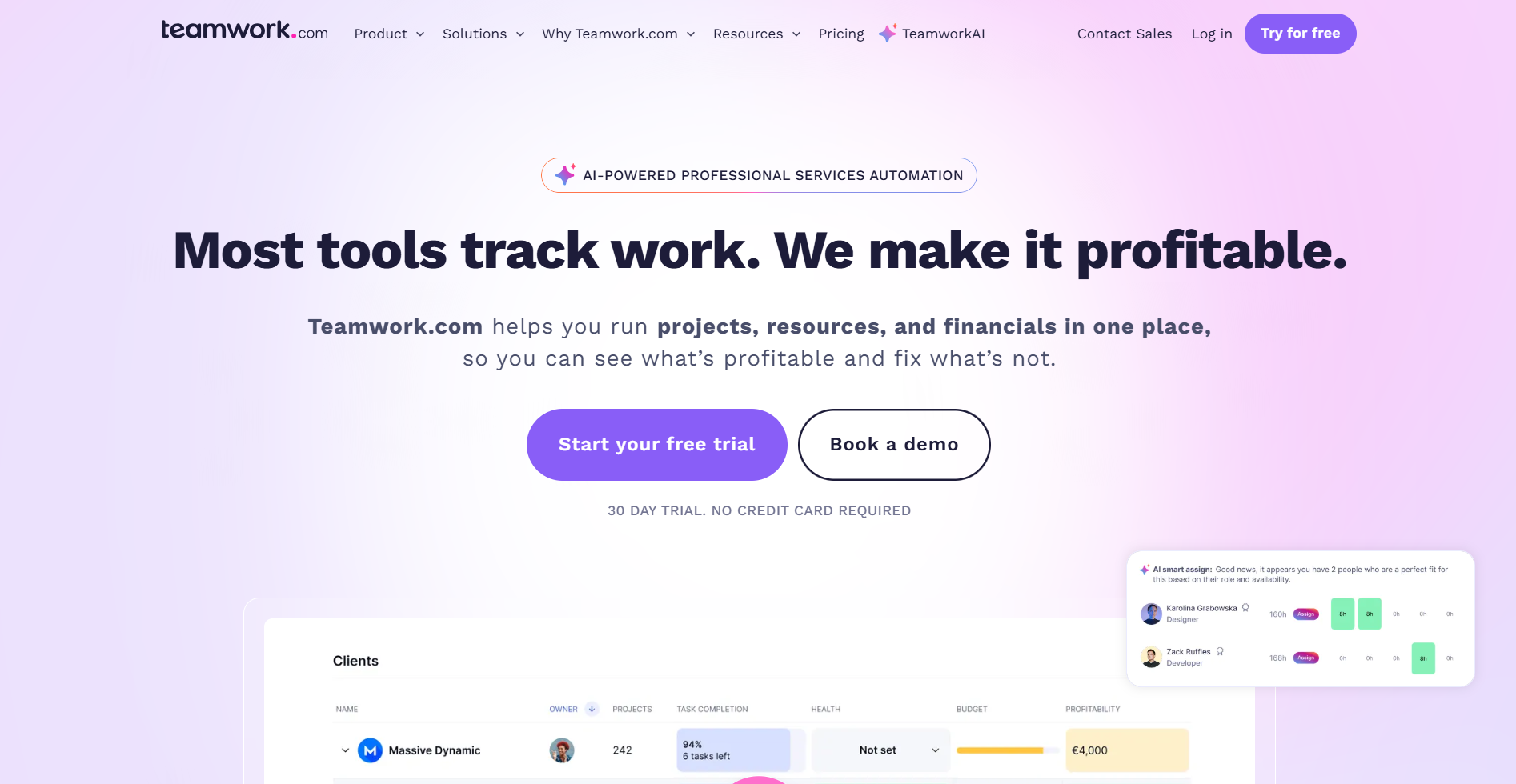
- What it does: Connects project delivery, resource scheduling, time tracking, and budget control in one platform built for client work.
- Who it's for: Agencies and professional services teams that need visibility into task completion, team capacity, and project costs without enterprise-level complexity.
Teamwork felt like the middle ground between lightweight tools and heavy PSA systems when I tested it. The task management interface worked well for assigning work and tracking progress across multiple client projects.
I appreciated how the resource planner showed team availability and helped me spot overload before it became a problem. Time tracking is tied directly to project budgets, which makes burn rate visible without extra calculations.
Key features
- Unified client work platform: Projects, resources, time, budgets, and profitability reporting with AI-powered project planning
- Resource management tools: Workload planner, resource scheduler, and capacity forecasting integrated into project workflows
- Integrated time tracking: Timers, retroactive logging, and timesheets linked to billable rates and project budgets
- Project health reporting: Dashboards for managers to monitor progress, budget consumption, and team productivity
- Broad integration ecosystem: Connects with Microsoft, HubSpot, Google Drive, Zapier, and includes Teamwork Desk and CRM modules
Pros
- Strong balance between task management, resource planning, and time tracking for agency work
- Resource forecasting helps visualize availability and prevent team overload
- Intuitive UI for basic project management with good collaboration features for distributed teams
Cons
- Feature density can overwhelm new users with too many settings and options upfront
- Portfolio and financial reporting feel shallow for enterprise-level insights
Pricing
Teamwork pricing starts at $13.99/user/month for the required feature set.
Bottom line
Teams that prioritize task execution and resource visibility over deep financial analytics will find Teamwork hits the right balance. It handles day-to-day project work well without forcing you into enterprise configuration complexity, but if you require deeper financial reporting tied to billable work, Scoro might be better suited.
9. FunctionFox: Best for small creative agencies prioritizing time tracking
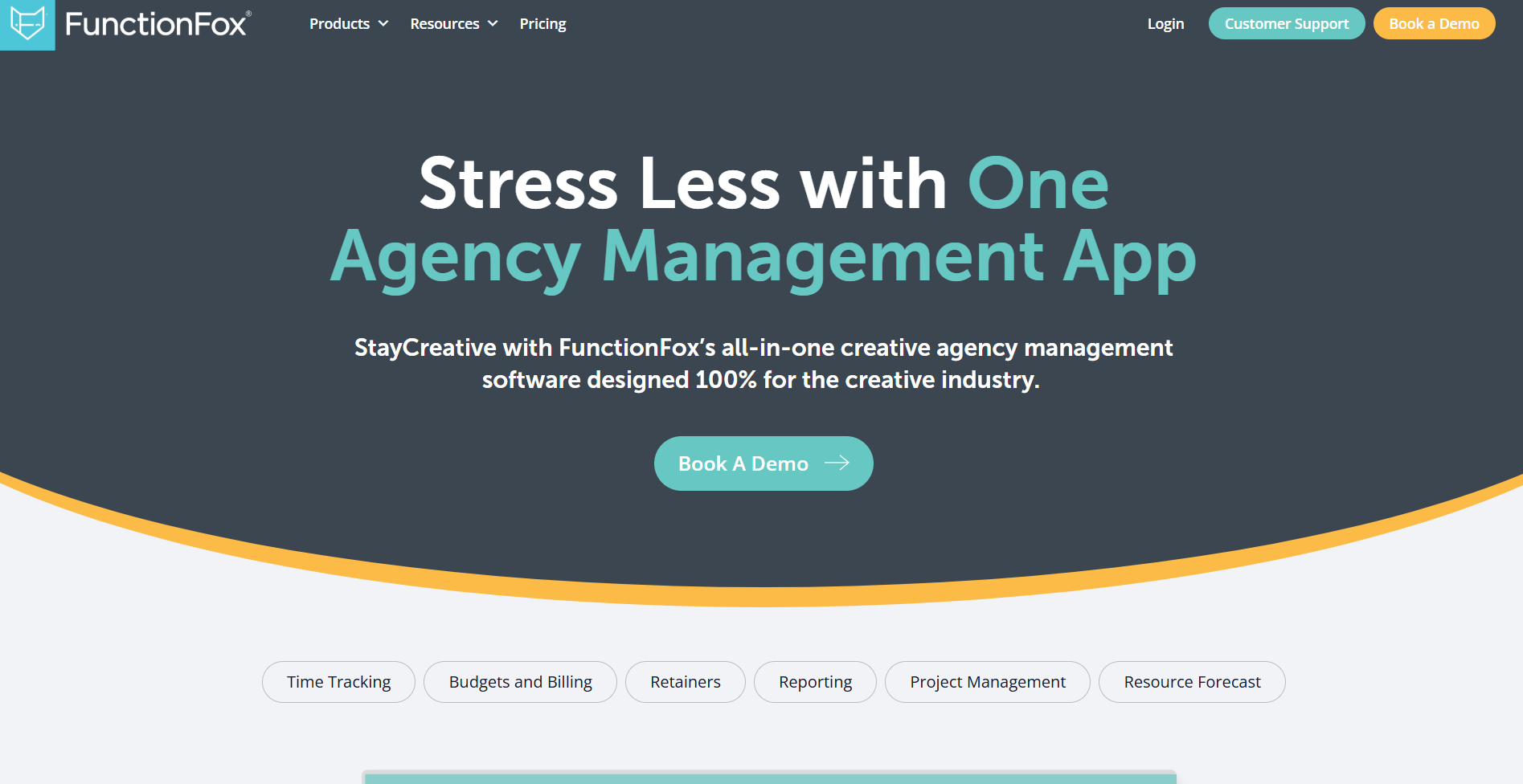
- What it does: Tracks time, manages basic projects, and monitors budgets in a straightforward platform designed specifically for creative teams.
- Who it's for: Small marketing agencies, creative studios, and design teams that need detailed time tracking for billing without enterprise PSA complexity.
I tested FunctionFox by logging hours across multiple mock projects and clients to see how it handles the core need most small agencies have: knowing where time goes. The time tracking worked exactly as advertised. I could drill down by employee, client, project, and task in just a couple of clicks, and the interface didn't bury me in options I didn't need. That simplicity is FunctionFox's strength, but it's also its limit.
Key features
- Detailed time tracking: Log hours by employee, client, project, and task with timer or timesheet entry
- Basic project management: Jobs, tasks, Gantt charts, and budgets for tracking creative work from brief to delivery
- Hours and budget reporting: Shows where time is spent and helps justify fees to clients
- Retainer controls: Tracks retainer budgets and flags when you're overservicing accounts
- Simple cloud platform: Low learning curve with guided onboarding and responsive support
Pros
- Excellent time tracking granularity for billing and payroll in creative agencies
- Simple interface with fast adoption for new users
- Responsive support team helps with setup and questions quickly
Cons
- Interface feels outdated and bulky compared to modern alternatives
- Limited project management features like recurring tasks, dependencies, and automation
Pricing
FunctionFox pricing starts at $12.75/user/month based on team size.
Bottom line
Small creative agencies that need reliable time tracking without heavy project management features will find FunctionFox does the job. The simplicity keeps costs and learning time low. Teams needing advanced workflows, deeper reporting, or modern interfaces should look at Teamwork or Bonsai instead.
10. ClickUp: Best for teams wanting extreme customization in one platform
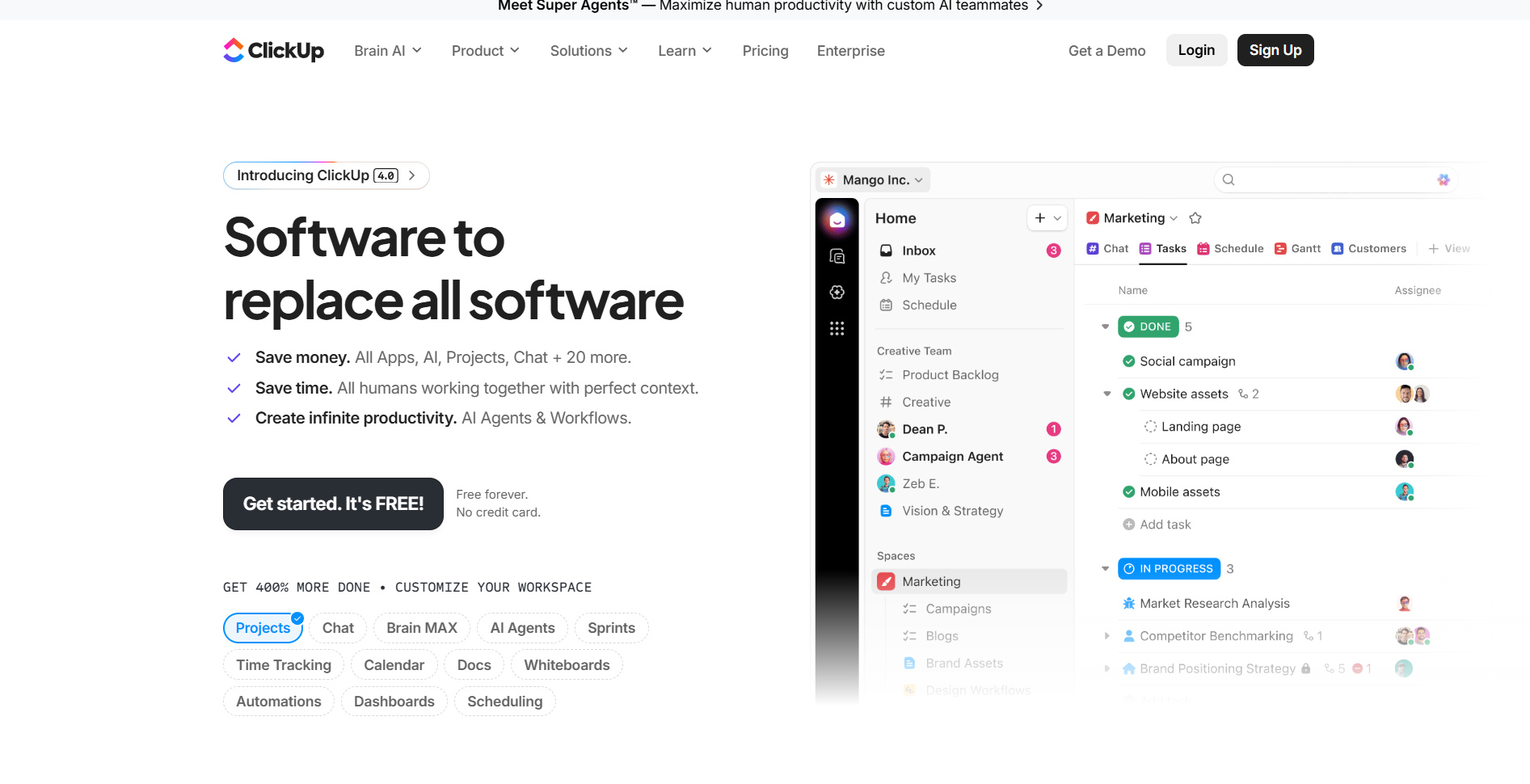
- What it does: Combines project management, documentation, chat, and AI agents in one highly customizable workspace designed to replace multiple tools.
- Who it's for: Teams across industries (marketing, engineering, operations) that want to consolidate fragmented software into a single system with flexible views and workflows.
ClickUp was the most feature-dense platform I tested, and that's both its appeal and its problem. I set up projects using different views (List, Board, Gantt, Timeline) to see how well it adapts to different work styles, and the flexibility genuinely impressed me. I could switch from a Kanban board to a Gantt chart without losing context, which helped when presenting the same project data to different stakeholders.
Key features
- Unified workspace: Projects, Docs, Chat, and 100+ modules to replace multiple tools in one platform
- ClickUp AI Agents: Team-specific agents for PM, marketing, dev, and ops that generate briefs, copy, and maintain documentation
- Advanced project views: 15+ views, including List, Board, Gantt, Calendar, and Timeline with sprint tracking
- No-code automation: Extensive customization with custom fields, statuses, and workflows for any process
- Broad integrations: Connects with 40+ tools, including Google Drive, Slack, and Zapier
Pros
- Extreme feature depth can replace specialized tools for tasks, docs, goals, and whiteboards
- High customization adapts to unique processes with flexible fields, views, and workflows
- Multiple data views let different roles see information their way without duplicating work
Cons
- Steep learning curve and feature overload overwhelm new users without dedicated admin support
- Performance lags with large task lists or complex cross-space reports
Pricing
ClickUp pricing starts at $10/user/month with significant value in the Unlimited and Business tiers.
Bottom line
Teams that value customization over simplicity and want to consolidate tools will appreciate ClickUp's depth. The flexibility is real, but so is the setup time and ongoing maintenance. If you need a system that works well out of the box without heavy configuration, Assembly or Teamwork will get you productive faster.
11. Monday.com: Best for multi-department organizations scaling with AI automation
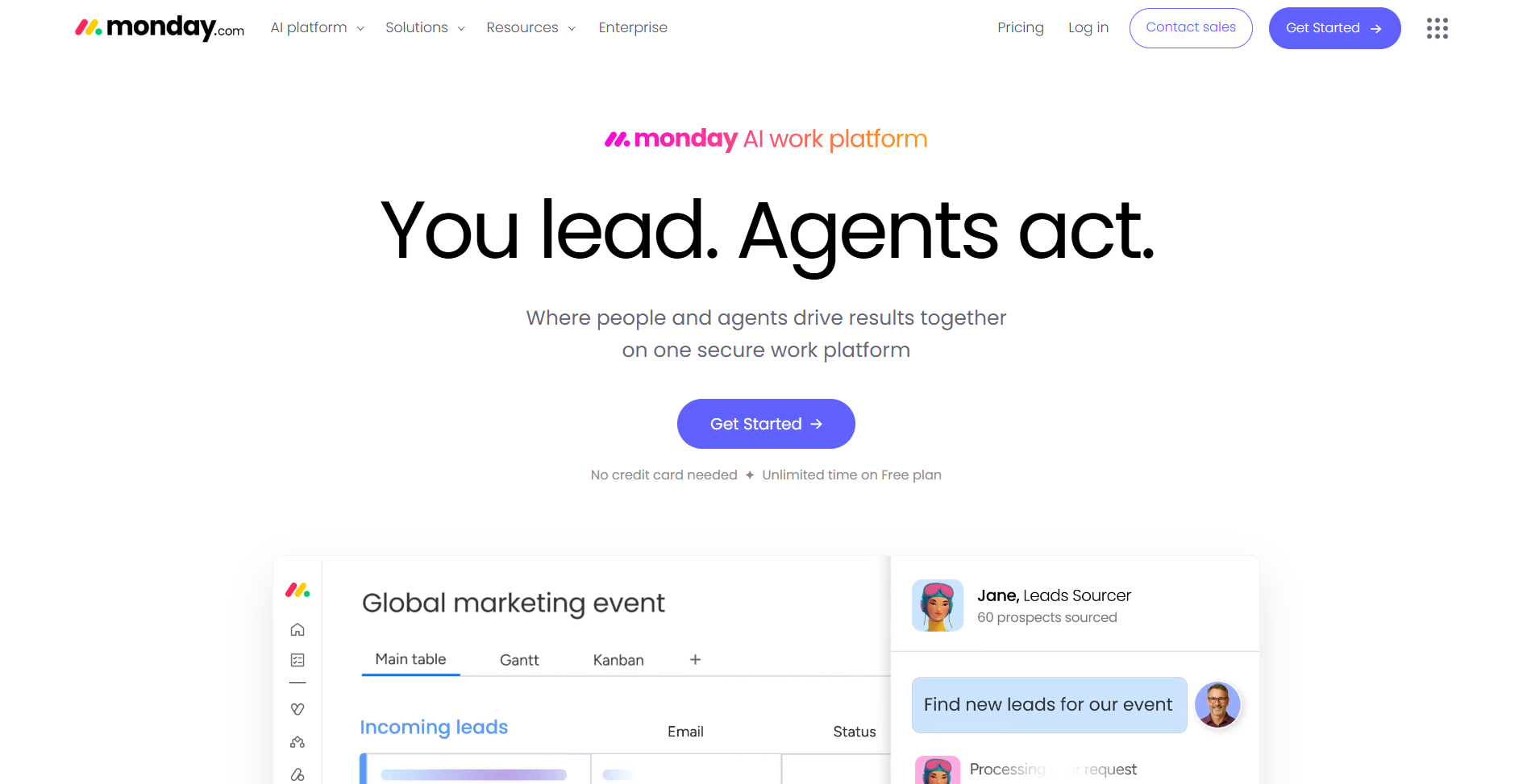
- What it does: Provides AI-powered work management across projects, sales, marketing, service, and development with specialized assistants for each function.
- Who it's for: Mid-size to enterprise organizations that need one platform to manage work across multiple departments with strong automation and visibility.
I tested monday.com by setting up workflows for three different mock departments (marketing, operations, and client services) to see how well it handles cross-functional work. The visual interface made it easy to build boards and connect processes between teams, and the AI assistants surprised me by auto-categorizing service tickets faster than I expected. The flexibility is genuine. You can bend monday.com to fit almost any workflow.
Key features
- AI-first work platform: Separate products for Work Management, Sales, Marketing, Service, and Dev on a shared database
- Specialized AI assistants: SDR Expert, Competitor Analyzer, Project Assistant, Service Agent, and Scrum Master automate specific tasks
- Project and portfolio management: Resource visibility, AI-powered risk detection, and execution dashboards
- No-code automation: Highly customizable workflows for sales, marketing, support, and operations
- Advanced analytics: KPI reporting with quantified case studies showing ROI, efficiency gains, and time savings
Pros
- Extremely flexible visual platform adapts to multiple teams and processes
- Strong AI layer with specialized agents reduces manual work across departments
- Modern UI facilitates adoption in large, distributed organizations
Cons
- Feature density creates complexity when used for too many processes at once
- Performance issues and lag, especially in the Mac desktop app versus the web version
Pricing
Monday.com's Standard plan starts at $12/seat/month (billed annually). Basic plans have limited functionality compared to Pro and Enterprise tiers.
Bottom line
Organizations managing work across multiple departments will appreciate monday.com's flexibility and AI automation. The platform scales well for enterprise needs. Smaller agencies or teams wanting simpler, more focused tools for client work should consider Assembly or Productive instead.
12. Accelo: Best for service firms managing projects and recurring retainers
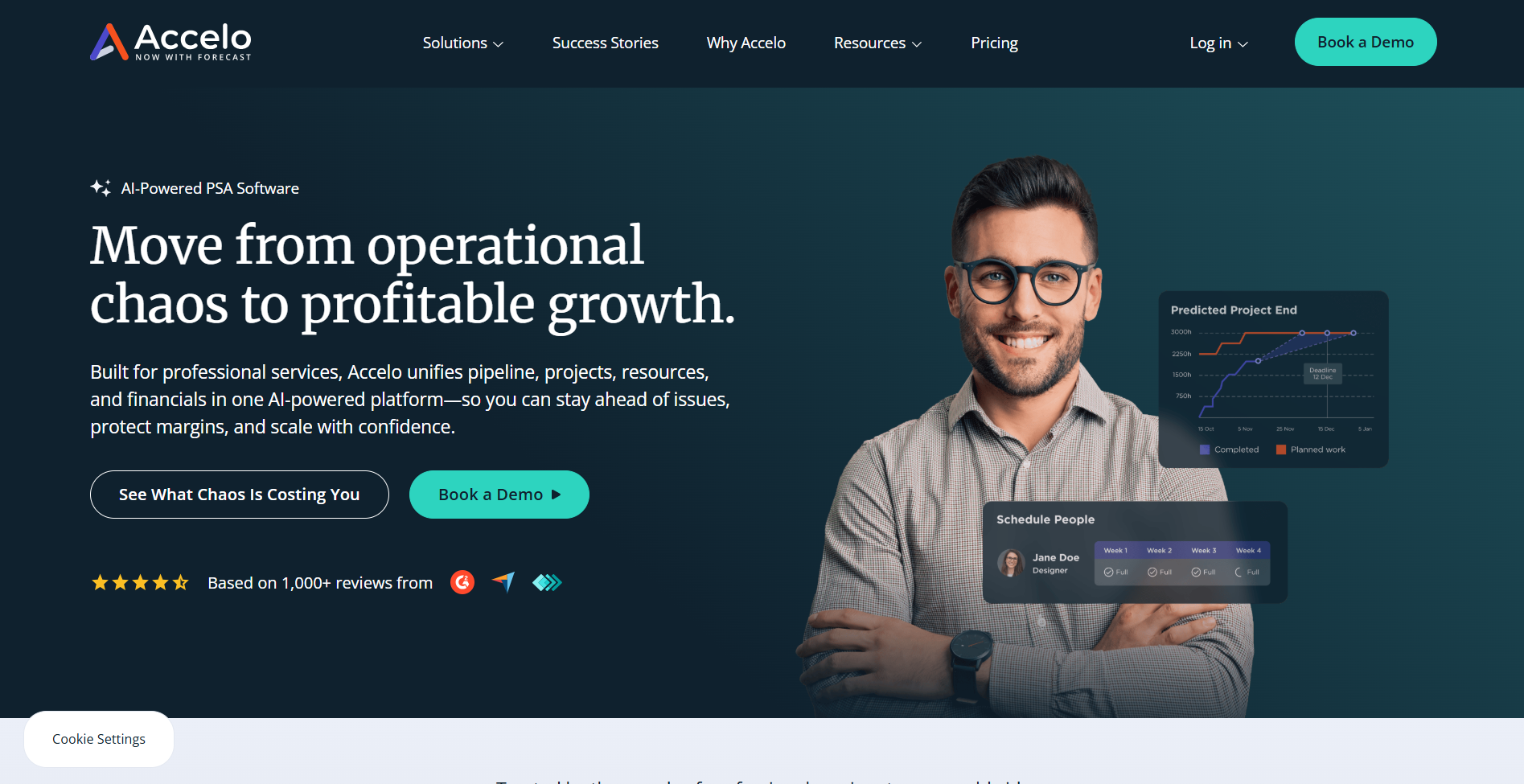
- What it does: Unifies sales, project delivery, support tickets, retainer management, and billing in one PSA platform for the complete quote-to-cash cycle.
- Who it's for: Professional services firms (agencies, consulting, IT, accounting) that run both project-based work and recurring service contracts in parallel.
What caught my attention with Accelo was how it treats project work and retainer contracts as part of the same system instead of forcing you to manage them separately. I ran test scenarios where I had to bill both fixed-scope deliverables and monthly support hours to the same client, and the platform tracked budget burn across both without making me jump between modules.
Invoice generation went from a multi-hour weekly task during my tests to something I could finish in under ten minutes with automation doing most of the work.
Key features
- End-to-end PSA platform: Covers sales/CRM, projects, tickets, retainers, and billing from quote to cash
- Unified project and retainer management: Track time and effort across both project work and recurring service contracts
- Workflow automation: Auto-assign tasks, trigger reminders, and generate invoices to reduce manual steps
- Scheduling and capacity tracking: Plan projects and service agreements with team workload visibility
- Client portal and integrations: Branded workspace for clients plus connections to QuickBooks, email, and RMMs
Pros
- Complete quote-to-cash coverage eliminates the need for separate CRM, PM, ticketing, and billing tools
- Strong at managing both projects and retainers in one system, which most platforms handle poorly
- Automation significantly reduces time spent on invoicing, tracking, and coordination
Cons
- Complex initial setup requires time to configure modules, workflows, and permissions properly
- Limited reporting flexibility with restricted export formats and customization options
Pricing
Accelo pricing starts with custom pricing quotes based on firm size and required modules.
Bottom line
Service firms juggling project work and recurring contracts will appreciate how Accelo handles both in one system. But if you don't need retainer billing alongside project work, Teamwork might be a better fit.
How I tested these agency management tools
I set up accounts across all 12 platforms and ran the same workflow through each one: onboard three mock clients, assign budgets, track team hours, and generate invoices to see which systems keep profitability visible under real workload pressure.
The goal was to find out which tools connect project delivery to financial health without forcing you to export data into spreadsheets or guess whether you're still profitable halfway through a project.