
17 Best project management software with client portals in 2026
Not every project management software with a client portal gives clients an experience worth logging into. I tested dozens to find the 17 best tools for 2026.


Finding the right project management software with a client portal can save your team hours of back-and-forth with clients every week. I tested dozens of platforms to find the 17 best options for 2026.
17 Best project management software with client portals in 2026
Portal type: ✅ True client portal · ⚠️ Client access (guests/shared views)
| 💻 Tool | 🎯 Best for | 💰 Starting price (billed annually) | Portal type | ⚡ Strengths |
|---|---|---|---|---|
| Assembly | Firms that want a tailored client portal tied to project delivery | $39/month | Client portal | Tasks tied to client records, recurring automations, dynamic client homepages, consolidated payments |
| ClickUp | Teams that need deep task control and multiple project views | $7/user/month | Project management | Flexible layouts, strong customization, broad integrations |
| monday.com | Visual teams that plan work through boards and dashboards | $12/user/month, minimum 3 seats | Project management | Multiple work views, guest access, strong automations |
| Teamwork.com | Client-facing teams that bill by the hour | $9.99/user/month | Client portal | Client permissions, time tracking, billing tied to projects |
| FuseBase | Teams wanting a client portal with collaboration and knowledge sharing | $32/month | Client portal | White-label portals, AI assistants, detailed permissions |
| Wrike | Mid-to-large teams managing complex cross-functional projects | $10/user/month | Project management | Intake forms, custom workflows, cross-team visibility |
| Asana | Teams relying on structured workflows and dependencies | $10.99/user/month | Project management | Task dependencies, reusable templates, guest access |
| Notion | Teams wanting flexible docs alongside basic task tracking | $10/user/month | Workspace / docs + tasks | Flexible pages, database views, integration library |
| Basecamp | Small teams wanting simple client communication and file sharing | $15/user/month, billed monthly | Project management | Message boards, to-dos, file sharing, client view per project |
| Nifty | Teams wanting milestones and client sharing in one workspace | $39/member/month | Project management | Milestone tracking, docs, client-facing project views |
| Bloom | Freelancers and creatives needing portal, invoicing, contracts | $14/month | Client portal | Client portal, contracts, invoicing, file delivery |
| Dock | Customer success teams managing onboarding and handoffs | $350/month, billed monthly | Client workspace | Client workspaces, engagement tracking, onboarding collaboration |
| Moxo | Teams needing structured workflows with approvals | Custom pricing | Client workflow platform | Workflow sequences, e-signatures, client-initiated actions |
| LaunchBay | Agencies wanting branded onboarding portals | $19/team member/month | Client portal | Branded loginless portals, reusable templates, automated workflows |
| MeisterTask | Teams wanting clean Kanban with client sharing | $13/user/month | Project management | Simple Kanban boards, task automation, clean interface |
| Smartsheet | Teams preferring spreadsheet-style tracking | $9/member/month | Project management | Grid and Gantt views, formulas, reporting tools |
| Zoho Projects | Teams in Zoho ecosystem needing structured tracking | $4/user/month | Project management | Gantt charts, time tracking, Zoho integrations |
True client portals vs project management with client access: what's the difference?
Not every tool on this list gives clients the same experience. Some are built around a dedicated, branded space clients log into directly, while others give clients limited access to your internal workspace through guest permissions or shared views.
Here's what each means:
- ✅ True client portal: Your client logs into a space built specifically for them, separate from your team's internal view. They see their projects, files, and updates, and nothing else. Tools like Assembly, FuseBase, and Teamwork.com work this way.
- ⚠️ Client access (guests/shared views): Your client gets a restricted view of the same workspace your team uses. They can see and comment on specific tasks or boards, but the interface is the tool's, not yours. Tools like ClickUp, Asana, and monday.com fall into this category.
Neither approach is wrong, but the right one depends on how polished you want the client-facing experience to be.
How I researched and tested these project management software tools with client portals
I tested each platform using mock client projects, sample task structures, and simulated handoffs to see how well the internal workflow and the client-facing side perform together.
Here's what I considered:
- Task and project structure: How well each tool handles task dependencies, project views, and workflow organization across different types of client work.
- Client portal setup: How much control you have over what clients see, and how straightforward it is to get a portal up and running for a new client.
- Ease of use: Whether the interface is quick to pick up without heavy configuration or a long onboarding process.
- Integrations: How well each tool connects with the other platforms service teams already use.
- Pricing vs. value: What you get at each tier and whether the paid features justify the cost.
- Client-facing collaboration: How each tool performs when clients need visibility into project progress, files, and communication alongside your internal team.
Tools with a clear separation between internal work and the client experience stood out during testing, since that gap is where many platforms tend to fall short.
1. Assembly: Best for firms that want a tailored client portal tied to project delivery

True client portal
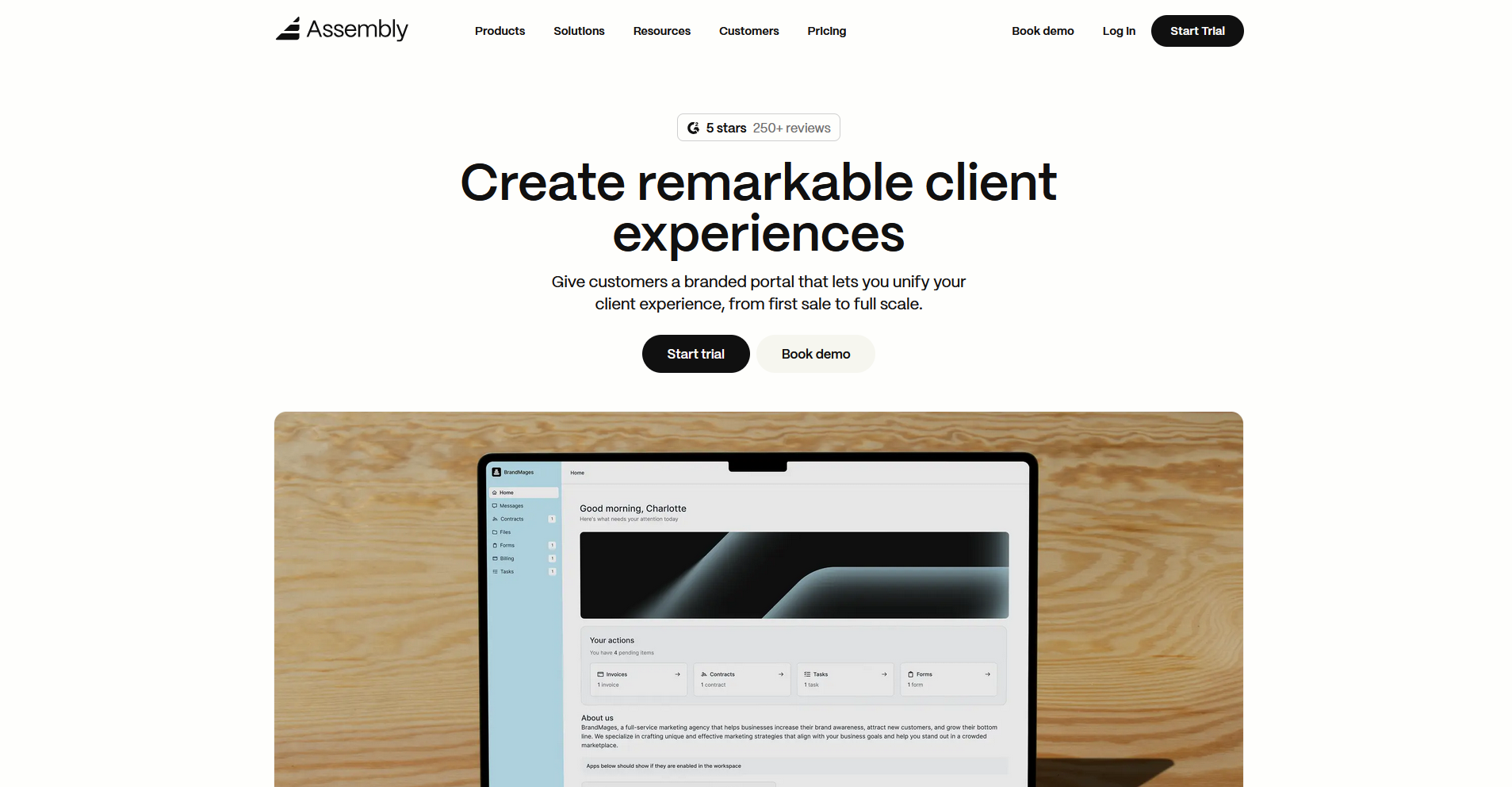
- What it does: Assembly is a client portal platform that gives service firms a branded space where clients log in to access tasks, files, messages, invoices, and updates tied to their engagement.
- Best for: Service firms that want to manage project delivery and the client-facing experience in one platform, without relying on separate tools for communication, billing, and task tracking.
We designed Assembly for service firms that need more than a task list to manage client work. You can build a tailored portal your clients log into directly, with each client's homepage showing the content, tasks, and updates relevant to their specific engagement. Tasks stay tied to client records on the backend, so your team has the full picture without exposing internal notes or assignments to the client.
Key features
- Dynamic client homepages: Display tailored content to each client based on custom field tags, so every client sees a homepage that reflects where their project stands.
- Tasks associated with client records: Assign and track internal tasks against each client record without giving clients visibility into them, so your team stays organized without adding noise to the client view.
- Recurring automations: Set time-based triggers for tasks, messages, and forms so routine project touchpoints like check-ins, document requests, and follow-ups run on a set schedule with minimal manual effort.
- App folders: Group portal apps into organized folders on the client sidebar so clients can navigate to what they need without you fielding repeated questions about where things live.
- Assembly Assistant: Review recent client activity and draft messages using an AI assistant that pulls context from each client's record, so you can walk into client interactions with a clear picture of where things stand.
Pros and cons
| ✅ Pros | ❌ Cons |
|---|---|
| Tasks tied to client records keep internal work and client context in the same place | Automation flexibility has room to grow for more complex workflow needs |
| Dynamic homepages let you tailor what each client sees without manual updates | Reporting tools are less advanced than standalone analytics platforms |
| Billing, messaging, files, and tasks connect to each client record without extra integrations |
What users say
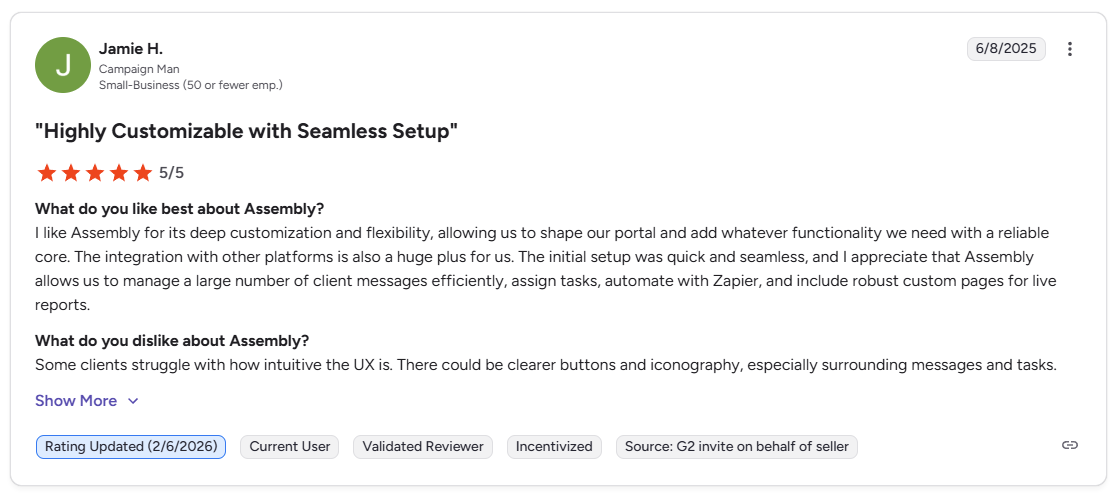
Pro: “I like Assembly for its deep customization and flexibility, allowing us to shape our portal and add whatever functionality we need with a reliable core. … Assembly allows us to manage a large number of client messages efficiently, assign tasks, automate with Zapier, and include robust custom pages for live reports.” - Jamie H., G2
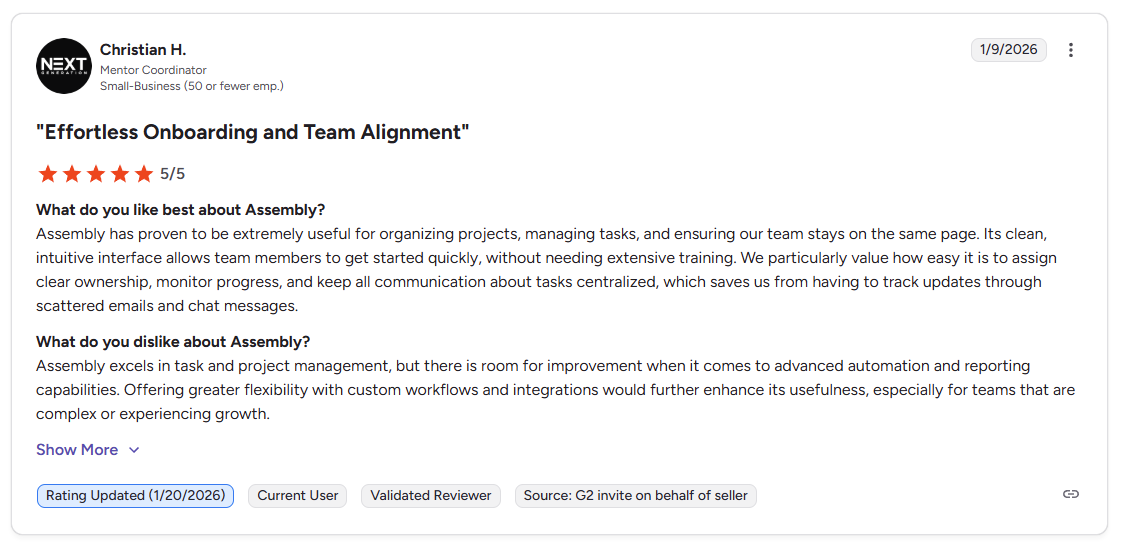
Con: “Assembly excels in task and project management, but there is room for improvement when it comes to advanced automation and reporting capabilities. Offering greater flexibility with custom workflows and integrations would further enhance its usefulness, especially for teams that are complex or experiencing growth.” - Christian H., G2
Pricing
| 💻 Pricing plans | 💰 Price billed annually | 💰 Price billed monthly |
|---|---|---|
| Starter | $39/month | $59/month |
| Professional | $149/month | $189/month |
| Advanced | $399/month | $499/month |
| Enterprise | Starts at $2,000/month | Starts at $2,400/month |
Bottom line
Assembly connects the client portal experience directly to project delivery, so clients log into a space built around their engagement rather than a shared workspace. If your primary need is structured project workflows with time tracking and billing tied to delivery, Teamwork.com might be a better fit.
2. ClickUp: Best for teams that need deep task control and multiple project views

Client access (guests/shared views)
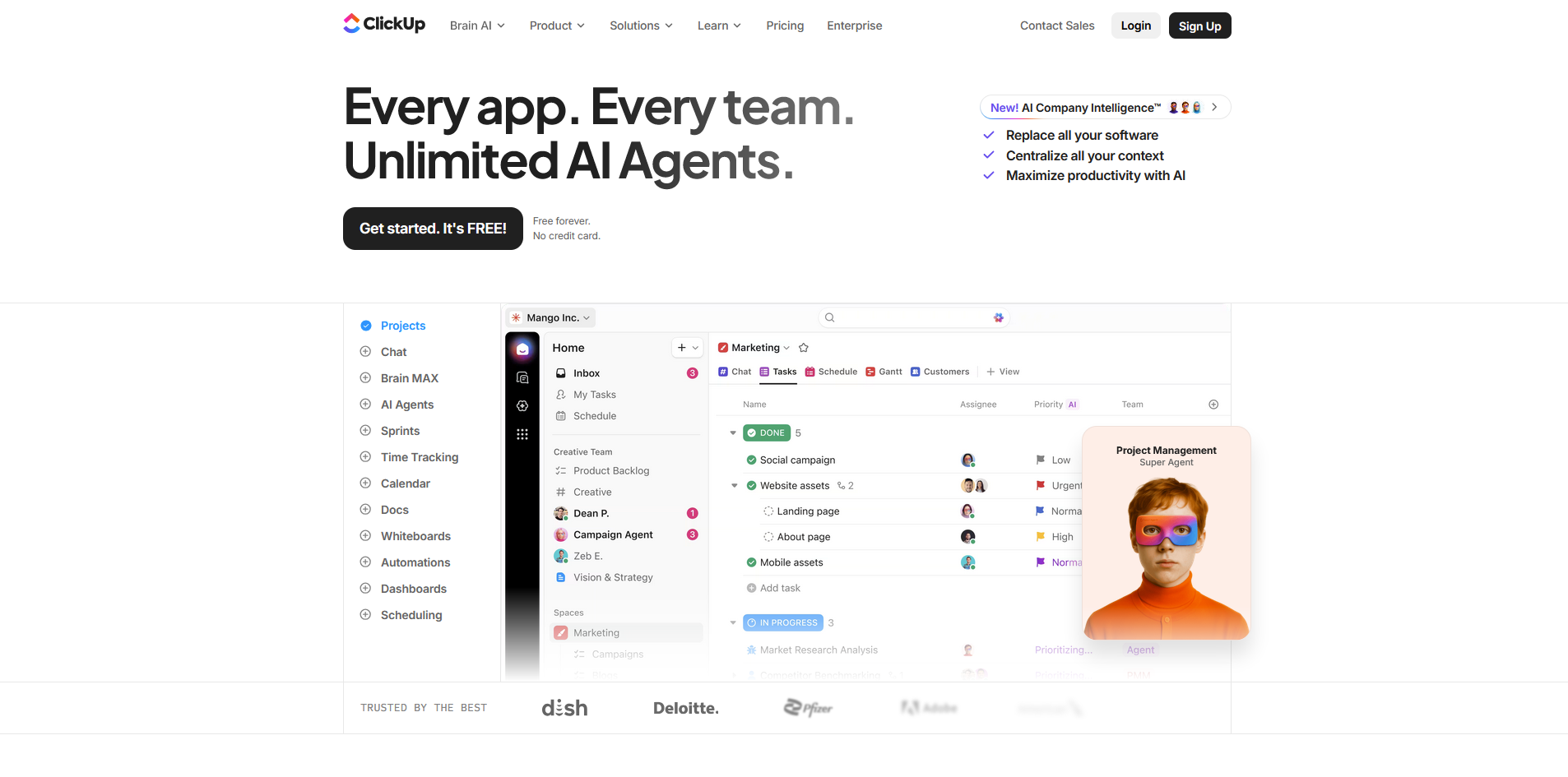
- What it does: ClickUp is a project management platform that lets teams organize tasks, track projects, and collaborate across multiple views, including lists, boards, Gantt charts, and calendars.
- Best for: Teams managing several client projects at once that need granular task control, custom fields, and the flexibility to switch between project views without rebuilding their workflow.
I tested ClickUp by building out a sample client project across multiple stages and views to see how the structure comes together. The list, board, and Gantt views all pulled from the same task data, which kept things consistent as work moved forward. Teams without an established process may need to decide on task hierarchy, statuses, and views upfront before the workspace feels usable.
Key features
- Custom views: Switch between list, board, Gantt, calendar, and timeline views across the same set of tasks.
- Custom fields: Add fields to task records to track any data point relevant to your project or client workflow.
- Automations: Set trigger-based rules to move tasks, assign team members, and send notifications based on status changes or deadlines.
Pros and cons
| ✅ Pros | ❌ Cons |
|---|---|
| Broad range of project views covers most team workflows without extra tools | The volume of options can slow down initial setup for smaller teams |
| Custom fields let you track project-specific data without workarounds | Guest access for clients is functional but does not offer a dedicated branded portal experience |
| Strong automation options for recurring task assignments and status updates |
What users say
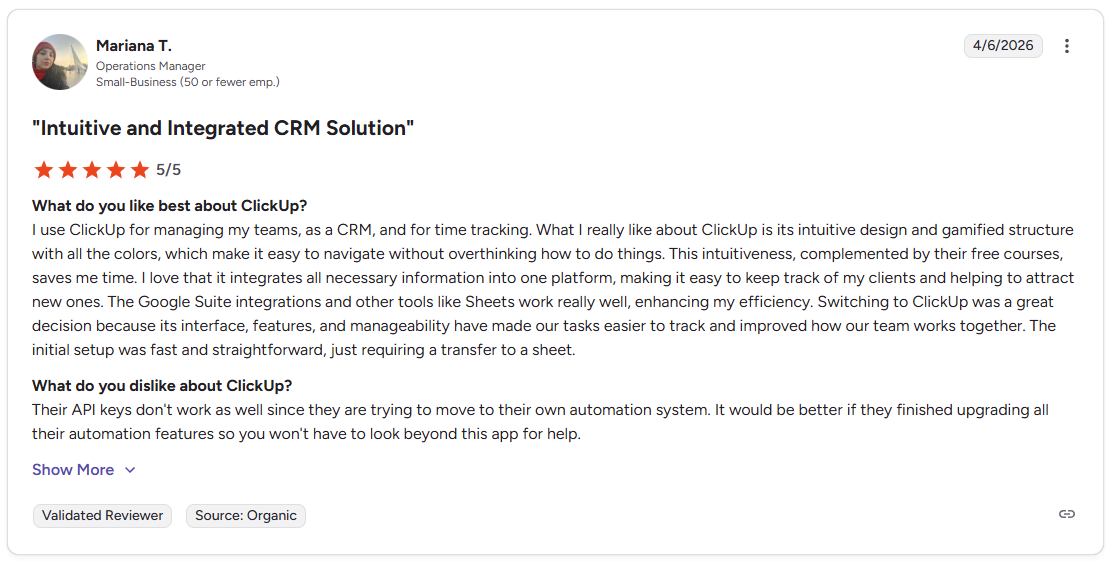
Pro: "I use ClickUp for managing my teams, as a CRM, and for time tracking. . … I love that it integrates all necessary information into one platform, making it easy to keep track of my clients and helping to attract new ones." - Mariana T., G2
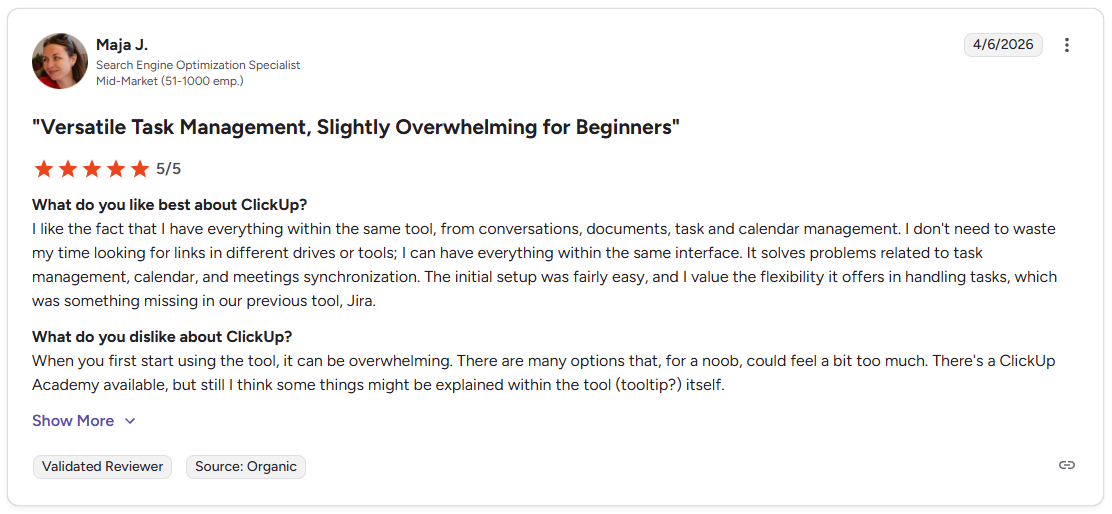
Con: "When you first start using the tool, it can be overwhelming. There are many options that, for a noob, could feel a bit too much." - Maja J., G2
Pricing
ClickUp starts at $7 per user per month.
Bottom line
ClickUp gives teams more control over how tasks are structured and displayed without locking them into a single project view. If you prefer a visual board-first experience with simpler setup, monday.com might be a better fit.
3. monday.com: Best for visual teams that plan work through boards and dashboards

Client access (guests/shared views)
- What it does: monday.com is a work management platform that lets teams plan, track, and collaborate on projects through visual boards, dashboards, and automated workflows.
- Best for: Teams that manage multiple client projects simultaneously and want a visual overview of workload, deadlines, and project status across boards and dashboards.
I mapped out a multi-client project workflow across board views and dashboards to see how well monday handles client project visibility across multiple accounts. The visual layout made it straightforward to track status across several projects at once. Guest access lets clients view specific boards, though teams that want a dedicated branded portal may find the client-facing side fairly limited.
Key features
- Board views: Organize tasks across list, Kanban, Gantt, and calendar views on the same set of project data.
- Dashboards: Pull data from multiple boards into a single view to track progress, workload, and deadlines across projects.
- Automations: Set trigger-based rules for status changes, deadline reminders, and task assignments across project boards.
Pros and cons
| ✅ Pros | ❌ Cons |
|---|---|
| Visual boards give a clear overview of project status across multiple client accounts | Guest access lets clients view boards, but does not provide a dedicated portal experience |
| Dashboard views pull data from multiple projects without manual reporting | Minimum seat requirements on paid plans can increase costs for smaller teams |
| Automation options cover most recurring status updates and deadline reminders |
What users say
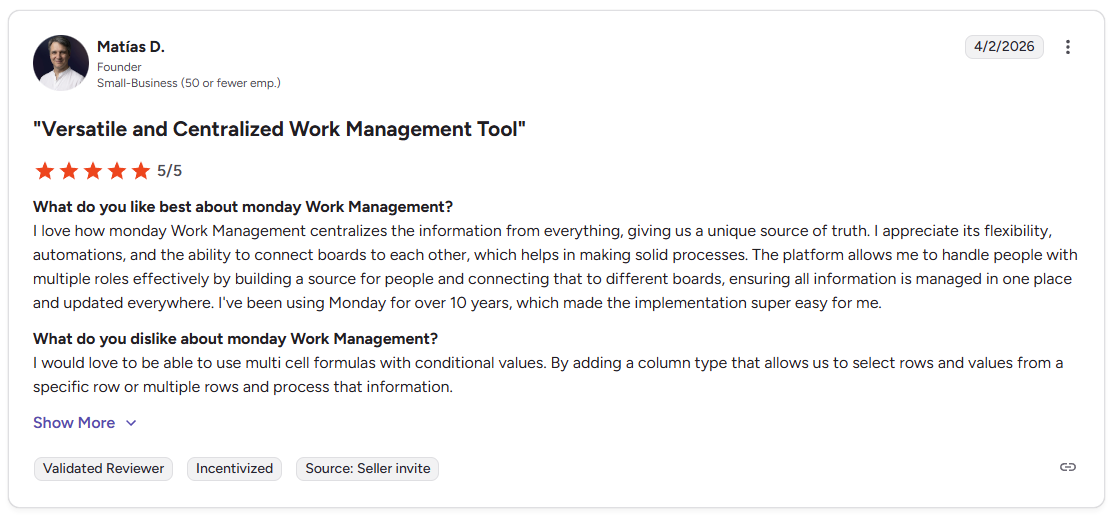
Pro: “I love how monday Work Management centralizes the information from everything, giving us a unique source of truth. I appreciate its flexibility, automations, and the ability to connect boards to each other… The platform allows me to handle people with multiple roles effectively by building a source for people and connecting that to different boards, ensuring all information is managed in one place and updated everywhere.” - Matías D., G2
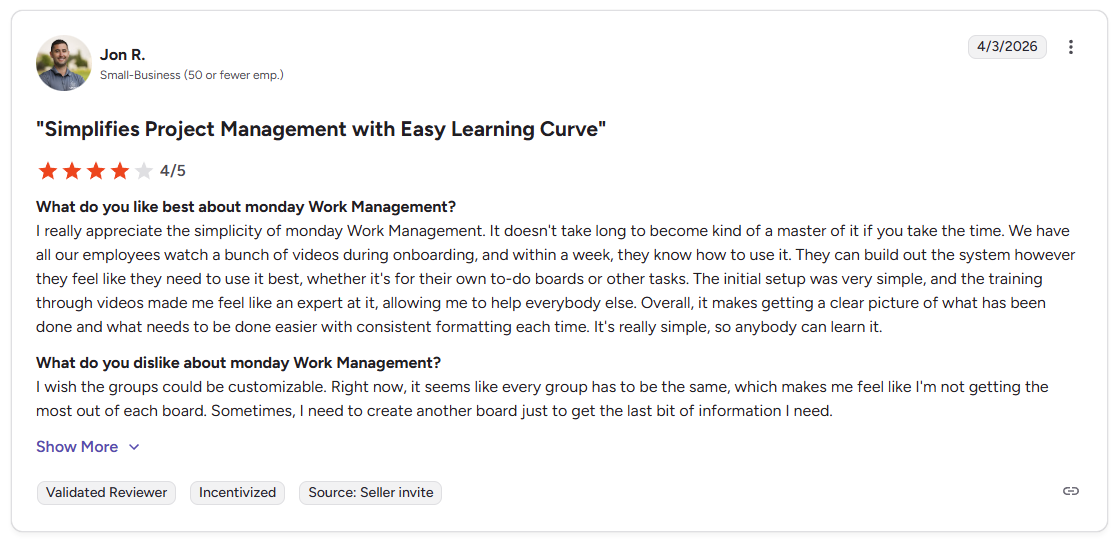
Con: “I wish the groups could be customizable. Right now, it seems like every group has to be the same… Sometimes, I need to create another board just to get the last bit of information I need.” - Jon R., G2
Pricing
monday.com starts at $12 per user per month, with a minimum of 3 seats.
Bottom line
monday.com's dashboard view can give teams a useful cross-project snapshot without having to dig through individual boards. If you need more flexibility in how your workspace is structured, ClickUp might be a better fit.
4. Teamwork.com: Best for client-facing teams that bill by the hour

True client portal
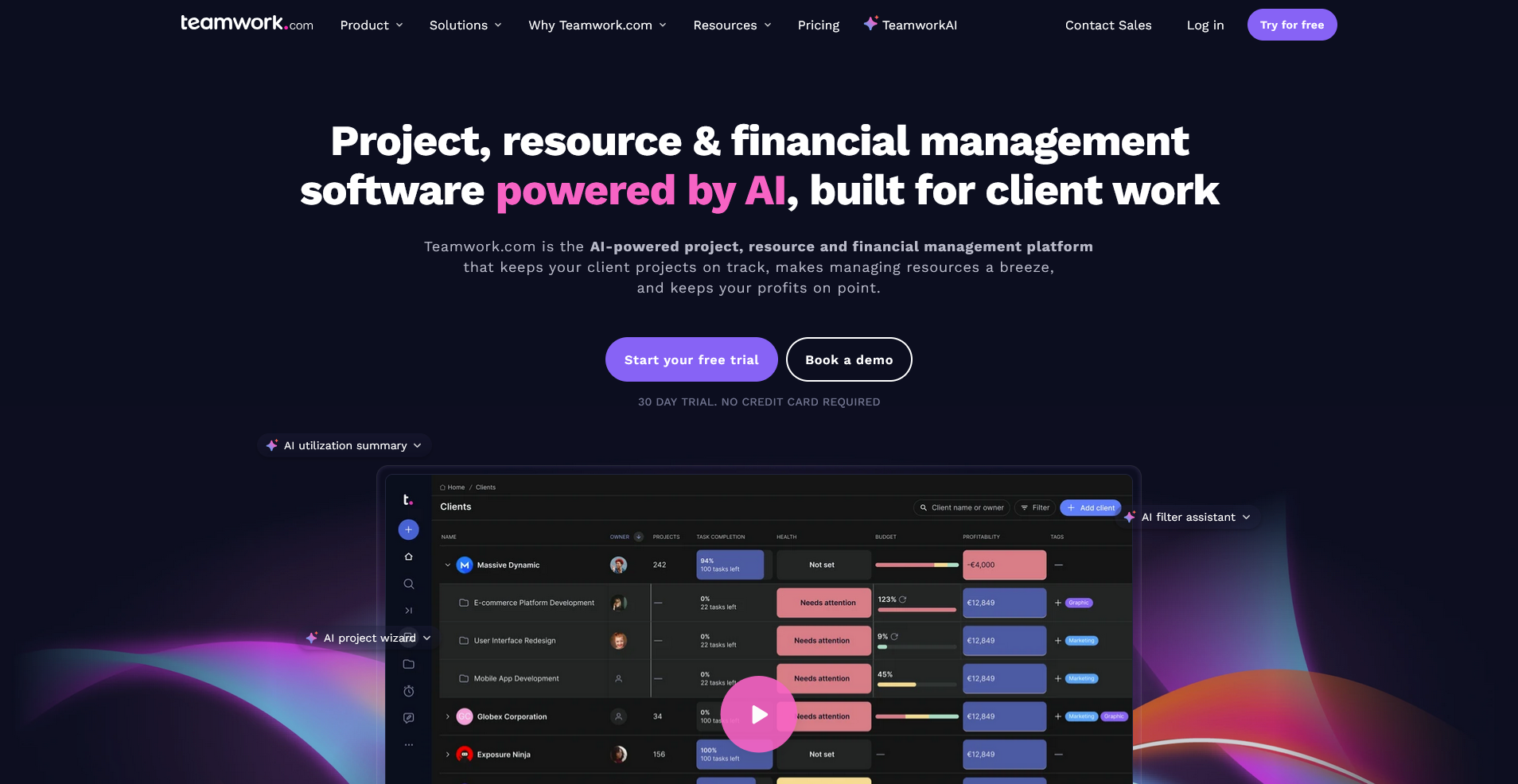
- What it does: Teamwork.com is a project management platform built around client delivery, with time tracking, budgets, and client permissions built into the project structure.
- Best for: Agencies and consultancies that need to track billable hours against client projects and give clients controlled visibility into project progress without exposing internal team details.
I tested Teamwork.com to see how well it connects project delivery to billing, since that's where a lot of agency tools tend to fall short. The time tracking tied directly to tasks, and logging hours against a client budget was more straightforward than I expected. The downside is that teams without a billable hours model may find some of the structure to be more than they need.
Key features
- Time tracking: Log billable and non-billable hours directly against tasks and projects.
- Client permissions: Control what each client can see across their project, including tasks, files, and progress updates.
- Project budgets: Set budget limits per project and track spend against logged time and expenses.
Pros and cons
| ✅ Pros | ❌ Cons |
|---|---|
| Time tracking ties directly to tasks, making billable hour logging straightforward | The interface can take time to learn for new users unfamiliar with agency-style project management tools |
| Client permissions give you control over what each client sees per project | Teams that do not bill by the hour may find the structure more than they need |
| Budget tracking per project can help flag scope issues before they grow |
What users say
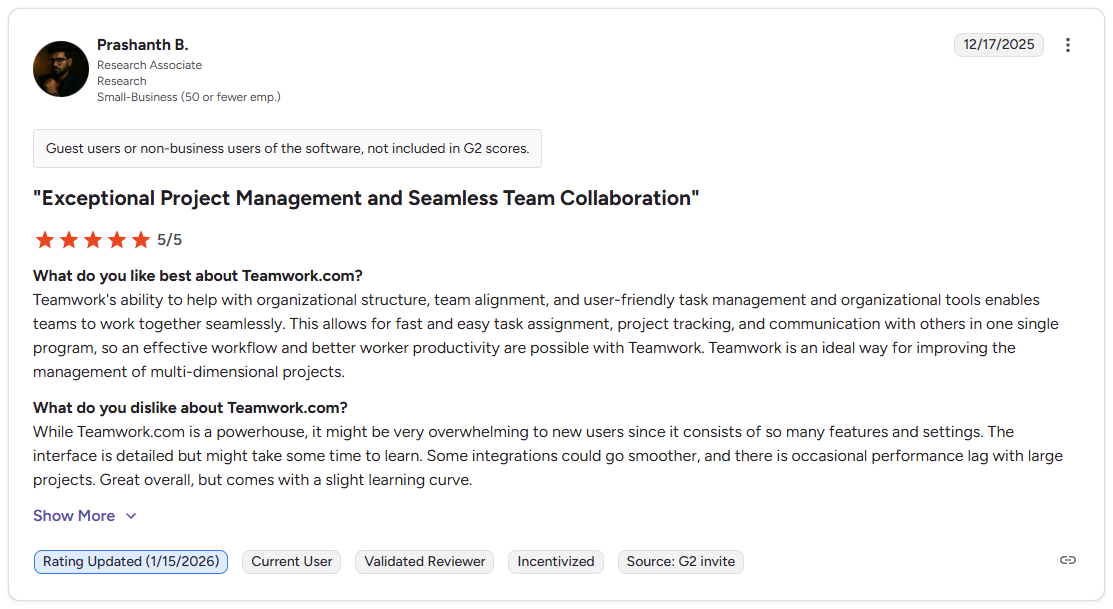
Pro: "Teamwork's ability to help with organizational structure, team alignment, and user-friendly task management and organizational tools enables teams to work together seamlessly. . … Teamwork is an ideal way for improving the management of multi-dimensional projects." - Prashanth B., G2
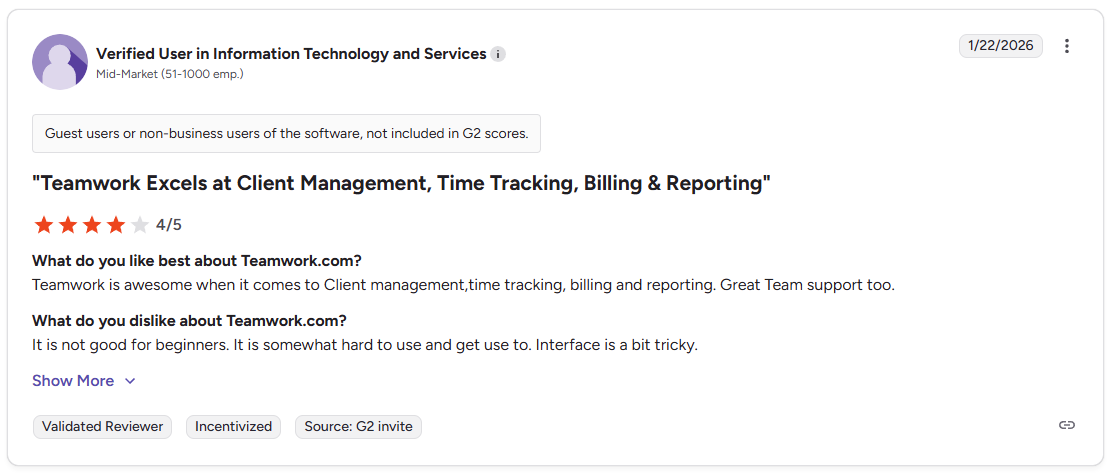
Con: "It is not good for beginners. It is somewhat hard to use and get use[d] to. Interface is a bit tricky." - Verified User in Information Technology and Services, G2
Pricing
Teamwork.com starts at $9.99 per user per month.
Bottom line
Teamwork.com's budget tracking per project can give client-facing teams a clearer picture of where time and money are going across active accounts. If you want a portal-first setup where the client experience is the primary focus, FuseBase might be a better fit.
5. FuseBase: Best for teams that want a client portal with project collaboration and knowledge sharing

True client portal
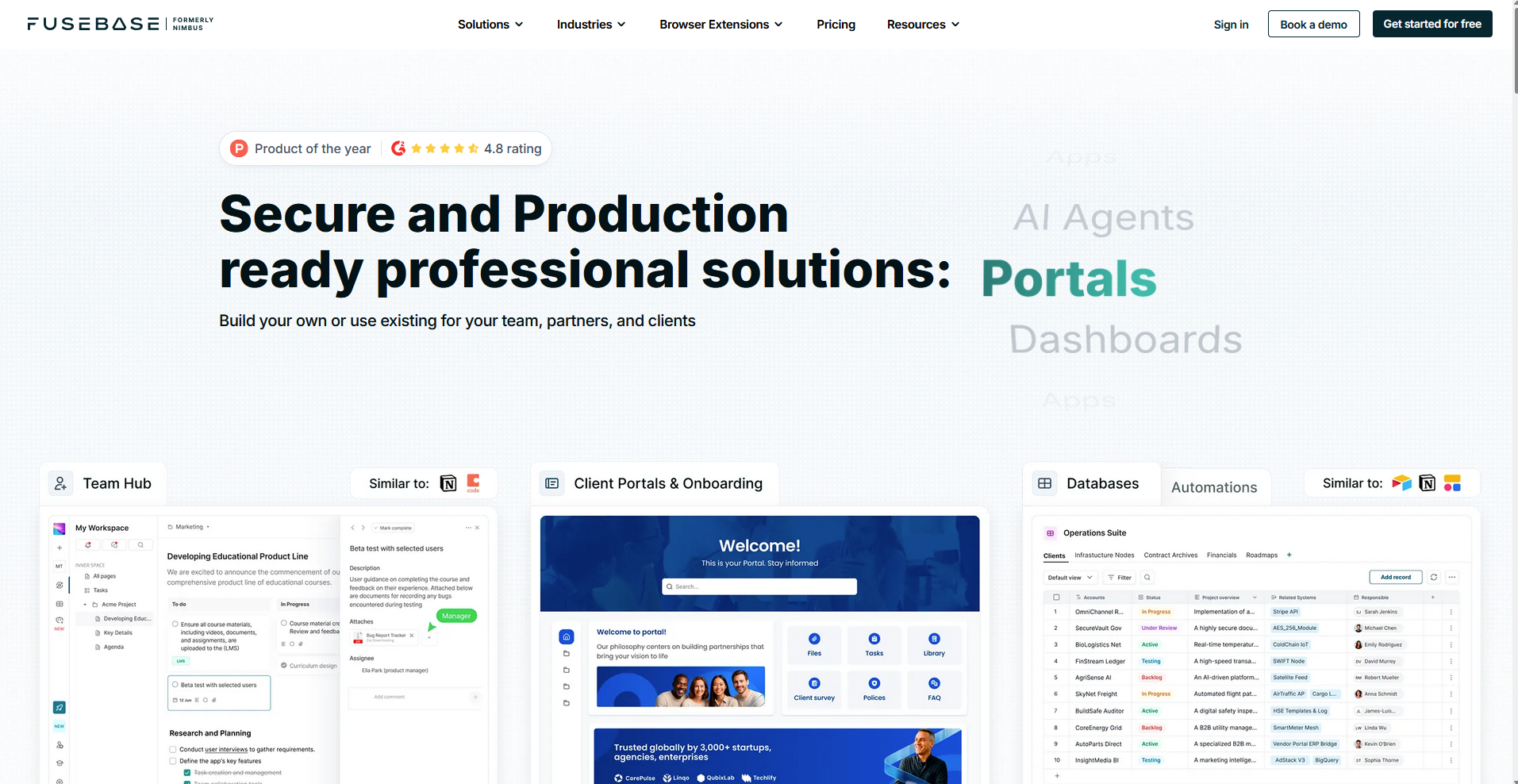
- What it does: FuseBase is a client collaboration platform that combines white-label client portals, project management, and knowledge management in one workspace.
- Best for: Small to mid-sized service teams that want to give each client a branded portal with project updates, shared documents, and task tracking without managing separate tools for each.
I set up a sample client portal in FuseBase and ran a mock project through the internal workspace to see how well the two sides work together. You can build a separate branded space for each client, control what they see, and manage internal work in a different view without the two crossing over. Newer users may need some time to work out which parts of the platform are most relevant to their workflow.
Key features
- White-label client portals: Build a branded portal for each client with a custom domain, logo, and color scheme.
- AI agents: Deploy AI agents inside workspaces to handle routine tasks like summarizing content and organizing updates.
- Granular permissions: Set access controls at the portal, page, and file level to manage what each client can see.
Pros and cons
| ✅ Pros | ❌ Cons |
|---|---|
| Separate internal and client-facing workspaces keep team and client views distinct | The broad feature set can make it harder to know where to start for new users |
| White-label portals let you give each client a branded experience without extra tools | Fewer native integrations compared to more established project management platforms |
| AI agents can handle routine content tasks inside the workspace |
What users say
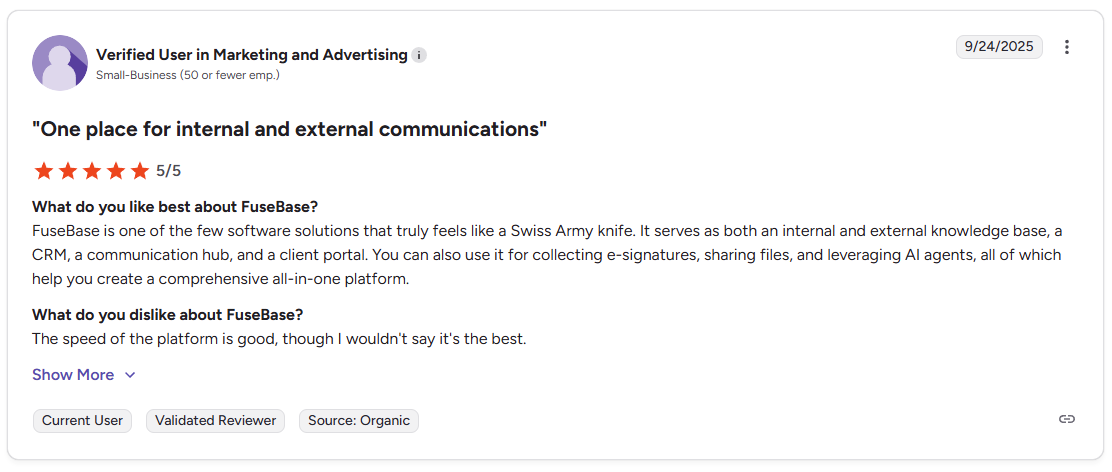
Pro: "It serves as both an internal and external knowledge base, a CRM, a communication hub, and a client portal. You can also use it for collecting e-signatures, sharing files, and leveraging AI agents." - Verified User in Marketing and Advertising, G2
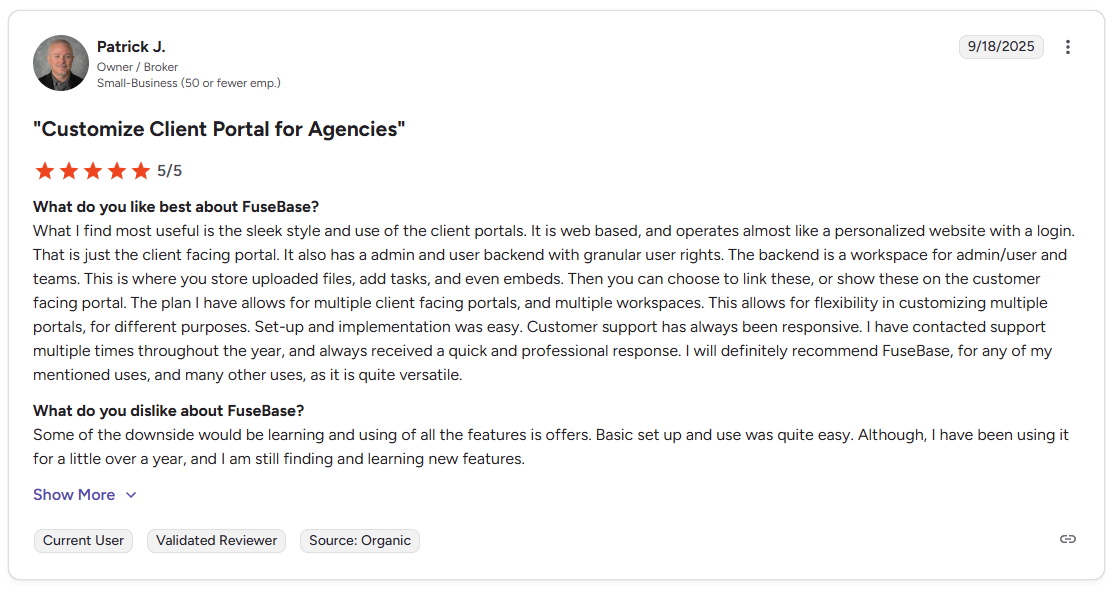
Con: "Some of the downside would be learning and using of all the features [it] offers. Basic set up and use was quite easy. Although, I have been using it for a little over a year, and I am still finding and learning new features." - Patrick J., G2
Pricing
FuseBase starts at $32 per month.
Bottom line
FuseBase's per-portal structure can work well for teams that manage several distinct client relationships and want each one to feel separate and branded. If you need stronger internal project management with cross-team visibility and intake workflows, Wrike might be a better fit.
6. Wrike: Best for mid-to-large teams managing complex cross-functional projects

Client access (guests/shared views)
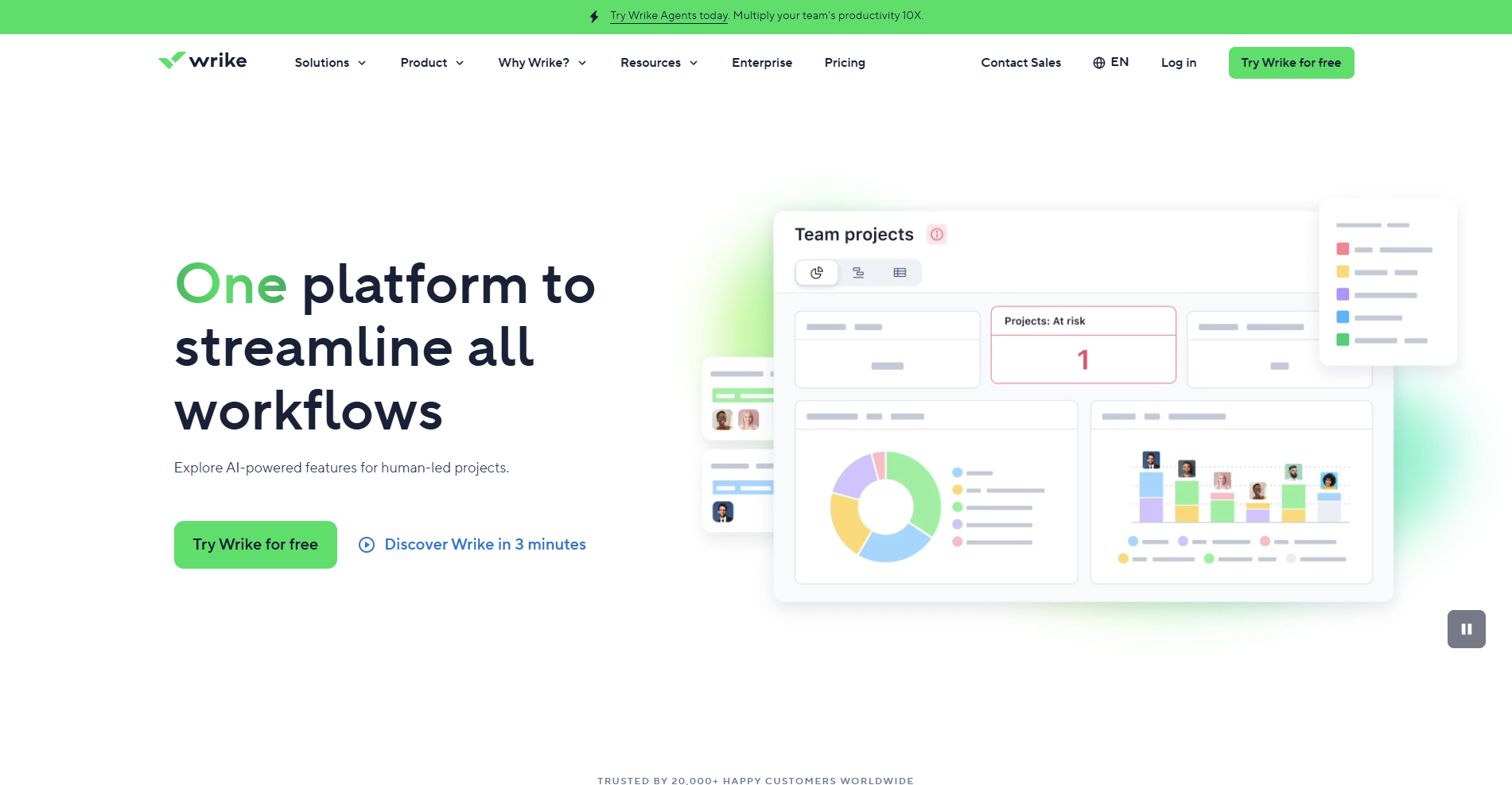
- What it does: Wrike is a project management platform built for teams that need structured workflows, request intake, and cross-team visibility across multiple concurrent projects.
- Best for: Mid-to-large teams that handle work requests from multiple stakeholders and need a clear system for intake, task assignment, and project tracking across departments.
I tested Wrike to see how well it handles cross-functional work across multiple teams and stakeholders. The intake forms stood out as a practical way to capture project requests with minimal back-and-forth, and the custom workflow statuses can give a clear picture of where each piece of work stands. Smaller teams may find the platform has more structure than their projects need.
Key features
- Intake forms: Build custom request forms that feed directly into project workflows and assign tasks based on the responses.
- Custom workflows: Define status stages for tasks and projects to match how your team tracks and moves work forward.
- Cross-team dashboards: View task status, workload, and project progress across multiple teams from a single dashboard.
Pros and cons
| ✅ Pros | ❌ Cons |
|---|---|
| Intake forms can reduce the back-and-forth that comes with unstructured project requests | The platform can take time to configure before it reflects how your team actually works |
| Custom workflow statuses give clear visibility into where each project stands | Client-facing features are more limited compared to tools built around portal delivery |
| Cross-team dashboards can give managers a useful overview across multiple projects |
What users say
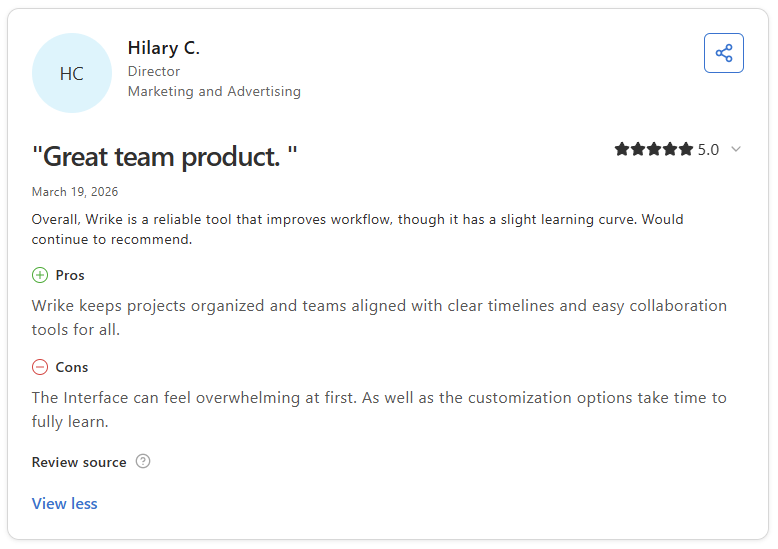
Pro: "Wrike keeps projects organized and teams aligned with clear timelines and easy collaboration tools for all." - Hilary C., Capterra
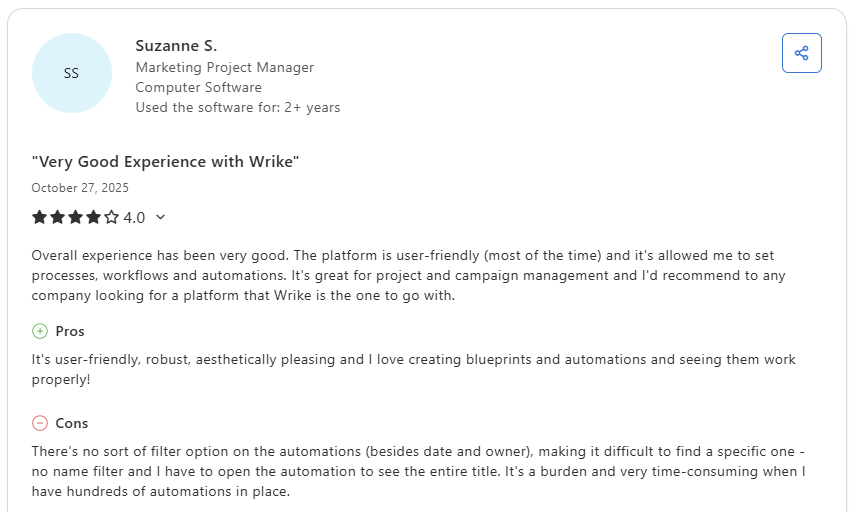
Con: "There's no sort of filter option on the automations (besides date and owner), making it difficult to find a specific one - no name filter and I have to open the automation to see the entire title. It's a burden and very time-consuming when I have hundreds of automations in place." - Suzanne S., Capterra
Pricing
Wrike starts at $10 per user per month.
Bottom line
Wrike's request intake system can give larger teams a more structured way to capture and prioritize incoming project work. If you need clear task dependencies and reusable workflow templates for recurring client projects, Asana might be a better fit.
7. Asana: Best for teams that rely on structured workflows and task dependencies

Client access (guests/shared views)
- What it does: Asana is a project management platform that helps teams organize work through structured task lists, dependencies, and reusable project templates.
- Best for: Teams that run repeatable client projects and need a clear system for sequencing tasks, tracking dependencies, and keeping project delivery consistent across accounts.
I tested Asana by setting up a sample client project with sequenced tasks, dependencies, and a reusable template to see how the workflow structure comes together end to end. Dependencies were easy to configure, and the template library covered most common project types without much extra setup. Clients join as guests inside your Asana workspace rather than logging into a separate branded portal.
Key features
- Task dependencies: Link tasks together so the sequence of work follows a defined order.
- Project templates: Save and reuse project structures across different client engagements.
- Guest access: Invite external users into specific projects with limited view and comment permissions.
Pros and cons
| ✅ Pros | ❌ Cons |
|---|---|
| Task dependencies can keep complex projects moving in the right sequence | Clients access your Asana workspace rather than a dedicated branded portal |
| Reusable templates can reduce setup time for recurring client project types | Reporting features are more limited on lower-tier plans |
| Guest access lets clients view and comment on tasks without full platform access |
What users say
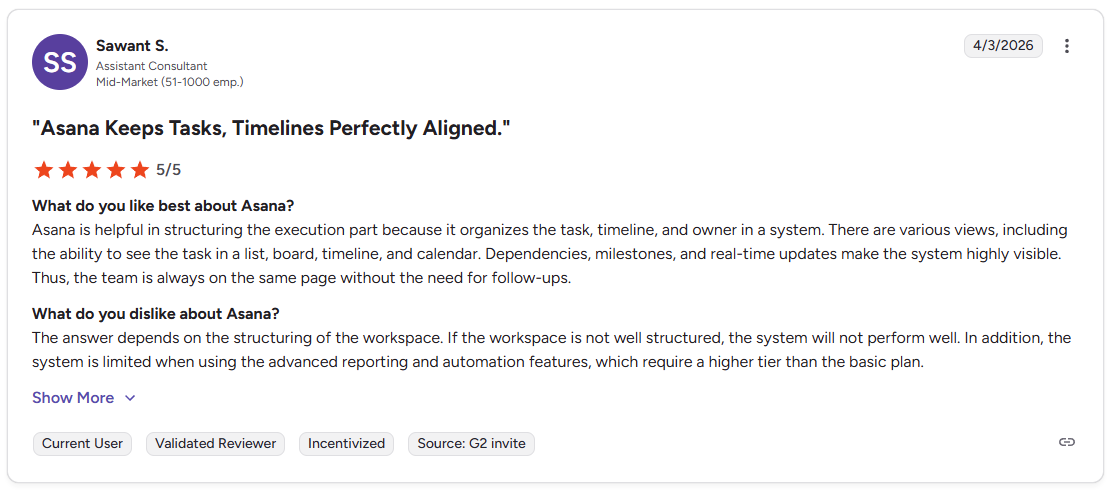
Pro: "Asana is helpful in structuring the execution part because it organizes the task, timeline, and owner in a system. There are various views, including the ability to see the task in a list, board, timeline, and calendar. Dependencies, milestones, and real-time updates make the system highly visible." - Sawant S., G2
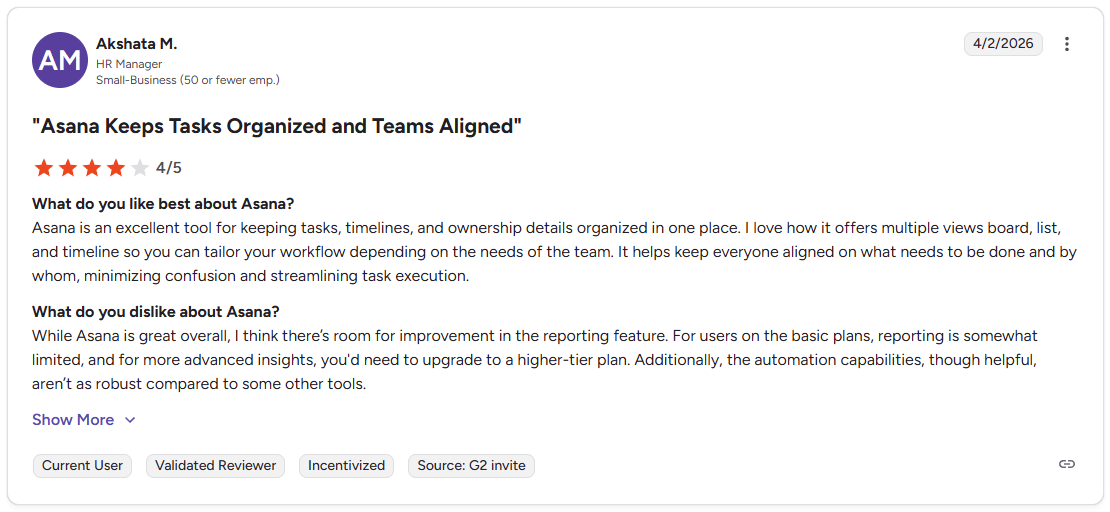
Con: "While Asana is great overall, I think there's room for improvement in the reporting feature. For users on the basic plans, reporting is somewhat limited, and for more advanced insights, you'd need to upgrade to a higher-tier plan. Additionally, the automation capabilities, though helpful, aren't as robust compared to some other tools." - Akshata M., G2
Pricing
Asana starts at $10.99 per user per month.
Bottom line
Asana's template library can make it easier to spin up new client projects without rebuilding the same task structure from scratch each time. If you want those project workflows tied to a branded client portal where clients log into their own tailored space, Assembly might be a better fit.
Special mentions
Portal type: ✅ True client portal · ⚠️ Client access (guests/shared views)
The tools below can be useful depending on your team size, workflow, and how involved your clients need to be. Here are 10 more project management software tools worth considering:
⚠️Zoho Projects (Client access via guests/shared views): A project management tool that covers task dependencies, Gantt charts, time tracking, and budget visibility at a competitive price. It handled structured project planning well during testing and connects cleanly with other Zoho tools. The integrations work best for teams already running Zoho products.
⚠️ Smartsheet (Client access via guests/shared views): A work management platform that handles project tracking through grid, Gantt, and card views with strong reporting and formula support. It covered complex project structures well, particularly for teams that think in spreadsheet terms. Teams used to visual boards may need some adjustment time with the interface.
⚠️ MeisterTask (Client access via guests/shared views): A Kanban-based task manager that keeps project work organized through simple boards, task automations, and a clean interface. It was one of the faster tools to get up and running during testing, with automations that covered most routine handoff steps. The client-sharing options are more limited compared to tools with a dedicated portal experience.
✅LaunchBay (True client portal): A client work platform that combines branded loginless portals, onboarding automation, and task management for agencies and consultants. Reusable templates and automated client reminders work well for teams running the same onboarding process repeatedly, though the internal project management side is fairly limited.
✅Moxo (True client portal): A client collaboration platform that structures external workflows around approvals, e-signatures, and sequenced client actions. It handled multi-step client workflows well during testing, with each step clearly assigned and tracked. Teams that need a full internal project management setup may find the internal workspace side limited.
✅Dock (True client portal): A client workspace tool that organizes onboarding plans, project deliverables, and shared resources into a portal your clients can access without creating an account. It works well for customer success and onboarding workflows where the handoff from sales to delivery matters. The internal task tools are relatively light compared to dedicated project management platforms.
✅Bloom.io (True client portal): A business management tool for freelancers and creatives that combines a client portal, contracts, invoicing, and project tracking in one workspace. It works well for managing the full client relationship without needing separate tools, though the task management side is limited with no Kanban boards or task dependencies.
⚠️Nifty (Client access via guests/shared views): A project collaboration tool that brings milestones, tasks, docs, and client-facing views into one workspace. The milestone tracking gave a clear picture of where each project stood without digging through individual tasks, but managing several overlapping projects at once can make the sidebar harder to navigate.
⚠️Basecamp (Client access via guests/shared views): A project management tool that organizes work into message boards, to-do lists, file storage, and a separate client-facing view per project. It kept communication organized and easy to follow during testing. Teams that need task dependencies or advanced workflow structure may find it limiting.
⚠️Notion (Client access via guests/shared views): A flexible workspace that combines docs, databases, and basic task tracking. It works well for teams that want to build their own project structure from scratch, with client-facing pages you can share via link. The open-ended setup means more configuration time upfront compared to dedicated project management tools.
Which project management software with a client portal should you choose?
The right project management software depends on how much of your work is client-facing, how much internal structure your team needs, and how polished you want the client-facing side to be.
Choose Assembly if you:
- Want tasks tied to client records and a branded portal your clients can log into directly
- Need recurring automations that can handle routine client touchpoints with minimal manual follow-up
- Run a service firm that wants project delivery and the client experience in one platform
Choose ClickUp if you:
- Need deep task control, multiple project views, and strong customization options
- Want a flexible workspace that can adapt to how your team organizes and tracks work
- Manage complex projects across several clients or internal teams at the same time
Choose monday.com if you:
- Prefer visual boards and dashboards for tracking work across multiple projects
- Need guest access for clients without giving them visibility into internal team activity
- Want automation options that can cover status updates and deadline reminders without heavy setup
Choose Teamwork.com if you:
- Bill clients by the hour and need time tracking tied to project delivery
- Want client permissions that control what each client can see
- Run an agency or consultancy where budget visibility per client account matters
Choose FuseBase if you:
- Want a white-label client portal with built-in project collaboration and knowledge sharing
- Need granular permissions that can control what each client sees across multiple workspaces
- Prefer a portal-first setup where the client experience shapes how the workspace is organized
Choose Wrike if you:
- Manage cross-functional projects that involve multiple teams and stakeholder approvals
- Need intake forms and request management as part of your project workflow
- Want visibility across workloads and project status for mid-to-large teams
Choose Asana if you:
- Rely on task dependencies and structured workflows to keep projects on track
- Want reusable project templates that can reduce setup time for recurring client work
- Need guest access for clients to view and comment on tasks without full platform access
Final verdict
Teamwork.com, ClickUp, and Asana are strong picks for project management software with a client portal if your primary need is task structure, project visibility, or delivery workflows built around your team's internal processes.
But if you want a tailored portal your clients log into with tasks, messages, and payments all tied to the work, Assembly brings those pieces together in one platform.
Here's how Assembly can help:
- Give clients a branded portal: Clients log into a space that reflects your brand to access contracts, invoices, files, and project updates without email back-and-forth.
- Dynamic client homepages: Clients automatically see different content based on custom field tags, so each client's portal reflects their specific reporting setup without manual changes.
- Organized report delivery: App Folders let you group dashboards, analytics tools, and external links into named folders inside the portal, so clients find their reports without digging around.
- Keep tasks, messages, and files together: Client communication, shared files, and project tasks stay connected to each client record instead of being scattered across separate tools.
- Prep faster for meetings: The AI Assistant summarizes recent client activity and communication, helping you walk into calls with a clear picture of what’s been discussed and what’s outstanding.
Assembly isn’t designed to replace a dedicated project management tool if your team depends on complex sprint workflows or enterprise-level resource planning. For service firms that want every client to log into a tailored, branded experience where tasks, invoices, and files stay connected to the work, it's worth a closer look. Start your free Assembly trial today.
Frequently asked questions
What should a client portal include?
A client portal should include secure file sharing, task visibility, messaging, and a way for clients to track project progress without contacting your team directly. Most service firms also benefit from having contracts, invoices, and onboarding forms accessible in the same space.
What is the difference between project management software and a client portal?
Project management software organizes internal work, while a client portal gives clients a dedicated space to access files, updates, and communication related to their engagement. Most project management tools focus on your team's workflow, with client access added as a secondary feature. A client portal puts the client experience first, with permissions and visibility built around what each client needs to see.
Does Asana have a client portal?
Asana doesn't have a built-in client portal, but you can invite clients as guests to view and comment on specific tasks and projects. Guest access is available on paid plans, though clients see your Asana workspace rather than a branded, dedicated portal. Teams that need a more polished client-facing experience typically pair Asana with a separate portal tool.