
17 Best customer portal platforms for 2026: An honest review
The best customer portal platforms bring client communication, billing, and file sharing into one place. I tested dozens to find the top 17 for service firms in 2026.


The best customer portal platforms help replace the scattered stack of emails, shared drives, and payment tools that can slow service firms down. I tested dozens, and these are the 17 worth considering in 2026.
17 Best customer portal platforms: Quick comparison
| Tool | Best for | Starting price | Key strengths |
|---|---|---|---|
| Assembly | Service firms needing tailored client portals | $39/month | Client portals, CRM, automations, and payments in one place |
| HoneyBook | Freelancers managing leads and contracts | $29/month | Contracts, invoicing, scheduling, and client portal |
| SuiteDash | Businesses wanting deep customization | $180/year | White-label portal, CRM, projects, invoicing, onboarding |
| Moxo | Structured client communication workflows | $960/year | Secure messaging, workflows, eSignatures, portals |
| Dubsado | Automation-heavy service businesses | $335/year | Workflows, contracts, scheduling, invoicing |
| Bonsai | Freelancers tracking contracts and time | $9/user/month | Contracts, time tracking, invoicing, projects |
| CoordinateHQ | Agencies with client-facing workflows | $25/user/month | Client portal, templates, task tracking |
| Kitchen | Creative agencies delivering work | $29/user/month | File delivery, feedback, collaboration |
| Teamwork | Agencies needing PM + client layer | $9.99/user/month | Project management, time tracking, invoicing |
| Productive | Agencies tracking profitability | $10/user/month | Budgeting, time tracking, invoicing, PM |
| Moxie | Solo service providers | $10/month | CRM, invoicing, projects, time tracking |
| Clinked | Secure white-label portals | $239/month | File sharing, collaboration, white-label portal |
| SuperOkay | Sharing project updates with clients | $9/month | Client updates, embeds, branding |
| FuseBase | Knowledge-rich client portals | $32/month | Knowledge base, collaboration, portal |
| OnRamp | Structured onboarding programs | Custom | Onboarding workflows, tracking, integrations |
| Dock | Sales + success teams | $350/month | Client workspace, onboarding, analytics |
| Planhat | Customer success and renewals | Custom | Health scoring, playbooks, revenue tracking |
How I researched and tested these customer portal platforms
I set up sample workspaces across each platform using mock client data, simulated onboarding flows, and test billing scenarios to see how each tool performs when managing multiple clients at once.
Here's what I looked at:
- Client-facing experience: How the portal looks and works from the client's side, including how straightforward it is for a new client to log in, find files, and take action.
- Branding and customization: How much control you have over the look of the portal, including custom domains, colors, and what clients see when they log in.
- Onboarding flows: How well each platform handles the process of bringing a new client in, from the initial invite through contracts, forms, and first payment.
- Billing and payments: Whether you can send invoices, collect payments, and manage subscriptions without needing a separate tool.
- Integrations: How well each platform connects with the tools service firms commonly use, including project management, accounting, and communication software.
From testing, the platforms that performed best were the ones where the internal and client-facing sides of the workflow fit together without requiring a workaround at every step.
1. Assembly: Best for branded client portals for service firms
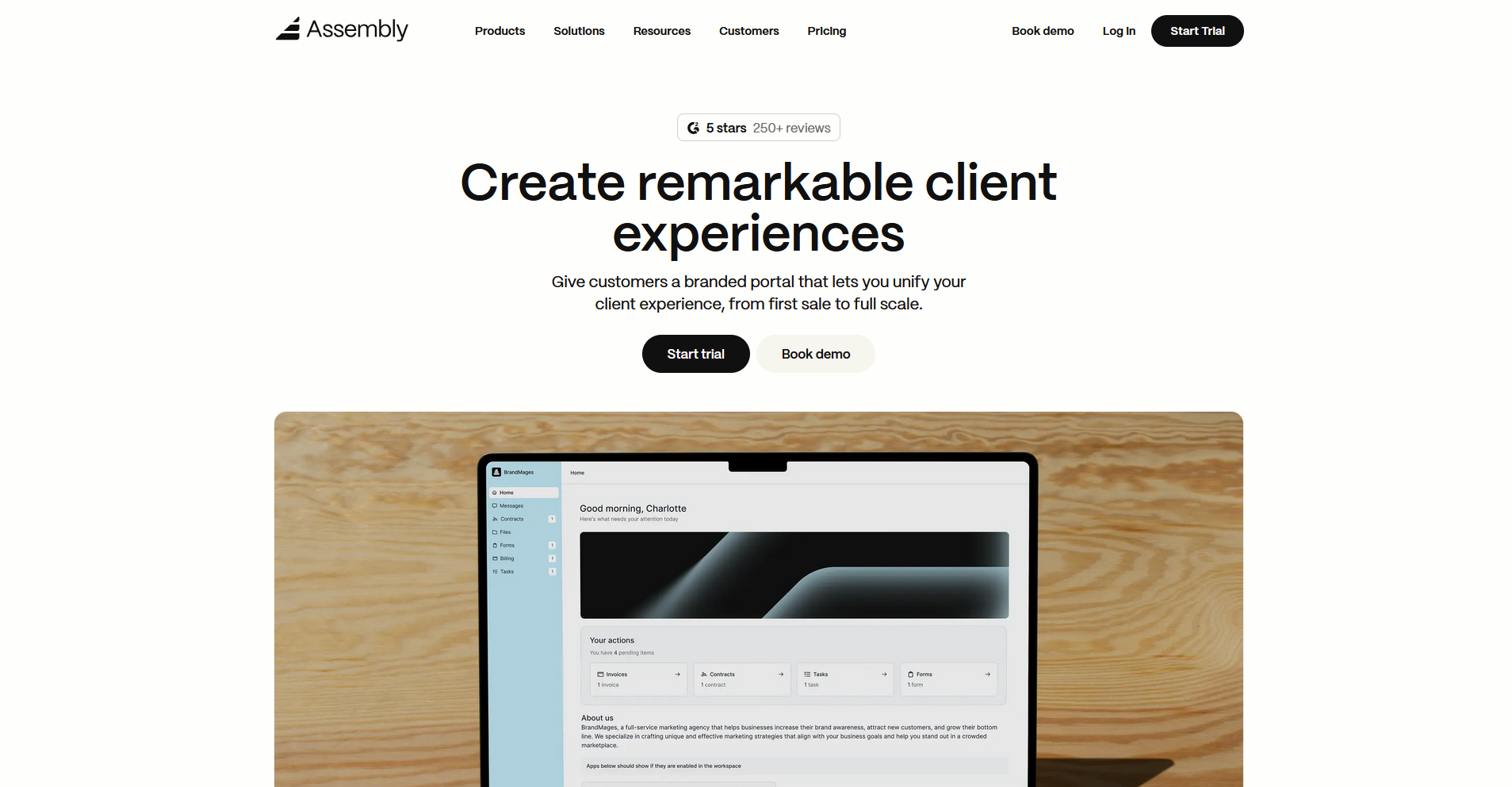
- What it does: Assembly is a client portal platform built on a core CRM, giving service businesses a branded space where clients can access files, invoices, messages, contracts, and project updates.
- Best for: Service firms that want a dedicated client-facing portal connected to their CRM, billing, and task management.
We built Assembly to help service firms manage the post-sale client relationship from one platform. Clients log into a branded portal where they can access files, invoices, messages, and project updates, all tied to their record in the same system. Custom domains are only available on the Professional plan and above.
Key features
- Dynamic client homepages: Each client's portal homepage displays content based on custom field tags set on their record, so different clients see different information when they log in.
- Recurring automations: Trigger-based workflows that fire based on client actions or time intervals, covering welcome messages, invoice reminders, and follow-ups.
- Consolidated payments: Invoice creation, payment collection, and subscription management built directly into the portal, with options for credit card and ACH payments.
Pros and cons
| Pros | Cons |
|---|---|
| Branded client portal tied directly to CRM records | Clients must be manually invited to access the portal |
| Recurring automations reduce manual follow-ups across the client lifecycle | Advanced customization and custom apps require higher-tier plans |
| Built-in payments let clients pay invoices without leaving the portal |
What users say
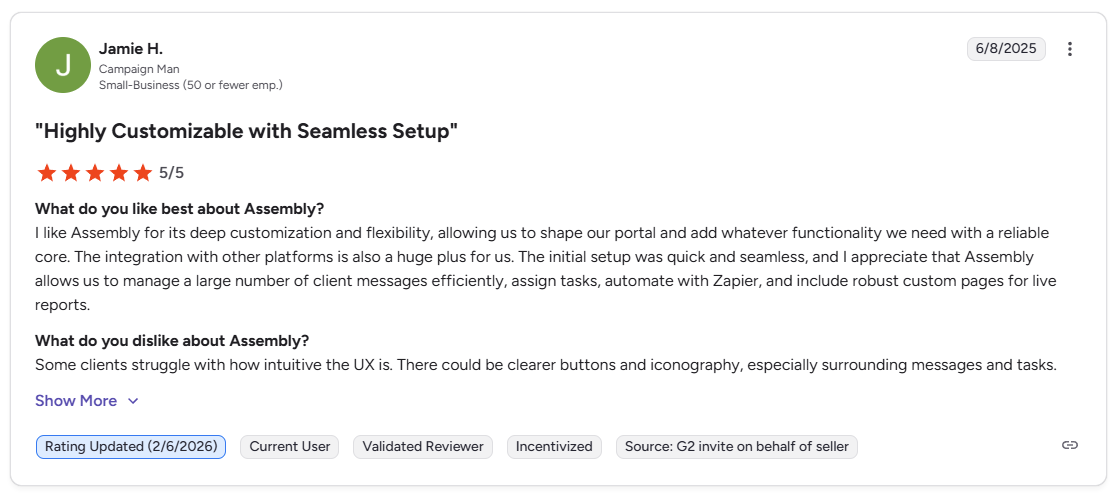
Pro: “I like Assembly for its deep customization and flexibility, allowing us to shape our portal and add whatever functionality we need with a reliable core. … Assembly allows us to manage a large number of client messages efficiently, assign tasks, automate with Zapier, and include robust custom pages for live reports.” - Jamie H., G2
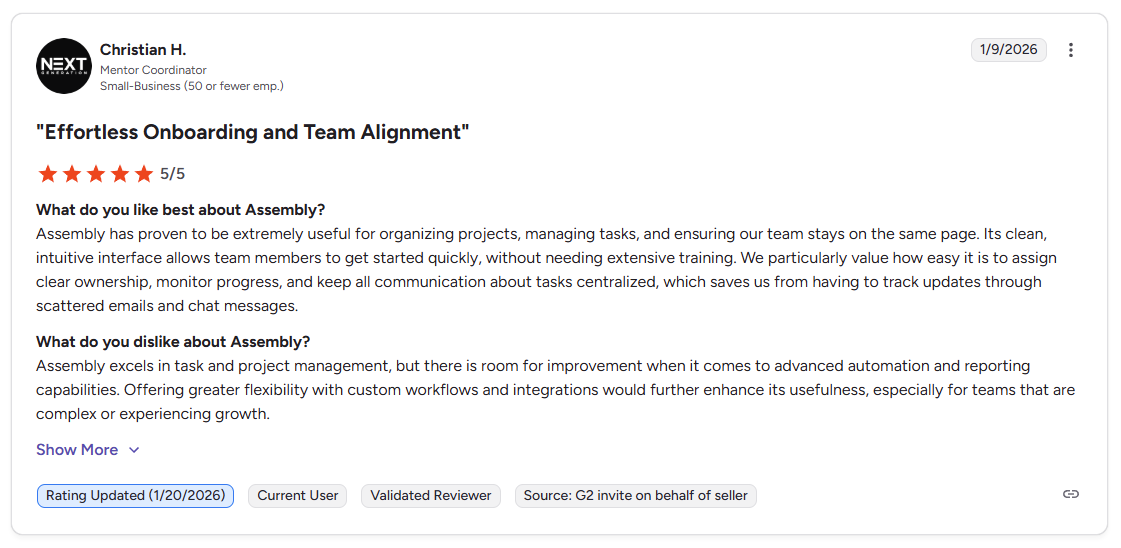
Con: “Assembly excels in task and project management, but there is room for improvement when it comes to advanced automation and reporting capabilities. Offering greater flexibility with custom workflows and integrations would further enhance its usefulness, especially for teams that are complex or experiencing growth.” - Christian H., G2
Pricing
Assembly starts at $39 per month.
Bottom line
Assembly connects the client-facing portal experience directly to your CRM, billing, and task management without requiring separate tools for each. If you need a more automation-heavy workflow with deep contract management, Dubsado might be a better fit.
2. HoneyBook: Best for freelancers managing leads and contracts
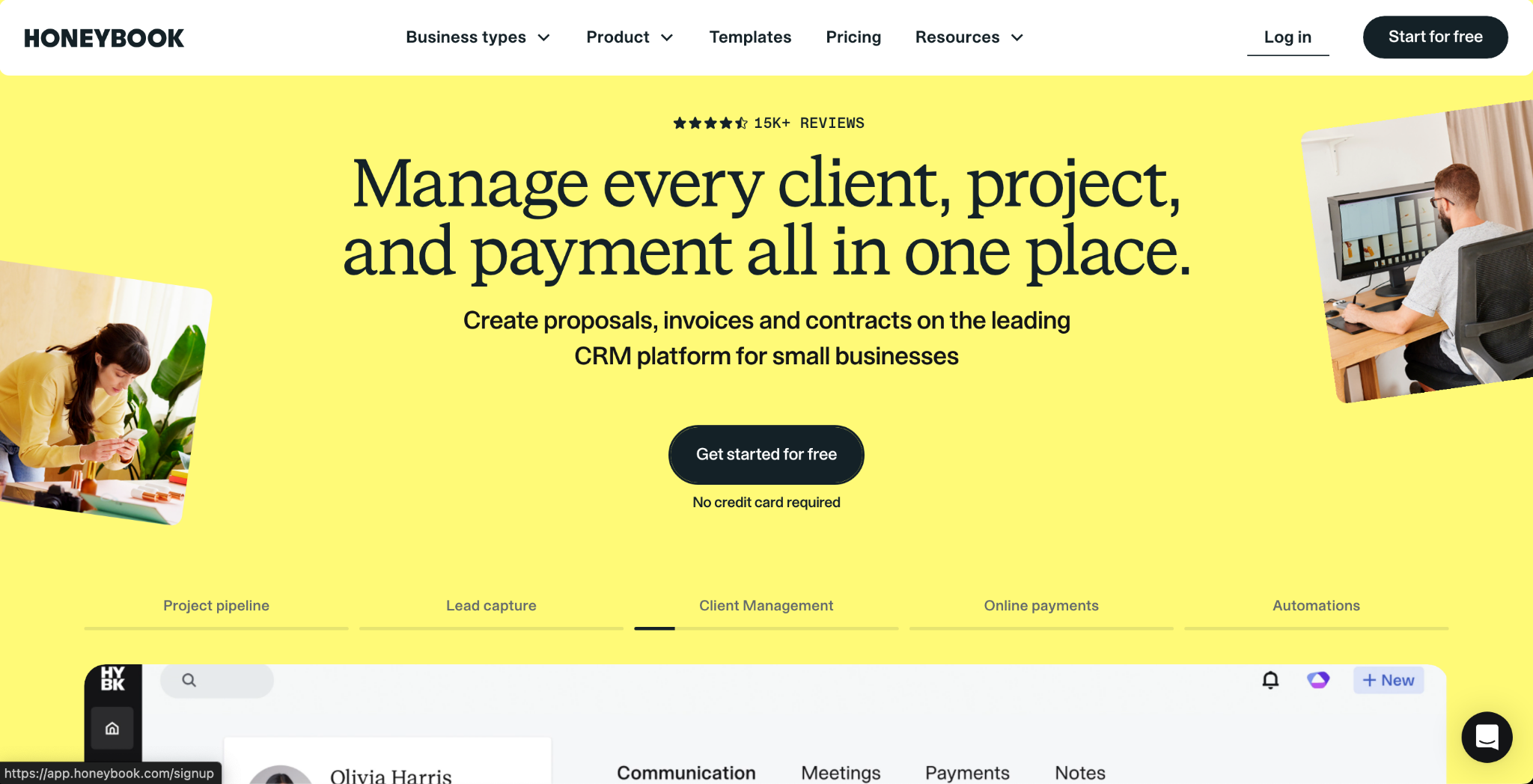
- What it does: HoneyBook is a client management platform that covers the full client lifecycle for independent service businesses, from lead capture and contracts to invoicing and client portal access.
- Best for: Independent service providers and small creative businesses that manage the full client journey from inquiry to final payment in one place.
I set up a sample client workflow in HoneyBook to test the inquiry-to-payment sequence for a small service business. By the time I submitted a test inquiry, the contract and invoice queued and sent automatically without me returning to the platform. The client portal is project-specific, so returning clients won't have a unified account to log back into.
💡Tip: To learn more, check out our full HoneyBook review.
Key features
- Automated client workflows: Multi-step workflows that trigger contract sends, payment reminders, and follow-up emails based on client actions or project stage.
- Branded client portal: A customizable client-facing space where clients can access files, messages, contracts, and payments, with adjustable fonts, colors, and header images.
- Scheduling and meeting management: A built-in scheduling tool that lets clients book time and attaches meetings directly to their project record.
Pros and cons
| Pros | Cons |
|---|---|
| Guided workflows make it easy to move clients from inquiry to payment | Client portal is project-based, not a persistent client account |
| Branded portal customization supports fonts, colors, and headers | Not ideal for teams managing multiple members across client accounts |
| Automation triggers reduce manual follow-ups across the client lifecycle |
What users say
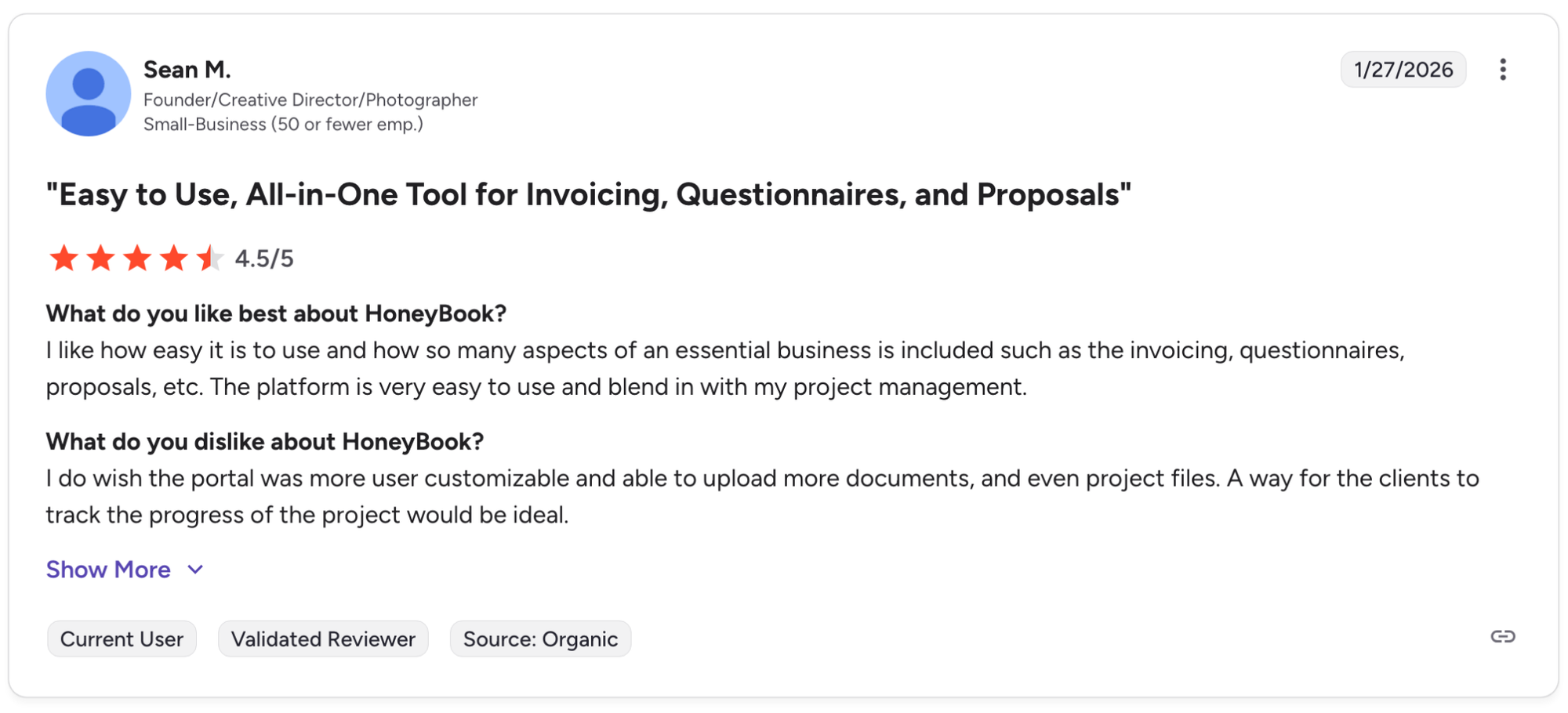
Pro: "I like how easy it is to use and how so many aspects of an essential business is included such as the invoicing, questionnaires, proposals, etc. The platform is very easy to use and blend in with my project management." - Sean M., G2
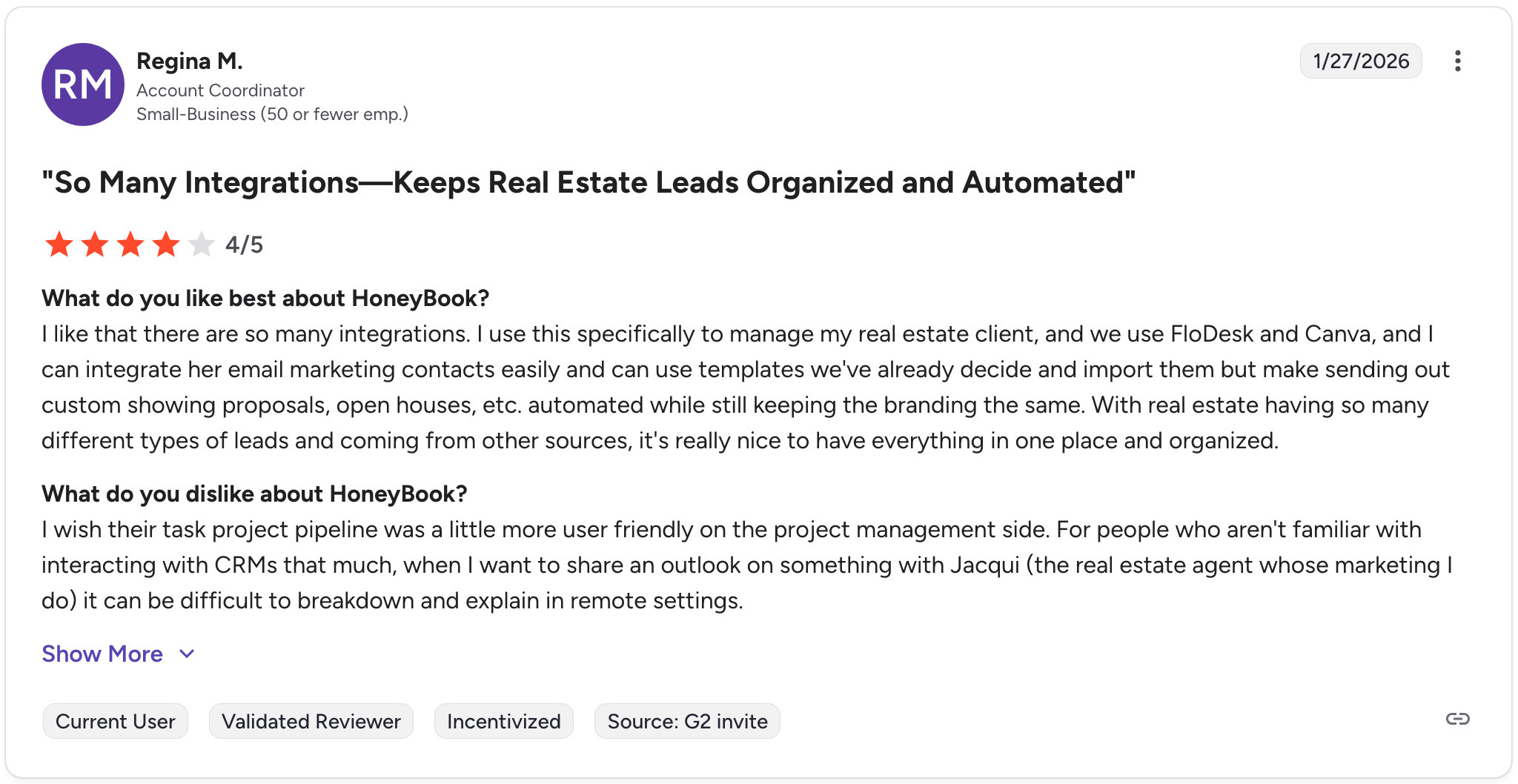
Con: "I wish their task project pipeline was a little more user friendly on the project management side. For people who aren't familiar with interacting with CRMs that much, when I want to share an outlook on something with Jacqui (the real estate agent whose marketing I do) it can be difficult to breakdown and explain in remote settings." - Regina M., G2
Pricing
HoneyBook starts at $29 per month. Check out our full HoneyBook pricing guide to learn more.
Bottom line
HoneyBook's guided workflow structure makes it one of the more approachable options for independent service providers moving clients from inquiry to payment without juggling separate tools. If you need a persistent branded client workspace that goes beyond project-level access, Assembly might be a better fit.
3. SuiteDash: Best for deep customization at a flat monthly rate
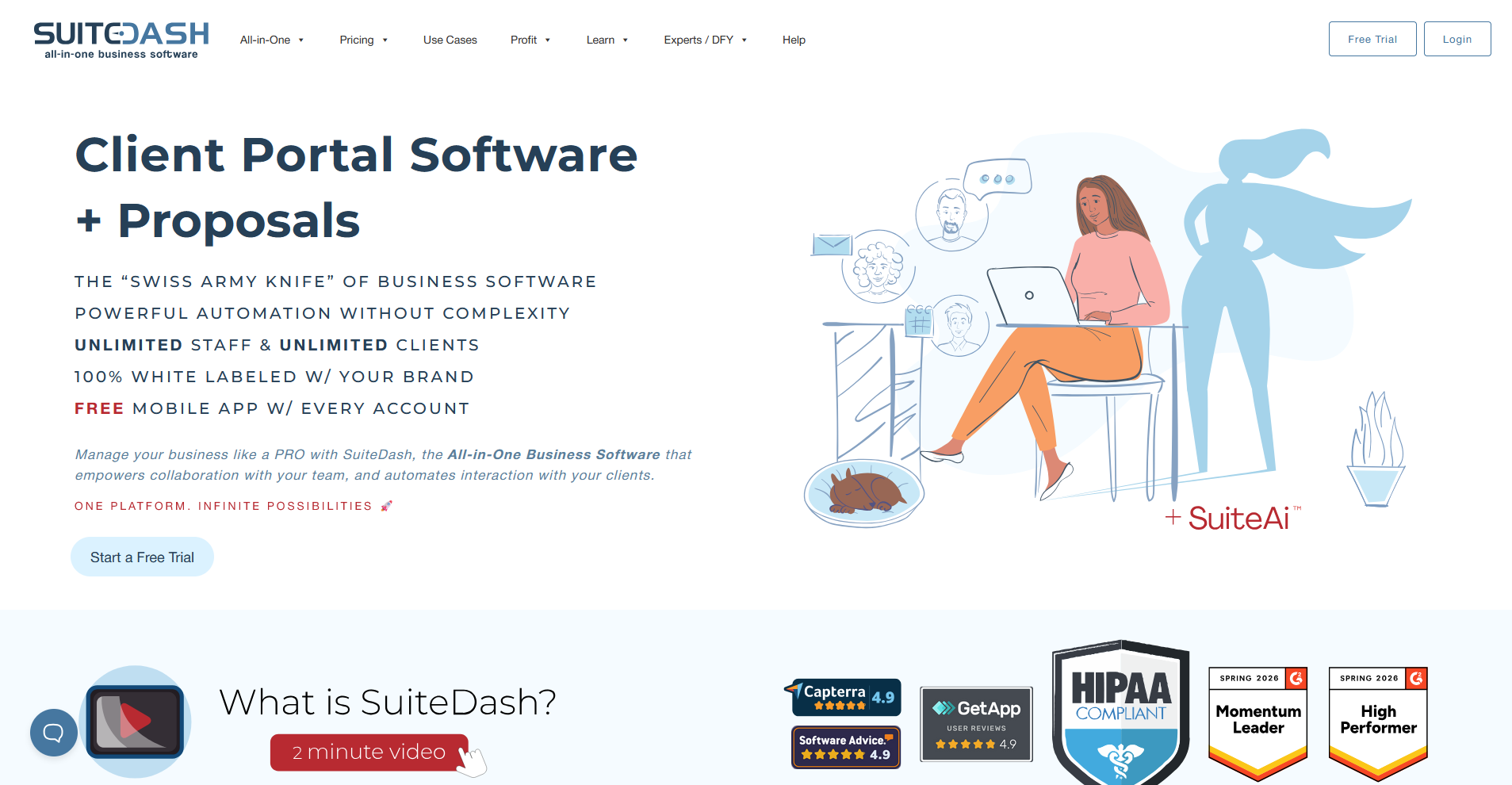
- What it does: SuiteDash is a white-label client portal platform with CRM, project management, invoicing, onboarding flows, and automation built into a single flat-rate subscription.
- Best for: Small businesses and agencies that want extensive portal customization and white-label branding without paying per user or per feature.
I connected a sample business account in SuiteDash to test how far the white-label customization goes. After working through the branding settings, the client-facing login screen and dashboard rendered under a custom domain with no visible SuiteDash branding. The number of settings across modules means you'll spend meaningful time in configuration before clients can log in.
💡Tip: To learn more, check out our full SuiteDash review.
Key features
- White-label portal customization: Full control over the login screen, dashboard layout, color scheme, custom domain, and branded mobile app, with SuiteDash branding completely hidden.
- Dynamic client dashboards: Drag-and-drop dashboard builder that displays different content to different clients based on assigned CRM Circles and dynamic data placeholders.
- Automation engine: Trigger-based workflows that fire across modules when actions like form submissions, proposal signatures, or invoice payments occur.
Pros and cons
| Pros | Cons |
|---|---|
| Full white-label customization across login, domain, mobile app, and emails | Initial setup takes time before the portal is client-ready |
| Flat pricing with no per-user fees and a lifetime plan option | Wide feature set can make the interface harder to navigate for new users |
| Dynamic dashboards display client-specific content based on CRM data |
What users say
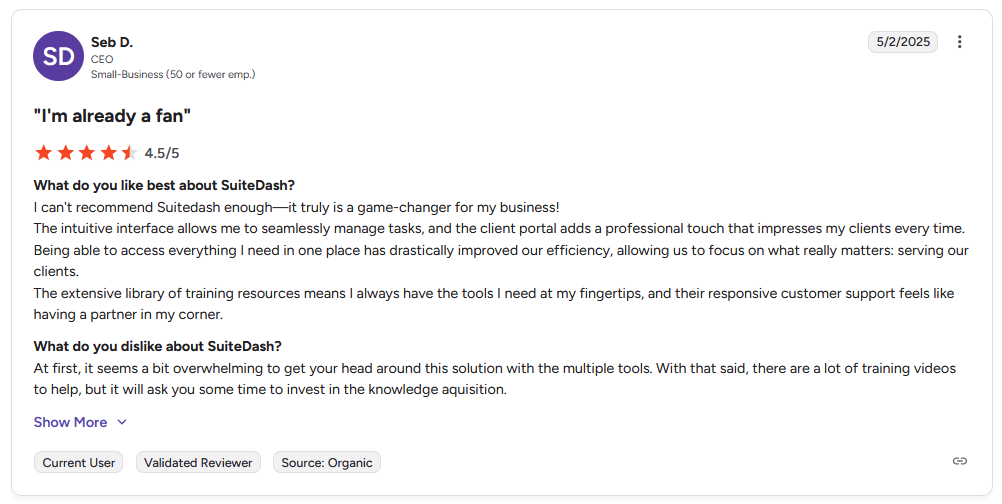
Pro: "The intuitive interface allows me to seamlessly manage tasks, and the client portal adds a professional touch that impresses my clients every time. … The extensive library of training resources means I always have the tools I need at my fingertips, and their responsive customer support feels like having a partner in my corner." - Seb D., G2
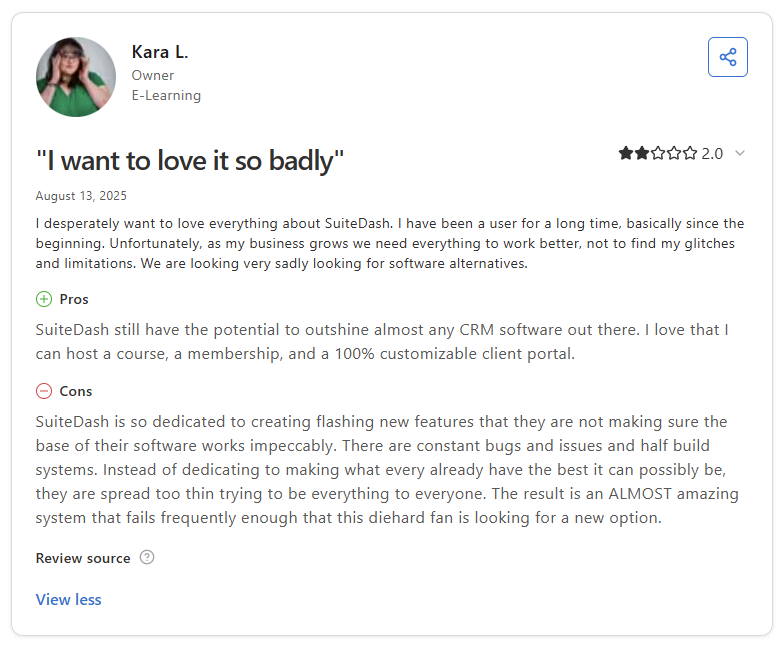
Con: "SuiteDash is so dedicated to creating flashing new features that they are not making sure the base of their software works impeccably. There are constant bugs and issues and half build systems. … The result is an ALMOST amazing system that fails frequently enough that this diehard fan is looking for a new option." - Kara L., Capterra
Pricing
SuiteDash starts at $180 per year. Check out our full SuiteDash pricing guide to learn more.
Bottom line
SuiteDash offers white-label control that extends beyond the portal itself, covering branded mobile app access, custom domain, and email notifications under your own brand. If your priority is a faster setup with a cleaner out-of-the-box experience, HoneyBook might be a better fit.
4. Moxo: Best for structured client communication workflows
- What it does: Moxo is a client portal platform built around workflow-driven client engagement, covering secure messaging, file sharing, eSignatures, and branded portals in one place.
- Best for: Service businesses and enterprise teams that manage high-touch client interactions across structured, multi-step workflows with multiple stakeholders.
I built a sample client onboarding workflow in Moxo to see if handoffs between multiple participants would stay on track without manual follow-up. Each step moved to the next owner automatically once marked complete, and when I deliberately stalled one step, the dashboard flagged it immediately. Getting the conditional routing to behave the way I expected took more rounds of adjustment than I anticipated.
💡Tip: To learn more, check out our full Moxo review.
Key features
- Workflow builder: A no-code tool for designing multi-step client workflows with assigned owners, conditional routing, due dates, and automated reminders at each stage.
- Secure messaging and file sharing: An in-portal communication layer that keeps messages, file exchanges, and annotations tied to each client workflow rather than scattered across email.
- Audit trail and compliance controls: A full log of every client interaction, document view, download, and approval, with role-based access controls and support for common security and data protection requirements in regulated industries.
Pros and cons
| Pros | Cons |
|---|---|
| Workflow builder supports multi-step processes with conditional routing and multiple stakeholders | Interface has a learning curve when setting up conditional or multi-party workflows |
| Audit trails log every client interaction and document action for compliance | Client adoption can be slower due to the less familiar workflow-driven interface |
| Branded, mobile-friendly portal with customizable client experience across web and apps |
What users say
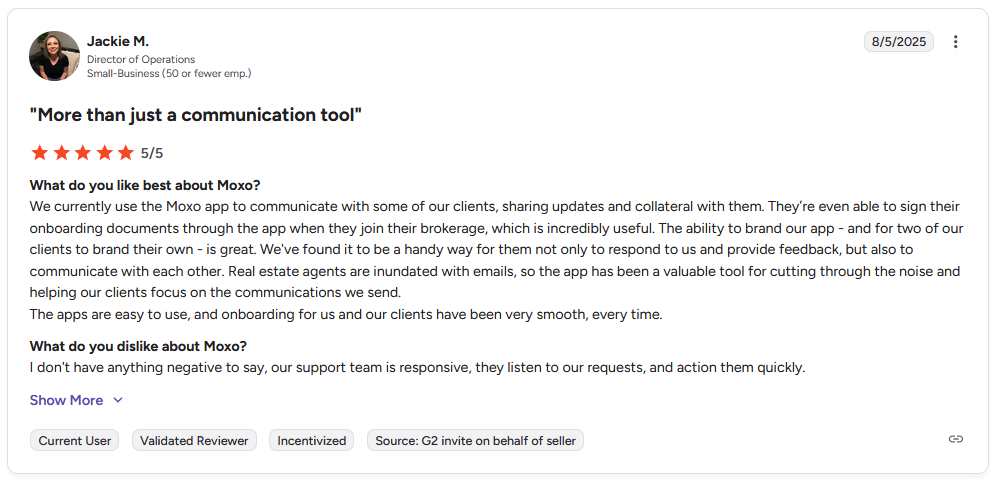
Pro: "We currently use the Moxo app to communicate with some of our clients, sharing updates and collateral with them. … The ability to brand our app … is great. … The apps are easy to use, and onboarding for us and our clients have been very smooth, every time." - Jackie M., G2
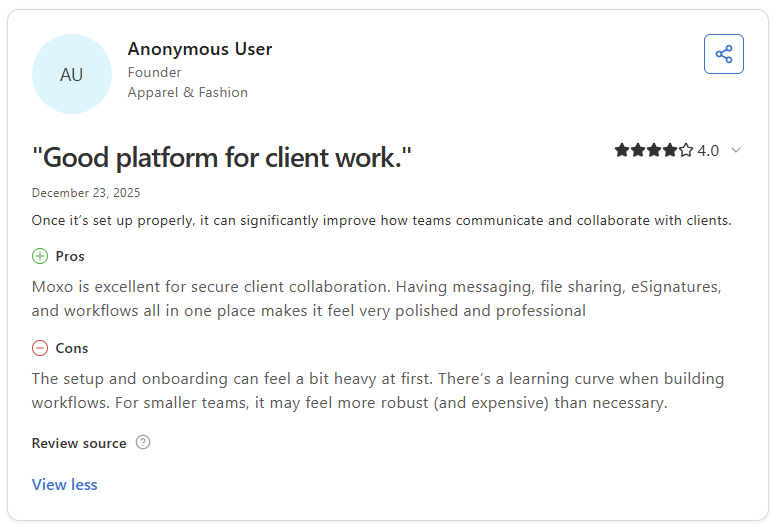
Con: "The setup and onboarding can feel a bit heavy at first. There's a learning curve when building workflows. For smaller teams, it may feel more robust (and expensive) than necessary." - Anonymous User, Capterra
Pricing
Moxo starts at $99 per month, billed monthly. To learn more, check out our full Moxo pricing guide.
Bottom line
Moxo's workflow builder handles multi-stakeholder client processes with a level of structure and audit logging that suits compliance-sensitive industries like finance, legal, and accounting. If you need stronger automation around contracts and invoicing at a lower price point, Dubsado might be a better fit.
5. Dubsado: Best for automation-heavy service businesses
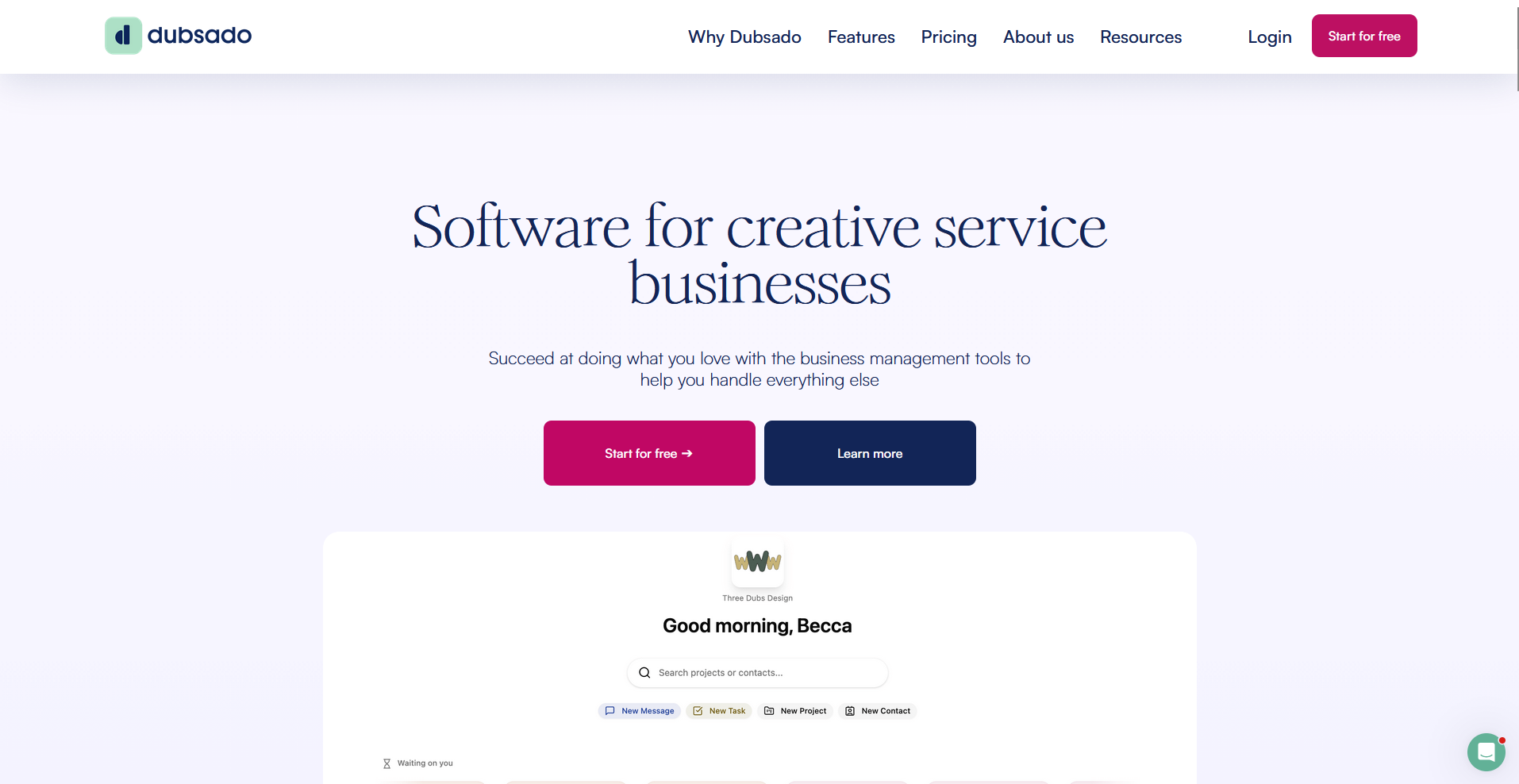
- What it does: Dubsado is a client management platform for service businesses, covering contracts, scheduling, invoicing, automation workflows, and a client-facing portal in one place.
- Best for: Service businesses that want to automate the full client lifecycle from inquiry through contract signing, scheduling, and payment collection.
I set up a sample service workflow in Dubsado to test how the automation builder handles a multi-step onboarding sequence. By the time I reached the payment stage, the contract, intake form, and invoice had fired automatically from a single trigger. The client portal is project-specific, so returning clients won't have a unified workspace across multiple projects.
💡Tip: To learn more, check out our full Dubsado review.
Key features
- Automated workflows: Multi-step sequences that trigger contract sends, invoice creation, email follow-ups, and form requests based on client actions or set time delays.
- Scheduling and calendar integration: A built-in scheduler that lets clients book appointments directly, with availability synced to your calendar and booking confirmations tied to the project record.
- Client portal: A project-specific hub where clients can view and sign contracts, complete forms, check invoices, and review email exchanges without logging into a separate tool.
Pros and cons
| Pros | Cons |
|---|---|
| Automation workflows can manage the full client lifecycle from inquiry to final payment | Initial setup takes time and comes with a steep learning curve for new users |
| Built-in scheduling links appointments directly to project records | Interface may briefly show outdated information before refreshing, affecting client experience |
| Client portal centralizes contracts, forms, invoices, and communication history |
What users say
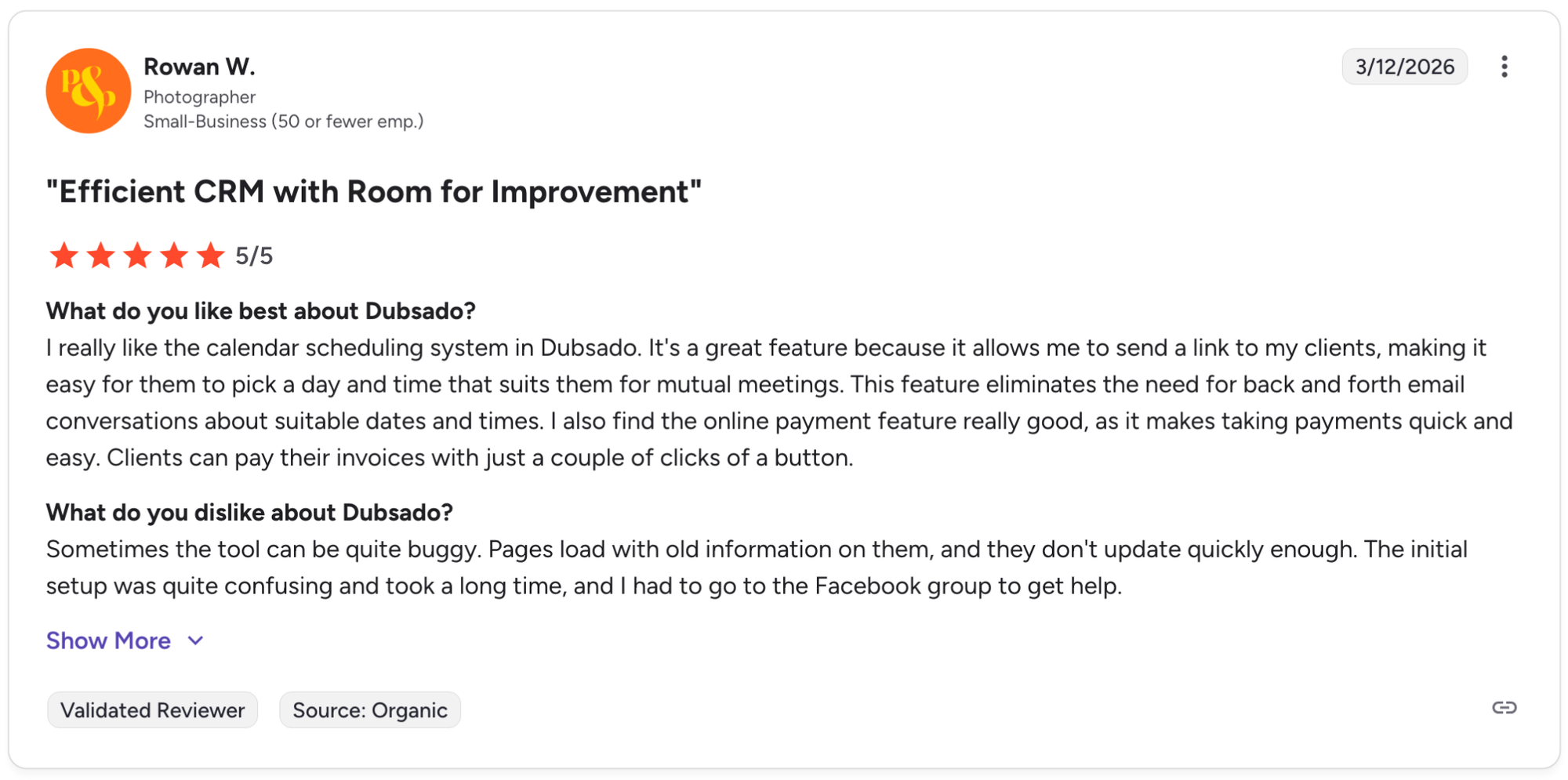
Pro: "I really like the calendar scheduling system in Dubsado. It's a great feature because it allows me to send a link to my clients, making it easy for them to pick a day and time that suits them for mutual meetings. This feature eliminates the need for back and forth email conversations about suitable dates and times. I also find the online payment feature really good, as it makes taking payments quick and easy. Clients can pay their invoices with just a couple of clicks of a button." - Rowan W., G2
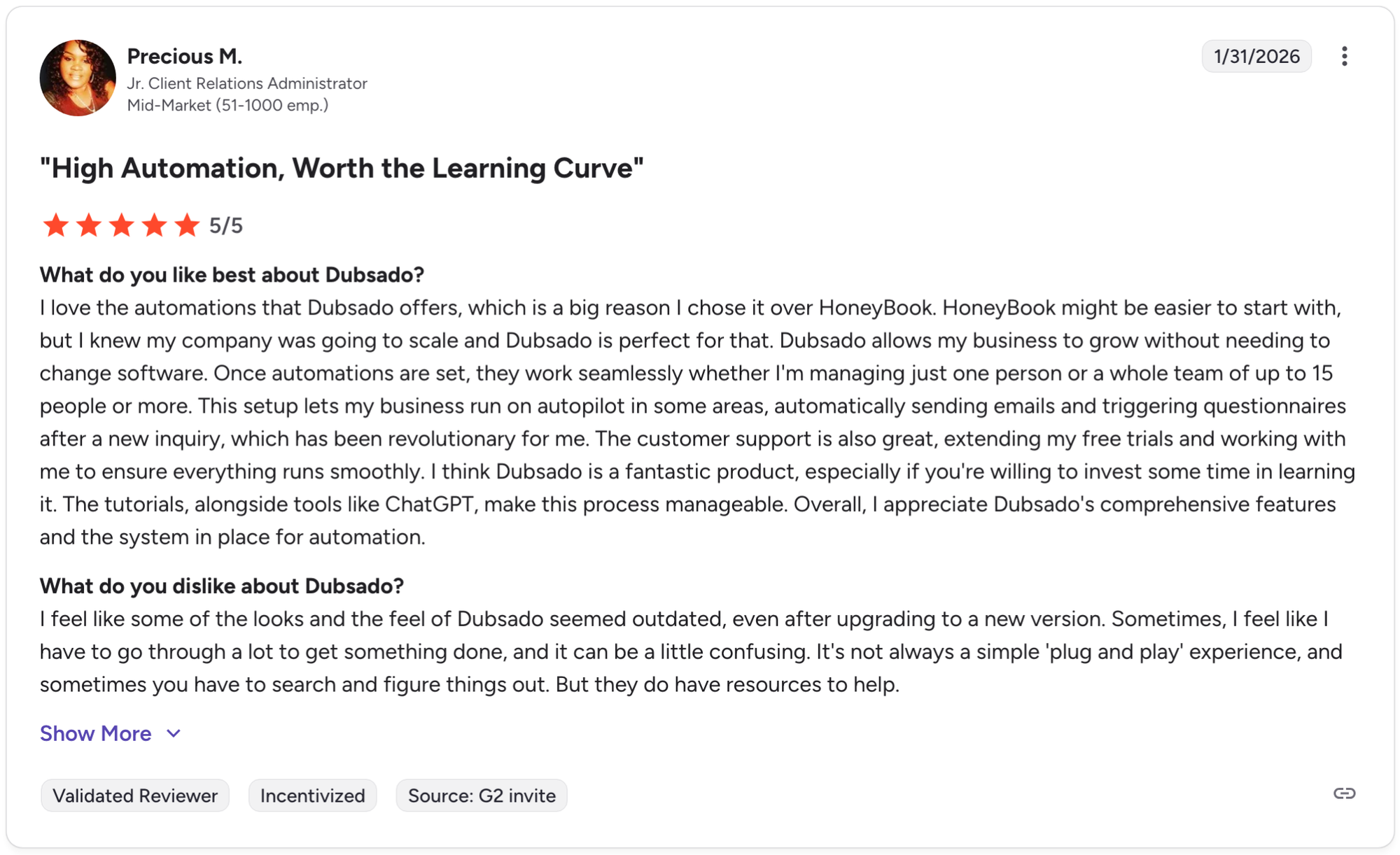
Con: "I feel like some of the looks and the feel of Dubsado seemed outdated, even after upgrading to a new version. Sometimes, I feel like I have to go through a lot to get something done, and it can be a little confusing. It's not always a simple 'plug and play' experience, and sometimes you have to search and figure things out. But they do have resources to help." - Precious M., G2
Pricing
Dubsado starts at $335 per year.
Bottom line
Dubsado's automation depth makes it a strong option for service businesses that want to reduce manual follow-up across the full client lifecycle without stitching together separate tools. If you need structured multi-stakeholder workflows with compliance-grade audit logging, Moxo might be a better fit.
Special mentions
Not every tool on this list made it to a full review section, but these 12 platforms cover a range of use cases and team sizes that may suit your firm better than the tools above.
Here are 12 more customer portal software tools to consider:
- Bonsai: Bonsai is a client management platform built for freelancers and independent service providers. The contract and invoice workflow is straightforward, and the client portal gives clients a clean place to review and sign documents. Project management can feel light for teams handling more than a handful of active clients.
- CoordinateHQ: CoordinateHQ is a client portal platform built around structured project delivery. The separate internal and external workspaces let you run team-side task tracking without clients seeing it, and clients log in via email link rather than a password. Firms needing a dedicated CRM alongside project tracking may find that side of the platform fairly limited.
- Kitchen: Kitchen is a client-facing workspace for creative and digital agencies. The ability to post comments directly on images, PDFs, and videos made the feedback and approval workflow straightforward during testing with mock deliverables. It doesn't cover contracts natively, so you'd need a separate tool for that side of client management.
- Teamwork.com: Teamwork.com is a project management platform with a built-in client portal layer. I could log billable hours against tasks and share project progress with clients through permission-controlled views, with clients able to add comments and upload documents. Client communication runs through task comments rather than a dedicated messaging hub.
- Productive: Productive is an agency management platform for project delivery, time tracking, and profitability. During testing, I tracked billable hours against specific services and pulled budget versus actual figures in real time. The client portal is more limited, with clients only able to view budget totals and task status on higher-tier plans.
- Moxie: Moxie is a business management platform for solo service providers and small teams. The CRM, invoicing, and project tools are well integrated, and the client portal covers the basics for files and payments. Teams of more than 3 people may run into scaling limitations as client volume grows.
- Clinked: Clinked is a white-label client portal with a strong focus on secure file sharing and group collaboration. I could set folder and file-level permissions for individual users and track every document action through a detailed audit trail during testing. The interface can feel dated compared to newer platforms in this category.
- SuperOkay: SuperOkay is a client portal tool for freelancers and small agencies sharing project updates and resources. The embed functionality lets you pull external tools and links into a single client-facing workspace. It doesn't cover billing, contracts, or CRM, so it works best as a delivery layer on top of other tools.
- FuseBase: FuseBase is a collaborative client portal platform with a built-in knowledge base and separate internal and external workspaces. During testing, project materials and client-facing documentation stayed organized in one place without exposing internal content to clients. The AI agent features and advanced customization options have a noticeable learning curve.
- OnRamp: OnRamp is a customer onboarding platform for B2B teams managing structured implementation programs. The task and milestone tracking tools gave mock clients clear visibility into where they were in the onboarding process. Firms wanting broader client portal functionality beyond onboarding may find the scope narrow.
- Dock: AI revenue enablement platform for sales and customer success teams sharing resources, checklists, and project updates. The embed and analytics features worked well for tracking client engagement with shared materials. It doesn't cover billing or invoicing, so service firms needing those workflows will need separate tools.
- Planhat: Planhat is a customer success platform with health scoring, playbooks, and revenue tracking built around post-sale client management. Health score drops triggered playbooks automatically during testing, and renewal likelihood updated based on live customer data. It doesn't cover billing or a native client onboarding flow, so if you need those, you’ll likely need another tool.
Which customer portal platform should you choose?
The right customer portal platform depends on how client-facing your workflows need to be, how much of your billing and communication you want consolidated, and whether branding and white-labeling matter to your firm.
Choose Assembly if you:
- Want clients to log into a tailored portal where their records, invoices, and tasks are all in one place
- Need recurring automations to handle routine client touchpoints without manual follow-up
- Run a service firm that wants messaging, contracts, invoicing, and onboarding in one platform
Choose HoneyBook if you:
- Run a freelance or small service business and want contracts, invoices, and scheduling in one place
- Need a guided workflow that walks you through the full client lifecycle from inquiry to payment
- Want a polished client-facing experience without heavy configuration
Choose SuiteDash if you:
- Want deep portal customization at a flat monthly rate without per-user fees scaling up
- Need white-label branding, CRM, project management, and billing under one roof
- Run a small business that wants to consolidate multiple tools into one platform
Choose Moxo if you:
- Need structured, workflow-driven client communication with eSignatures and file sharing built in
- Want a branded portal experience focused on keeping client interactions organized and on record
- Manage clients across multiple industries and need a flexible workflow builder
Choose Dubsado if you:
- Need strong automation for sending contracts, forms, and invoices triggered by client actions
- Want calendar scheduling and payment collection without switching between tools
- Run a service business that's willing to invest time in setup to get a highly automated workflow
Final verdict
The best customer portal platforms on this list take different approaches to client management, from freelancer-focused workflows to enterprise success tools. HoneyBook and Dubsado work well for freelancers managing contracts and payments, while Moxo and SuiteDash lean more toward structured workflows and deep customization.
If you're a service firm that needs billing, communication, tasks, and a branded portal your clients actually log into, Assembly is worth a close look.
Assembly brings those pieces together in one place:
- Give clients a branded portal: Clients log into a space that reflects your brand to access contracts, invoices, files, and project updates without email back-and-forth.
- Dynamic client homepages: Each client's portal homepage can be tailored to show only what's relevant to them, based on custom field tags you set on their record.
- Keep tasks, messages, and files together: Client communication, shared files, and project tasks stay connected to each client record instead of being scattered across separate tools.
- Prep faster for meetings: The AI Assistant summarizes recent client activity and communication, helping you walk into calls with a clear picture of what’s been discussed and what’s outstanding.
- Built-in client management: Track client relationships, communication history, and project status in one place so nothing gets lost between reporting cycles.
Assembly is built for service businesses that want communication, billing, and client work to live together in one branded portal, rather than scattered across separate tools. If that's the gap you're trying to close, it's worth a look. Start your free Assembly trial today.
Frequently asked questions
What is a customer portal platform?
A customer portal platform is a secure, branded online space where your clients can log in to access files, invoices, messages, contracts, and project updates without going through email. It centralizes the client-facing side of your business in one place. Most platforms for professional service firms also include task management, onboarding flows, and billing tools alongside the portal itself.
What's the difference between a client portal and a customer portal?
A client portal and a customer portal refer to the same thing in most contexts, with the terminology shifting by industry. Service firms like agencies, consultants, and law firms typically say "client portal," while SaaS and eCommerce businesses tend to say "customer portal." The underlying function is the same: a secure space where clients access files, updates, and account information.
Do I need a customer portal platform or a CRM?
You likely need both, and many customer portal platforms include a built-in CRM. A CRM manages your internal view of client relationships, while the portal is the client-facing layer where clients log in, access files, and communicate with your team. The most useful platforms connect both so your internal records and client-facing experience stay in sync.