
13 Best CRMs for Accounting Firms, Bookkeepers, & Tax Pros
CRMs for accounting firms often miss steps like document control and client follow-up. I tested dozens to find the top 14 tools for accounting workflows in 2026.


CRMs for accounting firms can turn scattered client records, documents, and recurring deadlines into one manageable system. I tested the top platforms to find the 14 best in 2026.
14 Best CRMs for accounting firms: Quick comparison
| 💻 Tool | 🎯 Best for | 💰 Starting price (billed annually) | ⚡ Strengths |
|---|---|---|---|
| Assembly | Firms that want CRM, billing, and a client portal together | $39/month | Connects client records, billing, contracts, and communication in one branded portal |
| Karbon | Firms that rely on structured accounting workflows | $59/user/month | Strong workflow tools that keep client work organized |
| TaxDome | Firms that need built-in accounting tools | $800/year with a 1-year commitment | Combines CRM, portal, documents, and practice tools |
| Canopy | Firms that need a modular accounting practice management system | $45/user/month for small firms plans | Combines CRM, document management, workflow, and billing in a modular platform |
| Liscio | Firms that want simple client communication | $49/user/month | Clean messaging and easy file sharing |
| Method CRM | Firms that use QuickBooks as a core system | $35/user/month, billed monthly | Deep sync with QuickBooks for client activity |
| HubSpot CRM | Firms that prioritize lead tracking | $9/user/month | Strong pipeline tools and contact management |
| Zoho CRM | Firms that prioritize broad customization | $14/user/month | Flexible layouts and automation tools |
| Insightly | Firms that want a fast setup | $29/user/month | Simple interface with easy onboarding |
| Pipedrive | Firms that focus on sales follow-up | $14/user/month | Clear pipelines and activity tracking |
| Accelo | Firms that tie CRM activity to service delivery | Custom pricing | Connects client tracking with projects and billing |
| Freshsales | Firms that want a sales-first CRM | $9/user/month | Email, chat, and pipeline tools in one place |
| Capsule CRM | Firms that want a clean, simple CRM | $18/user/month | Straightforward contact and sales tracking |
| Financial Cents | Accounting firms that depend on structured workflows | $19/month | Client task tracking built for accounting workflows |
How I tested these CRMs for accounting firms
I ran mock accounting workflows through each platform using sample data. The scenarios covered initial client intake, recurring tasks, and billing cycles. For tools that don't offer direct self-serve access, I went through demos and documentation.
Here's what I considered:
- Client record structure: How well each CRM organized notes, documents, messages, and billing details in one place, and whether that structure stayed clear as client work increased
- Workflow behavior: How each tool handled repeating tasks, deadlines, staff assignments, and approvals across a sample accounting cycle
- Ease of use: Whether the interface was fast and intuitive to navigate without needing heavy configuration before getting anything done
- Integration depth: How well each platform connected with tools accounting teams commonly use, including QuickBooks, practice management software, and workflow apps
- Client context and team visibility: How well each platform kept client details, notes, and communication history accessible across the team when multiple engagements were running at the same time
What stood out most was how clearly the tools were split between platforms built for sales pipelines and those built for ongoing client delivery. That gap matters a lot for accounting firms, where most of the work happens after the deal is done.
1. Assembly: Best for firms that want CRM, billing, and a client portal together
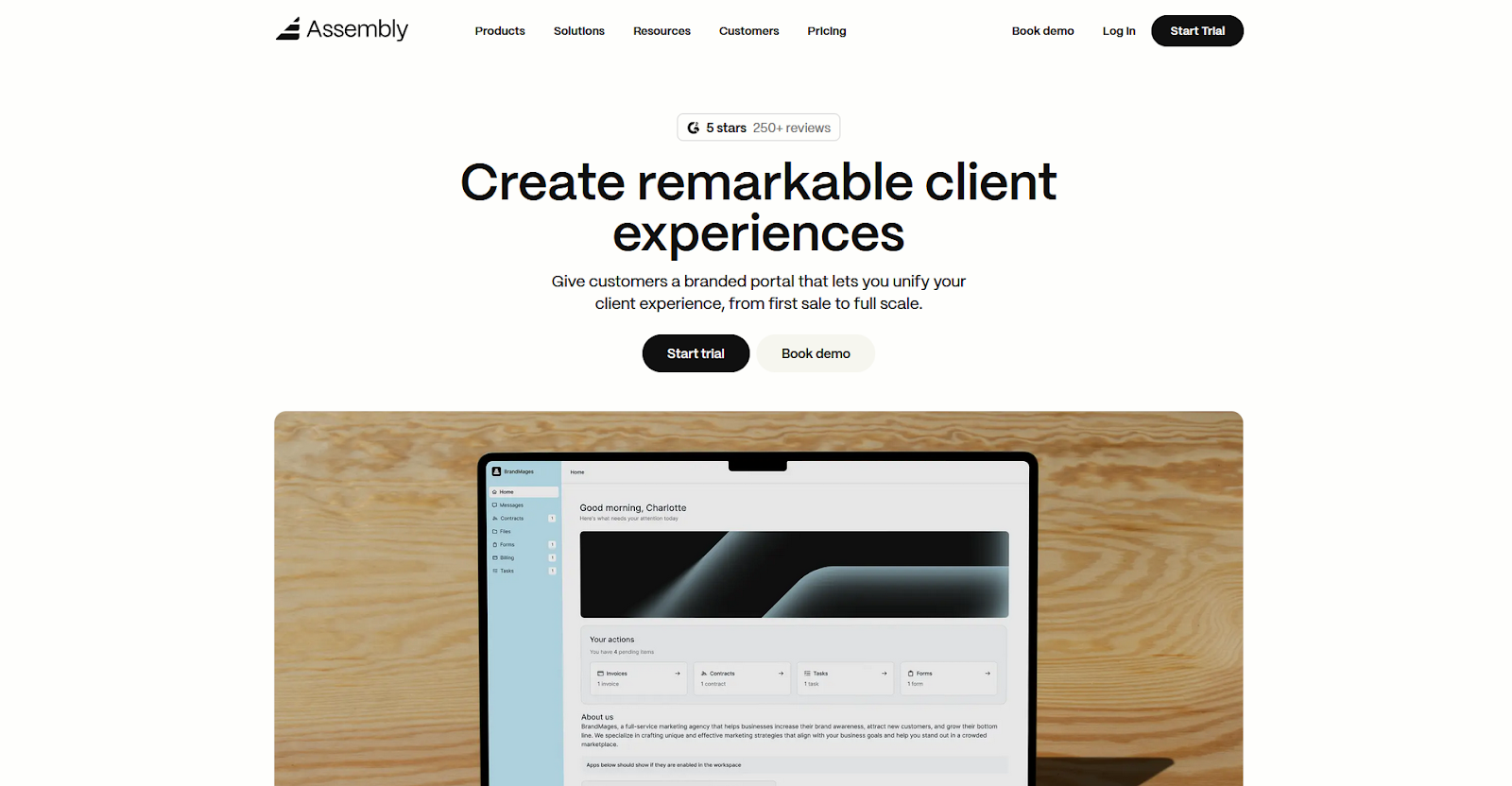
- What it does: Assembly is a client portal platform that gives accounting firms one place to manage client records, billing, contracts, communication, and file sharing across their client relationships.
- Best for: Accounting firms that handle recurring client work and want clients to access invoices, files, and updates through a branded portal platform instead of email threads.
We designed Assembly for accounting firms that need more than a simple contact database. You can manage the client relationship in one place, from the first intake form through recurring billing cycles, without jumping between tools. Client records stay connected to messages, files, contracts, and payment history so your team has the full context whenever they need it.
Key features
- Branded client portal: Clients log into a portal under your firm's domain where they can access invoices, contracts, files, and updates. You control what each client sees based on their services and custom field tags.
- Client CRM: Track client relationships, communication history, custom fields, and internal notes in one place so information doesn't get lost between billing cycles or tax seasons.
- App Folders: Group dashboards, reports, and tools into named folders inside the portal so clients find what they need without digging through a cluttered sidebar.
- Recurring automations: Set time-based triggers for tasks, messages, and forms so routine accounting work like monthly document requests and deadline reminders run without constant manual follow-up.
- Tasks associated with clients: Assign internal tasks to specific client records without exposing them to clients, so your team tracks outstanding work without adding noise to the client view.
- Billing and payments: You can send invoices, set up subscriptions, collect payments, and manage payment links from a single consolidated payments page.
- AI Assistant: Use the AI Assistant to pull together recent messages, files, and notes into a summary before client calls so you can walk into the conversation with context on what's been discussed and what may need attention next
Pros and cons
| ✅ Pros | ❌ Cons |
|---|---|
| Branded portal keeps clients out of your inbox | Automation flexibility has room to grow for complex workflows |
| CRM, billing, and portal access in one platform | Reporting tools are less advanced than standalone analytics platforms |
| Recurring automations reduce manual follow-up for accounting cycles |
What users say
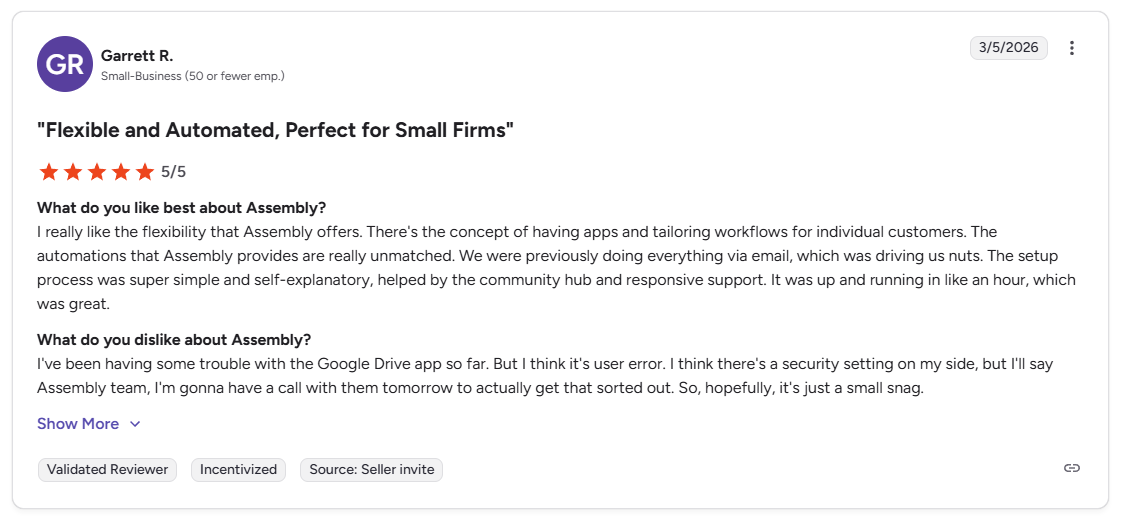
Pro: “I really like the flexibility that Assembly offers. There's the concept of having apps and tailoring workflows for individual customers. The automations that Assembly provides are really unmatched. We were previously doing everything via email, which was driving us nuts.” - Garrett R., G2
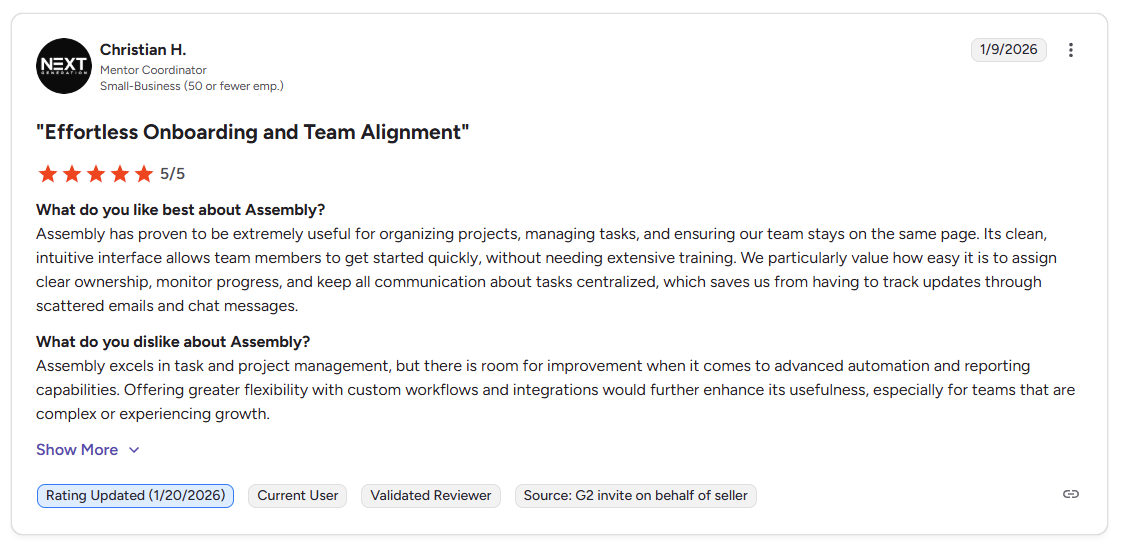
Con: “Assembly excels in task and project management, but there is room for improvement when it comes to advanced automation and reporting capabilities. Offering greater flexibility with custom workflows and integrations would further enhance its usefulness, especially for teams that are complex or experiencing growth.” - Christian H., G2
Pricing
| 💻 Pricing plans | 💰 Price billed annually | 💰 Price billed monthly |
|---|---|---|
| Starter | $39/month | $59/month |
| Professional | $149/month | $189/month |
| Advanced | $399/month | $499/month |
| Enterprise | Starts at $2,000/month | Starts at $2,400/month |
Bottom line
Assembly gives accounting firms a way to run client relationships and billing inside a branded portal platform their clients can log into, rather than managing those pieces across separate tools. If your primary need is structured accounting workflows and built-in practice management, Karbon might be a better fit.
2. Karbon: Best for firms that rely on structured accounting workflows
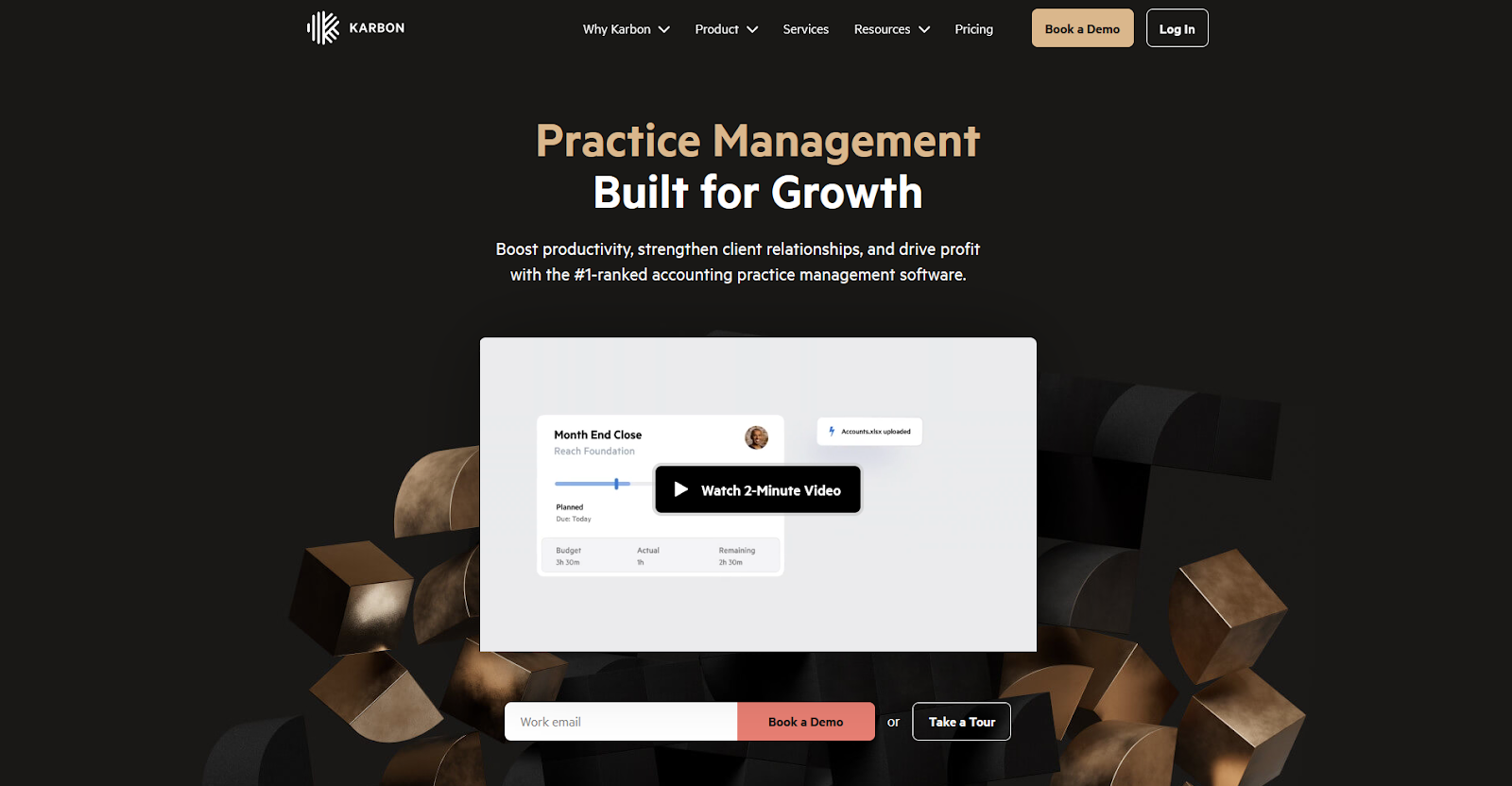
- What it does: Karbon is a practice management platform that helps accounting firms organize client work through structured workflows, shared email, and task tracking.
- Best for: Accounting firms that run repeatable processes like tax prep and monthly close and need strong team visibility across client engagements.
Karbon is one of the more workflow-heavy platforms on this list, and I noticed that immediately when I built a sample tax season workflow using their templates. Task dependencies, assignees, and status tracking connect to the client timeline. Karbon includes workflow templates, though many firms still spend time customizing them for their processes.
Key features
- Workflow templates: Build repeatable task sequences for recurring accounting work like tax prep, monthly close, and bookkeeping
- Client timelines: View emails, notes, tasks, and files connected to a single client in one chronological feed
- Shared team inbox: Pull client emails into Karbon so the team can see and act on conversations without switching to a separate email client
Pros and cons
| ✅ Pros | ❌ Cons |
|---|---|
| Strong workflow structure for recurring accounting cycles | Setup requires significant configuration time |
| Client timelines keep emails, tasks, and notes in one view | Can't delete spam emails from the shared inbox triage |
| Clear team visibility across workload and deadlines |
What users say
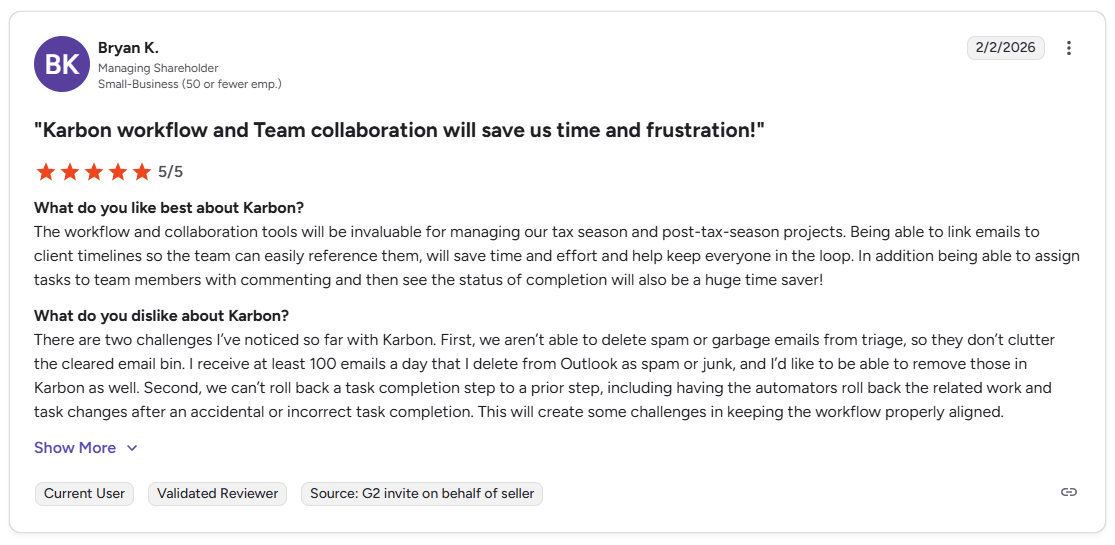
Pro: “The workflow and collaboration tools will be invaluable for managing our tax season and post-tax-season projects. Being able to link emails to client timelines so the team can easily reference them, will save time and effort and help keep everyone in the loop.” - Bryan K., G2
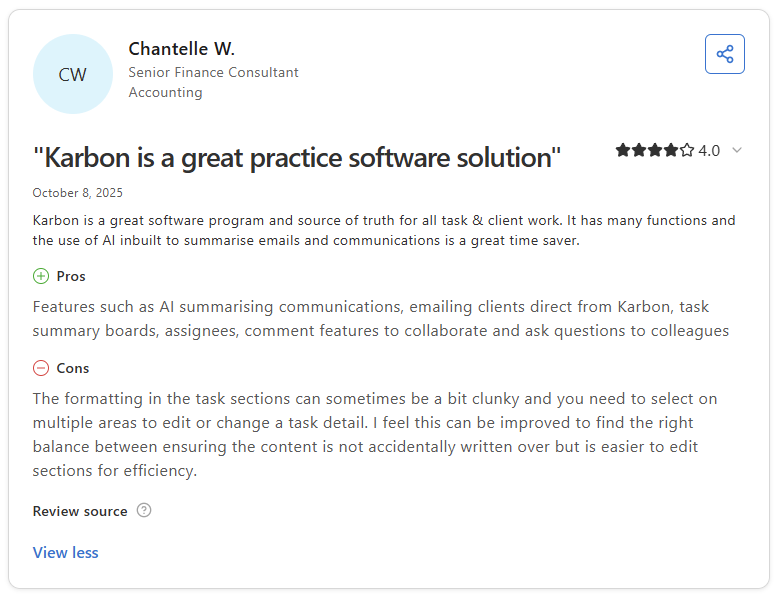
Con: “The formatting in the task sections can sometimes be a bit clunky and you need to select on multiple areas to edit or change a task detail. I feel this can be improved to find the right balance between ensuring the content is not accidentally written over but is easier to edit sections for efficiency.” - Chantelle W., Capterra
Pricing
Karbon starts at $59 per user per month.
Bottom line
Karbon connects client emails to workflow tasks, which can reduce the back-and-forth that slows accounting teams during busy seasons. If you want a simpler system without the configuration overhead, Financial Cents might be a better fit.
3. TaxDome: Best for firms that need built-in accounting tools
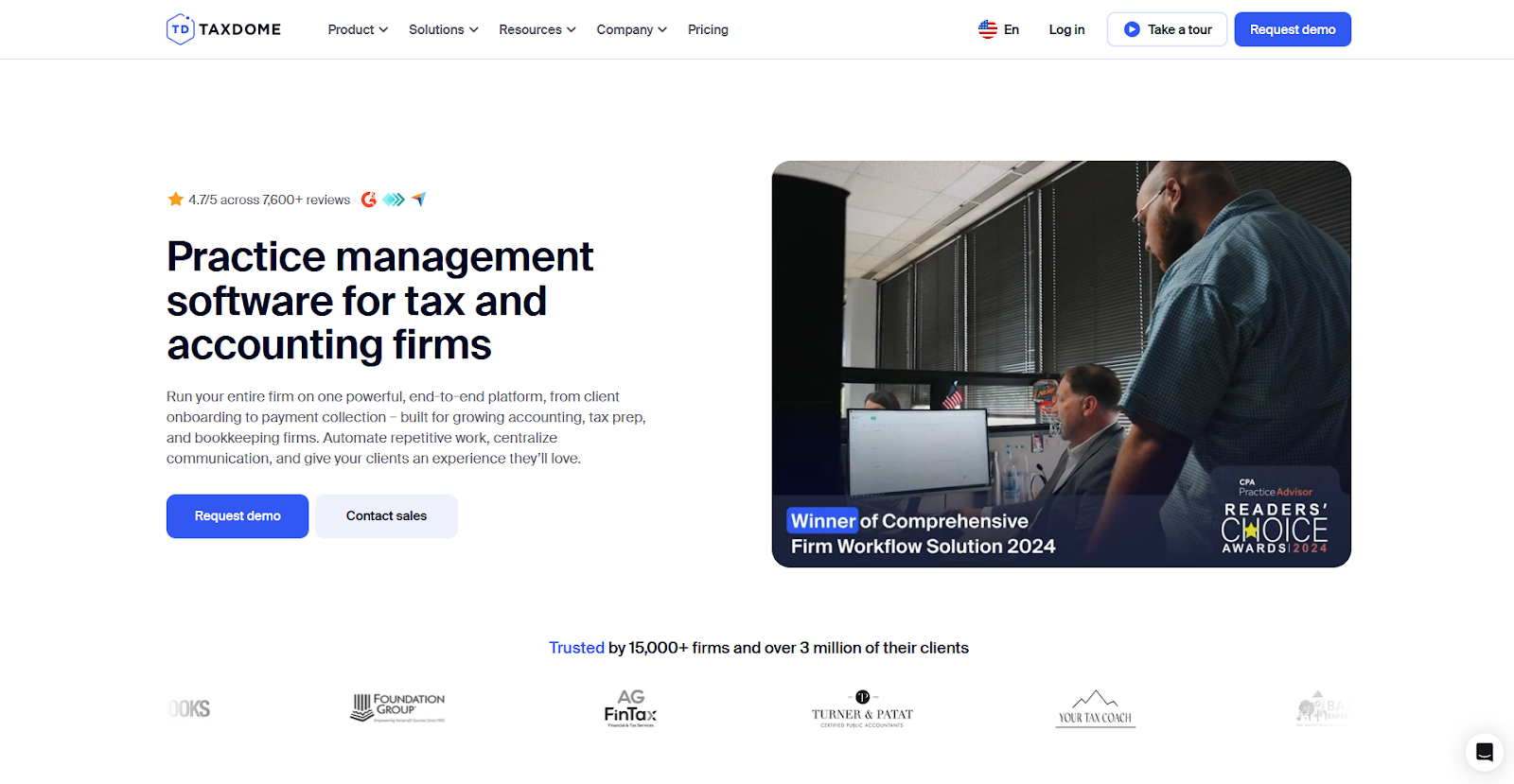
- What it does: TaxDome is a practice management platform that combines CRM, client portals, document collection, e-signatures, and billing tools for tax and accounting firms.
- Best for: Tax and accounting firms that want one platform to handle client communication, document intake, and practice management without relying on multiple separate tools.
TaxDome includes many tools in one platform, which became clear when I walked through the demo. You can build organizers, collect documents, send contracts, and message clients without leaving the system, reducing tool-switching and keeping document requests from getting lost during tax season. The trade-off is that getting everything configured takes time, and the learning curve can feel steep at first.
Key features
- Tax organizers: Build structured forms to collect client information and documents before tax preparation
- Client portal: Give clients one place to access documents, sign contracts, review messages, and track outstanding requests
- Bulk messaging: Send status updates or document reminders to multiple clients at once from the platform
Pros and cons
| ✅ Pros | ❌ Cons |
|---|---|
| Covers document collection, signatures, and client communication in one place | Steep learning curve with a heavy initial setup |
| Bulk messaging saves time during high-volume tax seasons | Billing tools have notable limitations around partial payments and invoice management |
| Workflow automation reduces manual follow-up across client engagements |
What users say
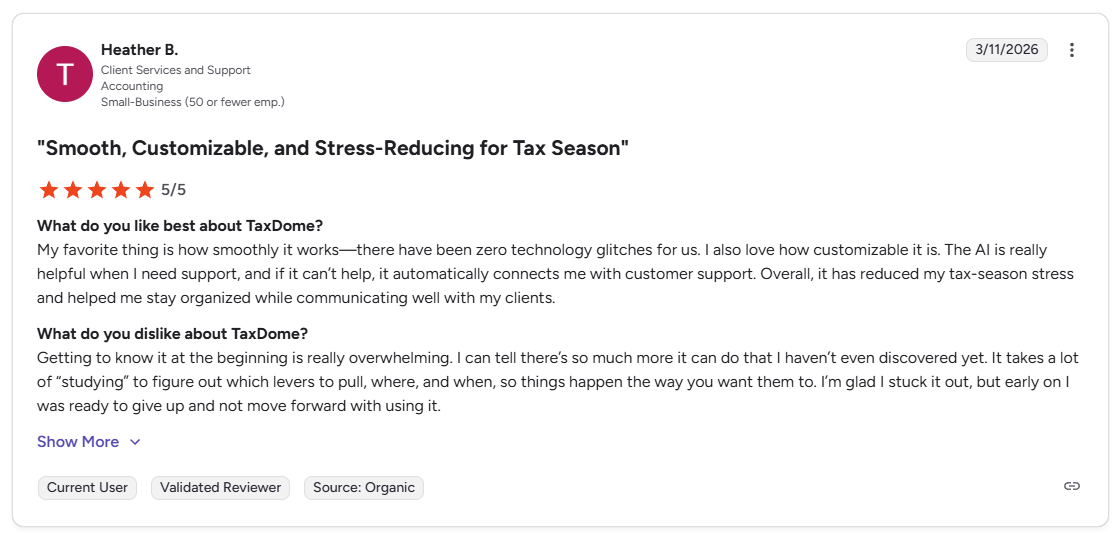
Pro: “My favorite thing is how smoothly it works, there have been zero technology glitches for us. I also love how customizable it is. Overall, it has reduced my tax-season stress and helped me stay organized while communicating well with my clients.” - Heather B., G2
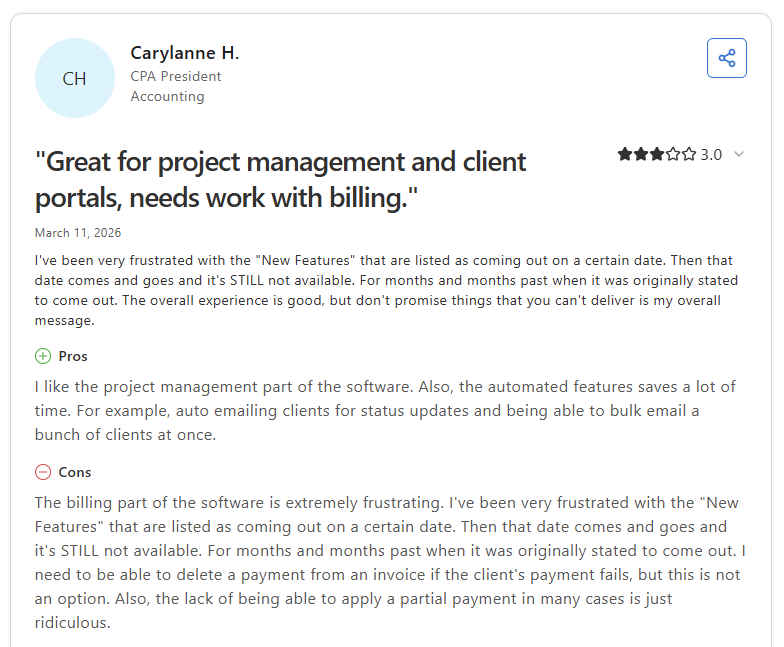
Con: “The billing part of the software is extremely frustrating. I need to be able to delete a payment from an invoice if the client's payment fails, but this is not an option. … the lack of being able to apply a partial payment in many cases is just ridiculous.” - Carylanne H., Capterra
Pricing
TaxDome starts at $800 per year with a one-year commitment.
Bottom line
TaxDome covers more accounting-specific features than many tools on this list, but the billing limitations can be a challenge for firms that handle complex payment scenarios. If you want a lighter system with cleaner client communication tools, Liscio might be a better fit.
4. Canopy: Best for firms that need a modular accounting practice management system
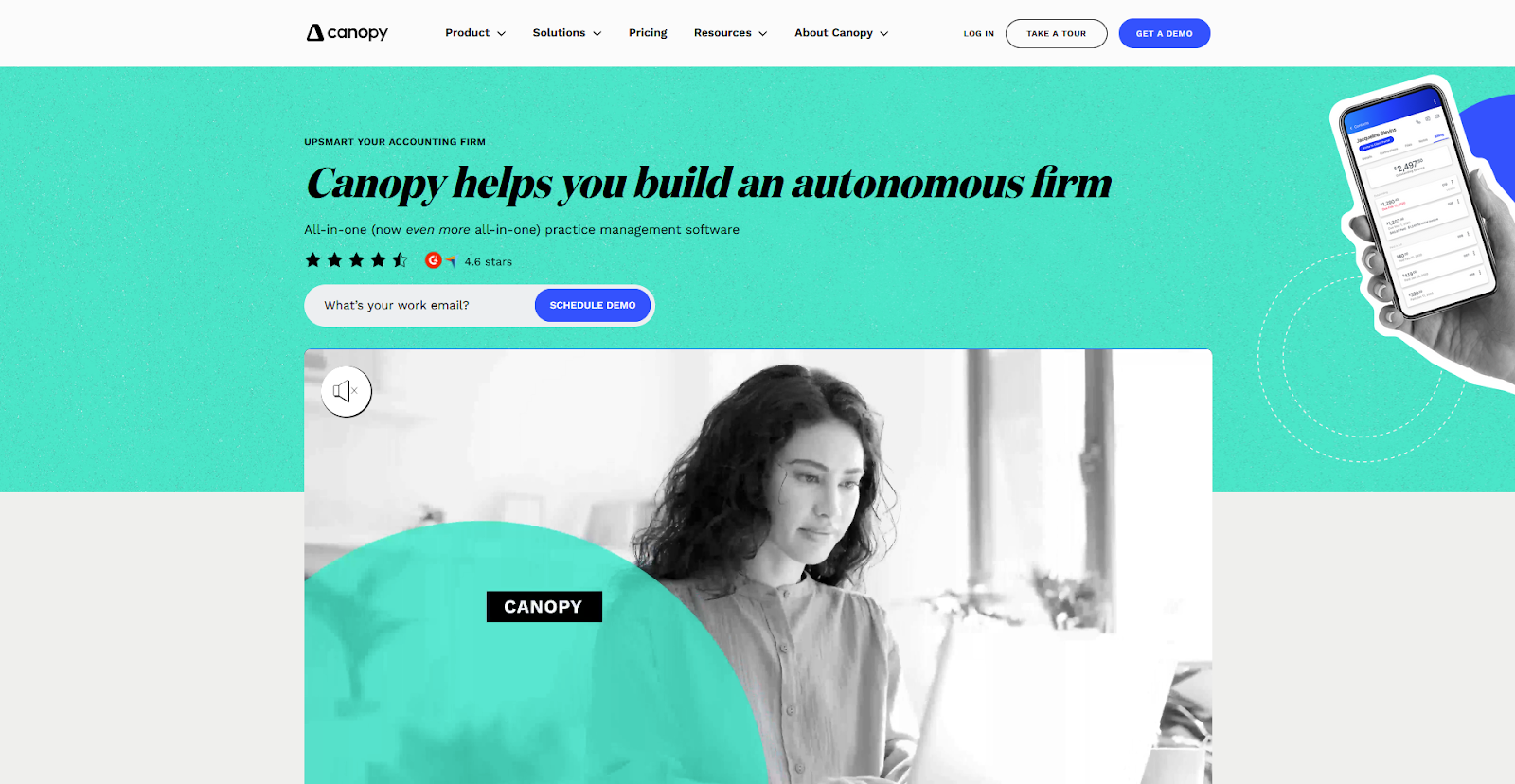
- What it does: Canopy is a practice management platform that lets accounting firms build their system by selecting only the modules they need, including CRM, document management, workflow, billing, and a client portal.
- Best for: Tax and accounting firms that want a structured practice management system they can expand module by module as their needs grow.
I walked through Canopy's demo to see how well the task tracking, document sharing, and client communication features work for a small to mid-sized accounting firm. The task structure gives your team a clear view of where each client engagement stands. The downside is that clients can't initiate messages directly to your firm, which limits how much of the conversation happens inside the platform.
Key features
- Modular platform: Select only the modules your firm needs, from CRM and document management to workflow automation, time tracking, and billing
- Client portal: Give clients a secure place to access documents, sign engagement letters, make payments, and communicate with your team
- IRS transcript integration: Pull client transcripts directly from the IRS within the platform, which saves time for firms that handle tax resolution work
Pros and cons
| ✅ Pros | ❌ Cons |
|---|---|
| Modular structure lets firms pay only for what they need | Setup complexity increases as more modules are added |
| IRS transcript integration is a time-saver for tax resolution firms | Steep learning curve for workflow configuration |
| Client portal covers documents, signatures, payments, and communication |
What users say
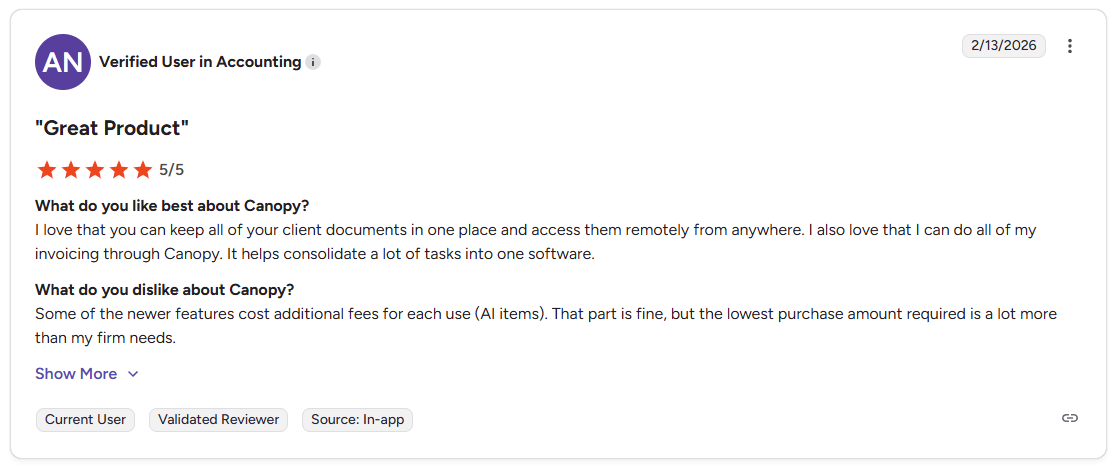
Pro: “I love that you can keep all of your client documents in one place and access them remotely from anywhere. I also love that I can do all of my invoicing through Canopy. It helps consolidate a lot of tasks into one software.” - Verified User in Accounting, G2
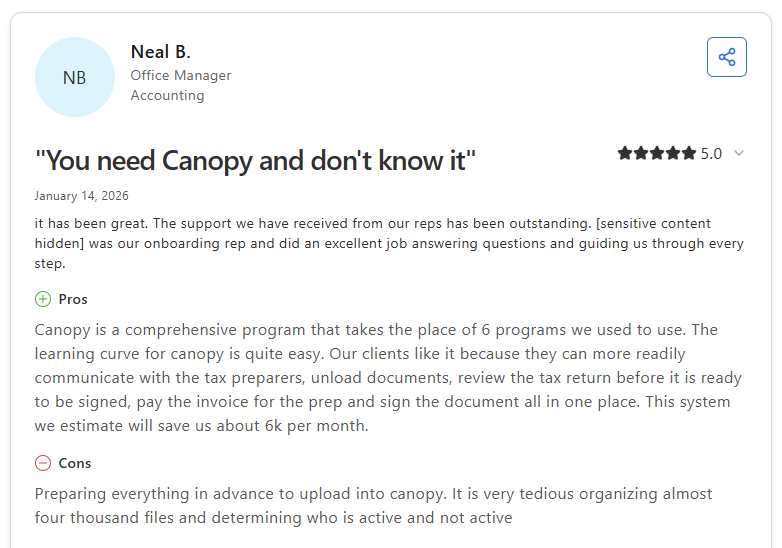
Con: “Preparing everything in advance to upload into Canopy. It is very tedious organizing almost four thousand files and determining who is active and not active” - Neal B., Capterra
Pricing
Canopy starts at $45 per user per month for small firm plans.
Bottom line
Canopy's IRS transcript integration gives it a distinct edge over other tools on this list for firms that handle tax resolution work regularly. If you want a lighter system focused on client communication rather than full practice management, Liscio might be a better fit.
5. Liscio: Best for firms that want simple client communication
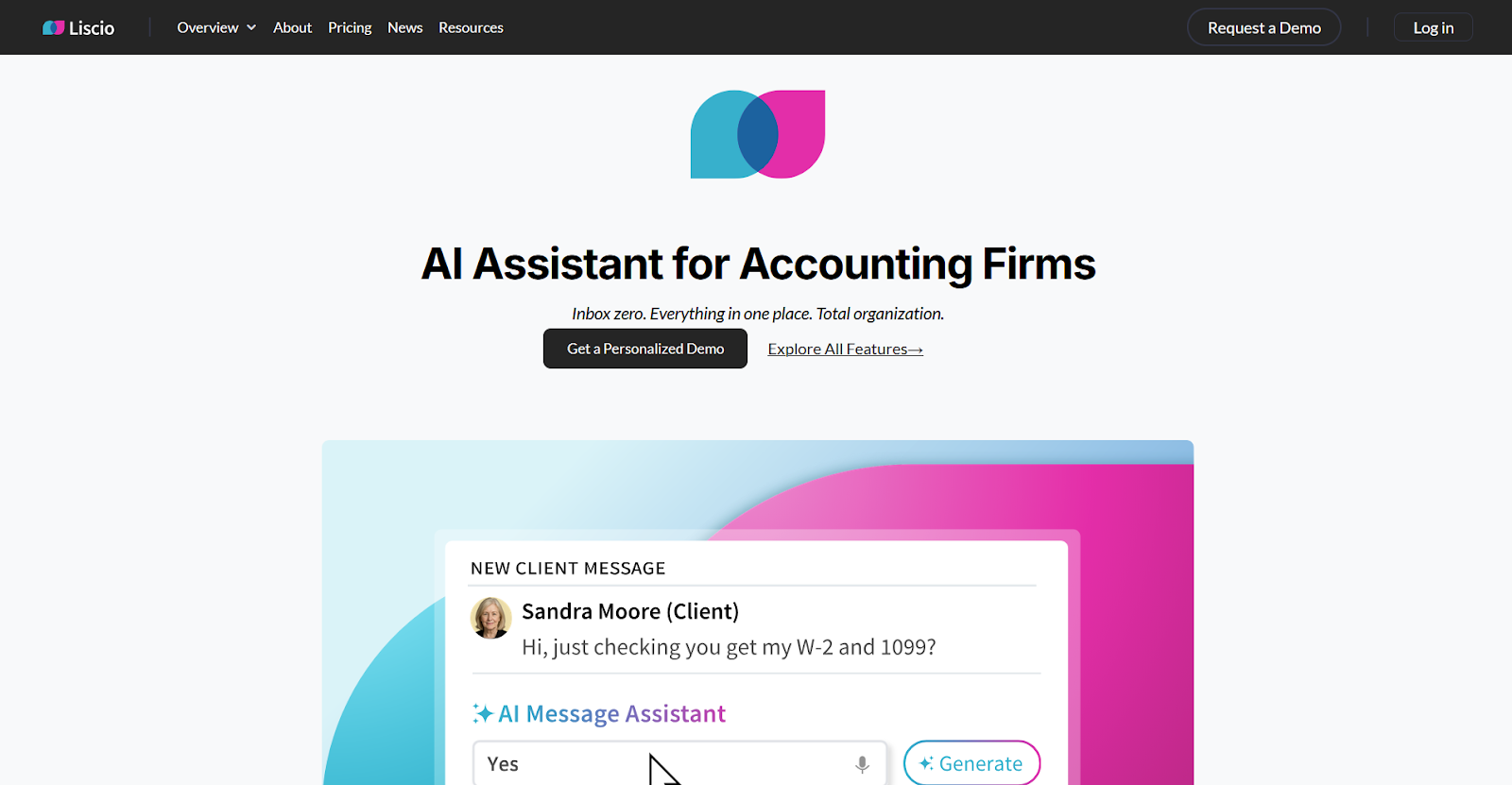
- What it does: Liscio is a client communication platform that gives accounting firms a secure channel for messaging, file sharing, and client task requests.
- Best for: Accounting firms that want to move client conversations and document collection out of email without adopting a full practice management platform.
Liscio is narrower in scope than many tools on this list, and that focus can be both its strength and its limit. I went through the demo and found the interface simple enough that many clients can pick it up without that much hand-holding. Outside of messaging and file sharing, the platform becomes less intuitive, and some users report not fully using the broader feature set.
Key features
- Secure messaging: Move scattered email threads into a dedicated client communication channel where conversations stay attached to client records
- File sharing: Give clients a straightforward way to upload and access documents without navigating a complex system
- Client task requests: Send clients specific requests with reminders that help them complete outstanding items
Pros and cons
| ✅ Pros | ❌ Cons |
|---|---|
| Clean interface that clients can use without training | Features beyond messaging and file sharing are harder to navigate |
| Moves document collection and client messages out of email | Limited integrations compared to broader CRM platforms |
| Fast setup compared to heavier practice management tools |
What users say

Pro: “It was easy to start using Liscio with my firm. When I explain why I chose it for security and ease of use with mobile devices, my clients are happy to use it.” - Rachelle S., GetApp
Con: “I feel like for the basic document sharing, it is super easy and straightforward, but outside of that, it isn't as intuitive where we can on-the-fly implement the various features I'm sure we're not even using or getting value from yet.” - Amanda G., GetApp
Pricing
Liscio starts at $49 per user per month.
Bottom line
Liscio keeps client communication and document collection in one place without the overhead of a full practice management system. If you need workflow structure and task tracking built around accounting cycles, Karbon might be a better fit.
6. Method CRM: Best for firms that use QuickBooks as a core system
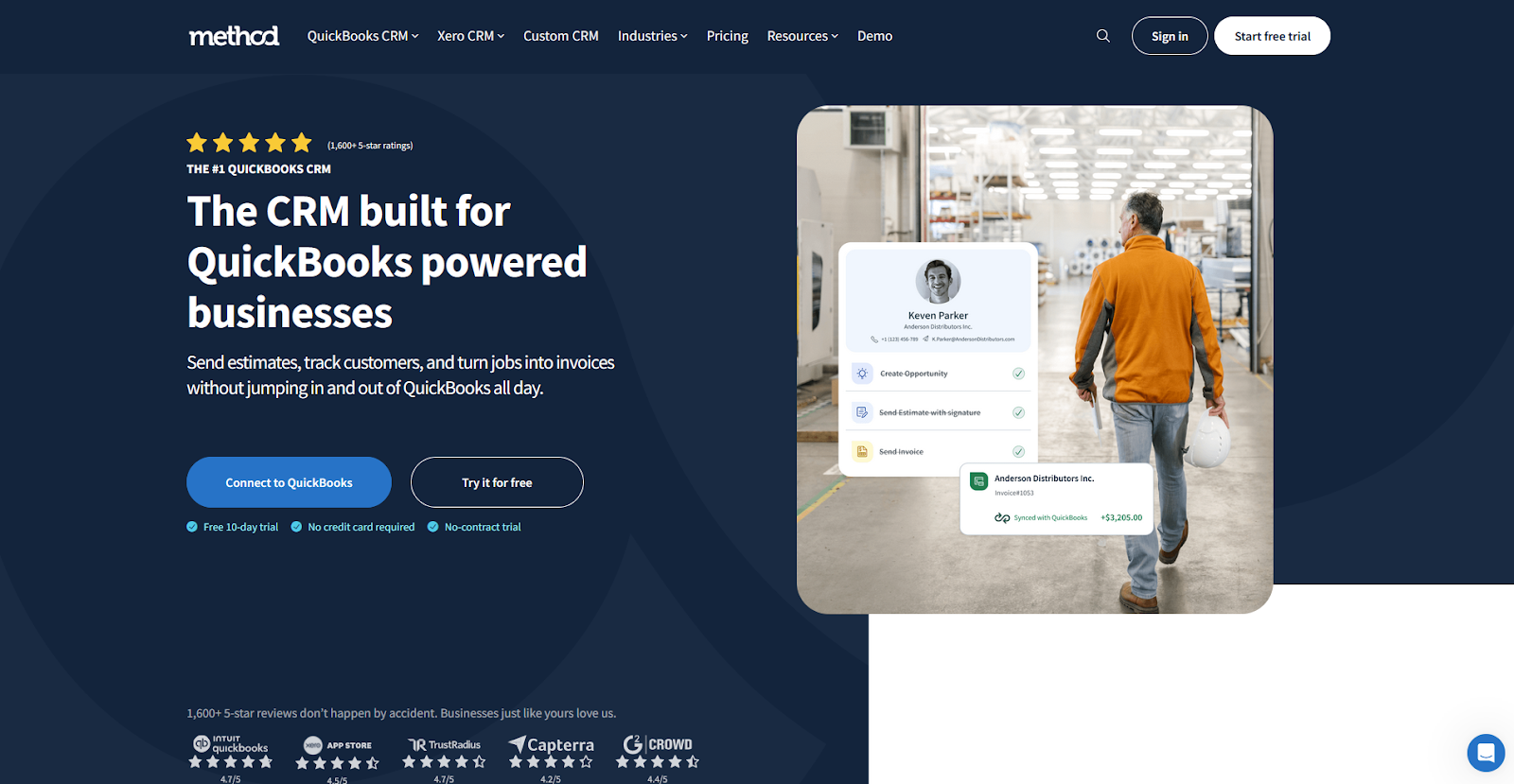
- What it does: Method CRM is a CRM built for QuickBooks-powered businesses that connects contact records, estimates, and invoices across both platforms without manual data entry.
- Best for: Accounting firms that run QuickBooks as their primary billing system and want client records and invoices to stay synced without moving between multiple tools.
What sets Method CRM apart from many general CRMs is how tightly it connects to QuickBooks. During testing, I found that contact records, invoices, and estimates move between the two systems without manual steps. This can reduce a lot of the double-entry that slows accounting teams down. The trade-off is that customization often requires paid developer support for any meaningful changes.
Key features
- QuickBooks sync: Keep contact records, invoices, and estimates aligned across Method CRM and QuickBooks without manual data entry
- Lead management: Track prospects through early conversations and convert them into active client records once they sign an agreement
- Custom fields: Adjust client records and layouts to match how your firm organizes and tracks ongoing work
Pros and cons
| ✅ Pros | ❌ Cons |
|---|---|
| Reliable two-way sync with QuickBooks can reduce double entry | Customization changes require paid developer support |
| Flexible layout and field options for accounting workflows | Training resources need improvement for new users |
| Also connects with Xero |
What users say
Pro: “I use Method CRM throughout my day to track jobs, scheduling, and accounts. It centralizes information, so communication in the office is streamlined. I love the calendar feature, which has proven to be a powerful tool for our dispatch and project management teams' collaboration.” - Jason K., G2
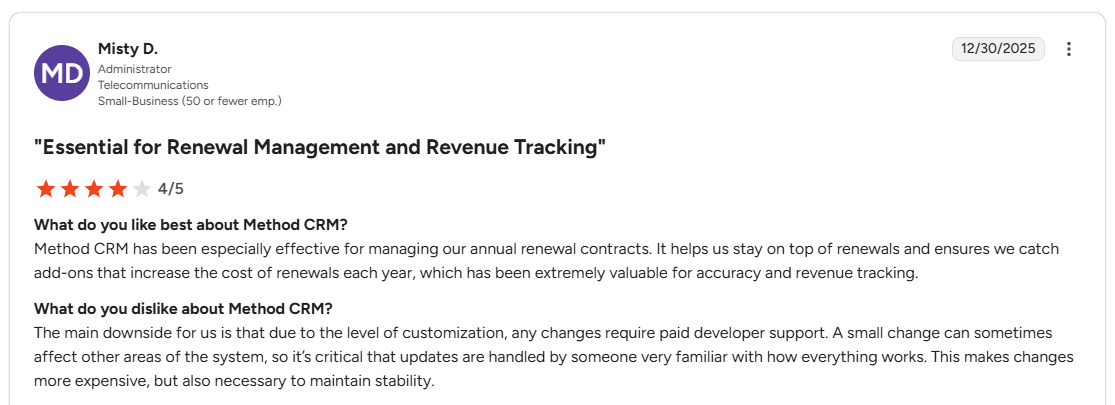
Con: “The main downside for us is that due to the level of customization, any changes require paid developer support. A small change can sometimes affect other areas of the system, so it's critical that updates are handled by someone very familiar with how everything works.” - Misty D., G2
Pricing
Method CRM starts at $35 per user per month.
Bottom line
Method CRM is one of the few CRMs built specifically around QuickBooks, which makes it a natural fit for firms that don't want to manage billing in a separate system. If your firm doesn't rely on QuickBooks or needs a broader client portal experience, Assembly might be a better fit.
7. HubSpot CRM: Best for firms that prioritize lead tracking
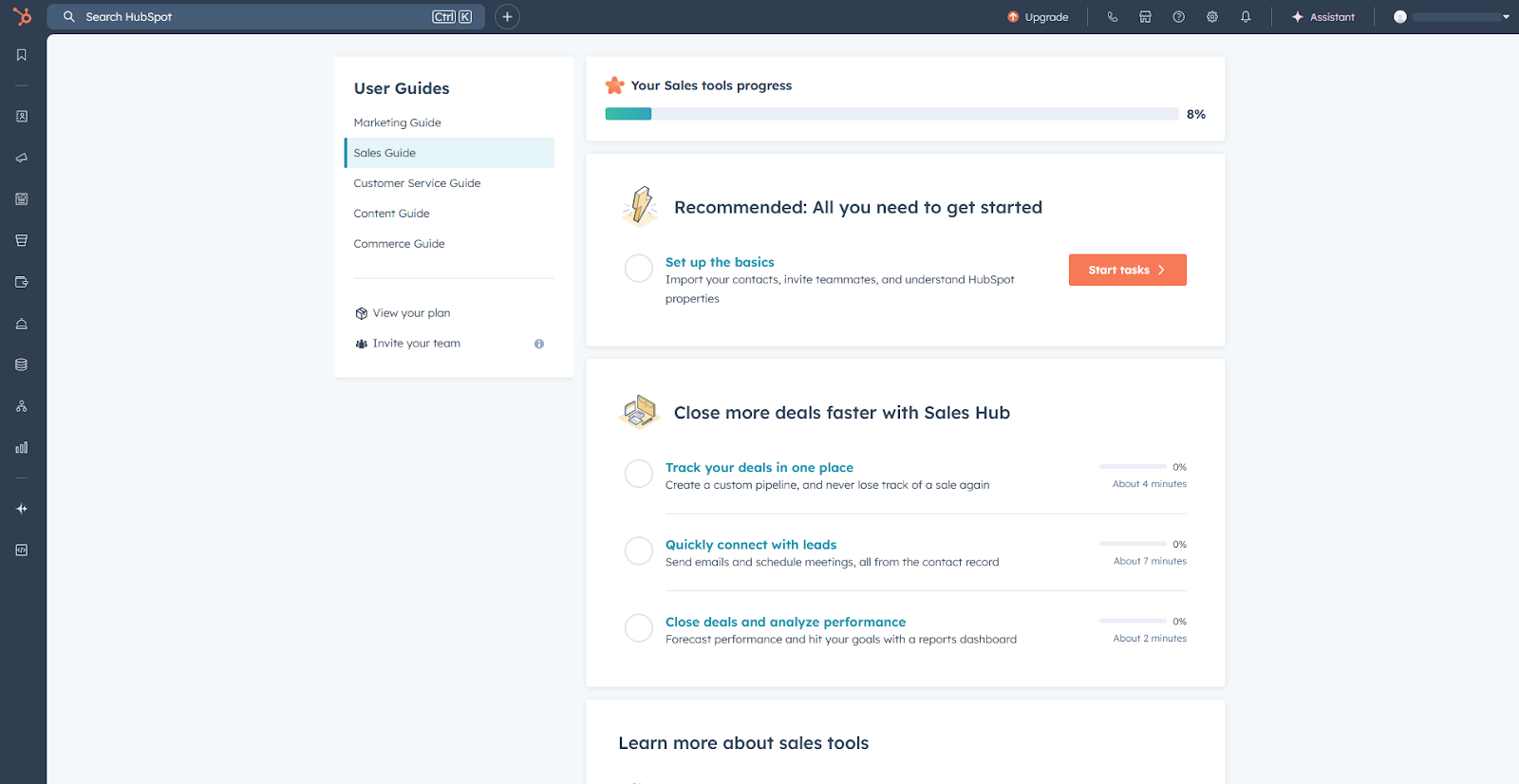
- What it does: HubSpot CRM is a contact and pipeline management platform that helps teams organize leads, track deals, and manage early client conversations in one place.
- Best for: Accounting firms with a steady flow of inbound leads that need a structured way to track prospects before converting them into clients.
HubSpot CRM is one of the easier platforms to get running quickly, and I saw that when I built a sample pipeline. Adding stages, assigning owners, and logging activity took only a few clicks, and the contact records brought everything together without much configuration.
The limitation for accounting firms is that HubSpot is built primarily for sales pipelines rather than ongoing client delivery. Many accounting firms connect it with other tools if they need document collection or recurring workflow management.
Key features
- Deal pipelines: Build custom stages to track prospects from first contact through client conversion
- Contact records: Store emails, calls, notes, and activity history for each contact in a single timeline
- Email tracking: See when prospects open or respond to messages directly from the contact record
Pros and cons
| ✅ Pros | ❌ Cons |
|---|---|
| Fast setup with minimal configuration | Can feel overly complex for smaller firms without multiple pipelines or departments |
| Clear pipeline view for managing steady lead flow | Not built for ongoing accounting client delivery |
| Strong free tier for teams just starting to track leads |
What users say
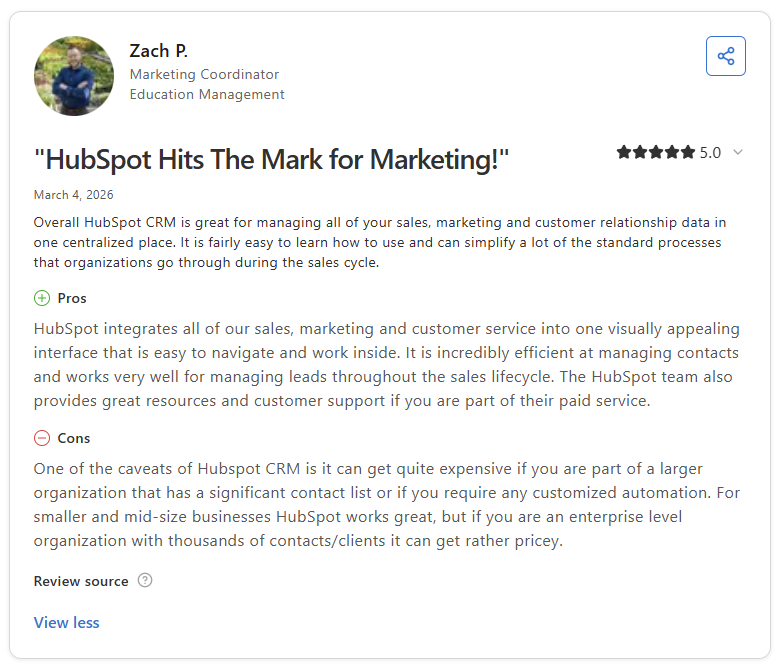
Pro: “HubSpot integrates all of our sales, marketing and customer service into one visually appealing interface that is easy to navigate and work inside. It is incredibly efficient at managing contacts and works very well for managing leads throughout the sales lifecycle.” - Zach P., Capterra
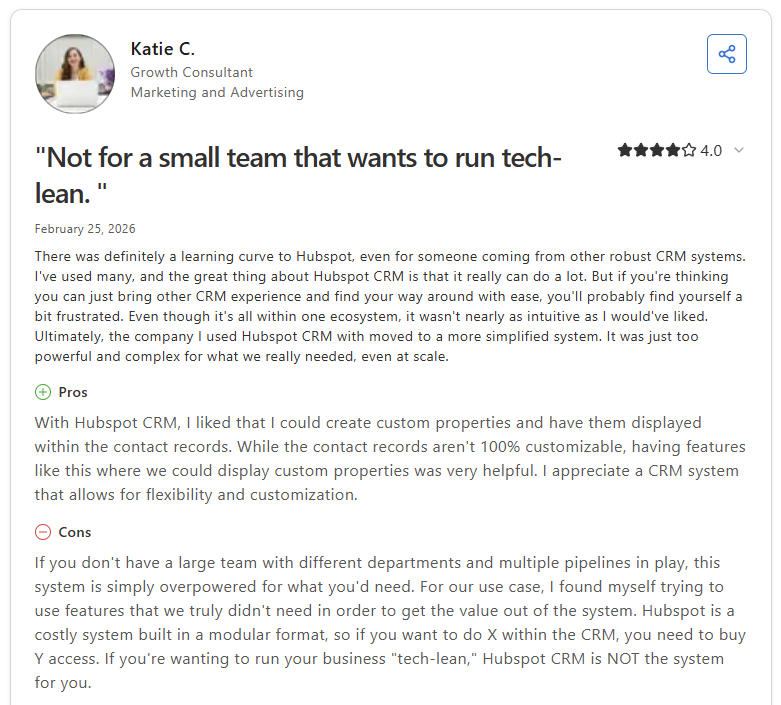
Con: “If you don't have a large team with different departments and multiple pipelines in play, this system is simply overpowered for what you'd need. For our use case, I found myself trying to use features that we truly didn't need in order to get the value out of the system.” - Katie C., Capterra
Pricing
HubSpot CRM starts at $9 per user per month.
Bottom line
HubSpot CRM gives accounting firms a straightforward way to track leads and early conversations without a complicated setup. If you want a pipeline-focused CRM built purely around sales follow-up, Pipedrive might be a better fit.
8. Zoho CRM: Best for firms that prioritize broad customization
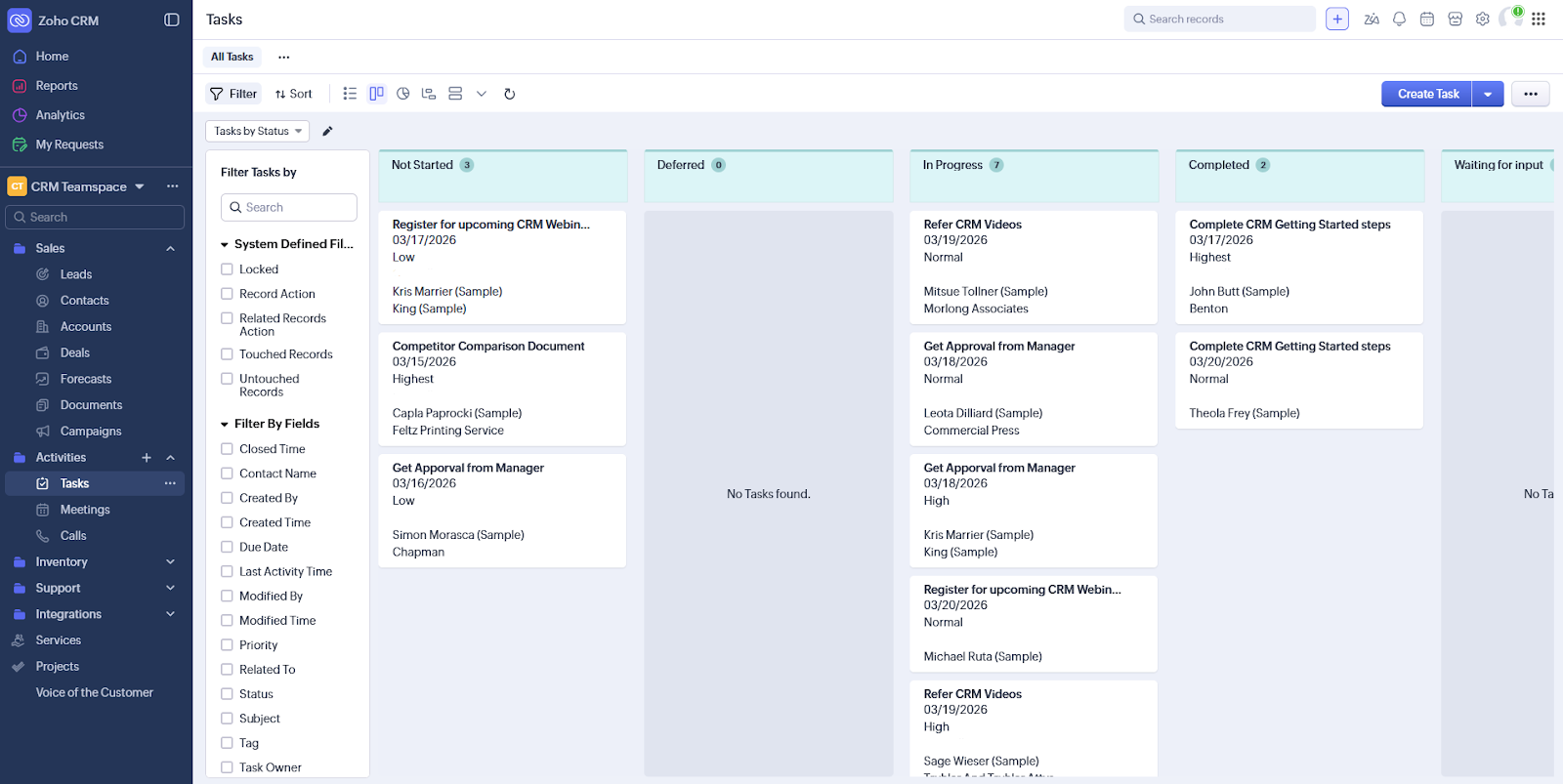
- What it does: Zoho CRM is a customizable CRM platform that lets teams build layouts, automate workflows, and manage pipelines around their existing processes.
- Best for: Accounting firms that want a flexible CRM they can shape around internal workflows without paying for software built specifically for accounting.
Getting Zoho CRM configured the way you want takes time, but the result can be a system you tailor around your firm's processes. I found that you can add custom fields, build workflow rules, and adjust layouts without developer help. However, the interface includes many tabs and options, so new users will likely need time to find their footing.
Key features
- Custom modules: Build and adjust client record layouts with custom fields, sections, and views that match how your firm tracks work
- Workflow automation: Set rules that trigger task assignments, email follow-ups, and status updates based on deal or contact activity
- Pipeline tracking: Organize prospects and clients through defined stages with clear ownership and activity history
Pros and cons
| ✅ Pros | ❌ Cons |
|---|---|
| Flexible layouts and fields without needing developer support | Interface can feel cluttered with tabs and options for new users |
| Strong automation tools at a relatively competitive price point | Email campaign tools are less refined than dedicated marketing platforms |
| Connects with other Zoho products if you use the broader suite |
What users say
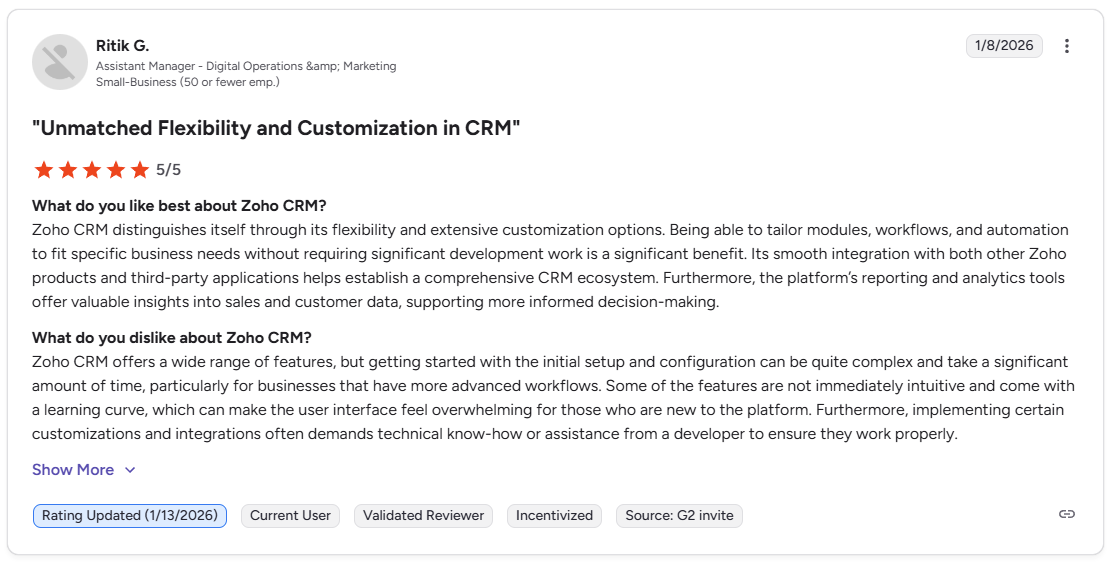
Pro: “Zoho CRM distinguishes itself through its flexibility and extensive customization options. Being able to tailor modules, workflows, and automation to fit specific business needs without requiring significant development work is a significant benefit.” - Ritik G., G2
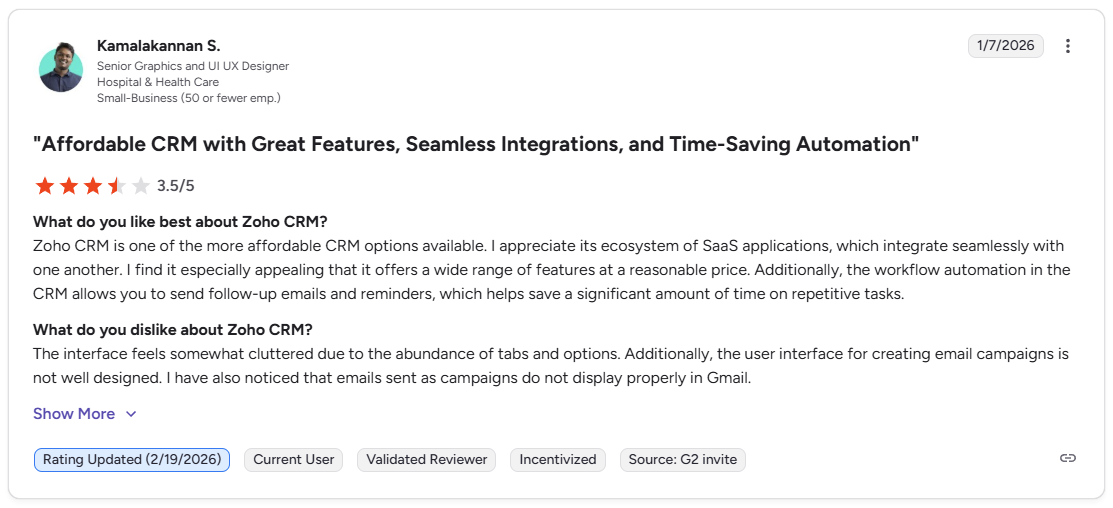
Con: “The interface feels somewhat cluttered due to the abundance of tabs and options. Additionally, the user interface for creating email campaigns is not well designed. I have also noticed that emails sent as campaigns do not display properly in Gmail.” - Kamalakannan S., G2
Pricing
Zoho CRM starts at $14 per user per month.
Bottom line
Zoho CRM offers more customization options than many tools at this price, making it worth considering for firms that need a CRM they can tailor without developer help. If you want a simpler setup without the configuration overhead, Insightly might be a better fit.
9. Insightly: Best for firms that want a fast setup
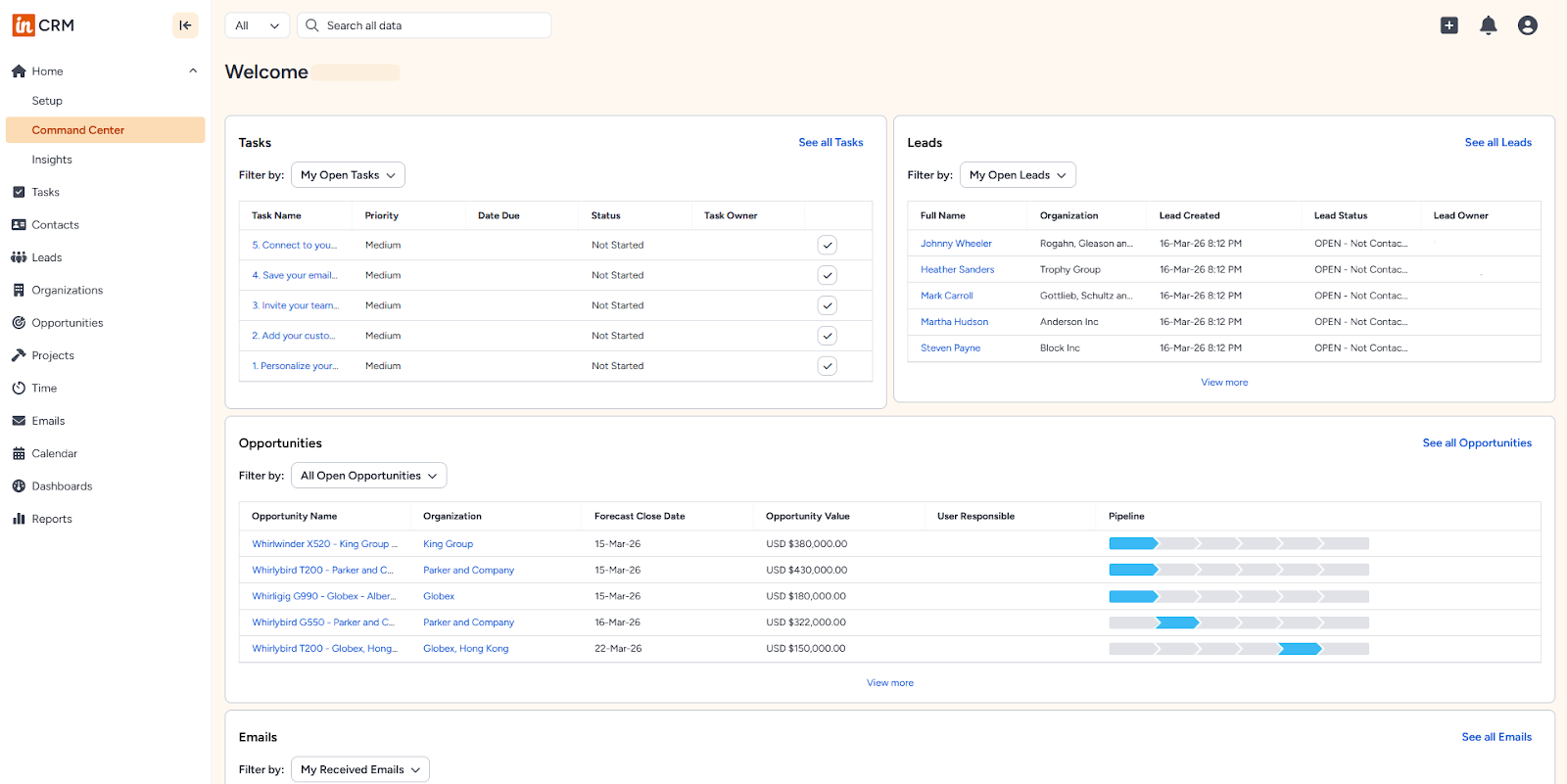
- What it does: Insightly is a CRM platform that combines contact management, lead tracking, and basic project tools in a straightforward interface.
- Best for: Small accounting firms that need a CRM they can get running quickly without heavy configuration or technical setup.
I added test contacts and built a sample pipeline in Insightly to see how quickly a small firm could get organized, and the process was straightforward. I didn’t need much configuration to get a clear view of open leads and pending work. But the integration options are narrower than those of larger CRMs, which can be a constraint for firms running several outside apps.
Key features
- Contact and lead tracking: Organize client records, leads, and opportunities in one place with linked tasks and activity history
- Project tools: Connect CRM records to basic project boards so early client work stays tied to the contact record
- Google Workspace and Outlook integration: Sync emails and calendar events into client records without switching between apps
Pros and cons
| ✅ Pros | ❌ Cons |
|---|---|
| Fast and straightforward to set up for small teams | Integration options are limited compared to larger CRM platforms |
| Clear contact and task linking without complex configuration | Reporting tools are basic, and customization options are narrower than those of more advanced CRMs |
| Cost-effective starting point for firms new to CRM software |
What users say
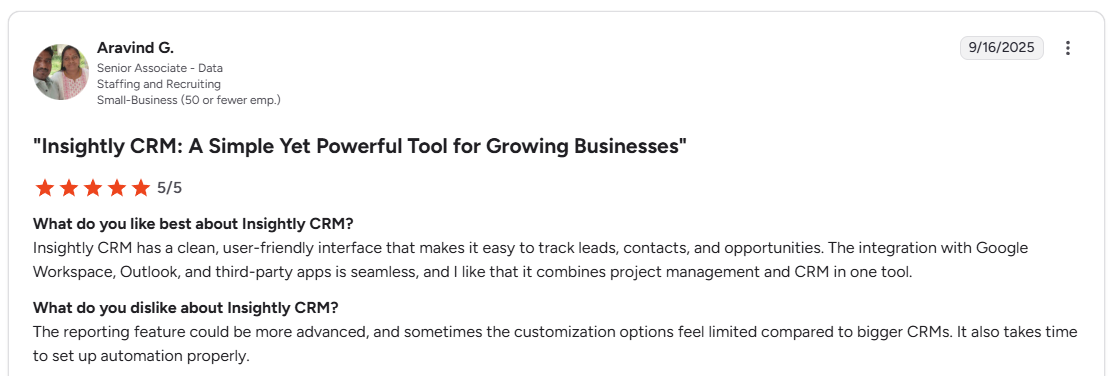
Pro: “Insightly CRM has a clean, user-friendly interface that makes it easy to track leads, contacts, and opportunities. The integration with Google Workspace, Outlook, and third-party apps is seamless, and I like that it combines project management and CRM in one tool.” - Aravind G., G2
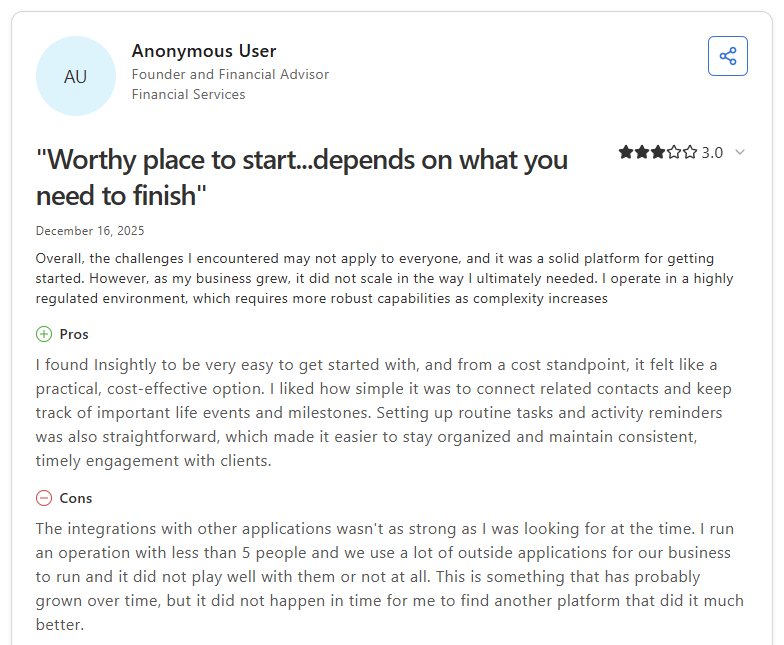
Con: “The integrations with other applications [weren’t] as strong as I was looking for at the time. I run an operation with less than 5 people, and we use a lot of outside applications for our business to run, and [they] did not play well with them or not at all.” - Anonymous User, Capterra
Pricing
Insightly starts at $29 per user per month.
Bottom line
Insightly pairs contact tracking with basic project tools, which gives small accounting firms a starting point for linking early client work to CRM records. If you need stronger automation and deeper workflow structure, Zoho CRM might be a better fit.
10. Pipedrive: Best for firms that focus on sales follow-up
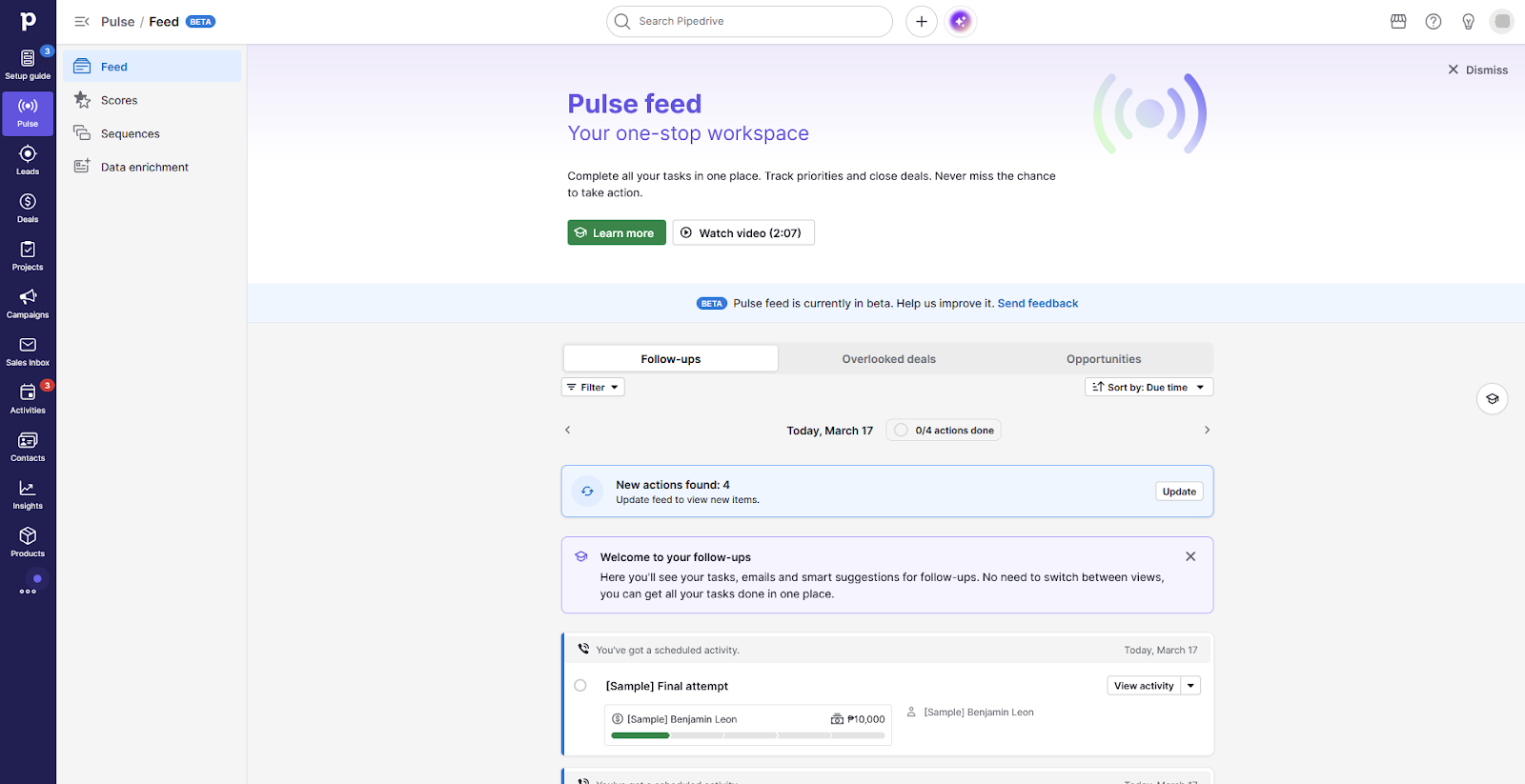
- What it does: Pipedrive is a sales CRM that helps teams manage deals, track follow-up activity, and move prospects through a visual pipeline.
- Best for: Accounting firms that handle a consistent volume of new business and want a clear system for tracking prospects from first contact through conversion.
Pipedrive is built around the sales process, and that focus becomes clear from the moment you log in. I used the platform directly and found the pipeline view intuitive enough to map out a full sales cycle without training. The activity reminders kept follow-ups visible and easy to act on, but once a prospect converts to a client, there isn’t a built-in system for managing the ongoing work that follows.
Key features
- Visual pipeline: Drag deals across custom stages to track where each prospect stands and what action may be needed next
- Activity reminders: Schedule calls, emails, and tasks against deals so follow-ups don't get missed during busy periods
- Deal reporting: Track conversion rates, deal values, and activity across the pipeline from a single reporting view
Pros and cons
| ✅ Pros | ❌ Cons |
|---|---|
| Intuitive pipeline layout with fast onboarding for small teams | Custom reporting is limited with no multi-bar chart or trend views |
| Activity reminders keep follow-ups visible and on schedule | Email campaign template customization options are narrow |
| Practical level of customization for many small accounting firms |
What users say
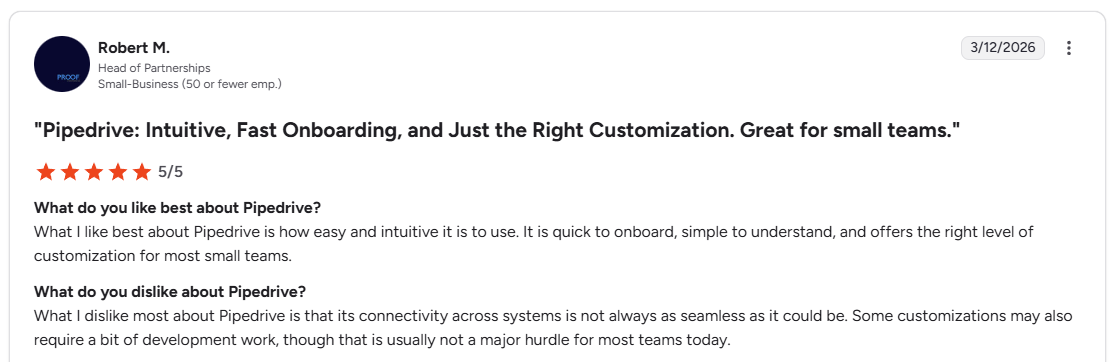
Pro: “What I like best about Pipedrive is how easy and intuitive it is to use. It is quick to onboard, simple to understand, and offers the right level of customization for most small teams.” - Robert M., G2
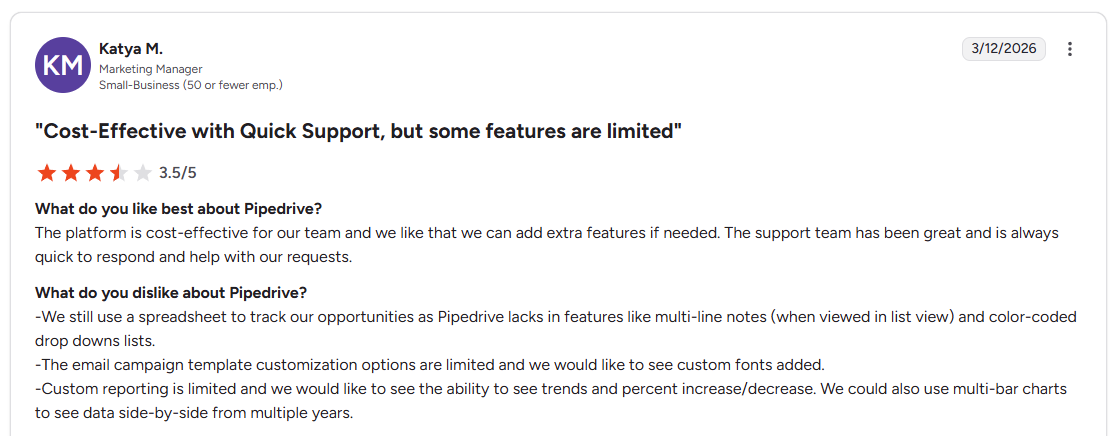
Con: “We still use a spreadsheet to track our opportunities as Pipedrive lacks in features like multi-line notes (when viewed in list view) and color-coded drop downs lists. . . . Custom reporting is limited and we would like to see the ability to see trends and percent increase/decrease.” - Katya M., G2
Pricing
Pipedrive starts at $14 per user per month.
Bottom line
Pipedrive's activity-based approach helps keep follow-ups from falling through the cracks during busy new business periods. If you want a CRM that extends beyond the sale into ongoing client work, Accelo might be a better fit.
11. Accelo: Best for firms that tie CRM activity to service delivery
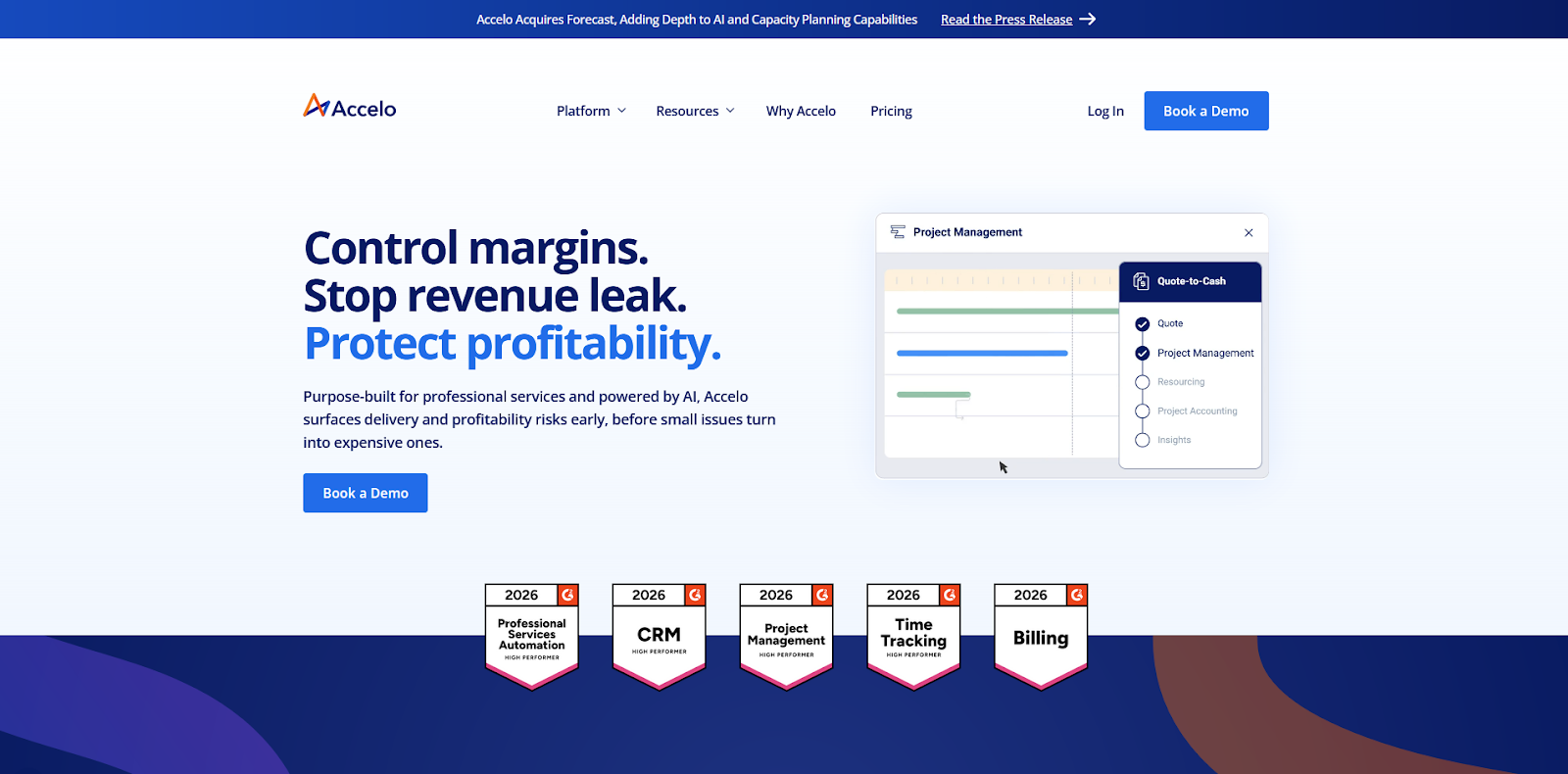
- What it does: Accelo is a professional services platform that connects CRM records to project tracking, time entries, and billing in one system.
- Best for: Accounting firms that want client records, project delivery, and billing tied together so the team can track work and revenue without switching between tools.
I went through Accelo's demo to see how well it connects the sale to the work that follows. For accounting firms that bill by the hour, the quote-to-invoice flow is one of the more complete workflows on this list. Time tracking ties directly into billing, so billable work is easier to capture, but setup can take months, and new users will likely need hands-on support.
Key features
- Project tracking: Connect CRM records to active projects so client work, deadlines, and task assignments stay linked from the sale through delivery
- Time and billing: Log billable hours against client records and convert them into invoices without manual reconciliation
- Automation rules: Trigger task updates, notifications, and status changes based on project activity to reduce manual follow-up
Pros and cons
| ✅ Pros | ❌ Cons |
|---|---|
| Connects CRM, project delivery, and billing in one platform | Setup can take 2 to 3 months and often requires hands-on support |
| Time tracking links directly to invoicing for accurate billing | No draft save for emails, so unsent messages can be lost |
| Clear team visibility across client work and project status |
What users say
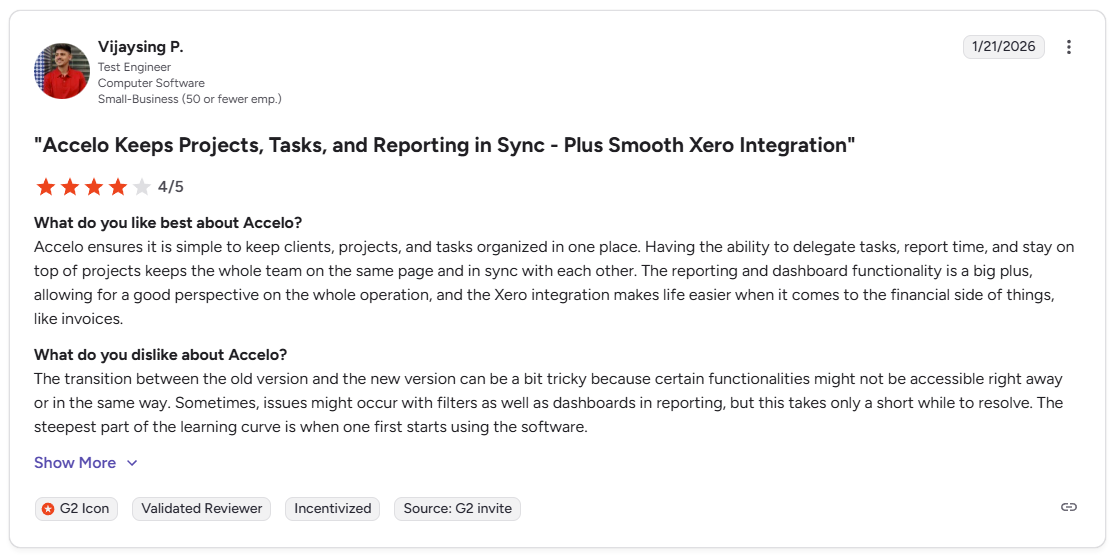
Pro: “I really appreciate that Accelo combines our CRM, Help Desk, Sales, Project Management, and Billing into one tool, which has been great for scaling our business as we grow. I love the help desk features, especially how I can check and verify timesheets and quickly audit them.” - Joe W., G2
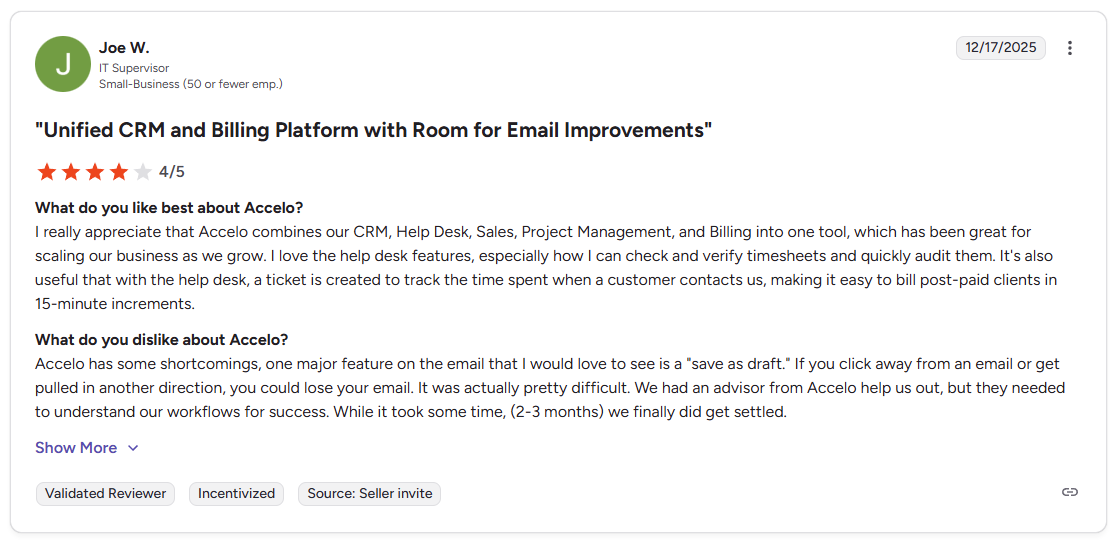
Con: “The transition between the old version and the new version can be a bit tricky because certain functionalities might not be accessible right away or in the same way. Sometimes, issues might occur with filters as well as dashboards in reporting, but this takes only a short while to resolve.” - Vijaysing P., G2
Pricing
Accelo uses custom pricing.
Bottom line
Accelo's time tracking connects directly to billing, which can be useful for firms that bill by the hour. If you want a lighter system without the delivery and billing overhead, Pipedrive might be a better fit.
12. Freshsales: Best for firms that want a sales-first CRM
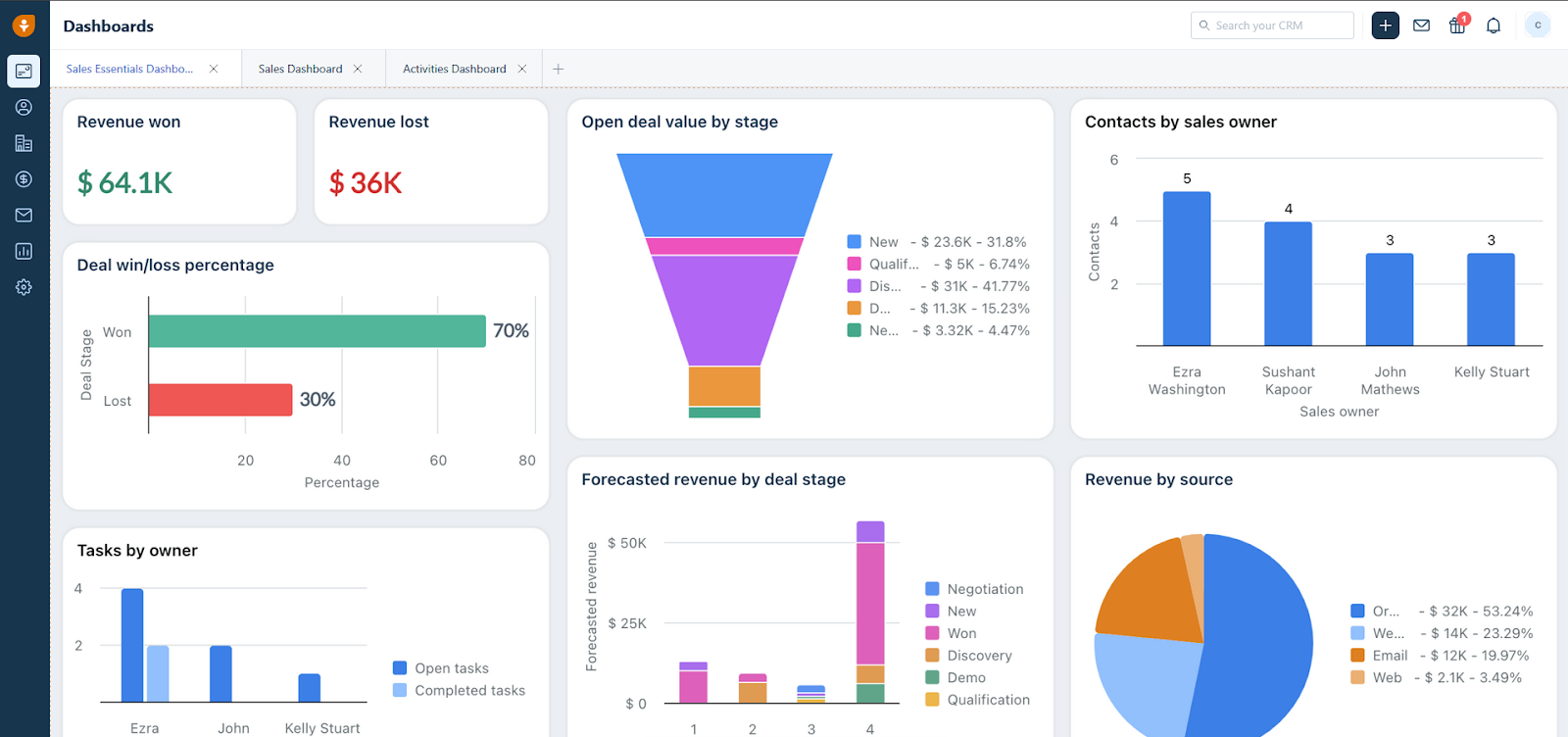
- What it does: Freshsales is a sales CRM that combines pipelines, contact records, email, and chat tools to help teams manage early client conversations in one place.
- Best for: Accounting firms with consistent inbound leads that want email, chat, and pipeline management connected to a single contact record.
I tested Freshsales to see how well it handles early client conversations for accounting firms that deal with consistent inbound leads. The custom filters made it easy to segment prospects by status, and the pipeline setup mapped cleanly to a typical sales cycle. It's worth noting that some useful capabilities sit behind add-ons, so the starting price may not reflect what a growing firm eventually pays.
Key features
- Deal pipelines: Track prospects through custom stages with clear ownership and activity history tied to each contact record
- Built-in email and chat: Manage outreach and incoming messages from the same workspace without switching between tools
- Lead scoring: Prioritize prospects based on engagement and activity so your team can focus follow-up where it matters most
Pros and cons
| ✅ Pros | ❌ Cons |
|---|---|
| Flexible filters and customization for lead management | Add-ons for contacts, emails, and API connections drive up the total cost |
| Easy to set up with an intuitive interface for smaller teams | Support quality has been flagged as inconsistent by some users |
| Integrates well with other Freshworks tools |
What users say
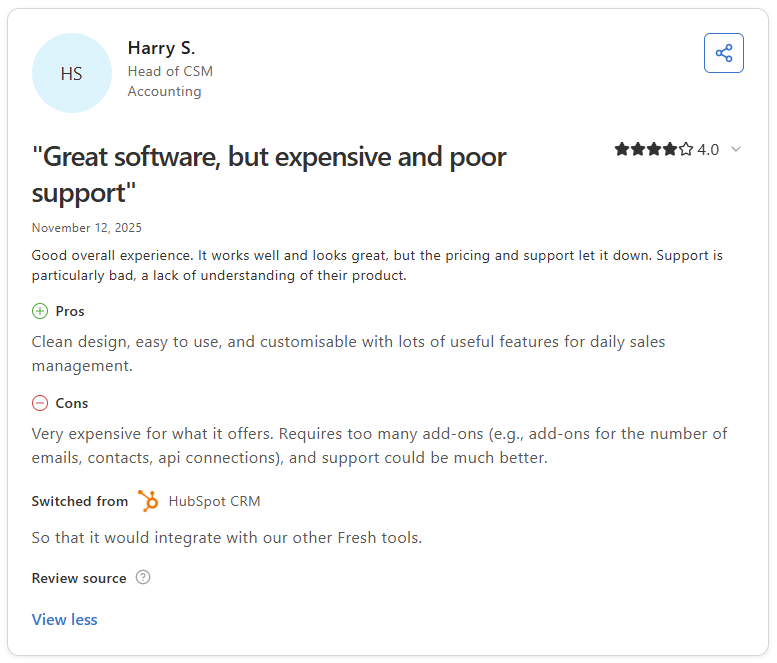
Pro: “I like Freshsales because it's easy to use and organize, and I can customize it to the way I like to work. The ability to make my own filters is valuable, allowing me to see leads that have not been contacted in a while, fresh leads, and those that were potentially closed on the resolution side of my business that need to be addressed.” - Darren W., G2
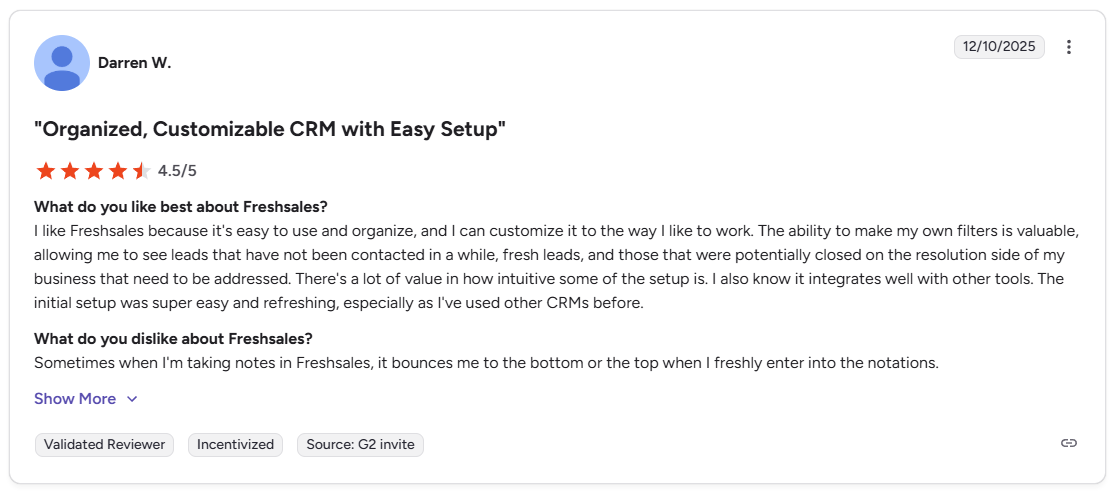
Con: “Very expensive for what it offers. Requires too many add-ons (e.g., add-ons for the number of emails, contacts, api connections), and support could be much better.” - Harry S., Capterra
Pricing
Freshsales starts at $9 per user per month.
Bottom line
Freshsales gives accounting firms a clean sales workspace at a low entry price, but the add-on model means costs can rise as your team's needs grow. If you want a sales CRM with a more predictable pricing structure, Pipedrive might be a better fit.
13. Capsule CRM: Best for firms that want a clean, simple CRM
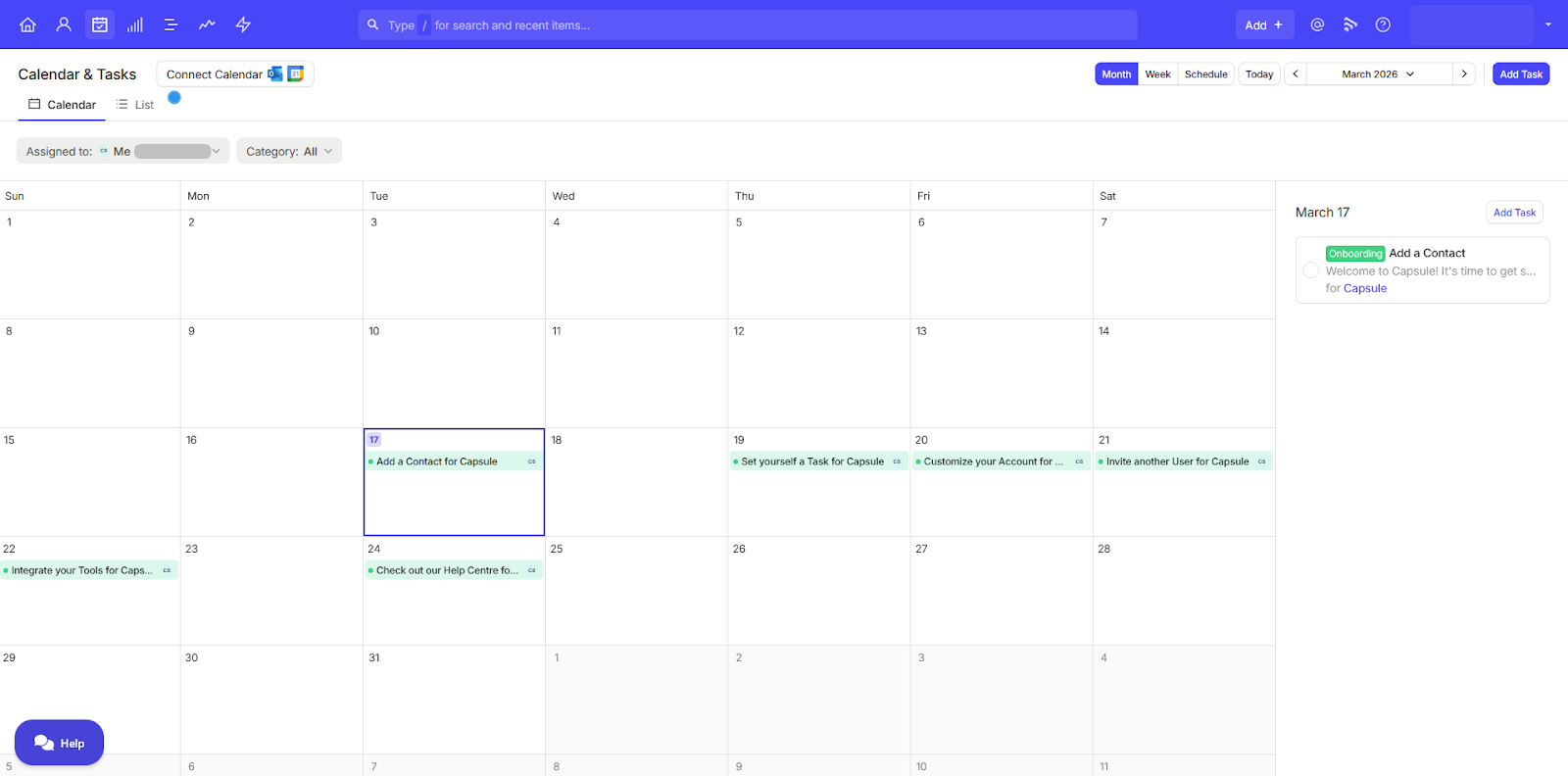
- What it does: Capsule CRM is a lightweight CRM that gives small teams a straightforward way to manage contacts, track deals, and organize follow-up tasks.
- Best for: Small accounting firms that want a no-frills CRM for contact management and basic sales tracking without a lengthy setup process.
I tested Capsule by adding contacts, linking tasks, and running a sample deal through the pipeline, and the setup took less than 10 minutes. Cross-record triggers and auto-assignment rules are areas where it falls short, since those either require extra steps or aren't available natively.
Key features
- Contact management: Organize clients and prospects into lists with linked notes, tasks, and deal history in one view
- Simple pipelines: Track deals through basic sales stages with drag-and-drop updates and clear ownership
- Task tracking: Assign follow-up tasks to contacts and deals so tasks don't get missed between client conversations
Pros and cons
| ✅ Pros | ❌ Cons |
|---|---|
| Clean interface that new users can learn without training | Advanced automation rules are clunky or unavailable natively |
| Fast setup with minimal configuration for small teams | Counts individuals and organizations as separate contacts, which can create duplication |
| Easy to navigate without digging through menus |
What users say
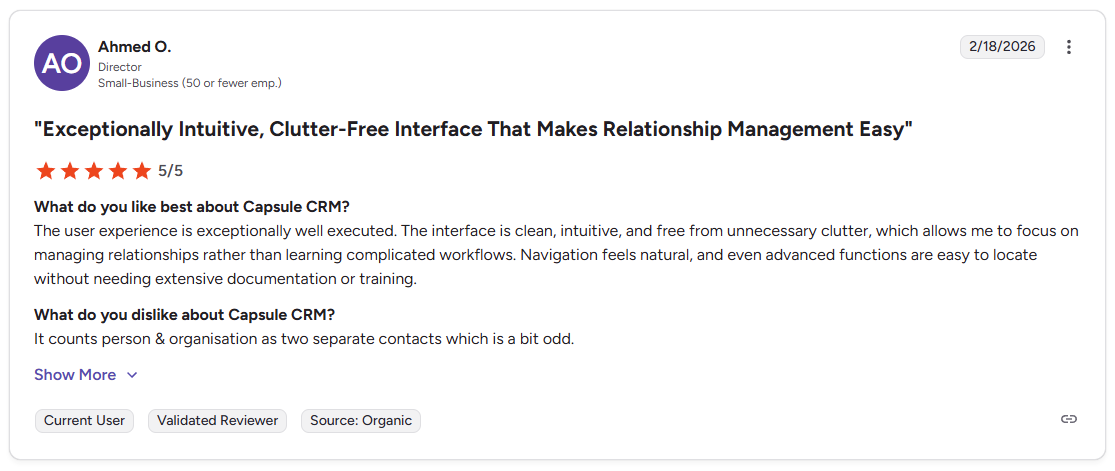
Pro: “The user experience is exceptionally well executed. The interface is clean, intuitive, and free from unnecessary clutter, which allows me to focus on managing relationships rather than learning complicated workflows.” - Ahmed O., G2
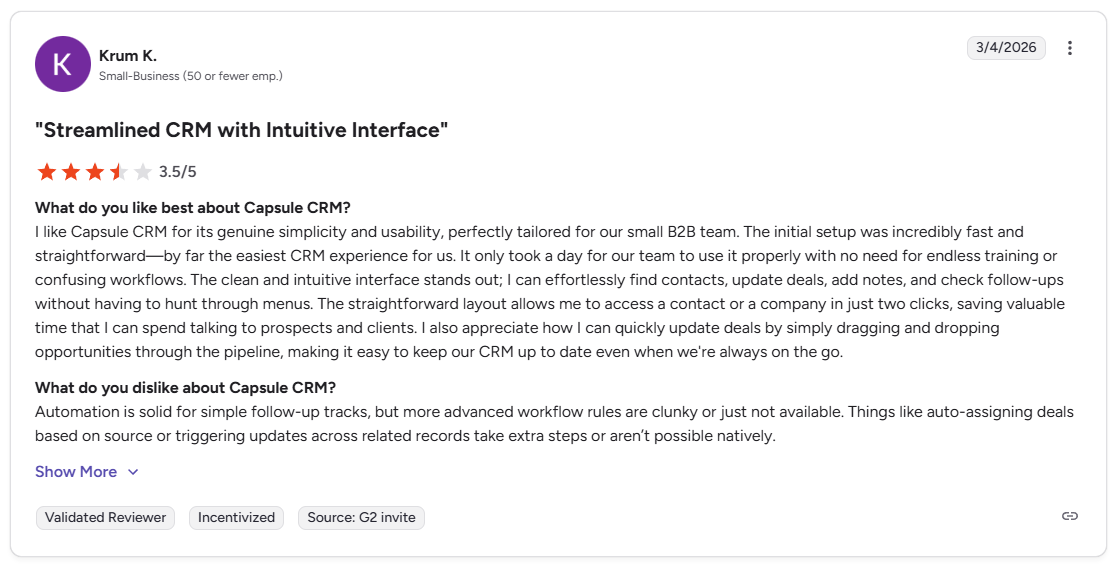
Con: “Automation is solid for simple follow-up tracks, but more advanced workflow rules are clunky or just not available. Things like auto-assigning deals based on source or triggering updates across related records take extra steps or aren't possible natively.” - Krum K., G2
Pricing
Capsule CRM starts at $18 per user per month.
Bottom line
Capsule CRM keeps contact and deal management straightforward enough that small accounting firms can get value from it without much setup time. If you need workflow automation or recurring task management built around accounting cycles, Financial Cents might be a better fit.
14. Financial Cents: Best for accounting teams that depend on structured workflows
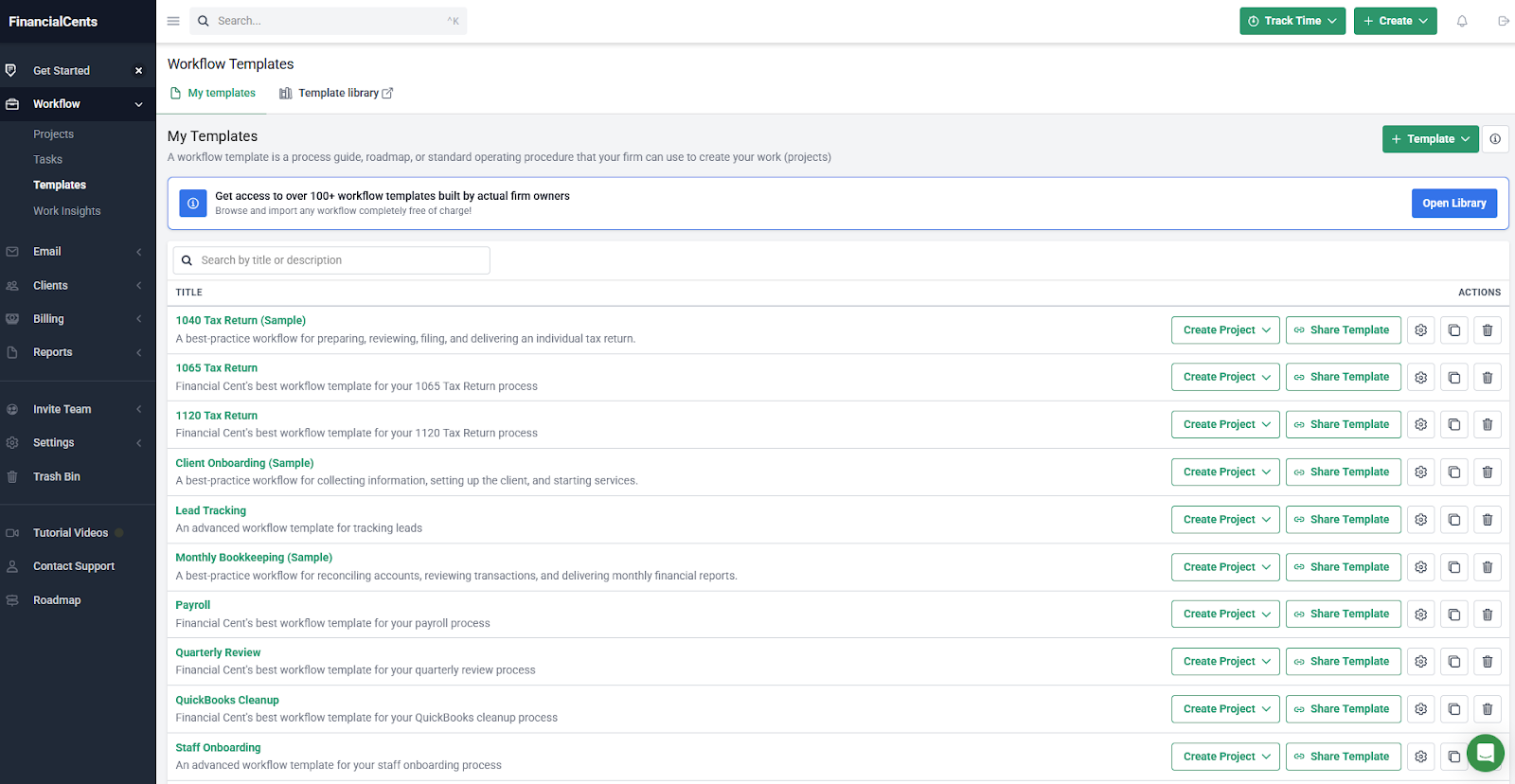
- What it does: Financial Cents is a practice management platform that gives accounting firms workflow templates, client task tracking, time logging, and basic billing tools in one place.
- Best for: Accounting firms that run recurring work like tax prep, monthly bookkeeping, and quarterly reviews, and need a structured way to track deadlines and staff assignments.
I tested several prebuilt workflows in Financial Cents, including a 1040 tax return and a monthly bookkeeping cycle. The task sequences and deadlines follow the same logic accounting firms use for recurring engagements, though the billing tools can fall short for firms with more complex invoicing setups.
Key features
- Workflow templates: Access over 100 prebuilt templates for recurring accounting work, including tax returns, bookkeeping cycles, and client onboarding
- Client task tracking: Send document requests and task checklists to clients and track completion status without chasing them over email
- Time tracking: Log hours against client projects to support billing and internal visibility across the team
Pros and cons
| ✅ Pros | ❌ Cons |
|---|---|
| Prebuilt templates map directly to common accounting workflows | Billing options for proposals are limited, with no auto-bill on project completion |
| Client task tracking keeps document collection organized | Xero integration is not currently available, limiting options for firms that don't use QuickBooks |
| Simple to get started without heavy configuration |
What users say
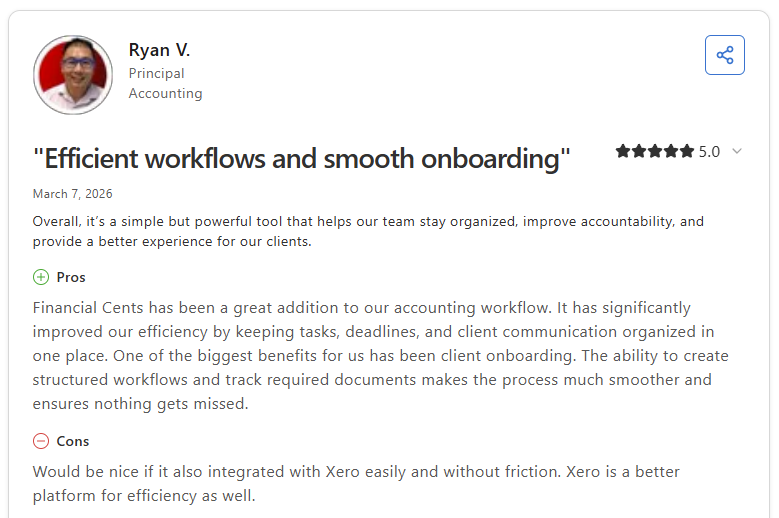
Pro: “Financial Cents has been a great addition to our accounting workflow. It has significantly improved our efficiency by keeping tasks, deadlines, and client communication organized in one place. One of the biggest benefits for us has been client onboarding. The ability to create structured workflows and track required documents makes the process much smoother.” - Ryan V., Capterra
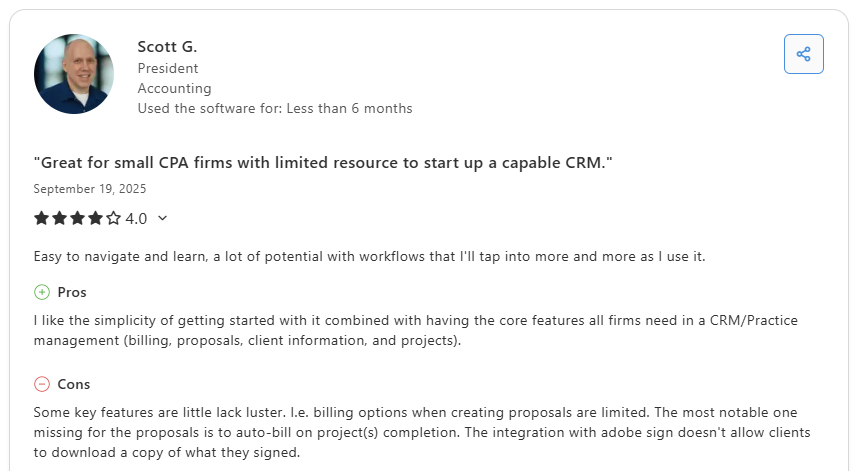
Con: “Some key features are [a] little lack luster. i.e., billing options when creating proposals are limited. The most notable one missing for the proposals is to auto-bill on project(s) completion. The integration with adobe sign doesn't allow clients to download a copy of what they signed.” - Scott G., Capterra
Pricing
Financial Cents starts at $19 per month.
Bottom line
Financial Cents covers more accounting-specific workflow ground than most general CRMs on this list, making it a practical starting point for firms that run structured recurring work. If you want those workflows tied to a branded client portal and billing in one place, Assembly might be a better fit.
Which CRM for accounting firms should you choose?
The best CRM for accounting firms depends on how much of your client work happens after the sale and how many tools you want to replace in the process.
Choose Assembly if you:
- Need CRM-style client management and a client portal platform in the same system
- Want to manage billing, contracts, and communication without switching tools
- Prefer white-label branding across the client experience
Choose Karbon if you:
- Depend on structured workflows for bookkeeping or tax work
- Need email, tasks, and client timelines connected in the same view
- Want strong team visibility across recurring accounting cycles
Choose TaxDome if you:
- Need built-in organizers, e-signatures, and accounting-specific tools
- Want one platform that handles both client communication and practice management
- Run a high-volume tax firm with repeatable document collection workflows
Choose Canopy if you:
- Need a modular system you can build out as your firm grows
- Want IRS transcript access and tax resolution tools built into your CRM
- Handle complex document management across multiple client engagements
Choose Liscio if you:
- Want a clean, secure channel for client messages and document exchange
- Need something clients can pick up and use with very little learning
- Don't need deep workflow automation or CRM features
Choose Method CRM if you:
- Use QuickBooks as the core of your client management process
- Want contact records and invoices to stay synced without manual updates
- Need a customizable layout that mirrors your internal workflow
Choose HubSpot CRM if you:
- Manage a steady flow of leads and need a simple way to track early conversations
- Want a free starting point with room to grow into paid features
- Don't need accounting-specific tools beyond basic contact management
Choose Zoho CRM if you:
- Want a highly customizable system you can shape around complex internal workflows
- Need strong automation tools without paying for a large enterprise platform
- Already use other Zoho products and want them connected
Choose Insightly if you:
- Need a CRM your team can set up and start using without long onboarding
- Want simple contact and task linking without heavy configuration
- Don't need advanced reporting or deep automation
Choose Pipedrive if you:
- Focus primarily on sales follow-up and lead pipeline management
- Want a visual layout that shows where each prospect stands in the pipeline
- Handle most ongoing client work in a separate platform
Choose Accelo if you:
- Want CRM activity tied directly to project delivery, time tracking, and billing
- Need one system to manage both the sale and the service that follows
- Run a team where visibility across client work and budgets matters
Choose Freshsales if you:
- Want email, chat, and pipeline tools in a clean sales-focused workspace
- Handle a consistent volume of inbound leads that need quick follow-up
- Manage ongoing client delivery in a separate platform
Choose Capsule CRM if you:
- Need a lightweight CRM for contacts and basic sales tracking
- Want something simple that your team can learn quickly
- Don't need workflow automation or accounting-specific features
Choose Financial Cents if you:
- Want recurring workflow templates built specifically for accounting work
- Need clear task tracking across monthly, quarterly, and annual deadlines
- Don't need pre-sale pipeline management or advanced communication tools
Final verdict
Karbon, TaxDome, and Canopy are strong picks for a CRM for accounting firms if your primary need is structured accounting workflows and built-in practice management tools. But if you want that same client management tied to a fully branded portal experience without being locked into accounting-specific software, most tools on this list don't offer both in one place.
Assembly brings those pieces together:
- Built-in client management: Manage client records, communication history, notes, and relationship data in a structured CRM where that context stays accessible no matter where you are in the workspace.
- Branded client portal: Clients log in under your firm's domain to access invoices, files, contracts, and updates in one organized space.
- Tailored client experience: You can adjust the homepage layout and app visibility for each client using custom field tags, so different clients automatically see the content and tools relevant to their engagement.
- Consolidated payments: Manage invoices, subscriptions, payment links, and store transactions from a single payments page, without jumping between separate billing views.
- Recurring automations: Set time-based triggers for tasks, messages, and forms so routine accounting work like monthly reminders, document requests, and follow-ups runs on schedule without manual effort.
- Protect client data: Assembly maintains SOC 2 compliance and supports GDPR, CCPA, and HIPAA compliance.
- Keep tasks, messages, and files together: Client communication, shared files, and project tasks stay connected to each client record instead of being scattered across separate tools.
- Prep faster for meetings: The AI Assistant summarizes recent client activity and communication, helping you walk into calls with a clear picture of what’s been discussed and what’s outstanding.
Assembly is built for accounting firms that want client records, billing, and communication together in one branded space. Start your free Assembly trial today.
Frequently asked questions
What features matter most in CRMs for accounting firms?
The features that matter most in CRMs for accounting firms are clear client records, organized communication, document storage, and accurate activity tracking. You need a system that keeps notes, messages, and files in one place so you’re not jumping between tools. A good setup also gives you simple task management and billing visibility, so client work stays on track.
How can a CRM help reduce back-and-forth with clients?
A CRM helps reduce back-and-forth by keeping messages, documents, and task requests in one workspace where your clients always know what you need. You get a clear record of every update, which cuts down on repeated questions and missing files. This makes daily communication predictable and easier to manage.
What’s the difference between a CRM and a client portal?
A CRM stores your internal notes, tasks, and client details, while a client portal gives clients a place to view and share information with you. You use the CRM to manage work inside your firm, and the portal keeps clients updated without extra emails. Together, they help you maintain context while giving clients a clearer experience.