
9 Best Monday alternatives for task & project management 2026
Monday is a popular project management tool, but it's not the right fit for everyone. I tested dozens of tools, and here are the top 9 Monday alternatives in 2026.


Monday alternatives range from simple task boards to full project suites with client-facing portals. I tested dozens of tools across different team sizes and workflows to bring you the 9 best in 2026, so you can find the right fit without having to test them all yourself.
9 Best Monday alternatives: At a glance
| Platform | Best for | Starting price (annual billing) |
|---|---|---|
| Asana | Structured task and project tracking with automation | $10.99/user/month |
| ClickUp | Highly customizable workspace for tasks, docs, and goals | $7/user/month |
| Trello | Simple visual task management with kanban boards | $5/user/month |
| Assembly | Client portals with built-in project management | $39/month |
| Notion | Flexible workspace for notes, databases, and tasks | $10/member/month |
| Jira | Issue tracking and sprint planning for technical teams | $900/year (10 users) |
| Wrike | Project tracking with reporting and resource management | $10/user/month |
| Teamwork.com | Client-facing project management for agencies | $9.99/user/month |
| Basecamp | Simple project and team communication management | $15/user/month |
*Pricing correct as of April 2026. Verify with vendor.
Why look for Monday alternatives?
Monday works well for teams that want visual, board-based project tracking. For a lot of teams, that's enough. But depending on your workflow and team size, a few limitations tend to come up:
- Complex setup and configuration: Monday can take significant time to configure before it works the way your team needs it to. The flexibility that makes it powerful can also make it harder to get up and running quickly.
- No dedicated client portal on core plans: monday.com’s core Work Management and CRM plans don’t include a native, branded client portal. Teams that want a polished, white-labeled portal often need the separate monday service product or a third‑party portal add‑on.
- Not built for service businesses: Monday’s most complete CRM, invoicing, and contract tools live in the separate monday CRM product rather than the core Work Management plans, which can mean extra cost and setup for service teams that want projects, client data, and billing in a single workspace.
- Feature overload for smaller teams: Monday.com packs in a lot of functionality. For smaller teams or simpler workflows, that can mean paying for features you don't need and navigating a tool that may feel bigger than your actual requirements.
TL;DR: Which Monday alternative should you choose?
Your choice of a Monday alternative depends on your team size, workflow, and how much client-facing work you need to manage. Choose:
- Asana if you want structured task and project tracking with workflow automation, just note that it doesn't offer a client-facing portal.
- ClickUp if you want a highly customizable workspace for tasks, docs, and goals, keeping in mind that setup can take some time to get right.
- Trello if you want simple, visual task management tool that's easy to pick up, although it may feel limited as your projects grow in complexity.
- Assembly if you want a branded client portal with dynamic homepages, client-linked tasks, and recurring automations, but it may be more than an internal-only team needs.
- Notion if you want a flexible workspace combining notes, databases, and tasks, though it can require more configuration than a dedicated project management tool.
- Jira if your team is technical and needs detailed issue tracking and sprint planning, since non-technical teams may find it harder to navigate.
- Wrike if you need project tracking with stronger reporting and resource management. Smaller teams may find it more than they need.
- Teamwork.com if you run an agency and want project management with client access and budget tools built in. Teams without external clients may not need everything it offers.
- Basecamp if you want simple, flat-rate project and communication management, though teams with more complex tracking needs may find it too lightweight.
Stick with Monday if your team's primary need is visual project tracking and you're comfortable piecing together client-facing features from different Monday products.
9 Best Monday alternatives for 2026
1. Asana: Best for teams that want structured task and project tracking with workflow automation
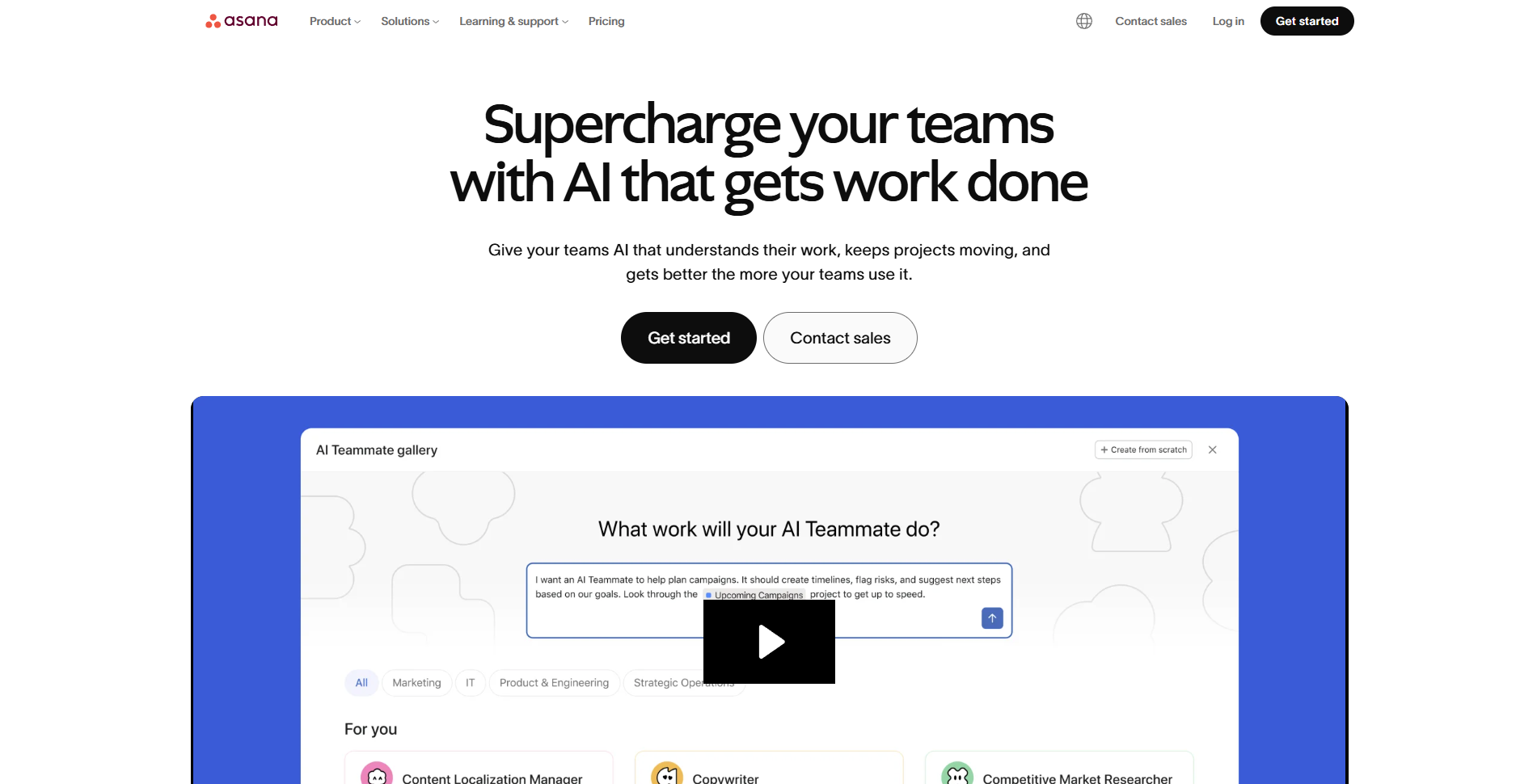
Asana is a project management tool built for teams managing work across multiple projects. It covers task tracking, timelines, and workflow automation in one workspace, with an interface that tends to be easier to pick up than many alternatives. Teams that need a client-facing portal or branded experience for external stakeholders may find it lacking in that area compared to more dedicated tools like Assembly.
Key features
- Task and project views: Switch between list, board, timeline, and calendar views to organize work across projects.
- Workflow automation: Build rule-based automations that move tasks, assign work, and send notifications based on triggers you set.
- Reporting dashboards: Pull project data into visual dashboards to track progress across your team's work.
Pros
- ✅ Multiple project views give teams flexibility in how they organize and track work
- ✅ Workflow automation can reduce repetitive task management without much technical setup
- ✅ The interface is relatively straightforward for new users to get started with
Cons
- ❌ There's no client-facing portal or branded experience for teams that need external stakeholder access
- ❌ Reporting features on lower-tier plans can feel limited for teams that need deeper visibility
Best for
- Teams that need structured task tracking across multiple projects and departments
- Managers who want workflow automation without heavy technical setup
- Organizations that need a clean, easy-to-navigate project management interface
Pricing
Asana starts at $10.99 per user per month.
2. ClickUp: Best for teams that want a highly customizable workspace for tasks, docs, and goals
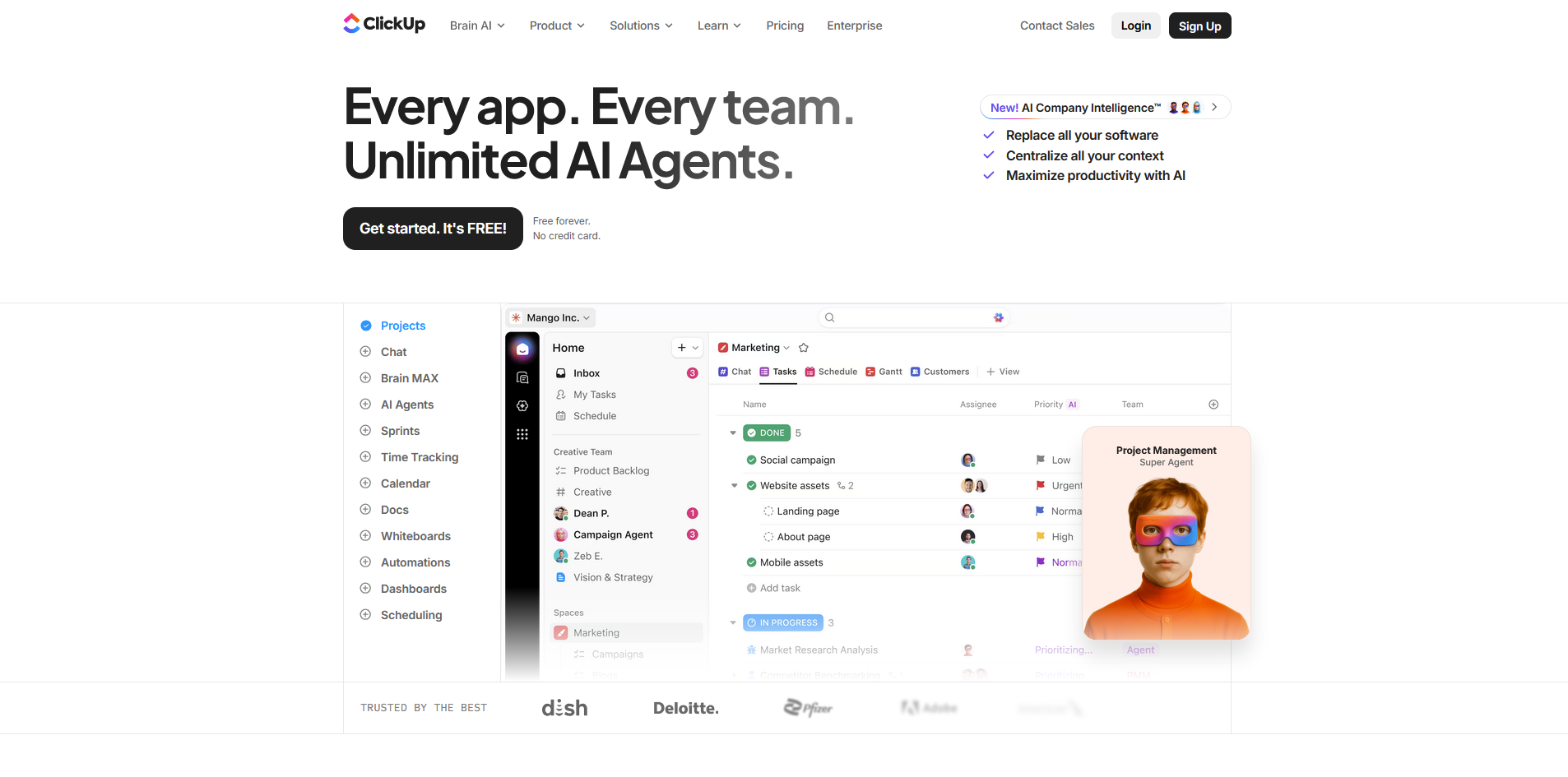
ClickUp is a project management platform that lets teams build their workspace around how they work, with views, fields, and workflows that can be adjusted to fit most team structures. Teams that want something quick to set up may find the volume of options more overwhelming than helpful.
Key features
- Custom views: Switch between list, board, Gantt, calendar, and other views to organize and track work across projects.
- Docs and wikis: Create and store team documentation alongside tasks and projects in the same workspace.
- Goal tracking: Set team or company goals and link them to tasks to track progress over time.
Pros
- ✅ The level of customization accommodates a wide range of team structures and workflows
- ✅ Combining tasks, docs, and goals in one workspace can reduce the need for separate tools
- ✅ Multiple pricing tiers make it a workable option for teams with different budget levels
Cons
- ❌ The volume of features and settings can make initial setup time-consuming for new users
- ❌ Performance can slow down on larger, more complex workspaces
Best for
- Teams that want to customize how they organize tasks, docs, and goals in one workspace
- Growing teams that need a flexible platform that can adapt to different workflows
- Teams looking for a feature-rich option at a lower price point
Pricing
ClickUp starts at $7 per user per month.
3. Trello: Best for small teams that want simple, visual task management with kanban boards
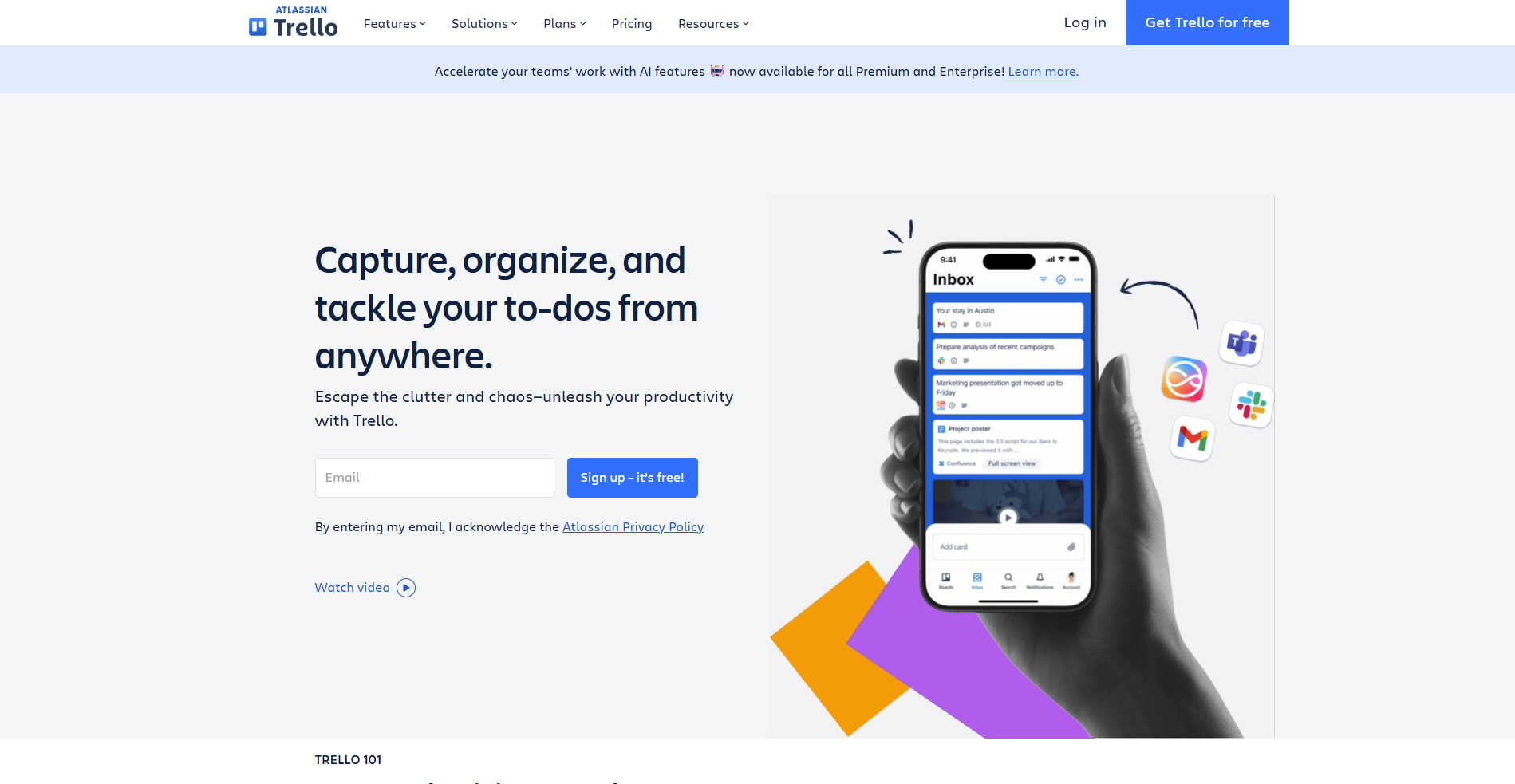
Trello is a Kanban-based project management tool built for teams that want a simple, visual way to track tasks and move work forward. It works well for straightforward workflows, with boards, lists, and cards that most people can pick up quickly. Teams managing more complex projects with dependencies, reporting needs, or client-facing requirements might find it too limited out of the box.
Key features
- Kanban boards: Organize tasks into cards across customizable columns to track work as it moves through different stages.
- Power-Ups: Connect third-party apps and add extra functionality to boards, such as calendars, time tracking, and reporting tools.
- Automation rules: Set trigger-based rules that can move cards, assign members, and send notifications based on actions taken on a board.
Pros
- ✅ The card and board layout is one of the easier project views for new users to get started with
- ✅ A free plan with unlimited cards can work well for small teams with basic needs
- ✅ Power-Ups can extend functionality without requiring a full platform switch
Cons
- ❌ Trello can feel limited for teams that need Gantt charts, reporting, or more structured project tracking
- ❌ Managing multiple projects at once can get difficult as board volume grows
Best for
- Small teams that want a simple, visual way to track tasks without a steep learning curve
- Teams with straightforward workflows that don't need advanced reporting or dependencies
- Individuals or small groups managing a handful of projects at once
Pricing
Trello starts at $5 per user per month.
4. Assembly: Best for service firms that want tailored client portals with built-in project management
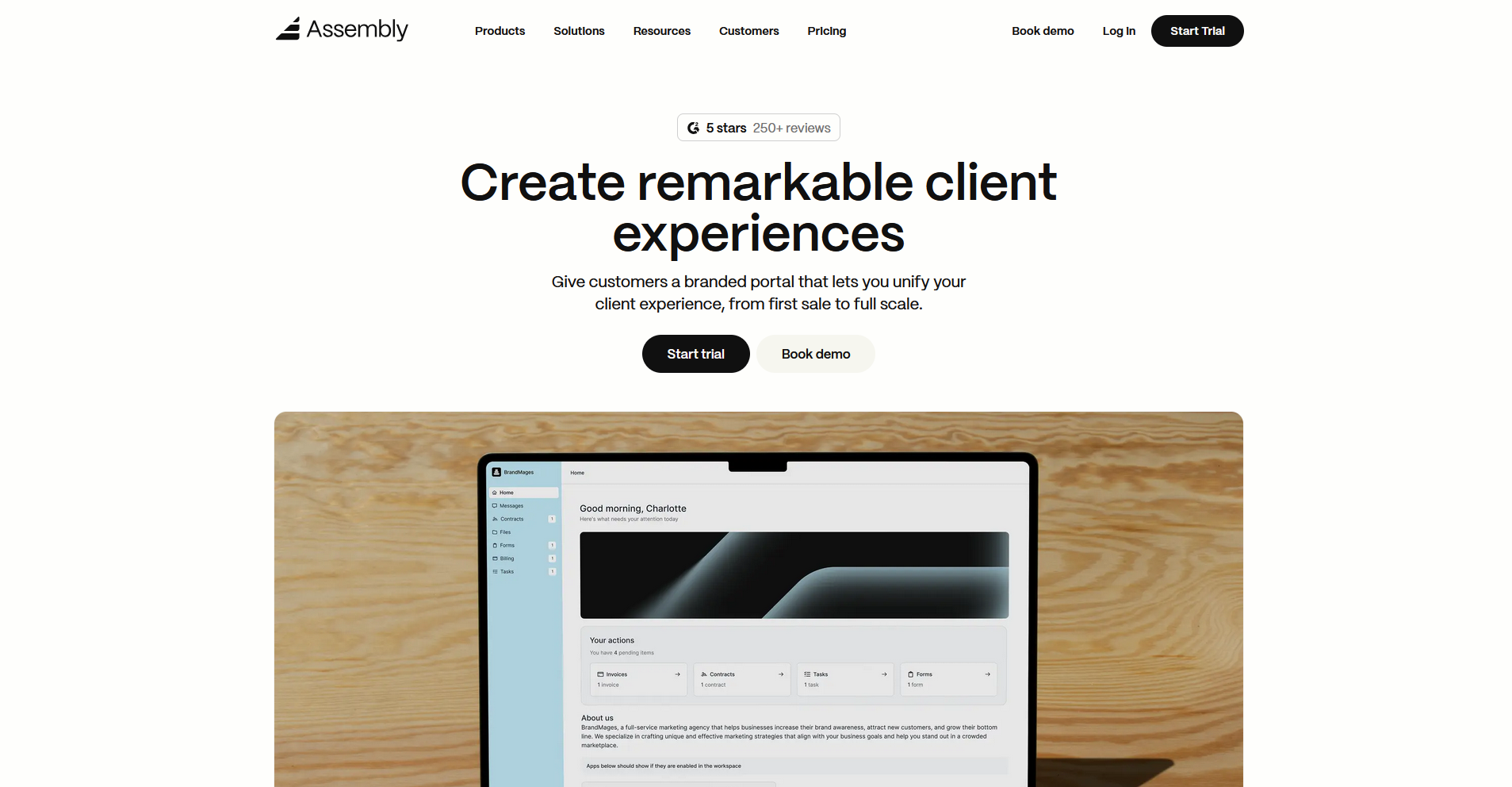
Assembly is a client portal platform designed for professional service firms that need to manage client work and communication in one place. It lets you build a tailored portal where clients can log in, access tasks, review documents, and make payments without the email back and forth. Client-linked tasks mean your team can track internal work alongside what clients can see, keeping everything in one place.
Key features
- Client-linked and client-facing tasks: Associate tasks with specific clients and assign work to both your internal team and clients from the same platform, with control over what each side can see.
- Recurring automations: Schedule time-based triggers for tasks, messages, and forms across your client base on a set cadence.
- Dynamic client homepages: Display different content to each client based on custom field tags, reflecting where they are in their relationship with your firm.
Pros
- ✅ Combines together tasks, billing, contracts, messaging, and a tailored client portal without requiring separate tools for each
- ✅ Client-linked tasks let you track internal work alongside what clients can see, giving your team and clients full context in one place
- ✅ The AI Assembly Assistant pulls context from each client's record, so you can review activity and draft messages without switching between tools
Cons
- ❌ Some advanced features like client access permissions and HIPAA compliance are only available on higher-tier plans
- ❌ Task customization options are relatively limited compared to what a dedicated project management tool might offer
- ❌ Teams that only need basic project tracking may find the client portal features more than they currently need
Best for
- Service firms that need a branded client portal alongside project and task management
- Teams that want to manage client communication, billing, and contracts in one place
- Agencies that need recurring automations and client-facing homepages built into their workflow
Pricing
Assembly starts at $39 per month.
5. Notion: Best for teams that want a flexible workspace combining notes, databases, and tasks
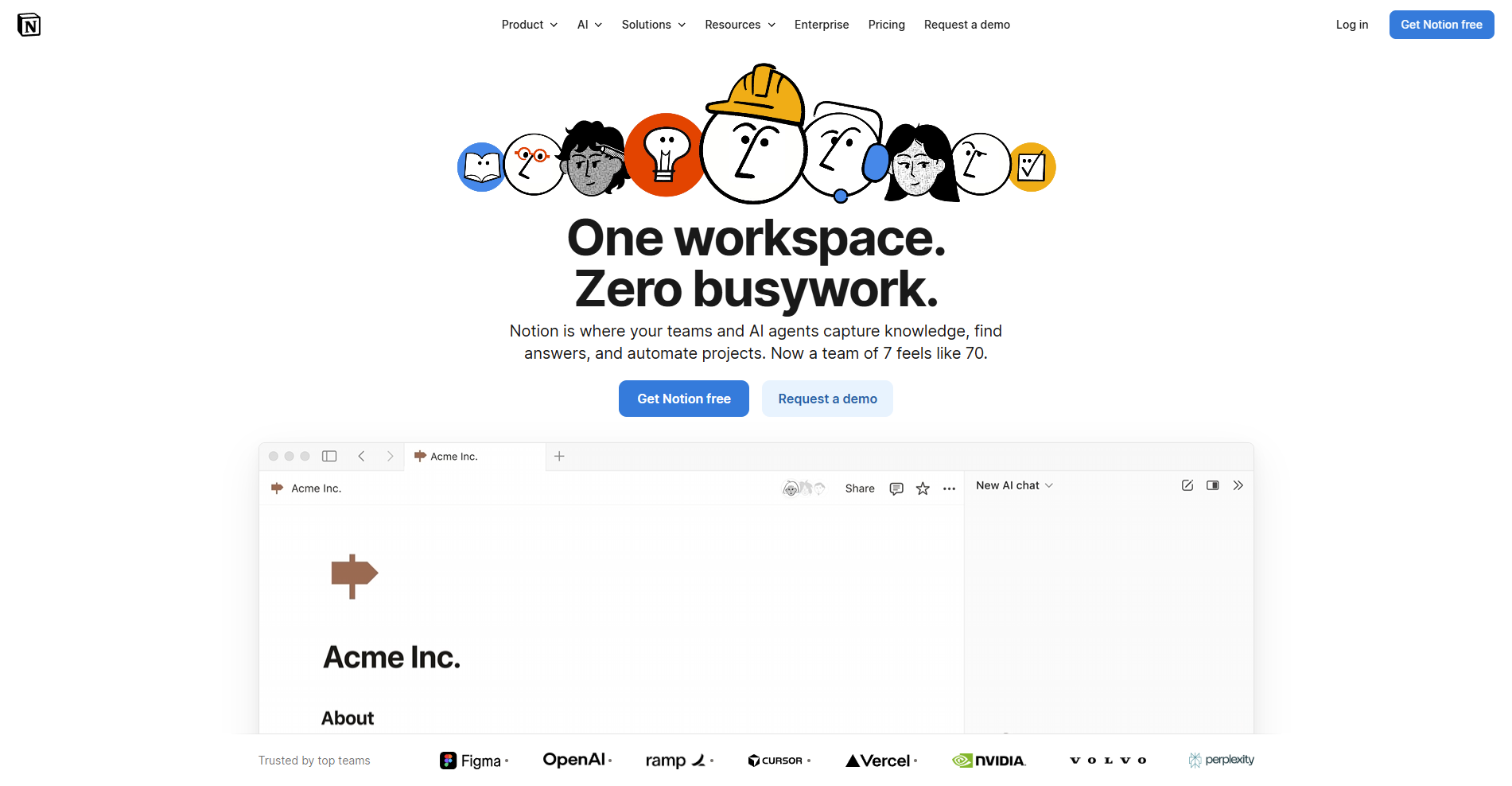
Notion is a flexible workspace tool built around documents and databases rather than traditional task lists. It can be a good fit for teams that want flexible, wiki-style organization alongside light project tracking. Teams with heavier project management needs may find the feature set a bit thin in areas like reporting and time tracking.
Key features
- Databases: Build and organize structured content using tables, boards, calendars, and gallery views that can be filtered and sorted.
- Connected pages: Link documents, tasks, and databases together across a shared workspace to keep related content in one place.
- Templates: Start new projects, wikis, or trackers using pre-built layouts that can be customized to fit different workflows.
Pros
- ✅ Combining notes, databases, and tasks in one workspace can reduce the need to switch between separate tools
- ✅ The flexibility of the database system suits teams that need to organize information in different ways
- ✅ A wide range of templates can help teams get set up without building everything from scratch
Cons
- ❌ Notion can take significant time to configure before it works the way a team needs it to
- ❌ Time tracking isn't built in, and features like Gantt-style timelines require more setup than dedicated project management tools
Best for
- Teams that want to combine documentation, wikis, and light project tracking in one place
- Knowledge-heavy teams that need flexible database structures alongside task management
- Teams that prefer building their own workflows instead of using a fixed project management system
Pricing
Notion starts at $10 per member per month.
6. Jira: Best for dev and technical teams that want detailed issue tracking and sprint planning
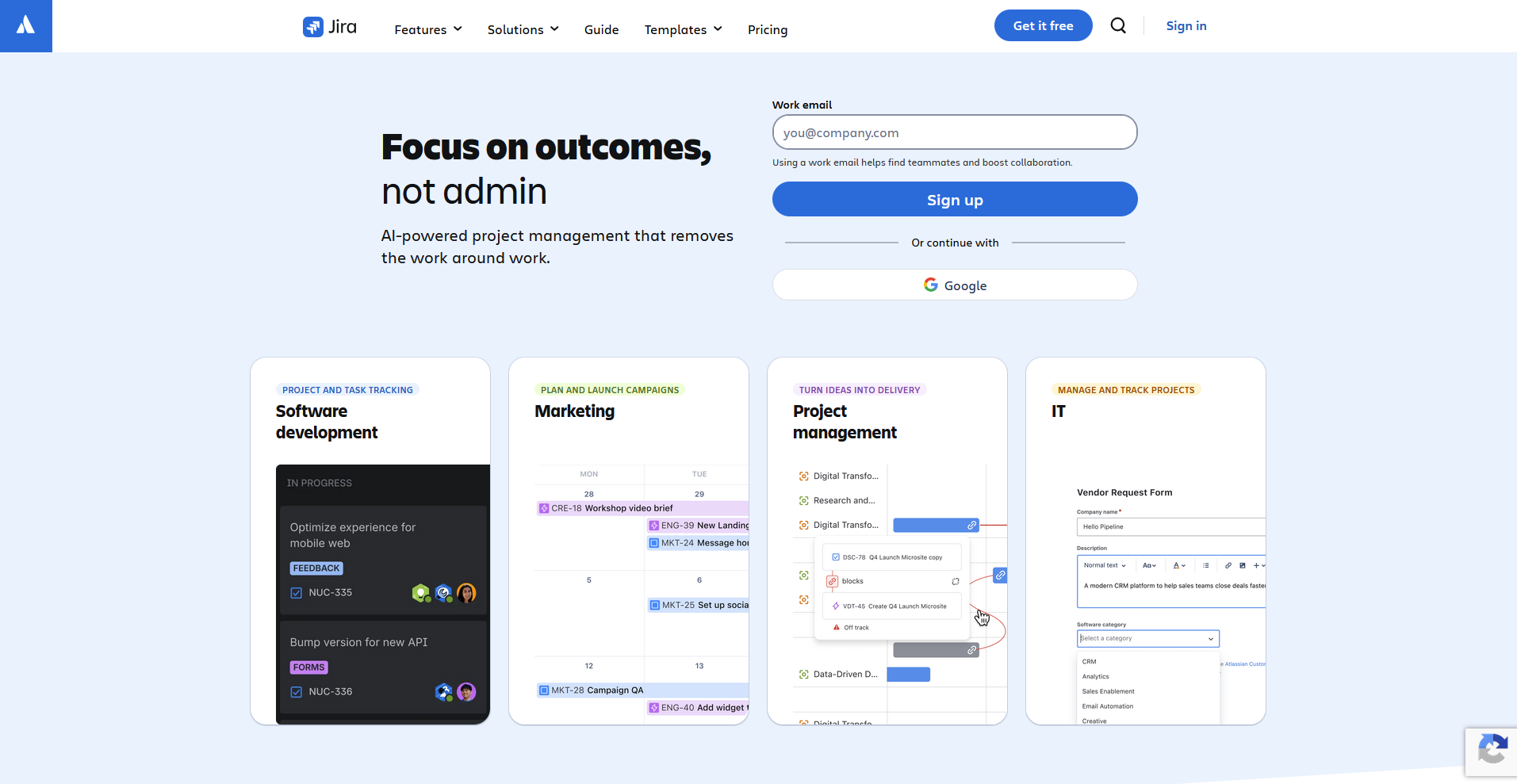
Jira is a project tracking tool built for software and technical teams that need detailed control over how they manage bugs, issues, and sprints. The workflow customization and backlog management tend to map well to how engineering teams work, but non-technical teams often find the setup and interface more complex than they need.
Key features
- Issue tracking: Log, assign, and track bugs, tasks, and requests across projects using customizable issue types and fields.
- Sprint planning: Organize work into sprints using a backlog view that lets teams prioritize and schedule upcoming development work.
- Workflow customization: Build custom status flows for different project types to match how your team moves work from start to finish.
Pros
- ✅ The level of control over workflows and issue types suits technical teams with specific tracking needs
- ✅ Backlog and sprint tools can give dev teams a structured way to plan and prioritize work
- ✅ Detailed reporting gives engineering leads better visibility into team output and project progress
Cons
- ❌ The interface can feel complex and unintuitive for teams outside of software development
- ❌ Getting workflows configured the way you need them can take considerable time upfront
Best for
- Software development teams that need detailed issue tracking and sprint planning
- Engineering teams that want highly customizable workflows for managing technical projects
- Dev leads that need structured backlog management and progress reporting
Pricing
Jira starts at $900 per year, which includes 10 seats.
7. Wrike: Best for mid-sized teams that want project tracking with reporting and resource management
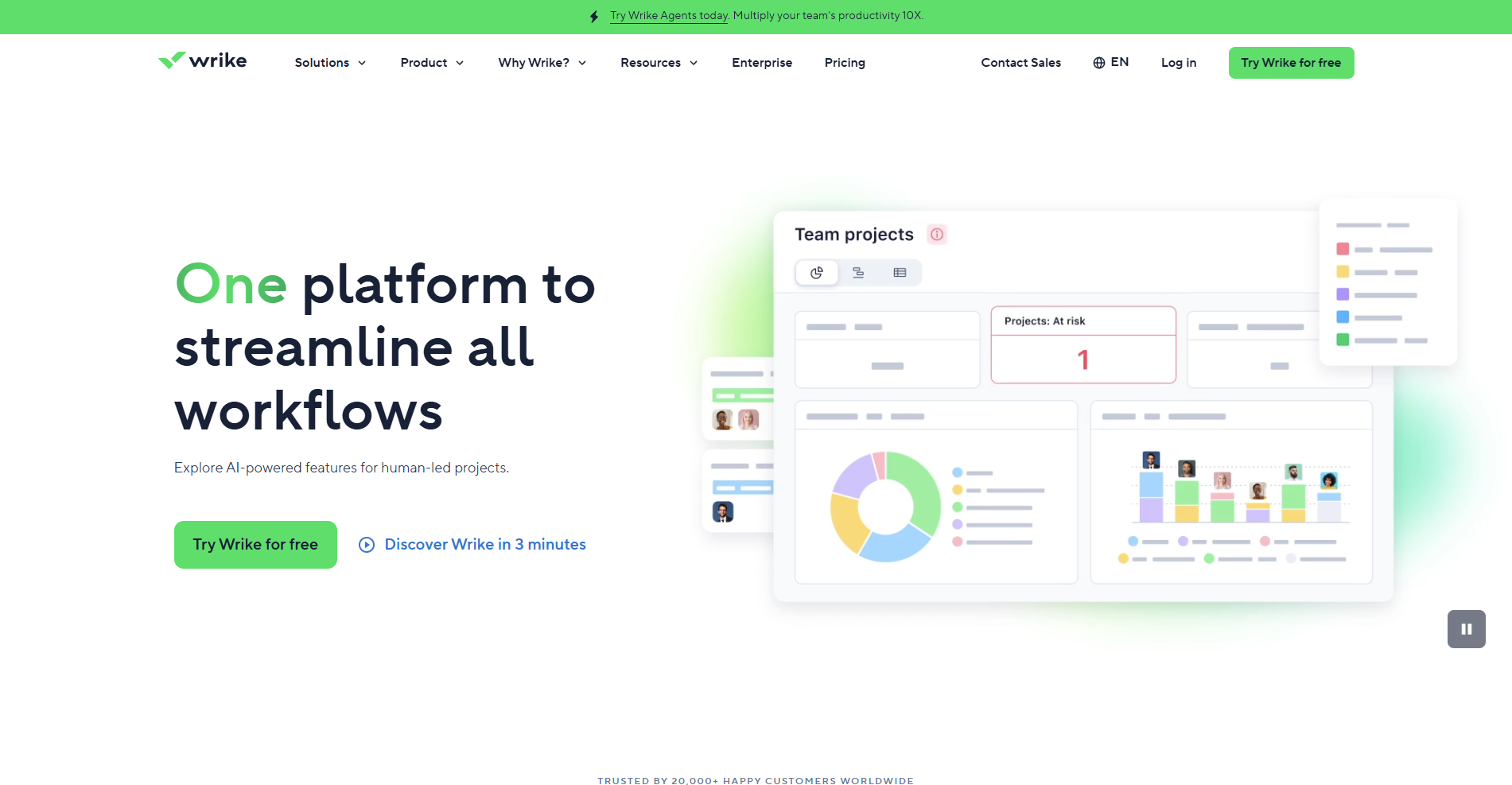
Wrike is a project management tool built for mid-sized teams that need structured work tracking, reporting, and resource management. It covers a broad range of project management needs, including task tracking, workload management, proofing, and detailed analytics. Teams that don't need that level of depth may find it harder to navigate than simpler alternatives like Trello.
Key features
- Gantt charts: Build and adjust project timelines visually, with dependencies that update across tasks when changes are made.
- Workload management: View team capacity across projects and redistribute tasks based on availability.
- Custom dashboards: Build dashboards that pull data from across projects to track progress, workload, and performance.
Pros
- ✅ Reporting and analytics tools give project leads better visibility into team performance and project health
- ✅ Workload management can help teams spot capacity issues before they become problems
- ✅ A wide range of project views suits teams that track work differently across departments
Cons
- ❌ The interface can take time to get used to, particularly for teams new to structured project management tools
- ❌ Some of the more advanced features are locked behind higher-tier plans
Best for
- Mid-sized teams that need detailed project tracking alongside reporting and resource management
- Project managers who need visibility into team workload and capacity across multiple projects
- Teams managing complex, multi-phase projects that require Gantt charts and dependency tracking
Pricing
Wrike starts at $10 per user per month.
8. Teamwork.com: Best for agencies and client-facing teams that want project management with client access
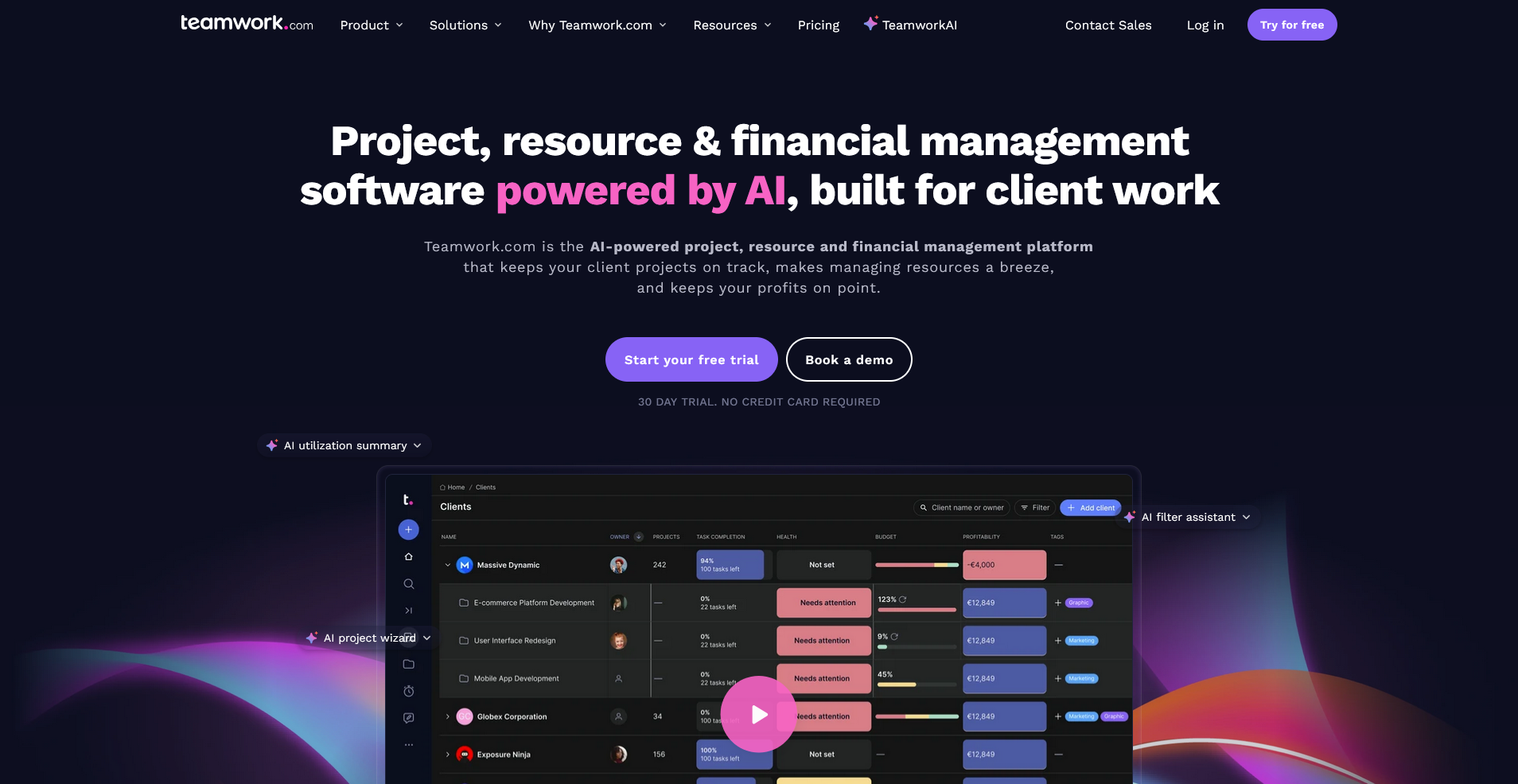
Teamwork.com is a project management tool built for agencies that need to manage internal work and client visibility side by side. It can handle time tracking, budgets, and client access in one place, though teams without external clients may find the client-facing features and billing tools heavier than they need.
Key features
- Client access: Give clients visibility into specific projects, tasks, and files without exposing your full internal workspace.
- Time tracking and budgets: Log billable hours against tasks and track project budgets to monitor how work maps to costs.
- Project templates: Build reusable project structures that can be duplicated and adjusted for new client engagements.
Pros
- ✅ Built-in time tracking and budget management suits agencies that need to monitor project profitability
- ✅ Client access controls let you share project visibility without opening up your full workspace
- ✅ Project templates can help teams set up new client work faster without starting from scratch each time
Cons
- ❌ The interface can feel busier than some of the simpler tools on this list, which can slow down onboarding for new team members
- ❌ Some reporting features are only available on higher-tier plans
Best for
- Agencies that need to manage client visibility, time tracking, and budgets in one platform
- Client-facing teams that bill by the hour and need project profitability tracking
- Teams managing multiple client accounts that need clear separation between projects
Pricing
Teamwork.com starts at $9.99 per user per month.
9. Basecamp: Best for small teams that want simple, flat-rate project and communication management
Basecamp is a project management and team communication tool built for teams that want to keep things simple. It combines to-do lists, message boards, file storage, schedules, and group chat in one place. Teams that need more advanced project tracking features like Gantt charts, time tracking, or detailed reporting may find it too basic for their needs.
Key features
- Message boards: Post updates, announcements, and discussions in a shared space that keeps team communication organized by project.
- To-do lists: Create and assign tasks with due dates across projects, with progress visible to the whole team.
- Campfire chat: Send real-time messages to the whole team or specific project groups without leaving the platform.
Pros
- ✅ Flat-rate pricing makes it a more cost-effective option for growing teams that would otherwise pay per user
- ✅ Combining messaging, tasks, and files in one place can reduce the need for separate communication tools
- ✅ The interface tends to be straightforward enough for most team members to pick up quickly
Cons
- ❌ Basecamp lacks advanced project tracking features like Gantt charts, time tracking, and detailed reporting
- ❌ The flat structure of the platform can make it harder to manage complex or multi-layered projects
Best for
- Small teams that want simple task and communication management without per-user pricing
- Remote teams that need a central place for messages, files, and to-do lists
- Teams that want a lightweight tool without the complexity of a full project management platform
Pricing
Basecamp starts at $15 per user per month, billed monthly.
How to evaluate Monday alternatives
The right Monday alternative depends on how your team works and what you need from it. Here are a few things worth thinking about before you decide:
- Team size and workflow: Some tools on this list work well for small teams with simple needs, while others are built for larger teams managing complex projects. Think about how your team works day to day before committing to a platform.
- Client-facing needs: Monday is primarily an internal tool. If you work with clients directly and need them to have their own access, a portal, or a branded experience, I’d look carefully at which tools on this list can support that.
- Ease of setup: Some tools take minutes to get running, while others may need significant configuration before they feel right. If your team doesn't have a lot of time to spend on setup, that's worth factoring in early.
- Integrations: Think about the tools your team already uses. Most platforms on this list connect with popular apps, but the depth of those integrations can vary quite a bit.
- Total cost: Base pricing doesn't tell the whole story. Per-user fees, add-ons, and plan limits can all affect what you end up paying.
Your client management tool should grow with your business
The best Monday alternatives cover a wide range of needs, from simple task boards for small teams to full project management platforms built for growing businesses. The right pick comes down to how your team works and what gaps you need to fill.
If you work with clients directly and need more than just internal task tracking, Assembly is worth a look. A tailored client portal, client-linked tasks, recurring automations, and consolidated payments can give your team a more complete picture of every client relationship, without stitching multiple tools together.
Start your free Assembly trial today.
Frequently asked questions
Does Monday have a free plan?
Monday does offer a free plan, but it's limited to two seats and a small number of boards. It can work for solo users or very small teams testing the platform, but most teams will likely need a paid plan to get full use out of it.
Is Monday worth it?
Monday can be worth it for teams that need visual, board-based project tracking with a lot of flexibility. It works well for mid-sized teams managing multiple projects across departments. For smaller teams or those with simpler workflows, the cost and complexity may outweigh the benefits.
What is the best alternative to Monday for client work?
Teamwork.com and Assembly are two strong options for client-facing work. Teamwork.com includes time tracking, budgets, and client access built into its project management features. Assembly goes further by giving clients a tailored portal where they can view tasks, files, messages, and more in one place.