
9 HoneyBook alternatives I tested: Worth the switch?
HoneyBook's price went up, and the features didn't follow. I tested every HoneyBook alternative to find what actually handles contracts, billing, and delivery.


HoneyBook alternatives became necessary when pricing increased significantly. That's why I tested many tools and found the top tools with a clear place for contracts, invoices, and messages without the migration headache or the price jump.
9 Best HoneyBook alternatives: At a glance
| Platform | Best for | Price |
|---|---|---|
| Dubsado | Custom workflow automation for client management | $35/month |
| Bonsai | Budget tracking and profitability insights | $9/user/month |
| 17hats | Solo operators needing quick setup | $60/month |
| Bloom | Built-in booking and CRM for creatives | $14/month |
| Assembly | Branded portals for ongoing client management | $39/month |
| Taskip | Affordable all-in-one business toolkit | $12/month |
| Plutio | Managing international clients and multi-currency payments | $19/month |
| ManyRequests | Subscription and retainer-based agencies | $59/month |
| Hubflo | Simple, professional client portal experience | $67/month |
Pricing correct as of June 2026.
Why look for HoneyBook alternatives?
HoneyBook does a lot of things well for freelancers starting out. The onboarding flow is clean, the interface is polished, and getting your first contract out the door takes minutes. But as your client list grows, the cracks start to show.
Pricing increases hit hard for small teams. Since February 2025, HoneyBook has raised prices across all three plans, with the Starter plan going from $19 to $36 per month, an 89% increase. The features added at higher tiers don't always justify the cost for agencies running five to ten active clients, and you'll end up paying enterprise-adjacent prices for a tool built for solo freelancers.
The client portal feels shallow once projects grow. HoneyBook handles proposals and contracts well, but file organization, project updates, and deeper communication often spill back into email. Clients get confused about where to find things, and your team ends up managing two channels instead of one.
Automation depth has a ceiling. HoneyBook offers basic automations, but multi-phase workflows with conditional logic or approval triggers aren't its strength. Teams that need to build custom flows around their actual process quickly outgrow what's available.
Delivery context gets lost after onboarding. In testing, notes from early conversations, initial briefs, and onboarding details don't carry naturally into active project work. That gap means extra admin work every time a client asks about something that happened before the project kicked off.
TL;DR: Which HoneyBook alternative should you choose?
- Choose Dubsado if you need custom automations and multi-phase workflows for every client. Not worth the setup time if you just want to send contracts quickly.
- Choose Bonsai if you need live profitability tracking with proposals and time logs in one place. Won't replace dedicated sales or BI tools for deep pipeline work.
- Choose 17hats if you're solo and want lead-to-payment workflows you can get running in an afternoon. Agencies with team collaboration needs will feel limited quickly.
- Choose Bloom if you're a creative who wants self-booking, galleries, and contracts together. Test calendar sync thoroughly before committing.
- Choose Assembly if you need contracts, branded delivery, and billing in one workspace for ongoing client relationships. Less useful for one-off projects where you won't revisit the history.
- Choose Taskip if you're consolidating multiple tools into one affordable platform and are willing to bet on a newer product. Avoid if you need a large, established app marketplace.
- Choose Plutio if you work internationally and need deep customization across currencies and languages. It takes time and technical comfort to configure properly.
- Choose ManyRequests if your agency runs on retainer packages with a request-to-invoice flow built in. Watch the upload cap if you handle large files.
- Choose Hubflo if you need a straightforward client portal for professional services delivery without heavy configuration.
- Stick with HoneyBook if your workflow is simple, your client list is under 20, and you don't need project delivery context to carry through to billing. It works well for solopreneurs who want polished onboarding fast.
The 9 best HoneyBook alternatives
1. Dubsado
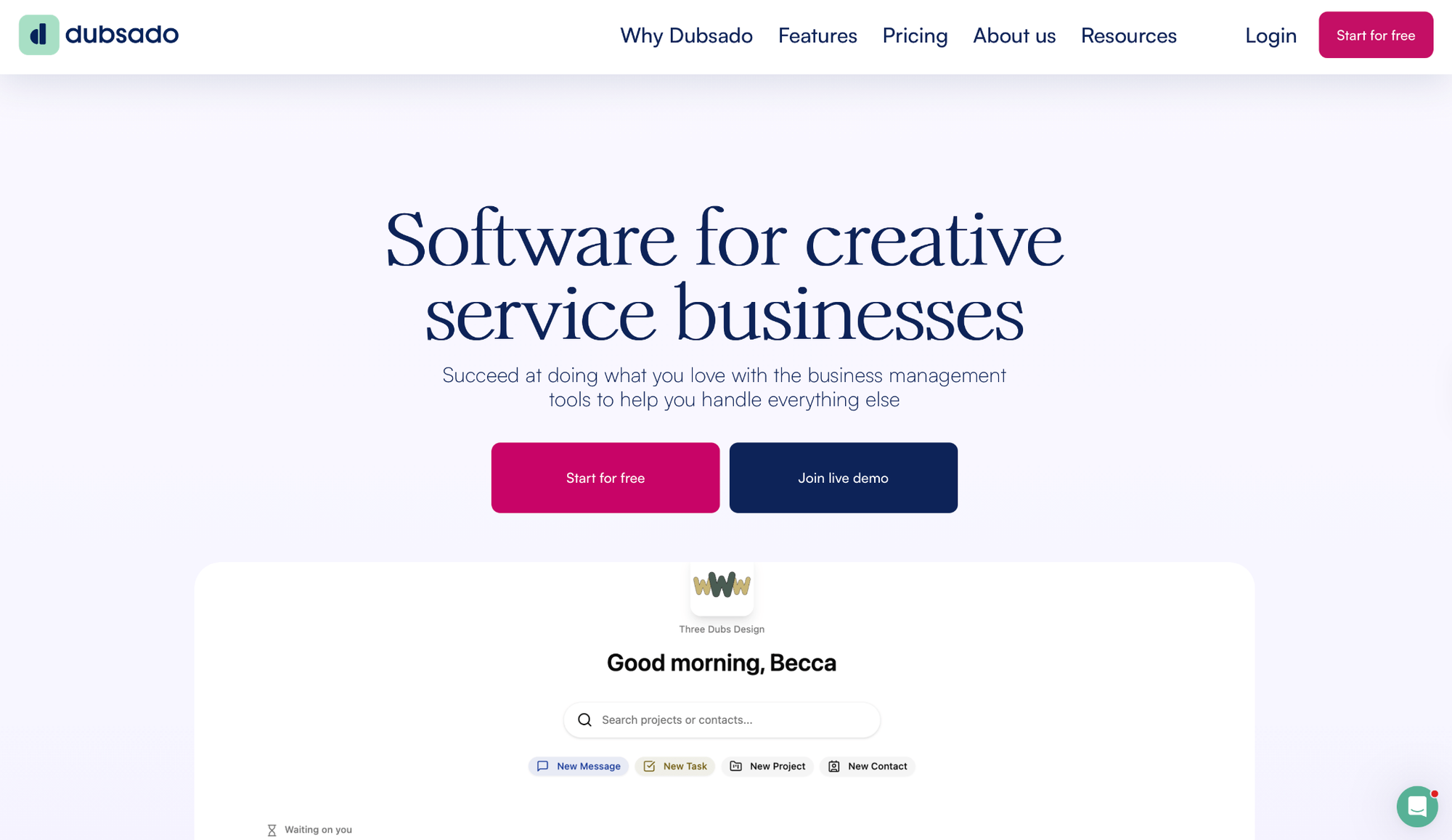
Dubsado lets you build custom client workflows with contracts, invoicing, and automations that fit how you actually work.
I built a three-phase onboarding workflow with conditional triggers that matched my process. The interface fights back during setup, but once it's configured, most client movement happens on its own.
If you manage multiple brands, that same logic extends across identities. You switch designs, processes, and branding inside one account without rebuilding anything from scratch.
"I love the automations that Dubsado offers, which is a big reason I chose it over HoneyBook. HoneyBook might be easier to start with, but I knew my company was going to scale and Dubsado is perfect for that." — Precious M., G2
Key features
- Flows: Trigger forms, reminders, or status updates based on client actions across multi-phase projects.
- Branded proposals and contracts: Custom packages, sub-agreements, and full design control.
- Native time tracking: Log billable hours on the Premier plan and apply them directly to invoices without switching tools.
- Client portal access: Clients view schedules, files, and invoices, though full branding requires CSS customization.
Pros
✅ Automations handle repetitive work once configured
✅ Time tracking and recurring invoices built in (Premier)
✅ Multi-brand support for studios managing several identities
Cons
❌ Steep learning curve, and the Starter plan locks out Flows, scheduling, and Zapier
❌ Client portal looks generic without CSS customization
Best for
- Service providers building multi-phase client workflows with conditional logic
- Studios managing multiple brands under one account
- Teams that want automation to move clients through stages once it's set up and running
Pricing
Dubsado’s Starter plan runs $35/month (or $335/year) and covers the basics. If you manage multiple brands, each additional one costs $10/month.
Bottom line
Dubsado's worth it when your process is multi-layered and you need custom logic that template tools can't handle. If you want that same delivery context and billing in one place but with less setup, Assembly is usually where teams land.
2. Bonsai
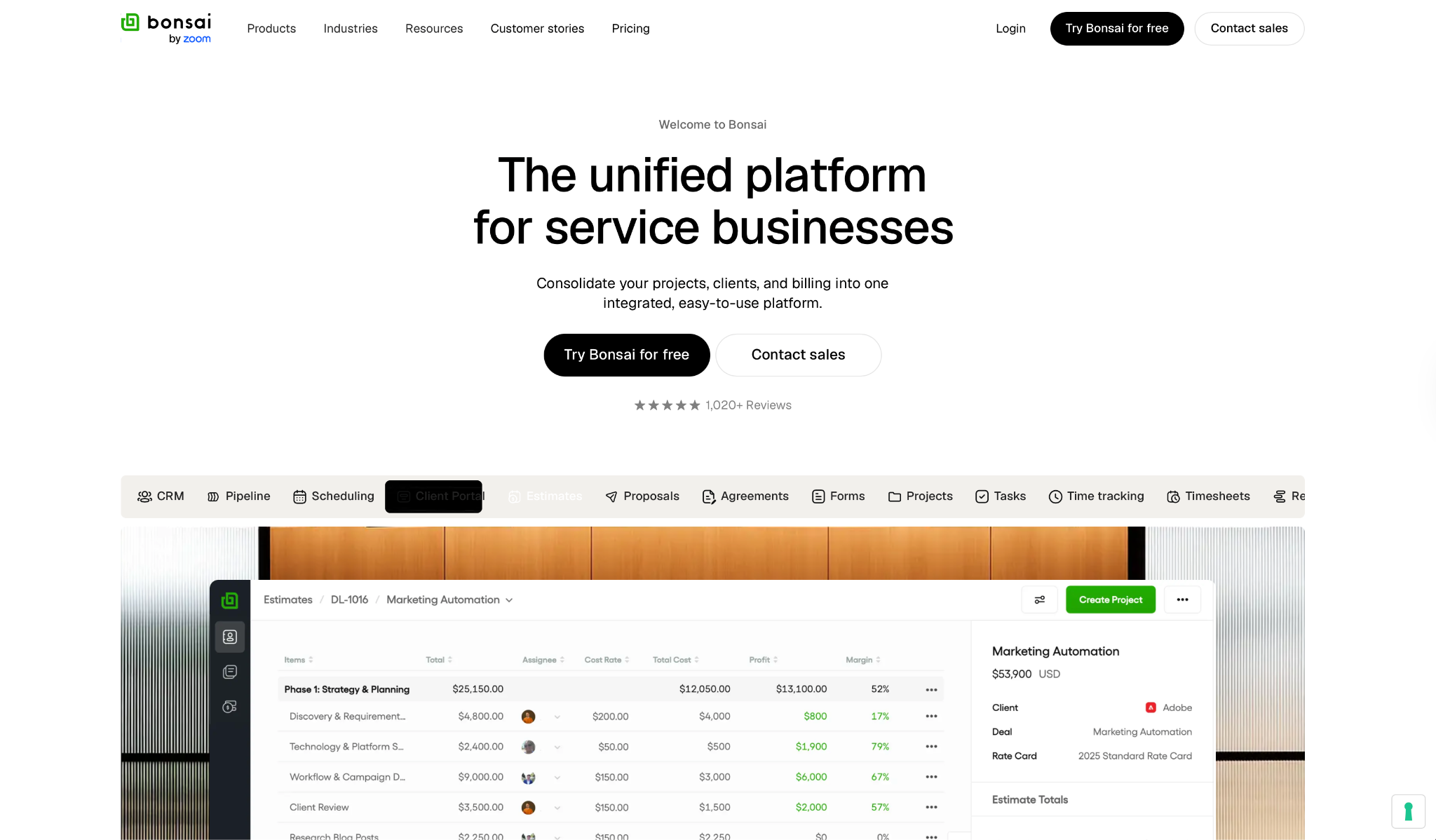
Bonsai connects project work to billing in one workspace, with live visibility into where time and money go per client.
I was tired of copying client details between three tools just to send an invoice. Bonsai kept everything together. When a client asked about their project budget mid-month, I had the answer without opening Stripe or checking spreadsheets.
"Professional looking easy to use and implement timer, project/client set up and invoicing/chasing." — Anita Q., G2
Key features
- CRM with client portal: Visual pipeline, custom fields, intake forms, and a portal for projects, docs, and invoices.
- Proposals and contracts: Estimates with costs, profit margins, and timelines; once signed, e-signatures convert them into active projects.
- Finance management: Invoicing, payment processing, expense tracking, rate cards, budgets, and profit reporting.
- Project and resource management: Tasks, Gantt charts, time tracking, timesheets, and capacity planning.
Pros
✅ Full cycle from lead to payment, with solid retainer support built in
✅ Budget and profitability views update as work happens, no manual refresh needed
✅ Faster to learn than most tools here
Cons
❌ CRM lighter than dedicated sales platforms for deep pipeline work
❌ Basic reporting compared to BI tools
Best for
- Freelancers and small creative teams managing retainers who need budget visibility
- Consultants who want time tracking, proposals, and invoicing in one place
- Agencies tracking profitability per client without a separate finance tool
Pricing
Bonsai runs four plans, all per user per month. Basic is $9/user/month and covers time tracking, tasks, and unlimited projects. All plans have a free trial.
Bottom line
Bonsai's a good fit when you want fewer open tabs and need work, money, and clients in one place. Once you add a branded client portal and tighter delivery tracking to the requirements, Assembly starts covering more ground.
3. 17hats
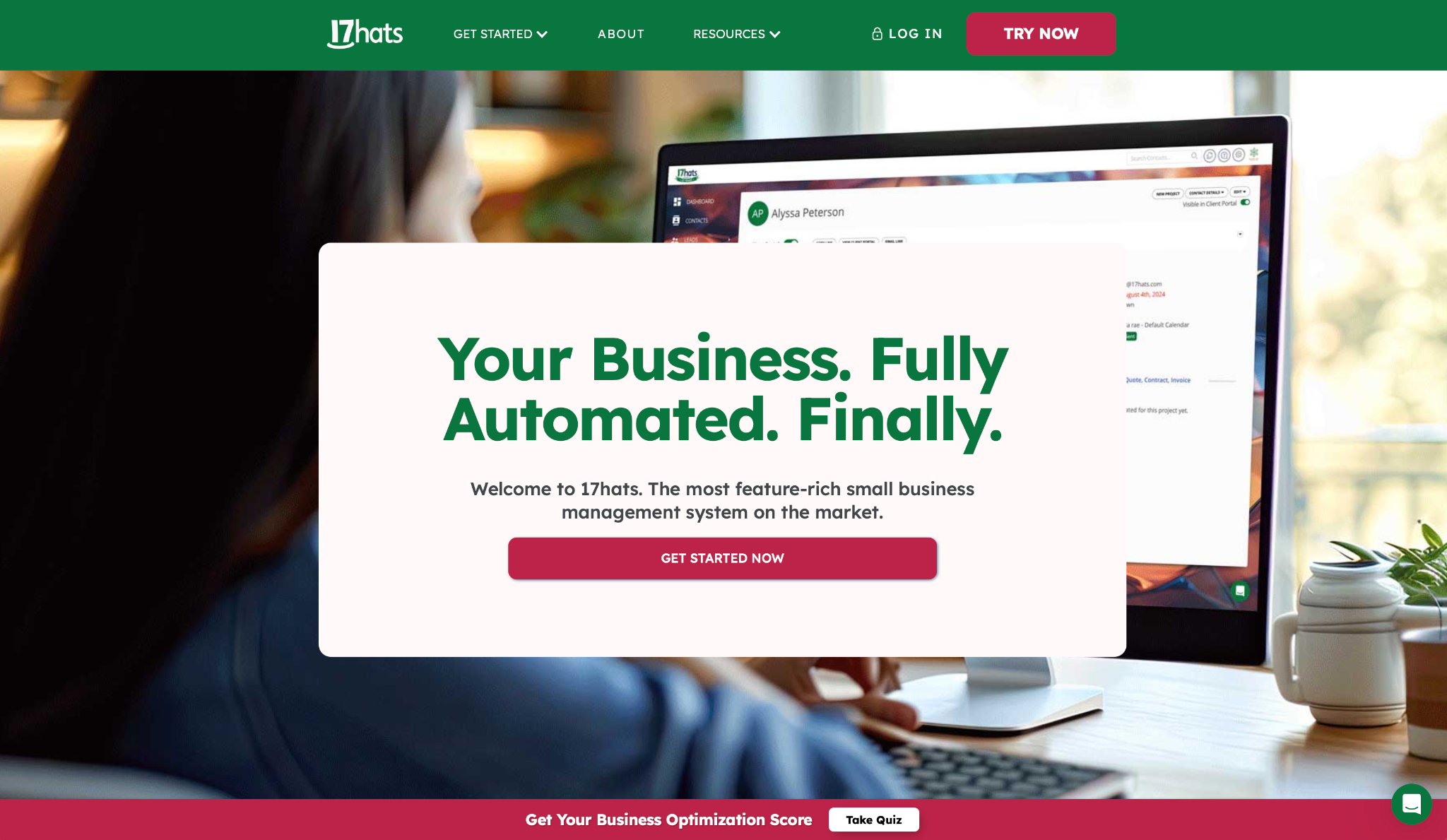
17hats handles client management, proposals, contracts, invoicing, and scheduling without heavy configuration, built for solo operators who need tools that work immediately.
The whole intake flow runs in sequence. A lead fills out a form, gets an auto-response, signs a quote that doubles as a contract, and pays, all without you switching tabs. The client portal cut down on document requests, and email templates saved me when I needed a professional reply fast.
"I love that I can keep all of my design client, project, invoicing, to-do lists, files, and notes in one place." — Andrea H., G2
Key features
- Lead capture and workflows: Forms, auto-responses, lead tracking, and automated follow-ups.
- Quotes, contracts, and invoicing: Combine quote, contract, and invoice in one document to speed up acceptance and payment.
- Online scheduling and payments: Booking calendar with payment on reservation, Zoom integration, and Stripe for card or ACH.
- Built-in bookkeeping: Native module that syncs with 20,000+ banking institutions, plus a native QuickBooks Online integration to sync invoices automatically. Xero requires Zapier.
Pros
✅ Fast to adopt if coming from spreadsheets and email chaos
✅ Client portal gives clients one secure space for documents
✅ Lead-to-payment workflow works well for repetitive services
Cons
❌ Designed for solo operators, so agencies will feel limited quickly
❌ Add-ons (extra users, Bank Connect, additional brands) stack up beyond the base price
Best for
- Solo service providers replacing spreadsheets and email threads
- Photographers, coaches, and event planners with repetitive client workflows
- Operators who want lead-to-payment automation can set up and walk away from
Pricing
17hats runs a single all-inclusive start at $60/month, $600/year, or $800 for two years. Extra users ($5/month each) and additional brands ($5/month each) add to the total cost.
Bottom line
Solo operators who need fast setup and basic workflow automation will get solid value from 17hats. Where it falls short is team collaboration, deeper automation, and reporting, and that's when Assembly is worth a look.
4. Bloom
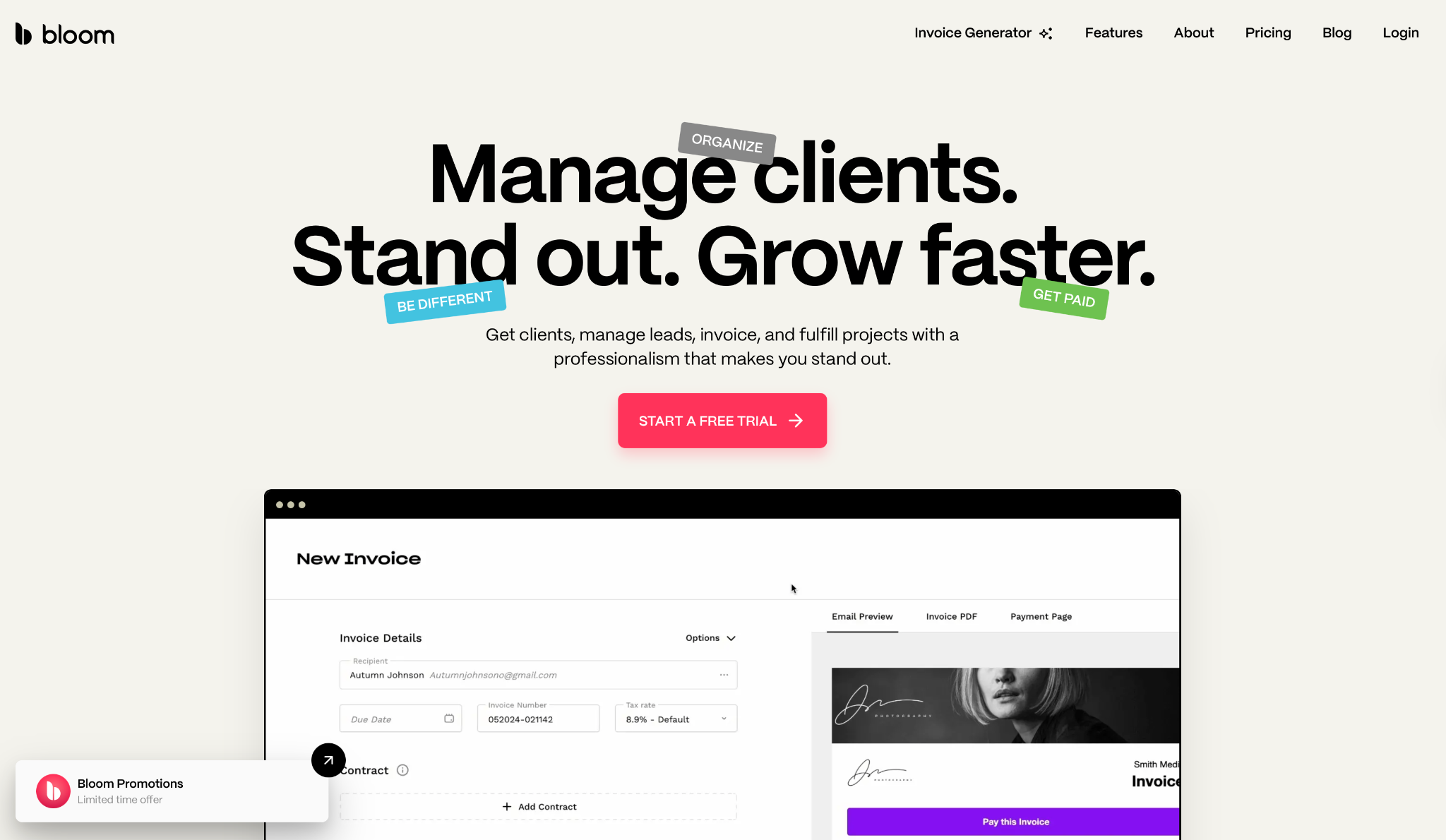
Bloom is built for creatives who want clients to book, sign, and pay without back-and-forth. The whole flow runs from package selection to deposit in one place.
I tested Bloom with five mock client bookings. Proposals and contracts looked clean, and asset galleries delivered files without the Dropbox handoff.
But it wasn't all smooth. Google Calendar sync failed on three separate bookings, an invoice went to the wrong contact during my final test, and support took four days to respond.
"Bloom has really good features for someone who is looking to streamline their operations." — Harlim M., G2
Key features
- Instant Booking: Clients book directly with packages, add-ons, calendar, contracts, and payments via link or website embed.
- Image Galleries: Present work with layout control, client feedback, downloads, and activity tracking.
- Invoicing and payments: Payment plans and contract signing on one page.
- Project Management: Custom workflows showing pending tasks by project with visual tracking.
Pros
✅ Keeps the full client journey in one place, with booking, contracts, galleries, and billing together
✅ Built for creatives with galleries and asset delivery
✅ 24/7 booking lets clients schedule without marketplace dependencies
Cons
❌ Support was occasionally slow, with a four-day response during testing
❌ Reporting is limited in testing, with no revenue totals, sales filtering, or client-level analytics found
Best for
- Photographers and visual creatives who want clients to book, sign, and pay in one flow
- Creative service providers delivering assets who want built-in galleries
- Solo operators who want 24/7 self-booking that keeps clients off third-party marketplaces
Pricing
Bloom runs three plans. Starter (Side Jobs) is $14/month and covers client work on the side, though it's capped at 3 active projects.
Bottom line
Bloom shows promise but feels like it's still maturing. Test calendar sync thoroughly during the trial before committing. For a more stable creative agency setup with client communication and billing in one place, ManyRequests is the more reliable option right now.
5. Assembly
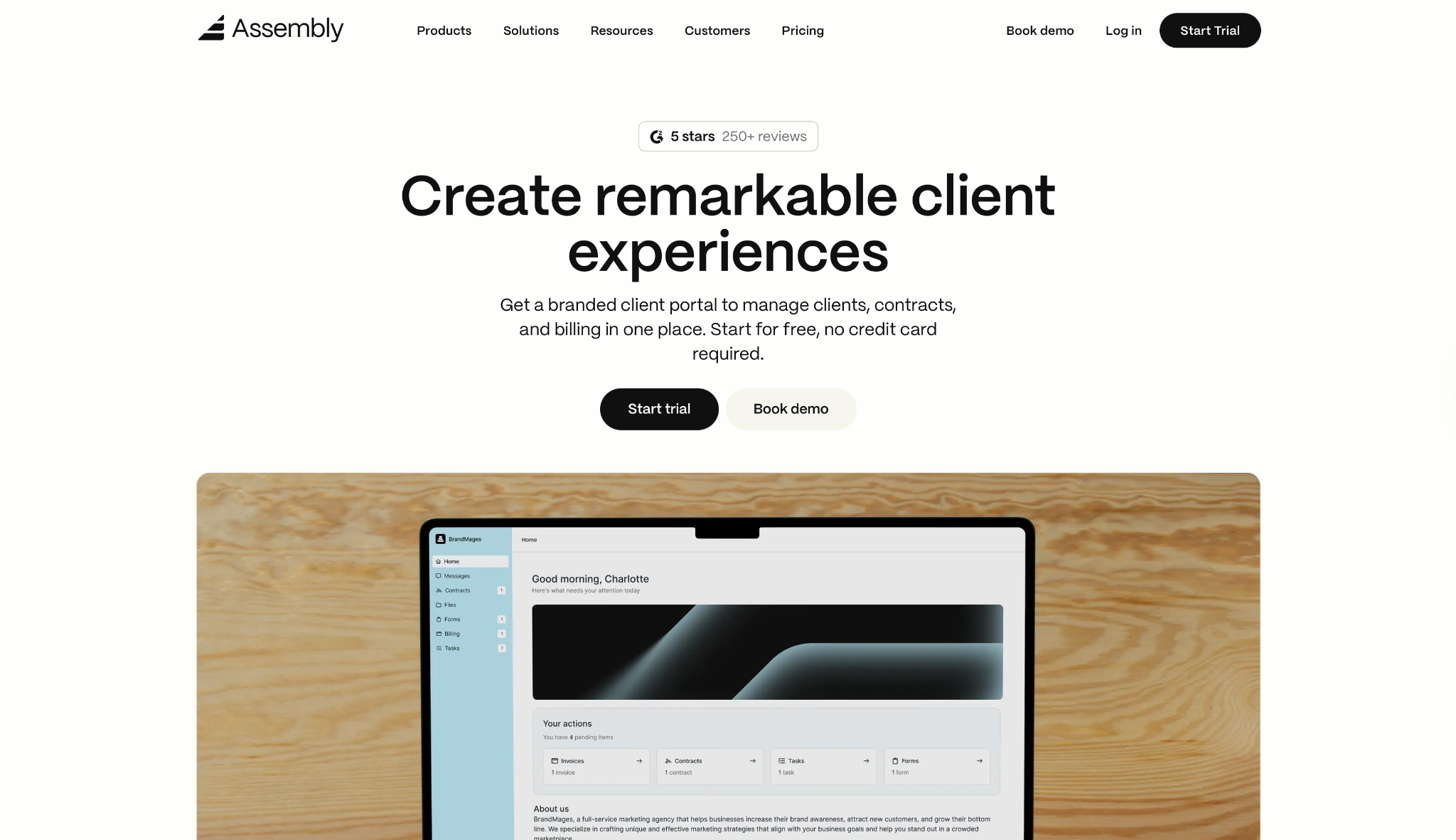
Assembly is a post-sales CRM and branded client portal built for service businesses that run onboarding, project delivery, and billing inside the same workspace.
I've run into this pattern too many times. Contracts in one tab, delivery updates in another, invoices in a third. When a client asks about something from weeks ago, someone has to dig through three tools to piece together what happened.
I set up three mock client accounts with complete onboarding flows (intake forms, signed contracts, and a project board), then opened each record and triggered the Assembly AI Assistant before a simulated check-in call. It pulled up the signed contract, recent portal activity, and the last three messages in under five seconds.
What stood out was how that context stayed attached to the client record as the project moved forward. Notes from onboarding were still visible at the billing stage without anyone having to move them manually.
"That setup makes it simple to manage messages, invoices, files, and forms without constantly switching between different tools." — Amanda G., G2
Key features
- Core CRM with branded client portal: One white-labeled workspace where clients access contracts, invoices, files, tasks, and messages under your brand. Custom fields, internal notes, and activity history give your team the context they need before calls and check-ins.
- Dynamic client homepages: Each client automatically sees different content based on custom field tags like project stage, plan type, or any variable you define. No manual portal updates per client.
- Contracts and e-signatures: Send, track, and close agreements directly inside the client workspace. Everything stays in the same record as the project and invoices.
- Consolidated payments: A single page bringing together invoices, subscriptions, payment links, and analytics, so billing lives in the same record as the project and client files rather than a separate tab.
- Recurring automations: Time-based triggers for tasks, messages, and forms. Set a schedule, define your targets, and let it run with minimal manual input.
Pros
✅ Branded client experience, where clients see your domain, your logo, your portal
✅ One portal for contracts, delivery, and billing, with context that carries across stages
✅ Deep integrations with Airtable, ClickUp, Calendly, Zapier, and Make
Cons
❌ Built for ongoing retainers and active client relationships, so one-off projects won't get full value
❌ Custom apps and API setup may need some technical comfort
Best for
- Service businesses managing ongoing retainers who need contracts, delivery, and billing in one branded workspace
- Teams that lose client context between onboarding and project delivery
- Agencies wanting a white-labeled client portal that they can run from one place, not assembled from parts
Pricing
Assembly has four plans with a 14-day free trial, no credit card required. Starter at $39/month covers 1 user, 50 clients, and 100 automation tasks.
Bottom line
Assembly pays off when you're done stitching together separate tools for contracts, delivery, and billing. There are other tools to get started with for simpler solo workflows, but neither keeps the full client context nor delivers the branded client experience the way Assembly does.
6. Taskip
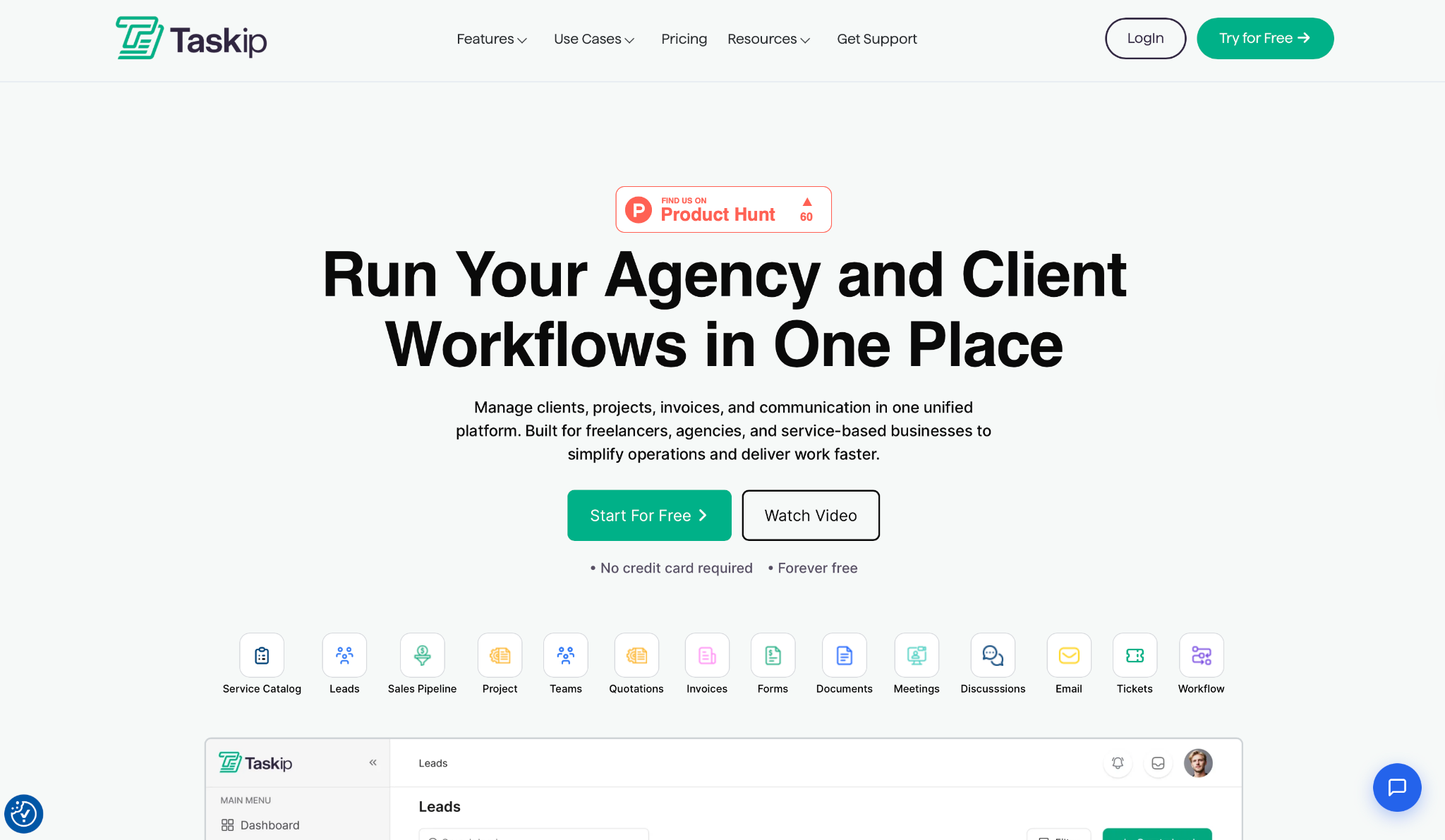
Taskip combines client portals, CRM, project management, invoicing, forms, tickets, and automation in one workspace designed for agencies and freelancers.
I built portal spaces for three mock clients with branding, project boards, and automated invoice reminders in under an hour. Taskip's young, so there's limited public feedback on stability at scale, but the core workflow ran without issues in my tests.
"The interface is clean and intuitive, task management feels smooth and straightforward, and the collaboration features work flawlessly." — Aminul L., G2
Key features
- Quotes and e-signatures: Proposals with digital signatures that convert automatically to invoices.
- Sales pipeline and CRM: Integrated pipeline tracking tasks, events, calls, and contact management.
- Automation engine: Visual workflow builder with conditional logic, triggers, and time-based actions.
- Tickets and scheduling: Support ticketing plus a Calendly-style meeting scheduler.
Pros
✅ Replaces multiple tools (Trello, Zoho CRM, helpdesk, invoicing) in one platform
✅ Lifetime deal options available, with significant savings vs. multiple subscriptions
✅ Good balance across CRM, projects, billing, and collaboration
Cons
❌ Takes time to learn and can overwhelm users with straightforward needs
❌ Fewer integrations than established platforms with large app marketplaces
Best for
- Small agencies currently paying for 5+ separate tools they want to consolidate
- Freelancers who want CRM, invoicing, and project management under one subscription
- Budget-conscious teams open to a newer platform with lifetime deal options
Pricing
Taskip runs four plans. The Freelancer plan, starting at $12/month, covers 1 user and 1 workspace. The Startup Team plan at $29/month adds 10 users and 250 GB storage.
Bottom line
Taskip's pitch is simple. Cut eight subscriptions down to one, and the automation worked better than expected for the price. The catch is that there's almost no public feedback on stability at scale, so you're betting on a platform that hasn't been stress-tested publicly.
7. Plutio
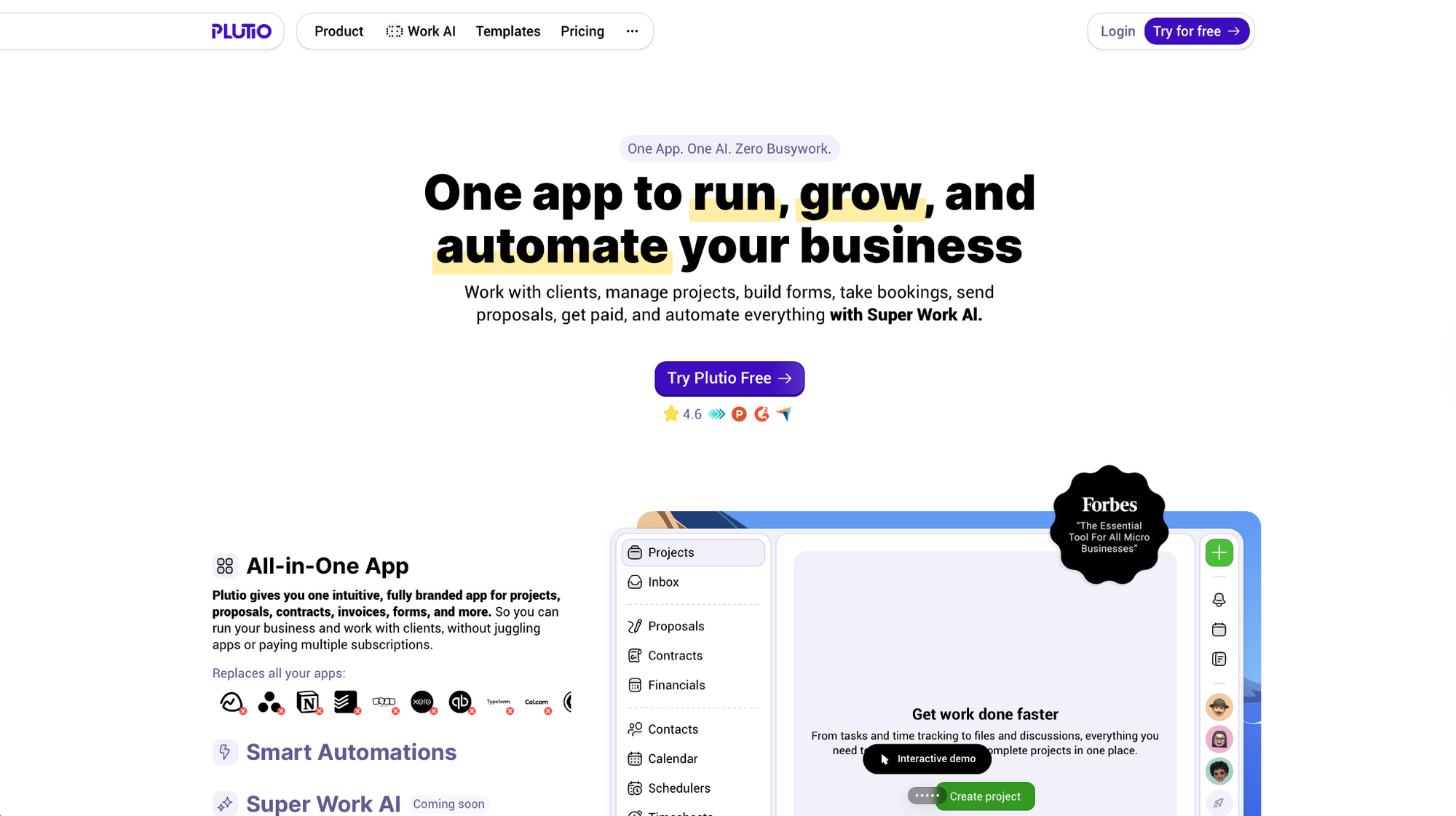
Plutio is a configurable all-in-one platform built specifically for international work. It covers the full service workflow from proposals through billing, with native support for 25+ languages and multiple currencies.
I built a client portal with proposals, file sharing, a feedback form, and custom intake questions without touching an integration. High customization means significant setup time, and adding too many dashboard modules creates visible load lag. That's the tradeoff.
"From project management and client communication to invoicing, proposals, scheduling, and time tracking. It really simplifies the chaos of juggling multiple apps." — Mark D., G2
Key features
- Proposals, contracts, and invoicing: Drag-and-drop editor for fully custom documents, pricing tables, and forms.
- Client portals: Branded portals with dashboards, reports, and page-level permissions per client.
- Inbox: Comments, direct messages, channels, and project discussions in one place. Clients can reply via email without logging in.
- Multi-currency and multi-language: Supports 25+ languages, multiple currencies, and payment methods for international work.
Pros
✅ Full flow from proposal to delivery with tasks, files, comments, and payments
✅ Deep customization including branding, menus, views, and permissions
✅ Strongest international support in this category, covering 25+ languages, regional payment methods, and full multi-currency invoicing
Cons
❌ High customization creates layered setups that need ongoing maintenance
❌ Support and training resources less mature than established platforms
Best for
- Freelancers billing international clients in multiple currencies
- Small agencies under 10 people who need deep portal customization on a tight budget
- Teams working across languages who need a platform that adapts to their clients' regions
Pricing
Plutio runs three plans with 2 months free on annual billing. Core at $19/month is designed for solo work with 9 active clients, 900 workflow actions, and 100 GB storage, but no team contributors.
Bottom line
Plutio stands out for international teams that need heavy customization at a low monthly cost, but getting there takes serious setup time and some technical comfort. Teams that want faster implementation and a more established support structure will find Assembly or Bonsai.
8. ManyRequests
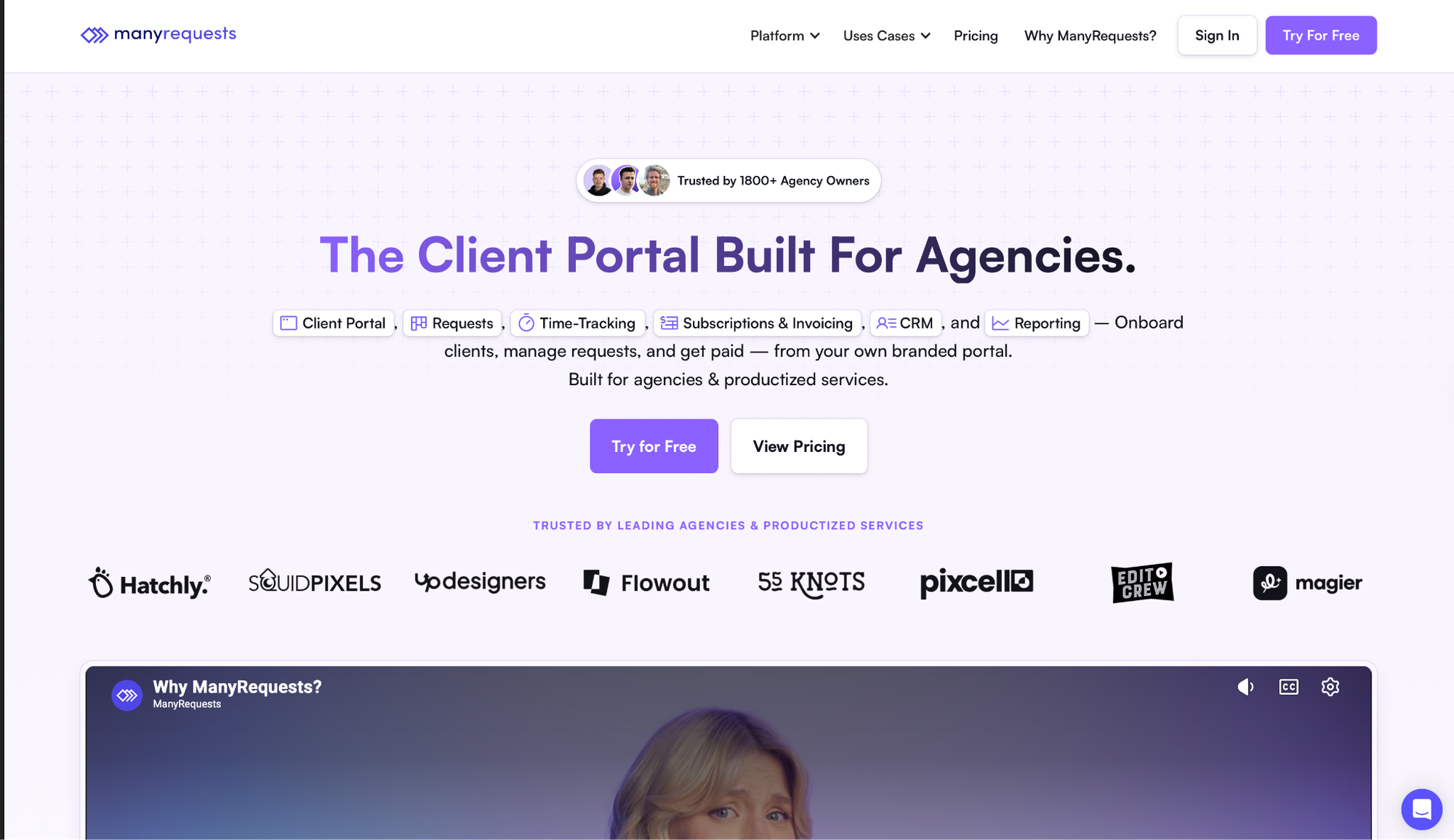
ManyRequests combines client portals, project management, time tracking, and billing in one platform built specifically for subscription-based creative work.
I ran ten mock client requests over a week, tracked time on each, and watched invoices generate automatically with the logged hours already attached. The loop stayed closed without spreadsheet reconciliation.
"We have been using ManyRequests for almost a year now for our client projects and it is one of the best project management systems and a client portal we have used so far." — Sharon J., G2
Key features
- Client Portal: Clients submit requests and track progress in a branded, white-labeled hub.
- Time tracking that bills automatically: Log hours connected directly to invoices without manual entry (Core plan and above).
- Kanban project views: See team workload, assign tasks, and track delivery milestones as work moves forward.
- Client history: Profiles, notes, and activity accessible to the full team.
Pros
✅ Request-to-billing flow works without spreadsheet reconciliation
✅ Client portal keeps requests organized outside email
✅ Scales with unlimited clients and custom domains
Cons
❌ 10 GB per-file upload cap causes problems for video or large asset work
❌ White-label removal of the "Powered by" badge is locked to the Pro plan and unavailable on Core
Best for
- Design studios and marketing agencies running subscription or retainer packages
- Creative teams that want client requests to convert to invoices without manual tracking
- Agencies with a productized service model and steady recurring volume
Pricing
ManyRequests has two plans with 20% off on annual billing. Core starting at $59/month includes 1 seat ($20/month per extra seat). Both plans include a free trial.
Bottom line
Keep in mind that extra seats add up quickly as the team grows, and agencies that also need a full client record with delivery history alongside billing will find Assembly handles that more completely.
9. Hubflo
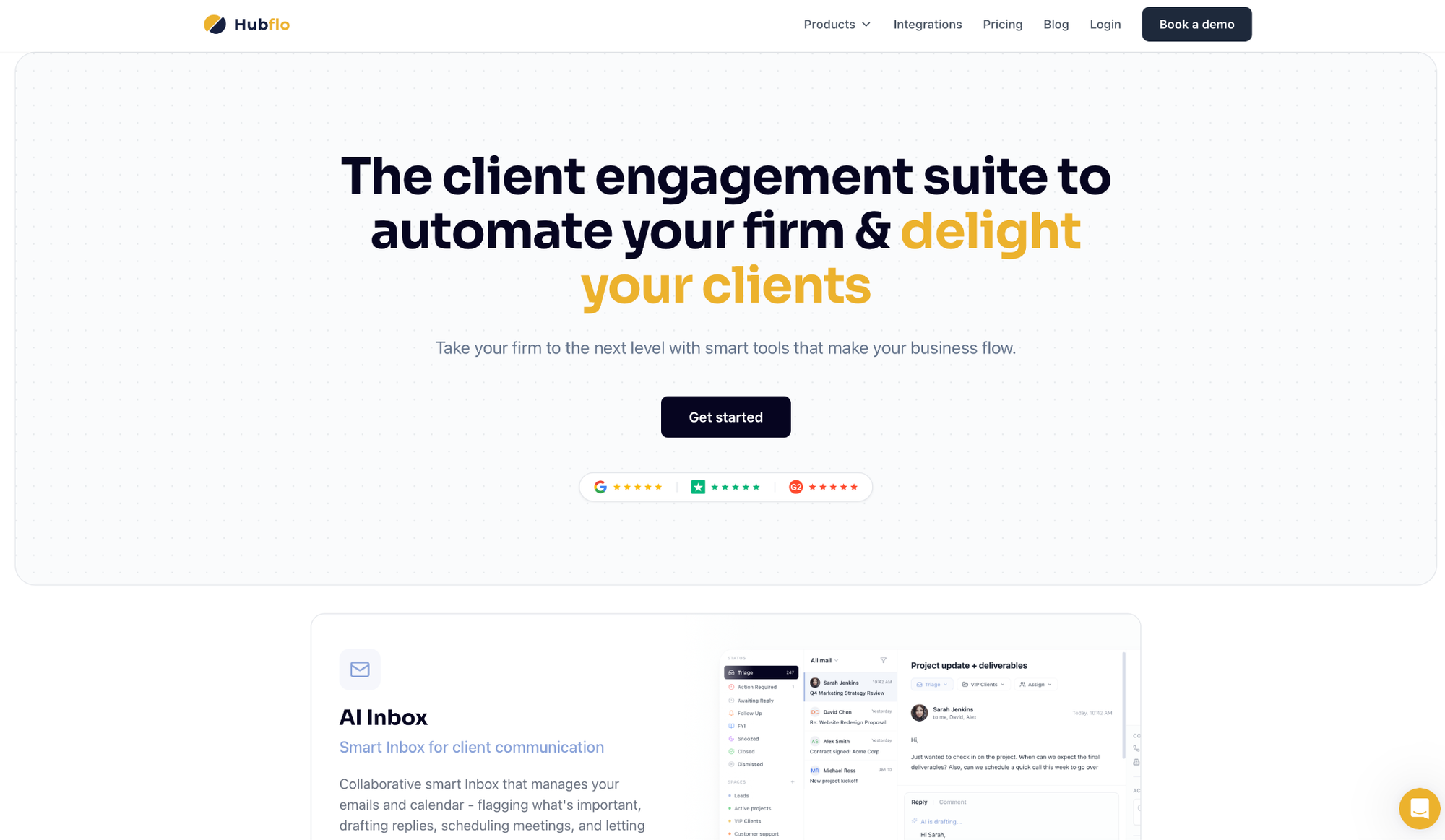
Hubflo combines client onboarding, project delivery, contracts, file sharing, messaging, and invoicing without feature overload.
I set up three mock client accounts and had files, messages, and invoices running without needing to explain the interface to anyone. A new team member figured it out in five minutes.
The simplicity has limits, though: uploading a 450 MB design file stalled twice, and hosting the portal on a fully custom domain required upgrading from the entry tier.
"I use Hubflo for our client journey through the CQC registration process and sales process, including sending out smart docs." — Becky H., G2
Key features
- Branded client portal: Where clients log in to find files, tasks, invoices, and project updates, all under your brand.
- Secure file sharing: Share documents directly in the portal tied to specific projects.
- SmartDocs: Create and send contracts, proposals, and forms with e-signatures built in.
- Messaging: Internal team chat and client-facing discussions side by side.
Pros
✅ Keeps all client work in one place with a clean, focused interface
✅ Support responds quickly and effectively
✅ Connects with 5,000+ apps via Zapier, plus native integrations with Gmail, QuickBooks, Xero, HubSpot, and ClickUp
Cons
❌ Reporting is limited for teams with advanced analytics needs
❌ No multicurrency support currently
Best for
- Consultants, accountants, and law firms who need a clean client portal without heavy configuration
- Professional service firms onboarding clients with file sharing, contracts, and messaging in one place
- Teams that want fast setup and a clean delivery tracking view they can use from day one
Pricing
Hubflo has three plans billed annually with a 25% discount over monthly. Starter at $67/month covers 1 team member, up to 50 clients, 100 SmartDoc completions, and 30 GB storage.
Bottom line
Professional service firms that need straightforward client management without heavy configuration will find Hubflo easy to adopt. If deeper delivery context tracking or stronger branding from day one matter to you, Assembly's the better call.
How to evaluate HoneyBook alternatives
The tools on this list cover similar ground on paper. Where they diverge is in the details that matter most to your workflow. Before you start a trial, get clear on these five questions.
- Where does your client context actually live? Several tools on this list handle proposals and contracts well, but lose the thread once a project starts. Check whether notes, briefs, and early conversations stay visible through delivery and billing, or whether they disappear after onboarding.
- How deep does automation go? There's a difference between automating reminders and automating an entire multi-phase client journey with conditional logic. If you have repetitive intake flows or multi-step onboarding sequences, test whether the tool can run them end-to-end.
- What does your client actually see? Log in as a client during the trial. If the portal looks generic, loads slowly, or puts your vendor's branding above yours, that's what your clients see too.
- What's the full monthly cost for your team size? The starting price on the pricing page is rarely what you'll pay. Check whether per-seat pricing kicks in, whether key features like white-labeling or time tracking are locked to higher tiers, and whether payment processing fees apply on top.
- What breaks at scale? File upload caps, client limits, and automation caps all look fine at five clients and become problems at thirty. Ask vendors directly about the limits on your target plan.
Ready to replace HoneyBook? Try Assembly
The tools on this list still split your client work across platforms. Contracts in one place, delivery in another, invoices somewhere else. Assembly brings it together in one branded workspace your clients can actually use.
I've seen how much time service teams spend chasing context between tabs. With Assembly, each client has a portal with their contracts, tasks, files, and invoices in one place, under your brand.
Four things stand out from using it with actual client work:
- A branded portal clients recognize as yours: White-labeled with your domain, logo, and colors. Dynamic client homepages automatically show each client the content that's relevant to them, based on custom field tags.
- Faster meeting prep: The Assembly AI Assistant pulls up portal communication history, recent activity, and internal notes in one panel, so your team walks into calls knowing what's been discussed instead of searching through threads.
- Recurring automations that run without you: Time-based triggers handle follow-ups, task assignments, and form requests on a schedule you set once.
- Consolidated billing in one view: Invoices, subscriptions, and payment links live alongside the rest of the client record, in the same workspace as contracts and project files.
Ready to simplify how you manage client work? Start your free Assembly trial today.
Frequently asked questions
What makes Assembly different from HoneyBook?
The main difference is that Assembly is built for post-sales client management, while HoneyBook focuses on pre-sales workflows. Assembly keeps contracts, project delivery, and billing in one branded workspace that carries context from onboarding through final payment.
What should you look for in a HoneyBook replacement?
Look for a tool that connects proposals, contracts, and delivery in one platform. The most important things to check are client portal branding, automation depth, and whether financial tracking lives alongside the rest of the client record or in a separate tab.
Does Assembly support client onboarding automation?
Yes, Assembly supports client onboarding automation through time-based recurring workflows. You set up triggers once and the platform handles invites, intake forms, contract requests, and follow-up messages with minimal manual input.
Can I migrate my client data from HoneyBook to another platform?
Yes, most HoneyBook alternatives accept CSV imports for contacts, project details, and contract history. Assembly, Dubsado, and Bonsai all support manual data transfer or HoneyBook export files, though you'll need to budget time to rebuild workflows and custom fields after the move.