
Top 8 tools for building custom apps for business in 2026
Custom apps for business replace generic software with tools built for your workflow. I tested dozens of platforms to find the 8 best app-building tools in 2026.


Building a custom app for your business used to take a developer, a budget, and a lot of patience. Now the right tool lets you do it yourself, whether it's an internal tool for your team or something clients use directly.
I put that promise to the test across dozens of app builders, comparing setup speed, pricing structure, and mobile publishing support.
These are the 8 platforms that made the cut for small and medium-sized businesses in 2026, along with where each one fits.
8 best custom app builders for business: TL;DR
- Bubble: Best for building a fully custom web app with deeper logic and design control.
- Softr: Best for turning data you already have into a client-facing portal fast.
- Glide: Best for building a simple business app straight from a spreadsheet.
- Adalo: Best for publishing a native mobile app to the App Store and Google Play.
- Microsoft Power Apps: Best for teams already running on Microsoft 365.
- Zoho Creator: Best for businesses already using other Zoho products.
- Knack: Best for building an app around a structured business database.
- Caspio: Best for operations teams that need a stable, long-term platform.
How I tested and researched these custom app builders
I built sample business apps using mock data across every platform on this list, covering the workflows that make or break a tool like this: client intake forms, project tracking, and role-based dashboards.
Here's what I looked at:
- Setup speed: How long it took to go from a blank workspace to a working app screen, and how much of that time went to fighting the interface when I could've been building instead.
- Logic and customization depth: How far you can push the app's rules and workflows before you hit a wall the platform can't clear without custom code.
- Integration support: Whether the platform connects cleanly to the tools businesses already run on, like Google Workspace, Zapier, or a CRM.
- Mobile publishing: Whether the app can ship as a native app on the App Store and Google Play, or stays a web app that only looks like one.
- Pricing structure: Whether the cost holds up as your app grows, or whether it jumps the moment you add a second app, a new user, or more records than the base plan allows.
A few of these platforms let me build without thinking about the tool itself, which says a lot about good software. Others made me stop and problem-solve more than I expected, and that gap is what shaped the rankings ahead.
8 best tools for building custom apps for business: quick comparison
| 💻 Tool | 🎯 Best for | 🔥 Starting price | ⚡ Strengths |
|---|---|---|---|
| Bubble | Fully custom web apps | $59/month | Deep customization, large plugin marketplace, active community |
| Softr | Client portals from existing data | $49/month | Quick setup, clean templates, strong Airtable integration |
| Glide | Spreadsheet-based apps | $19/month | Fast setup, spreadsheet-native workflow, easy to use |
| Adalo | Native mobile app publishing | $36/month | App store publishing, drag-and-drop builder, mobile-first templates |
| Microsoft Power Apps | Teams using Microsoft 365 | $20/user/month | Deep Microsoft integration, enterprise security, Power Platform ecosystem |
| Zoho Creator | Zoho ecosystem users | $8/user/month | Native Zoho integration, built-in automation, multi-platform deployment |
| Knack | Database-driven apps | $49/month | Relational database structure, flexible permissions, simple reporting |
| Caspio | Long-term operations platforms | $270/month | Stable platform, strong compliance, scalable data capacity |
1. Bubble: Best for fully custom web apps
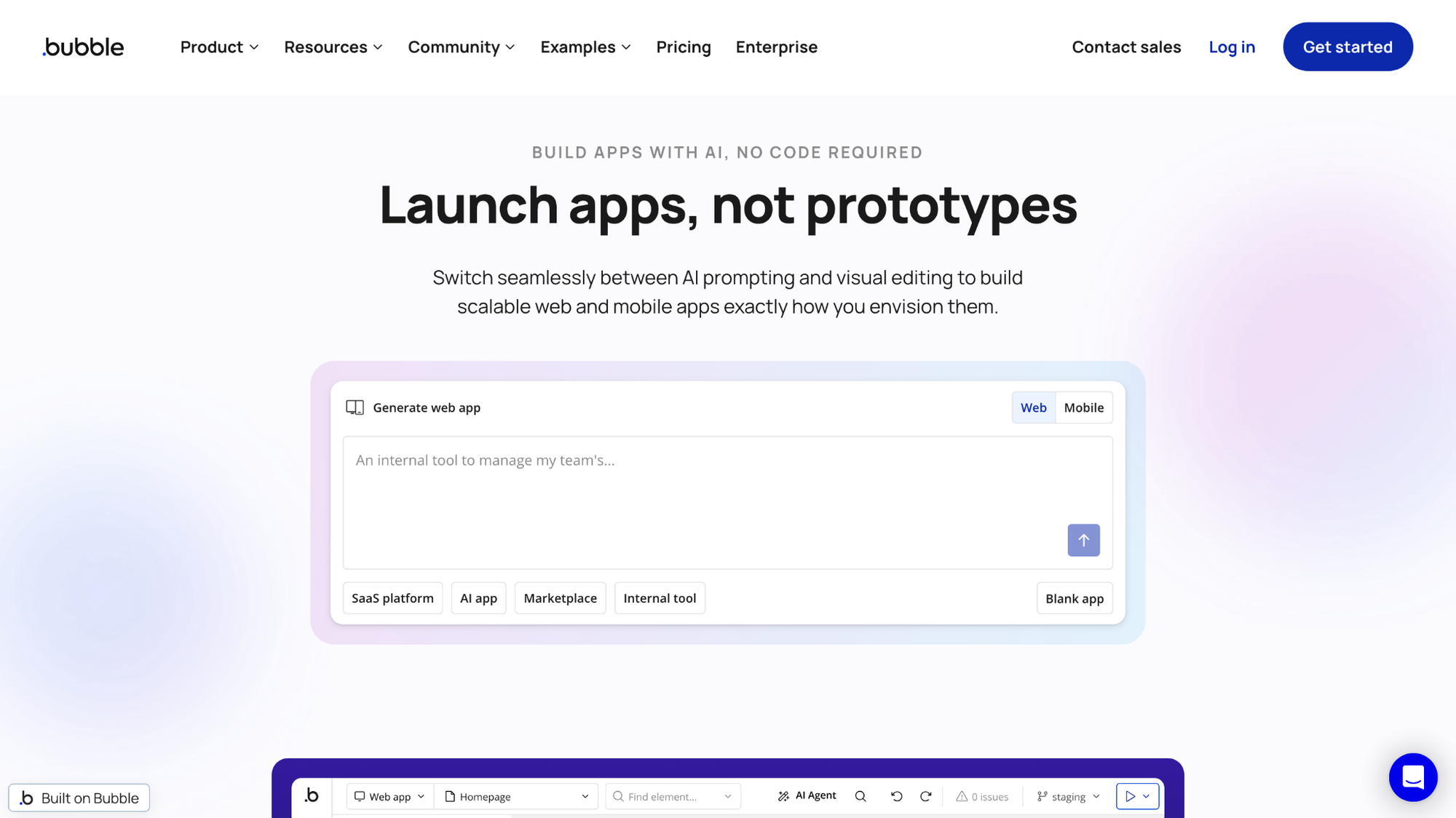
- What it does: Bubble is a web app builder that lets you define app logic, database structure, and design through a visual editor.
- Best for: Businesses that need custom workflows or logic no template-based builder can fully cover.
I built a client intake form on Bubble to test conditional approval steps and custom user roles. I set up a manager sign-off flow and role-based views that hid pricing fields from one user type but not another, and both worked as configured without extra troubleshooting. Getting comfortable with the editor took me longer than it did with Softr or Glide.
Key features
- Visual logic editor: A drag and drop workflow builder for setting conditions, actions, and custom app behavior.
- Plugin marketplace: A library of pre-built plugins covering payments, maps, and hundreds of other integrations.
- Responsive design engine: Controls for how elements resize and reposition across desktop, tablet, and mobile screens.
Pros and cons
| ✅ Pros | ❌ Cons |
|---|---|
| Handles complex, multi-step workflows beyond most template-based builders | Visual logic editor has a steep learning curve for non-technical users |
| Large plugin marketplace reduces the need for custom integrations | Performance can slow as workflows and data scale without optimization |
| Active community makes troubleshooting and support easier |
What users say
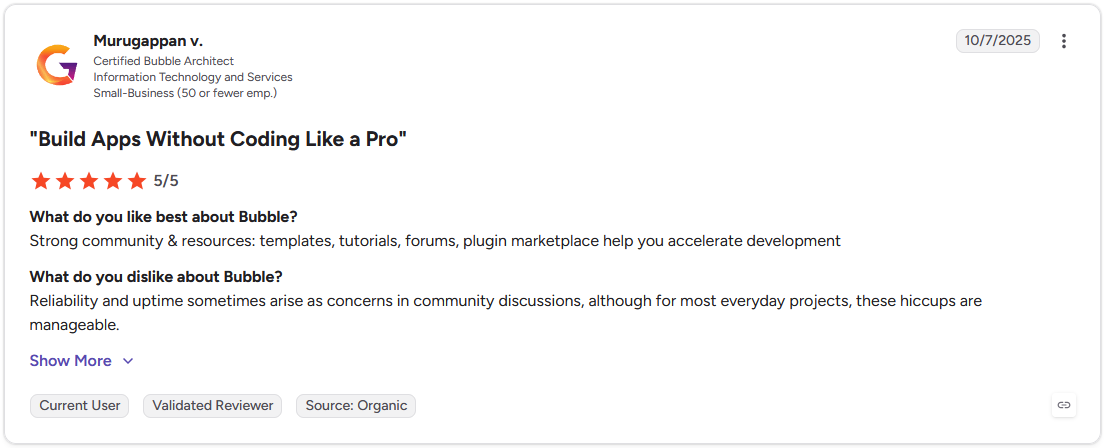
Pro: "Strong community & resources: templates, tutorials, forums, [and] plugin marketplace help you accelerate development." - Murugappan V., G2
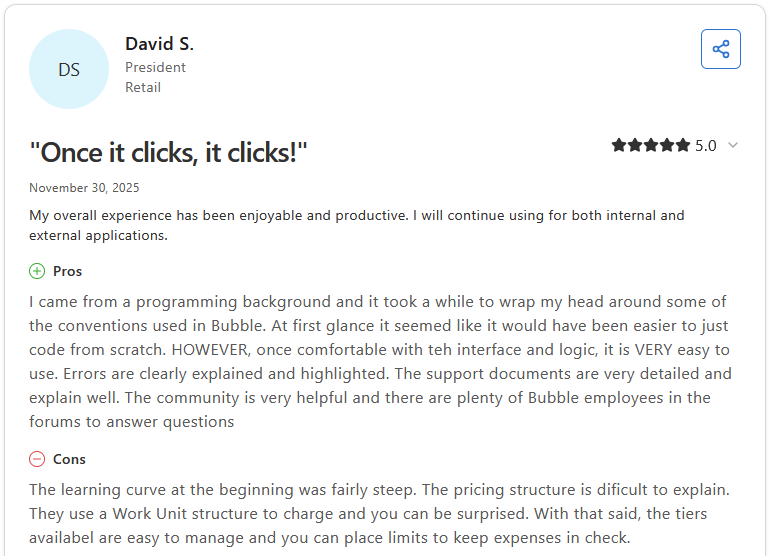
Con: "The learning curve at the beginning was fairly steep. The pricing structure is difficult to explain. They use a Work Unit structure to charge and you can be surprised. With that said, the tiers available are easy to manage and you can place limits to keep expenses in check." - David S., Capterra
Pricing
Bubble starts at $59 per month for web and mobile apps.
Bottom line
Bubble's logic editor extends to full API integrations, letting you connect external services most builders leave out. If you want a simpler build with a lower learning curve, Softr might be a better fit.
2. Softr: Best for client portals from existing data
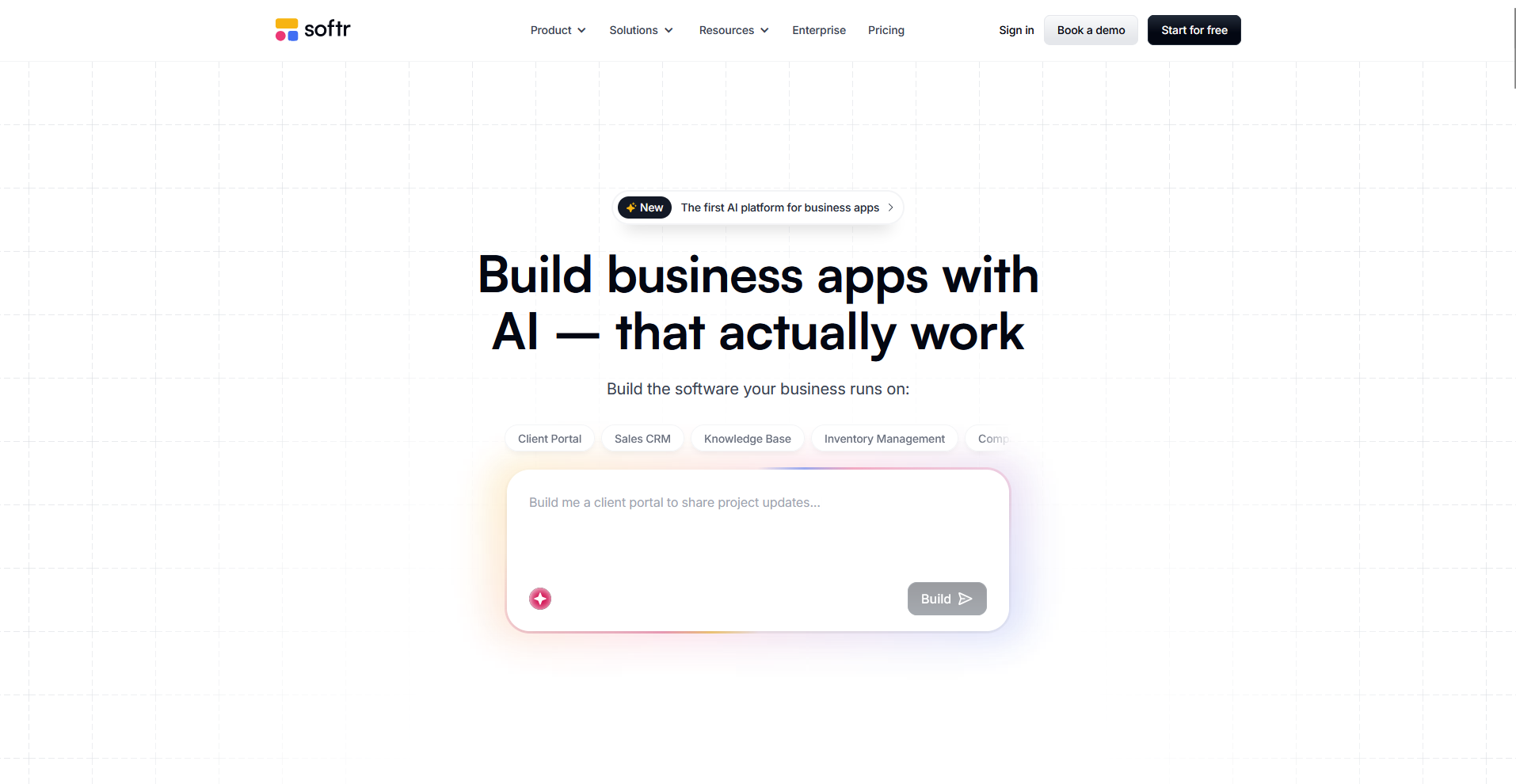
- What it does: Softr turns data you already have in Airtable, Google Sheets, or its own database into a working web app using pre-built templates.
- Best for: Businesses that want a portal running on top of data they've already organized.
Softr is known for turning existing data into a working app fast, so I connected an existing Airtable base and built a client portal around it. I got logins showing each client only their own project records running within an hour. The workflow builder struggled with a manager sign-off step, and I had to patch together approval logic that came easily on Bubble.
Key features
- Airtable and Google Sheets integration: Connect an existing data source directly and use it as the app's backend without re-entering records.
- Client login and permissions: Set up user groups so each client or team member sees only the records tied to their account.
- Pre-built templates: Start from a template built for portals, internal tools, or marketplaces instead of a blank canvas.
Pros and cons
| ✅ Pros | ❌ Cons |
|---|---|
| Direct integration with Airtable and Google Sheets without extra syncing tools | Workflow logic is less flexible than fully custom builders like Bubble |
| Templates make it fast to launch a working client portal | Design customization is limited to the template structure |
| Client logins and permissions are easy to set up without code |
What users say
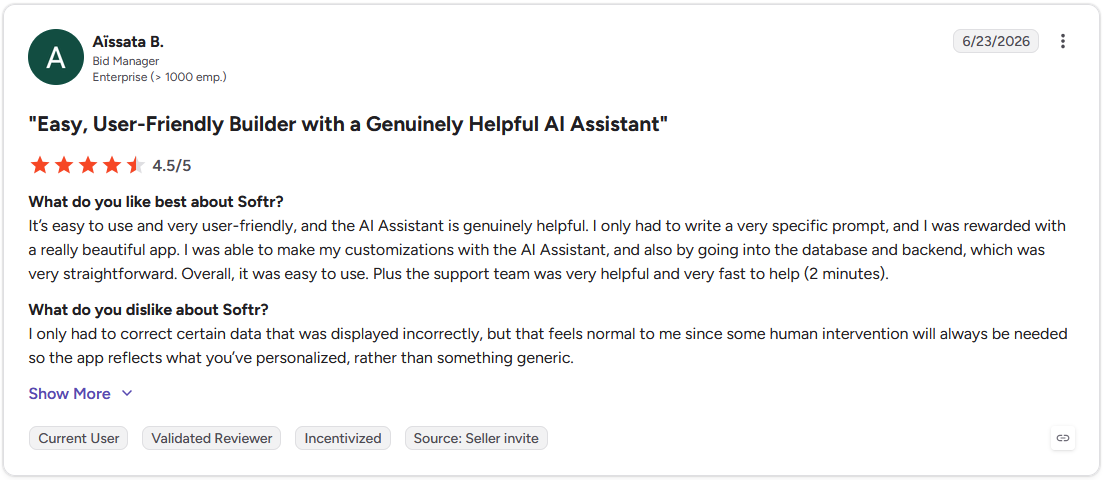
Pro: "It's easy to use and very user-friendly, and the AI Assistant is genuinely helpful. I only had to write a very specific prompt, and I was rewarded with a really beautiful app. … The support team was very helpful and very fast to help (2 minutes)." - Aïssata B., G2
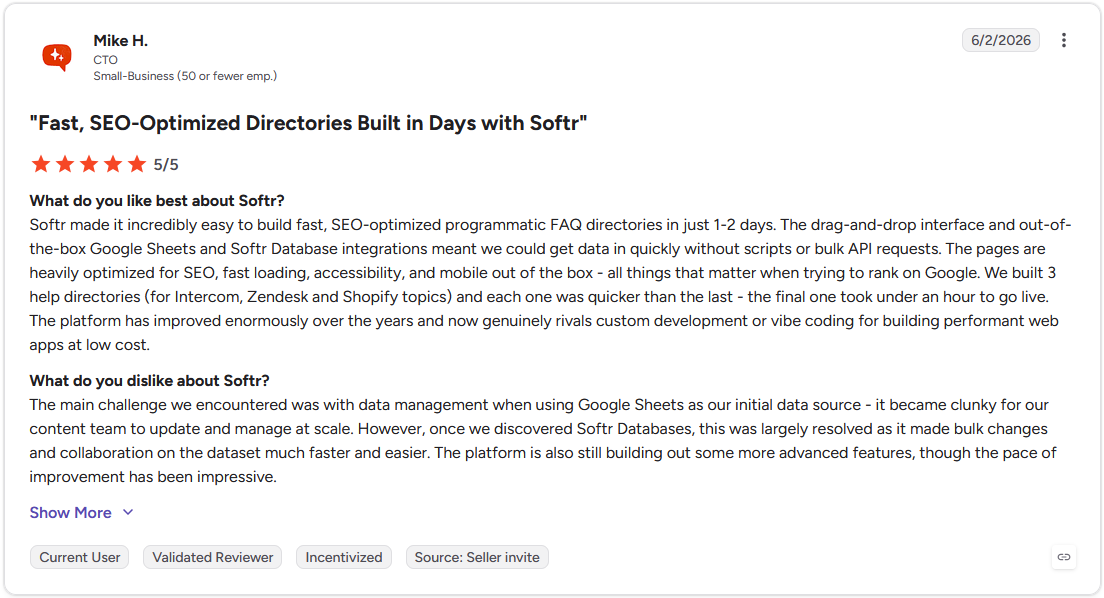
Con: "The main challenge we encountered was with data management when using Google Sheets as our initial data source - it became clunky for our content team to update and manage at scale. … The platform is also still building out some more advanced features, though the pace of improvement has been impressive." - Mike H., G2
Pricing
Softr starts at $49 per month.
Bottom line
Softr's advantage lies in enabling non-technical teams to launch a portal without an onboarding period. If you need workflow logic beyond a basic portal structure, Bubble might better suit your needs.
3. Glide: Best for spreadsheet-based apps
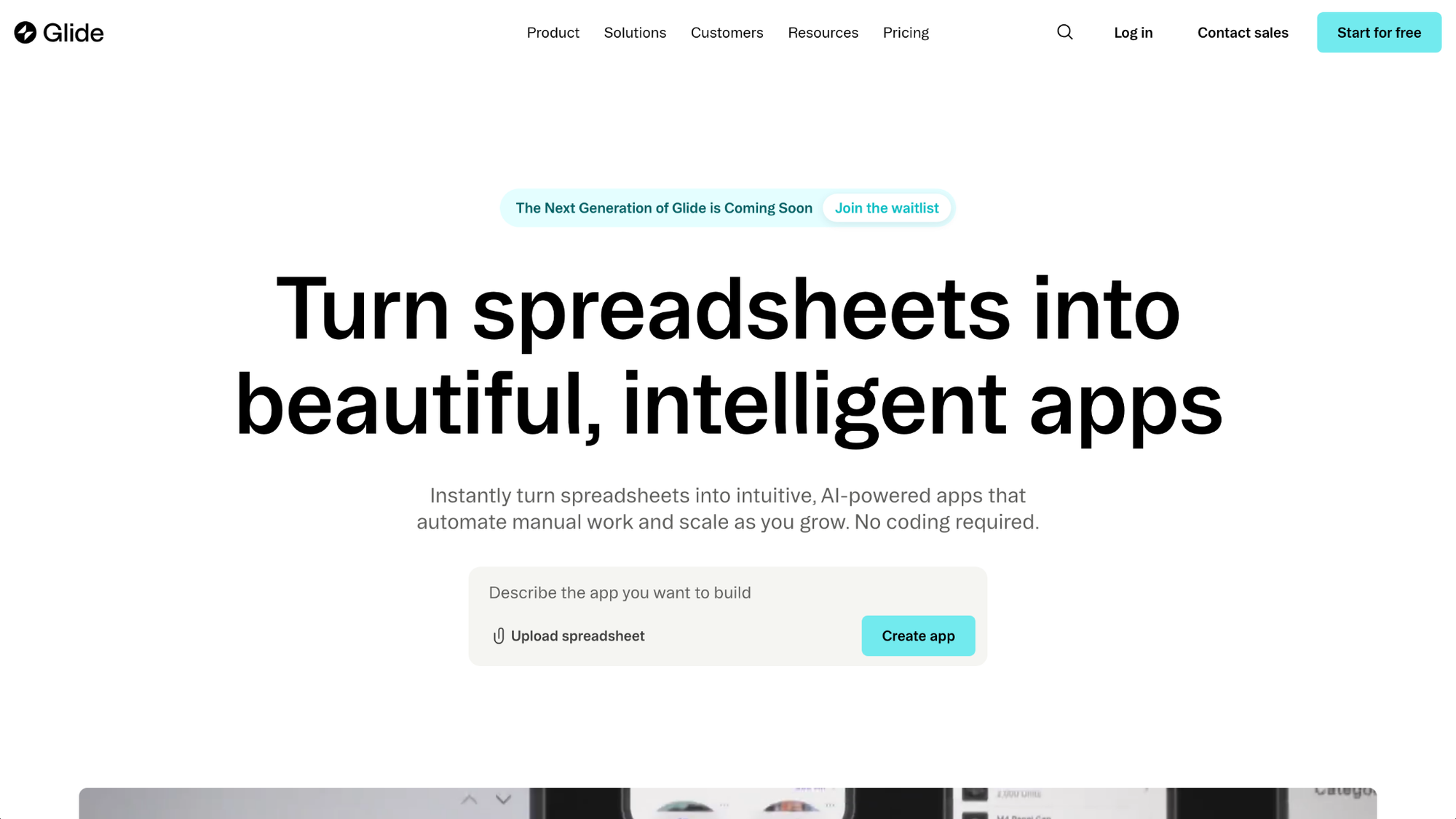
- What it does: Glide turns a spreadsheet in Google Sheets, Excel, or Airtable into a working web or mobile app without a separate database setup.
- Best for: Businesses that already track their work in a spreadsheet and want an app layered on top of it.
I connected a Google Sheet with client contacts and project stages to Glide to see how it handled a manager approval step. The app pulled in that data within minutes, and the updates in the sheet appeared right away. The approval logic needed a workaround, since Glide's conditional actions aren't built for multi-step sign-offs.
Key features
- Spreadsheet sync: Connect a Google Sheet, Excel file, or Airtable base, and the app updates automatically as the source data changes.
- Mobile-first layouts: Build screens designed to work as a mobile app first, with a web version generated from the same data.
- Conditional visibility: Show or hide app sections based on simple rules tied to spreadsheet columns.
Pros and cons
| ✅ Pros | ❌ Cons |
|---|---|
| Quickly turns a spreadsheet into a working app | Limited support for complex multi-step workflows |
| Changes in the source spreadsheet sync automatically | Performance can slow with larger datasets and heavy computed fields |
| Mobile-first layouts require no extra design work |
What users say
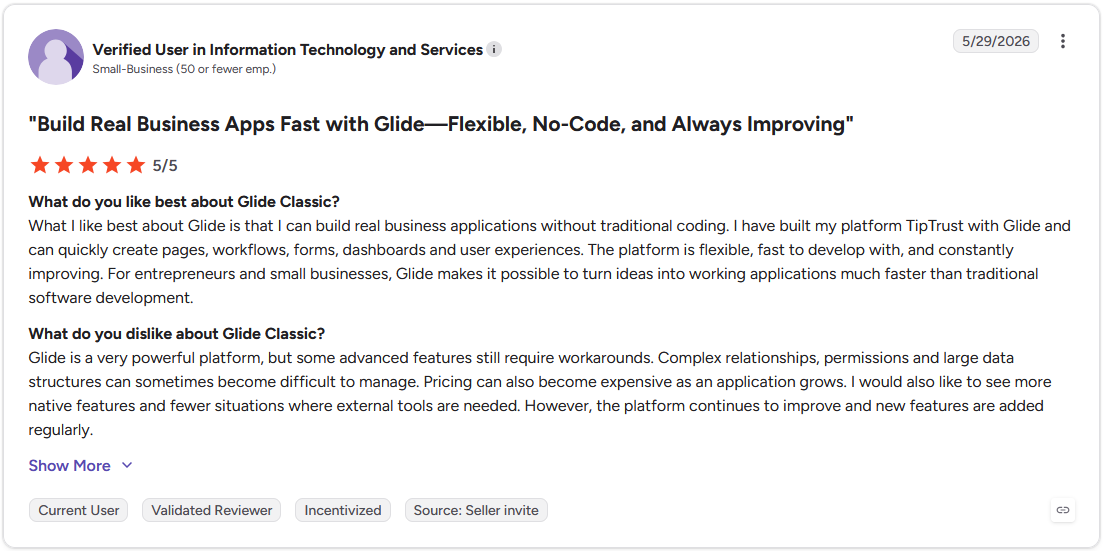
Pro: "What I like best about Glide is that I can build real business applications without traditional coding. … The platform is flexible, fast to develop with, and constantly improving. For entrepreneurs and small businesses, Glide makes it possible to turn ideas into working applications much faster than traditional software development." - Verified User in Information Technology and Services, G2
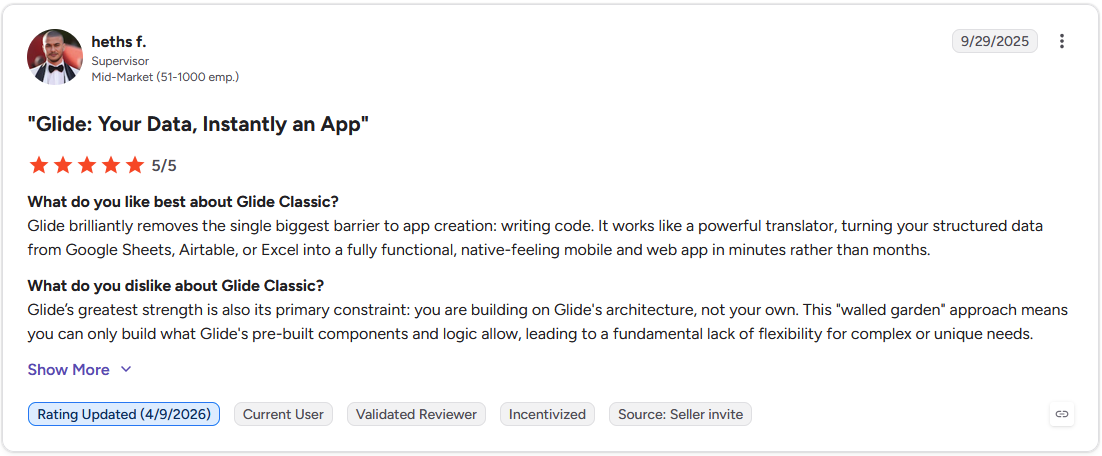
Con: "Glide's greatest strength is also its primary constraint: you are building on Glide's architecture, not your own. This 'walled garden' approach means you can only build what Glide's pre-built components and logic allow, leading to a fundamental lack of flexibility for complex or unique needs." - Heths F., G2
Pricing
Glide starts at $19 per month for an individual plan.
Bottom line
Glide's biggest advantage is how little setup is required to turn a spreadsheet into a usable app. If your team already runs on Microsoft 365, Power Apps might be the better choice.
4. Adalo: Best for native mobile app publishing
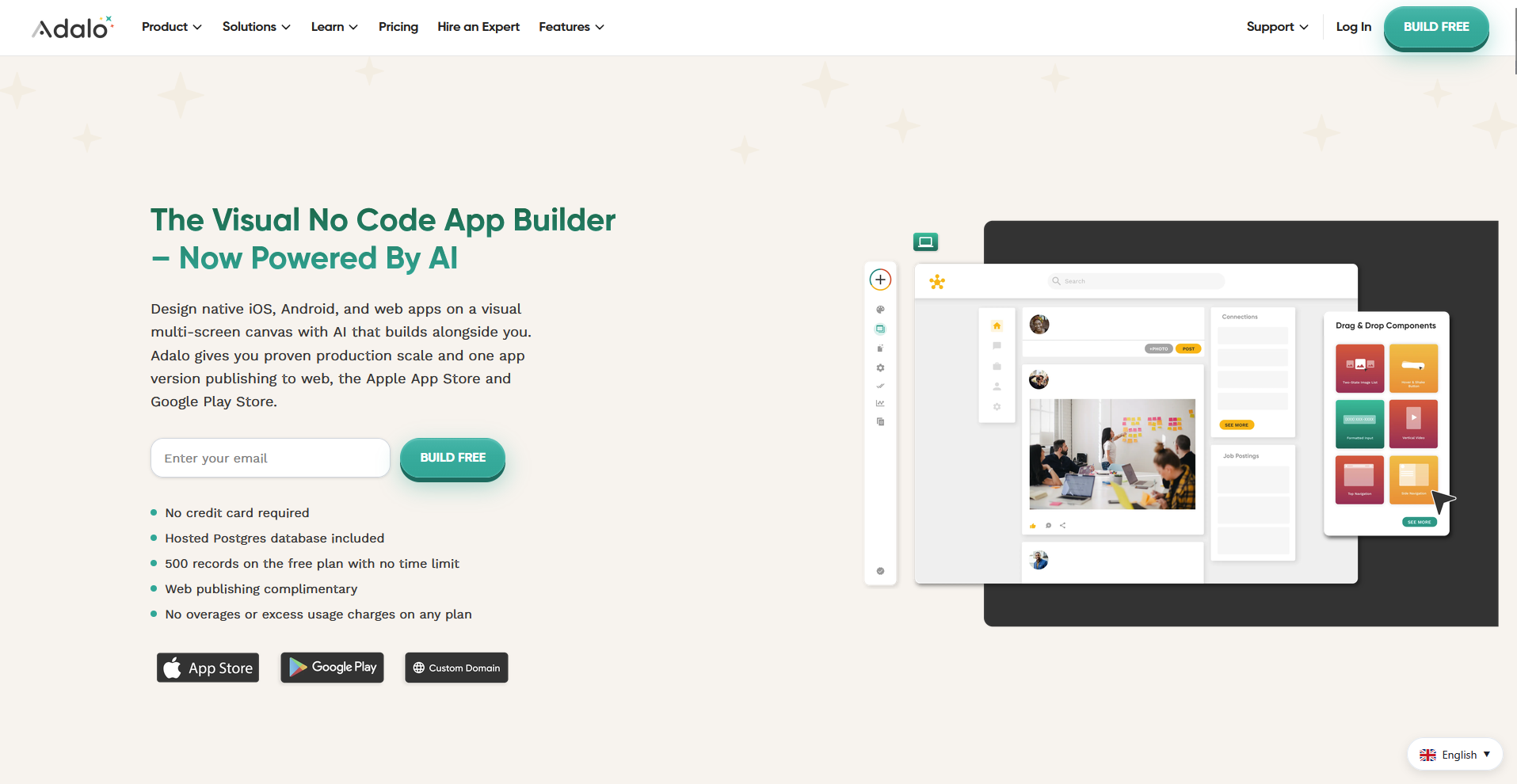
- What it does: Adalo is a drag-and-drop app builder that lets you design an app and publish it as a native app on the App Store and Google Play.
- Best for: Businesses that need a mobile app that clients or employees can download directly.
Adalo is built around drag-and-drop app design, so I tested how far that could take a client-facing screen. I built a login screen, a project list, and a detail view using prebuilt components, and each component matched what I'd sketched. A custom interaction outside the component library needed a workaround, since the interface had no direct path for it.
Key features
- Native app store publishing: Package and submit your finished app to the Apple App Store and Google Play Store.
- Drag-and-drop screen builder: Design app screens visually, with components for lists, forms, and buttons already built in.
- Mobile-first component library: Choose from templates and components designed specifically for phone-sized screens.
Pros and cons
| ✅ Pros | ❌ Cons |
|---|---|
| Publishes true native apps, not just web apps in a wrapper | Limited flexibility for complex logic compared to tools like Bubble |
| Drag-and-drop builder makes it easy to design standard app screens | Performance can slow as data and app complexity grow |
| Prebuilt components cover common mobile patterns like lists and forms |
What users say
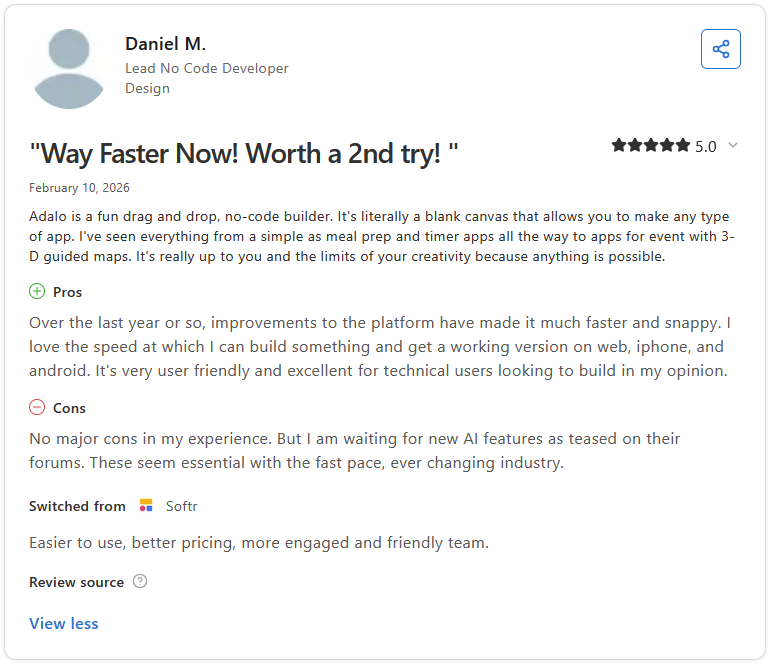
Pro: "Adalo is the fastest and simplest way to go from idea to app store publishing. … Nothing else gives you one builder that publishes as a PWA (progressive web app), and a *truly* native app for [Android] and iOS." - James K., Capterra
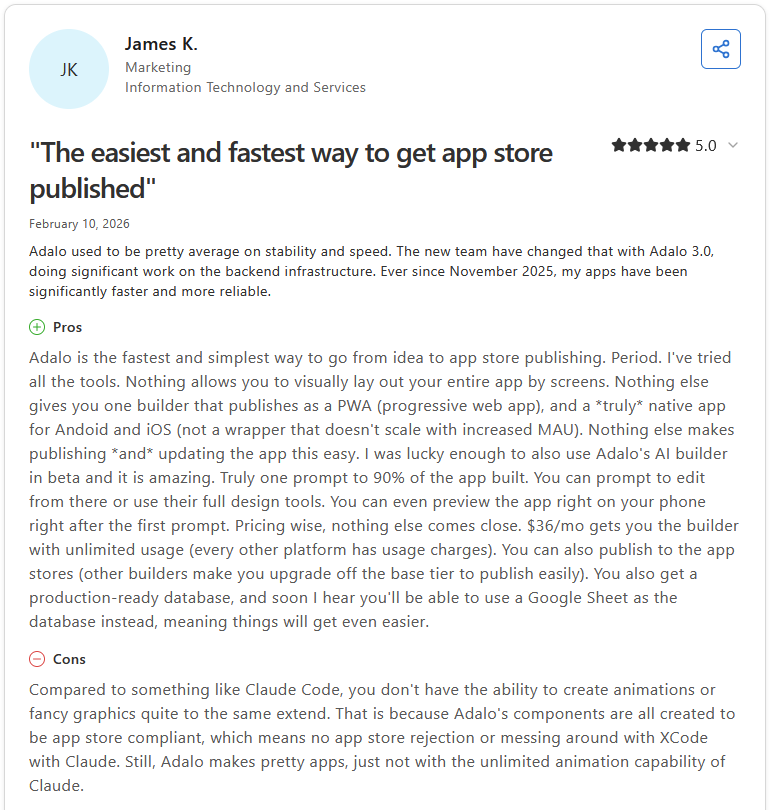
Con: "Compared to something like Claude Code, you don't have the ability to create animations or fancy graphics quite to the same extent. … Still, Adalo makes pretty apps, just not with the unlimited animation capability of Claude." - James K., Capterra
Pricing
Adalo starts at $36 per month.
Bottom line
Adalo builds app store submissions directly into the platform, so you skip managing that process yourself. If you want a simpler build starting from a spreadsheet, Glide might be worth considering.
5. Microsoft Power Apps: Best for teams already using Microsoft 365 tools
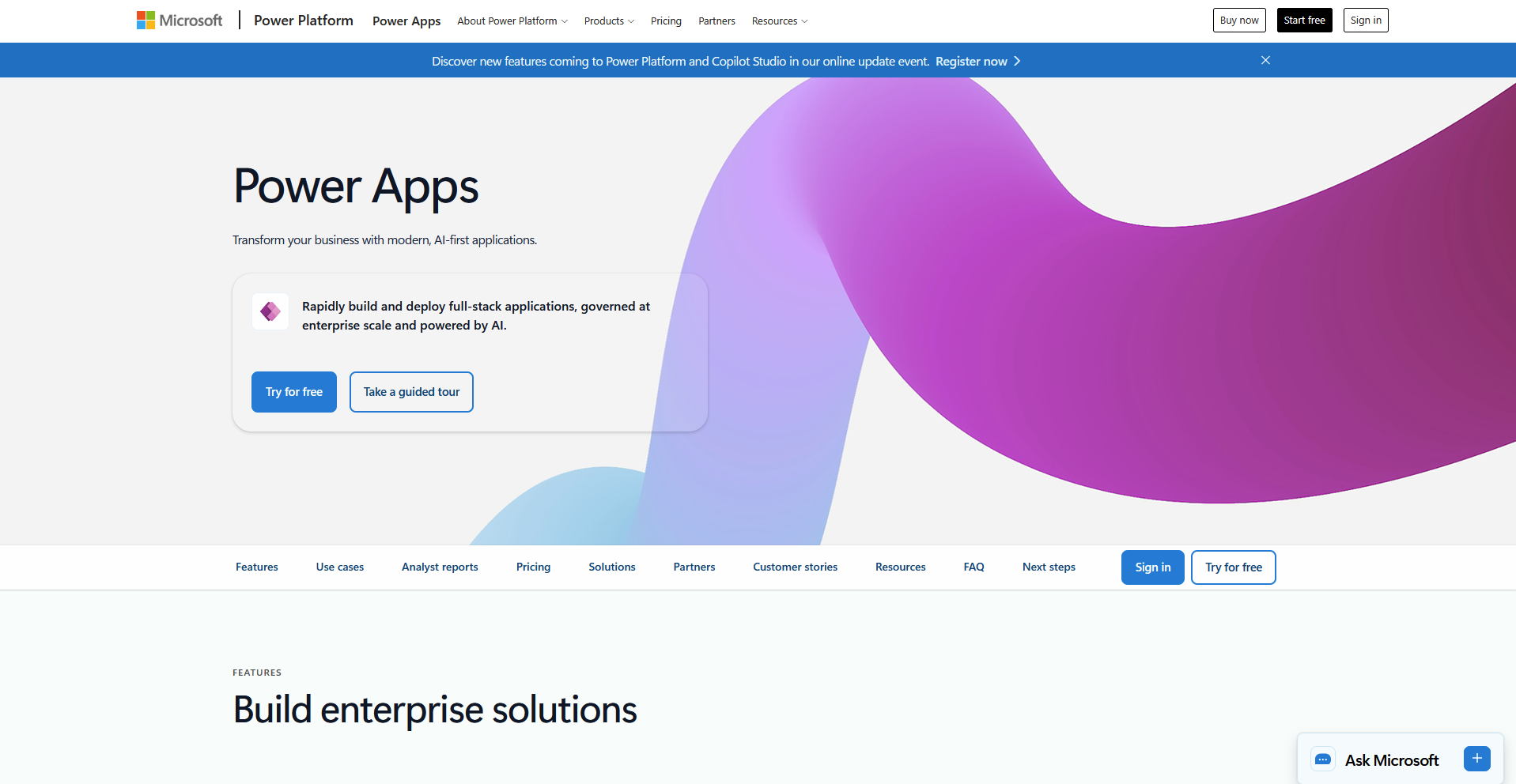
- What it does: Microsoft Power Apps lets you build custom business apps that connect directly to Microsoft 365 data like SharePoint, Excel, and Teams.
- Best for: Teams already running their work through Microsoft 365 who want an app tied into that data without a separate platform.
I wanted to see how well Power Apps ties into tools a business already uses, so I connected a canvas app to an existing SharePoint list and added a Teams approval step. Both connections came together without any reformatting on my end. Getting fields aligned took more manual formatting than I expected, since I hadn't set up auto-layout containers from the start.
Key features
- Microsoft 365 connectors: Pull data directly from SharePoint, Excel, Outlook, and Teams without manual exports.
- Canvas and model-driven apps: Choose a drag-and-drop canvas layout or a structured, data-first app built around Microsoft Dataverse.
- Power Platform integration: Connect to Power Automate and Power BI to add workflows and reporting to the same app.
Pros and cons
| ✅ Pros | ❌ Cons |
|---|---|
| Native integration with Microsoft 365 data without extra setup | Permissions follow Microsoft’s admin structure, adding complexity for smaller teams |
| Seamless connection with Power Automate and Power BI | Less intuitive for teams outside the Microsoft ecosystem |
| Enterprise-grade security and compliance built in |
What users say
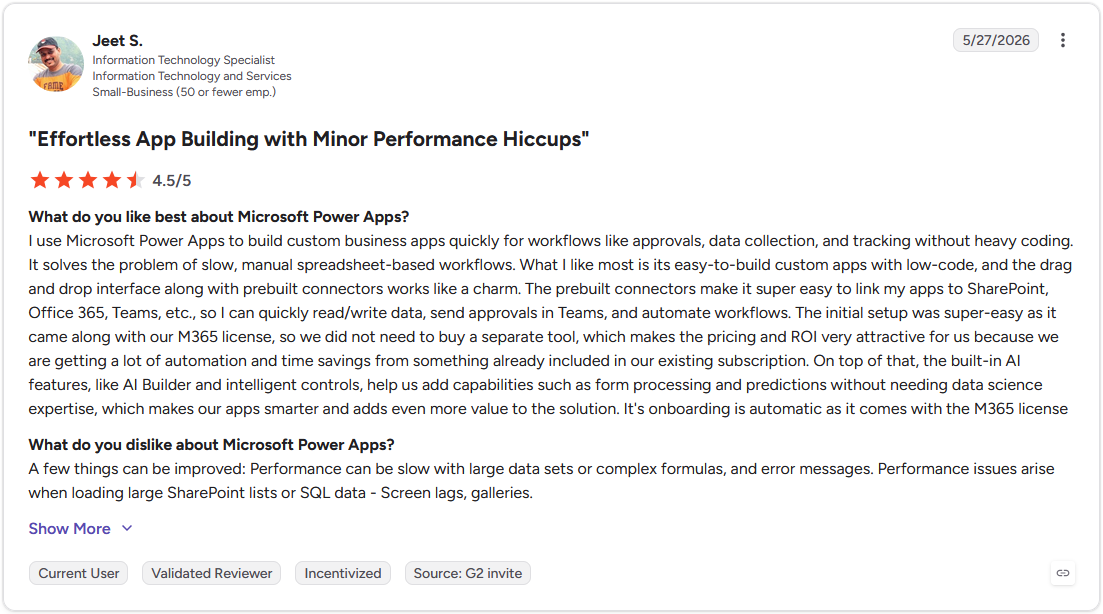
Pro: "I use Microsoft Power Apps to build custom business apps quickly for workflows like approvals, data collection, and tracking without heavy coding. ... The built-in AI features, like AI Builder and intelligent controls, help us add capabilities such as form processing and predictions without needing data science expertise." - Jeet S., G2
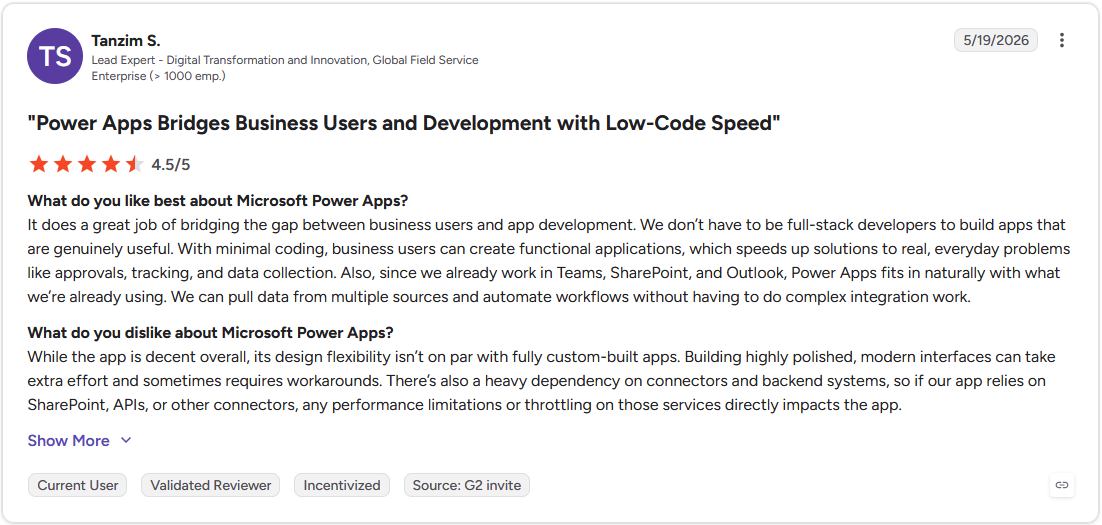
Con: "While the app is decent overall, its design flexibility isn't on par with fully custom-built apps. Building highly polished, modern interfaces can take extra effort and sometimes requires workarounds. There's also a heavy dependency on connectors and backend systems, so if our app relies on SharePoint, APIs, or other connectors, any performance limitations or throttling on those services directly impacts the app." - Tanzim S., G2
Pricing
Microsoft Power Apps starts at $20 per user per month.
Bottom line
Power Apps sets itself apart with Dataverse, which gives the app a relational database built for structured business data. If you need native mobile publishing and don't need a Microsoft 365 tie-in, Adalo might be a better fit.
Special mentions
These tools didn't make the main list, but each one fits a specific setup depending on your tech stack or how your data is structured.
Here are 3 more app builders worth a look:
- Zoho Creator: If you already run on Zoho's CRM, finance, or HR tools, this barely feels like a separate platform. Linking a new app to an existing Zoho CRM took me minutes, and automation picked up record updates on its own. The interface shows its age next to newer builders, which may be a downside if you’re developing a client-facing app.
- Knack: This is the app builder for people who think in databases over documents. I built several linked tables and they stayed clean and organized throughout, and I could lock permissions down to individual fields. But the design options were basic, so don't expect the finished app to win style points.
- Caspio: Caspio is a longstanding no-code platform for business operations, with compliance and access controls available depending on your plan. Setting up record-level permissions across a test dataset only took me a few clicks. Layout options are limited, so the finished app can come out looking pretty plain.
Which custom app builder should you choose?
The right pick depends on how your app needs to look, connect, and scale, more than any single feature on its own.
Choose Bubble if you:
- Need full control over app logic and design, and don't want to hit a ceiling as your app grows
- Are building a complex, multi-feature app that a template-based builder likely can't handle
- Have some technical comfort and want room to add custom code later without switching platforms
Choose Softr if you:
- Already have your data organized in Airtable and want a client-facing portal built on top of it
- Need to launch a working app fast and can prioritize speed over deep customization
- Want clients to log in and interact with their own data without giving them backend access
Choose Glide if you:
- Prefer to work from a spreadsheet and want your app to update automatically as that data changes
- Need a simple internal tool and don't have a database background to lean on
- Want your team building something functional within a day or two
Choose Adalo if you:
- Need your app published as a real native app on the App Store and Google Play
- Are building a consumer-facing or mobile-first product
- Want drag and drop design control without writing code for basic app logic
Choose Microsoft Power Apps if you:
- Already run your business on Microsoft 365 and want your app tied into that ecosystem
- Need enterprise-grade security and admin controls your IT team can manage centrally
- Are building internal tools for a larger team
Skip this category entirely if you:
- Need a client portal with billing, messaging, and file sharing already built in, and don't want to assemble each piece yourself
- Want a CRM with app building layered on top, and a database with an interface isn't enough on its own
- Are looking for an off the shelf solution to a common business process, and a fully custom build isn't the priority
Final verdict
Bubble, Softr, and Microsoft Power Apps each give you a way to build custom software, but the app itself is only part of what clients experience. Access, permissions, branding, and communication all still need to come from somewhere.
Assembly gives the apps and dashboards you build a branded home where clients already check updates, share files, and message your team.
Here's how Assembly can help:
- Client-facing by default: Clients use the custom apps you build inside a branded space that reflects your business, alongside the updates, files, and progress they already check.
- More than a standalone app: Bring in dashboards, workflows, and embedded tools like Data Studio or Databox, tied together with messaging, files, and your firm's branding.
- Protect client data: Assembly maintains SOC 2 Type II compliance and supports GDPR, CCPA, and HIPAA compliance.
Assembly may not be the right fit if your custom app stays entirely internal. For teams that want clients using that app inside a branded, client-facing space, get early access.
Frequently asked questions
What is the best tool for building custom apps for business?
Some of the best options include Bubble, Softr, and Microsoft Power Apps, depending on what your app needs to do. Bubble suits a fully custom web app, Softr works well for a client-facing portal built on existing data, and Power Apps fits a team already running on Microsoft 365.
What are custom apps for business?
Custom apps for business are software tools built around a specific company's workflow, avoiding a generic, off the shelf process. You can use one internally to manage tasks, data, or operations, or build one your clients interact with directly. Most no-code and low-code platforms let you build these apps through a visual interface rather than writing code from scratch.
What's the difference between no-code, low-code, and custom code apps?
No-code apps are built entirely through a visual interface, with no programming required at any stage. Low-code apps use a visual interface for most of the build but allow scripts or formulas for more advanced logic. Custom code apps are built from scratch by a developer, giving you full control over functionality with no platform limitations.