
8 Best Caspio alternatives & competitors for app building [2026]
Caspio alternatives range from simple database builders to full app platforms. After testing dozens, here are the 8 best platforms for building apps in 2026.

![8 Best Caspio alternatives & competitors for app building [2026]](https://storage.ghost.io/c/6f/87/6f878703-0e71-4ebd-8755-324628c2c39c/content/images/size/w2000/2026/07/istockphoto-2248827156-1024x1024.jpeg)
Caspio alternatives let you build custom apps, portals, and database tools without writing code. I researched and tested dozens of no-code and low-code platforms to find the 8 best options in 2026, so you can skip the trial-and-error.
8 Best Caspio alternatives: At a glance
| 💻 Tool | 🎯 Best for | 🔥 Starting price (billed annually) |
|---|---|---|
| Knack | SMBs that want to build database apps without code | $49/month |
| Zoho Creator | Teams that want low-code app building with deep Zoho integration | $8/user/month |
| Quickbase | Operations teams that need custom workflow and database apps | $35/user/month |
| Bubble | Teams that want to build fully custom web apps without a developer | $59/month (Web and Mobile) |
| Softr | Teams that want to turn spreadsheet or database data into client-facing apps | $49/month |
| Retool | Dev-adjacent teams that need custom internal tools fast | $10/builder/month + $5/internal user/month |
| Glide | Teams that want to build simple apps from existing spreadsheet data | $19/month (Individual) |
| Tadabase | Teams that want a flexible database app builder for custom web apps and portals | $42/month, includes 3 apps |
*Pricing correct as of June 2026. Verify with vendor.
Why look for Caspio alternatives?
Caspio works well for teams that need to build database-driven apps without writing code. But depending on your budget, technical comfort level, and how much design control you need, a few limitations tend to come up:
- High starting price: Caspio's Team plan begins at $300 per month, which can be a lot for smaller teams or early-stage projects. If you only need one or two simple apps, that cost may be hard to justify against more affordable alternatives.
- Limited UI customization: Users frequently cite limited design flexibility and difficulty adding custom code or design features as a frustration. If you want polished, branded interfaces, you may find yourself hitting walls without dropping into CSS or JavaScript.
- Pricing tied to DataPages, not users: Caspio's plans are scoped around a proprietary resource called DataPages, which measures app complexity. This makes it harder to compare against alternatives, since most other platforms are limited by records or storage instead. You may not know exactly what you're paying for until you're mid-build.
- Vendor lock-in risk: As a proprietary platform, you're tied to Caspio's ecosystem. Migrating your apps to another tool later is not straightforward, which can be a concern if your needs change.
- Steeper learning curve than it looks: Caspio markets itself as no-code, but an understanding of relational databases, database tables, and data types is a real advantage. Teams without that background may find the build process more involved than expected.
TL;DR: Which Caspio alternatives should you choose?
Your choice of a Caspio alternative depends on how much you want to build from scratch, your budget, and how technical your team is. Choose:
- Knack if you want a no-code database app builder that's approachable for non-technical teams, though it may not have the depth you need for more complex data relationships.
- Zoho Creator if your team already uses Zoho products and wants a low-code app builder that connects easily with the rest of that ecosystem, keeping in mind the interface can take time to get comfortable with.
- Quickbase if your operations team needs custom workflow and database apps at scale, though the interface can feel dated compared to newer no-code tools.
- Bubble if you want to build fully custom web apps with a high degree of design control, but be prepared for a steeper learning curve than most no-code tools.
- Softr if your data already lives in Airtable or Google Sheets and you want to turn it into a client-facing app quickly, though it may feel limiting if your data needs are more complex.
- Retool if your team has some technical ability and needs to build internal tools fast, noting that it tends to be less suited to external-facing apps.
- Glide if you want the fastest path from a spreadsheet to a working app, though you may hit design and logic limitations as your build gets more complex.
- Tadabase if you want a Caspio-style database app builder with more flexible pricing and a cleaner UI, though it has a smaller community and fewer third-party resources to lean on.
Stick with Caspio if your team is already comfortable with its DataPages model, you need enterprise-grade compliance features, and the pricing works at your current scale.
8 Best Caspio alternatives
1. Knack: Best for SMBs that want to build database apps without code
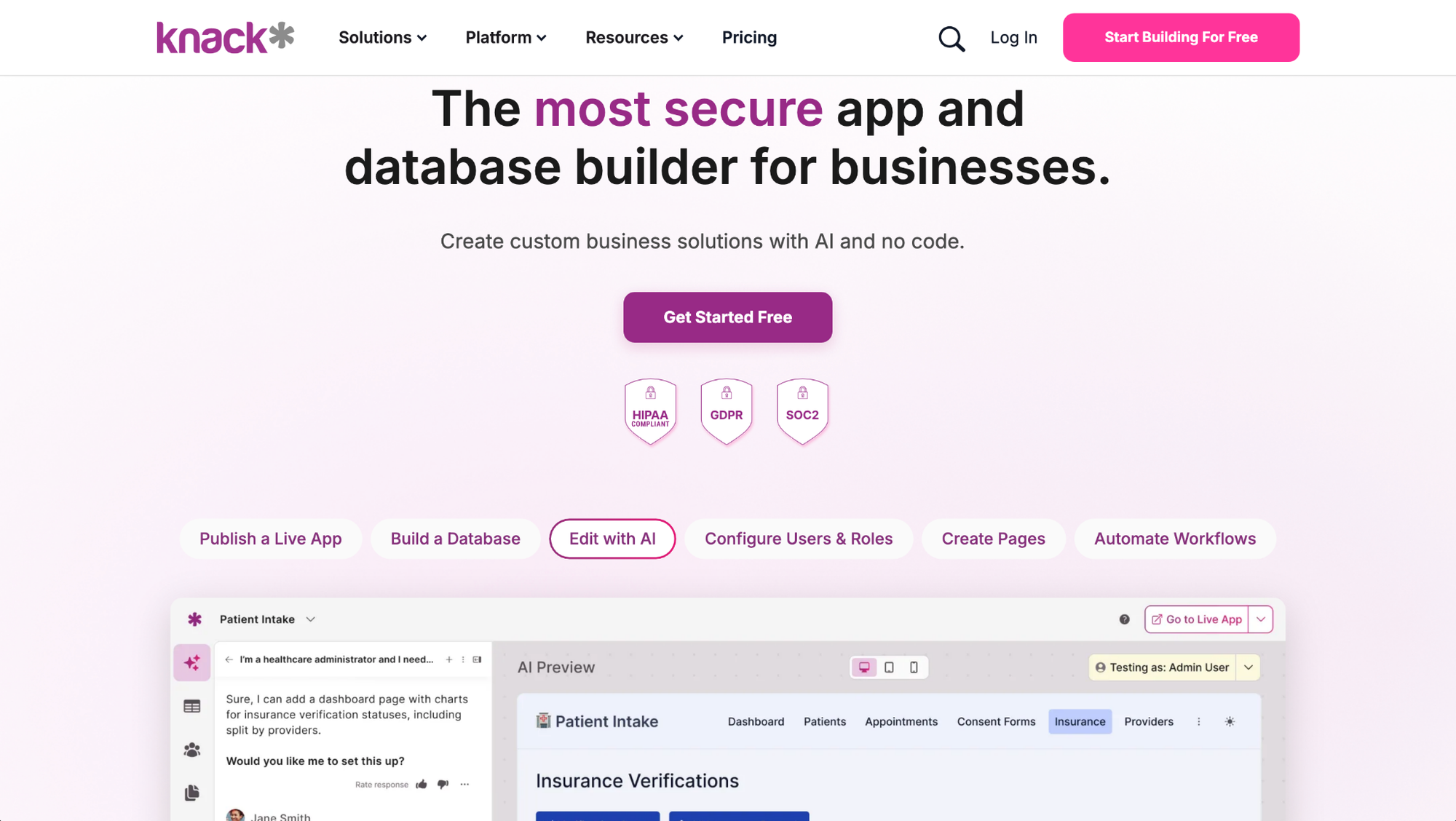
Knack is a no-code platform for building database-driven apps and portals on a built-in relational database, where you set up tables, connect data, and assign permissions through a drag-and-drop interface. Teams that need a fully custom, pixel-perfect front-end may find Knack’s styling options less flexible than building a front-end with code-based frameworks.
Key features
- Visual database builder: Create tables, fields, and data relationships using a point-and-click interface without SQL or code.
- App templates: Start builds from a library of pre-built templates covering use cases like CRM, project tracking, and inventory management.
- User authentication and permissions: Set role-based access rules that control what different users can view and edit within your app.
Pros
- ✅ The visual builder makes it approachable for non-technical teams who need to manage structured data
- ✅ Role-based permissions give you control over what different users can access within a single app
- ✅ Pre-built templates can reduce the time it takes to get a working app off the ground
Cons
- ❌ Less flexible than a fully custom-coded front end for highly branded, design-heavy experiences
- ❌ Record and storage limits on lower-tier plans may require upgrades sooner than expected as data grows
Best for
- SMBs that need to manage structured data without a dedicated developer
- Teams that want to build internal portals or workflows on top of a relational database
- Operations teams that need role-based access controls across multiple user types
Pricing
Knack starts at $49 per month.
2. Zoho Creator: Best for teams that want low-code app building with deep Zoho integration
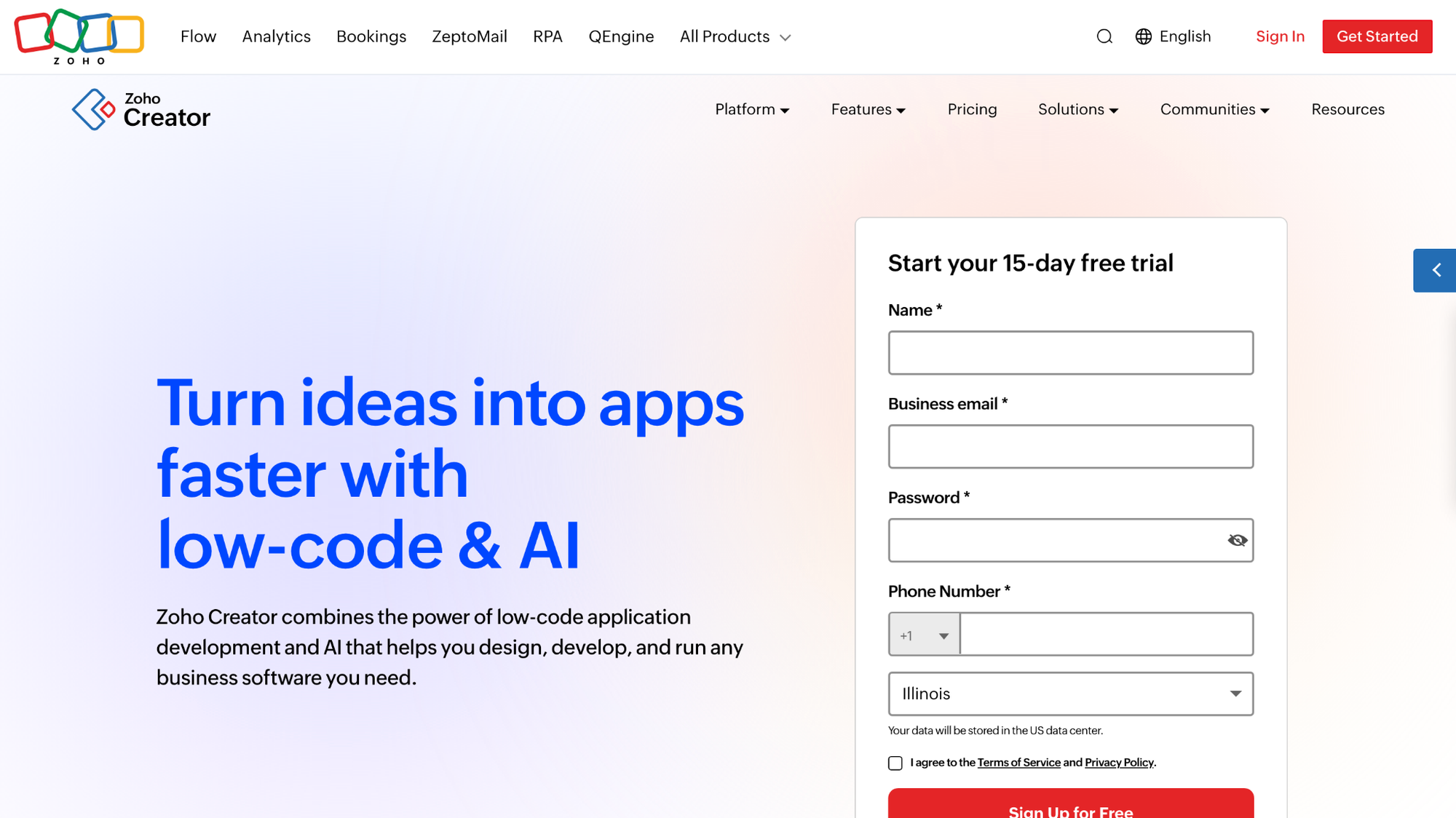
Zoho Creator is a low-code platform for building custom apps, forms, workflows, and dashboards, with native connections to the rest of the Zoho product suite. You can build and automate many workflows through a drag-and-drop interface without code, but more advanced logic and customization usually require Deluge, Zoho’s proprietary scripting language.
Key features
- Drag-and-drop app builder: Build forms, reports, and pages visually without writing code, using a point-and-click interface.
- Workflow automation: Set up triggers, conditions, and automated actions that run based on form submissions or data changes.
- Zoho ecosystem integrations: Connect apps directly to other Zoho products like CRM, Books, and Desk without third-party middleware.
Pros
- ✅ Native integration with the Zoho suite can reduce setup time for teams already using Zoho products
- ✅ The drag-and-drop builder lets non-technical users get a working app off the ground without coding
- ✅ Built-in workflow automation covers common business logic without requiring custom code
Cons
- ❌ Building beyond straightforward apps often means learning Deluge scripting, which adds a learning curve for teams without a development background
- ❌ UI customization can be time-consuming, and pixel-level design control may require workarounds
Best for
- Teams already using Zoho products who want to extend their workflows with custom apps
- Operations and IT teams that need structured workflow automation without full-stack development
- Businesses that want a low-code platform with built-in compliance and data governance features
Pricing
Zoho Creator starts at $8 per user per month.
3. Quickbase: Best for operations teams that need custom workflow and database apps
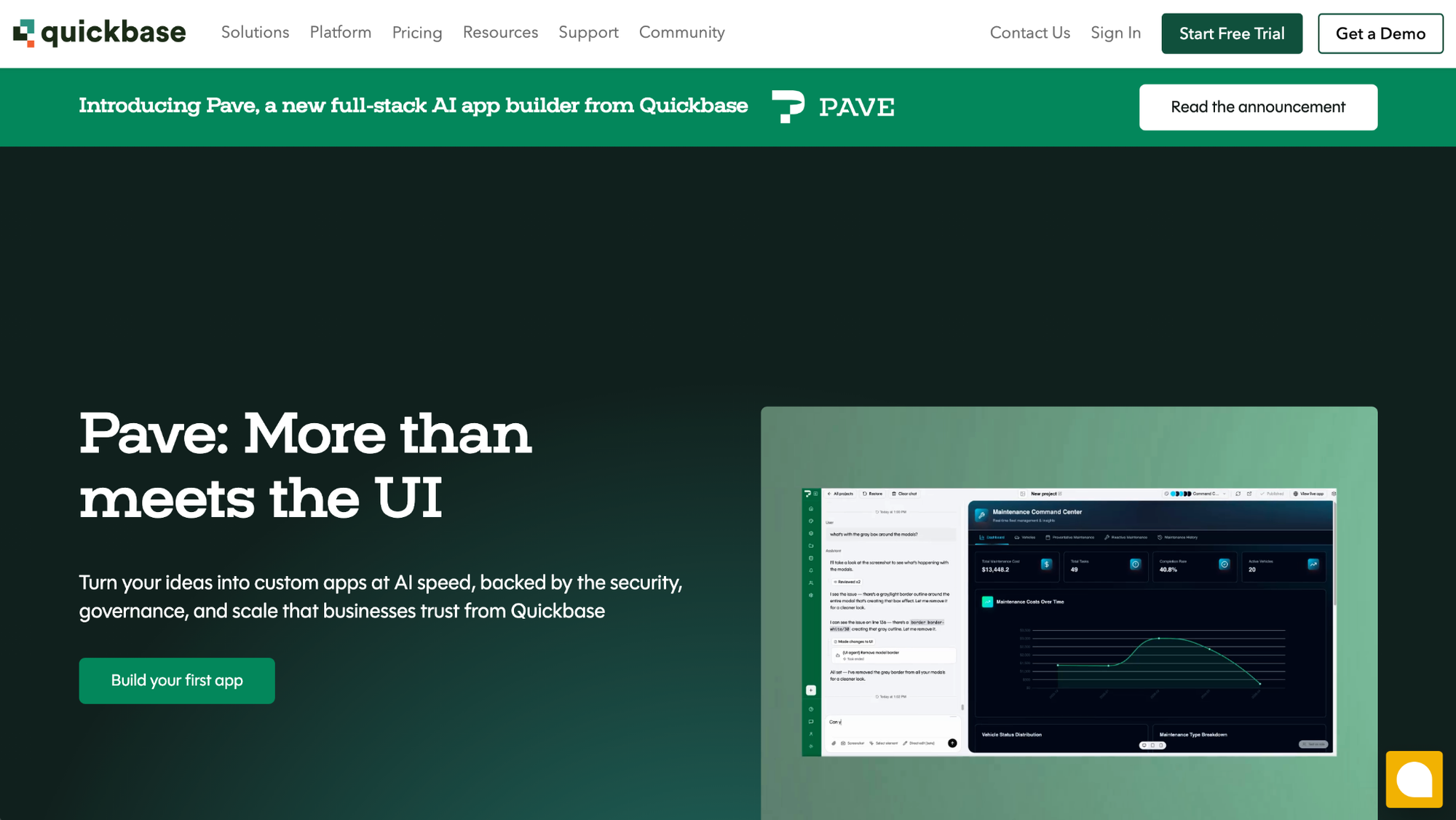
Quickbase is a low-code platform for building custom workflow and database apps, with a drag-and-drop interface and a built-in automation feature called Pipelines for connecting tools and automating multi-step processes. The interface can feel dated compared to newer no-code tools, and third-party integrations can require more configuration than expected.
❗Note: Quickbase also recently launched Pave, an AI app builder that lets you describe a problem in plain English and generate an app with data, permissions, and hosting handled for you.
Key features
- App builder: Build custom workflow and data apps using a drag-and-drop interface with pre-built templates from the App Exchange library.
- Pipelines: Set up automated triggers, conditions, and actions that connect Quickbase apps to external tools without manual intervention.
- Role-based permissions: Define what each user type can view, edit, and administer across apps and data sets.
Pros
- ✅ Pipelines lets you connect Quickbase to external tools and automate cross-system workflows without custom development
- ✅ Role-based permissions and audit logs give operations teams detailed control over data access and governance
- ✅ Pre-built app templates cover common use cases like compliance tracking, contract management, and field operations
Cons
- ❌ The interface can feel dated and busy compared to newer no-code platforms, which may slow onboarding for new users
- ❌ Third-party integrations can require more configuration than teams expect, and troubleshooting more complex setups without developer support can be slow
Best for
- Operations teams in construction, healthcare, or manufacturing that need custom workflow apps across departments
- Teams that need strong data governance with role-based permissions and audit trails
- Organizations that want to automate multi-step processes across multiple tools without custom development
Pricing
Quickbase starts at $35 per user per month.
4. Bubble: Best for teams that want to build fully custom web apps without a developer
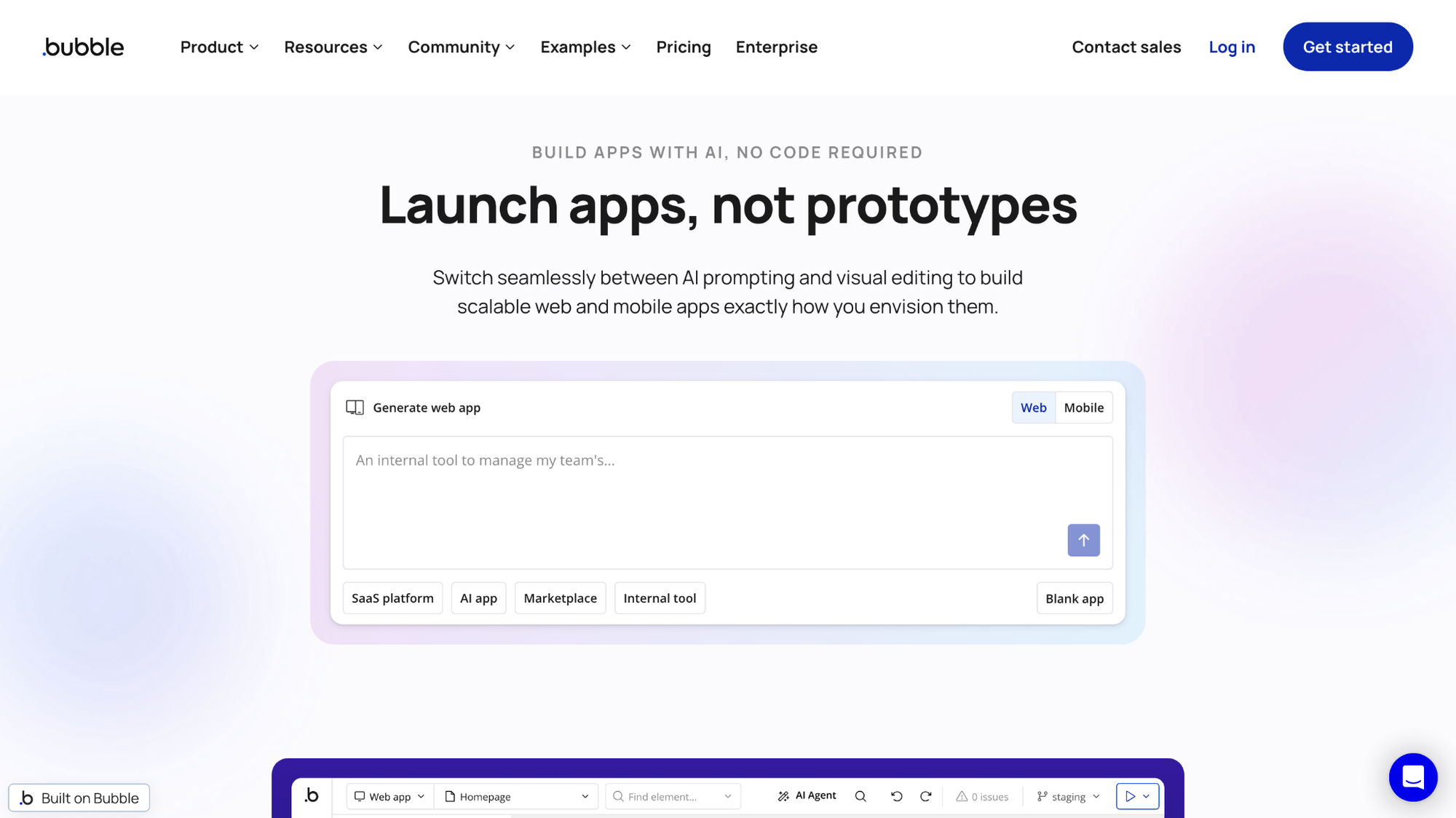
Bubble is a no-code platform for building highly customizable web apps, with a visual editor that gives you fine-grained control over front-end design and back-end logic. You can design interfaces, manage data, set up workflows, and connect to external tools through a large plugin library. The learning curve can be steep because you manage UI, database structure, and workflow logic all in one place.
Key features
- Visual workflow engine: Build conditional logic, database operations, and API calls visually without code using Bubble's workflow editor.
- Built-in database: Define custom data types, set privacy rules, and manage related data directly within your app, without managing a separate database server.
- Plugin marketplace: Extend app functionality by connecting to third-party services like Stripe, OpenAI, and Airtable through a large plugin library.
Pros
- ✅ The visual editor gives you front-end and back-end control in one place, covering UI design, data, and logic without switching tools
- ✅ A large plugin marketplace and active community make it easier to extend functionality without custom development
- ✅ Version control and branching let you test changes before pushing them to your live app
Cons
- ❌ Pricing is based on workload units rather than a flat rate, which can make costs harder to predict as app usage grows
- ❌ Migrating off the platform means rebuilding from scratch, since Bubble does not support code export
Best for
- Teams that need full design and logic control over a customer-facing or SaaS-style web app
- Founders and product teams building MVPs that require custom user flows and data modeling
- Teams comfortable investing time in learning the platform in exchange for greater build flexibility
Pricing
Bubble starts at $59 per month (Web and Mobile).
5. Softr: Best for teams that want to turn spreadsheet or database data into client-facing apps
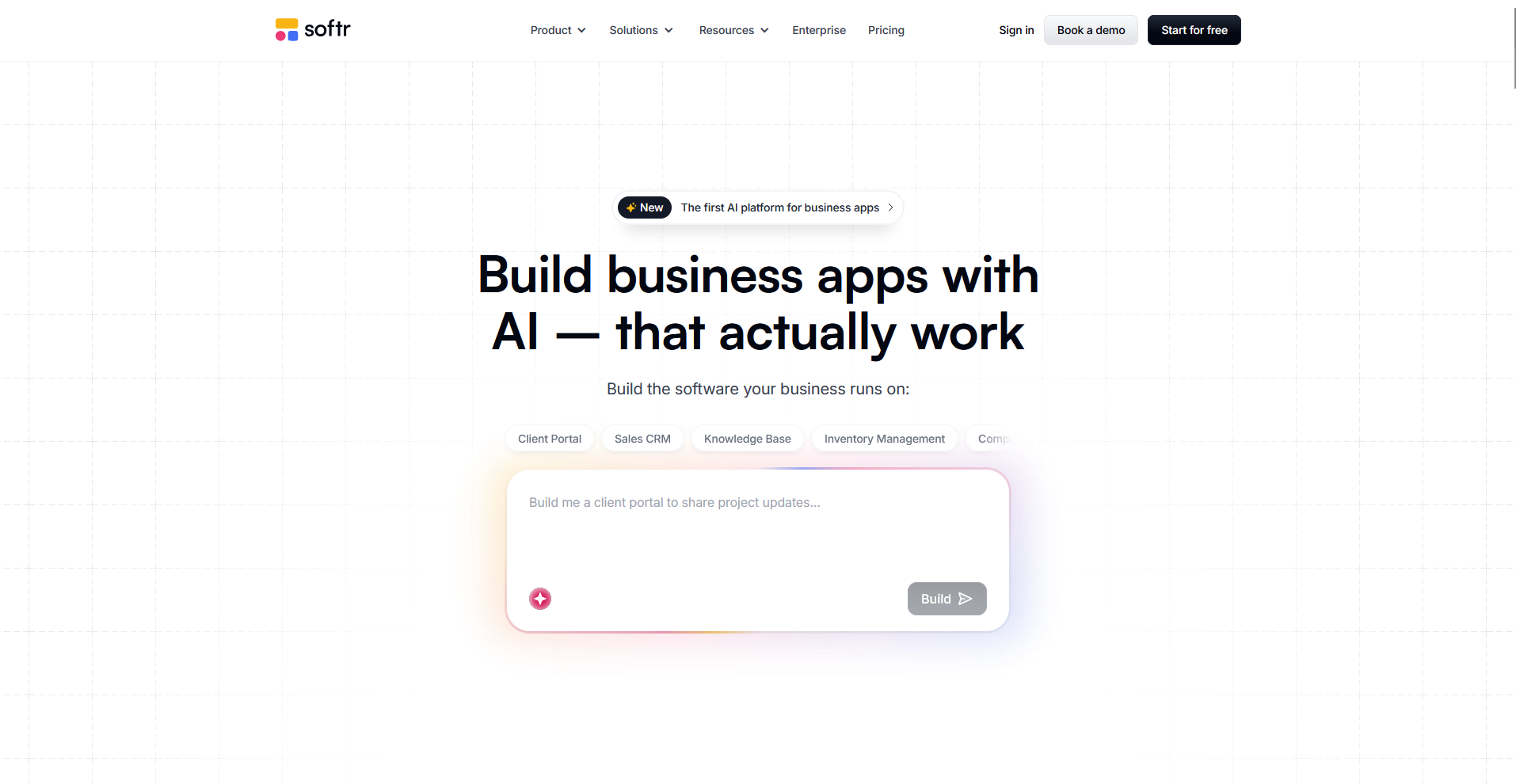
Softr is a no-code platform for building client portals, internal tools, and data-driven web apps using a block-based builder that connects to external sources like Airtable, Google Sheets, HubSpot, and its own native database. You can set up user authentication, role-based access, and branded interfaces without writing code, though the block-based structure limits how far you can customize layouts and logic.
Key features
- Data source connections: Connect to external data sources, including Airtable, Google Sheets, HubSpot, and PostgreSQL, to pull live data into your app.
- User authentication and access controls: Set up login, user groups, and visibility rules that control what different users can see within your app.
- Block-based builder: Assemble interfaces from a library of pre-built blocks covering lists, forms, charts, and dashboards without writing code.
Pros
- ✅ Connecting an existing Airtable or Google Sheets database and building a working portal on top of it can take hours rather than days
- ✅ Built-in user management and role-based access controls let you gate content and create tiered access for different client types
- ✅ The block-based builder is approachable for non-technical users and requires no SQL or coding knowledge to get started
Cons
- ❌ Pre-built blocks limit design flexibility, so meaningful customization often requires workarounds or adding custom CSS and JavaScript
- ❌ Softr does not support native mobile app publishing to the App Store or Google Play, which may be a limitation for teams that need a mobile app rather than a mobile-responsive web app
Best for
- Agencies and consultants that want to build branded client portals on top of Airtable or Google Sheets data
- Ops teams that need a cleaner front-end interface for data they already manage in a spreadsheet or database
- Small businesses that want to set up a data-driven internal tool or portal without hiring a developer
Pricing
Softr starts at $49 per month.
6. Retool: Best for dev-adjacent teams that need custom internal tools fast
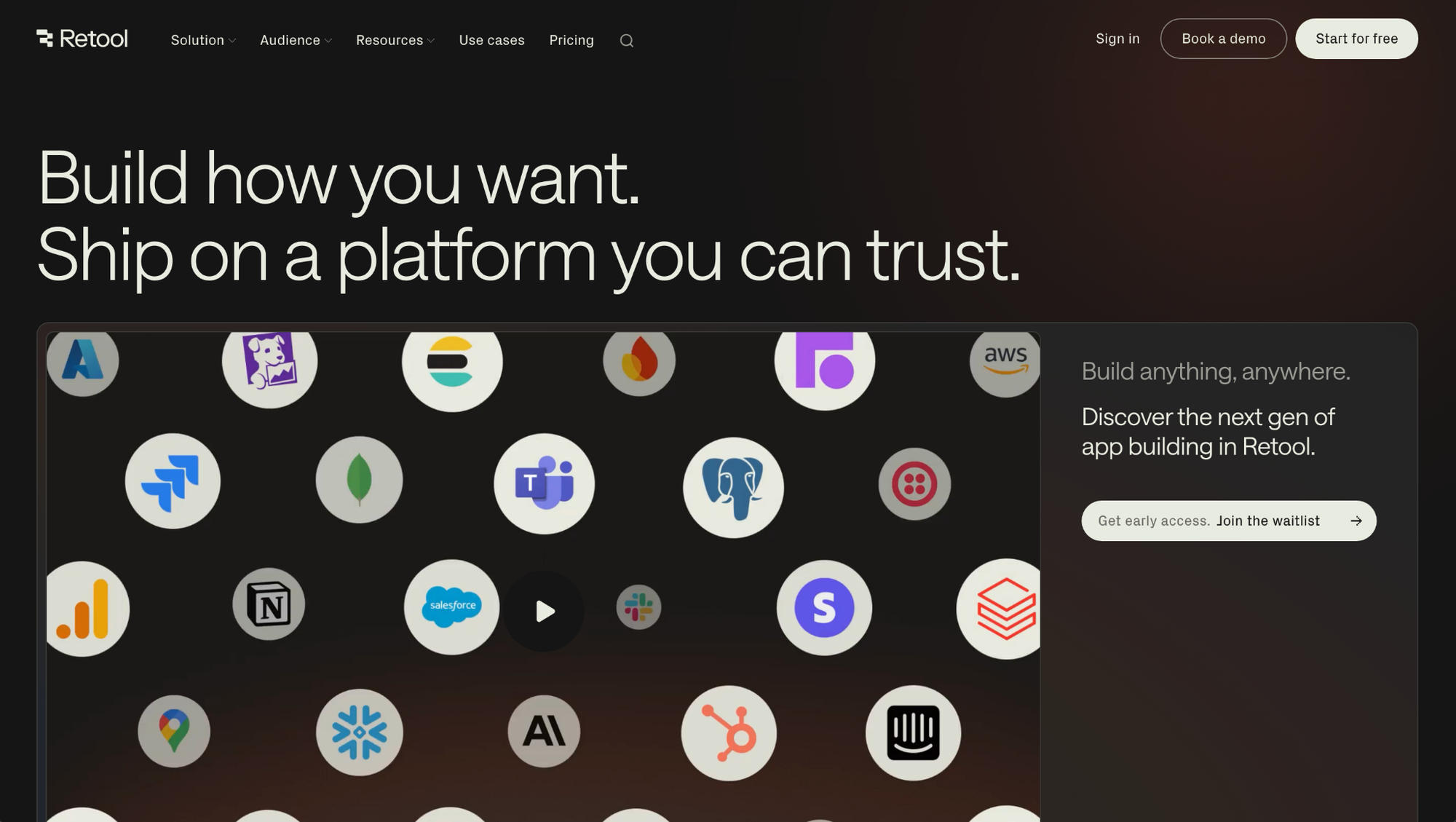
Retool is a low-code platform for building internal tools like admin panels, dashboards, and data management interfaces by connecting directly to your existing databases and APIs. You can drag pre-built components onto a canvas and write SQL and JavaScript to add custom logic, though non-technical users may find the platform harder to navigate without some coding background.
Key features
- Component library: Build interfaces by dragging pre-built tables, forms, charts, and buttons onto a canvas and connecting them to your data sources.
- Data source connections: Connect directly to databases like PostgreSQL, MySQL, and MongoDB, as well as REST APIs and GraphQL endpoints, without custom back-end code.
- Retool Workflows: Set up multi-step automations with conditional logic, webhooks, and scheduled tasks to replace manual scripts and cron jobs.
Pros
- ✅ Connecting directly to existing databases and APIs means you can build on top of your current data infrastructure without migrating anything
- ✅ The mix of drag-and-drop components and custom JavaScript gives technical teams flexibility that purely no-code tools can't match
- ✅ Git integration lets developer teams manage version control, code reviews, and staging environments within their existing workflows
Cons
- ❌ Non-technical users will likely need developer support to get meaningful value from the platform, since SQL and JavaScript knowledge is expected for most builds
- ❌ Key enterprise features like SSO and Git-compatible version control are locked behind higher-tier plans, which can push costs up quickly for growing teams
Best for
- Engineering and ops teams that need to build internal dashboards, admin panels, and data tools on top of existing databases
- Dev-adjacent teams that want to reduce the time spent building internal tools without writing full-stack applications from scratch
- Technical teams that need fine-grained control over app logic through custom SQL and JavaScript
Pricing
Retool starts at $10 per builder per month + $5 per internal user per month.
7. Glide: Best for teams that want to build simple apps from existing spreadsheet data
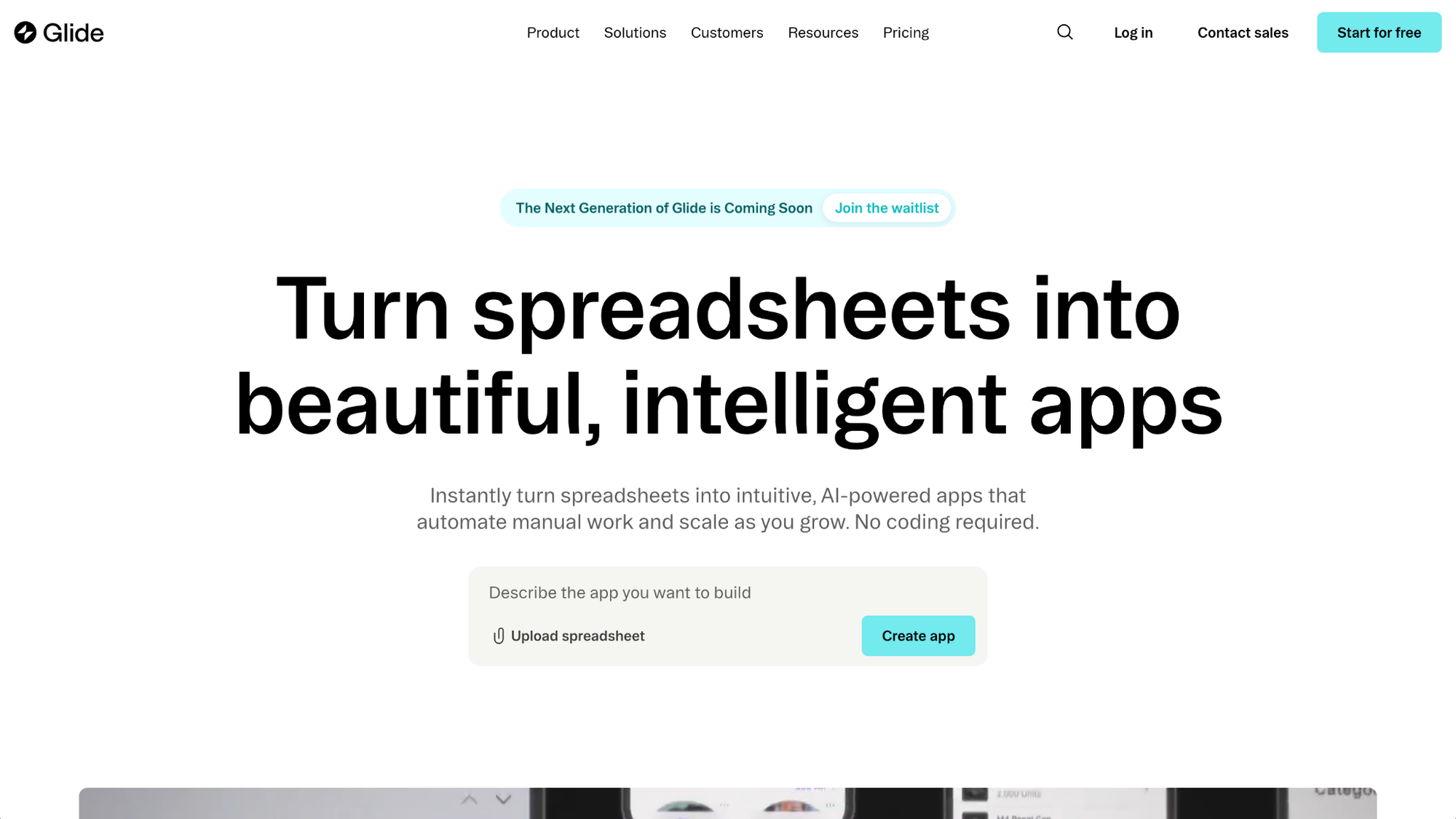
Glide is a no-code platform for turning spreadsheet data into web apps. You connect a data source like Google Sheets, Excel, or Airtable, and Glide auto-generates an app layout from your data structure, which you can customize through a visual builder. Complex logic, highly custom user flows, and design changes beyond Glide’s predefined layouts can be difficult to execute as your app grows.
Key features
- Spreadsheet-to-app builder: Connect Google Sheets, Excel, or Airtable data and generate a working app layout automatically from your data structure.
- User authentication and roles: Set up login, user groups, and visibility rules to control what different users can access within your app.
- Workflow automations: Configure triggers, conditions, and actions to automate tasks like sending notifications, filtering data views, and connecting to external tools via Zapier or Make.
Pros
- ✅ Getting from an existing spreadsheet to a working, mobile-responsive app can take hours rather than days without any coding
- ✅ Apps look polished by default, with a design system that adapts automatically to different screen sizes
- ✅ Built-in user authentication and role-based access controls make it practical for internal tools that need basic permission management
Cons
- ❌ Building beyond basic logic and layouts can get difficult as your app grows, and design customization is constrained by Glide's predefined layout system
- ❌ Glide does not support direct publishing to the Apple App Store or Google Play Store, which limits reach for teams that need a native mobile app
Best for
- Teams that have data in Google Sheets or Airtable and want to turn it into a working app without starting from scratch
- Operations teams that need lightweight internal tools like directories, trackers, and dashboards without developer support
- Small businesses that want a mobile-responsive app quickly without managing a separate database or back-end
Pricing
Glide starts at $19 per month (Individual).
8. Tadabase: Best for teams that want a flexible database app builder for custom web apps and portals
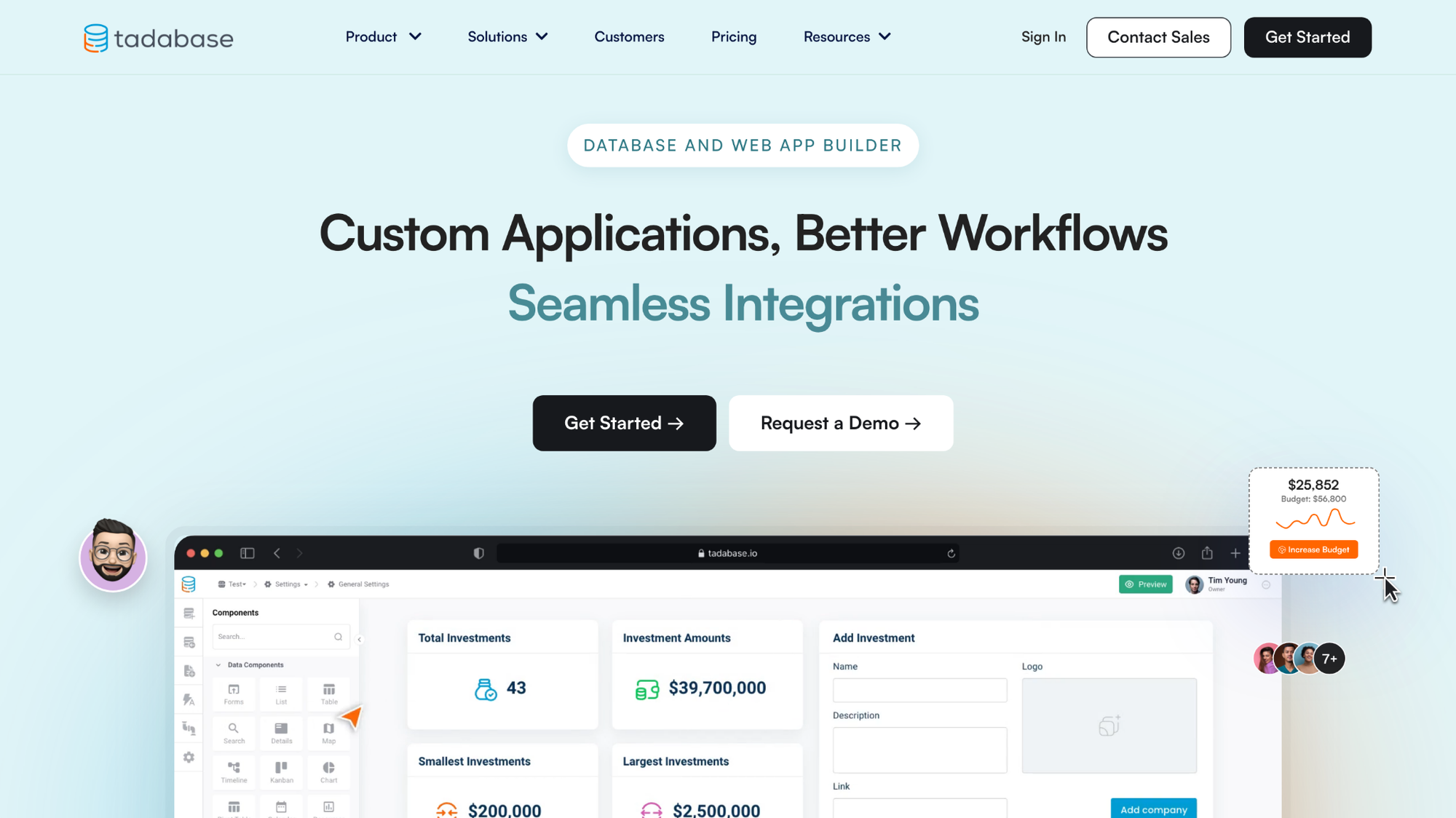
Tadabase is a no-code database app builder for creating custom web apps, portals, and workflow tools on top of a relational database. You can build data tables, set up role-based permissions, automate workflows, and extend layouts with CSS and JavaScript. However, some users note that documentation and community resources can be harder to find when troubleshooting.
Key features
- Relational data builder: Create tables, define field types, and set up data relationships through a visual interface without writing SQL.
- Role-based access controls: Define custom user roles and permission rules that control which records and pages each user type can access.
- Workflow automation: Set up scheduled tasks, on-demand automations, and integrations with external tools through Zapier and Make.
Pros
- ✅ Flat per-account pricing that includes up to three apps makes budgeting simpler for many teams compared to per-user or usage-based alternatives
- ✅ Built-in PDF generation, S3 file storage integration, and Stripe subscriptions cover use cases that typically require third-party tools on other platforms
- ✅ CSS and JavaScript access gives teams with some technical ability more design control than most no-code database builders offer
Cons
- ❌ Documentation and community resources are not as extensive as more established platforms, which can make troubleshooting harder without bringing in outside help
- ❌ Organizing larger apps and more complex data schemas can become harder to manage as builds grow, so teams may need stricter internal standards and naming conventions as they scale
Best for
- SMBs looking for a Caspio-style database app builder at a lower and more predictable price point
- Teams that need built-in PDF generation, file storage, and payment features without stitching together third-party tools
- Operations teams that want more design control than standard no-code tools offer, without moving into full custom development
Pricing
Tadabase starts at $42 per month, which includes 3 apps.
How to evaluate Caspio alternatives
The right Caspio alternative depends on what you're building, who it's for, and how much technical lift your team can handle. Here are a few things worth thinking about before you decide:
- What you're building: A simple data collection form, an internal workflow tool, and a client-facing portal are very different builds. Some tools on this list handle all three reasonably well, while others are optimized for one. Get clear on your use case before you start comparing features.
- Your team's technical comfort: Most tools here market themselves as no-code, but the reality varies. Some require you to understand data relationships and logic before you can build anything useful. If your team has no technical background, ease of setup matters more than feature depth.
- Who will use the app: If end users are internal team members, most tools here will work. If you're building something client-facing or customer-accessible, you'll want to pay closer attention to user authentication options, branding controls, and access permissions.
- How pricing scales: Base pricing rarely tells the full story. Several tools on this list charge based on records, DataPages, app count, or active users, and costs can climb faster than expected as your usage grows. Run the numbers for your actual expected usage, not just the starting tier.
- Room to grow: Some platforms are great for getting started but can become limiting as your app gets more complex. If you're building something you plan to expand, it's worth checking how far each tool can take you before you'd need to rebuild elsewhere.
If your end goal is a client portal, here's a shortcut
The Caspio alternatives on this list are built for creating custom apps and database tools without writing code, and they do that job well. But if the reason you're looking at Caspio in the first place is to create a client-facing experience, a portal, or a place where your clients can log in and interact with your business, the build-it-yourself route may be more work than you need.
Assembly is worth a look if that's your actual goal. It's a client portal platform built for service businesses, where branded portals, client messaging, invoicing, contracts, and file sharing come ready to use without any building on your end.
Start your free Assembly trial today.
Frequently asked questions
What is Caspio used for?
Caspio is a low-code platform for building custom database-driven apps, online forms, reports, and portals without writing code. It's used to create internal tools, client-facing apps, and data collection forms across industries like healthcare, education, and government, where teams need custom data management but don't have dedicated developers.
Do I need to build an app to create a client portal?
No, you don't need to build an app to create a client portal. Tools like Assembly give you a ready-built portal where you can add clients, share files, send invoices, and manage communication without any development work. Building from scratch with a tool like Caspio gives you more control, but it often takes more time to get to the same result.
Is Caspio good for small businesses?
Caspio can work for small businesses, but the $300 per month starting price may be hard to justify for teams with simple needs. Lighter alternatives like Knack or Glide tend to be more cost-effective if your use case doesn't require complex data relationships or multiple custom apps.