
The 8 Best Dock alternatives for client-facing teams in 2026
Dock works well for SaaS deal rooms but often falls short once the contract is signed. I researched dozens of tools to find the 8 best Dock alternatives in 2026.


Arrows, Flowla, and Assembly are among the strongest Dock alternatives for teams that need more than a deal room. I tested and researched dozens of tools to find the 8 best in 2026, covering what each one does well, where it falls short, and who it's built for.
8 Best Dock alternatives: At a glance
| Tool | Best for | Starting price |
|---|---|---|
| Arrows | Sales and customer success teams using HubSpot or Salesforce | Custom pricing |
| Flowla | AI-powered deal rooms with onboarding and e-signatures | $49/seat/month |
| Assembly | Service firms needing a branded client portal with CRM and billing | $39/month |
| Moxo | Structured client workflows with messaging and approvals | $960/year |
| FuseBase | Client portals with a built-in knowledge base and project tracking | $32/month |
| SuiteDash | White-label client portals with flat-rate pricing | $180/year |
| Clinked | Secure branded portals for file sharing and collaboration | $8.80/user/month |
| HubSpot Sales Hub | Teams already using HubSpot for deal management and client communication | $7/seat/month |
*Pricing correct as of June 2026. Verify with vendor.
Why look for Dock alternatives?
Dock works well for mid-market SaaS teams that need a clean deal room with solid CRM integration. But as your use case grows or shifts, a few limitations tend to surface:
- Customization has a ceiling: Dock can feel limiting if you need very granular control over fonts, layouts, and visual branding for a fully on-brand client experience.
- White-labeling sits behind the top tier: Removing Dock branding is only available on higher-tier plans, which can make it harder for smaller teams to get a fully branded workspace from day one.
- Mobile access is limited: Dock is primarily optimized for desktop, and some teams may find the mobile experience less strong for customers who are often on the go.
- The scope is narrow: Dock focuses on deal rooms and onboarding portals, so teams still need separate tools for billing, invoicing, and deeper post-sale client management, especially if they want a more all-in-one client workspace.
TL;DR: Which Dock alternative should you choose?
The right Dock alternative depends on where your workflow breaks down, whether that's the deal room, post-sale onboarding, client branding, or the full client lifecycle.
Choose:
- Arrows if your team runs on HubSpot or Salesforce and needs deal rooms and onboarding plans that live natively inside your CRM. It may not be as useful if you're not already on one of those platforms.
- Flowla if you want AI-assisted deal rooms that carry through to onboarding and e-signature without switching tools. It’s a newer platform, so some features and workflows may feel less mature than more established tools.
- Assembly if you want a branded client portal platform with built-in CRM, billing, and automations for managing the full post-sale relationship. It's not built for pre-sales deal rooms, so it's not a good fit if that's your primary use case.
- Moxo if you need structured client workflows with built-in messaging, approvals, and document collection in one place. The setup process can take time, and it works better for teams with clearly defined client processes than for fast-moving sales cycles.
- FuseBase if you want client portals with a built-in knowledge base and project tracking for knowledge-heavy client work. The interface can feel dense, and it takes some configuration before it runs the way you want.
- SuiteDash if you want deep white-label customization at a flat monthly rate. Plan on a longer setup period before it runs the way you want.
- Clinked if you need a secure, branded portal for file sharing and client collaboration at a straightforward price. It’s more focused on secure portals and file sharing than on advanced automation or deep integration ecosystems.
- HubSpot Sales Hub if your team is already on HubSpot and wants to consolidate deal management without adding another tool. The client-facing experience isn't as polished as purpose-built deal room tools.
Stick with Dock if the deal room and onboarding portal setup is working well for your team, your clients don't need white-label branding, and you don't need billing or deeper post-sale client management built in.
1. Arrows: Best for sales and CS teams on HubSpot or Salesforce
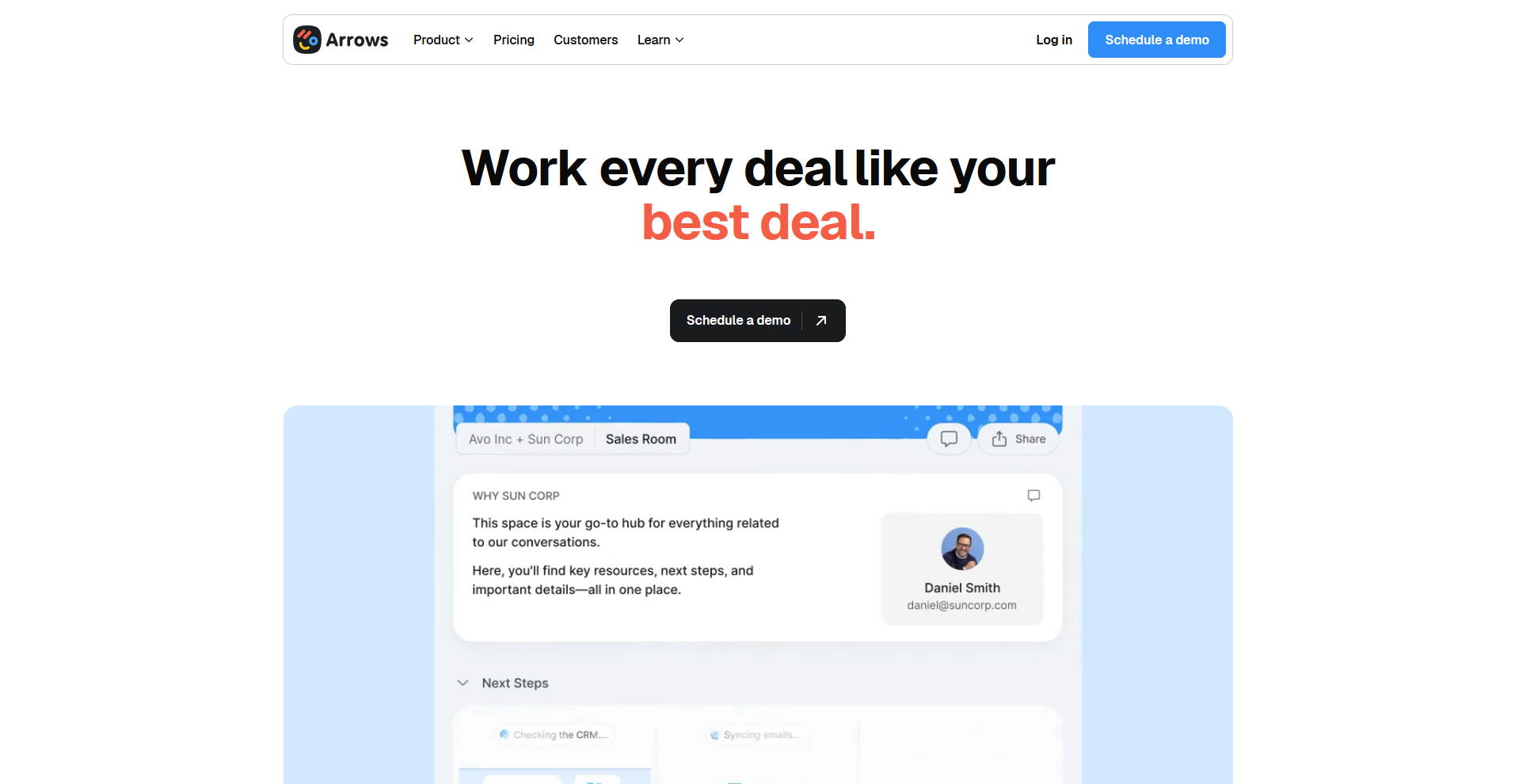
Arrows is a sales room and customer onboarding platform built for teams that run on HubSpot or Salesforce. It connects deal rooms, onboarding plans, and client portals directly to CRM records, keeping deal and onboarding data in sync across both platforms. Teams not on HubSpot or Salesforce may find it less valuable, since many of its strongest features rely on that CRM connection.
Key features
- CRM-connected deal rooms: Create buyer-facing sales rooms that pull contact and deal data directly from HubSpot or Salesforce records.
- Onboarding plan templates: Build reusable onboarding plans with tasks, due dates, and conditional logic that assign steps to specific team members or clients.
- Engagement tracking: Monitor which stakeholders have accessed a room or completed a task, and push that activity data back to your CRM.
Pros
- ✅ The HubSpot and Salesforce integrations sync key deal and onboarding fields automatically, so data stays aligned across your CRM and Arrows without constant manual updates
- ✅ Onboarding plans can adapt based on CRM data, letting teams build more dynamic, client-specific workflows from a single template
- ✅ Engagement alerts can notify your team when prospects or clients interact with a room, so follow-up can happen closer to when they’re active
Cons
- ❌ Teams not using HubSpot or Salesforce may not get as much value, since the platform is designed around those CRM integrations
- ❌ Arrows does not include built-in billing, invoicing, or contract tools, so teams that need those features will need to bring separate tools
Best for
- Sales and customer success teams that manage their entire workflow inside HubSpot or Salesforce
- B2B SaaS companies that need deal rooms and onboarding plans tied to the same CRM record
- Teams that want to reduce manual follow-up through CRM-triggered onboarding workflows
Pricing
Arrows offers custom pricing.
2. Flowla: Best for AI-assisted deal rooms with onboarding and e-signature
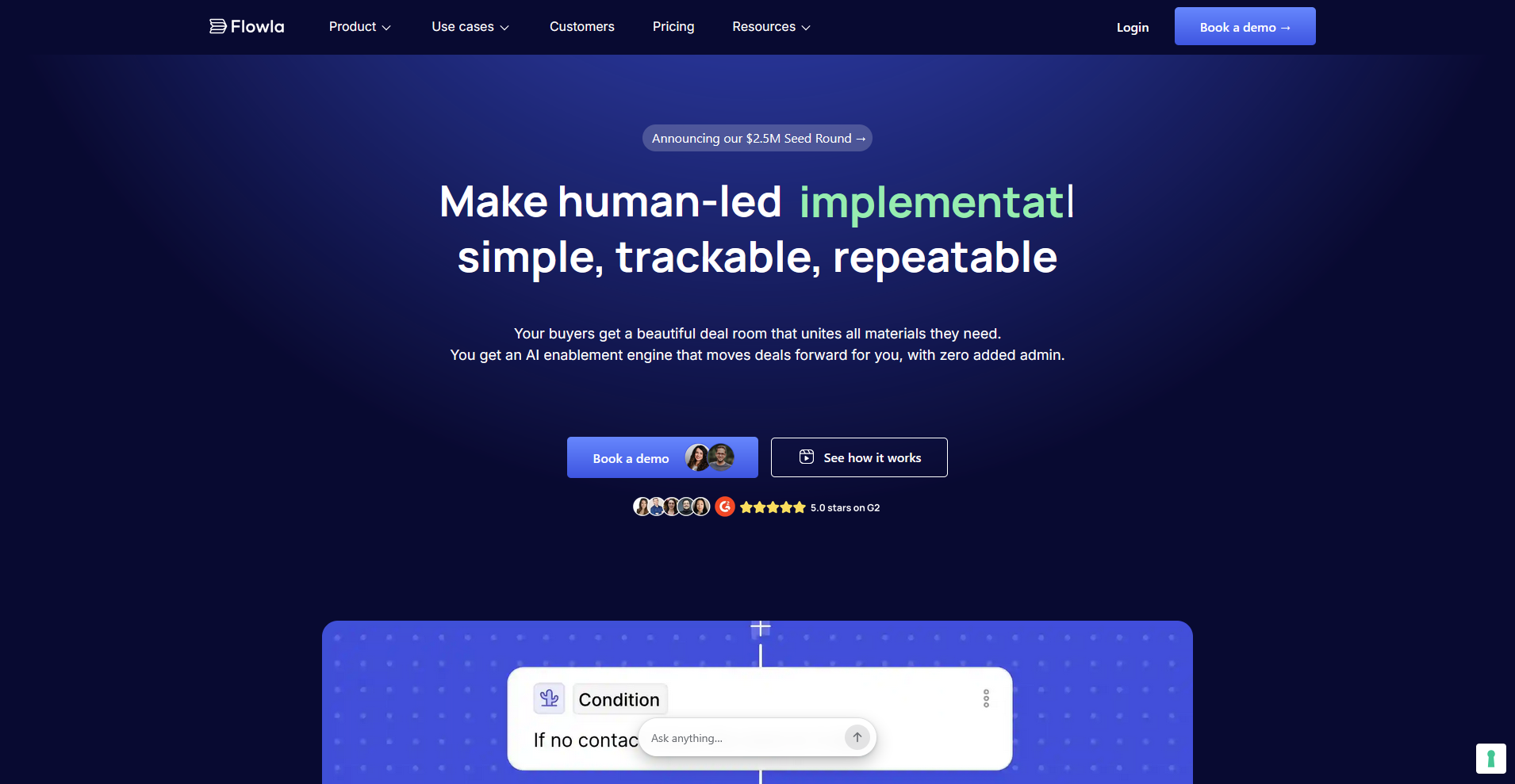
Flowla is a digital sales room platform that covers deal rooms, onboarding plans, mutual action plans, and e-signature in a single shared workspace. AI workflows handle room setup, CRM sync, and CS handoff notes based on deal activity, reducing manual admin across the revenue cycle. It's a newer platform, and some features are still maturing compared to more established tools in the category.
Key features
- AI-assisted room building: Generate personalized deal rooms using CRM data and call notes, with automated workflows that update room content based on deal activity.
- Built-in e-signature: Collect document signatures directly inside the deal room without sending clients to a separate tool.
- Onboarding plans: Build structured client onboarding workflows with tasks, forms, and milestone tracking that carry over from the deal room after signing.
Pros
- ✅ Deal rooms, onboarding plans, mutual action plans, and e-signature all live in one workspace, so clients never need to switch tools or follow multiple links
- ✅ AI workflows can trigger room updates, CRM syncs, and CS handoff notes based on deal activity, reducing manual admin for sales and customer success teams
- ✅ Engagement analytics show which stakeholders viewed what content and for how long, giving teams visibility into deal health between meetings
Cons
- ❌ Flowla is a newer platform, and some workflow features are still maturing, which can mean occasional gaps for teams with complex or highly specific process requirements
- ❌ The platform is built around the sales and CS motion, so teams looking for broader post-sale client management with billing or CRM-of-record functionality will need additional tools
Best for
- Revenue teams that want deal rooms and onboarding to live in the same workspace without a tool switch at handoff
- Sales and CS teams that want to reduce admin through automated room management and CRM sync
- B2B teams that want e-signature included without paying for a separate tool
Pricing
Flowla starts at $49 per seat per month, billed monthly.
3. Assembly: Best for service firms that want a branded client portal with CRM and billing
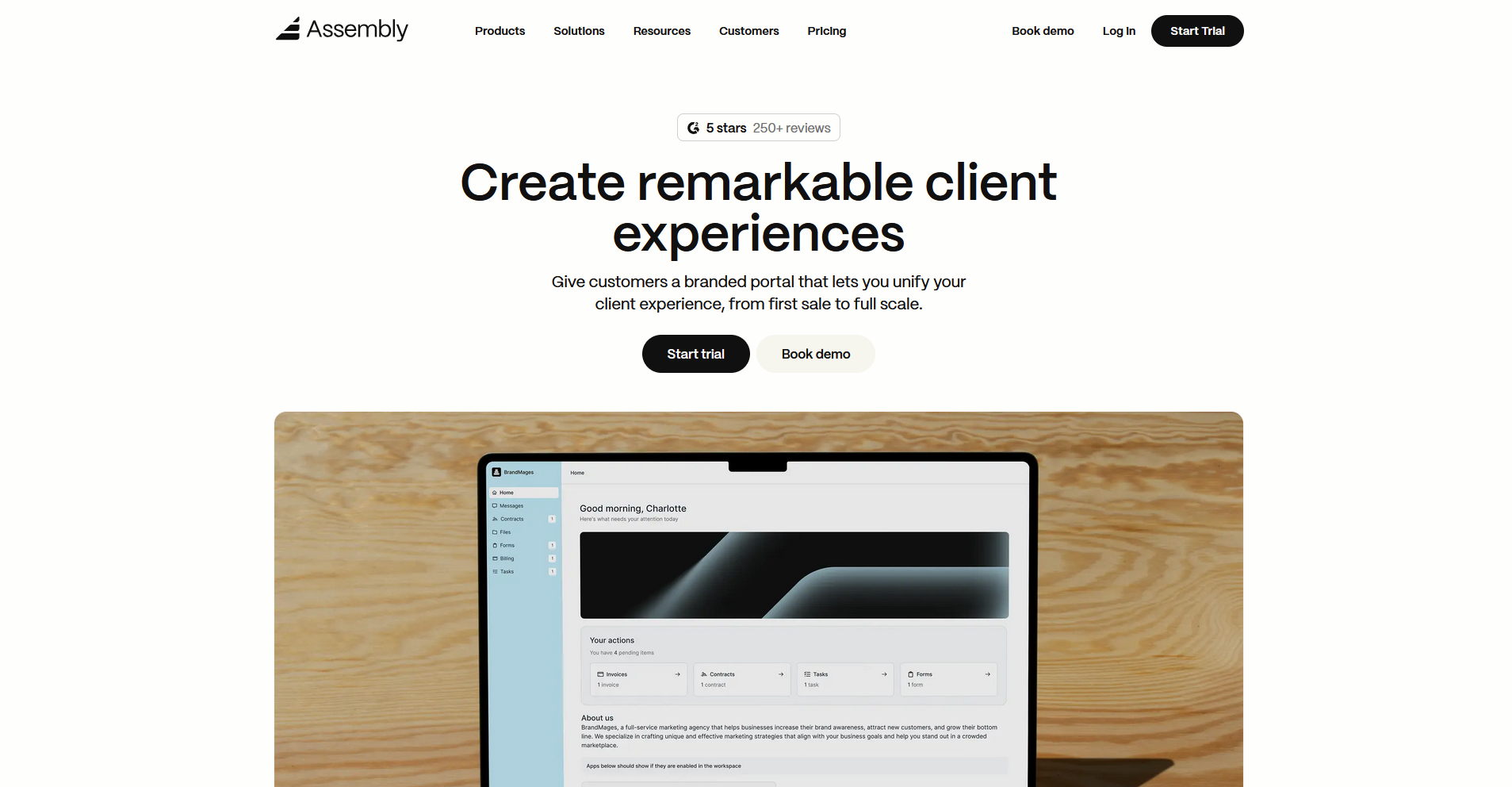
Assembly is a client portal platform that combines CRM, messaging, billing, and task management in one branded workspace for professional service firms. Dynamic client homepages display tailored content to each client automatically, and recurring automations handle routine tasks on a schedule. It's built for post-sale client management, so teams that need a pre-sale deal room may need a different tool.
Key features
- Dynamic client homepages: Display different content to different clients automatically based on custom field tags, so each client sees a homepage tailored to their relationship with your firm.
- Recurring automations: Set time-based triggers that send messages, assign tasks, or deliver forms to clients on a schedule without manual follow-up each time.
- Consolidated payments: Manage invoices, subscriptions, payment links, and stores from a single payments dashboard.
Pros
- ✅ Clients access their own branded portal with a custom domain, so every touchpoint reflects your firm's identity rather than a third-party tool
- ✅ Onboarding automations can trigger welcome messages, forms, contracts, and invoices the moment you invite a new client, reducing manual setup time
- ✅ App Folders let you organize embedded tools and integrations into a structured sidebar, so clients find everything they need in one place
Cons
- ❌ Assembly is built for post-sale client management, so teams that need a pre-sale deal room or a sales workspace similar to Dock's will need a different tool
- ❌ Custom domain, multi-company client support, API access, and custom apps require the Professional plan or above
Best for
- Professional service firms that want a branded client portal platform covering onboarding, billing, messaging, and task management
- Agencies and consultants that need different clients to see different content without manual customization each time
- Service businesses that want to automate recurring client communications and workflows from a single platform
Pricing
Assembly starts at $39 per month.
4. Moxo: Best for service businesses that want structured client workflows with messaging and approvals
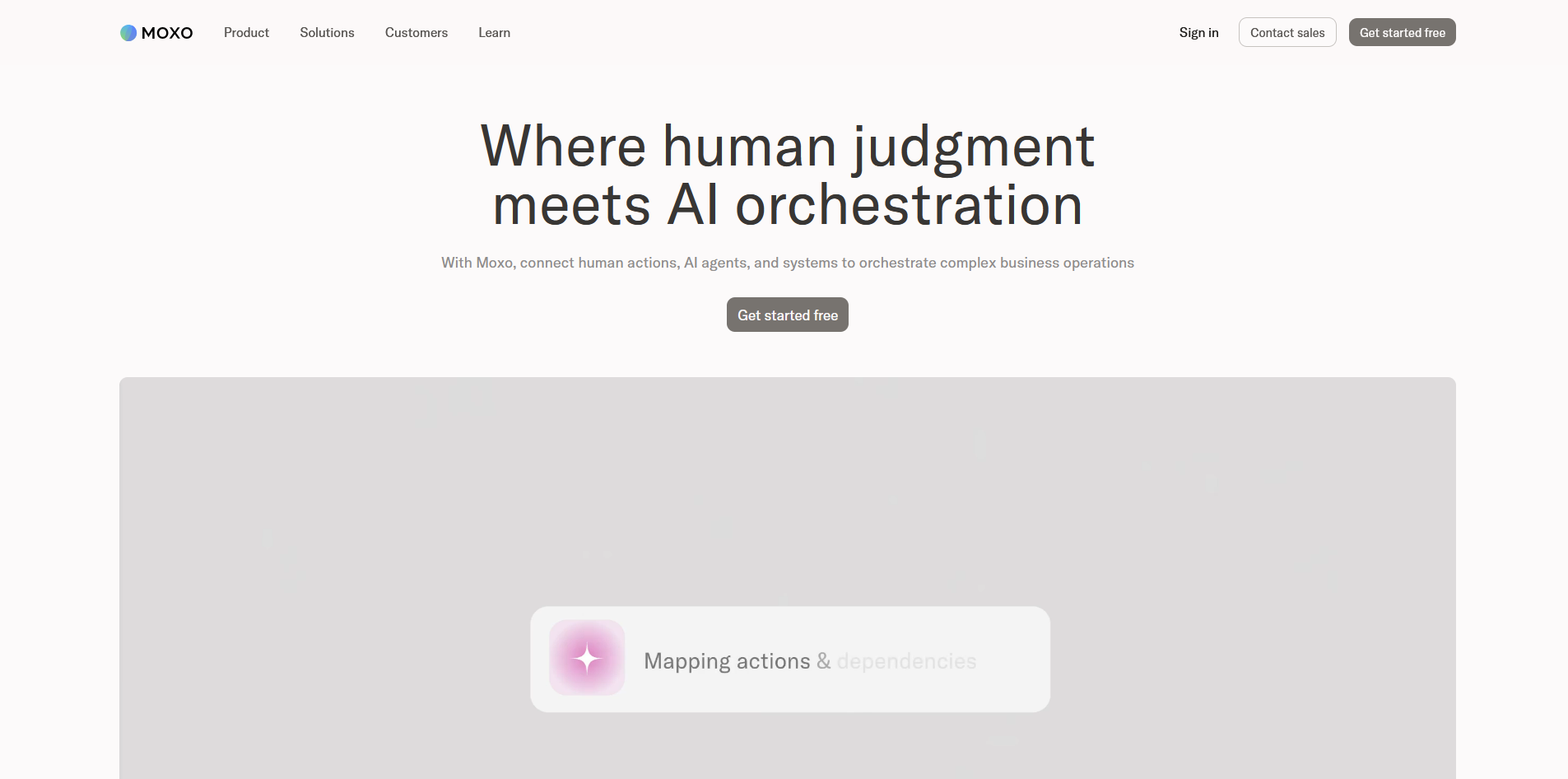
Moxo is a service orchestration platform that centralizes client workflows, messaging, document collection, approvals, and e-signatures in one secure workspace. It's built for firms that run complex, multi-step client processes across financial services, legal, and consulting. Smaller teams may find the setup and pricing more than they need.
Key features
- Workflow builder: Build structured multi-step client workflows with branching logic, approvals, file requests, and e-signatures that cover the full client process from onboarding through ongoing service delivery.
- Secure client portals: Create branded client-facing workspaces where clients can access documents, complete tasks, and communicate with your team in one place.
- AI reporting agent: Surface insights about workflow completion rates and process bottlenecks across client engagements without pulling data manually.
Pros
- ✅ The workflow builder covers approvals, document requests, e-signatures, and task assignments in one structured flow, reducing the need to coordinate across multiple tools
- ✅ Moxo supports compliance-sensitive industries with SOC 2 Type II certification, audit logs, and encrypted file sharing built into the platform
- ✅ Clients can access their workspace and complete tasks through a branded portal without needing to create an account, lowering the barrier to adoption
Cons
- ❌ The platform centers on structured workflow processes, so teams that need a more flexible, unstructured client workspace may find it overly rigid
- ❌ Moxo's entry price of $960 per year can be harder to justify for smaller teams that only need basic client communication and document sharing
Best for
- Service businesses that run multi-step client processes and need approvals, document requests, and messaging in one structured platform
- Financial services, legal, and consulting firms managing compliance-sensitive client workflows with multi-party approvals
- Teams handling document-heavy client relationships that need e-signatures, file requests, and audit trails built in
Pricing
Moxo starts at $960 per year.
5. FuseBase: Best for teams that want client portals with a built-in knowledge base and project tracking
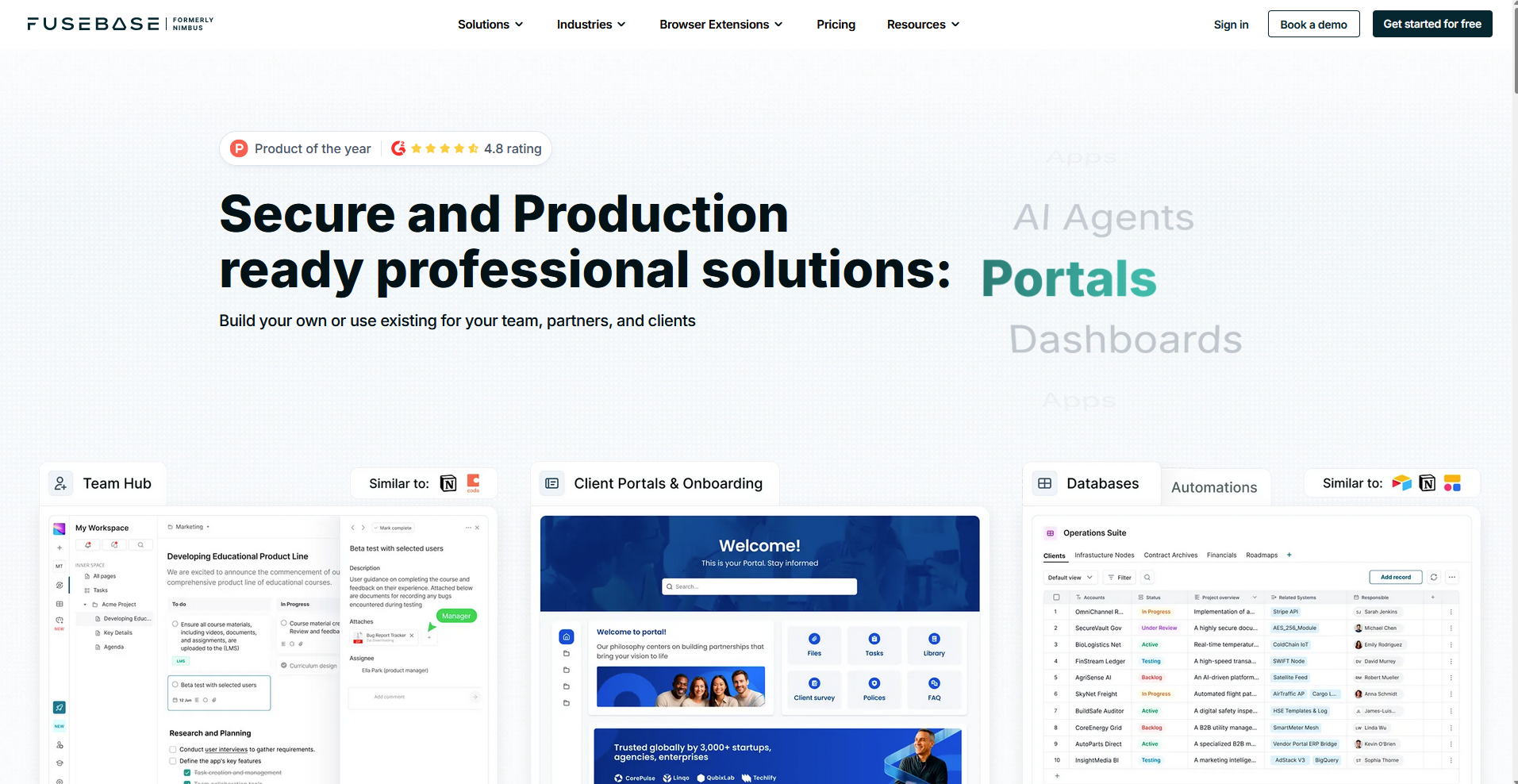
FuseBase is a client portal platform for agencies and consulting teams that combines project tracking, knowledge bases, file sharing, and AI-assisted documentation in one workspace. You can structure knowledge bases to surface different content to different clients and embed dashboards filtered to each client's data. Teams with simpler portal needs may find the feature depth more than they need.
Key features
- Client portal builder: Create branded client-facing workspaces with project tracking, file sharing, forms, and knowledge bases that you can configure per client.
- AI documentation assistant: Record workflows and generate step-by-step guides with screenshots automatically, reducing the time your team spends on manual documentation.
- Dynamic portal filters: Set filters that personalize portal views based on a client's email or group, so each client sees only the content relevant to their account.
Pros
- ✅ The built-in knowledge base lets you structure and deliver content to clients based on their specific needs, reducing repetitive questions without requiring a separate tool
- ✅ AI agents can answer client questions directly inside the portal, trained on your specific content and knowledge base
- ✅ FuseBase supports embedded dashboards with client-specific filters, so agencies can give each client a personalized view of their data without building separate portals
Cons
- ❌ The platform takes time to configure before it runs the way you want
- ❌ FuseBase doesn't include built-in billing or invoicing, so teams that need payments and client management in one platform will need to bring additional tools
Best for
- Digital agencies and consulting teams that need client portals with structured knowledge bases and project tracking
- Teams that want to reduce repetitive client questions by embedding an AI-trained knowledge base directly in the portal
- Client-facing teams that deliver data or analytics and want each client to see a personalized, filtered view
Pricing
FuseBase starts at $32 per month.
6. SuiteDash: Best for service businesses that want white-label portals at a flat monthly rate
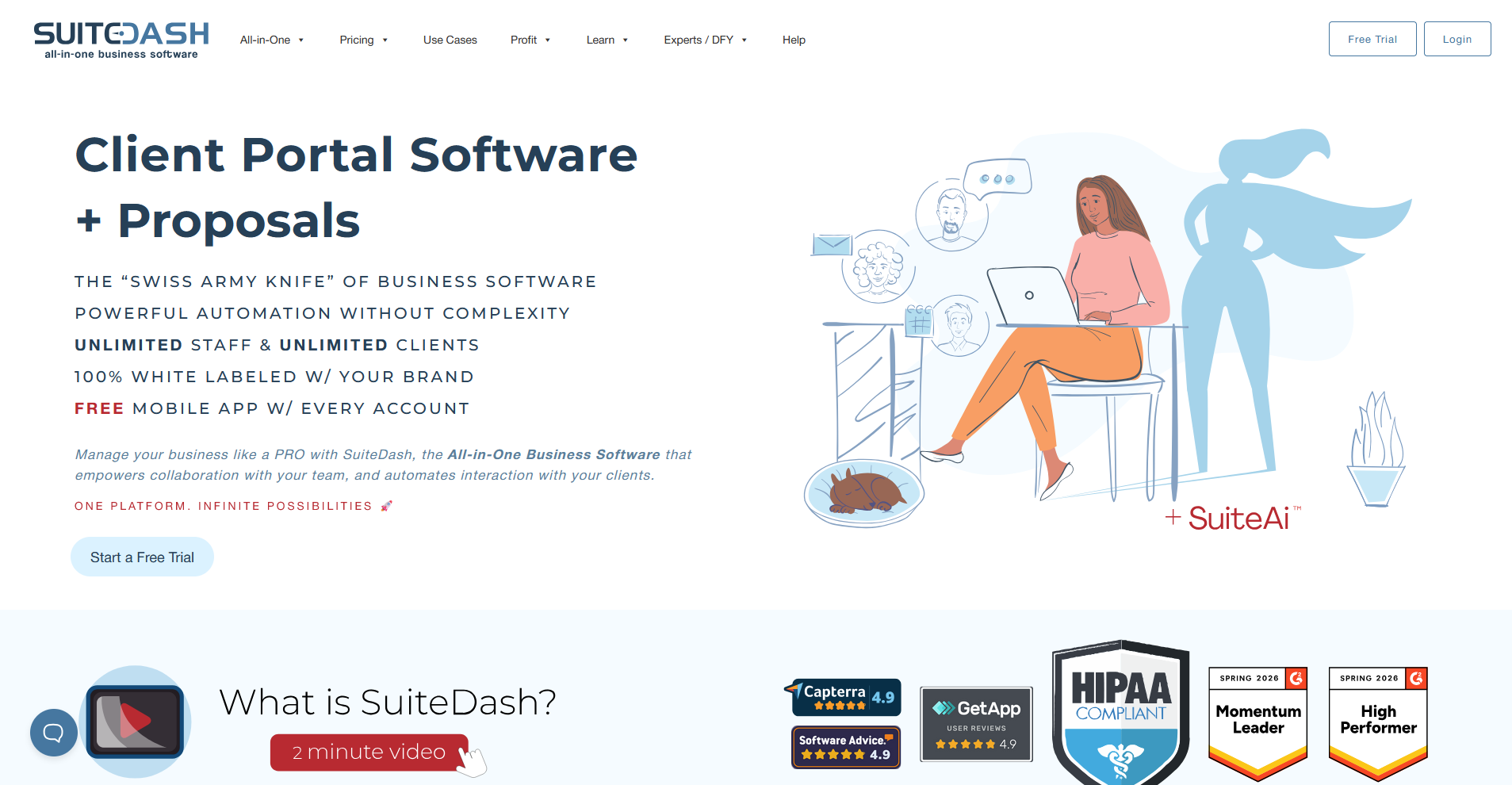
SuiteDash is a client portal platform that covers CRM, project management, invoicing, contracts, and file sharing under a flat-rate subscription with unlimited clients and staff. The portal runs under your own brand with a custom domain, white-label mobile app, and branded login screen. The setup process takes time, and teams that need a portal running quickly may find the learning curve a barrier.
Key features
- Full white-labeling: Apply your own logo, colors, custom domain, and branded mobile app across every client-facing touchpoint, including email notifications and login screens.
- Flat-rate pricing: Access the full feature set with unlimited clients and staff members for a fixed annual cost, with no per-seat or per-client fees added as you scale.
- Automation builder: Create trigger-based workflows that assign tasks, send messages, generate invoices, and move clients through defined processes based on actions or schedules.
Pros
- ✅ The flat-rate pricing model means your costs stay predictable as your client base grows, with no additional charges for adding team members or clients
- ✅ The white-label mobile app lets clients access their portal from their phone under your brand, without any SuiteDash branding visible
- ✅ SuiteDash covers billing, contracts, e-signatures, project tracking, and file sharing in one platform, reducing the number of separate tools a service business needs to run
Cons
- ❌ The platform has a significant setup period before it runs the way you want, and teams that need a portal up and running quickly may find the configuration time a barrier
- ❌ The interface covers a lot of ground, and navigating between modules can feel disjointed compared to more focused tools
Best for
- Service businesses that want full white-label branding across their client portal without paying per seat or per client
- Small to mid-size agencies that need billing, contracts, and project management in one platform at a predictable annual cost
- Teams willing to invest setup time in exchange for deep customization and long-term cost savings
Pricing
SuiteDash starts at $180 per year.
7. Clinked: Best for teams that want a secure, branded portal for file sharing and collaboration
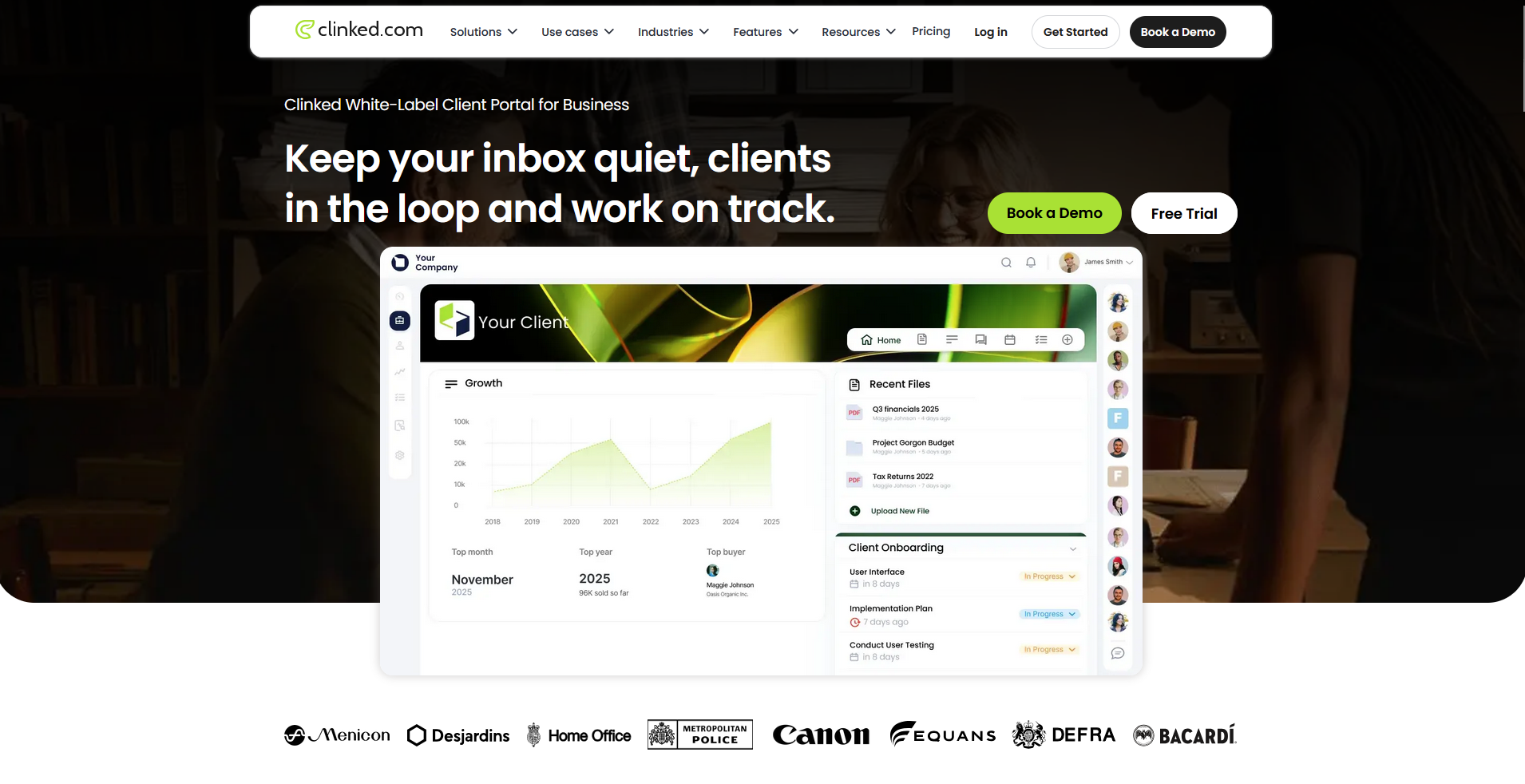
Clinked is a client portal platform built around secure file sharing, project tracking, and client communication for professional services firms in finance, legal, and healthcare. It covers bank-grade encryption, granular permissions, and audit trails in a fully branded workspace. Automation and workflow tools are limited, so teams that need more than file sharing and collaboration may find it restrictive.
Key features
- White-label portal builder: Apply your own logo, colors, and custom domain to create a branded client workspace with a matching mobile app for iOS and Android.
- Secure file sharing: Upload and share files up to 5GB with granular access controls, two-factor authentication, and audit trails that log all client activity in the portal.
- File requests and approvals: Collect documents from clients directly inside the portal and manage sign-offs with e-signature integrations, including Adobe Sign and DocuSign.
Pros
- ✅ Clinked supports unlimited clients and 1TB of storage on paid plans, so growing teams don't face extra charges as their client base expands
- ✅ The audit trail and activity stream log every upload, comment, and action in real time, giving teams full visibility into client engagement without manual tracking
- ✅ The platform is designed for high-security industries, with SSL encryption, two-factor authentication, and granular permissions built in across all plans
Cons
- ❌ Clinked has no built-in billing or invoicing, so teams that need financial management alongside client collaboration will need a separate tool
- ❌ Native workflow automation is limited, and Clinked relies on Zapier for trigger-based processes rather than offering built-in automation
Best for
- Professional services firms in finance, legal, or healthcare that need a secure, branded portal for document sharing and client collaboration
- Teams that prioritize audit trails, granular permissions, and encryption over workflow automation
- Businesses that want unlimited clients and storage without per-client pricing as they scale
Pricing
Clinked starts at $8.80 per user per month, billed annually.
8. HubSpot Sales Hub: Best for HubSpot teams that want to consolidate deal rooms and client communication
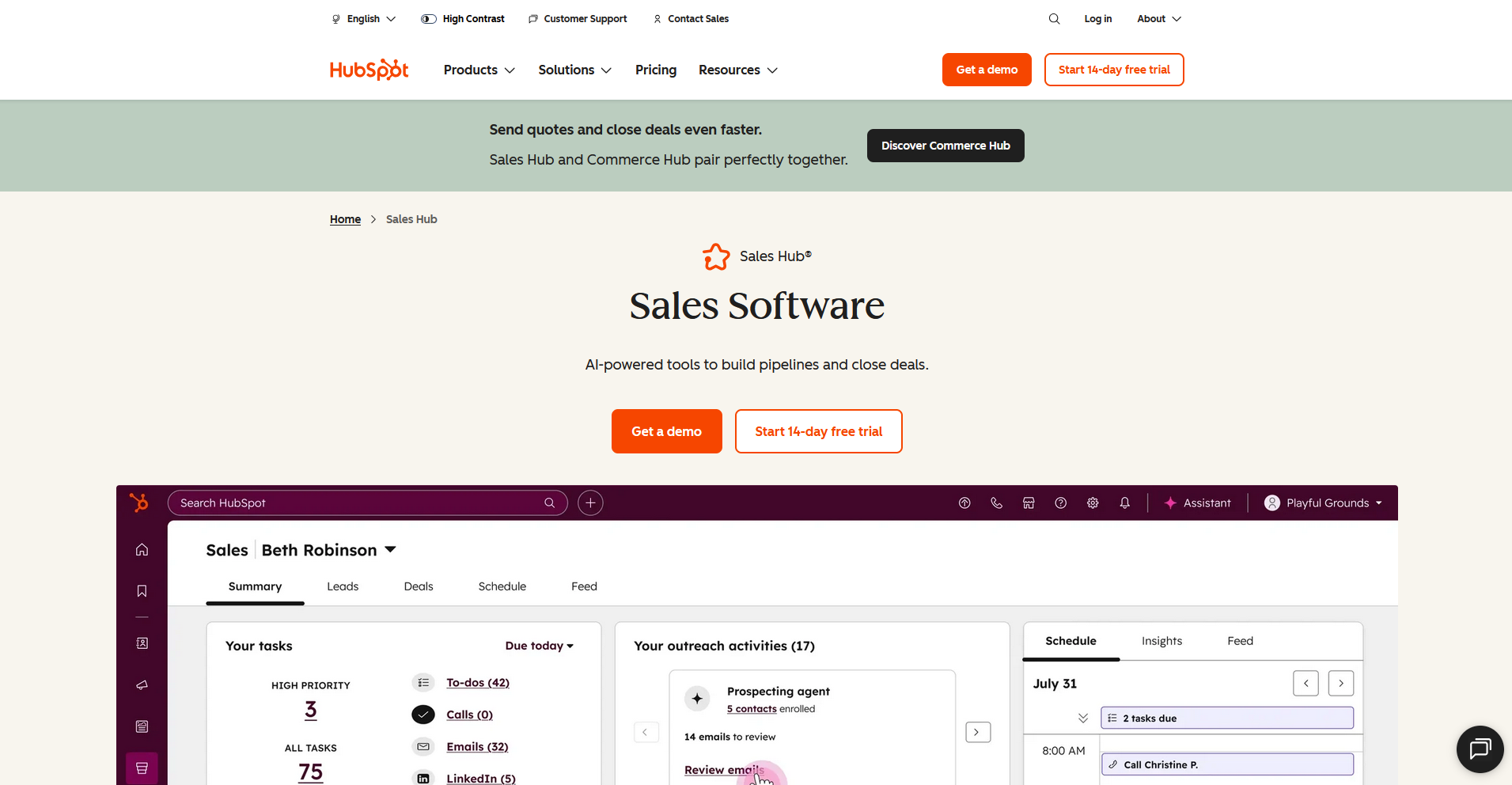
HubSpot Sales Hub is a sales platform that covers pipeline management, deal tracking, email sequences, and AI-assisted deal insights for teams already on HubSpot. It keeps deal data, communication, and forecasting in one CRM, but doesn't include a native buyer-facing deal room, so teams that need one will need to connect a separate tool.
Key features
- Sales Workspace: View and manage your full deal pipeline with predictive deal scores, guided next steps, and AI-generated deal insights pulled from calls, emails, and notes.
- Email sequences and tracking: Build automated follow-up sequences and track when prospects open emails or click links, with activity logged directly to the contact record.
- AI meeting assistant: Generate call summaries and suggested next steps automatically after meetings, and sync that context back to the associated deal in HubSpot.
Pros
- ✅ All deal activity, client communication, and pipeline data live in one CRM, so teams don't need to reconcile data across multiple platforms
- ✅ The predictive deal score and guided actions surface which deals need attention and what to do next, without requiring manual pipeline reviews
- ✅ HubSpot's ecosystem of native integrations means teams can connect deal rooms, onboarding tools, and client portals from a single platform without rebuilding their stack
Cons
- ❌ HubSpot doesn't include a native buyer-facing deal room, so teams that need a client-facing collaborative workspace will need to integrate a separate tool like Arrows or Flowla
- ❌ The features most relevant to replacing Dock sit on the Professional plan, which is a significant price jump from the Starter tier
Best for
- Teams already on HubSpot that want to consolidate deal management, client communication, and pipeline tracking without adding another platform
- Sales teams that want AI-assisted deal insights and automated follow-up sequences built into their existing CRM workflow
- Organizations that plan to pair HubSpot with a dedicated deal room tool and want a strong CRM foundation to build on
Pricing
HubSpot Sales Hub starts at $7 per seat per month.
How to evaluate Dock alternatives
Dock alternatives vary widely, from lightweight deal rooms to full client portal platforms that cover the entire post-sale relationship. The right fit depends on a few key factors:
- Where in the client lifecycle you need coverage: Some tools are built purely for the pre-sale deal room, while others extend into onboarding, project delivery, and ongoing client management. If you need coverage beyond the deal closing stage, it's worth confirming how far each tool actually goes before committing.
- How important branding is to your client experience: Some platforms let you fully white-label the client-facing workspace with your own domain, logo, and colors. Others keep their own branding visible unless you pay for a higher tier. If a polished, branded experience matters to your clients, that narrows your options considerably.
- Whether CRM integration is a hard requirement: Several tools on this list are built around HubSpot or Salesforce, which is a major advantage if you're already on those platforms. If you're not, that tight coupling can add complexity rather than reduce it.
- Internal user limits vs. client limits: These are 2 different pricing constraints and they work differently across tools. Some platforms charge per internal team member, others charge based on how many clients you have, and some apply both. Getting clear on which constraint applies to your business can help you avoid surprises as you scale.
- How much setup you're willing to do: Some tools work out of the box with minimal configuration. Others offer deep customization but can take weeks before they run the way you want. If you need something running quickly, that trade-off matters as much as the feature set.
The client experience your business delivers depends on the tools behind it
Many teams searching for Dock alternatives aren't just looking for a different deal room. They want something that handles more of the client relationship without stitching together a separate tool for every piece. The tools on this list take different approaches, and the right one depends on how much of that lifecycle you want to manage in one place.
If you're running a professional service firm and want a branded client portal platform that covers onboarding, billing, and ongoing client communication, Assembly is worth considering. Dynamic client homepages, recurring automations, and a built-in CRM can help you deliver a more consistent experience across every client relationship.
Start your free Assembly trial today.
Frequently asked questions
What is the best Dock alternative?
Arrows, Flowla, and Assembly are among the strongest Dock alternatives depending on your use case. Arrows suits teams on HubSpot or Salesforce, Flowla works well for revenue teams that want deal rooms with onboarding and e-signature included, and Assembly is the stronger fit for professional service firms that need a branded client portal with billing and post-sale client management built in.
Does Dock have a free plan?
Yes, Dock offers a free plan for up to 10 client workspaces with standard integrations, including Slack and Loom. Paid plans unlock CRM integration, white-label branding, and more advanced workspace management tools.
What is Dock used for?
Dock is used to create client-facing workspaces for digital sales rooms, mutual action plans, customer onboarding portals, and client portals. It connects with CRMs like HubSpot and Salesforce to automate workspace creation and keep deal data in sync.
Is Dock only for SaaS companies?
Dock is built primarily with SaaS sales and customer success teams in mind, and its CRM integrations reflect that. Teams outside of SaaS can use it, but some features, particularly the deep HubSpot and Salesforce workflows, are less relevant for professional service firms or agencies that don't run those platforms.