
11 Best Rocketlane alternatives in 2026: Features & pricing
Rocketlane alternatives cover onboarding, project management, and client delivery. Here are the 11 I'd recommend after researching dozens of options in 2026.


GUIDEcx, monday.com, and Assembly are some of the strongest Rocketlane alternatives for service teams in 2026. After researching dozens of tools, here are the 11 worth considering, covering what each one does well, where it falls short, and who it's built for.
11 Best Rocketlane alternatives: At a glance
| Tool | Best for | Starting price |
|---|---|---|
| Assembly | Service businesses that want a branded client portal with built-in CRM | $39/month |
| GUIDEcx | Teams focused on structured client onboarding and project visibility | Custom pricing |
| monday.com | Teams that want flexible project management for client delivery | $9/seat/month |
| Asana | Teams that need task-based project tracking with collaboration | $10.99/user/month |
| Kantata | Mid-market firms needing PSA and resource planning | Custom pricing |
| Wrike | Enterprise teams needing advanced workflow automation | $10/user/month |
| ClickUp | Teams that want a flexible, budget-friendly all-in-one workspace | $7/user/month |
| Arrows | HubSpot users that want onboarding inside their CRM | Custom pricing |
| Scoro | Agencies that need project management + billing + PSA | $19.90/user/month |
| OnRamp | Small teams needing a lightweight onboarding solution | Custom pricing |
| ClientEnforce | Small agencies needing structured onboarding with e-sign | $30/month |
*Pricing correct as of June 2026. Verify with vendor.
Why look for Rocketlane alternatives?
Rocketlane works well for service teams that need a structured, client-facing onboarding and delivery platform. However, a few limitations tend to come up as teams grow:
- Reporting has gaps: Users on review sites like G2 and Capterra say advanced or custom reporting can be tricky to configure. They call out limitations around calculated fields and how flexible some default settings are.
- Key features sit behind higher tiers: Salesforce integration, resource management, and financial tracking are typically available only on higher plans, which can put them out of reach for smaller or leaner service teams.
- The scope may not fit every team: Rocketlane is designed as a professional services automation (PSA) and delivery platform with strong onboarding and implementation workflows. Teams that need lighter-weight project management, a highly customized branded client portal, or deeper, native CRM functionality may still find the tool narrower or heavier than they want.
TL;DR: Which Rocketlane alternative should you choose?
The right Rocketlane alternative depends on how structured your delivery workflow is, how important the client-facing experience is, and whether you need PSA-level features like resource and financial management.
Choose:
- GUIDEcx if you want a dedicated onboarding platform that gives both your team and your clients full project visibility. It's built specifically for onboarding, so it may feel limiting if you need broader project management beyond that scope.
- monday.com if you want a highly flexible project management tool your team can shape to fit almost any delivery workflow. The open-ended setup can take time to configure in a way that works consistently.
- Asana if you want structured task management with good collaboration features and a wide integration library. It works well for project delivery, but it doesn't offer the financial or resource management depth that PSA tools do.
- Kantata if you run a mid-market professional services firm and need resource planning, financial tracking, and utilization reporting built into your delivery workflow. It's a heavier platform that takes time to implement well.
- Assembly if you want a branded client portal platform with CRM-style client records, messaging, billing tools, and automations for managing the full client relationship. It's more focused on the client-facing experience than on deep internal project execution features.
Stick with Rocketlane if the structured onboarding workflows, built-in time tracking, and client collaboration features are already working well for your team and you don't need a deeper CRM or branded portal layer.
1. GUIDEcx: Best for service teams that want dedicated client onboarding with full project visibility
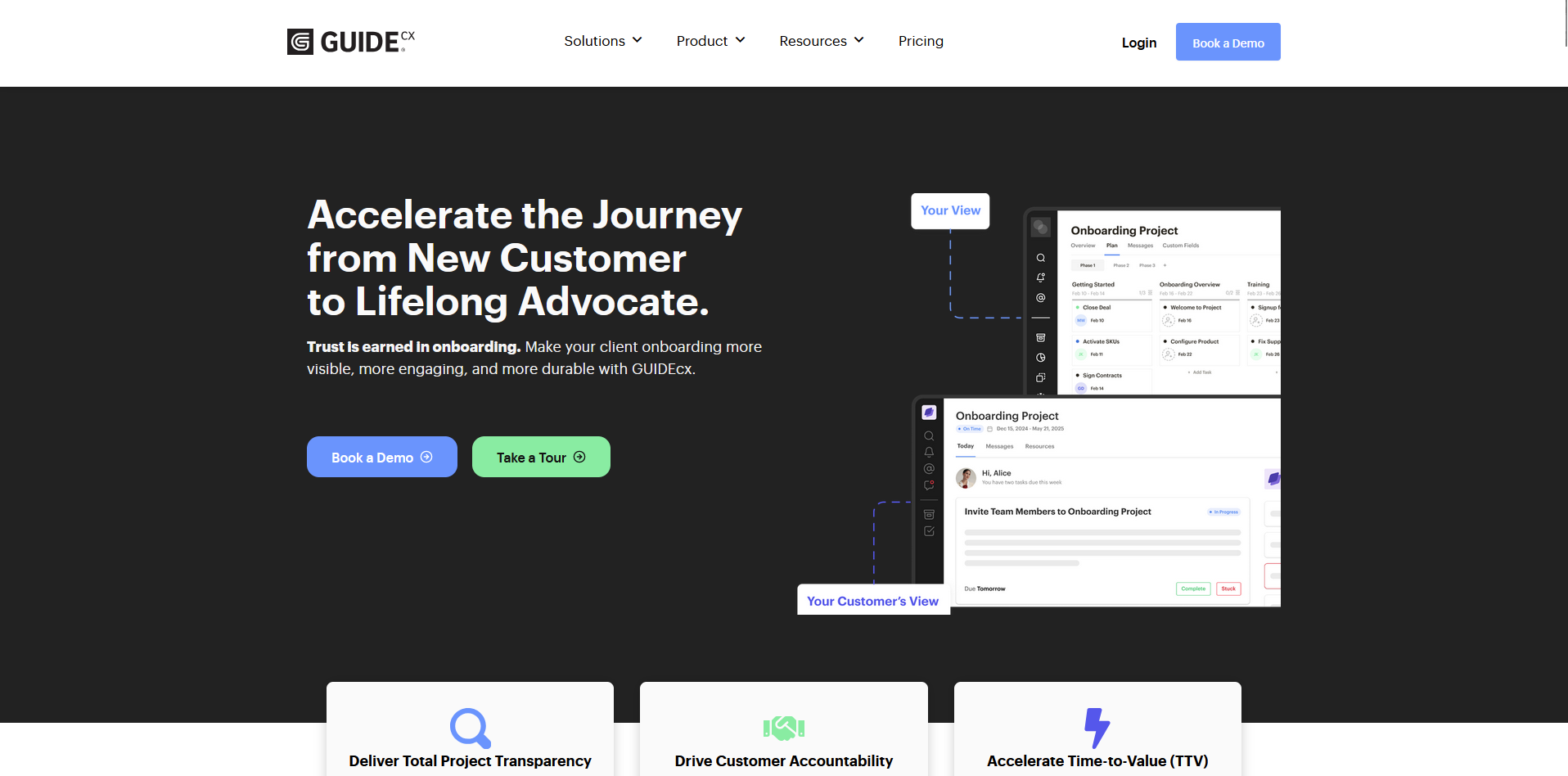
GUIDEcx is a client onboarding platform built for teams managing complex, multi-step implementations across internal and external stakeholders. The shared portal keeps tasks, reminders, and progress tracking in one place, reducing reliance on email chains. Advanced analytics and reporting are stronger on higher tiers than on the entry-level plans.
Key features
- Shared onboarding portal: Give internal teams, clients, and third-party vendors access to the same project view, tasks, and status updates in one place.
- Automated task reminders: Trigger reminders and notifications based on task deadlines and project milestones to keep all participants on track.
- Onboarding templates: Build reusable project templates with predefined task sequences that you can apply across new client onboardings.
Pros
- ✅ Clients can interact with their onboarding project through the portal, email, or mobile app without needing to learn a new tool
- ✅ Management can open any project and check current status without having to follow up with the team directly
- ✅ Role-based permissions let you control what internal users, clients, and third-party vendors can see and do within each project
Cons
- ❌ Custom reporting options are lighter on lower tiers, which can make it harder to build reports that match your team's specific workflow
- ❌ The default search behavior applies filters automatically, which can hide older or stalled projects until you manually adjust the settings
Best for
- Service teams running high-volume, structured client onboarding with multiple internal and external stakeholders
- Implementation and customer success teams that need full project visibility across every active onboarding
- B2B teams that want clients to track their own onboarding progress without relying on status update emails
Pricing
GUIDEcx offers custom pricing.
2. monday.com: Best for teams that want flexible project management for client delivery
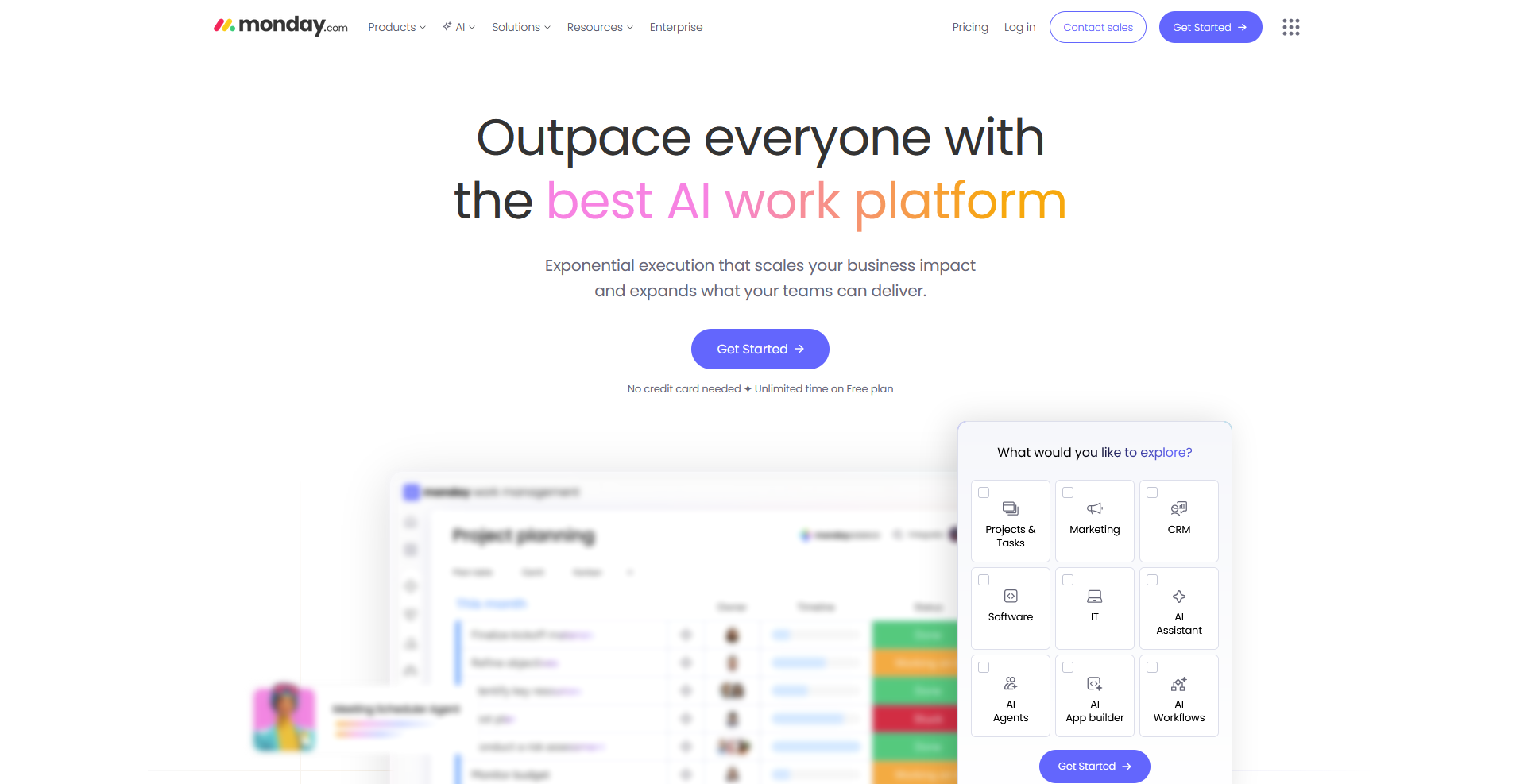
monday.com is a visual project management platform built around customizable boards, workflows, and automations that you can shape to fit most delivery processes. The integration library covers a wide range of tools service teams already use, though some reporting views lack depth and key features like time tracking and Gantt-style timeline views sit on higher-tier plans.
Key features
- Customizable project boards: Build boards with your own columns, views, and groupings to match how your team tracks tasks and client deliverables.
- Workflow automations: Set up rules that trigger status changes, notifications, and task assignments based on conditions you define.
- Cross-project dashboards: Pull data from multiple boards into a single dashboard to track progress, workloads, and deadlines across projects.
Pros
- ✅ Boards, columns, and views can be tailored to suit a wide range of team workflows without needing technical knowledge to configure
- ✅ Automations cover repetitive tasks like status updates, deadline reminders, and task assignments, reducing manual coordination
- ✅ The integration library connects with tools like Salesforce, HubSpot, Slack, and Google Drive, so teams can keep their existing stack in place
Cons
- ❌ Time tracking and Gantt-style timeline views are locked to higher-tier plans, which limits core project management functionality on lower tiers
- ❌ Clients access shared board views inside your monday.com workspace rather than a dedicated branded portal, which may not suit every service business
Best for
- Teams that want a highly configurable project management tool they can adapt to their own delivery workflow
- Service businesses managing multiple concurrent projects across different clients or departments
- Teams already using HubSpot, Salesforce, or Slack that want project management to connect directly with their existing tools
Pricing
monday.com starts at $9 per seat per month.
3. Asana: Best for teams that want task-based project tracking with client collaboration
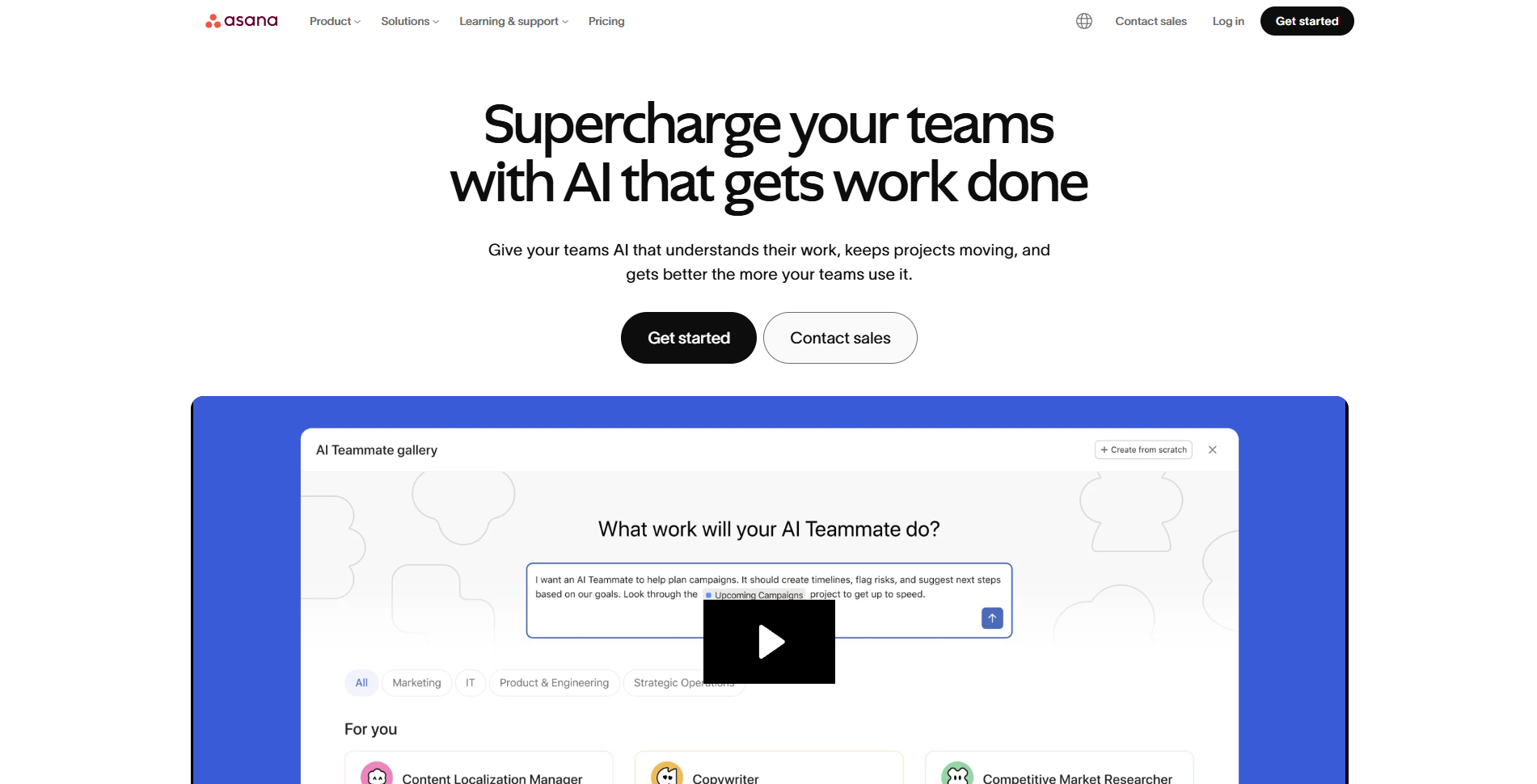
Asana is a project management platform built around task tracking, timelines, and workflow automation for teams managing multiple projects. The integration library connects with a wide range of tools, and the interface is easy to navigate. Native time tracking is only on higher tier plans, and clients access shared project views inside your Asana workspace rather than a standalone branded portal.
Key features
- Multiple project views: Display tasks and timelines across list, board, timeline, and calendar views so teams can track work in the format that suits them.
- Workflow builder: Connect tasks, approvals, and team members into automated sequences that move work forward based on conditions you set.
- Custom dashboards: Pull task status, deadlines, and project health data into a single view across multiple projects.
Pros
- ✅ Task dependencies, due dates, and assignees are easy to set up, making it straightforward to track who is responsible for what across client projects
- ✅ The integration library covers over 200 tools, including Slack, Salesforce, HubSpot, and Google Drive
- ✅ Project templates give teams a reusable starting point for recurring client workflows without building from scratch each time
Cons
- ❌ Native time tracking is only available on higher tiers, which can be a gap for service teams that bill hourly or need to monitor team capacity across projects
- ❌ Advanced features like custom fields, reporting dashboards, and workflow automation are locked behind paid tiers
Best for
- Teams that want structured task management with clear ownership, deadlines, and dependencies across client projects
- Service businesses managing multiple concurrent projects that need a reliable, widely adopted platform
- Teams already using tools like Slack, HubSpot, or Salesforce that want project management to connect with their existing stack
Pricing
Asana starts at $10.99 per user per month.
4. Kantata: Best for mid-market firms that want PSA with resource and financial management
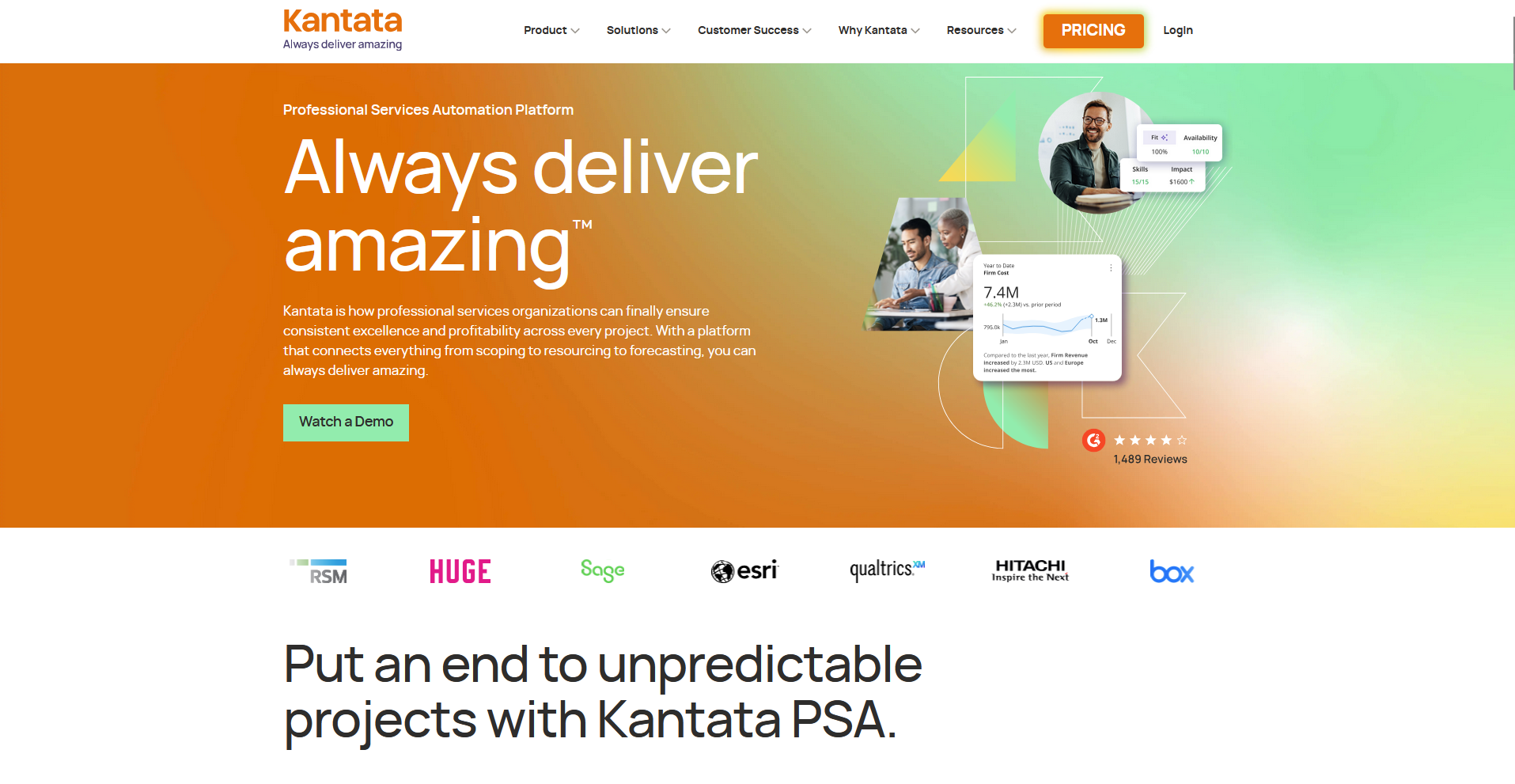
Kantata is a PSA platform for mid-market to enterprise firms that connects resource planning, financial tracking, and project delivery in one system. You can manage utilization, forecast capacity, track project margins, and generate invoices without switching between tools. The platform requires meaningful implementation effort and may need dedicated admin resources to maintain.
Key features
- Resource management: Plan team capacity, match resources to projects based on skillsets and availability, and track utilization across your entire workforce.
- Financial management: Track project budgets, margins, and revenue recognition, and generate invoices directly from logged time and expenses.
- Business intelligence reporting: Pull project performance, resource utilization, and profitability data into configurable reports and dashboards.
Pros
- ✅ Resource planning and capacity forecasting give delivery leaders visibility into team availability before projects are confirmed
- ✅ The platform connects directly with Salesforce, NetSuite, HubSpot, and a large ecosystem of other tools, keeping operational data in sync across your stack
- ✅ Financial data, time tracking, and project delivery live in one system, which can reduce the manual reconciliation work that often happens across separate tools
Cons
- ❌ The platform requires significant configuration and implementation effort, and teams typically need dedicated admin support to maintain it ongoing
- ❌ Template and Gantt chart functionality has limitations that some users find restrictive, particularly when managing projects with many line items or custom fields
Best for
- Mid-market professional services firms that need resource forecasting, utilization tracking, and financial management alongside project delivery
- Consultancies and agencies running complex, multi-resource engagements where margin visibility is a priority
- Organizations already on Salesforce that want a PSA with deep Salesforce integration to sit alongside their existing CRM
Pricing
Kantata offers custom pricing.
5. Assembly: Best for service businesses that want a branded client portal platform with built-in CRM
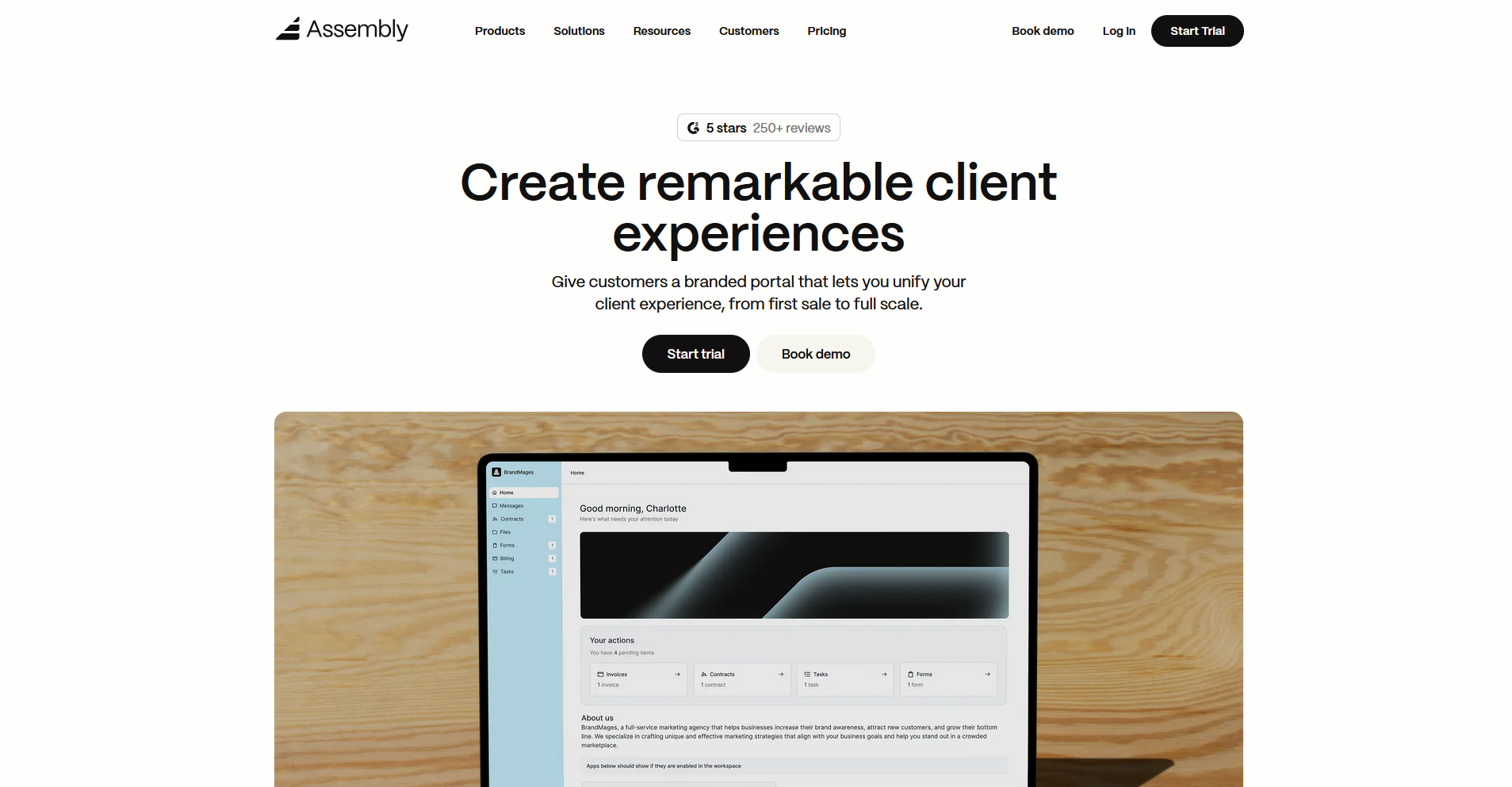
Assembly is a client portal platform for service firms that want a tailored client-facing experience with messaging, billing, and project delivery in one place. Every client gets a portal under your own domain, with dynamic homepages, App Folders, and consolidated payments. The platform focuses on post-sales client management, so teams that need pre-sales pipeline tracking will need a separate tool.
Key features
- Dynamic client homepages: Display personalized portal content to each client automatically based on custom field tags, so every client sees a homepage relevant to their relationship with your firm.
- Consolidated payments: Manage invoices, subscriptions, payment links, and your store from a single payments page, with analytics and transaction history in one view.
- Recurring automations: Set time-based triggers that send messages, assign tasks, and push forms to clients on a schedule you define, without manual follow-up.
Pros
- ✅ Clients get a fully branded portal under your own domain, and App Folders let you group tools and resources in a way that makes sense for each client relationship
- ✅ Client details, custom fields, internal notes, and team messaging are accessible directly from Messages, Files, and Notifications, keeping context in reach across the platform
- ✅ The platform is SOC 2 Type II, HIPAA, and GDPR compliant, which covers most compliance requirements for professional service firms handling sensitive client data
Cons
- ❌ Assembly is focused on post-sales client management, so teams that need pipeline tracking or pre-sales CRM functionality will need a separate tool for that
- ❌ Custom domain, multi-company client support, API access, and custom apps require the Professional plan or above
Best for
- Professional service firms that want to deliver a branded, client-facing portal with messaging, billing, and task management in one place
- Agencies, consultants, and accountants managing ongoing client relationships who want clients to have a dedicated, on-brand workspace
- Teams that want to automate onboarding steps like welcome messages, contracts, and first invoices without manually triggering each one
Pricing
Assembly starts at $39 per month.
Special mentions
These tools didn't make the main list, but depending on what you're switching from and what your team needs, one of them could be the closer fit.
Here are 6 more Rocketlane alternatives worth considering:
- Wrike: An enterprise-grade project management platform built for teams managing complex, cross-functional workflows. The Gantt charts, custom dashboards, and workflow automation give larger delivery teams strong visibility across projects. The interface can feel dense, and new users tend to need meaningful ramp-up time before the platform runs smoothly.
- ClickUp: A highly flexible project management platform that can support client-facing delivery through shared task views, docs, and automation rules. The breadth of views makes it adaptable to a wide range of service team setups. Clients access shared spaces inside your ClickUp workspace rather than a standalone branded portal, which may not work for every service business.
- Arrows: A client onboarding platform built natively inside HubSpot, syncing detailed onboarding data back into your CRM in real time. The handoff from deal to onboarding plan can be tight and largely automated for teams already running sales and customer success in HubSpot. Outside of HubSpot, Arrows functions more like a basic onboarding tool.
- Scoro: A PSA platform that connects project management, resource planning, time tracking, and invoicing for agencies and consultancies. Margin tracking and utilization data are available in one system, which is useful for delivery teams watching profitability. There's no dedicated client messaging, so teams that rely on in-context client communication may need to supplement it.
- OnRamp: A client onboarding platform focused on guided customer journeys with shared task visibility and automated follow-ups. The conditional logic in its automation builder can handle more complex onboarding flows, and the client-facing portal is easy to follow. Teams needing broad portfolio management or deep CRM integrations beyond onboarding may find the scope limited.
- ClientEnforce: A structured onboarding platform covering document collection, e-signatures, step enforcement, and automated reminders in one client portal. It suits small agencies that need a repeatable intake process with an audit trail across accounts. Teams that need project management depth or a full CRM layer alongside onboarding will likely need additional tools.
How to evaluate Rocketlane alternatives
Rocketlane alternatives range from lightweight onboarding tools to full PSA platforms with resource management and financial tracking built in. The right fit depends on how complex your delivery workflow is and how much of the client relationship you want to manage in one place.
Here’s what to consider:
- How structured your delivery workflow needs to be: Some tools are built around flexible task management you shape yourself. Others enforce a defined structure with stages, milestones, and required steps. Teams delivering a repeatable service tend to get more from a structured approach than from an open-ended workspace they configure themselves.
- How client-facing your platform needs to be: Some tools on this list give clients access to shared project views inside your workspace. Others provide a fully branded portal with a custom domain, dedicated login, and tailored content. If the client experience matters to how your firm presents itself, it's worth looking closely at what clients actually see when they log in.
- Whether you need PSA-level features: Tools like Kantata and Scoro include resource planning, utilization tracking, and financial management alongside project delivery. I'd only go this route if you're running a larger professional services team that genuinely needs visibility into margins and capacity.
- How much your CRM integration matters: Several tools on this list connect tightly to HubSpot or Salesforce, which can make the handoff from sales to onboarding much cleaner. If your team already lives in a CRM, I'd confirm how deeply each alternative integrates before committing.
- How much setup you're willing to do: Some tools work with minimal configuration out of the box. Others offer deep customization but can take weeks before they run the way you want. If you need something running quickly, that trade-off matters as much as the feature set.
The tools you choose define the client experience you deliver
Many teams searching for Rocketlane alternatives aren't just looking for a different project tool. They want something that handles more of the client relationship without stitching together a separate platform for every piece. The tools on this list take different approaches, and the right one depends on how much of that relationship you want to manage in one place.
If you're running a professional service firm and want a branded client portal platform that covers onboarding, billing, messaging, and ongoing client communication, Assembly is worth considering. Dynamic client homepages, a built-in CRM, and automations can help you deliver a more consistent experience across every client relationship.
Start your free Assembly trial today.
Frequently asked questions
What is the best Rocketlane alternative?
GUIDEcx, monday.com, and Assembly are among the strongest Rocketlane alternatives, depending on what your team needs. GUIDEcx works well for dedicated onboarding workflows, monday.com suits teams that want flexible project delivery, and Assembly is worth considering if a branded client portal with built-in CRM is a priority.
What is the difference between a client onboarding tool and a PSA platform?
A client onboarding tool focuses on guiding new clients through a structured intake process with tasks, milestones, and shared visibility, while a PSA platform covers the full professional services workflow, including resource planning, time tracking, and financial management alongside project delivery.
Is Rocketlane good for small businesses?
Yes, Rocketlane can work for small service businesses running structured client onboarding or implementation workflows. The Essential plan starts at $19/user/month (minimum of 5 users), billed annually, and covers core project management, time tracking, and a branded client portal. Teams that only need lightweight task management may find the platform broader than necessary for their scale.