
31 Best marketing project management software for 2026
Not all marketing project management software handles client delivery well. I tested 31 across campaigns, content, and client work to find the best fits for 2026.


Marketing project management software helps teams plan campaigns, manage content workflows, and coordinate client delivery in one place. After testing dozens of platforms, here are the 31 best options for marketers in 2026.
31 Best marketing project management software: Quick comparison
| Tool | Best for | Starting price (annual) | Strengths |
|---|---|---|---|
| monday.com | Visual teams planning campaigns with dashboards | $12/user/month (min. 3 users) | Strong campaign, content, and resource views |
| ClickUp | Teams needing deep task control and flexibility | $7/user/month | Highly customizable views for any workflow |
| Asana | Teams using structured workflows and templates | $10.99/user/month | Clear dependencies and reusable workflows |
| Assembly | Marketing teams needing client portals + delivery | $39/month | Client-linked tasks and dynamic client dashboards |
| Wrike | Cross-team collaboration with request workflows | $10/user/month | Strong intake forms and collaboration tools |
| Smartsheet | Teams preferring spreadsheet-style planning | $9/user/month | Spreadsheet UI with dashboards and Gantt charts |
| Trello | Small teams managing simple task boards | $5/user/month | Lightweight Kanban for content planning |
| Notion | Teams building flexible workspaces | $10/user/month | Docs, databases, and calendars in one tool |
| Hive | Teams needing proofing and time tracking | $5/user/month | Approvals, annotations, and multiple views |
| Teamwork.com | Agencies managing multiple client projects | $10.99/user/month | Built for client delivery and tracking |
| Zoho Projects | Budget-conscious teams needing structure | $4/user/month | Affordable with timelines and dependencies |
| Nifty | Remote teams needing all-in-one workspace | $39/member/month | Tasks, chat, and milestones in one place |
| SmartSuite | Teams building custom workflows | $15/seat/month | Flexible databases and automation |
| CoSchedule | Content and social media teams | $19/user/month | Unified marketing calendar |
| Workamajig | Creative teams tracking budgets and work | $47/user/month | Project, budget, and resource tracking |
| Screendragon | Enterprise marketing workflow teams | Custom pricing | Workflow templates and resource planning |
| Scoro | Agencies linking projects to revenue | $19.90/user/month | Project, billing, and utilization tracking |
| Productive | Agencies optimizing profitability | $10/user/month (min. 3 users) | Capacity and margin reporting |
| Float | Teams managing resource scheduling | $7/person/month | Clear workload and capacity planning |
| Bonsai | Freelancers and small studios | $9/user/month | Projects, contracts, and invoicing |
| Kantata | Large service firms | Custom pricing | Enterprise resource and financial management |
| ProWorkflow | Teams tracking time and costs | $18/user/month | Project time and budget visibility |
| Quickbase | Ops teams building custom workflows | $35/user/month | Low-code process automation |
| Miro | Teams mapping ideas visually | $8/user/month | Collaborative whiteboards |
| Kintone | Teams building custom databases | $24/user/month (min. 5 users) | Custom apps and workflows |
| Planview AdaptiveWork | Enterprise PMOs | Custom pricing | Portfolio and resource planning |
| FunctionFox | Small creative teams | $10.50/user/month | Time and job tracking |
| Basecamp | Teams wanting simple collaboration tools | $15/user/month | All-in-one tasks, files, and messaging |
| Accelo | Agencies managing full client lifecycle | Custom pricing | CRM, delivery, and billing in one system |
| Forecast | Agencies needing forecasting and budgeting | Custom pricing | AI-powered resource and financial planning |
| Air | Creative teams managing assets | $25/month | Visual asset management |
How I researched and tested these marketing project management software tools
I built sample campaign workflows inside each platform using mock briefs, content stages, and client handoffs to see where each tool actually helps and where it starts to get in the way. For tools I couldn't access directly, I went through demos and documentation to understand how they handle agency work.
Here's what I considered:
- Campaign planning: How well each tool handles briefs, timelines, and multi-channel tasks when campaigns overlap or shift.
- Ease of use: Whether the interface is quick to pick up without a lot of setup or configuration.
- Integrations: How well each tool connects with the other platforms marketing teams already use.
- Pricing vs. value: What you get at each tier and whether the paid features are worth the cost.
- Client collaboration: How you can share updates, deliver files, and manage permissions when clients need visibility alongside your internal team.
From testing, I found that the tools with clear client-facing structure made it easier to track campaign progress from brief to delivery. Simpler tools handled internal work well, some started to struggle when clients needed to stay involved throughout the project.
1. monday.com: Best for visual teams that plan campaigns through boards and dashboards
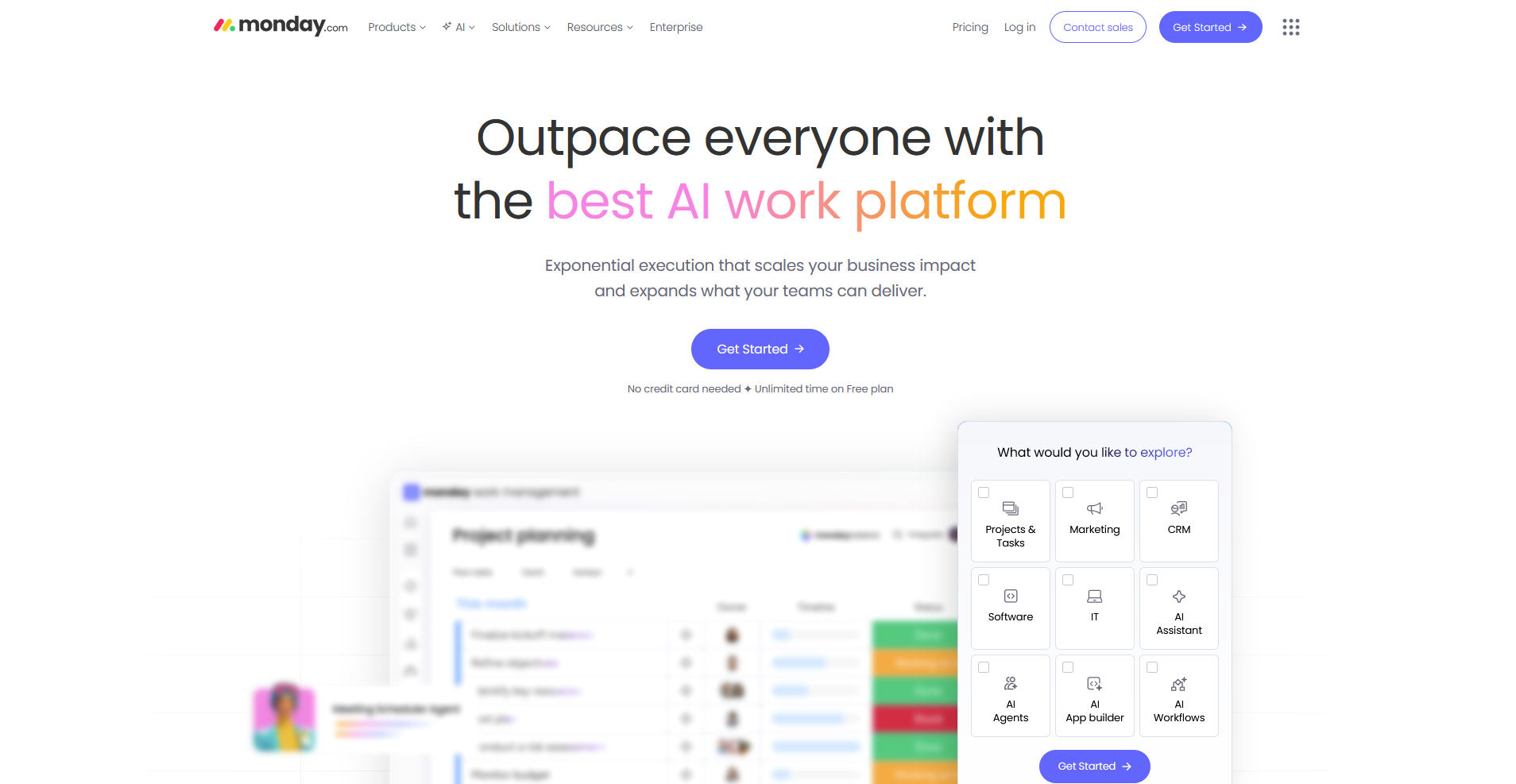
- What it does: monday.com is a visual work management platform that lets teams plan campaigns, track tasks, and manage content workflows across customizable boards and dashboards.
- Best for: Marketing teams that need a flexible visual layout for managing campaign workloads, content pipelines, and cross-team handoffs in one place.
I tested monday.com across a sample campaign workflow to see how well the board structure handles multiple overlapping workstreams running at the same time. The color coding and grouping options made task status easy to track, though complex cross-board automations took more time to set up than the basic triggers.
Key features
- Campaign boards: Customizable boards with columns, groupings, and color coding for organizing tasks across campaigns.
- Multiple views: Board, calendar, timeline, and Gantt views for visualizing project work in different formats.
- Automations: Trigger-based workflows for status changes, deadline reminders, and task assignments.
Pros and cons
| Pros | Cons |
|---|---|
| Flexible board structure adapts to most campaigns and workflows | Limited group customization can make complex boards feel rigid |
| Multiple views provide different perspectives on the same data | Advanced automations may require more setup |
| Dashboards combine workload and progress across boards | — |
What users say
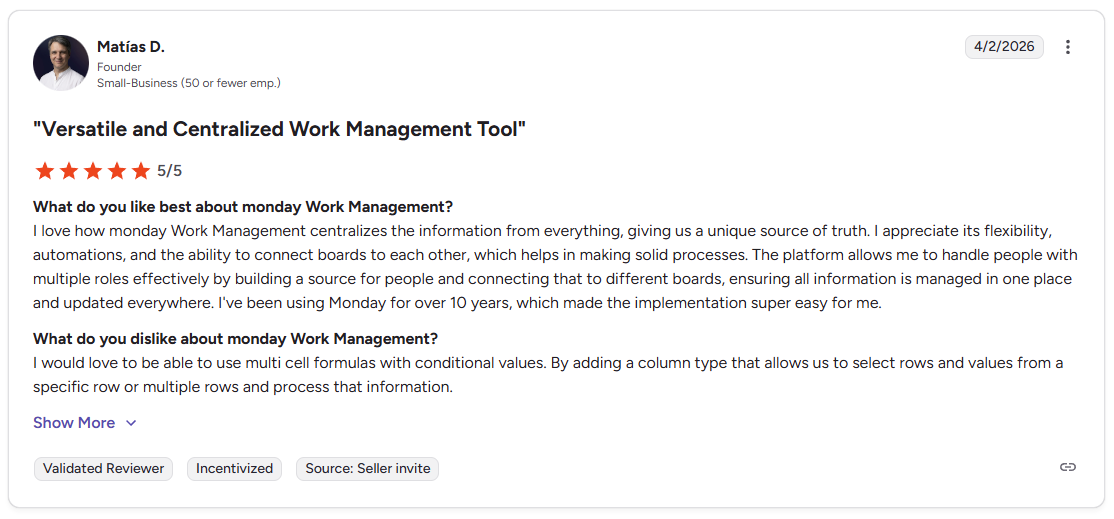
Pro: “I love how monday Work Management centralizes the information from everything, giving us a unique source of truth. I appreciate its flexibility, automations, and the ability to connect boards to each other… The platform allows me to handle people with multiple roles effectively by building a source for people and connecting that to different boards, ensuring all information is managed in one place and updated everywhere.” - Matías D., G2
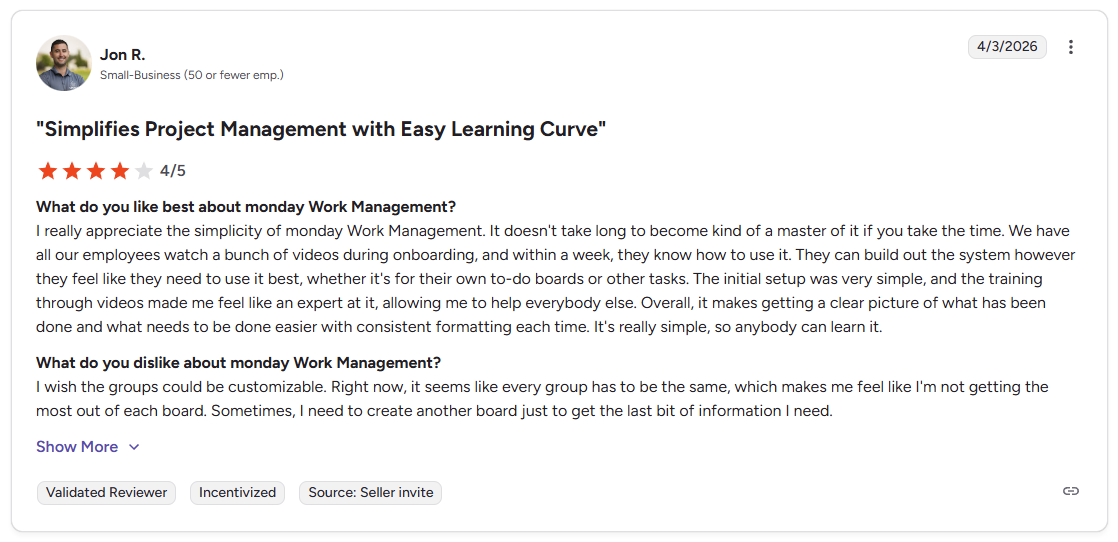
Con: “I wish the groups could be customizable. Right now, it seems like every group has to be the same… Sometimes, I need to create another board just to get the last bit of information I need.” - Jon R., G2
Pricing
monday.com starts at $12 per user per month, with a minimum of 3 seats.
Bottom line
monday.com gives marketing teams a visual way to organize campaign work across multiple workstreams, with dashboards that can reduce the need to build reports manually. If you need client-facing collaboration tied directly to your project work, Assembly might be a better fit.
2. ClickUp: Best for teams that need deep task control and many project views
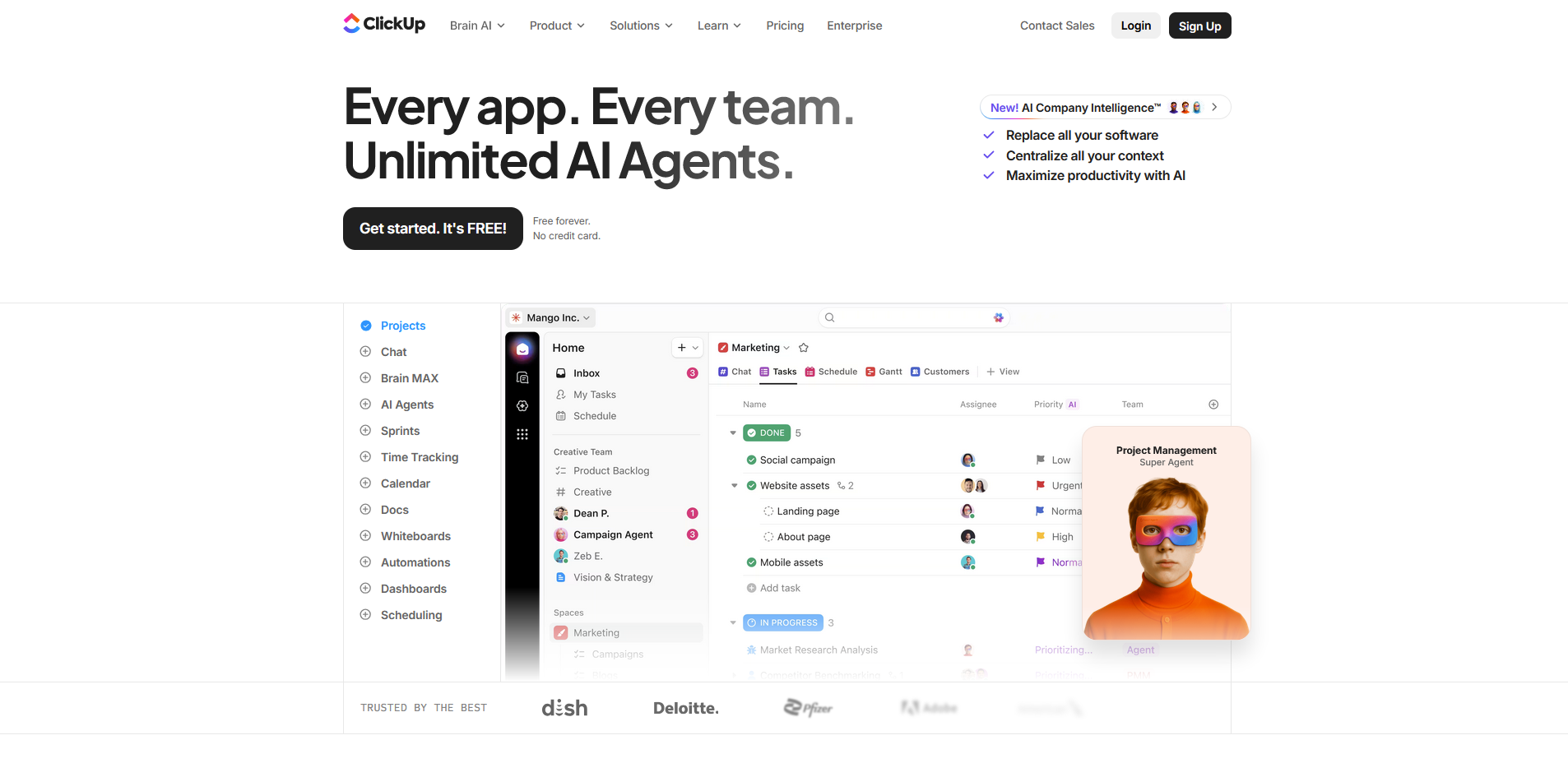
- What it does: ClickUp is a project management platform that lets teams build detailed task structures, manage workflows, and switch between multiple project views in one workspace.
- Best for: Marketing teams that need detailed task control and flexible project views for managing complex, multi-channel campaign workflows.
I built a sample campaign workflow in ClickUp to see how the space and folder hierarchy handles multi-channel work across overlapping timelines. Breaking campaigns into lists by stage kept tasks organized, and the range of views gave different angles on the same work. The number of settings can slow you down early on if you don't have a clear structure mapped out before you start.
Key features
- Task hierarchy: Spaces, folders, and lists for organizing campaign work at different levels of detail.
- Multiple views: List, board, calendar, timeline, and Gantt views for managing tasks across different stages of campaign delivery.
- Custom fields: Add campaign-specific data points, tracking details, and status indicators to tasks across any project.
Pros and cons
| Pros | Cons |
|---|---|
| Flexible task hierarchy adapts to most campaign structures | Feature-rich interface can feel overwhelming for new users |
| Multiple views provide different perspectives on the same data | Performance may slow down with very large boards |
| Tasks, updates, and communication live in one workspace | — |
What users say
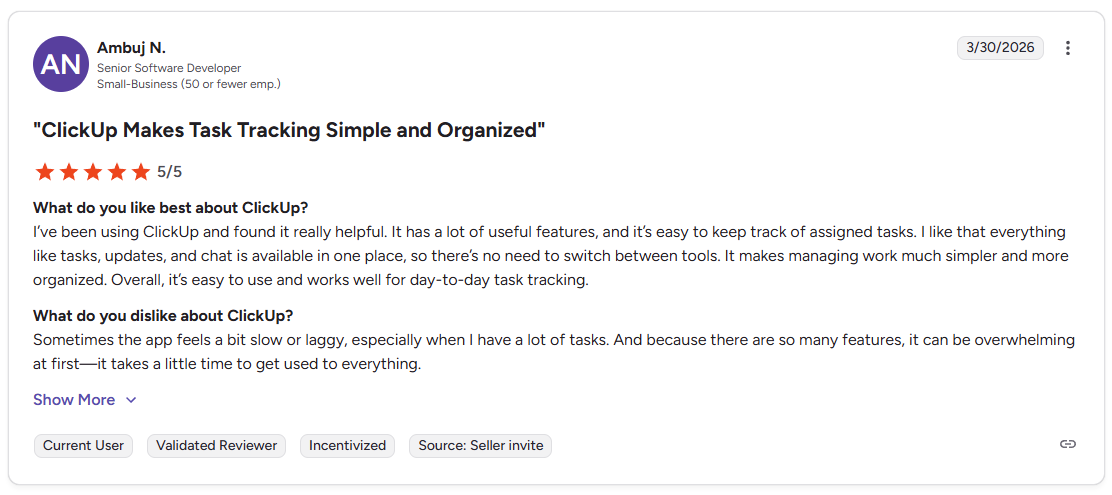
Pro: "I've been using ClickUp and found it really helpful. It has a lot of useful features, and it's easy to keep track of assigned tasks. I like that everything like tasks, updates, and chat, is available in one place, so there's no need to switch between tools." - Ambuj N., G2

Con: "I wish I could understand how to use ClickUp as a marketing calendar but it is so confusing." - Jenira V., G2
Pricing
ClickUp starts at $7 per user per month.
Bottom line
ClickUp's task hierarchy gives marketing teams a high degree of structural control over how campaign work is organized across multiple workstreams. If you want a simpler visual layout without as much configuration, monday.com might be a better fit.
3. Asana: Best for teams that rely on structured workflows and templates
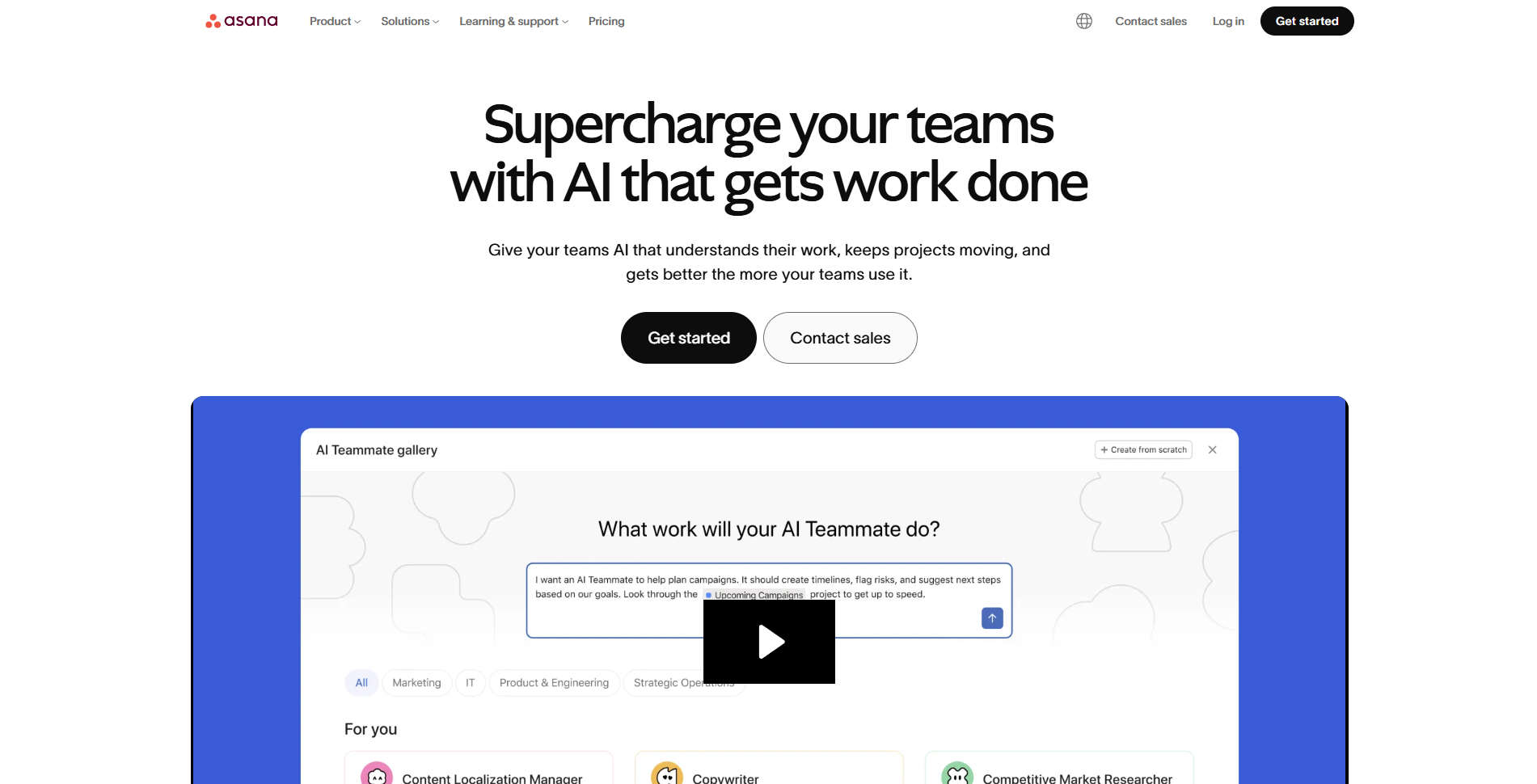
- What it does: Asana is a project management platform that helps teams organize tasks, map dependencies, and manage campaign workflows through structured task lists and timelines.
- Best for: Marketing teams that run repeat campaigns and need clear task ownership, dependencies, and timeline visibility across multiple projects.
I tested Asana by building a campaign workflow with dependencies to see how the structure responds when tasks shift. The timeline view made it easy to spot how delays in one stage affected downstream tasks, and the template library gave a solid starting point for repeat workflows. Reporting and automation features are limited on lower-tier plans.
Key features
- Timeline view: A Gantt-style view that maps campaign tasks across time and shows how dependencies connect across stages.
- Task dependencies: Flag tasks that rely on earlier work so delays become visible before they affect the broader campaign timeline.
- Workflow templates: Pre-built and custom templates for repeat campaign structures that can reduce setup time across projects.
Pros and cons
| Pros | Cons |
|---|---|
| Dependency tracking helps identify bottlenecks early | Reporting is limited on lower-tier plans |
| Templates reduce setup time for repeat workflows | Automation is less flexible than some competitors |
| Multiple views support different ways to track campaigns | — |
What users say
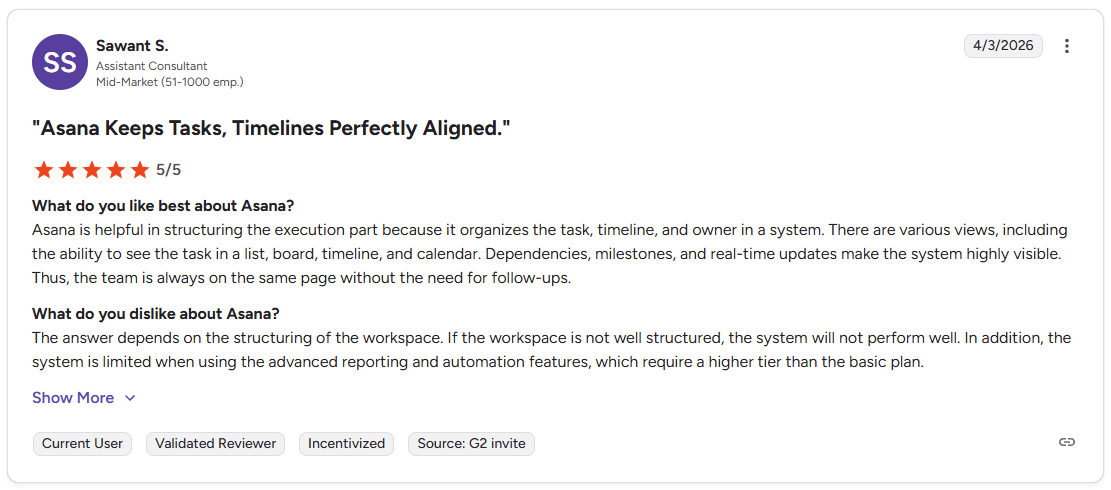
Pro: "Asana is helpful in structuring the execution part because it organizes the task, timeline, and owner in a system. There are various views, including the ability to see the task in a list, board, timeline, and calendar. Dependencies, milestones, and real-time updates make the system highly visible." - Sawant S., G2
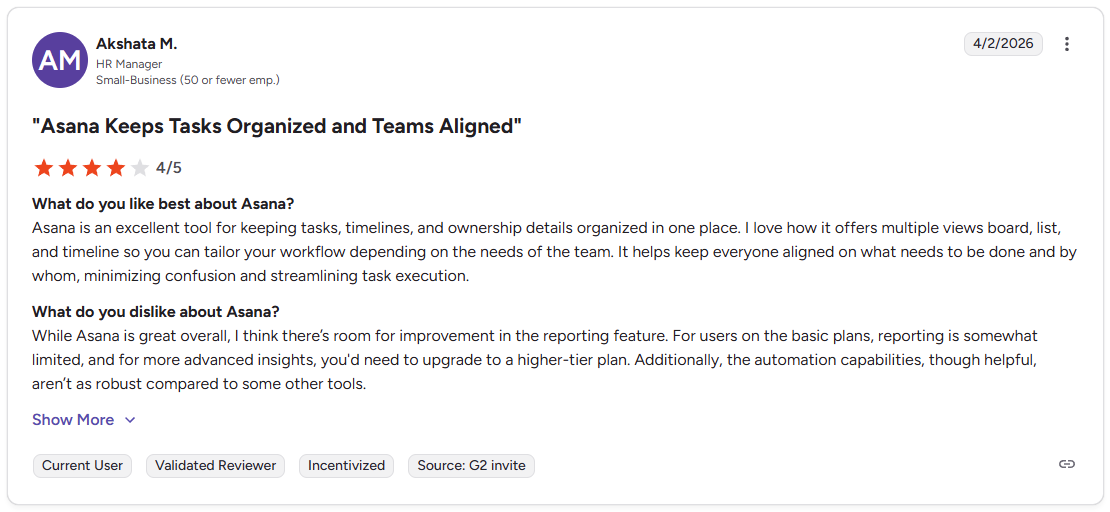
Con: "While Asana is great overall, I think there's room for improvement in the reporting feature. For users on the basic plans, reporting is somewhat limited, and for more advanced insights, you'd need to upgrade to a higher-tier plan. Additionally, the automation capabilities, though helpful, aren't as robust compared to some other tools." - Akshata M., G2
Pricing
Asana starts at $10.99 per user per month.
Bottom line
Asana's dependency tracking and milestone visibility can make it easier to manage campaigns where task order and timing have a direct impact on delivery. If you need a more flexible workspace for creative planning and content work, Notion might be a better fit.
4. Assembly: Best for marketing teams that want a branded client portal tied to delivery work
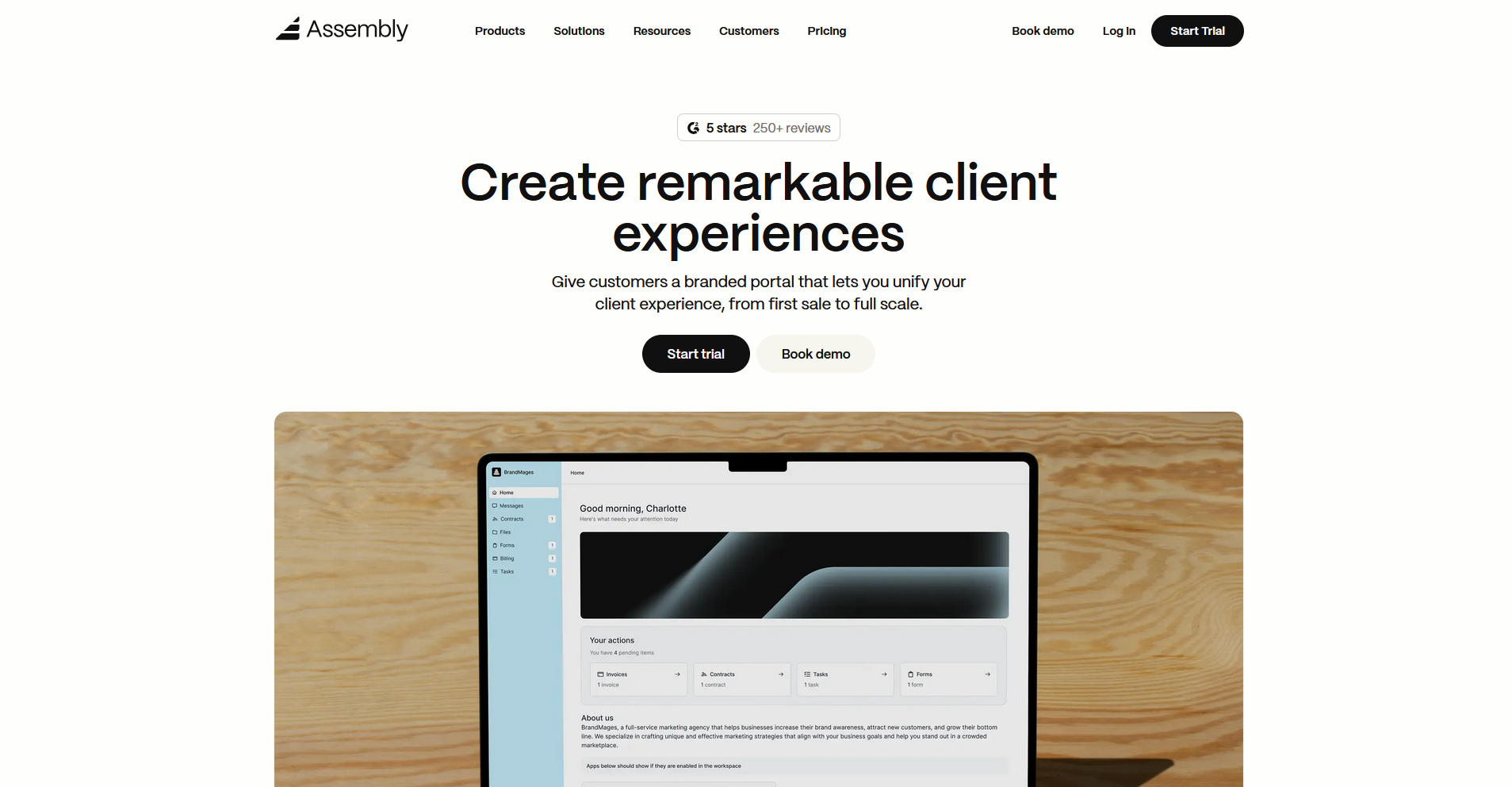
- What it does: Assembly is a client portal platform that connects project work, client communication, billing, and file sharing in one branded, tailored workspace.
- Best for: Marketing agencies and service teams that want task management and client collaboration connected in the same workspace.
We designed Assembly to give marketing teams a structured way to manage campaign delivery and client relationships in the same place.
You can associate tasks directly with client records, with visibility controls that let you decide what clients can see and what stays internal. Recurring automations let you schedule follow-ups, status updates, and form requests so nothing falls through the gaps between campaign milestones.
Key features
- Tasks App: Create tasks and task templates tied directly to client records, with visibility controls that let you decide what clients can and can’t see.
- Recurring automations: Set time-based triggers for tasks, messages, and forms so routine client touchpoints run on a schedule without manual follow-up.
- Dynamic client homepages: Assign homepage content to clients based on custom field tags, so each client's portal reflects their specific engagement.
- App folders: Group dashboards, reports, and external tools into named folders inside each client's portal for organized, easy navigation.
- AI Assembly Assistant: Summarize recent client activity and draft messages so you can walk into client calls prepared with minimal manual review.
Pros and cons
| Pros | Cons |
|---|---|
| Recurring automations reduce manual client updates | Workspace is client-based, which may not fit all workflows |
| Client-linked tasks reduce follow-up across campaigns | Structure can feel limiting for complex campaign setups |
| AI assistant helps draft messages and summarize activity | — |
What users say
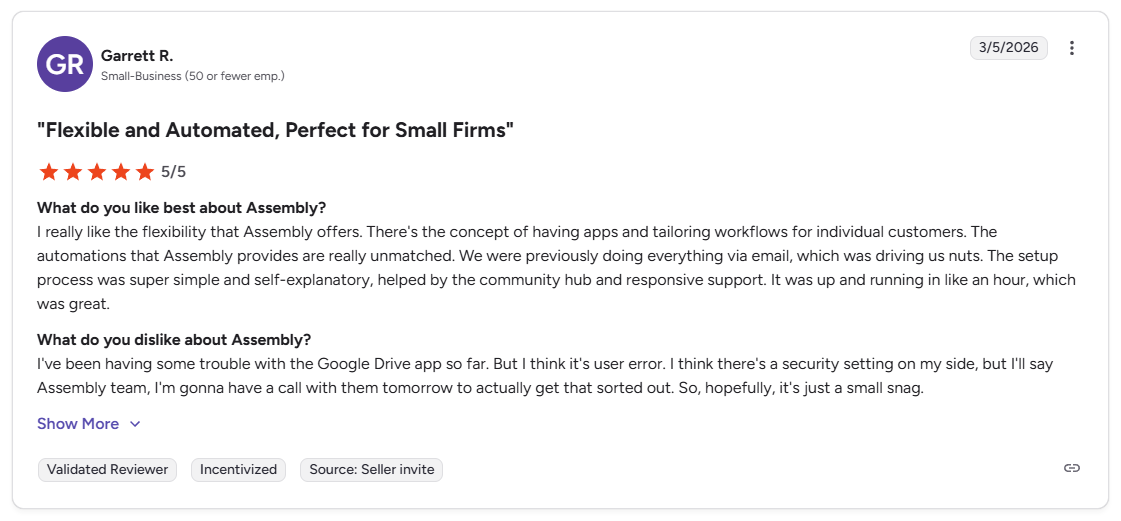
Pro: “I really like the flexibility that Assembly offers. There's the concept of having apps and tailoring workflows for individual customers. The automations that Assembly provides are really unmatched. We were previously doing everything via email, which was driving us nuts.” - Garrett R., G2
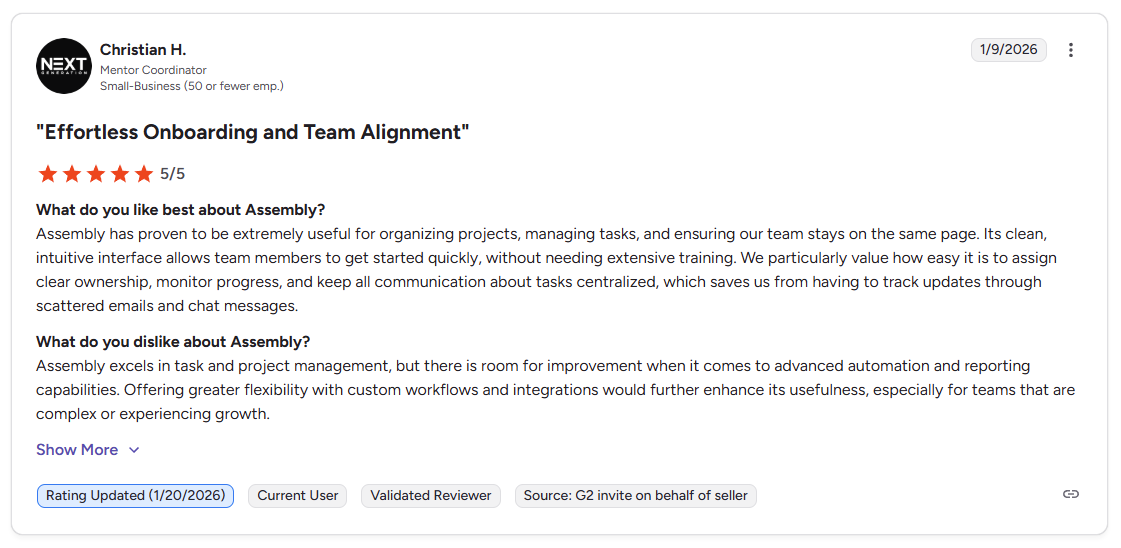
Con: “Assembly excels in task and project management, but there is room for improvement when it comes to advanced automation and reporting capabilities. Offering greater flexibility with custom workflows and integrations would further enhance its usefulness, especially for teams that are complex or experiencing growth.” - Christian H., G2
Pricing
| Plan | Price (billed annually) | Price (billed monthly) |
|---|---|---|
| Starter | $39/month | $59/month |
| Professional | $149/month | $189/month |
| Advanced | $399/month | $499/month |
| Enterprise | Starts at $2,000/month | Starts at $2,400/month |
Bottom line
Assembly keeps campaign tasks, client communication, and project files connected to the same client record, which can reduce the back-and-forth that builds up when those things live in separate tools. If you need deep resource planning or sprint-based workflows, ClickUp might be a better fit.
5. Wrike: Best for cross-team work that needs request intake and proofing
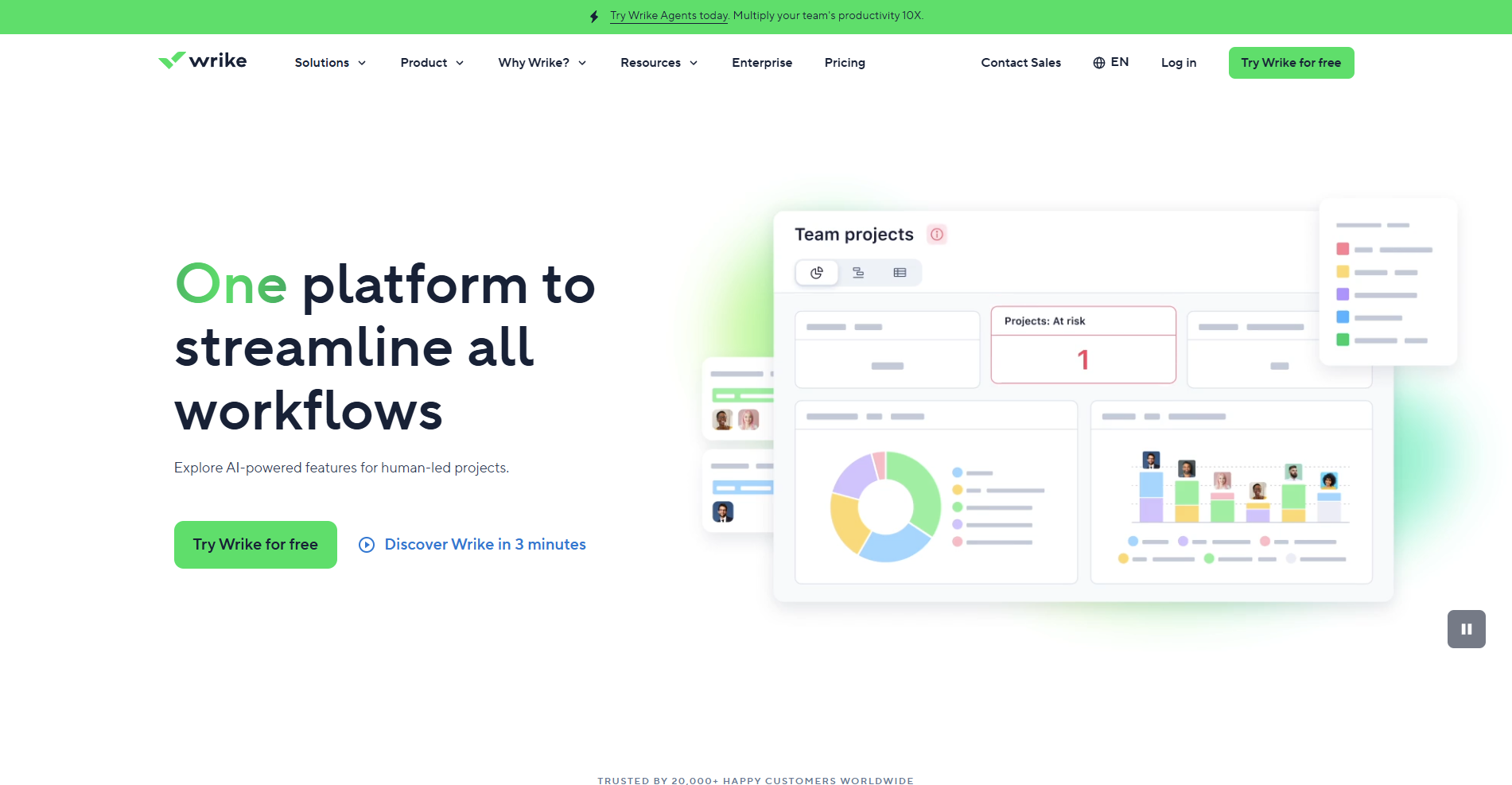
- What it does: Wrike is a project management platform that combines request intake, task management, proofing tools, and dashboards for managing structured marketing workflows.
- Best for: Marketing teams that handle a steady volume of incoming requests and need clear routing from brief intake through creative review and delivery.
I tested Wrike's request forms and proofing tools to see how well they handle the intake-to-delivery flow. Sending mock briefs through the forms showed me how each submission becomes an assigned task in the right project space without manual routing. The proofing tools handled basic markup well, but feedback threads with multiple revisions were easier to manage outside the platform in a dedicated doc.
Key features
- Request forms: Customizable intake forms that route incoming briefs directly into tasks or project spaces.
- Proofing tools: Annotation and markup tools for reviewing and commenting on creative assets within the platform.
- Dashboards: Configurable views for tracking campaign progress, workload, and task status across multiple projects.
Pros and cons
| Pros | Cons |
|---|---|
| Request forms route briefs directly into tasks, reducing back-and-forth | Interface can take time to learn, especially with customization |
| Proofing tools keep asset reviews tied to tasks instead of emails | Limited automation filtering can make large setups harder to manage |
| Dashboards provide a flexible view of campaign progress across workstreams | — |
What users say

Pro: "Wrike keeps projects organized and teams aligned with clear timelines and easy collaboration tools for all." - Hilary C., Capterra

Con: "There's no sort of filter option on the automations (besides date and owner), making it difficult to find a specific one - no name filter and I have to open the automation to see the entire title. It's a burden and very time-consuming when I have hundreds of automations in place." - Suzanne S., Capterra
Pricing
Wrike starts at $10 per user per month.
Bottom line
Wrike's request intake and routing can make it easier to manage high volumes of incoming campaign briefs without losing track of where each one sits. If your team relies more on visual campaign planning than structured intake, Trello might be a better fit.
6. Smartsheet: Best for marketers who prefer spreadsheet-style project views
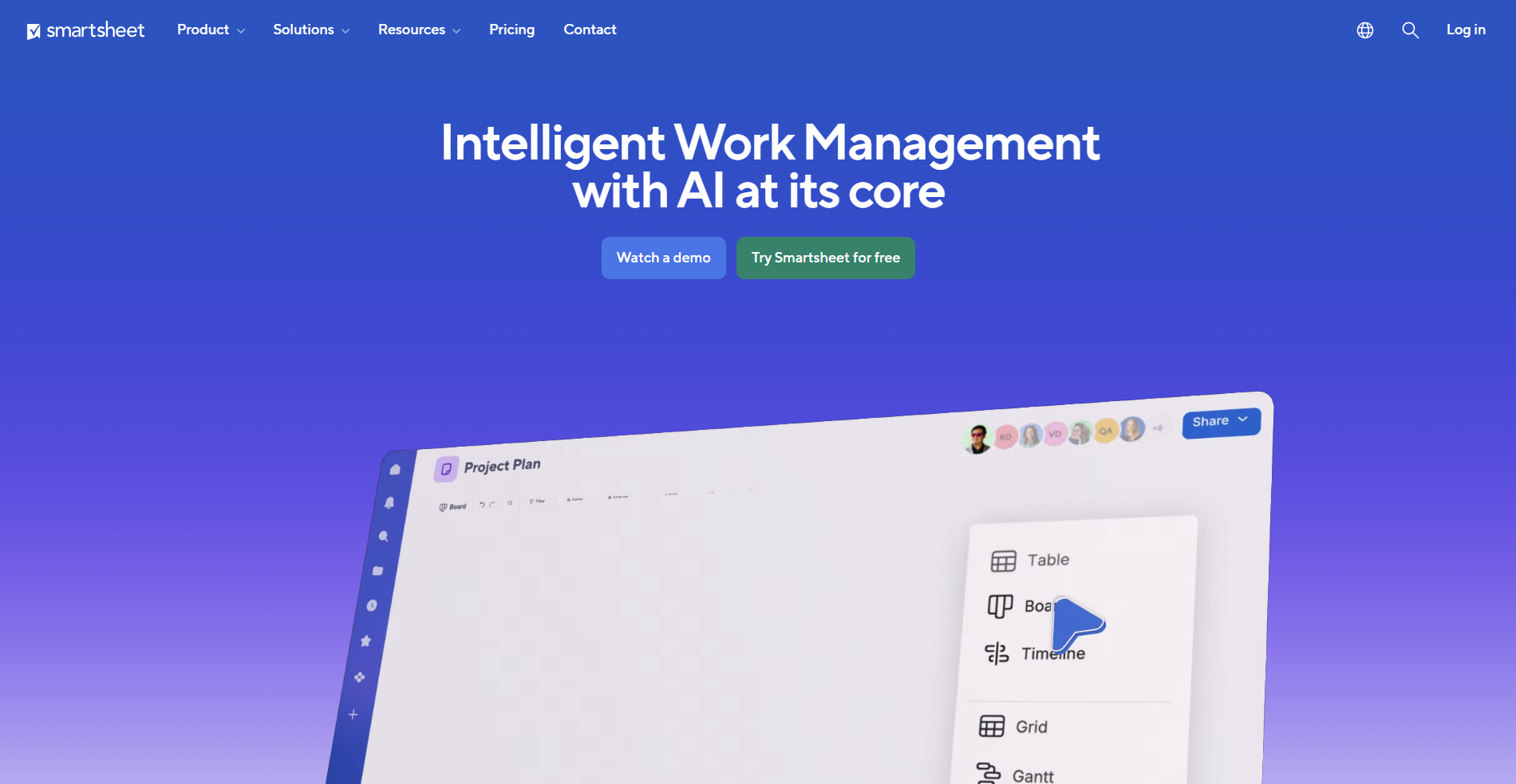
- What it does: Smartsheet is a project management platform built around a spreadsheet-style interface, with grid, Gantt, and card views for planning and tracking campaign work.
- Best for: Marketing teams that think in rows and timelines and want campaign work organized in a familiar spreadsheet format with added project tracking capabilities.
I built a sample campaign timeline with dependencies in Smartsheet and switched between grid, Gantt, and card views to see how each one handled different planning stages. The views translated well across campaign stages, and the grid layout will likely feel familiar to anyone already comfortable with spreadsheet tools. However, larger sheets with many tasks can slow down noticeably.
Key features
- Grid and Gantt views: Spreadsheet-style layouts for planning campaign tasks and timelines with dependency tracking.
- Card view: A Kanban-style layout for organizing campaign stages and tracking content through production.
- Automations and formulas: Rule-based triggers and spreadsheet-style formulas for adding logic and workflow automation to campaign tracking.
Pros and cons
| Pros | Cons |
|---|---|
| Spreadsheet-style layout is familiar for teams used to Excel | Performance can slow with large sheets or complex formulas |
| Easy to share with external stakeholders for campaign visibility | Interface can feel dated compared to modern PM tools |
| Interactive reports update automatically from live data | — |
What users say
Pro: "How easy it is to integrate and how our partners have been using it have liked as a solution instead of using the conventional tools." - Osman F., Capterra
Con: "I think it's often slow and does not feel like a snappy piece of software. It has some quirks and limitations at times… big sheets are slow to load. The UI does not look as good as some of its competitors like ClickUp or Monday." - Antonio C., G2
Pricing
Smartsheet starts at $9 per user per month.
Bottom line
Smartsheet's interactive reports can pull data from multiple campaign sheets into a single view without manual updates, which is useful for teams managing several projects at once. If you need a more structured workflow with clear task dependencies and templates, Asana might be a better fit.
7. Trello: Best for small teams that want simple boards for content and tasks
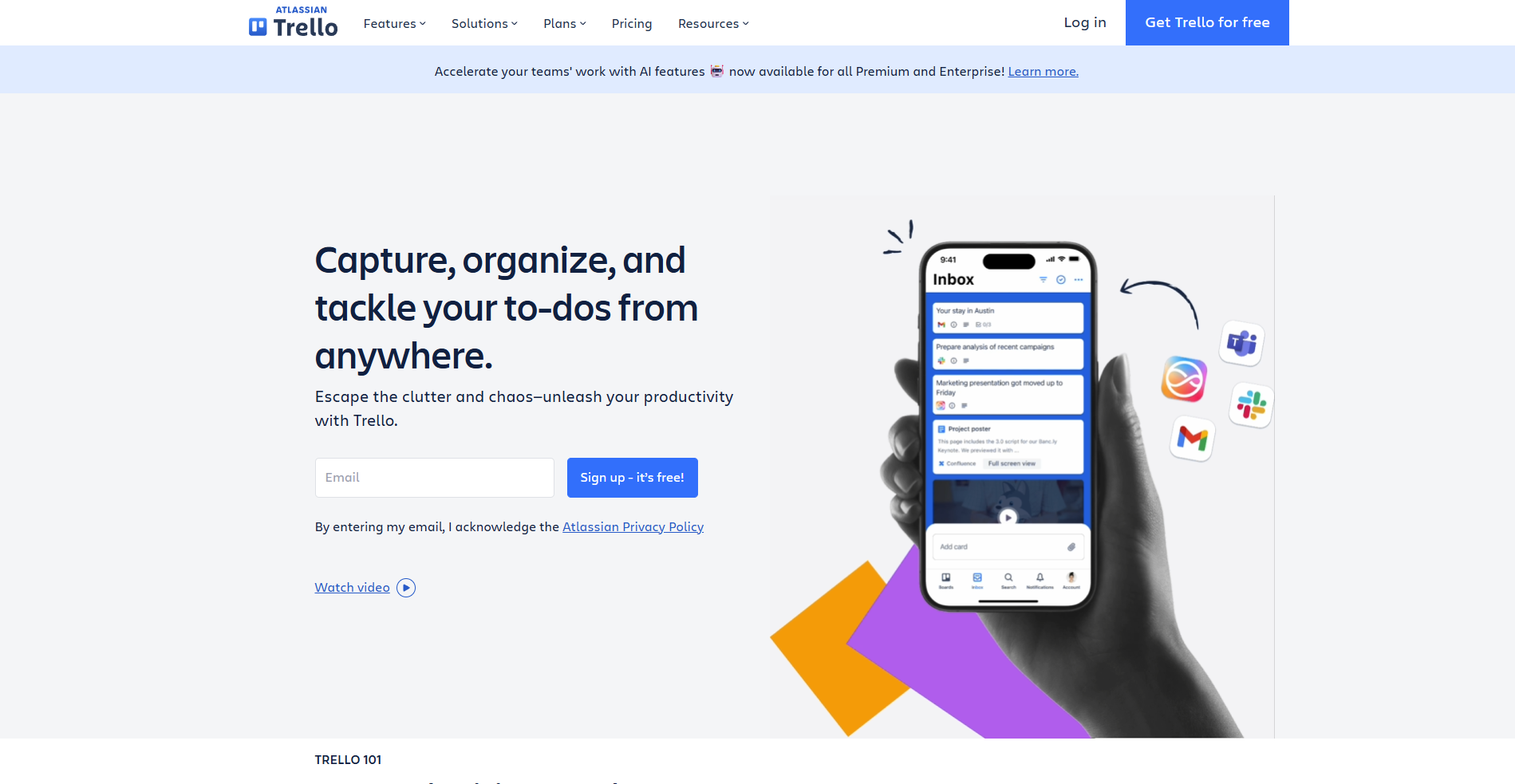
- What it does: Trello is a Kanban-based project management tool that lets teams track tasks, content, and simple workflows through a card and board system.
- Best for: Small marketing teams that need a lightweight, visual way to manage content pipelines and campaign tasks without a complex setup.
I set up a content pipeline in Trello to see how the board structure handles a marketing workflow. Moving cards across columns for ideas, drafts, reviews, and published content gave a clear picture of where each piece sat at any given time. It works well for simple workflows, but teams managing multiple overlapping campaigns may find the lack of reporting and dependency tracking limiting.
Key features
- Kanban boards: Drag-and-drop card system for tracking tasks and content across defined stages.
- Checklists and attachments: Add step-by-step task lists and files directly to cards for basic project organization.
- Power-Ups: Integrations and extensions that add calendar views, automation, and connectivity with other tools.
Pros and cons
| Pros | Cons |
|---|---|
| Board and card system is easy to set up for small teams | Limited for complex projects without reporting or dependencies |
| Customizable with colors, filters, and checklists | Some features are locked behind paid plans |
| Integrates with many tools via Power-Ups | — |
What users say
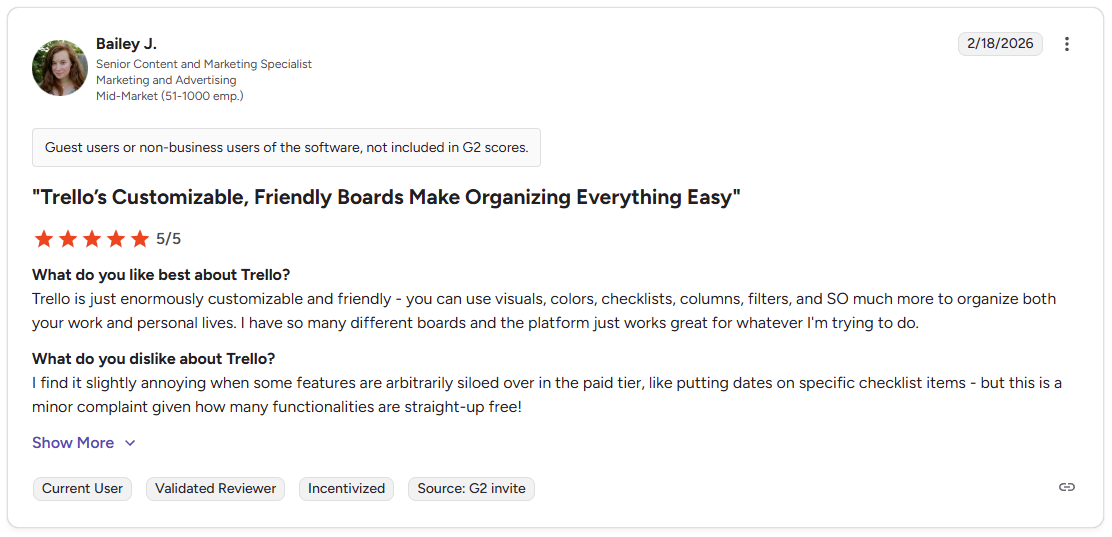
Pro: "Trello is just enormously customizable and friendly - you can use visuals, colors, checklists, columns, filters, and SO much more to organize both your work and personal lives. I have so many different boards and the platform just works great for whatever I'm trying to do." - Bailey J., G2
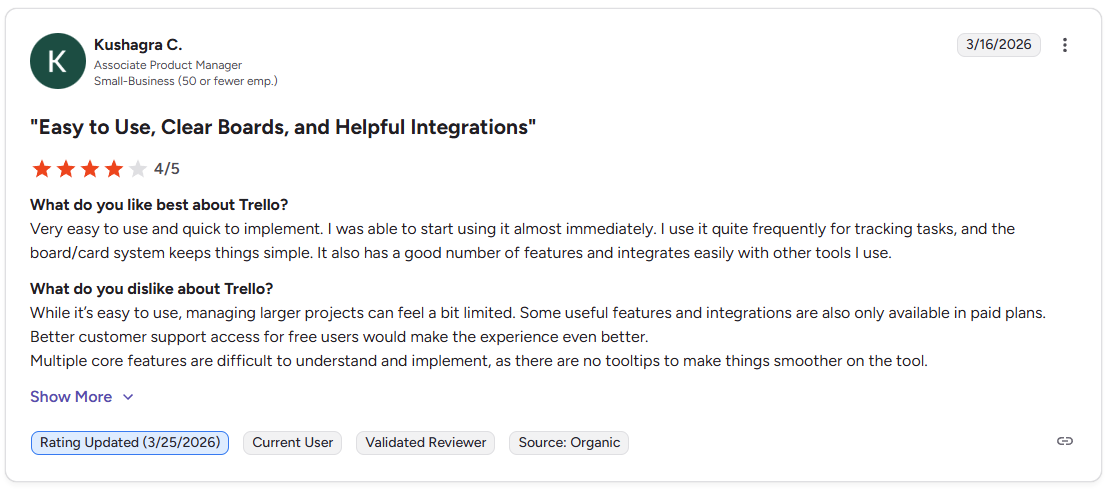
Con: "While it's easy to use, managing larger projects can feel a bit limited. Multiple core features are difficult to understand and implement, as there are no tooltips to make things smoother on the tool." - Kushagra C., G2
Pricing
Trello starts at $5 per user per month.
Bottom line
Trello's card-based structure can work well for small teams that need a quick, visual way to track content and campaign tasks without a steep learning curve. If your campaigns require structured intake, routing, and approval workflows, Wrike might be a better fit.
8. Notion: Best for teams building flexible hubs for briefs, content, and docs
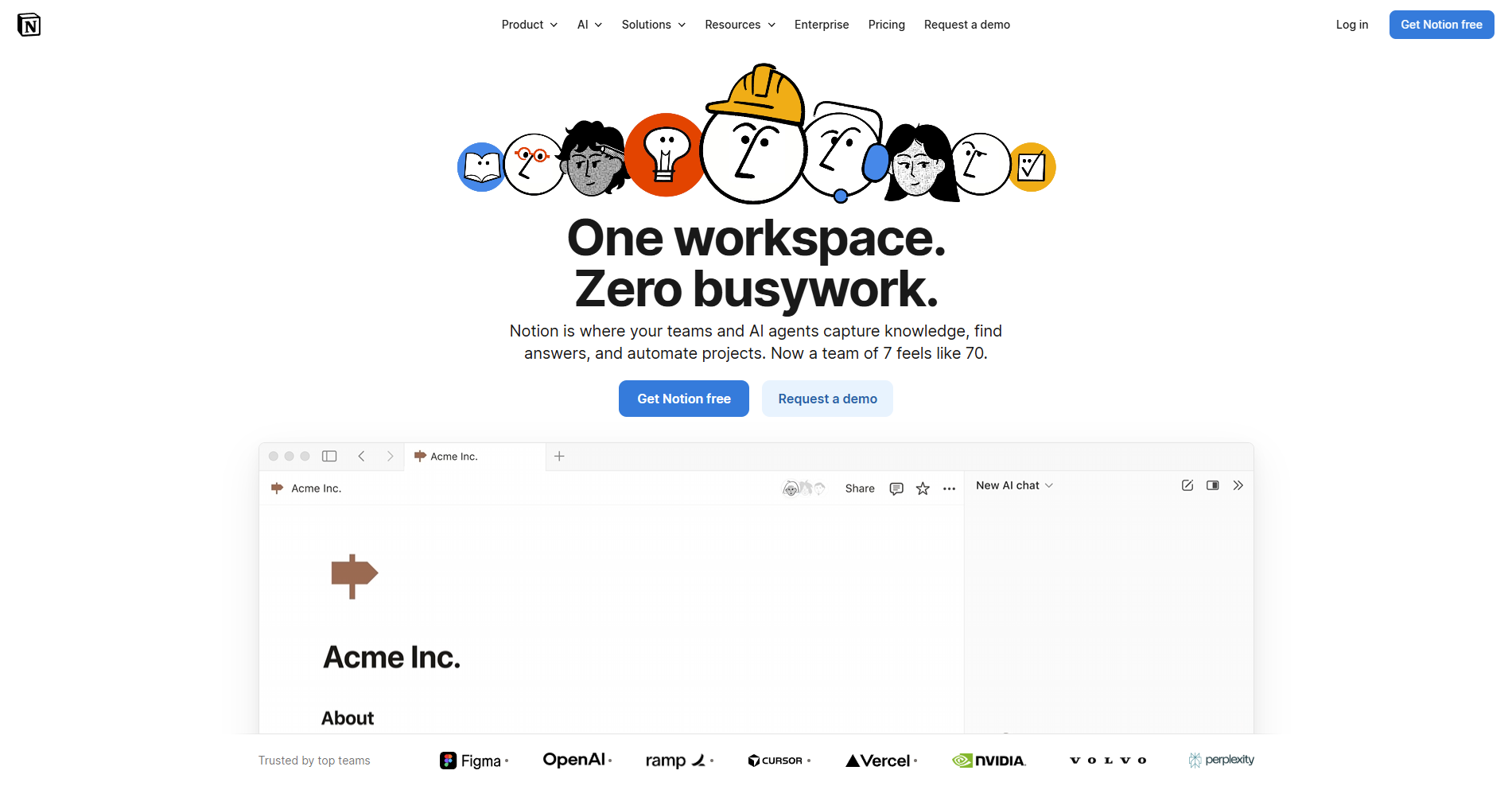
- What it does: Notion is a flexible workspace platform that combines documents, databases, and calendars for organizing briefs, content plans, and project work.
- Best for: Marketing teams that want a customizable workspace for connecting briefs, content planning, and project documentation without a rigid structure.
I built a sample database in Notion with fields for status, deadlines, and content types to see how it handles marketing work across multiple projects. Linking briefs directly to database records kept context easy to find, and the table, board, and calendar views gave different angles on the same work. The search function can make finding specific information harder than expected in a larger workspace.
Key features
- Databases: Customizable tables for tracking campaigns, content, and assets with linked records and multiple view options.
- Linked documents: Pages and docs that connect directly to database records for keeping briefs, notes, and assets tied to specific projects.
- Flexible views: Table, board, calendar, and timeline views for visualizing the same data in different formats.
Pros and cons
| Pros | Cons |
|---|---|
| Flexible database structure adapts to many marketing workflows | Search can be unreliable in large workspaces |
| Real-time updates keep information consistent across pages | Limited native automation compared to dedicated PM tools |
| Easy to get started with a low learning curve | — |
What users say
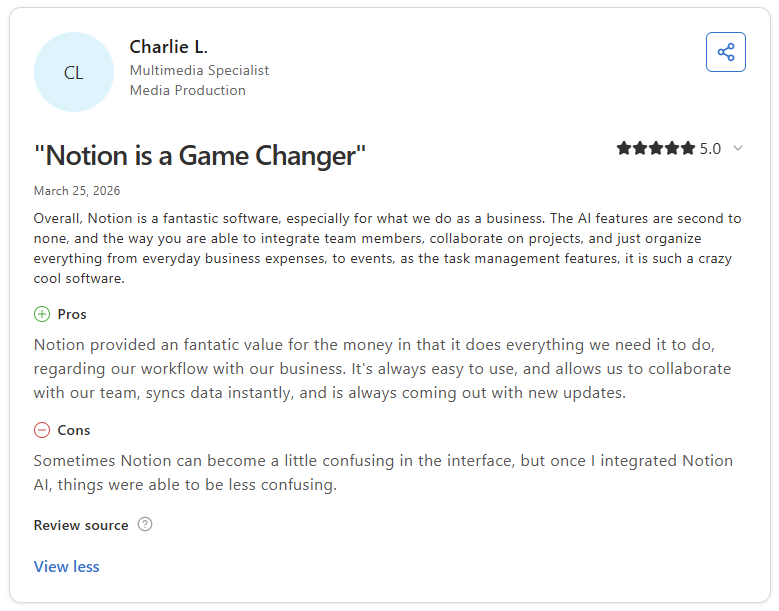
Pro: "Notion provided a fantastic value for the money in that it does everything we need it to do, regarding our workflow with our business. It's always easy to use, and allows us to collaborate with our team, syncs data instantly, and is always coming out with new updates." - Charlie L., Capterra
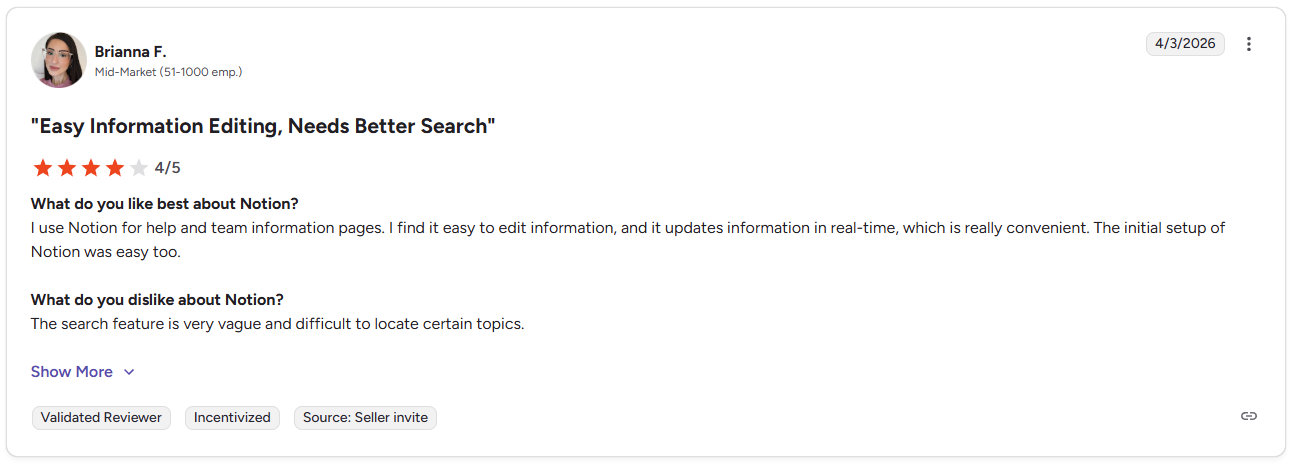
Con: "The search feature is very vague and difficult to locate certain topics." - Brianna F., G2
Pricing
Notion starts at $10 per user per month.
Bottom line
Notion's linked database structure can give marketing teams a flexible way to connect briefs, content, and project records without switching between separate tools. If you need a more structured layout with timeline tracking and dependencies, Smartsheet might be a better fit.
Special mentions
The top 8 got the full treatment, but the tools below are worth knowing about. Each one handles a specific part of marketing work well, and some of them might be a closer fit depending on how your team operates.
Here are 23 more marketing agency project management software tools worth considering:
- Hive: Hive is a project management tool that combines tasks, proofing, time tracking, and team chat in one workspace for marketing and creative teams. I found the asset markup and approval tools useful for teams that move creative work through defined review stages. The workspace can get harder to navigate when several projects are running at the same time.
- Teamwork.com: Teamwork.com is a project management platform built around client-facing delivery, with separate project spaces, time tracking, and budget visibility for each account. It kept tasks, files, and timelines organized by client during testing, though in-house marketing teams without a client delivery component may find the structure more than they need.
- Zoho Projects: Zoho Projects is a project management tool that covers timelines, task dependencies, and time logs without a steep price tag. I found it handled campaign planning basics well, though the interface took some adjustment before I could move through it more quickly.
- Nifty: Nifty is a project collaboration tool that combines tasks, chat, and docs in one workspace. It’s a practical option for remote marketing teams that need project work and communication together. I found it worked best when campaigns were clearly scoped, since overlapping projects can make the workspace harder to navigate.
- SmartSuite: SmartSuite is a work management platform that lets you build custom workflows for briefs, assets, and campaign data across multiple views. I liked how much you could tailor the layouts, though more complex builds needed regular upkeep to stay organized over time.
- CoSchedule: CoSchedule is a marketing calendar tool that pulls blogs, email, and social into one shared planning view. It worked well for content-focused workflows during testing, but I wouldn't rely on it for campaign work that extends beyond scheduling.
- Workamajig: Workamajig is a project management tool built for creative teams that need traffic tracking, resource management, and budget visibility together. It covered campaign planning and resource tracking well during testing, though features like financial reporting and traffic management tend to be more useful once you have a larger team running multiple accounts.
- Screendragon: Screendragon is an enterprise marketing operations platform built for teams with complex approval workflows and resource planning needs. The permission controls and workflow templates stood out for high-volume operations, though smaller teams may find it more than they need day to day.
- Scoro: Scoro is a business management platform that combines project tracking, billing, and team utilization for agencies that want revenue visibility alongside delivery work. There's a lot packed into the interface, and it took me a while to find my footing before I could navigate well.
- Productive: Productive is an agency management tool that connects project delivery to margin and capacity data in the same view. I liked the visibility it gave into profitability, but the reporting needed configuration before it showed anything meaningful.
- Float: Float is a resource scheduling tool that gives you a clear picture of team workload and availability across active campaigns. It does that well, but I found myself wanting a separate tool to handle task-level work alongside it.
- Bonsai: Bonsai is a project and client management tool designed primarily for freelancers and small studios. It handled the core client workflow well during testing, but the project structure is fairly basic and can start to show its limits when you're managing more than a handful of active clients at once.
- Kantata: Kantata is a professional services automation (PSA) platform built for large service firms that need resource planning, forecasting, and financial controls in one system. It handled complex resourcing scenarios well during testing. Teams without established project and billing workflows may struggle to get meaningful output early on.
- ProWorkflow: ProWorkflow is a project management tool that tracks time, tasks, and project costs across campaigns, with detailed hour logs that tie directly to client budgets. The core tracking features work well, though the workflow for managing multiple campaigns day to day can take more effort to move through than expected.
- Quickbase: Quickbase is a low-code platform that lets you build custom workflows and databases for marketing operations. I could see how it would handle complex processes well once configured, but it depends on how well the workflows are structured and maintained.
- Miro: Miro is a visual collaboration tool that works well for campaign brainstorming, journey mapping, and early planning sessions. It's not a project management system on its own, so most teams will still need something else to manage the actual work.
- Kintone: Kintone is a low-code database platform that lets you build custom workflows for tracking campaign data, content pipelines, and client records. It's flexible enough to handle a range of marketing use cases. I found that the workflows you build early on can be harder to restructure later without disrupting what’s already running.
- Planview AdaptiveWork: Planview AdaptiveWork is an enterprise portfolio management platform built for project management offices (PMOs) that oversee large, cross-functional marketing programs. The planning and resource controls are thorough, but most marketing teams may not need everything it brings to the table.
- FunctionFox: FunctionFox is a time and job tracking tool designed for small creative teams that need to log hours against simple project lists. It handles that use case cleanly, but I wouldn’t reach for it when campaigns involve multiple channels or larger teams.
- Basecamp: Basecamp is a project communication tool that keeps tasks, files, and team messaging in one straightforward space. It's one of the easier tools to get a team using quickly, though there isn't much depth for campaigns that need detailed tracking or reporting.
- Accelo: Accelo is a client work management platform that connects CRM, project delivery, and billing for agencies running retainers and ongoing client work. Having client records, active projects, and invoices linked in one place reduced the need to cross-reference information across tools. Getting those connections set up accurately took more time than expected.
- Forecast: Forecast is a resource and project planning tool that uses AI-assisted planning to help teams predict workloads and budget needs across active projects. The forecasting gets more useful as your project data builds up, but the predictions depend heavily on how consistent your project data is.
- Air: Air is a visual asset management platform built for creative teams with large content libraries to organize, review, and share. It handled asset workflows well during testing, but it doesn’t replace a project management tool when campaigns need task-level tracking.
Which marketing project management tool should you choose?
The right marketing project management software comes down to your campaign volume, how your team collaborates, and how much structure you need between internal work and client delivery.
Choose Assembly if you:
- Want client-linked tasks and recurring automations tied to a branded portal where assets, updates, and payments all sit in one place
- Manage ongoing client campaigns and need dynamic homepages that show each client the content that’s relevant to their engagement
- Run a marketing team that needs both internal project structure and a professional client-facing experience without stitching multiple tools together
Choose monday.com if you:
- Prefer visual boards and dashboards that help you spot bottlenecks across campaign workloads
- Need flexible views for content planning, resourcing, and cross-team handoffs
- Want simple automations for status changes and deadline reminders without heavy configuration
Choose ClickUp if you:
- Need detailed task control, multiple project views, and custom fields for complex marketing workflows
- Want a configurable workspace that adapts to how your team plans campaigns
- Manage sprints, content pipelines, and campaign timelines across the same platform
Choose Asana if you:
- Rely on structured steps, task dependencies, and repeatable templates to guide campaign delivery
- Need clear timeline visibility when multiple campaigns run at the same time
- Want a tool that keeps cross-team handoffs organized without a lot of manual follow-up
Choose Wrike if you:
- Manage steady request intake and need forms, routing, and proofing in one workspace
- Run cross-team production cycles with consistent handoffs and defined approval stages
- Want dashboards that help you see campaign progress across multiple workstreams
Choose Smartsheet if you:
- Think in rows and timelines and want campaign work structured like a spreadsheet
- Need Gantt views and formulas alongside standard project tracking
- Prefer a familiar grid layout that your team can pick up without much onboarding
Choose Trello if you:
- Want a simple board for content stages and small pipelines without heavy setup
- Run a small team that doesn't need reporting or resource planning
- Track content from idea through publication with a lightweight card-based layout
Choose Notion if you:
- Need a flexible workspace that connects briefs, content planning, and linked documents
- Want databases and calendars in one space without a rigid task structure
- Build custom planning hubs that combine docs, tables, and project tracking
Final verdict
monday.com, ClickUp, and Asana are strong options if your primary need is campaign planning, task structure, or content workflows built around your team's internal processes.
But if you want clients to land on a homepage built around their specific engagement, track tasks tied directly to client records, and keep messages, files, and invoices connected to the work, Assembly gives you that without stitching multiple tools together.
Here's how Assembly can help:
- Give clients a branded portal: Clients log into a space that reflects your brand to access contracts, invoices, files, and project updates without email back-and-forth.
- Dynamic client homepages: Different clients automatically see different content based on custom field tags, so each client's portal reflects their specific reporting setup without manual changes.
- Organized report delivery: App Folders let you group dashboards, analytics tools, and external links into named folders inside the portal, so clients find their reports without digging around.
- Keep tasks, messages, and files together: Client communication, shared files, and project tasks stay connected to each client record instead of being scattered across separate tools.
- Prep faster for meetings: The AI Assistant summarizes recent client activity and communication, helping you walk into calls with a clear picture of what’s been discussed and what’s outstanding.
Assembly isn’t designed to replace a dedicated project management tool if your team relies on deep resource planning or complex sprint workflows. For marketing teams that want every client to log into a tailored, branded experience where messages, invoices, and files stay connected to the work, it's worth a closer look. Start your free Assembly trial today.
Frequently asked questions
What is marketing project management software?
Marketing project management software is a tool that helps teams plan campaigns, organize content workflows, and coordinate delivery across multiple projects. Unlike general project management tools, it tends to include features like content calendars, campaign timelines, and asset reviews that map more closely to how marketing work actually runs.
Do you need project management software with a client portal?
Yes, you need project management software with a client portal if you handle client updates, file sharing, and approvals. You get one place to manage tasks while giving clients a clear view of progress without long email threads. This keeps your workflow organized and helps both sides stay aligned as the project moves forward.
What are marketing agency tools?
Marketing agency tools are platforms that help you organize tasks, track deadlines, and keep client updates in one place. You get faster handoffs when briefs, drafts, and approvals stay linked to the same workflow. Look for tools that support clear timelines, shared files, and easy status changes so your campaigns stay on track.
What does marketing agency software help you manage during client projects?
Marketing agency software helps you manage tasks, deadlines, client communication, and asset reviews in one workspace. You can organize campaign steps while keeping updates and files linked to the right client. This makes it easier to stay on track when several projects move at the same time.